The Dirty Secret of OS Updates [Sponsor]

Getting OS updates installed on end user devices should be easy. After all, it’s one of the simplest yet most impactful ways that every employee can practice good security. 

On top of that, every MDM solution promises that it will automate the process and install updates with no user interaction needed.

Yet in the real world, it doesn’t play out like that. Users don’t install updates and IT admins won’t force installs via forced restart.

Let’s talk about the second problem first. Sure, you could simply schedule updates for all your users, and have them restart during non-work hours. But this inevitably leads to disruptions and lost work. This, in turn, leads to users (especially executives) who simply demand to be left out of your update policy. The bottom line is: any forced restarts without user approval will lead to data loss events, and that makes them so unpopular that they are functionally unusable.

There is another class of tools that claim to get users to install updates themselves, through “nudges.” These reminders pop up with increasing frequency until users relent or the timer runs out. This is an improvement, since it involves users in the process, but users still tend to delay updating as long as possible (which for some tools can be indefinitely).

At Kolide, OS updates are the single most common issue customers want us to solve. They come to us because we have a unique (and uniquely effective) approach to device compliance.

With Kolide, when a user’s device–be it Mac, Windows, Linux, or mobile–is out of compliance, we reach out to them with instructions on how to fix it.

The user chooses when to restart, but if they don’t fix the problem by a predetermined deadline, they’re unable to authenticate with Okta. (At present, Kolide is exclusive to Okta customers, but we plan to integrate with more SSO providers soon.)

If your fleet is littered with devices that stubbornly refuse to update, then consider these two principles:

  1. You can’t have a successful patch management policy without involving users.
  2. You can’t get users to install patches unless you give them both clear instructions and real consequences.

Installing OS updates is a top priority for both security and IT, and when you make it part of conditional access, you can finally get it done without massive lists of exemptions or massive piles of support tickets.

To learn more about how Kolide enforces device compliance for companies with Okta, click here to watch an on-demand demo.

Our thank to Kolide for sponsoring MacStories this week.


MacStories Unwind: The Most Sought-After Tech in All of Arizona Circa 2010

AppStories+ Deeper into the world of apps
0:00
24:49

AppStories+ Deeper into the world of apps


This week, John is joined by Alex Guyot to talk about old gadgets and handmade tech accessories, plus a movie and TV show.

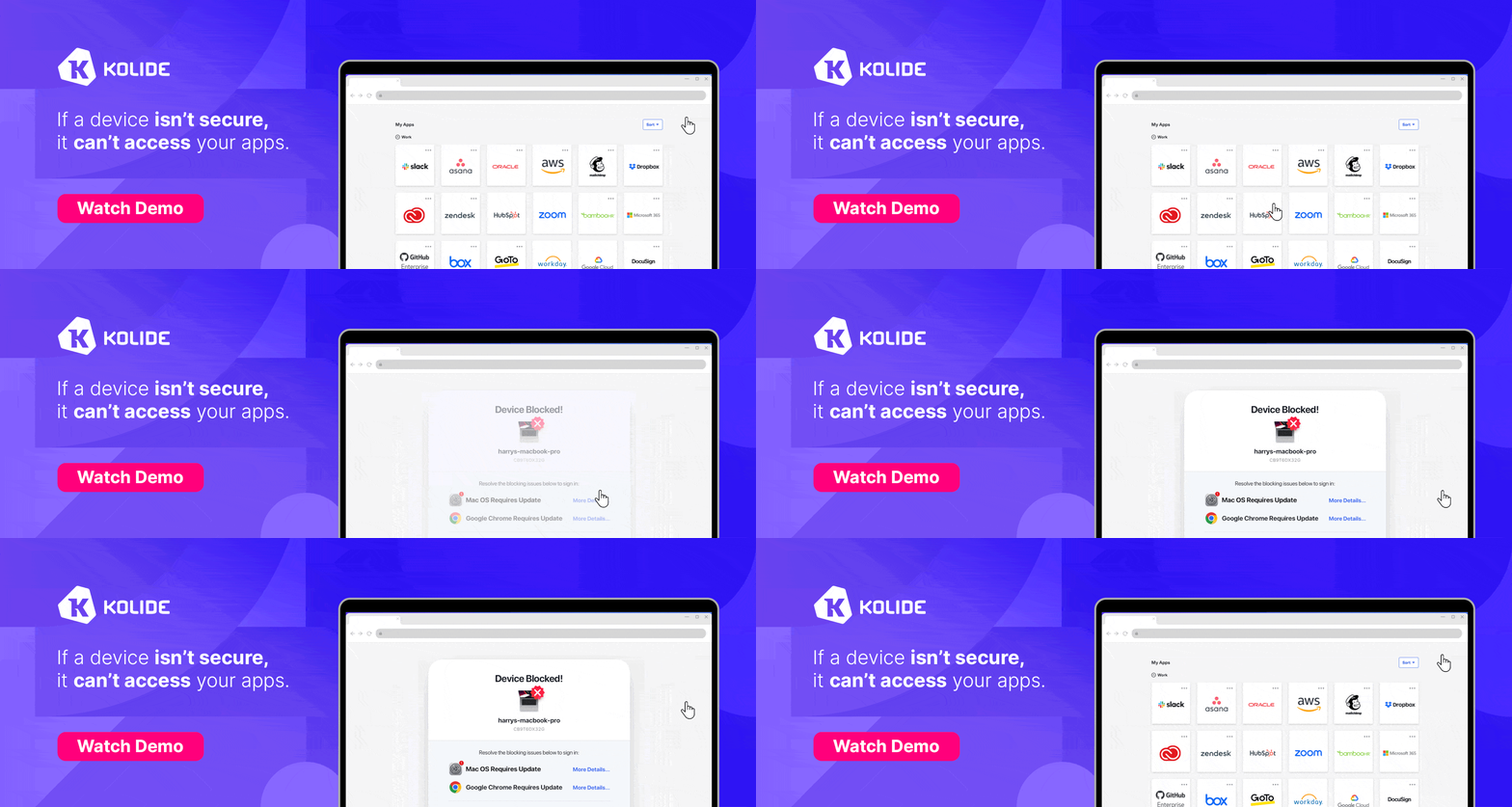
Kolide – It ensures that if a device isn’t secure it can’t access your apps.  It’s Device Trust for Okta. Watch the demo today!

John’s Old Tech Pick:

The Danger Hiptop aka T-Mobile Sidekick.

The Danger Hiptop aka T-Mobile Sidekick.

Alex’s Old Tech Pick:

John’s Media Pick:

Alex’s Media Pick:

MacStories Unwind+

We deliver MacStories Unwind+ to Club MacStories subscribers ad-free and early with high bitrate audio every week.

To learn more about the benefits of a Club MacStories subscription, visit our Plans page.


Snailed It to Continue Development of Toolbox Pro and Alex Hay’s Other Apps

After the tragic passing of Alex Hay earlier this year, many in the Shortcuts community wondered what would become of his many excellent apps.

Today, Snailed It, a development company consisting of Rosemary Orchard, David Stephens and Dom Chester, announced that it would be taking over all of Hay’s apps including Toolbox Pro, Logger, and Nautomate. In a press release, Snailed It said:

Alex was well known in the industry for his series of apps that focused on expanding Apple’s Shortcuts eco-system, the most well known of which was Toolbox Pro, which adds over 130 Shortcut Actions to allow users to create incredibly powerful automation workflows. Alongside Toolbox Pro, he also created Logger for Shortcuts, allowing users to log text and images to a console within their complex Shortcuts, making development a breeze. His third app, Nautomate provides an expansive set of Shortcut Actions for controlling Notion. Snailed It have taken over each of these services and are in process of ensuring they’re updated to handle the transition, before continuing their development in memory of Alex.

It’s wonderful to see Snailed It honoring Alex Hay’s legacy by continuing his apps. I can’t wait to see what’s next for Hay’s trio of apps.


TimeWave: Stacked Timers Delivered with a Clean, Spare Interface

Timers are a staple of productivity systems, which is why there are so many of them on the App Store. My favorite timer apps are the ones that are the most flexible. A little structure goes a long way if you’re casting about for a system that works for you, but I prefer timer apps that can be adapted to multiple scenarios. That’s why I’ve enjoyed playing around with TimeWave so much.

The app, which works on the iPhone, iPad, and Apple Watch, plus Apple Silicon Macs in compatibility mode, isn’t new, but in a sea of timer apps, its focused black-and-white design and regular updates caught my eye. TimeWave is pitched as a focus timer that can be used with the Pomodoro time management system, which is a good use of it. However, what’s best is that TimeWave can also be used as a habit tracker, cooking timer, exercise routine timer, and more.

Read more


Apple Publishes Reactions by Attendees of Its Worldwide Vision Pro Labs

Today, Apple published the reactions from some of the people who have attended the Vision Pro labs being held in cities around the world. Those quoted include developer David Smith, the creator of Widgetsmith, the chief experience officer of Pixite, Ben Guerrette, the maker of the video creation and editing app Spool, Chris Delbuck, the principal design technologist at Slack, and Michael Simmons, the CEO of Flexibits, the company whose developers make Fantastical. All four came away from the experience impressed with visionOS and the Vision Pro hardware.

According to Smith:

I’d been staring at this thing in the simulator for weeks and getting a general sense of how it works, but that was in a box. The first time you see your own app running for real, that’s when you get the audible gasp.

Guerrette struck a similar chord:

At first, we didn’t know if it would work in our app. But now we understand where to go. That kind of learning experience is incredibly valuable: It gives us the chance to say, ‘OK, now we understand what we’re working with, what the interaction is, and how we can make a stronger connection.’

Any time new hardware with its own operating system is announced, the challenge is to get it in front of as many developers as possible to ensure there are apps for the launch. Apple has tackled the problem with a combination of an app evaluation process, labs in big cities around the world, and developer kits shipped to developers who had to apply for access. From the reactions quoted in the story published on Apple’s Developer website, hands-on time with the Vision Pro sounds as though it was well worth the effort to travel to one of the labs.

Permalink

AppStories, Episode 348 – Gadget Show & Tell

This week on AppStories, we look back at the gadgets we’ve accumulated over the summer and share what’s worked and what hasn’t.

Sponsored by:

  • Concepts - Sketch, Note, Draw.
  • Vitally – A new era for customer success productivity. Get a free pair of AirPods Pro when you book a qualified meeting.
  • HelloFresh – Use code 50appstories for 50% off plus free shipping.

On AppStories+, we step back from the OS beta cycle to try to figure out what is going on with Shortcuts and automation on Apple’s platforms.

We deliver AppStories+ to subscribers with bonus content, ad-free, and at a high bitrate early every week.

To learn more about the benefits included with an AppStories+ subscription, visit our Plans page, or read the AppStories+ FAQ.

Permalink

How 3D Pets Uses the iPhone to Create Prostheses for Pets

It’s easy to forget how powerful the computers we carry with us everywhere are. While most of us are firing off text messages to our friends, companies like 3D Pets are using the iPhone’s LiDAR and TrueDepth camera in innovative ways to help dogs and other animals with missing or deformed limbs.

Yesterday, both Apple and Marques Brownlee published videos spotlighting the work 3D Pets is doing to create custom prostheses for pets. The process includes taking a 3D scan of the animal using the iPhone’s TrueDepth camera and then modeling and 3D printing a one-of-a-kind prosthesis.

The tech is cool, and the stories are heartwarming and worth taking a break during your day to watch.


The Apple Watch Ultra Needs More Band Choices

Source: Apple.

Source: Apple.

It was a warm, humid morning in North Carolina when I went out for a run today. I came back a sweaty mess, which got me thinking about my Apple Watch Ultra.

I’m no mountaineer, but I love the Ultra’s long battery life and big screen. It’s been my constant health and fitness companion for everything from sleep tracking to a variety of workouts. However, there’s one thing in particular that I miss from the standard Apple Watch: band choices.

The last thing I wanted to do after a post-run shower was put my Apple Watch Ultra back on with its soggy Alpine Loop band. So, I did what’s become a regular post-run habit of swapping bands and tossing the sweaty one in the laundry. Besides the Starlight Alpine Loop that came with my Ultra, I have a Black/Gray Trail Loop. Of the two, I like the Trail Loop better because the Alpine Loop’s clasp sometimes digs into my wrist as I type. However, I use both regularly because one is almost always waiting for me to do a load of laundry.

I’ve been running more. As a result, my two bands have begun to dictate when my laundry gets done, whether I have much else to wash or not. That led me to Apple’s website to buy a third band, where I was immediately struck by the lack of choices.

A small selection of the many band options for the standard Apple Watch. Source: Apple.

A small selection of the many band options for the standard Apple Watch. Source: Apple.

If you own the standard Apple Watch, you have dozens of options at a wide variety of price points. Apple offers the Sports Loop, Braided Solo Loop, the Solo Loop, the Nike Sports Band and Loop, two types of leather bands, stainless steel bands, and Hermès bands at price points from $49 for many models to $599 for the Hermès Orange/Blanc Swift Leather Casaque Double Tour. There are so many bands for the standard model that there’s an entire website and app dedicated to collectors of the bands, which makes sense because, after all, the Watch is a wearable that’s not just a wrist computer. It’s also a fashion accessory.

Three may be company, but it's not enough for Watch bands. Source: Apple.

Three may be company, but it’s not enough for Watch bands. Source: Apple.

So why, with so many standard Apple Watch bands, are there just three models in three colors at a single price point for Apple Watch Ultra owners? Looking at the Sports Band alone, there are nine options available for the standard Apple Watch. I really don’t get it. I like the three choices offered for the Ultra, but I’d like more colors, styles, and price options. I certainly don’t think the limited choice is because the Ultra has been a flop because I see them when I’m out all the time.

I recognize that I could buy a band from a third-party company. Perhaps that’s what I’ll end up doing because what I really want is something akin to the Sports Band that can be cleaned without putting it in the laundry. Alternatively, I may start using my collection of standard Apple Watch bands. They work, but I don’t think they look great with the Ultra’s big watch face, so that’s not ideal either.

Why aren't there special edition bands for the Ultra too? Source: Apple.

Why aren’t there special edition bands for the Ultra too? Source: Apple.

What I would prefer is an Ultra band update schedule comparable to the standard Watch. Apple has made it a tradition of refreshing bands in the fall and spring and issuing special editions, like the Black Unity and Pride Edition models, at other times of the year. I expect we’ll see new bands for the Ultra this fall, and while I’m sure the Ultra market is significantly smaller than the original Watch’s, my wish for 2024 is to not have to wait another full year for new Ultra bands.