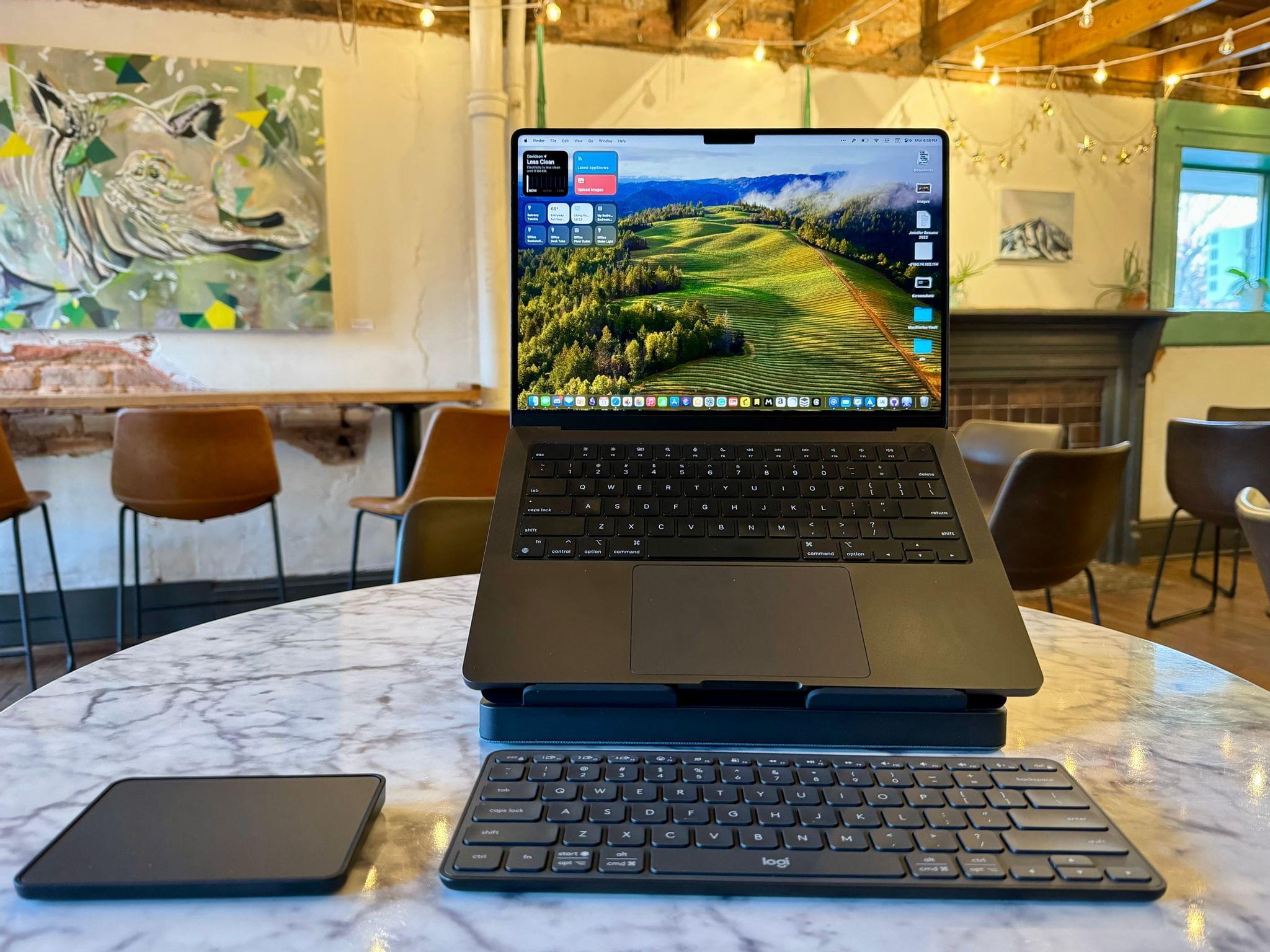
When I’m sitting at home in my office, the ergonomics are perfect. I have a comfortable chair with plenty of back support, my keyboard is at the right height, and my Studio Display is at eye level. The trouble is, that’s not the only place I work or want to work. As a result, I spend time almost daily using a laptop in less-than-ideal conditions. That’s why I was eager to try the Logitech’s Casa Pop-Up Desk that debuted in the UK, Australia, and New Zealand last summer and is now available in North America, too.
Logitech sent me the Casa to test, and I’ve been using it on and off throughout the past 10 days as I work at home, away from my desk, and in various other locations. No portable desktop setup is going to rival the ergonomics of my home office, but despite a few downsides, I’ve been impressed with the Casa. By making it more comfortable to use my laptop anywhere, the Casa has enabled me to get away from my desk more often, which has been wonderful as the weather begins to warm up.
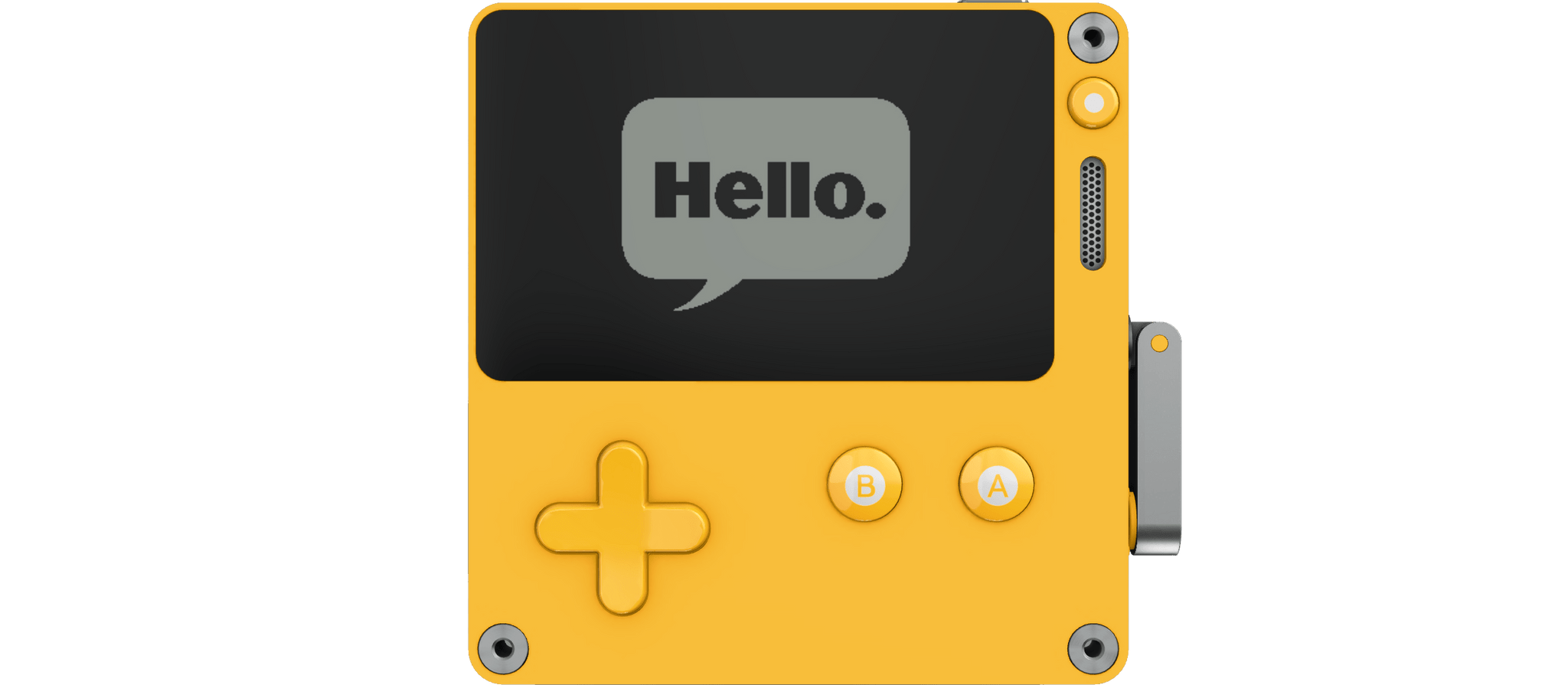
However, Varma, who is an engineer in Apple’s Advanced Prototyping in the Platform Architecture group, had an idea for building Playdate games that would fit on the device:
Recently, the Swift project began developing a new embedded language mode to support highly constrained platforms. This mode utilizes generic specialization, inlining, and dead code stripping to produce tiny binaries, while retaining the core features of Swift…
These defining characteristics make the embedded language mode a great solution for shrinking Swift to fit the Playdate’s constraints.
To demonstrate the approach, Varma shares two games built in Swift: Conway’s Game of Life, which is a sample included in the Playdate SDK, and a Breakout-like game called Swift-Break. For developers who are interested in building games for the Playdate using Swift, Varma’s post includes a detailed explanation of the process, and the code and documentation are available on GitHub.
I love this project because it lowers the barrier to getting started for Swift developers who may not be as comfortable or familiar with Lua or C. I hope this leads to even more great releases for Panic’s awesome little handheld game platform.
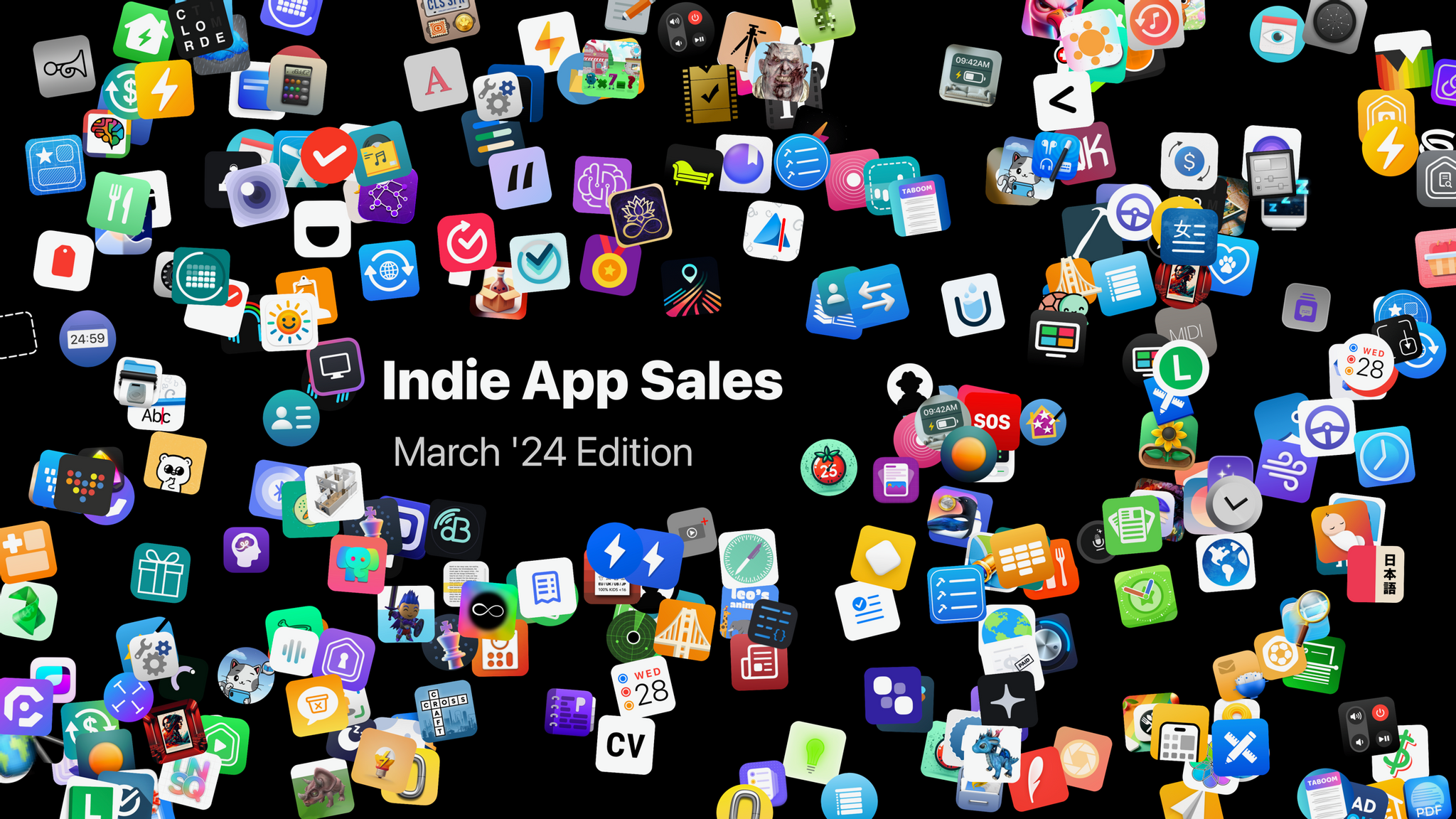
The folks at Indie App Sales are back with another big sale featuring apps from some of your favorite indie developers. This time around, they have over 250 apps in the lineup, including MacStories favorites like:
The sale periods vary by app, but most are offering discounts today and tomorrow, so check it out and grab a great deal on these excellent apps and support indie development.
Effective immediately, developers that offer alternative marketplaces will no longer be required to offer apps from other developers, meaning that a company like Meta could open a store with just its apps in the EU.
Also effective immediately, Apple has relaxed the requirements surrounding linking out to external webpages from an app. Developers are no longer required to use Apple’s templates, and instead, can design their own interfaces that link out to promotions, discounts, and deals that can be completed outside of the App Store.
Later this spring, developers in the EU will be allowed to offer their apps directly from their websites instead of through an alternative marketplace. There are eligibility requirements in Apple’s developer documentation, but this is a significant change that should open up a wider range of storefronts to users.
Whether it’s the result of feedback from developers or pressure from the European Commission, watching the app landscape transformed in very public fits and starts is fascinating.
This week on AppStories, we examine Apple’s Sports and Journal apps and visionOS for clues to what their designs may mean for the next major revisions of Apple’s OSes.
Sponsored by:
Memberful – Help Your Clients Monetize Their Passion
Now, don’t get offended, but – you aren’t as good at clocking deepfakes as you think you are.
And it’s not just you–nobody’s that good at it. Not your mom, or your boss, or anyone in your IT department.
To make matters worse, you probably think you can spot a fake. After all, you see weird AI-generated videos of celebrities on social media and they give you that uncanny valley tingle. But it’s a different ballgame when all you’ve got to go on is a voice.
In real life, people only catch voice clones about 50% of the time. You might as well flip a coin.
And that makes us extremely vulnerable to attacks.
In the “classic” voice clone scam, the caller is after an immediate payout (“Hi it’s me, your boss. Wire a bunch of company money to this account ASAP”). Then there are the more complex social engineering attacks, where a phone call is just the entryway to break into a company’s systems and steal data or plant malware (that’s what happened in the MGM attack, albeit without the use of AI).
As more and more hackers use voice cloning in social engineering attacks, deepfakes are becoming such a hot-button issue that it’s hard to tell the fear-mongering (for instance, it definitely takes more than three seconds of audio to clone a voice) from the actual risk.
To disentangle the true risks from the exaggerations, we need to answer some basic questions:
How hard is it to deepfake someone’s voice?
How do hackers use voice clones to attack companies?
And how do we guard ourselves against this… attack of the clones?
Like a lot of modern technologies, deepfake attacks actually exploit some deep-seated fears. Fears like, “your boss is mad at you.” These anxieties have been used by social engineers since the dawn of the scam, and voice clones add a shiny new boost to their tactics.
But the good news is that we can be trained to look past those fears and recognize a suspicious phone call–even if the voice sounds just like someone we trust.
If you want to learn more about our findings, read our piece on the Kolide blog. It’s a frank and thorough exploration of what we should be worried about when it comes to audio deepfakes.**
Our thanks to Kolide for sponsoring MacStories this week.
This week on MacStories Unwind, Federico and I are joined by Jonathan Reed in the Club MacStories Discord community for a live question and answer session about Federico’s MacPad setup.
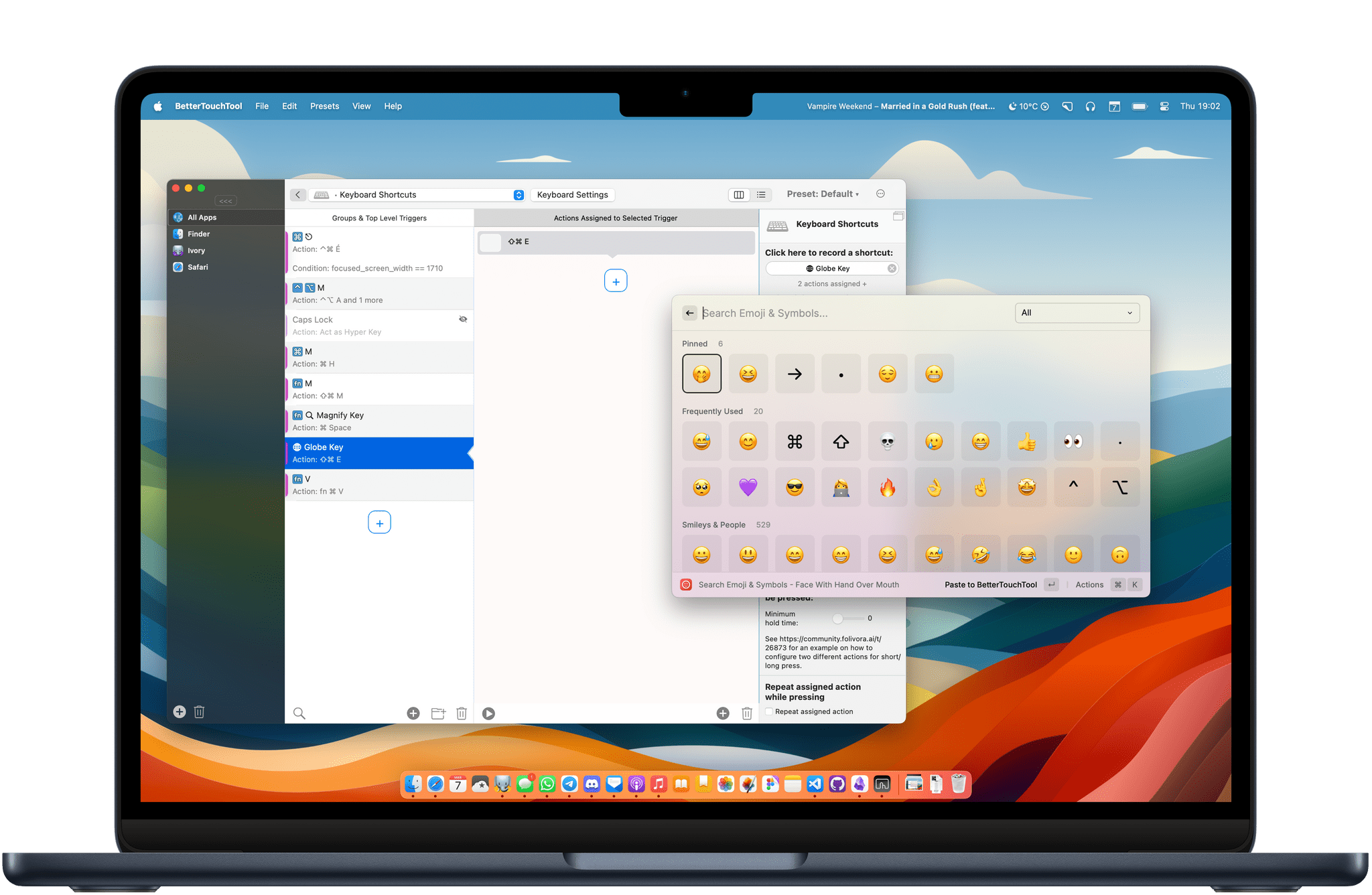
Raycast is one of my favorite Mac utilities of all time. When I recommend Raycast to someone, I usually like to say that it’s a Swiss Army knife for your Mac. It is an app launcher, a shortcut launcher, a clipboard manager, an emoji picker, and more, all in one single app.
I am also a huge fan of BetterTouchTool on my Mac to fill those interaction gaps that I feel are missing in macOS. I previously wrote on MacStories about how I use BetterTouchTool to manage my windows with the Magic Trackpad and keyboard shortcuts.
Lately, I’ve been exploring the idea of using Raycast and BetterTouchTool together. I found that I can combine the two to create some really simple keyboard shortcuts that would otherwise be impossible to make because they leverage Apple’s special keys on the Magic Keyboard.
I have selected three of these simple keyboard shortcuts to share with you today. Let’s check them out.








](https://cdn.macstories.net/banneras-1629219199428.png)