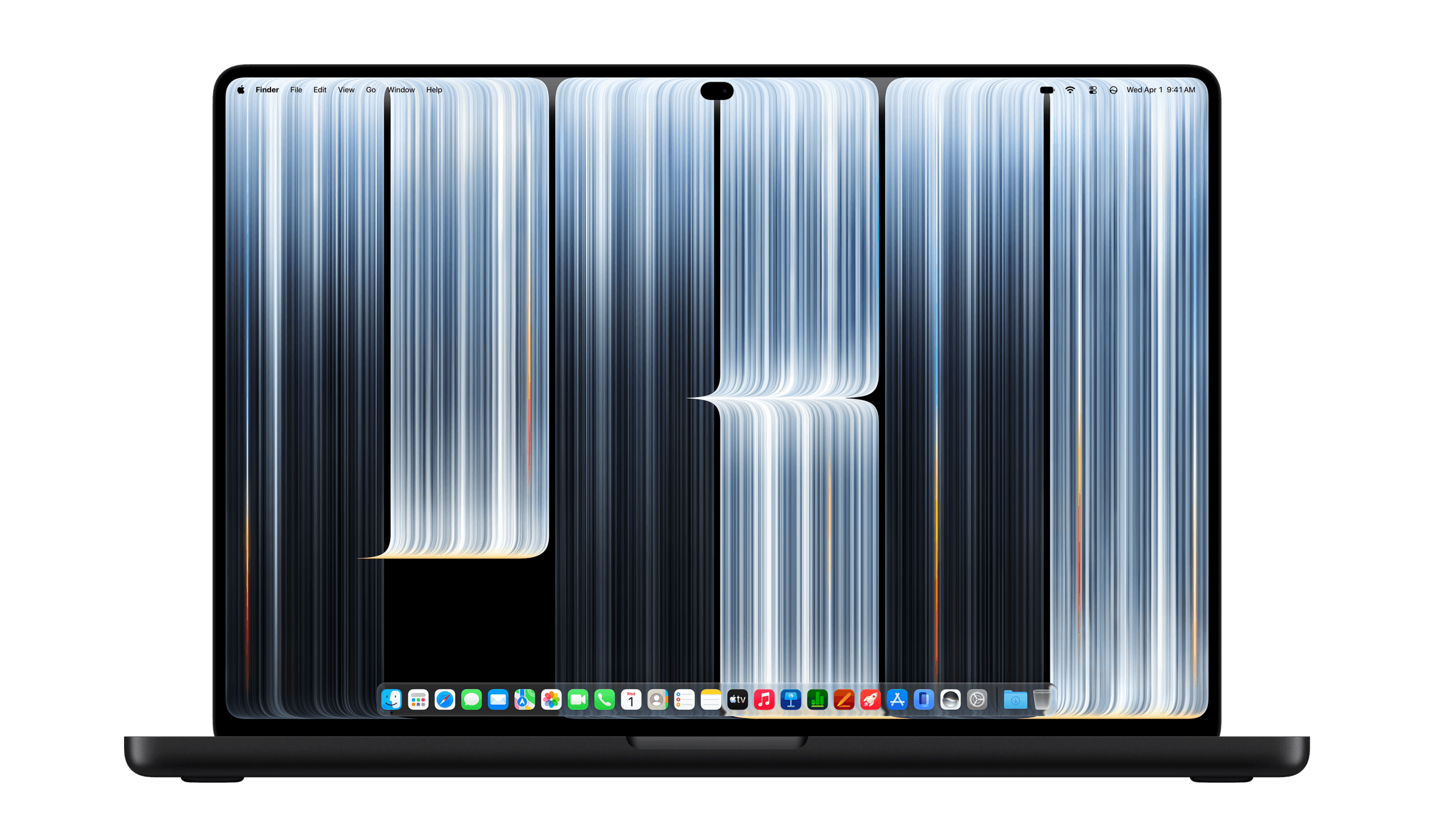
As part of the introduction of Touch on the OLED MacBook Pros today, Apple has begun rolling out resources for developers. Apple’s press release explains that many third-party apps will just work with Touch, but the company is also releasing updated system gesture APIs for developers who want to provide custom Touch experiences.
The videos offer a preview of what developers can do besides turning taps into clicks. Apps can let users manipulate multiple controls at once, while sliders and dials can expand into larger controls when touched. It’s an approach that preserves the familiar Mac interface while making it easier to use with your fingers.
Currently, there are three videos available to developers:
Apple has also scheduled two one-hour online developer group labs for November 18 and 19, which registered developers can sign up for. The same webpage lists Xcode 27.3 beta and documentation and design resources as coming soon.
Developers won’t need one of the new MacBook Pros to begin testing, either. Apple says in the Bring Touch to your Mac app video that its latest macOS beta and developer tools will let them test the new Touch features with an iPad connected to a Mac with Sidecar.
Based on the timing of the developer sessions, the footnotes from today’s MacBook Pro press release, and swinging a rubber chicken around my head, my prognostication is that macOS Golden Gate 27.3 will be released on November 24, two days before the Thanksgiving holiday in the U.S. That’s just a guess, but I think it’s a pretty good one. As for those of you who pick up a MacBook Pro before then, you’ll still be able to poke at your Apple apps and existing third-party apps.
Apple says these custom Touch implementations are coming later this year. The company describes the lineup in its press release:
a wide range of third-party apps that pros rely on every day will also take advantage of Touch on the new MacBook Pro, bringing new ways to interact with their favorite tools and workflows. These include everyday productivity and collaboration apps like Notion, Canva, Zoom, Microsoft Word, Excel, PowerPoint, and Outlook; powerful creative tools for photo and video editing like Adobe Lightroom and DaVinci Resolve; 3D modeling and animation apps like Blender, Maxon Cinema 4D, Maxon ZBrush, and Shapr3D; along with music apps like Algoriddim djay Pro.
That’s an impressive lineup, and from the press release and demos at today’s event, it looks as though Apple has managed to get some of the biggest players behind its efforts. As someone who spends a lot of time swiping around audio and video timelines, I can’t wait to see what this sort of editing workflow is like.
Also worth noting, macOS is adding an Accessibility setting that allows users who can’t or don’t want to touch their MacBook Pro’s screen to disable touch input.

