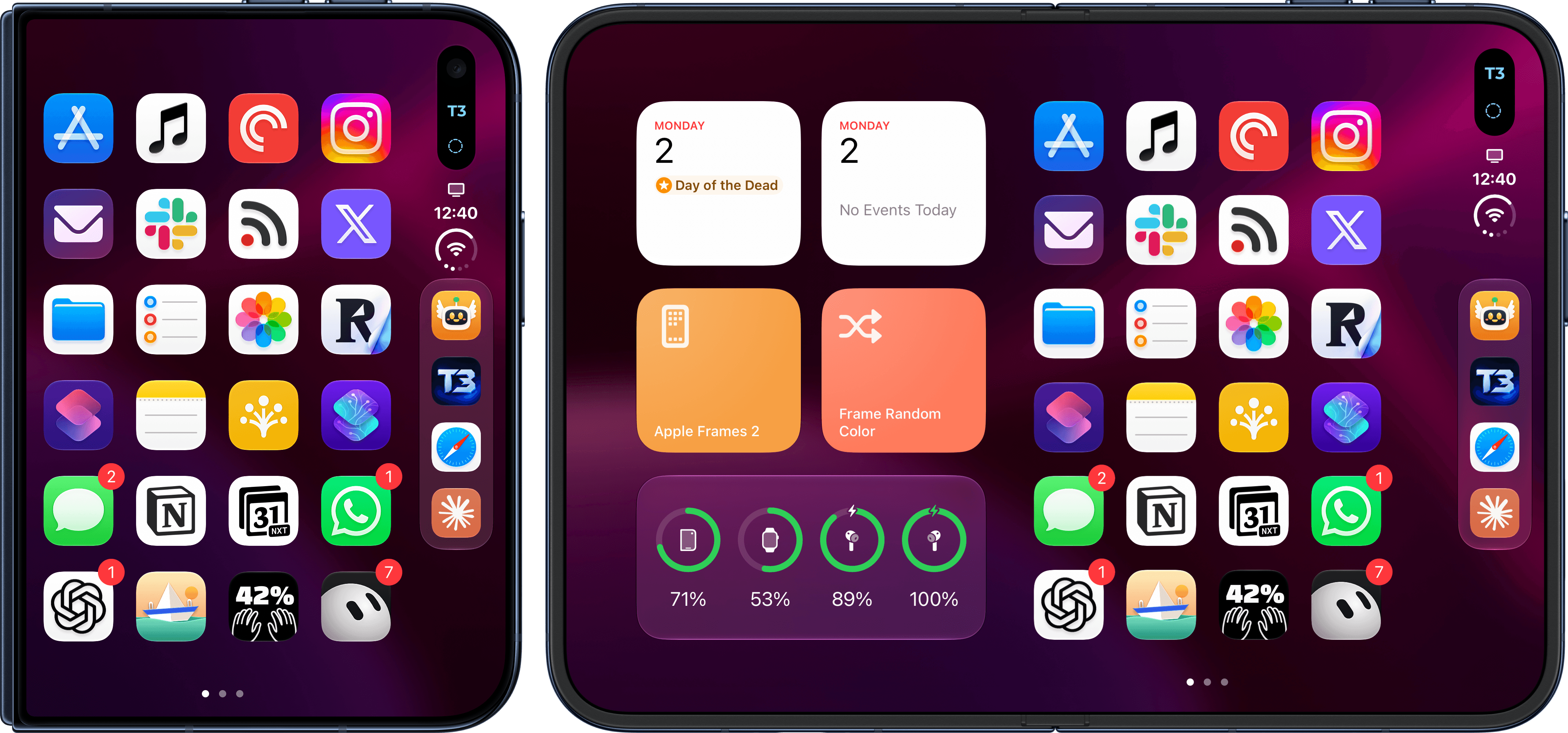
Today, I’m releasing a small but useful update to Apple Frames, my shortcut for framing screenshots taken on Apple devices with official product bezels, with support for iPhone Duo and the 18 Pro line.
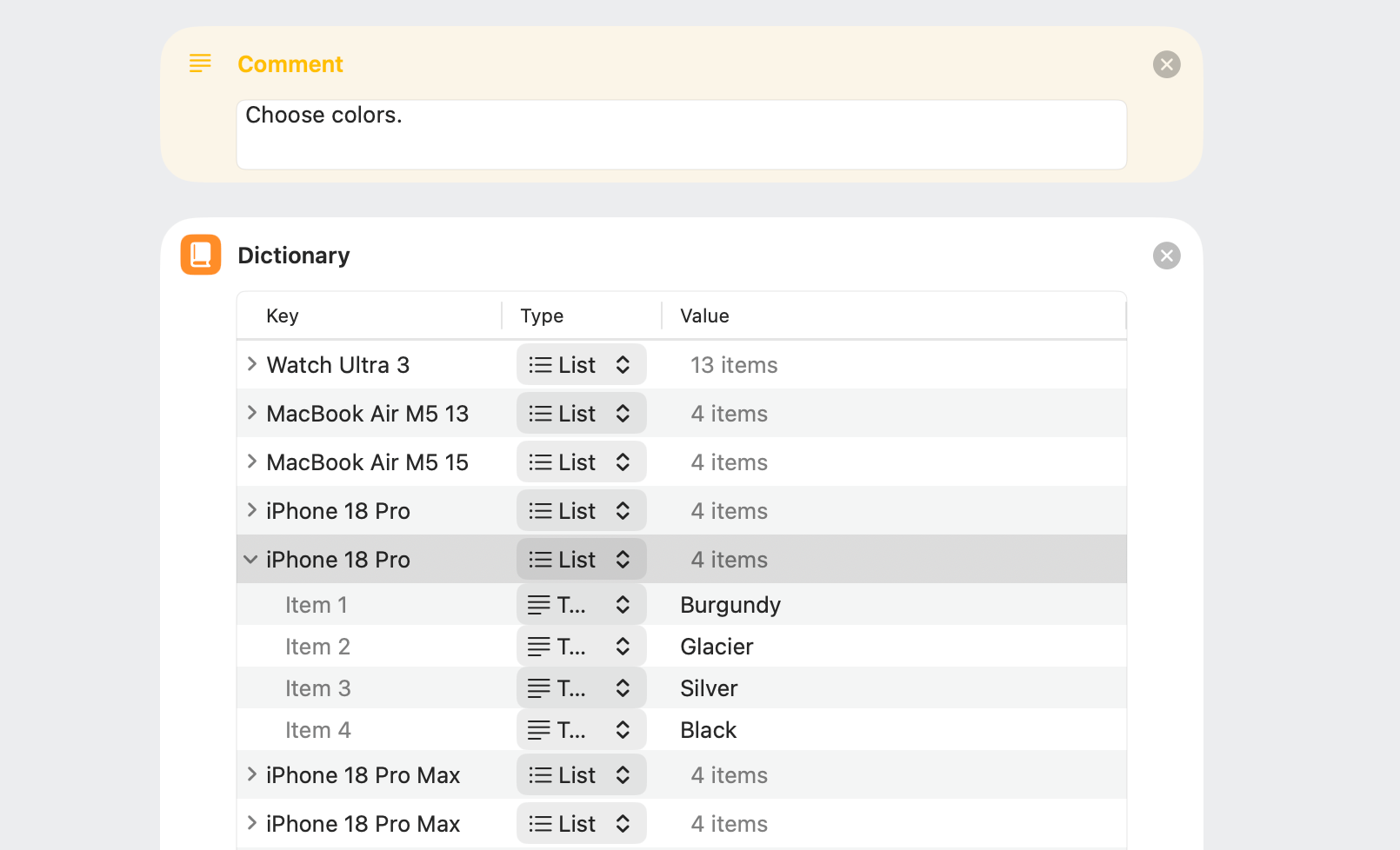
Following the work that I put into Apple Frames 4 earlier this year, I was able to integrate the new bezels released by Apple fairly quickly. As with the previous version of Apple Frames, the update supports multiple colors for each device, multiple orientations, as well as device variants – if you want to stick with an iPhone 17 Pro frame instead of an 18 Pro, you can. You can read more about how to configure the Apple Frames shortcut in my story from April.
The biggest challenge for this update was, as you can imagine, making the shortcut play nice with the different device poses of the iPhone Duo without causing any kind of friction for the user who just wants to run Apple Frames quickly. Fortunately, the new and extensible foundation of Apple Frames made it trivial to add iPhone Duo integration: whether you’re framing a screenshot taken on the outer or inner display in either portrait or landscape orientation, Apple Frames will just work. And if you’re merging multiple screenshots from different devices in the same composite image at the end, Apple Frames will proportionally scale them so that their physical dimensions look right next to each other.
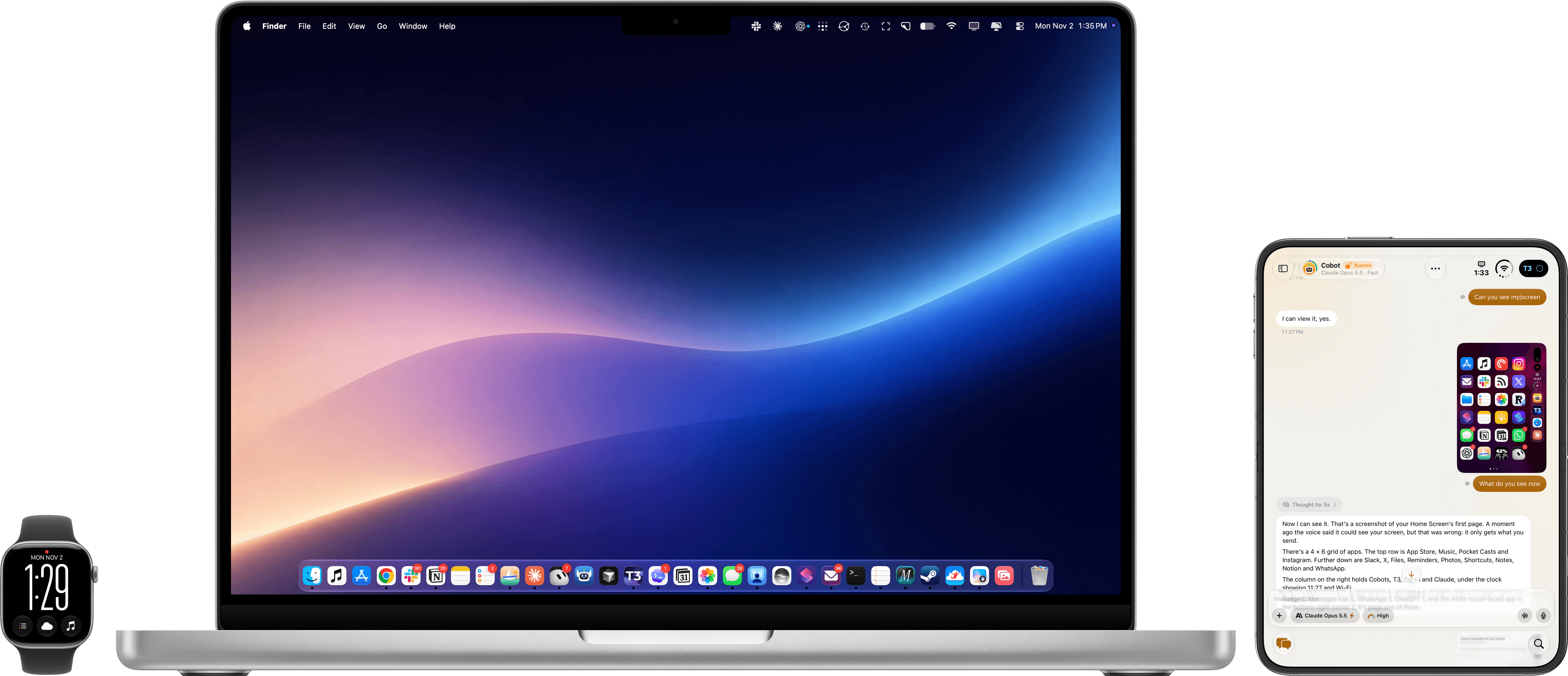
Screenshots merged with proportional scaling (also improved in Apple Frames 4.1), including a teaser of an app I’m working on.
This work on the Apple Frames shortcut follows a series of updates I recently released for the Frames CLI for developers and AI power users. The command-line version of Apple Frames has supported the iPhone Duo and 18 Pro line since last month, and, in addition to framing screenshots, it can also generate framed screen recordings. In the latest updates to the CLI, made possible by Opus 5.5 and contributors to the open-source repo, I managed to squeeze even more performance out of the CLI, so framing several screenshots and screen recordings is faster than ever.
The Frames CLI is used by thousands of developers, which is why I wanted to have it ready before the shortcut ahead of iPhone Duo app submissions to the App Store.
As of today, there are no official frames from Apple for the Apple Watch Series 12, Apple Watch Ultra 4, or the new iPad mini. I will, of course, make sure to update the shortcut when new product bezels drop as quickly as possible. Both the latest version of the shortcut and the CLI, however, support the new MacBook Pro with PROLED XDR Display – at least in theory. I don’t have the new MacBook Pro yet, so I haven’t been able to test the CLI and shortcut with real screenshots. If you already do and it’s not working, please let me know.
You can download the latest version of Apple Frames below and find it, alongside hundreds of other shortcuts, in the MacStories Shortcuts Archive.
Apple Frames
Add device frames to screenshots for iPhones (8/SE, 12-13, 15, 16, and 17 generations in mini/standard/Plus/Pro/Pro Max sizes, plus iPhone 18 Pro and iPhone 18 Pro Max), iPhone Air, iPhone Duo (inner and outer displays), iPad Pro (11” and 12.9”/13”, 2018-2025 models), iPad Air, iPad mini, iPad, Apple Watch Series 7/10/11 (Series 12 screenshots use the Series 11 frames), Apple Watch Ultra 2 and Ultra 3, iMac M4, Studio Display, Studio Display XDR, MacBook Air (2020/M5 13”/M5 15”), MacBook Pro (13”/M5 14”/M5 16”), MacBook Pro with PROLED XDR Display (14” and 16”), and MacBook Neo. Apple Frames 4 supports colored device frames for iPhones 16 and 17, iPhone 18 Pro, iPhone Air, iPhone Duo, MacBook Pro M5, MacBook Pro with PROLED XDR Display, MacBook Air M5, MacBook Neo, iMac M4, Studio Display, Studio Display XDR, Apple Watch Ultra, and Apple Watch Series 11.

