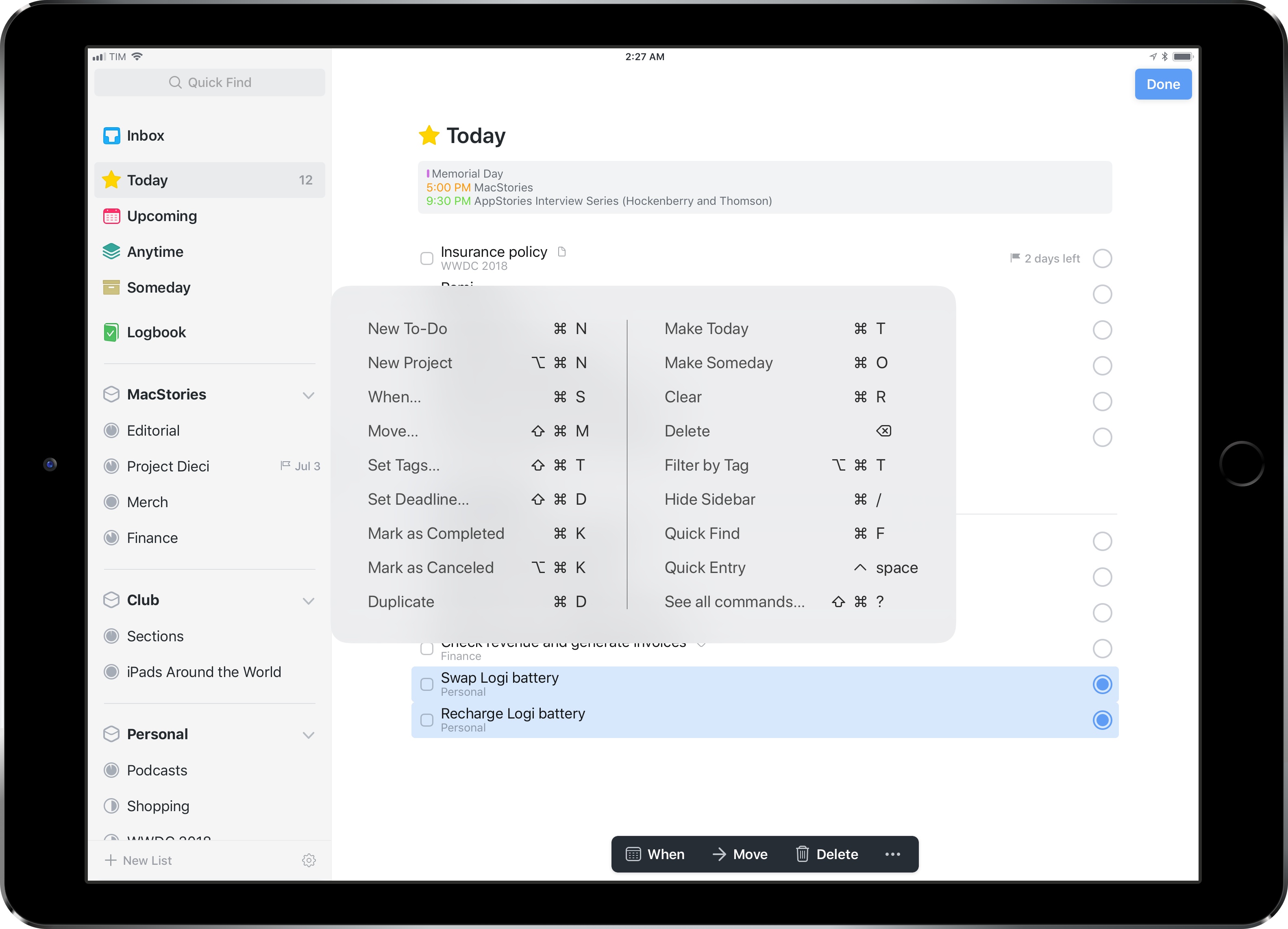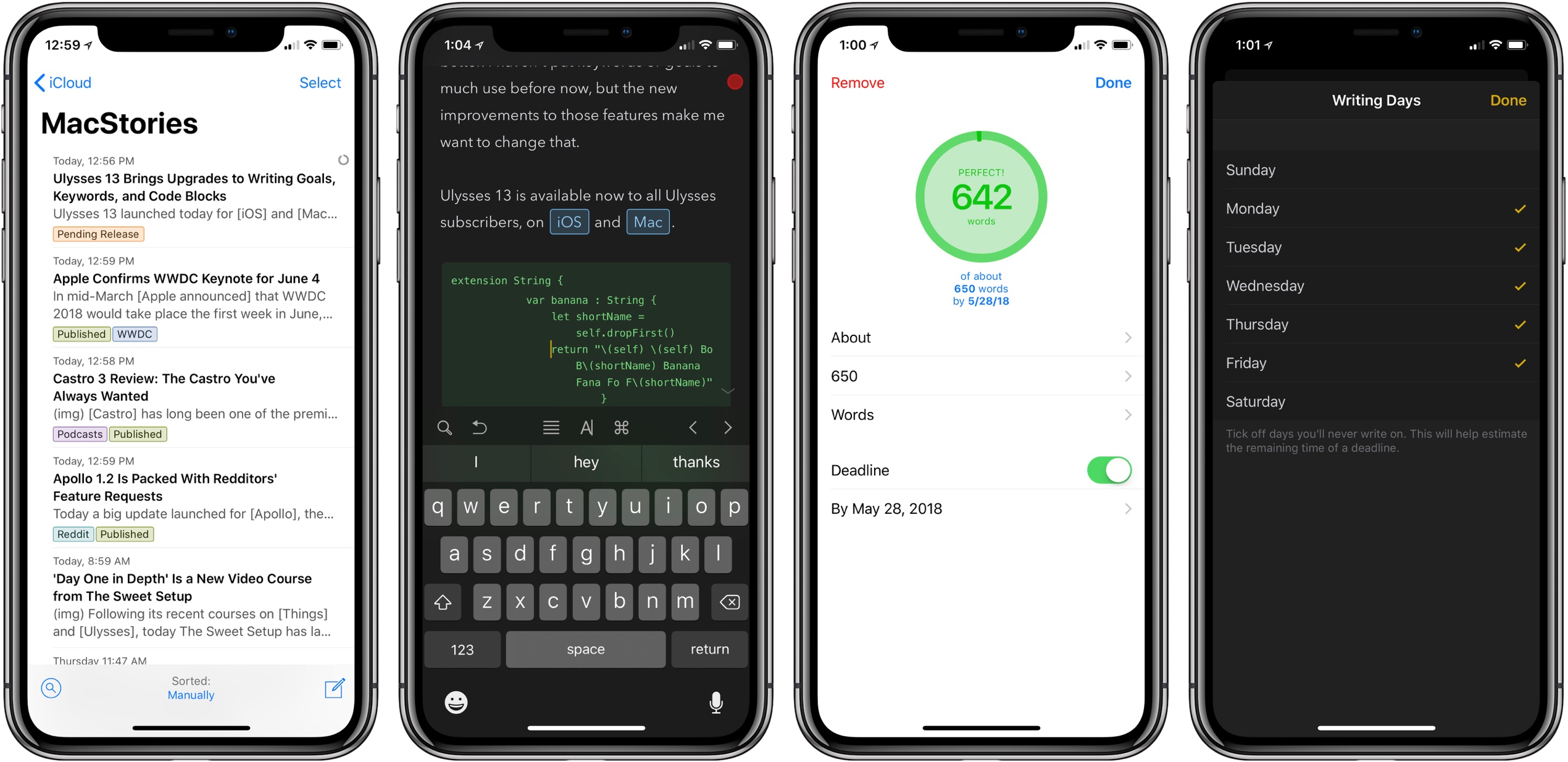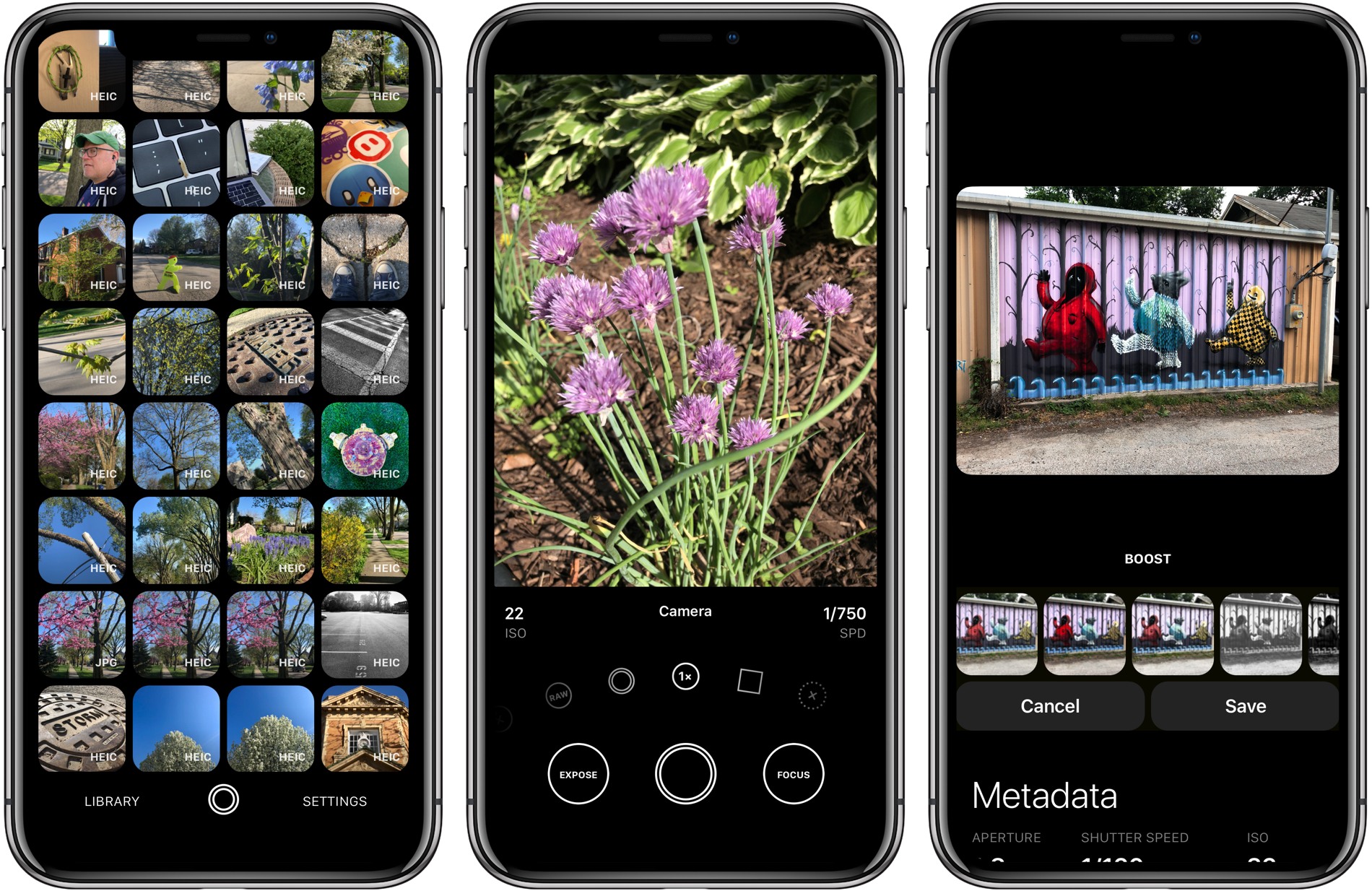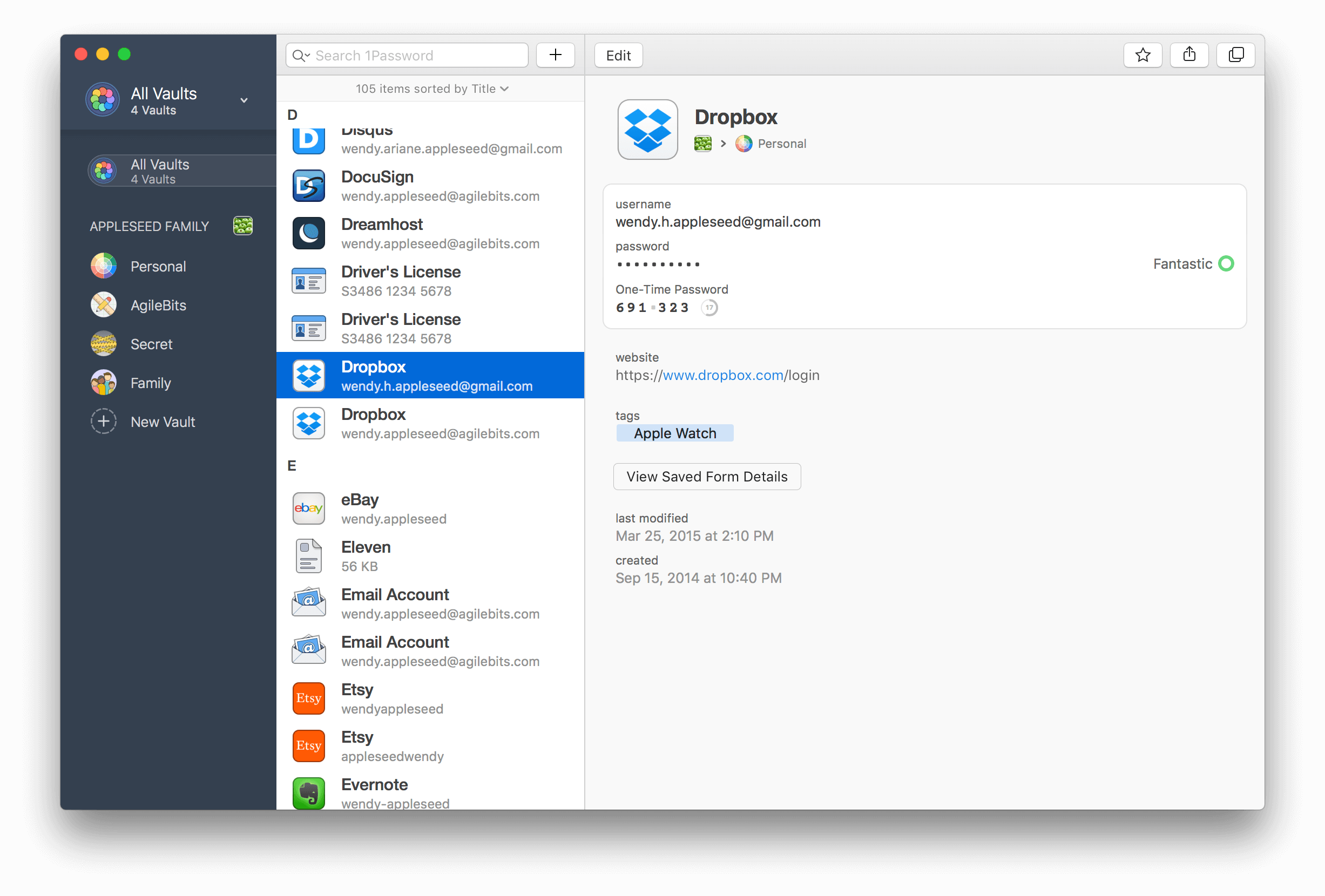
If you’re anything like me, you probably remain perpetually dissatisfied with your task management setup. You may have chosen an app and settled in with it, but some of its design choices don’t quite fit with your way of working, so you’re always keen to try the latest and greatest app that comes along. Realistically though, you’ve resigned yourself to the fact that the “perfect task manager” doesn’t exist, and likely never will.
Task management is a tough problem to solve, because every option out there is optimized for specific use cases, resulting in different complexity levels. Some aim to remain simple and user-friendly, while others try to put every tool at your disposal, endearing themselves to power users while scaring off prospective customers who need a bit less. On this complexity spectrum, OmniFocus has historically been the poster child for the weightier end: if you have a lot of complicated projects that need a high degree of structure, there’s no better place to start than OmniFocus; however, for lighter needs, I’ve always found its myriad of options too overwhelming to recommend.
OmniFocus 3, released today for iOS (and later coming to the Mac), adds even more power and options to the app’s existing toolset, yet rather than growing more complex in the process, it’s surprisingly become more approachable. This improved user friendliness is achieved thanks to a new level of flexibility that can, upon tweaking your ideal setup, obscure the app’s complexity in everyday use. In more ways than ever before, OmniFocus provides the tools to make the app your own.
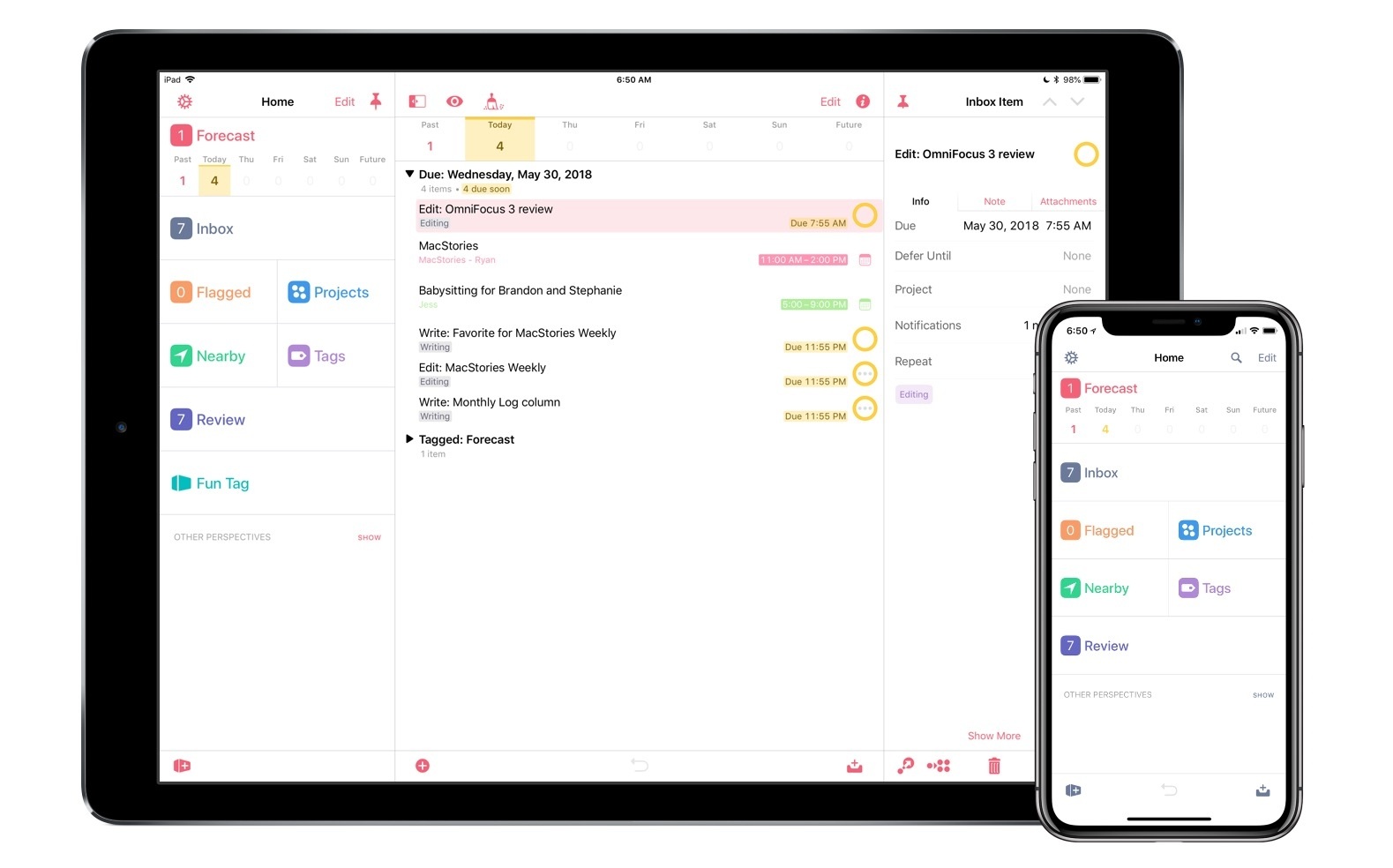
Outside of a lovely new design, where icons and fonts are bolder and everything feels more fresh, my favorite changes in OmniFocus 3 are this increased flexibility, which encompasses a lot of new and updated features, and its excellent iPad improvements. Let’s dive in.