This Week's Sponsor:

Copilot Money

Copilot Money, The Best Money Tracker, Launches on the Web – Limited-Time: Get 26% Off + 2 Months Free


Posts in reviews

Facebook 6.0

Today, Facebook introduced version 6.0 of their iOS app for iPhone and iPad. The Verge has a solid overview of the changes (with a video as well). Unrelated to the iOS update, but still of note in regards to Facebook’s growing design teamAtebits’ Loren Brichter is now “helping out” at Facebook. Considering Brichter’s skills in graphics and animations and Facebook’s interest in physics engines with Chat Heads, I wouldn’t be surprised to hear Brichter is going to help the design team in that field.

Facebook 6.0 for iOS is, essentially, a cleaner Facebook app with Chat Heads. The slide-out navigation is still there, but it has been tweaked to feature new icons, consistent with Facebook’s new take on News Feed; the iPhone app now comes with filters to browse specific feeds for photos, music, games, close friends, and more; the iPad app has a cleaner design for the News Feed with avatars on the left; and both apps come with Chat Heads, Facebook’s new floating bubbles for private messaging (or, as they call it, “private sharing”). The Chat Heads feature is still rolling out, just like the updated News Feed design.

I’ve been able to try Chat Heads, which are enabled for my account. Unlike Facebook Home for Android, Chat Heads are limited to the Facebook app: per iOS’ architecture, Facebook can’t display Chat Heads anywhere in the operating system. The implementation of Chat Heads is consistent across the iPhone and iPad, but there are also some minor differences worth noting. Read more


Readtime Lets You Catch Up On Your Reading List

Readtime

Readtime

I typically catch up on my reading list late at night, but that doesn’t mean I don’t enjoy the occasional cup of coffee and longform article during the day.[1]

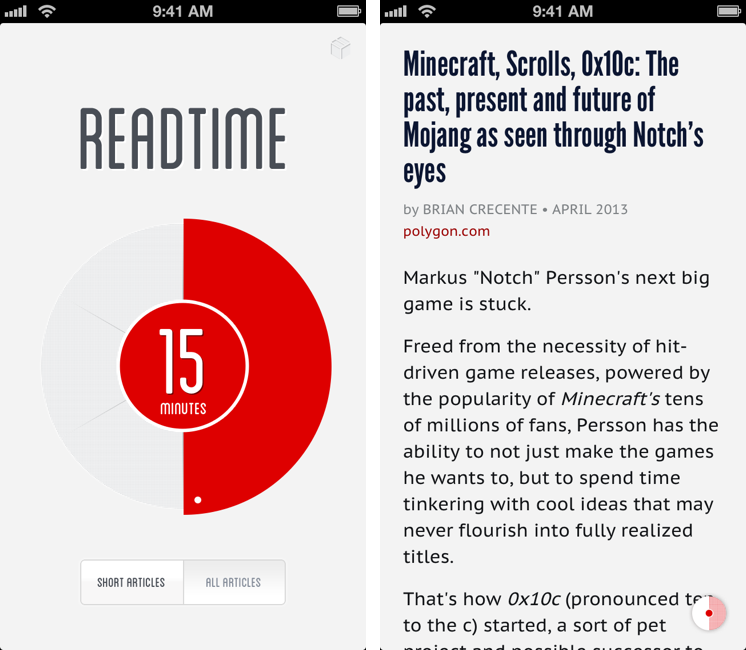
Readtime is an interesting idea for those who like to “get things read” in short or long reading sessions, depending on how much time they have available.

Readtime connects to Pocket and Readability and fetches articles in your reading list, analyzing how many minutes it would take you to read them. I have no idea what kind of algorithm the developers are using to determine reading time, but it seemed accurate in my tests. Read more


Triage: My New Favorite Email App for iPhone

Triage is my new favorite email app for iPhone.

I’ve always had a tumultuous relationship with email clients on iOS. It used to be that Apple didn’t like third-party email clients on the App Store, until Sparrow came around. With its superior support for Gmail accounts and a faster workflow for managing the inbox on a daily basis, Sparrow convinced me – in spite of iOS’ limitations – to move away from Apple’s Mail, both on the Mac and iPhone. Until Google bought Sparrow, effectively stalling development on the iPhone and Mac and halting the iPad version’s release altogether. While Sparrow still works, I don’t feel comfortable relying on a product – for a key task such as email – that I know is going to be abandoned eventually. I stopped using Sparrow after it was acquired by Google.

I was back to Mail, and I wasn’t too thrilled about it. After upgrading to iOS 6 last year, I lamented numerous times how switching between Edge and 3G networks was worse than iOS 5, and how that behavior affected my Mail workflow due to another ridiculous change Apple made in iOS 6. Mail was my go-to client again, but I often ended up saving emails for later because I didn’t trust iOS 6 to correctly send my messages.

And then Google brought Gmail 2.0 to iOS, a much better version than the original app released in late 2011. I was eager to try out the new universal app with push notifications, once again moving with all my accounts from Apple Mail into a new home, cautiously hoping that would be the last time.

I’m still using Gmail for iOS, but there are some things I don’t like about it. Push notifications are useful, but I can’t stand the daily awkwardness with scrolling and funky text selections caused by Google’s reliance on embedded web views. Support for Gmail is solid and improving, but I miss the butter-smooth animations of Sparrow or, despite its flaws, Mail’s fluidity and native feel. I like Gmail for iOS, but I don’t love it.

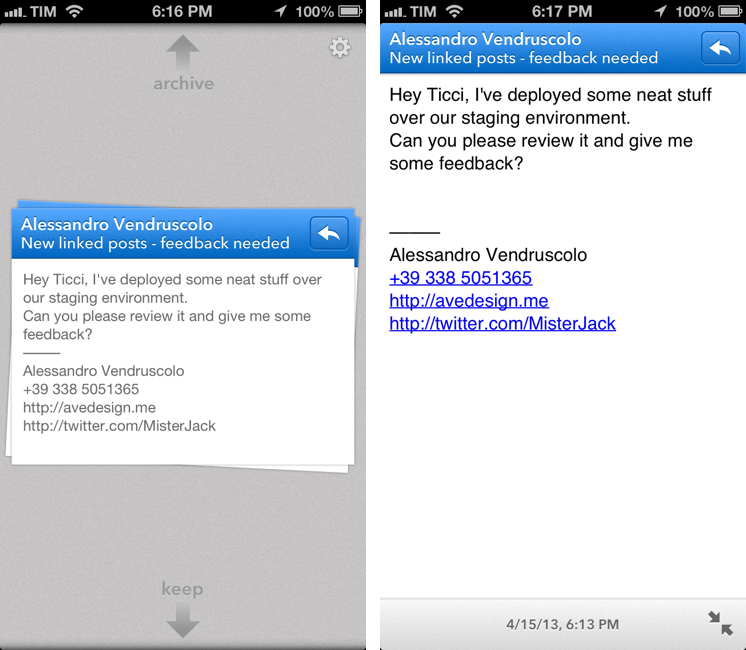
Last month, I was sent a beta of Triage for iPhone, and a few hours into using it I knew that was it. That was the email app – not a client – that could allieviate my Gmail sorrows while showing a new way to process my inbox on an iPhone. Read more


Barry For iOS Takes Full-Size Screenshots of Webpages

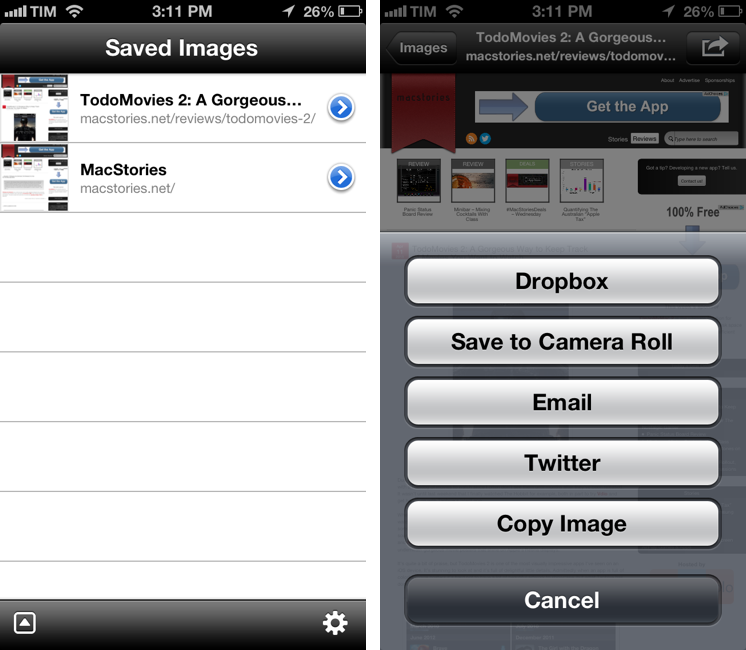
I often find myself having to capture a full screenshot of a webpage (that is, not just the portion that’s shown in the browser, but the full-length site), and while Skitch for iOS is a fine option, I’d like to have an app that’s faster to launch and easier to use. Barry, a $0.99 universal app by North of Three, provides just that kind of functionality. Read more


TodoMovies 2: A Gorgeous Way to Keep Track of Movies You Want to Watch

Banner Image

Banner Image

Due in part to the frequency I can meet up with friends and get to a movie theater, I inevitably end up with a backlog of movies to watch since I often don’t see them until months after they’ve been released. It wasn’t until last weekend that I finally watched The Hobbit for example, both in part to try Vdio and get hands on with Taphive’s latest app.

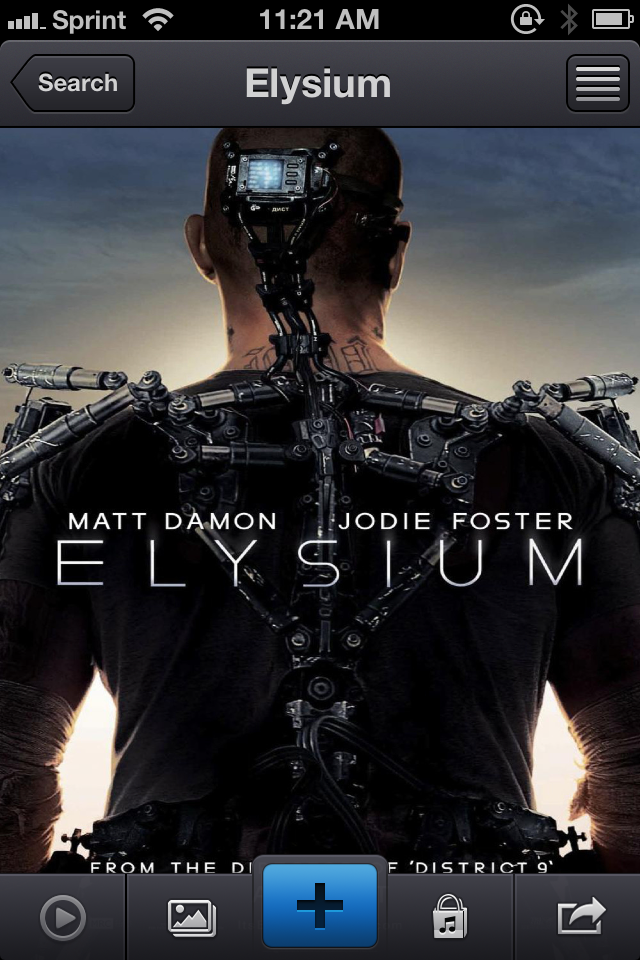
Where Apple’s Trailers showcases upcoming films and offers up information on where and when to watch them, TodoMovies 2 is your personal list of movies seen and not yet seen, keeping movies sorted in any preferred order while also offering trailers and additional links to associated goodies like soundtracks. Integrated with TMDb and additionally bringing in ratings from sites like Rotten Tomatoes and Netflix, TodoMovies 2 offers a quick glance at actors and actress, plot summaries, and ratings underneath gorgeous movie posters that shine on Apple’s Retina displays.

Read more


PowerUp: 8-bit iPhone Camera For The Nostalgic Gamer

In February 1998, Nintendo released an accessory for the Game Boy line called Game Boy Camera. Compatible with all Game Boy systems (including the Color that would only come out eight months later), the Game Boy Camera could take black & white digital photos using the limited four-color palette of the Game Boy hardware. The Game Boy Camera, which was also compatible with the Super Game Boy SNES/Super Famicom accessory, could print photos on thermal paper through the Game Boy Printer, another piece of hardware that Nintendo introduced in 1998 and discontinued in 2003 (two years after the release of the first Game Boy Advance).

Read more


Panic Status Board Review

Status Board

Status Board

Since the introduction of the iPad three years ago, several developers tried to create second-screen experiences to leverage the device’s large display as a window for additional content coming from a user’s primary device – traditionally a desktop computer. It wasn’t clear at the time how an iPad could be used as a “creation device” – either because of a lack of apps or imagination – so developers started playing around with the idea of iPad as an external display, iPad as an alarm clock, or iPad as a digital weather station to place on a desk next to a Mac. As years passed and people started using the iPad as, effectively, a computer capable of real work, Apple still added functionalities related to screen-sharing to iOS: users could hook up the iPad to an external monitor for an even bigger second-screen experience, or connect apps and games to an Apple TV via AirPlay to display more information and data on the iPad’s screen.[1]

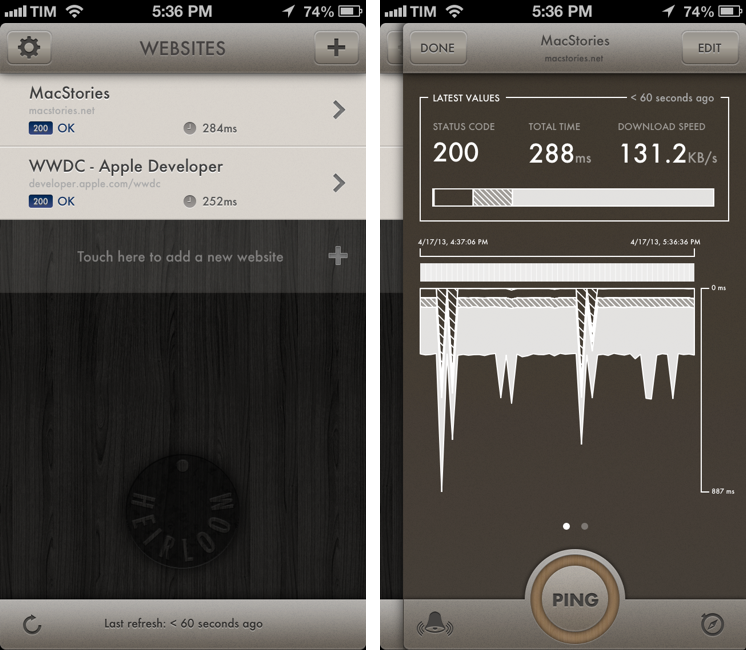
Panic’s latest app, Status Board, takes the concept of using the iPad as a desk accessory one step further by turning it into a dashboard for a variety of data that you’d normally check in dedicated apps or websites. Read more


Minibar - Mixing Cocktails With Class

I would not consider myself a mixologist but I do enjoy the occasional adult beverage. Whether it is in an aluminum can or it is finely crafted with aged liquors and muddled with exotic fruits, I will drink it. I originally went through a cocktail making phase when I was really into Mad Men but who hasn’t done that? And up until recently I referred to my bar book when I needed a decent receipe for a mixed drink. I now have a better option — Minibar for the iPhone. Read more


iToner 3: Create and Manage Ringtones on the Mac

iToner 3 Banner

iToner 3 Banner

Introduced in January, iToner 3 by Ambrosia Software is an all-in-one application for creating and managing ringtones and text tones on the Mac. Available for only $2.99 on the Mac App Store, iToner includes a library of hand picked ringtones in addition to an advanced editor for creating ringtones from your own music. A few stand out features include a Ringtone Library for collecting created ringtones, ClearTone™ for optimizing ringtones for the iPhone’s speakers, and a variety of fade types and extra controls that can be used in the waveform editor.

Read more