

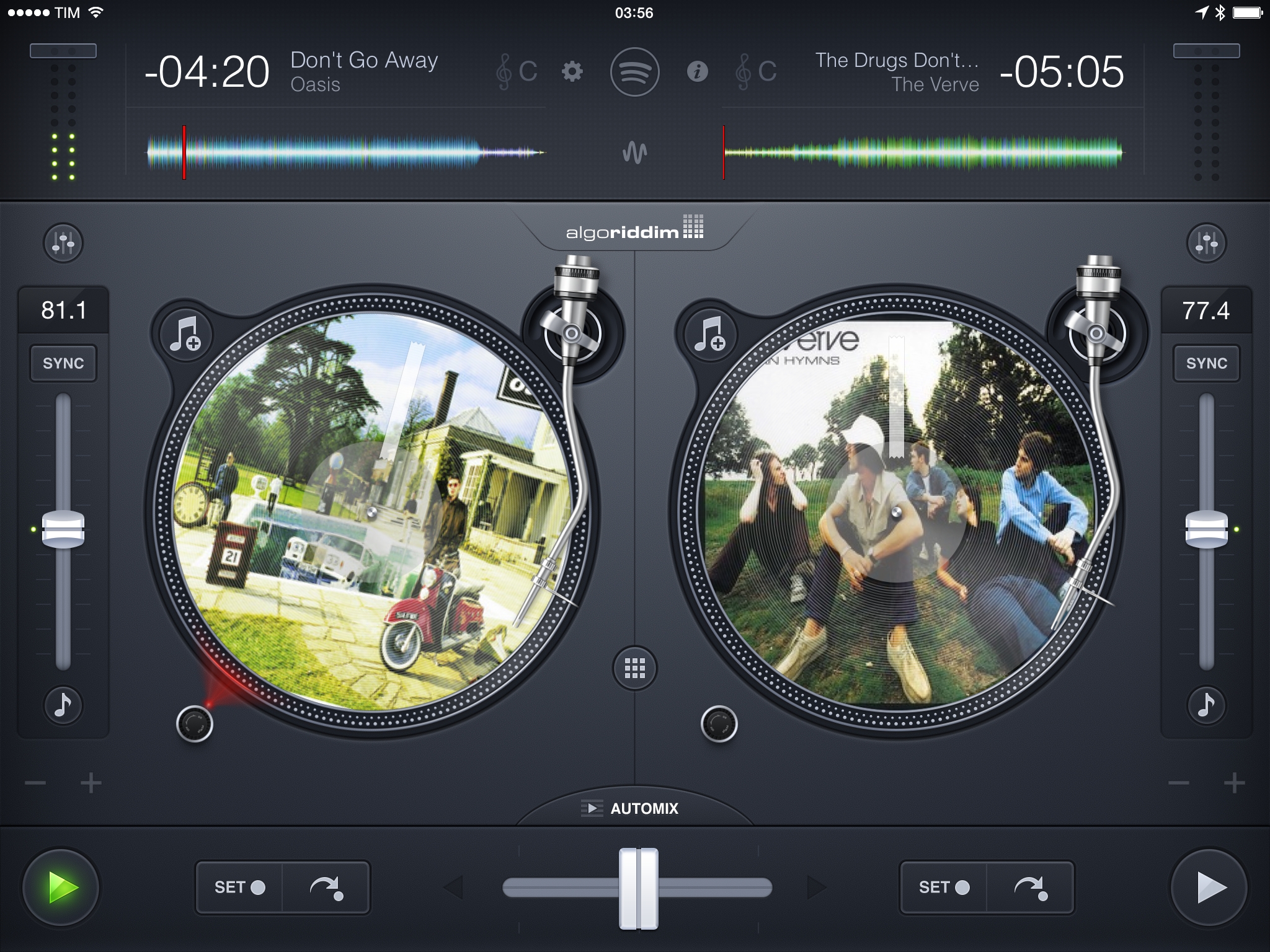
Since its first release in late 2010, Algoriddim’s djay was always met with the same question: without the right songs on your iPad, how can you fully enjoy the app? Three years and numerous awards later (including an Apple Design Award in 2011), Algoriddim wants to tear down the barrier to entry for its popular DJ software with a simple, yet technologically complex solution: full Spotify integration.
Posts in reviews
Review: djay 2.5 Adds Spotify Integration, Automix Radio
Screenshotter Lets You Find and Organize Screenshots on iOS
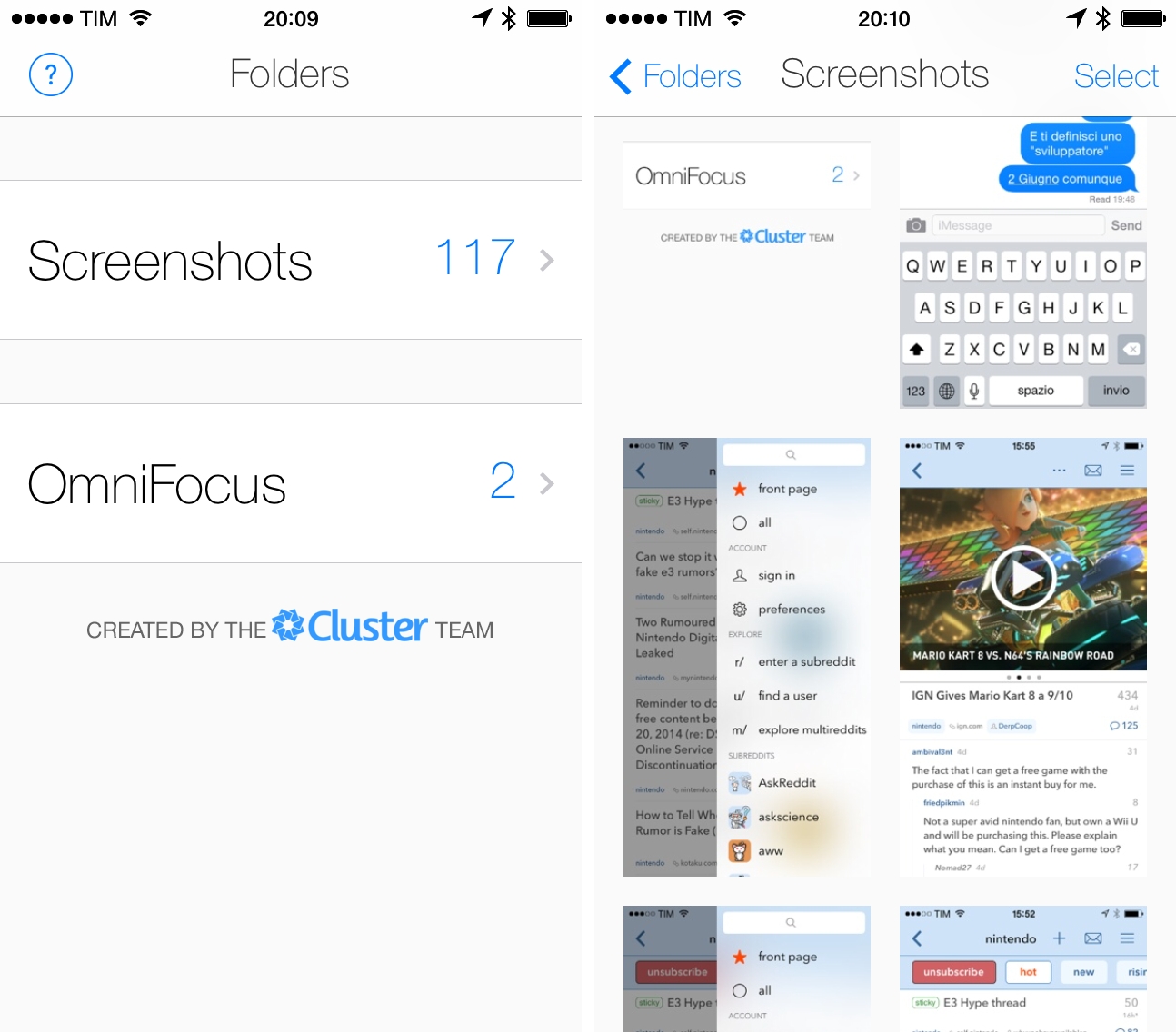
I’ve written about the problem with organizing screenshots in the iOS Camera Roll before, as it’s one of the long-standing limitations/design decisions of iOS that I find most antiquated and counter-intuitive.
From my iOS 8 Wishes article:
Give screenshots their own album. Years ago, the consensus used to be that only geeks took screenshots of their devices, but the rising trend of people sharing screenshots of message conversations and Instagram pages now says otherwise. For this reason, I find it surprising that Apple still insists on grouping photos and screenshots together – they’re separate media types and there should be an option to exclude screenshots from the main view and iCloud backups.
Screenshotter is a free iPhone app developed by the Cluster team that’s been released today and that shows a glimpse of a good idea that I hope Apple will offer as a built-in feature in iOS 8.
Narwhal for Reddit
Scanbot: A Fast and Efficient Scanner App for iOS 7
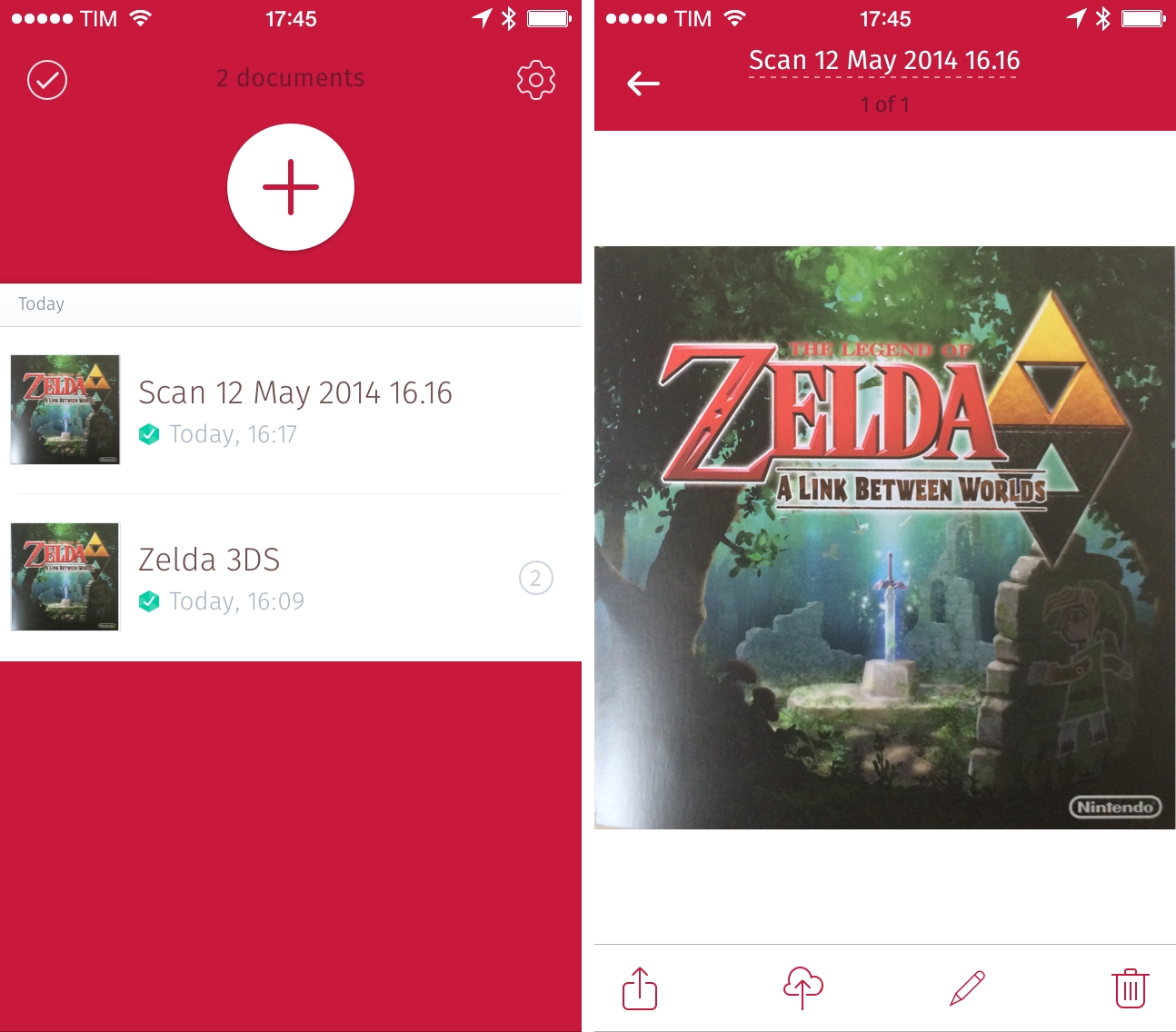
Created by doo (makers of a now-discontinued document manager), Scanbot is a fast and elegant mobile scanner that I’ve been using for the past couple of weeks to digitize documents and receipts on my iPhone 5s with good results.
Soundflake Review: A Music Player for SoundCloud
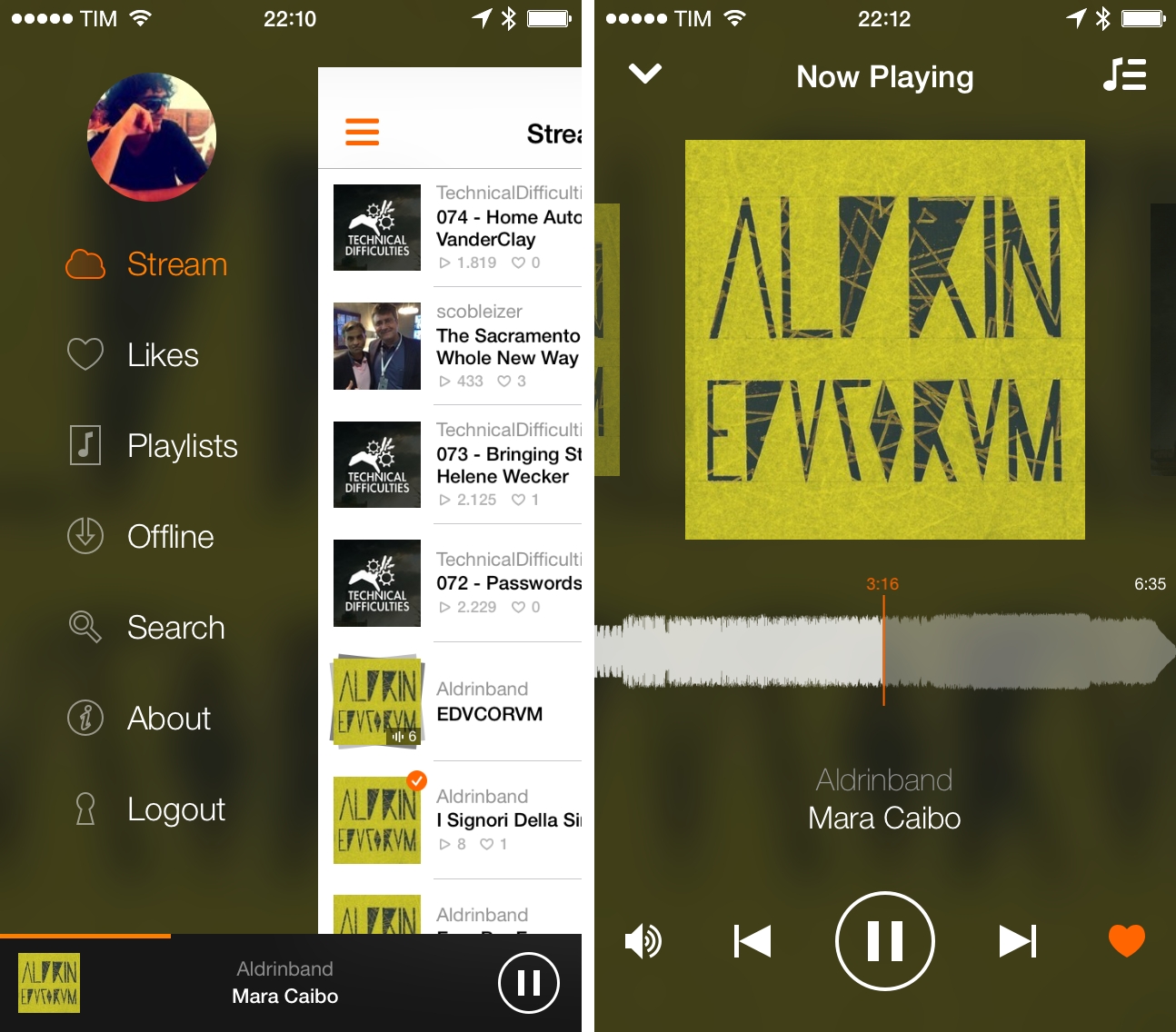
While my daily music listening needs are mostly fulfilled by Spotify1 and my personal library in iTunes Match2, I do follow a couple of artists on SoundCloud and I enjoy using the service to play a variety of mashups and records from independent creators that I can’t find anywhere else. I’m not a huge SoundCloud user, but I’ve always had an affinity for the website’s interface and the company’s focus.
Created by Stefan Kofler and Patrick Schneider, Soundflake is a new SoundCloud client for iPhone that wants to provide a better experience than the official app through a modern design, advanced features, and gesture controls that make managing playback and sharing a faster and more intuitive affair. After trying Soundflake for about a month, I don’t see why – as an occasional SoundCloud music listener – I would go back to using SoundCloud’s app for iPhone.
Beats Music for iPad
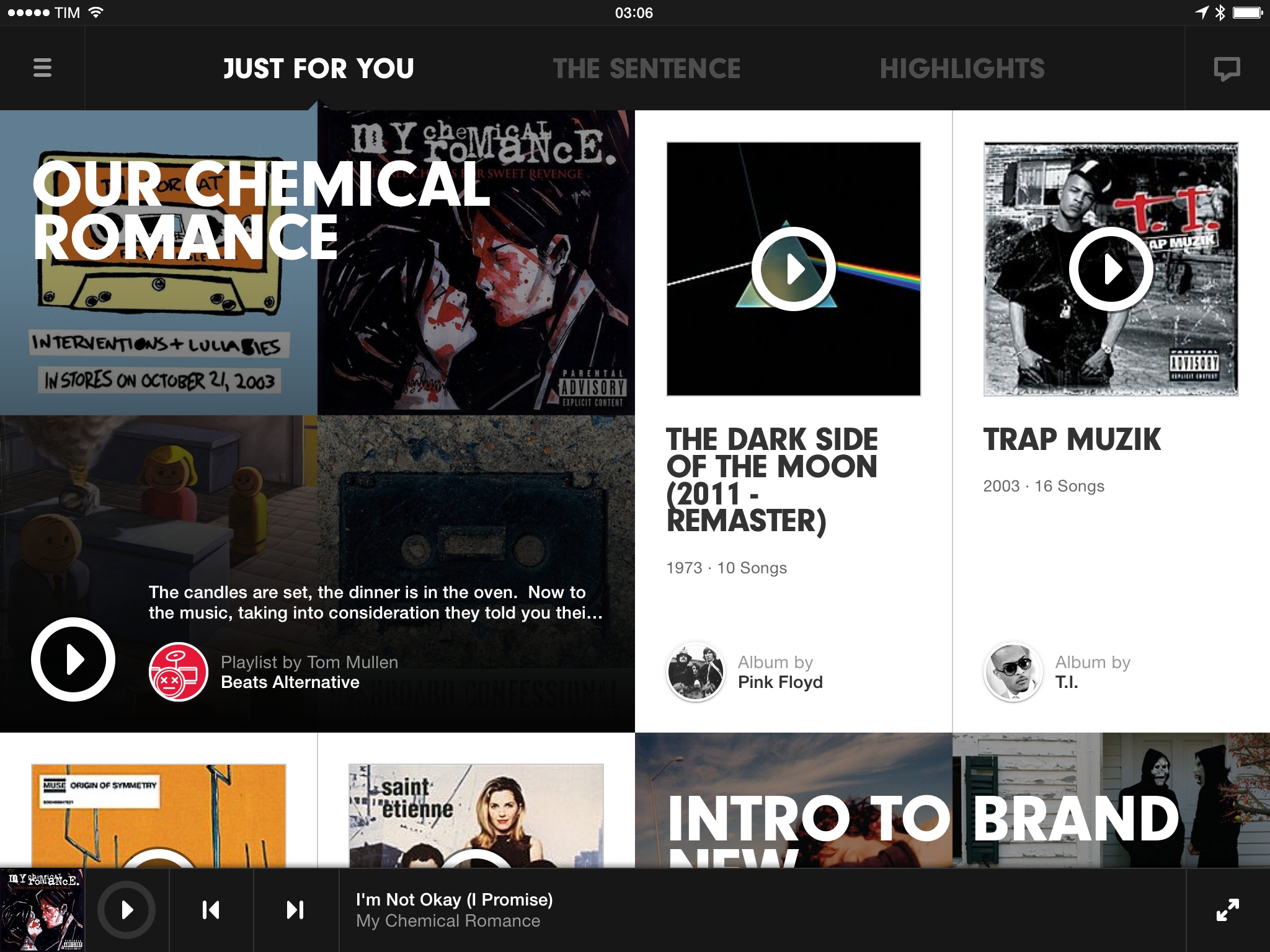
Three days ago, Beats Music released a 2.0 update to their iOS app with native iPad support. As part of my ongoing experiment with multiple music streaming services, I installed the app on my iPad to see how the service had improved since January and check out the new iPad design.
Mingle, An Action Launcher for Contacts
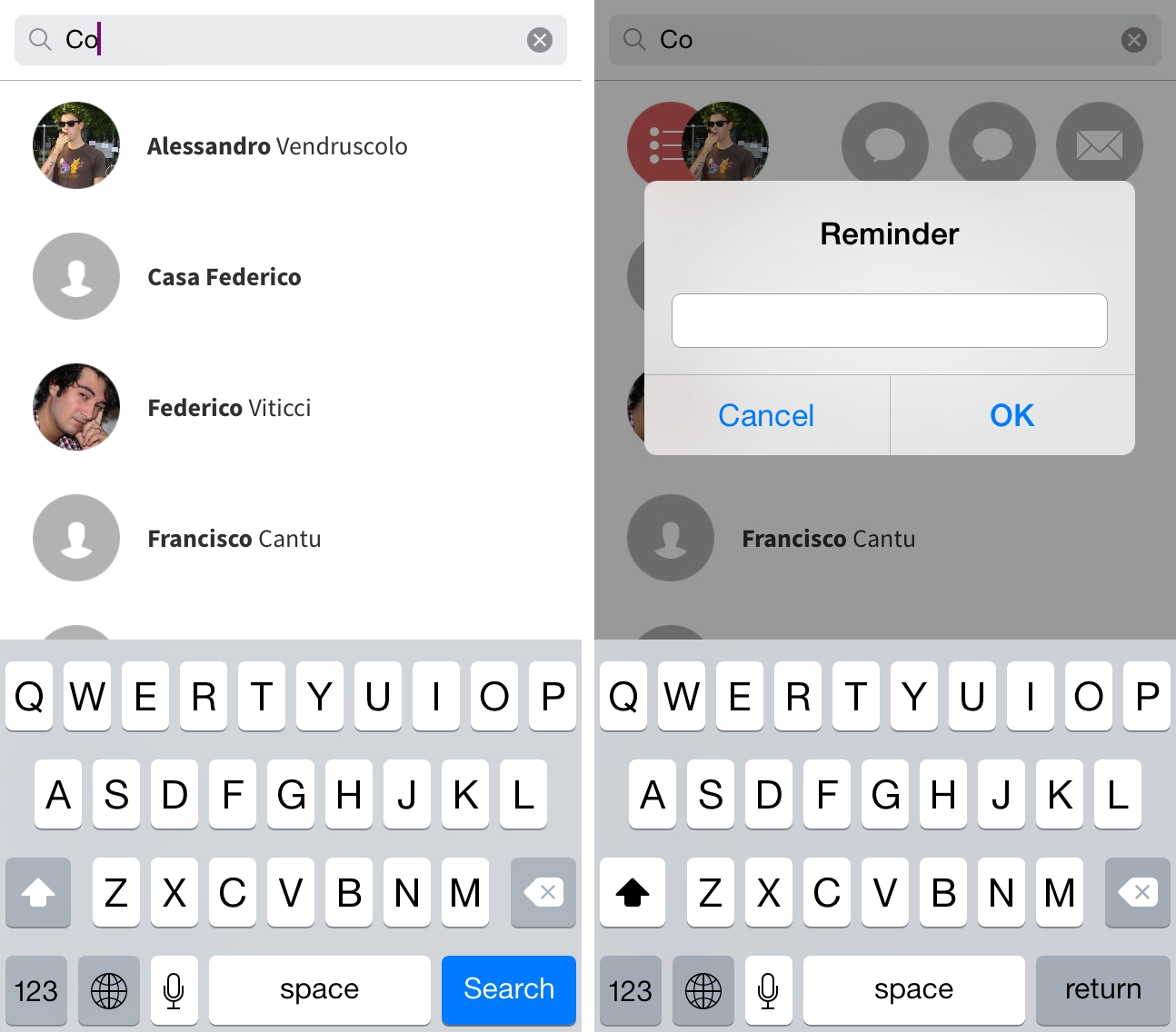
Developed by Samir Ghobril, Mingle for iPhone combines aspects of the iOS Contacts app and action launchers such as Drafts and Launch Center Pro to let you quickly launch actions for individual contacts through a swipe gesture.
Screens 3 for Mac Review
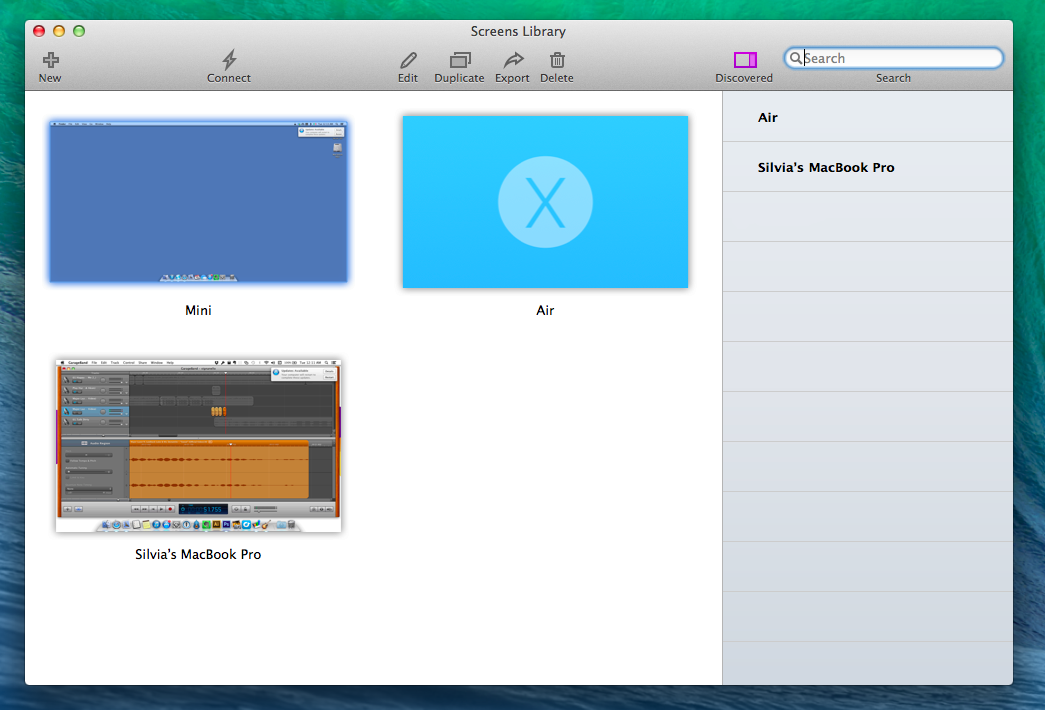
Since 2010, I’ve been using Edovia’s Screens for all my VNC needs: an elegant client with a polished interface and just the right amount of options, I’ve always been a fan of Edovia’s focus on elegance and simplicity combined with touch controls.
The iOS app has changed quite a bit over the years: notably, with iOS 7 Edovia took the opportunity to completely redesign Screens with a cleaner UI and updated gestures, adding on-disconnect actions, hot corners, and trackpad mode with subsequent updates that continued to strike a good balance between feature additions and intuitiveness. I don’t need to access dozens of Macs remotely every day – I only log into my local MacBook Air (when I’m in bed or in another room) and my remote Mac mini – but I know that Screens for iOS has everything I need.
Screens 3 is Edovia’s latest update to their Mac client, originally released in 2011. A free update for existing Screens 2 customers, Screens 3 is available both on Edovia’s website and the Mac App Store at $34.99, but only the Mac App Store version can offer iCloud sync across devices; because of this limitation, I recommend buying Screens from the Mac App Store.
Thoughts On Dropbox Carousel
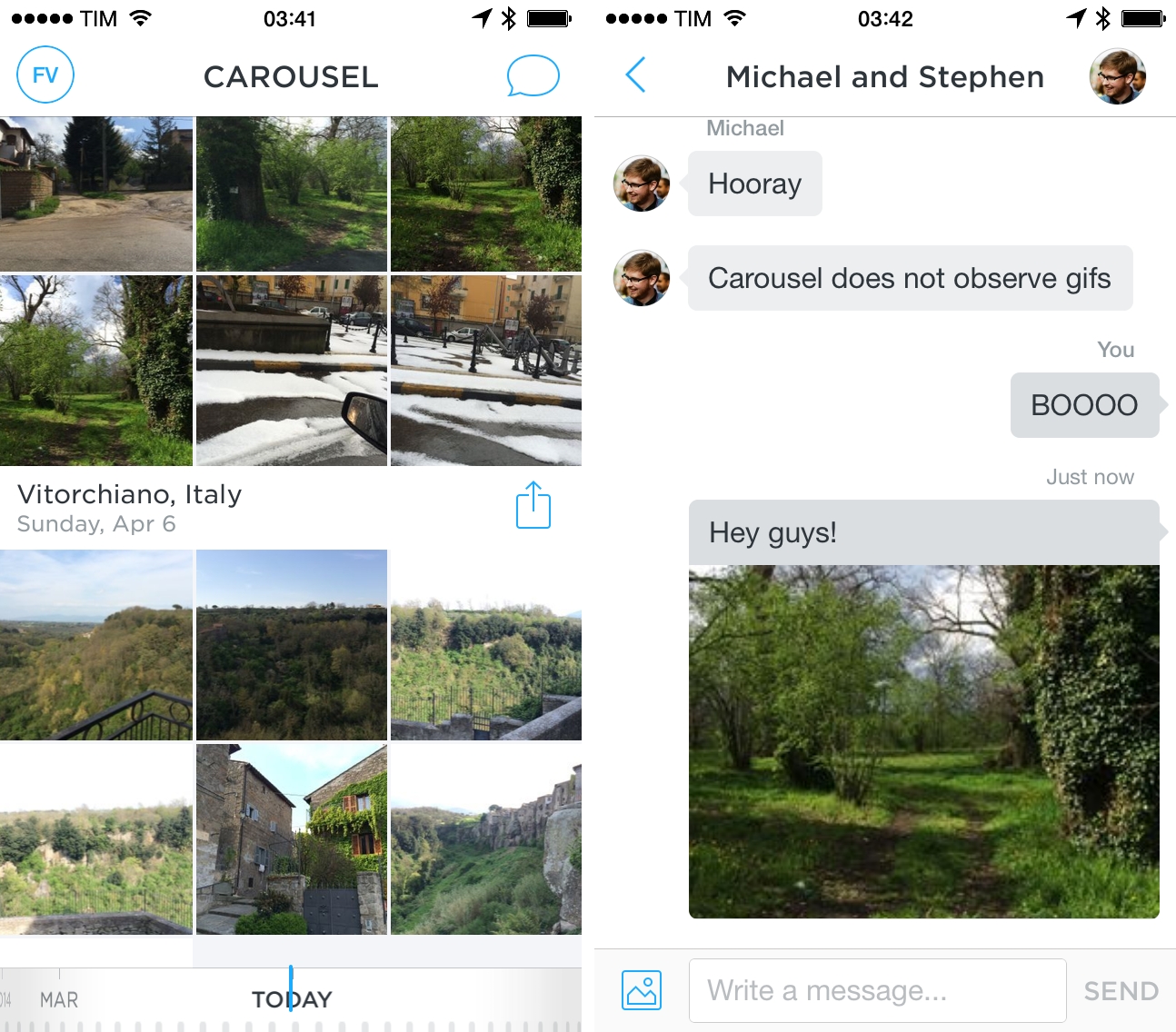
Carousel, a new gallery app released today by Dropbox, aims at providing an integrated solution for all photos and videos stored in a Dropbox account, unifying them in a single interface that automatically sorts files by time and location. As someone who relies on Dropbox and a custom workflow for photo backup, management, and viewing, I followed today’s announcements with curiosity and anticipation – the company’s previous photo products weren’t the most advanced or versatile ones on the App Store, but they showed an interest for turning Dropbox into a cloud-based Camera Roll, which is where Apple is struggling with its confusing Photo Stream.
I’m still exploring various possibilities for my photo management workflow (I played around with Everpix, Loom, Picturelife, Unbound, and many other services and clients) and Carousel offers an interesting take on the problem: it’s photo and video archival based on Dropbox storage, but it’s also a separate iOS app with sharing options that include messaging and public links on the web.
I took Carousel for a spin[1] this afternoon, and I collected some first impressions below. They’re not exhaustive, but I believe they’re fairly indicative of the app’s current state and limitations. Read more