Posts in news

MacStories Unwind: A Goat Walks into a Dive Bar

0:00
26:58


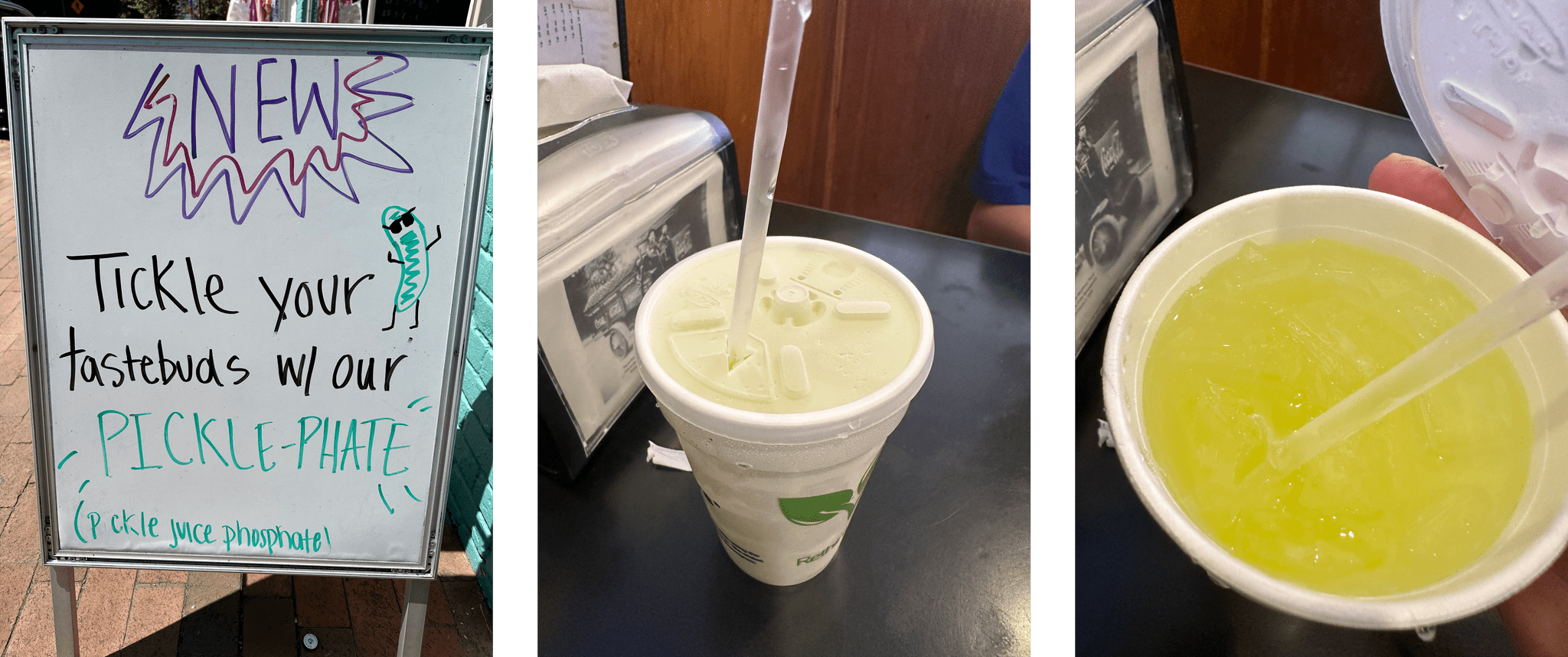
This week on MacStories Unwind, we have important follow-up about potato chip flavors, an exploration of American dive bars, the art of winning an argument by shouting ‘Goat!’, and the record by boygenius.

Unite 4 – Turn Websites into Apps on Your Mac.

Show Notes

Chip Follow-Up

Dive Bars

Vittorio Sgarbi

Joint Pick


Apple Reports Q2 2023 Earnings

It’s been a rough year for the tech industry as a whole. In the wake of a COVID-induced spending spree on computers and other gadgets, and faced with rising prices, consumer demand for tech products has taken a nose dive.

The lack of new hardware announcements has undoubtedly been another drag on Apple’s earnings. For several years, Apple held a spring press event to debut device updates but not in 2023.

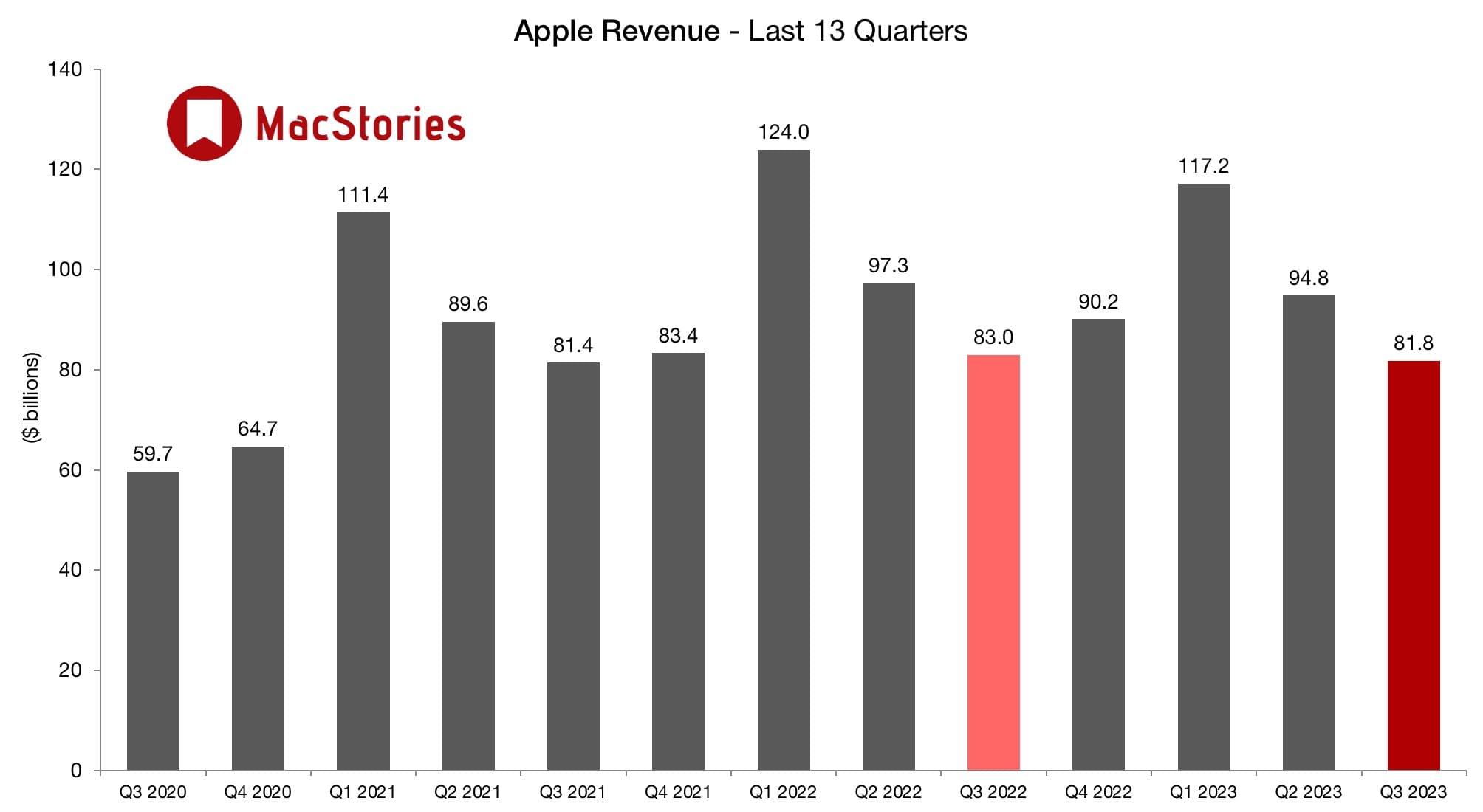
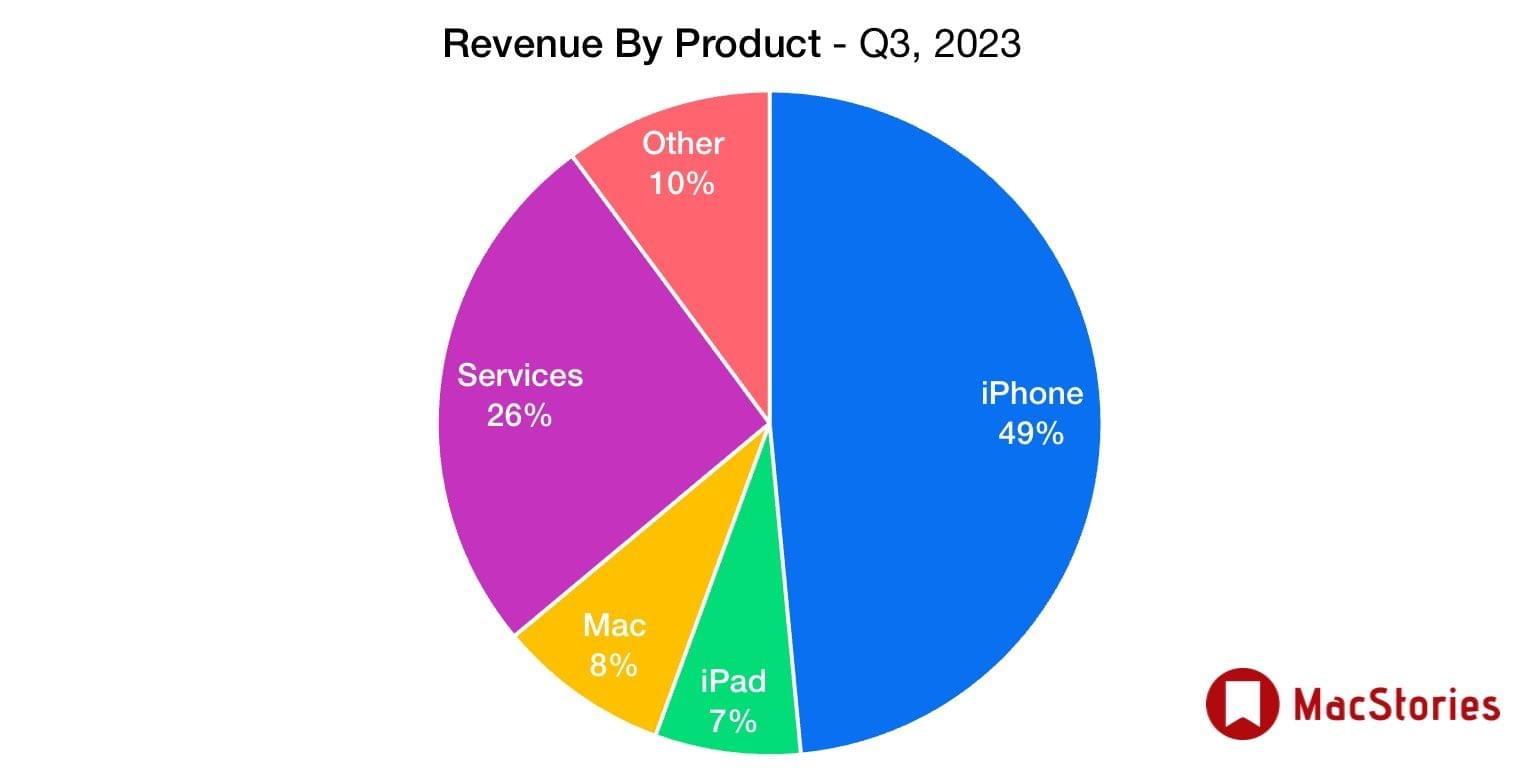
Although the company has managed to avoid the massive layoffs that have occurred at many tech companies, today’s earning show that it’s not immune from falling consumer demand. For its second fiscal quarter of 2023, Apple reported total revenue of 94.8 billion, which is a 3% year-over-year drop that includes a reduction in Mac sales and a significant drop in iPad sales, dips that were slightly less severe than analyst expectations but still dips. The company also announced stock buybacks of $90 billion and a $0.24/share dividend, which is expected to calm market reactions to its lower sales.

Tim Cook, Apple’s CEO, had this to say about the company’s earnings:

We are pleased to report an all-time record in Services and a March quarter record for iPhone despite the challenging macroeconomic environment, and to have our installed base of active devices reach an all-time high. We continue to invest for the long term and lead with our values, including making major progress toward building carbon neutral products and supply chains by 2030.

If there’s a silver lining in today’s earnings, it’s that services and iPhones served to mitigate weak sales in other areas of Apple’s product lineup. In any event, Q2 historically hasn’t been a very interesting quarter for Apple. With rumored AV/VR headset on the way at WWDC, it will be far more interesting to see how financial markets react later this year and next.


Last Week, on Club MacStories: Raindrop, Obsidian Automation on the Apple Watch, iPad Apps on the Mac, and Too Many Genius Bar Visits

Because Club MacStories now encompasses more than just newsletters, we’ve created a guide to the past week’s happenings:

MacStories Weekly: Issue 366

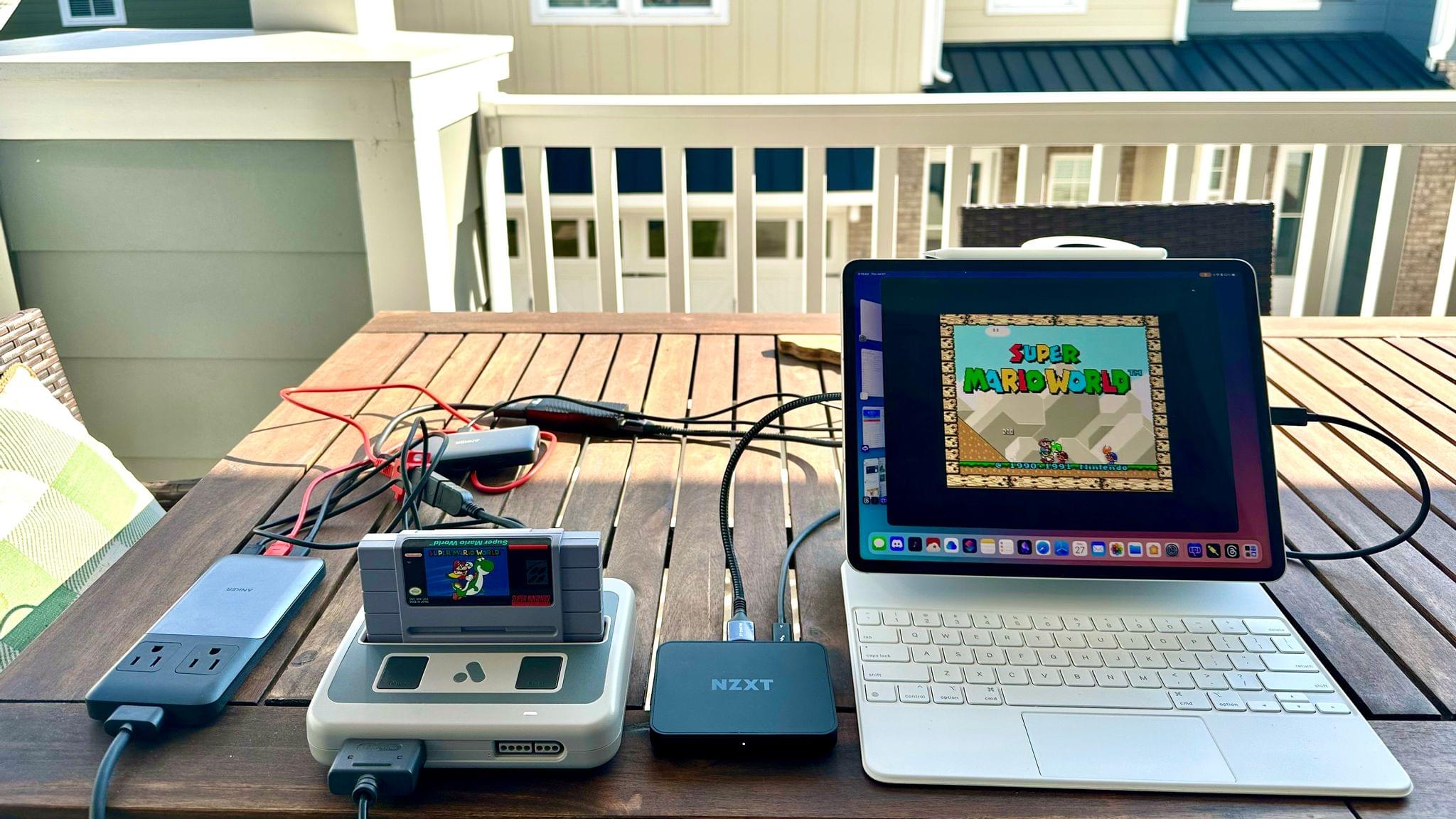
Federico's Mac mini server.

Federico’s Mac mini server.

Monthly Log for April 2023

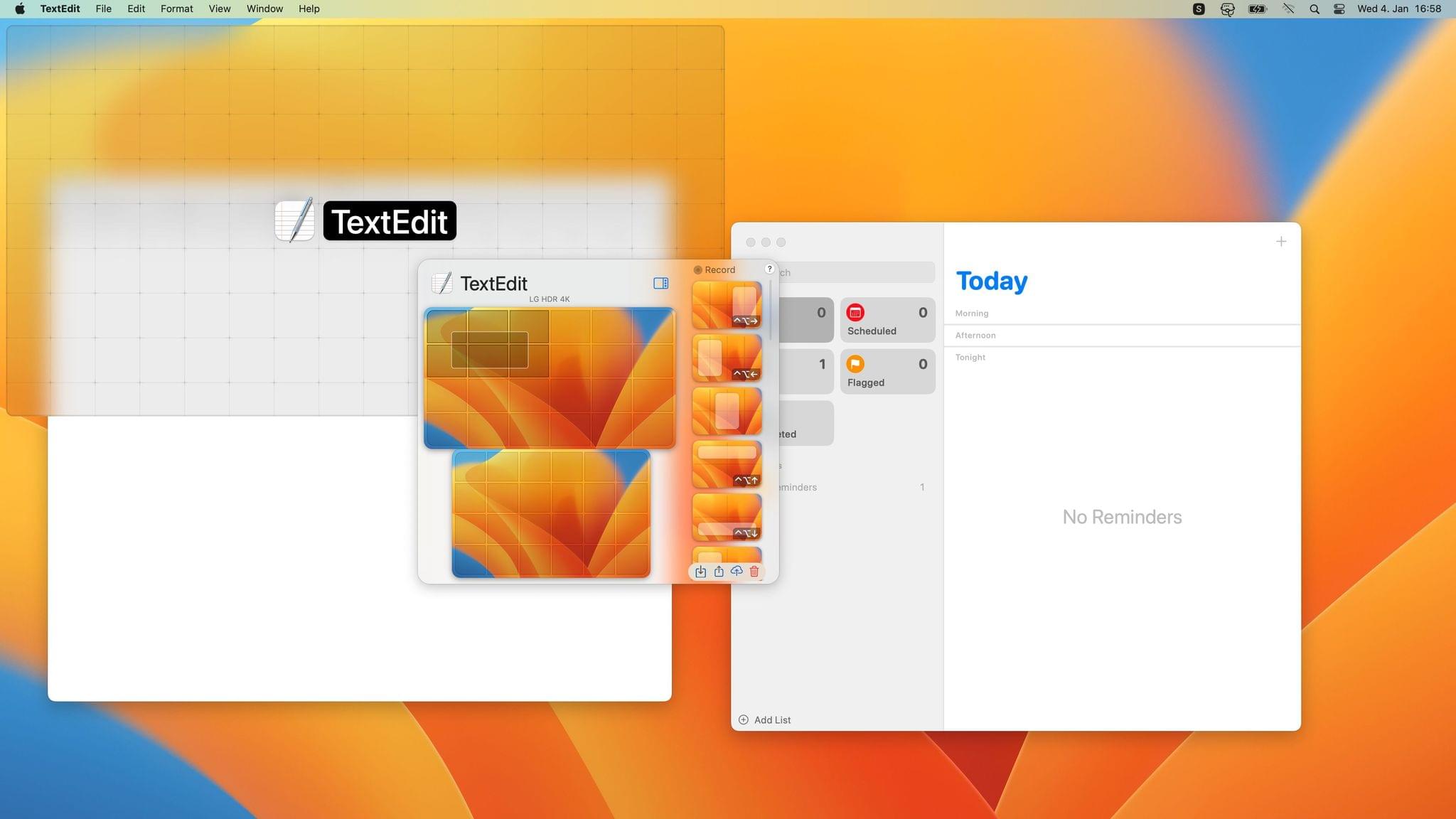
Making iPad apps readable on the Mac.

Making iPad apps readable on the Mac.


Apple and Google Submit Spec to Industry Group Addressing Unwanted Use of Item Trackers

As useful as they are for finding misplaced belongings, AirTags and other item location trackers are also misused to track people. Today, Apple and Google announced a joint effort aimed at creating an industry standard to combat unwanted tracking. According to a press release from Apple:

Today Apple and Google jointly submitted a proposed industry specification to help combat the misuse of Bluetooth location-tracking devices for unwanted tracking. The first-of-its-kind specification will allow Bluetooth location-tracking devices to be compatible with unauthorized tracking detection and alerts across iOS and Android platforms. Samsung, Tile, Chipolo, eufy Security, and Pebblebee have expressed support for the draft specification, which offers best practices and instructions for manufacturers, should they choose to build these capabilities into their products.

Apple says that the spec, which has been submitted to the Internet Engineering Task Force (IETF), incorporates input from device manufacturers as well as safety and advocacy groups.

Erica Olsen, the National Network to End Domestic Violence’s senior director of its Safety Net Project, said of the companies’ efforts:

This collaboration and the resulting standards are a significant step forward. NNEDV is encouraged by this progress. These new standards will minimize opportunities for abuse of this technology and decrease the burden on survivors in detecting unwanted trackers. We are grateful for these efforts and look forward to continuing to work together to address unwanted tracking and misuse.

The full specification is available on the IETF’s Datatracker website.


MacStories Unwind: Introducing the New Unwind and Unwind+

0:00
36:43


Welcome to the all-new MacStories Unwind+, a weekly extension of MacStories Unwind just for Club MacStories members that is ad-free, and delivered early each week in high-bitrate audio.

This week, Federico explains Unwind’s new format, and John introduces him to ‘The Crab Chip’ before moving on to this week’s picks, which include an update from Federico on How I Met Your Father and Pokémon Scarlet and from John, an un-pick, an electric grill, and The Last Thing He Told Me.

Introducing the New Unwind and Unwind+

The Crab Chip

Source: Utz.

Source: Utz.

Source: Eater.

Source: Eater.

The Picks


MacStories Unwind Expands to Club MacStories with Unwind+

MacStories Unwind began as an experiment that sprung from the 2020 pandemic lockdowns. It started as a recap of the week at MacStories paired with a couple of quick media picks for listeners who were stuck at home. Early last year, we refocused the show on the media picks, which has proven popular with listeners, so today, we’re pleased to announce an expansion of the show for both existing listeners and Club MacStories members.

If you’re already a listener, Unwind will continue to feature weekly media picks and be about a half-hour long. What we’re adding is a little more conversation and personality, which has been missing from the show. As is the case now, Unwind will also remain free to download on Fridays and be supported by ads and promotions for other things we’re doing at MacStories.

Listen to Unwind:

The bigger change is that today we’re also introducing MacStories Unwind+, an exclusive perk for Club MacStories members. Unwind+ will be released every week a day early on Thursdays, without ads, and in high bitrate audio. Both versions of the show also feature brand new artwork by our own Silvia Gatta.

With the expansion of Unwind, we’re also simplifying the Club MacStories podcast lineup, consolidating the monthly MacStories Unplugged and AV Club Town Halls into Unwind. The fun, quirky stories and explorations of the differences between Italian and American culture that Unplugged was known for will become a regular segment on Unwind.

Also, AV Club is continuing, but instead of being limited to the Club MacStories+ and Club Premier Town Hall feed, the monthly event will become an episode of Unwind for all Club members. Club MacStories+ and Club Premier members will still help pick the media for AV Club in our Discord community and have the chance to listen live during recording. We’re reorganizing and adding to the channels in the community Discord to make it easier for members to find and discuss the media they love too.

We’re excited to bring you this new edition of MacStories Unwind beginning this week. There was a lot of overlap among Unwind, Unplugged, and our AV Club podcast episodes, and by rolling all of our media picks together with the free-form, casual vibe of Unplugged, we hope you join us for what we think will be the best version of Unwind yet.

If you already listen to Unwind, there’s nothing you need to do to enjoy the new format because the podcast feed isn’t changing. The same goes for Club members who were subscribed to MacStories Unplugged. Unwind+ will replace Unplugged in that feed, so the next time you download an episode, you’ll see Unwind instead.

If you’re not listening to Unwind, we’d love it if you’d give it a try. You’ll find great recommendations for TV shows, movies, videogames, and music, along with the occasional book, podcast, and even media-related hardware. Plus, if you’ve never listened to Unplugged, you’re in for a treat with stories about things like acid-spewing vultures, retirees spectating at construction sites, and southern cooking. Yes, it’s a little weird, but it’s fun too.

Listen to Unwind:

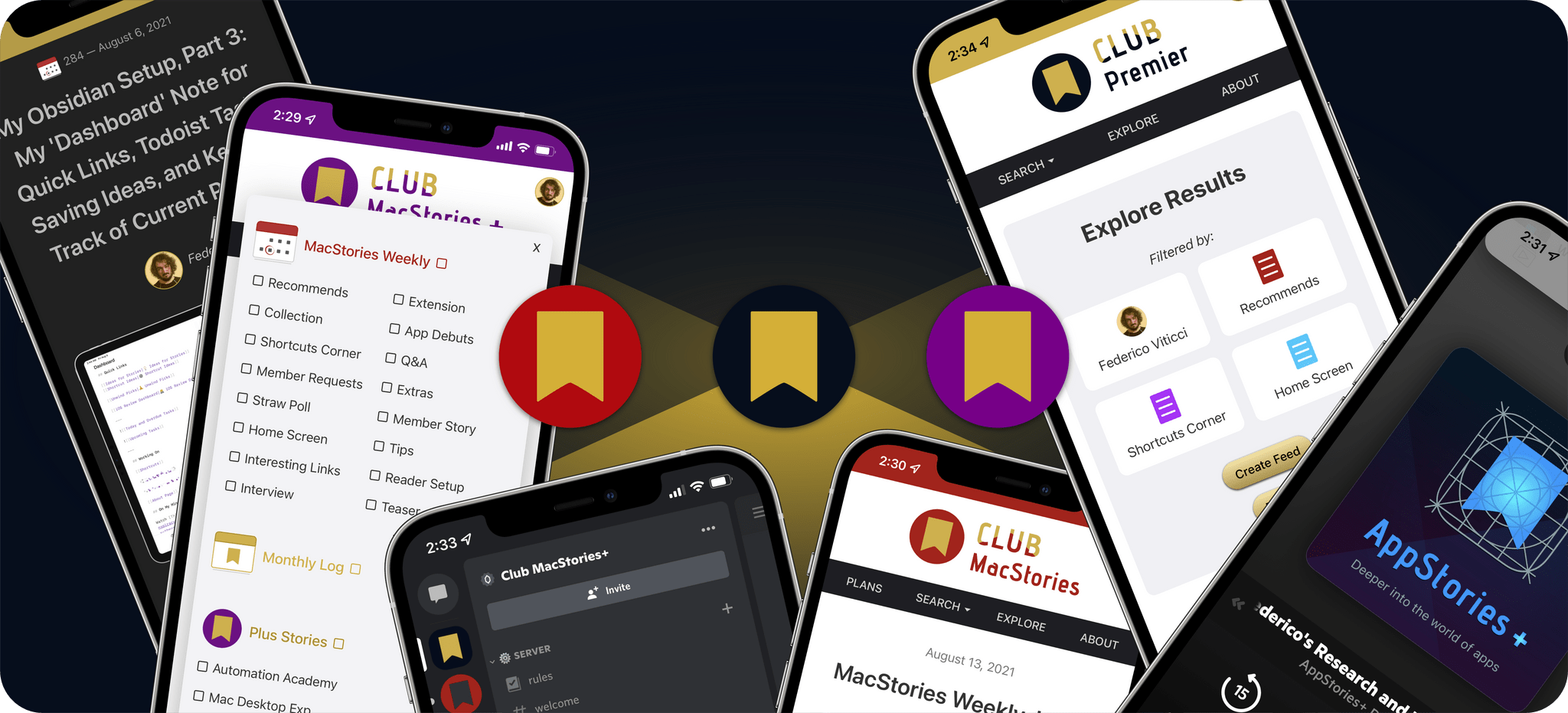
If you want to level up your Unwind experience, we’d love it if you’d consider a Club MacStories membership. We offer three tiers of membership with perks like our active Discord community, exclusive discounts, special columns, and now, Unwind+. And, with Club Premier, you also get AppStories+, the extended, ad-free version of our flagship podcast that’s delivered a day early most weeks in high-bitrate audio. You can learn more about our Club plans using the buttons below.

Join Club Premier here:

To compare every Club MacStories plan we offer, visit our Club plans page.

So, starting today, all members of Club MacStories will have access to MacStories Unwind+ weekly. And, to participate in deciding what we cover for on the monthly AV Club episodes and the live recordings of those episodes, join Club MacStories+ or Club Premier, which each come with a long list of other perks. We hope you enjoy the new format.


The support of Club members is the foundation of MacStories’ future, which is why we’re actively working on growing membership. The Club will celebrate its eighth anniversary this year, and by growing it deliberately each year since 2015, we’ve maintained the free ad-supported stories and podcasts we offer while giving readers and listeners an option that isn’t just ad-free but extends what we’re able to offer across every facet of MacStories.

We’ve got many plans for MacStories that have been in the works for a long time now, which we expect to be able to start sharing soon. We’re excited to share it all with you and would love it if you’d join the Club to help us make those plans a reality.


Last Week, on Club MacStories: An Obsidian Shortcut, the Benefits of Utility Shortcuts, and Two Special Club Podcast Episodes

Because Club MacStories now encompasses more than just newsletters, we’ve created a guide to the past week’s happenings:

MacStories Weekly: Issue 365

Federico's Dashboard note in Obsidian includes an 'On My Mind' section that he prepends notes to using Shortcuts.

Federico’s Dashboard note in Obsidian includes an ‘On My Mind’ section that he prepends notes to using Shortcuts.

Club MacStories+ AV Club Town Hall

Last week, Federico and I were joined by Jonathan Reed to discuss the debut albums of Coldplay and Oasis live in the Club Discord. Club MacStories+ Discord members picked Coldplay’s Parachutes, and Federico picked Oasis’ Definitely Maybe in honor of MacStories’ anniversary last week. Club MacStories+ and Premier members can listen to the event in the Town Hall podcast feed.

Club MacStories+ Automation April Shortcuts Workshop, Part 2

We threw a second live Automation April Shortcuts workshop in Discord last week with special guest Rosemary Orchard where we explained our approaches to building new shortcuts, when to build utility functions called from other shortcuts, our recent shortcuts experiments, and projects. The event is also available in the Town Hall podcast feed.


MacStories Unwind: How I Met Your Father, Pokémon Scarlet, and Rabbit Hole

0:00
16:49


This week on MacStories Unwind, Federico started watching How I Met Your Father, season 2, on Hulu, which in itself is a minor miracle from Italy, and picked up Pokémon Scarlet again, while I stumbled across Rabbit Hole, an action/thriller/conspiracy show on Paramount+ starring Keifer Sutherland.

Federico’s Picks:

John’s Pick:


Automation April: Mac Outliner Bike Adds Shortcuts Support

Last spring, I reviewed Bike, Jesse Grosjean of Hog Bay Software’s excellent outlining app for the Mac. The app’s simple, elegant design keeps the focus on the outline you’re creating, while its rich, keyboard-driven set of features enable ideas to be organized quickly and efficiently. Advanced features, like versioning, linking and grouping rows, and a long list of ways to view, navigate and edit your outlines, make Bike one of the best ways to create outlines on the Mac.

Bike has 14 Shortcuts actions.

Bike has 14 Shortcuts actions.

Bike’s focus on efficiency and extensive support for keyboard shortcuts and AppleScript make it the perfect candidate for Shortcuts support, which was added to the app today. Version 1.11 of Bike adds 14 Shortcuts actions to the app:

  • Create Outline
  • Open Outline
  • Open Row
  • Get Rows
  • Fold Rows
  • Focus Row
  • Edit Rows
  • Import Rows
  • Export Rows
  • Find Rows
  • Create Row
  • Delete Rows
  • Move Rows
  • Get Selection

The actions cover a lot of the functionality of Bike with a focus on outlines, text and row selections, and rows. Outlines can be created from scratch or existing ones opened, and Get Selection returns any selected text and its outline row.

Exporting all rows as plain text.

Exporting all rows as plain text.

The remainder of Bike’s Shortcuts actions apply to rows, the building blocks of outlines. Rows can be opened in-app or retrieved in a variety of ways, such as by their root, row ID, focus, selection, ancestor rows, child rows, and descendant rows by using the Get Rows action. There’s also a Find Rows action that uses predicate filtering to allow rows matching multiple criteria to be located and sorted. Rows can be imported and exported in Bike, OPML, and plain text formats too.

Rows can also be created, edited, deleted, and moved within an outline with precision, thanks to a detailed set of action parameters. Actions for focusing on particular rows and folding and unfolding rows round out the available actions by allowing users to use Shortcuts to prepare their outline work environment automatically.

I’ve only just begun experimenting with Bike’s new Shortcuts integration, but it’s clear that thanks to extensive parameter and predicate filtering, the automation opportunities are extensive. Especially if you work with big outlines that require frequent, repetitive edits, Bike’s new Shortcuts integration could save you a lot of time.

Bike 1.11 is available on the App Store and directly from Hog Bay Software as a free download. Some features, including Shortcuts support, require a $2.99/month or $19.99/year subscription from the App Store or a one-time license purchase directly from Hog Bay Software, which comes with one year of updates.


You can also follow MacStories’ Automation April coverage through our dedicated hub, or subscribe to its RSS feed.