Posts in news

Sparkle Public Beta: Create Websites With No Coding Knowledge

Launched as a public beta just over a week ago, Sparkle is a new Mac app designed to let you build fully functional websites with no coding knowledge necessary. At its core it is a modern WYSIWYG editor that is super simple to use and more than powerful enough for building a static webpage such as a product promotional page or a personal landing page.

Design in full freedom, finely control positioning, use layout grids and smart snapping. Stay neat and tidy or break all the rules. Your web page is your canvas.

No HTML expected!

I’ve been playing around with Sparkle for a little while over the weekend and one of the features that stood out most for me is the easy ability to modify your layout design for different devices. It really is a breeze to dive in and change how the website displays on a smartphone so that it is as easy to read and view as it is on the desktop. Something that makes designing a website so very easy with Sparkle is its Live Preview function. Open a preview in your browser and it will be automatically updated whenever you make any change from Sparkle.

Sparkle includes over 600 fonts, and over 300 background patterns, as well as support for YouTube and Vimeo embeds. It’s a great start but I would like to see Sparkle add support for embedding Tweets; it would also be useful to be able to embed HTML code – a feature that’s not available at the moment. The other aspect to Sparkle that I think is missing at its current stage is HTML5 animations. I think some support for basic animations would be a really solid addition to really set this app apart from its competitors.

You can download and test drive the public beta of Sparkle for Mac here. Remember that if you do try Sparkle, the developers want to make it a better app, so give them some helpful feedback. Read more
Facebook Messenger 4.1 Adds Free WiFi Calls For All Users

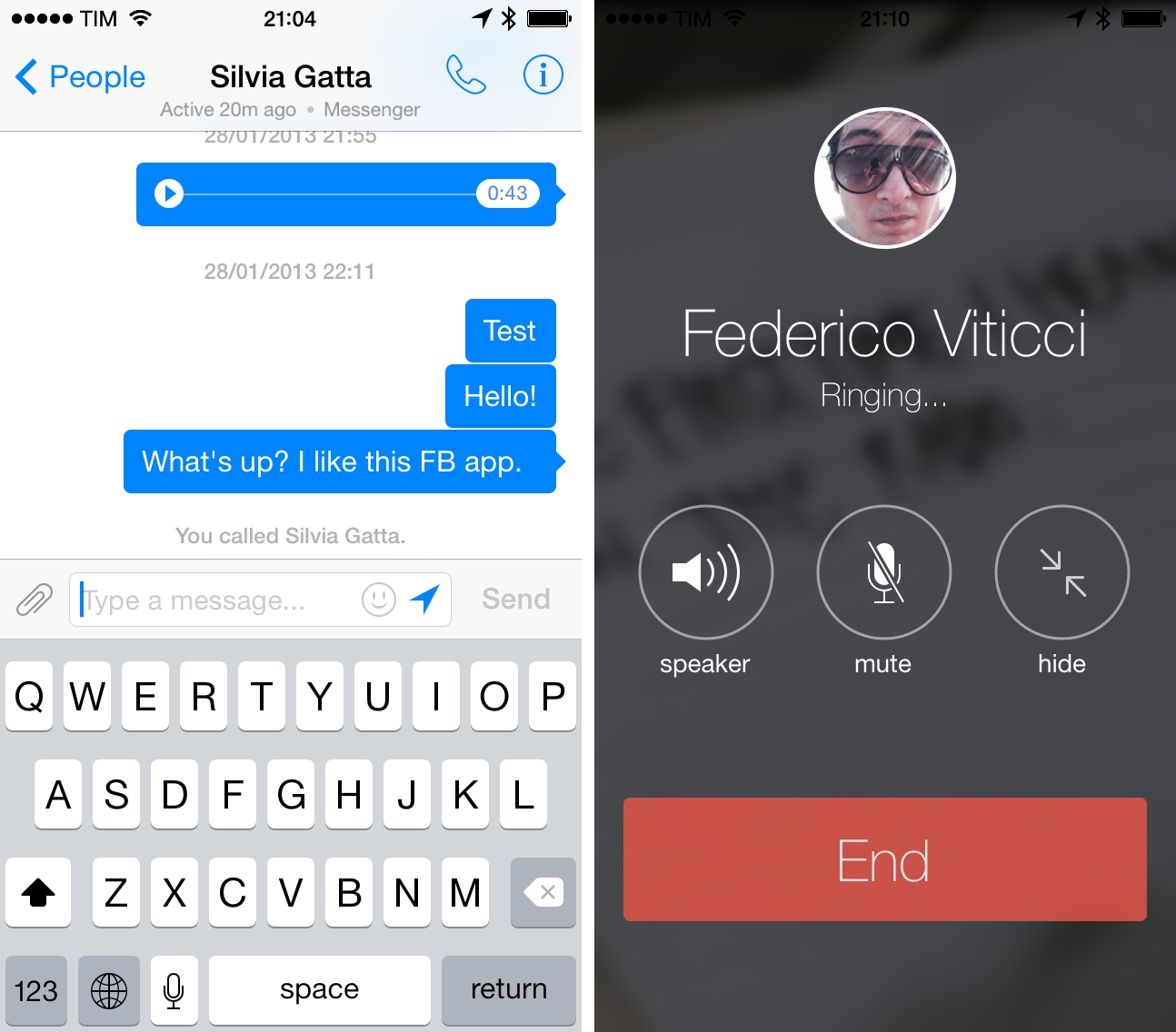
Previously limited to the UK, US, and Canada on iOS and selected countries on Android, Facebook’s Messenger app has today added free audio calls on WiFi (VoIP) for all users in all countries.

Free calls in Facebook Messenger can be initiated from the chat interface by tapping on a phone icon in the upper right corner of the screen. Once started, Facebook Messenger will start “ringing” another user’s device – because Messenger can’t always run in the background like Apple’s Phone app, however, the company is using standard push notifications to inform users that a call is being received. In the Facebook Messenger app, the call interface is reminiscent of Apple’s Phone app design for iOS 7.0 and iOS 7.1 with circular buttons for speaker, mute, and hide, and standard green and red targets to answer or end a call.

While there’s no shortage of free VoIP calling solutions on iOS, Facebook aims at making it easier to reach your friends by building the feature into the existing Messenger contact database, prominently featuring the button in the chat UI of the app. Facebook Messenger was updated last week to version 4.0 with group management features, and version 4.1 is available now on the App Store.


IFTTT for iOS Gets iPad App, Curated Collections, and Native Notifications

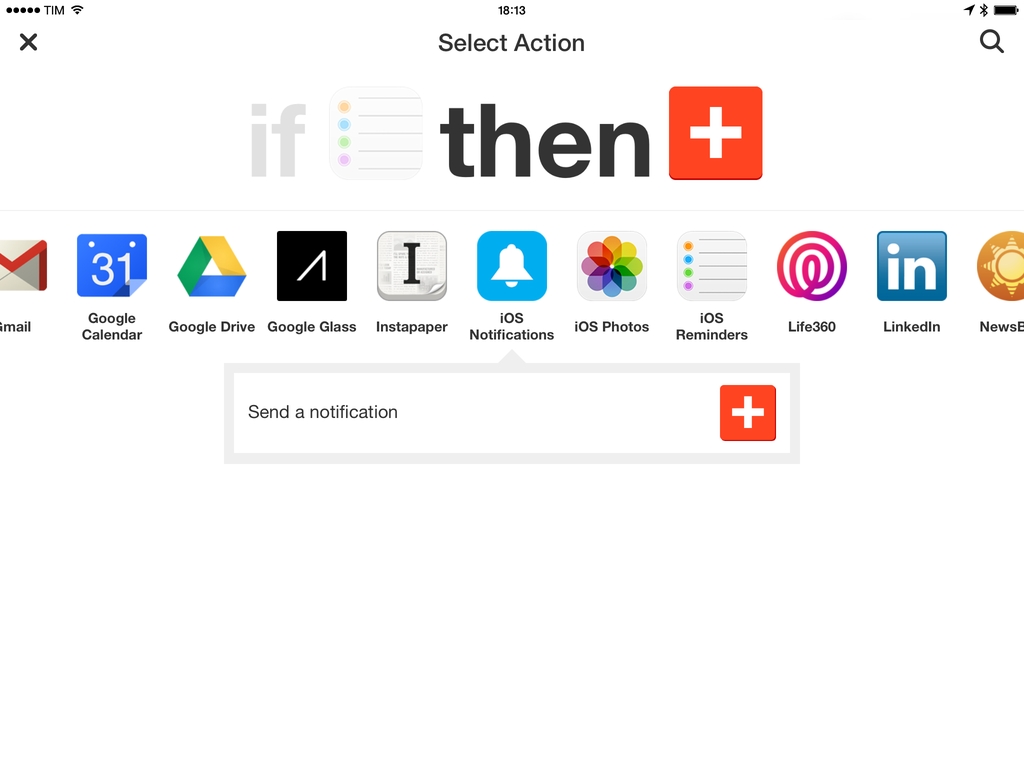
The official IFTTT client for iOS has been updated to version 2.0 today, adding an iPad app and a new channel for iOS Notifications to integrate them with IFTTT recipes. IFTTT, a popular web automation service that supports many third-party apps and services, first arrived on iOS in July 2013 when the company released an iPhone app that featured native Contacts, Reminders, and Photos integration.

As I wrote in my original review, IFTTT brought a different kind of automation to iOS thanks to its native integrations built into the app:

IFTTT brings a different kind of automation to iOS that doesn’t need URL schemes or bookmarklets, but that instead looks into native pieces of data to connect services together. It’s an innovative approach to monitoring photos, contacts, and reminders that are added or modified on an iPhone, but it should be familiar to users who already rely on IFTTT for their daily web automation tasks. While I’m not leaving my Mac mini anytime soon, my photo sharing workflow is faster thanks to IFTTT, and I look forward to seeing how the app will evolve over time both in terms of community recipes and new features. I am especially excited for its future on iOS 7, which could broaden the scope of the app’s background refresh system.

With version 2.0, IFTTT has revamped the initial screen of the app with a gallery of popular recipes and curated collections. Likely in an effort to provide a better explanation of what IFTTT is capable of without requiring users to learn on their own through trial and error, the app now showcases the recently launched collections such as “Recipes for the nature lover” or “Recipes for NYC” that include recipes to get weather alerts for NYC, add a Foursquare check-in to Google Calendar, log trips in a Google Drive document, and more. Read more


Audiobus 2 Adds Multi-Routing, Presets, and State-Saving for App-to-App Audio On iOS

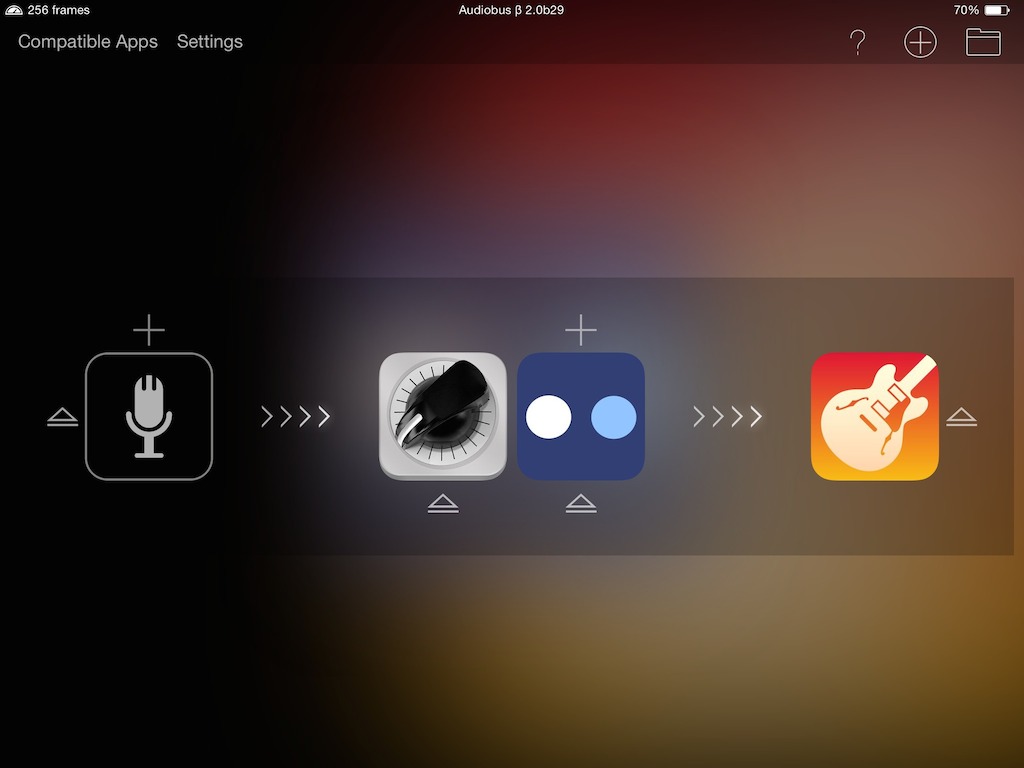
Audiobus, the popular app-to-app audio routing solution used by hundreds of iOS apps including Apple’s GarageBand, has been updated today to version 2.0, which brings further improvements to the app’s inter-app communication capabilities. Audiobus, first released in late 2012, allows iOS apps to communicate with each other to exchange effects and sounds in a unified audio pipeline that lets users create a single audio stream from multiple apps at the same time. Read more


Apple Announces WWDC 2014: Kicks Off June 2

Apple has announced the official dates for WWDC 2014. The developer event kicks off in San Francisco on June 2 and runs through June 6. This year, Apple will give tickets to attendees through a random selection system (effectively, a lottery). Developers will be able to apply today through Monday, April 7 at 10 AM PDT, and they will know their status by Monday, April 7 at 5 PM PDT. Last year, Apple pre-announced the sale of tickets, which caused issues on the company’s website when the tickets went on sale due to the high amount of traffic, in which tickets were still sold out in less than two minutes. Read more


TextExpander touch Updated for iOS 7 with Redesign, Group and Snippet Management Improvements

TextExpander touch

TextExpander touch

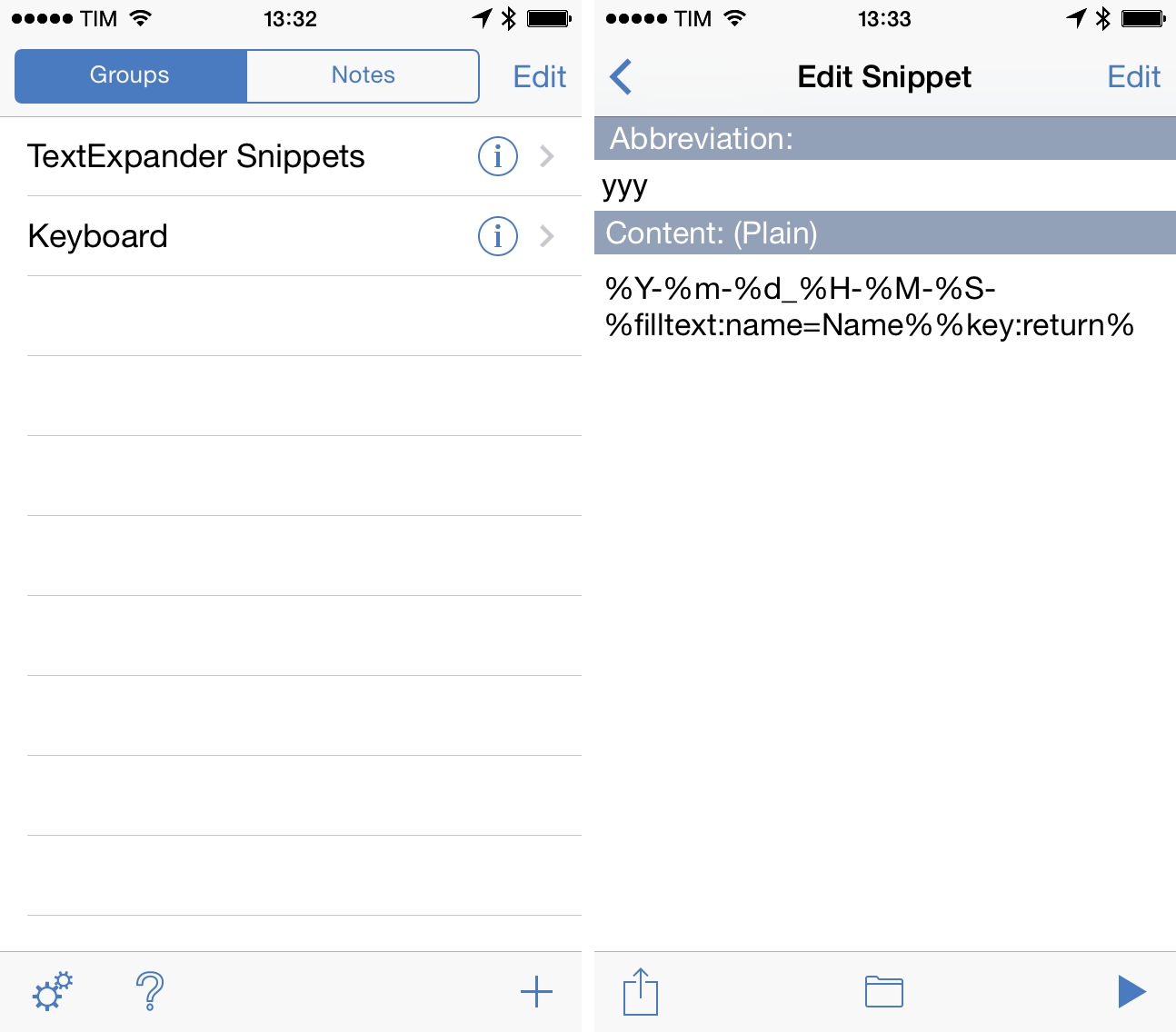
TextExpander touch, Smile’s snippet expansion utility for iOS, has been updated today to version 2.5, bringing a redesign for iOS 7 with new features and tweaks made possible by the new OS. TextExpander allows users to configure abbreviations that are expanded into longer, commonly-used strings of text in third-party apps that have added support for the TextExpander touch SDK; unlike Apple’s own abbreviation feature, TextExpander supports advanced options such as macros, clipboard integration, and fill-in snippets.

Aside from an expected visual update, TextExpander touch 2.5 makes several improvements to group and snippet management: groups can be reordered, and a new detail view combines group renaming with the ability to disable snippet expansion for an entire group of snippets. In groups, individual snippets can be moved to a different group with a dedicated Move button, which is available in the bottom toolbar alongside a new preview option to see what an expanded snippet will look like. Outdated snippet organization had long been one of the app’s popular shortcomings, and the improvements in version 2.5 make creating, moving, and sharing snippets faster and easier.

When sharing a snippet, TextExpander touch now uses iOS’ default share sheet with buttons to copy or share a snippet via configured services. Smile also added external keyboard shortcut support to adjust font size (the app integrates with iOS’ Dynamic Type now), create new snippets/groups/notes, and toggle between Notes and Groups in the main view.

In December, Smile was forced to change how TextExpander touch shared snippets with other iOS apps following a rejection from Apple; the company released an updated SDK and app that abandoned the Reminders-based snippet sharing solution in favor of a manual sharing process based on x-callback-url. Since then, third-party developers have been updating their TextExpander-compatible apps to the new SDK, which requires users to share and update snippets manually.

TextExpander touch 2.5 is available on the App Store.


Safari 7.0.3 Brings New Notifications Preference, Support for Generic Top-Level Domains, Fixes

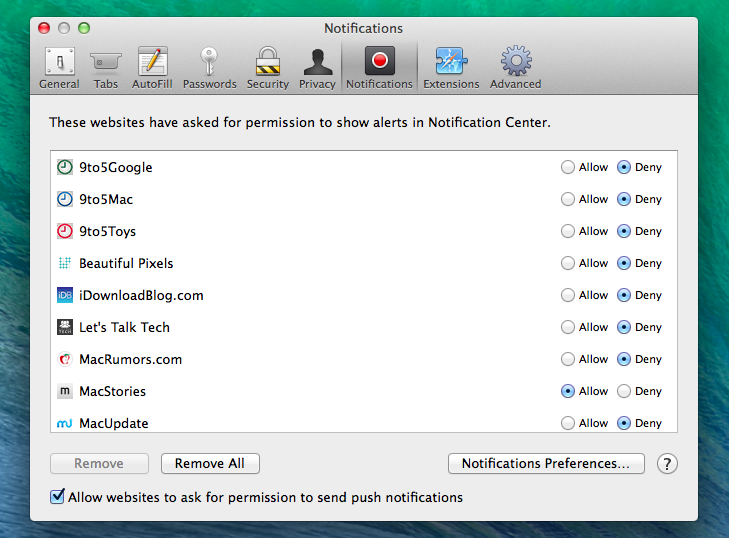
Following the rollout of updates to iWork for iOS, OS X, and iCloud.com, Apple released version 7.0.3 of its Safari browser today. The update, available in Software Update through the Mac App Store, brings a new preference in the app’s Notifications settings that allows users to turn off prompts for website notifications (Note: MacStories uses Safari push notifications). In previous versions of Safari, users could only allow or deny notifications after interacting with a prompt that asked for permissions to display push notifications; now, Safari can skip that prompt entirely if the preference is turned off.

Version 7.0.3 also adds support for new generic top-level domains (which include new entries such as .ceo, .sexy, and .shop) that are loaded as websites by Safari; previously, Safari couldn’t recognize the recently launched generic top-level domains, and redirected them to standard web searches.

In terms of bug fixes, Safari 7.0.3 improves credit card autofill, fixes a bug that could stop website notifications from being displayed, and resolves an address bar bug that loaded webpages or web searches before pressing the Return key.

Safari 7.0.3 is available in Software Update.


Apple Updates iWork Suite with Design Tweaks, New Features, Sharing Improvements

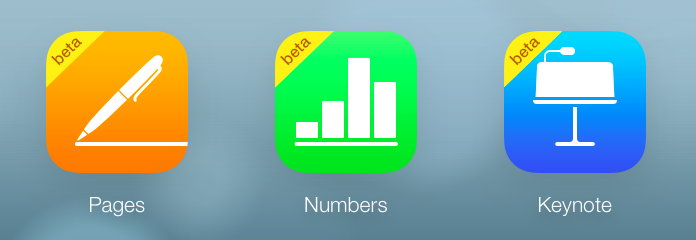
In a series of updates rolled out today across iCloud.com, the App Store, and the Mac App Store, Apple updated its iWork suite of apps with design changes in the document editor, new templates, improved Retina display support, and several individual enhancements to Pages, Numbers, and Keynote.

On iCloud.com, the three web apps (which were last updated in January) have all received improved Retina display support and the possibility of opening documents directly from links in iCloud Mail. The document editor’s design has been refreshed, and documents shared from iCloud.com can now be set to a view-only mode that won’t allow recipients to edit them; previously, shared documents could always be edited by multiple users with access to a document’s link.

Apple brought specific changes to each web app as well, such as improved popup menu support in Numbers and new templates, better text wrap, and the possibility to edit charts in imported documents in Pages. Read more


Installing Custom Fonts On iOS

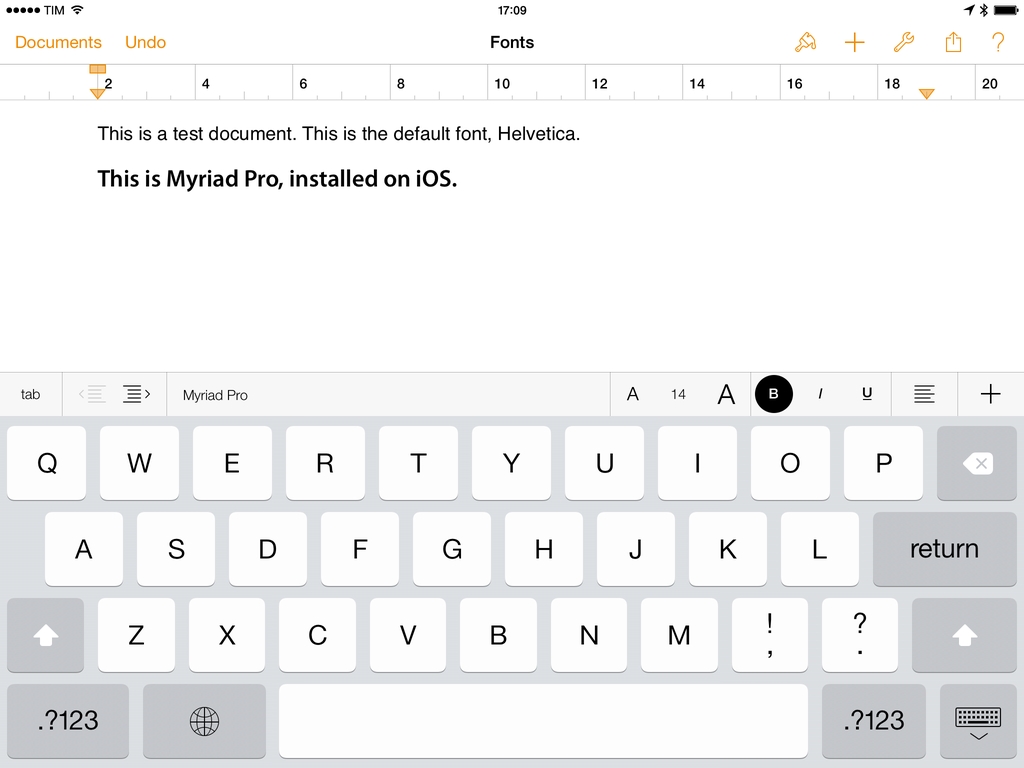
A new app called AnyFont and developed by Florian Schimanke allows you to install custom fonts on iOS. By leveraging iOS 7’s capability of installing fonts through a configuration profile (Apple’s documentation here), AnyFont can take fonts as standard TTF and OTF files from the app’s own storage and install them on iOS so other apps such as Apple’s iWork suite will be able to use them in the font picker.

I was able to test the app (which was first covered by TUAW in early March) and talk to Schimanke, who confirmed that AnyFont “does exactly what you could do on a Mac with the Apple Configurator”; while installing a custom configuration profile may raise security concerns, he added that it’s possible to look at the contents of the profile and see that the one created by AnyFont contains only font files that the user wants to install.

Read more