This Week's Sponsor:

Copilot Money

Copilot Money, The Best Money Tracker, Launches on the Web – Limited-Time: Get 26% Off + 2 Months Free


Posts in news

Apple Events App Now Available on the Apple TV App Store

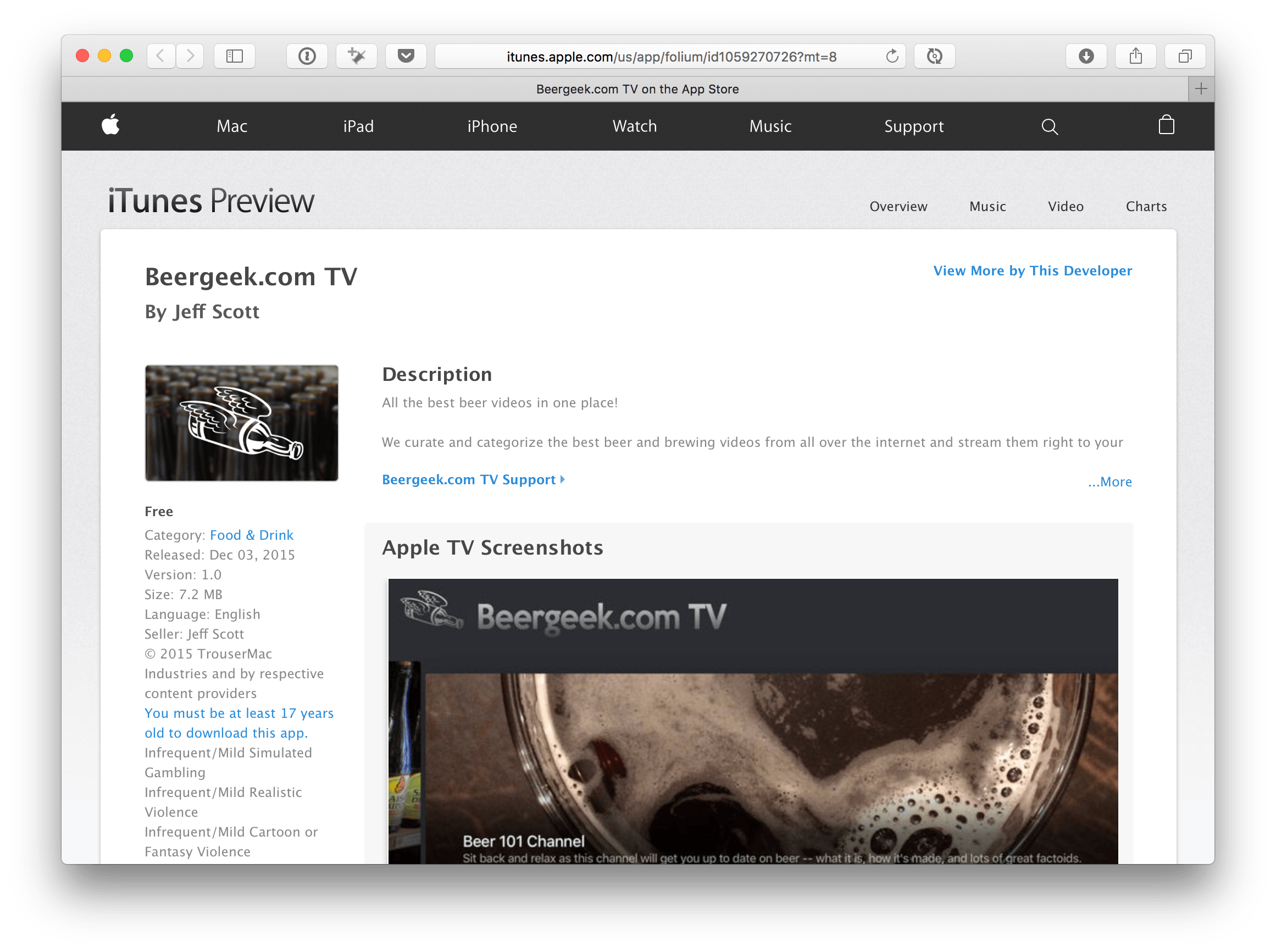
As first reported by 9to5Mac, a new ‘Apple Events’ channel is now available on the fourth-generation Apple TV’s App Store. The app will enable you to live stream the upcoming Apple keynote on Monday, March 21 at 10am PDT. In the meantime you can also re-watch Apple’s previous keynotes going back to WWDC 2014.

Unlike the Apple Events channel on older Apple TVs, which automatically appeared on the Apple TV on the day of the event, fourth-generation Apple TV owners will have to manually download the Apple Events app from the App Store.

Apple has previously announced that the keynote will also be live streamed on its website if you use Safari on iOS or OS X, or the Microsoft Edge browser on a PC. Apple has also stated that the second and third generation Apple TV will also be able to stream the keynote. Although the Apple Events channel is not yet available on those older Apple TVs, in previous years it has appeared on the Apple TV a few hours prior to the keynote.

More screenshots of the Apple Events app for the fourth-generation Apple TV are embedded below.

You can also follow all of the MacStories coverage of Monday’s Apple keynote through our March 21 Keynote hub, or subscribe to the dedicated March 21 Keynote RSS feed.

[via 9to5Mac]

Read more


Apple Airs New iPhone 6s Ad Featuring Cookie Monster

Apple aired a new iPhone 6s commercial earlier today, featuring Sesame Street’s popular Cookie Monster character.

The ad is focused on the hands-free Siri capabilities of the iPhone 6s. In the video, Cookie Monster unsurprisingly wants to eat cookies and sets a timer for the oven to finish baking them. Cookie Monster asks Siri to set a timer without interacting with the iPhone’s display and then asks Siri to check how much is left in the timer, also without having to press the Home button.

The ad follows various commercials Apple has aired to highlight 3D Touch and Live Photos, two other features available on the iPhone 6s. You can watch the video below.

Read more


Apple Launches Advertising Campaign for Apple News

Speaking of Apple News, Peter Kafka of Re/code reports that Apple has started an advertising campaign focused on the iOS 9 app.

Remember Apple News? Figured. Apple would like to change that, so it’s launching an ad campaign promoting the news aggregator it launched, without much fanfare, last fall.

If you’re in San Francisco, Chicago or New York, you might see the ads on billboards and in airports; the rest of you will have to look for it online.

You can see two examples of the billboards in Re/code’s article, one featuring ESPN and the other featuring VICE – but Kafka notes that Apple is also working with Vox Media.

Permalink

Apple News Format Now Available for All Publishers

Emily Jane Fox, writing for Vanity Fair, yesterday reported that Apple has now opened the Apple News Format to independent publishers:

Apple News’s 40 million users are about to have a lot more articles to read. The iPhone maker announced Tuesday the launch of a new Web-based editing tool that will open its native iOS news platform to independent publishers of all sizes.

Since Apple launched the app in September, it has attracted more than 100 major publishers as partners, including this magazine’s Web site. What the new launch means is that anyone—from individual bloggers to smaller, independent news organizations—will be able to edit and deliver their stories, videos, galleries, and audio in the Apple News format, with Apple News’s reach.

Content can be published in Apple’s News app either via RSS or the Apple News Format. Up until now, the Apple News Format has been invitation-only and limited to large publishers such as Vanity Fair, Vox, and CNN. The advantage for publishers in using the Apple News Format is that it gives them greater control over the look of their stories in the News app, they get detailed analytics information, and can earn revenue through iAd.

Permalink

An Indie’s Guide to the Press

Club MacStories members know that ‘attention’ is a topic near and dear to my heart that I’ve been writing about for the past month or so in my MacStories Weekly column, Ongoing Development. One aspect of attention that I haven’t covered yet is media attention. Today, in An Indie’s Guide to the Press, Curtis Herbert, maker of Slopes, a GPS tracking app for skiers and snowboarders, shares his experience and tips for dealing the press as an indie developer.

Hundreds of “I have an app…” emails hit the inboxes of the Apple-centric press every day. You’re not only competing for attention with other indies that have just as much passion about their app, though, you’re competing with the day-to-day news the tech sites have to write about. Readers trust these sites to filter out as much noise as possible. That is their job.

The most important thing I’ve realized about working with the press is that it’s all about finding the story. You have to answer the question why will their readers care?

Curtis’ advice is applicable to anyone pitching an app, not just indies. Every publication has a sense of who their readers are and what interests them. If you want to stand a chance of being heard through the noise, you need to understand that too.

As a developer myself who now writes at MacStories, two things have really struck me – the volume of pitches that MacStories receives on a daily basis, and the poor quality of many of them. Developers should heed Curtis’ advice. Doing so isn’t a guaranty that your app will be covered, but you will stand out from the crowd, which is the attention that gets your foot in the door in a way that many developers never achieve.

Permalink

Last Week Tonight With John Oliver on Encryption

HBO’s Last Week Tonight with John Oliver tackled the Apple-FBI fight over encryption in this week’s episode and did a phenomenal job. As always, Oliver uses humour as a tool to help illuminate the absurdity of various propositions, whilst also keeping people engaged when the topic is dry or complicated. As a result, this 17 minute video is perfect for anyone, even if you haven’t been paying much attention to this encryption debate so far.

You can watch the video on YouTube, but be warned it is NSFW. For those of you in countries where the video is geo-blocked (ugh), you should also be able to view it on the Last Week Tonight Facebook page.

Be sure to stick around to the end as there’s a brilliant satirical Apple advert that you really have to see.

Permalink

Billings Pro: Time Tracking & Invoicing for iOS, OS X, and watchOS [Sponsor]

Billings Pro is a time-tracking & invoicing app for the Mac, iPad, iPhone & Apple Watch. It’s great for freelancers and small businesses such as consultants, lawyers, designers, or photographers who need an easy way to keep track of time spent on client work and a fast way to produce professional-looking invoices.

Billings Pro syncs all your devices across all your team members, so you can track time for a project while out on your iPhone while a team member tracks time on their Mac at the office. It supports 3D Touch, making it quick and easy for you to start a new timer or jump to a recent one, and includes a handy widget that lets you manage your Billings Pro timers within Notification Center. Easily add comments to your slips so you remember all the details of the work you did during that time.

After the work is done, Billings Pro makes it really quick and simple to invoice – whether you’re creating the invoice from your Mac, iPhone, or iPad. You just select the time slips, pick an invoice template, and send. You can also add expenses or bill by flat rate. Comments jotted down on your time slips can be added to the invoice so your client has a clear understanding of the work you did – which means you get paid faster, with fewer questions.

Read about other Mac users using Billings Pro here or experience Billings Pro for yourself with a free 30 day trial.

Our thanks to Marketcircle for sponsoring MacStories this week.


Apple Announces March 21 Media Event

As first reported by John Paczkowski at BuzzFeed, Apple has announced a media event for Monday, March 21, in Cupertino.

In the event invitation (pictured above), Apple says “let us loop you in”, possibly in reference to the fact that the event will be held at the company’s campus at 1 Infinite Loop.

According to recent speculation and rumors, Apple is widely expected to introduce a new “iPhone SE” which will feature a 4-inch display, a new 9.7-inch iPad Pro, and new bands for the Apple Watch. It is also expected that Apple will likely announce the official release of iOS 9.3, which has been in public beta since January. iOS 9.3 includes a number of new features including Night Shift, improved News and Notes apps, and more advanced tools and features for using iOS devices in education.

The event is also one day before Apple and the Department of Justice will make oral arguments before Magistrate Judge Sheri Pym in the San Bernardino case.

Update: Apple has set up a special page for the event, confirming that it will be streamed live on March 21. The video will be available here.


Igloo: An Intranet You’ll Actually Like [Sponsor]

We all struggle with productivity. We are constantly pressured to accomplish more, and to do it quicker. There is no one definitive way to accomplish that, and we have all devised our own little method to make things work.

At Igloo, they think your way is the best way, they just want to support you, and make your way better.

Work has evolved and your tools should too. Never email yourself a file again. Bring your company into the 21st century - send your IT guy to try Igloo Software for free.

Igloo is an intranet you’ll actually like.

Our thanks to Igloo for sponsoring MacStories this week.