This Week's Sponsor:

Copilot Money

Copilot Money, The Best Money Tracker, Launches on the Web – Limited-Time: Get 26% Off + 2 Months Free


Posts in news

iOS 10.1 Stands Out Among Updates to All Apple OSes

Apple updated iOS, watchOS, macOS, and tvOS all at once today. Most of the changes consist of bug fixes, security enhancements, and similar updates, but there are also a handful of new features concentrated in iOS 10.1.

iOS 10.1 adds Portrait Mode to the Camera app for iPhone 7 Plus users. Portrait Mode simulates shallow depth of field photos taken by DSLR cameras by creating a depth map using the dual cameras of the 7 Plus. The result is a foreground image in sharp focus with a blurred background.

In the Photos app, iOS 10.1 improves the display of wide color gamut photos when viewed in the app’s preview grid. In addition, the names of people associated with photos are now included in iCloud backups.

Maps added transit support for the cities of Tokyo, Osaka, and Nagoya in Japan. Sign-based transit navigation, including the layout of underground structures and walkways in large transit stations, and fare comparisons when viewing alternate transit routes were also added to Maps.

iMessage bubble effects, including ‘slam’ and ‘gentle,’ as well as full-screen effects like ‘balloons,’ ‘confetti,’ and ‘lasers’ can now be replayed in Messages. When you receive a message with effects, iOS 10.1 displays a little replay button below the message. With bubble effects the replay button appears regardless of whether the message you receive is text or a photo. iOS 10.1 also allows users to play effects if Reduce Motion is turned on in the Accessibility settings. In addition, the iMessage app browser has replaced page indicators with a scroll bar so users with lots of sticker packs and iMessage apps no longer have page indicators spilling outside the bounds of the controls below the browser.

In the Activity app, iOS 10.1 adds distance and average pace to workout summaries for outdoor wheelchair run pace and outdoor wheelchair walk pace activities.

Similar to changes to Messages in iOS 10.1, watchOS 3.1 adds the ability to replay messages received with bubble and full screen effects and play effects with Reduce Motion enabled. watchOS 3.1 also includes a handful of bug fixes.

Version 10.12.1 of macOS Sierra primarily improves the ‘stability, compatibility, and and security’ of Macs running Sierra. The update adds a new smart album to the Photos app that collects ‘Depth Effect’ photos taken in Portrait Mode using an iPhone 7 Plus. Sierra also includes improved compatibility with Microsoft’s Office Suite when iCloud Desktop and Documents is turned on.

tvOS received a minor update that fixes unspecified bugs and improves security.


Scanbot Turns Six

Scanbot, which can scan documents, QR codes, and bar codes, received a major update today. Version 6 adds a host of powerful features aimed at handling documents after they have been scanned and saved as PDF files.

Scanbot has always been an excellent tool for scanning documents to PDFs on the go, but its PDF editing tools were limited. With version 6, Scanbot can now add, move, delete and rotate scanned pages. You can also annotate PDFs with a pen tool, highlighter, and eraser. Version 6 adds an enhanced pen tool with several colors and stroke sizes. In addition, the Pro version, which includes optical character recognition (OCR), now lets you turn OCR off, only invoking it on demand when needed. Finally, Scanbot has added support for Microsoft OneDrive, OneNote for Business, and Amazon Drive.

Version 6 of Scanbot is a solid update to a mature app. The one change in version 6 that I don’t like is the icon. Scanbot’s old robot icon added a touch of whimsy and fun to an otherwise utilitarian app. It feels like Scanbot’s maker, doo, decided to go after a more corporate user base and perhaps had a hard time selling an app with a robot icon to ‘serious’ business customers. Whatever the reason behind the change, I will miss the old icon. What hasn’t changed though, is that Scanbot 6 is a powerhouse utility that should fill nearly anyone’s mobile scanning needs.

Scanbot 6 is available on the App Store as a free download. The Pro version is $7.99 as a separate app or via an In-App Purchase from the free version.


Apple Announces October 27 Event

As first reported yesterday by Ina Fried at Recode, Apple announced a media event for October 27 at 10 AM San Francisco time. The event will be held at Apple’s campus in Cupertino. As shared by Jason Snell at Six Colors, the invitation simply reads “hello again”.

Recode’s article and other recent speculation suggests that this media event will be primarily dedicated to unveiling new Mac products, many of which are well overdue for an update. In particular it is expected that the MacBook Pro laptop line will receive a significant update with a new touch screen strip that replaces the function keys, a thinner design, improved performance, and potentially Touch ID.

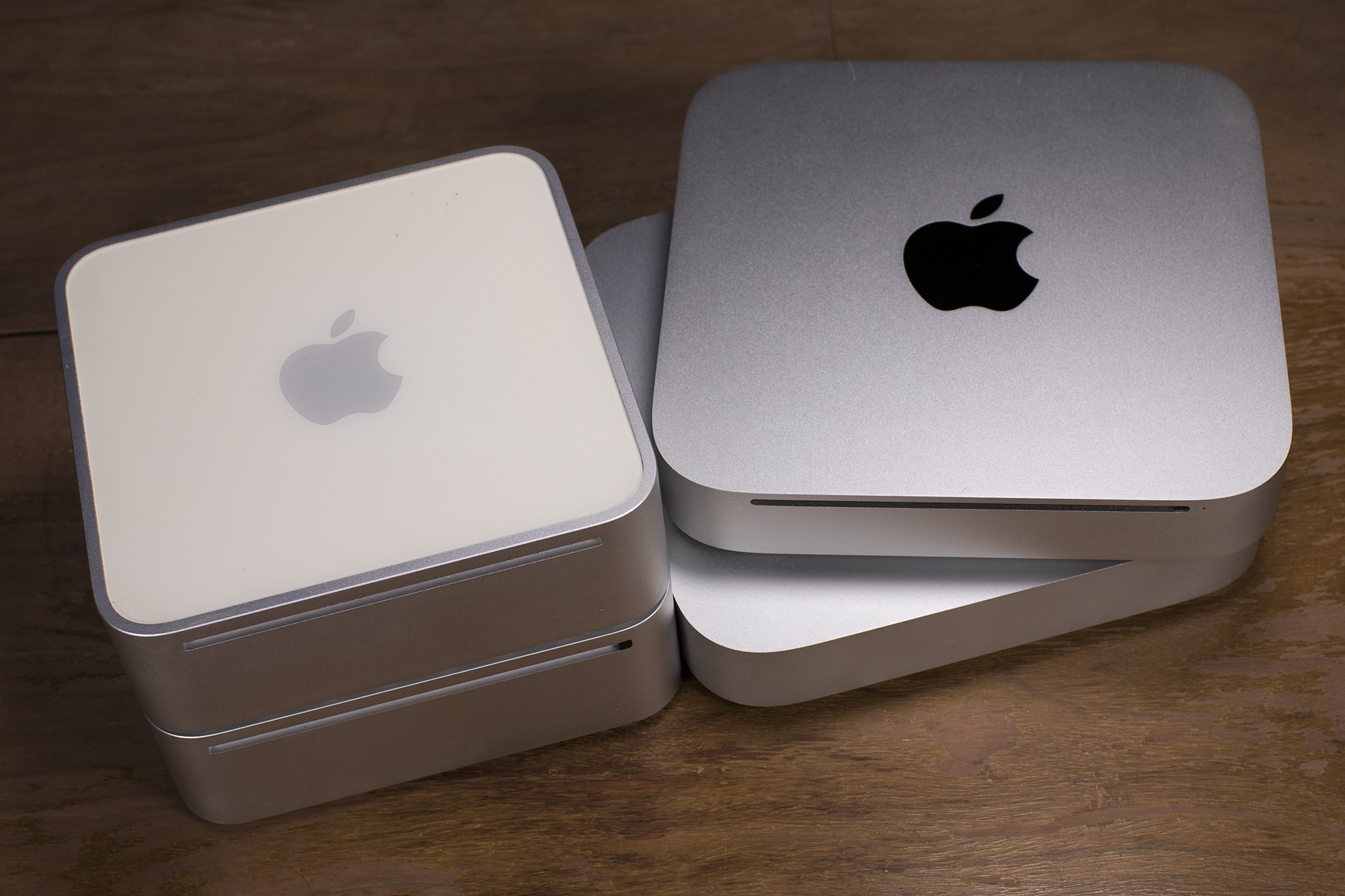
It is also expected that the iMac line will be refreshed. Less likely, but still plausible, are updates to the Mac Pro (last updated in December 2013), MacBook Air (last updated March 2015), and Mac Mini (last updated October 2014).

It is also possible that Apple may announce a ship date for the new wireless AirPods that were announced last month at Apple’s iPhone 7 keynote. At the time, Apple said that the AirPods would be available in “late October”. The iPhone 7 Plus’ new Portrait mode, which creates a depth-of-field effect, has been in a public beta of iOS 10.1 since late September and its official release date could also be announced at this event.


Daylite: A Business Productivity App for Mac and iOS [Sponsor]

Daylite is a business productivity app for Mac, iPhone, and iPad.

Organize you and your team’s contacts, calendars, projects, tasks, emails, notes, and new business opportunities all in one app.

Track sales and set reminders for follow-ups. See a full history of all emails, calls, and notes for each customer. Customize your own pipelines to track sales and projects. View your whole team’s calendar to make scheduling meetings simple. Daylite even integrates with Apple Mail so you can update customer info, set tasks and reminders, and add appointments to your calendar – all without leaving Mail.

Automate lead generation from online web forms with Daylite & Zapier integration. When someone fills out a form on your website through Google Forms or Wufoo, a new contact and business opportunity are creating in Daylite. You can then segment leads for specific email campaigns and track all of your communication with them in Daylite.

Always have your business info no matter where you go. Daylite is a native app so you can access your information on your Mac, iPhone, or iPad even when you don’t have an Internet connection.

Read how businesses all over the world are becoming more efficient with Daylite.

Our thanks to Daylite for sponsoring MacStories this week.


Healthy Competition

One of the intriguing aspects of iMessage sticker packs is that they can be as simple as static images or as complex as full-blown apps. There’s a place for both, but it’s interesting to see innovation beginning to take shape as a differentiator among sticker sellers.

Health Stickers, by Krishna Kumar, is a good example. It lets you share your exercise and health accomplishments via stickers, whether that’s your step count, weight, heart rate, or something else. What’s cool about the app is that it pulls health data from Apple’s Health app with your permission. Share you step count with a friend in Messages and the sticker includes your current step count total. The stickers cannot update dynamically, but you can always resend a sticker to a recipient if you want to update your statistics. The step count in particular seemed high compared to Pedometer++, but for casual sharing, as opposed to precise measurement, the app has a lot going for it.

Health Stickers is available on the iMessage App Store as a free download.


Apple Debuts New Advert Showcasing Redesigned Apple Music

Apple yesterday debuted a new advert on its YouTube channel which showcases the redesigned Apple Music that comes with iOS 10. The extended, 80 second, advert explores the key features of Apple Music and actually shows, step-by-step, how you can use the app.

The walk-through begins by showing how you can access your own music library, and then moves on to demonstrate the For You feature of Apple Music which, based on your tastes and listening history, will recommend “music you’ll love next”. The advert then pivots to demonstrating how you can share music and your playlists, before showing you how to download music to your device and explore new music in the Browse tab of Apple Music. Finally, the advert highlights the live and on demand radio stations that Apple Music offers, with a particular focus on Beats 1, which also offers interviews with musicians.

This Apple Music advert follows last month’s tongue-in-cheek Apple Music advert featuring James Corden. You can watch this advert on Apple’s YouTube page, or below the break.

(via MacRumors)

Read more


Dropbox Receives a Major iOS Update

Dropbox announced an update to its iOS app that adds five new features with a sixth promised ‘in the coming weeks.’ According to Dropbox, the update will be released today, although we have not seen it in the App Store yet.

The five new features are:

  • The ability to sign PDFs within the Dropbox app, which eliminates the need to send PDFs to another app for signing.
  • A new iMessage app that lets you access recent files from within the Messages app and insert them with a preview of the file into a conversation.
  • A new widget, from which you can scan, upload, or create new documents and access recent Dropbox files.
  • Notifications when someone else edits a document you are viewing and an opportunity to refresh the document to include the edits.
  • Picture-in-Picture support when you watch videos stored in Dropbox.

Finally, Dropbox announced that ‘in the coming weeks’ it will also add Split View support for iPad users. It’s disappointing that Split View, which was introduced with iOS 9, is still not part of Dropbox, but good to know that we should see it added before the end of the year.


Tim Cook Says VR Is Nice, but Augmented Reality Is the Future

Adario Strange, writing for Mashable, picks up on Tim Cook’s answer to a question that was posed to him last Friday when he was interviewed by Senator Orrin Hatch at the Utah Tech Tour.

“AR [augmented reality] I think is going to become really big,” said Cook. “VR [virtual reality], I think, is not gonna be that big, compared to AR … How long will it take? AR gonna take a little while, because there’s some really hard technology challenges there. But it will happen. It will happen in a big way. And we will wonder, when it does [happen], how we lived without it. Kind of how we wonder how we lived without our [smartphones] today.”

This is not the first time that Tim Cook has commented on the potential for AR. Soon after the release (and phenomenal success) of Pokemon Go, Tim Cook said that Apple was “high on AR in the long run” when answering a question during an Apple earnings call:

It also does show that AR can be really great. We have been and continue to invest a lot in this. We are high on AR for the long run, we think there’s great things for customers and a great commercial opportunity. The number one thing is to make sure our products work well with other developers’ kind of products like Pokemon, that’s why you see so many iPhones in the wild chasing Pokemons.

You can watch the full Tim Cook interview from the Utah Tech Tour on YouTube.

Permalink

‘Spoken Editions’ Section Makes Official Debut on iTunes

Roger Fingas, writing for AppleInsider:

Following a false start in September, Apple on Monday launched an expected “Spoken Editions” section on the iTunes Store, letting people hear audio versions of written content from online publishers.

The section currently includes articles from over 40 sources, such as Reuters, Wired, IGN, Jezebel, Playboy, and the Huffington Post. People can also access the material from Apple’s dedicated Podcasts app.

I like this idea, and could see myself subscribing to some Spoken Editions when it expands to other publications, particularly those in Australia. I listened to a few Spoken Edition articles, and whilst the recording quality was generally quite good, I was a little surprised to hear some obvious pronunciation errors and general reading mistakes which hadn’t been edited out.

The Spoken Editions are featured on the front page of the Podcasts section of the US iTunes Store, but they are also accessible via this link (which will also work even if you are outside the US).

Permalink