Posts in reviews

Food Genie Review: The Perfect Restaurant Selection Tool

When I’m going out to eat on the weekends, I often run into the same dilemma: my friends and I can’t decide where we want to eat. For the most part, we are all pretty flexible, but narrowing down a wide range of options takes more time and causes more frustration than we’d prefer.

Food Genie cuts the unnecessary back-and-forth by offering random suggestions based on criteria set by the user. Through location data, restaurant identification and a spinning wheel of food, your next set of weekend dinner plans can be a lot less stressful.

Read more


Bumpr Expands Your Choices of Where Links Open

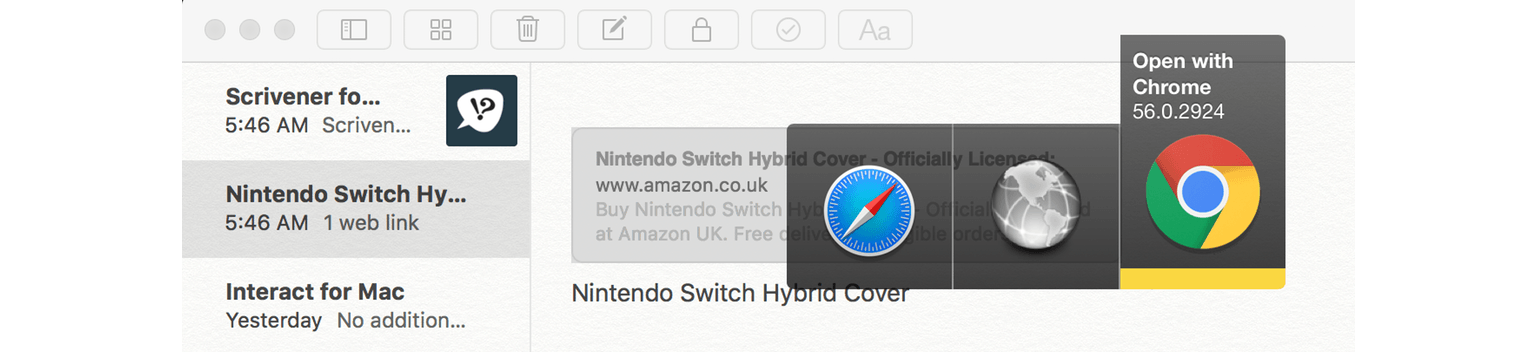
Bumpr is a clever Mac menu bar utility that is set as your default web browser and email client to give you more choice of how you open web and email links. That seems counterintuitive at first because setting a default usually means picking one app over another, but here’s how Bumpr works. Instead of opening a particular app, Bumpr intercepts the link and opens a menu of options for each of the browsers or email clients installed on you Mac depending on whether you click a web or email link.

Read more


TouchRetouch Review: Object Removal Made Easy

On my best days, I’m a novice photo editor – a lot of my work involves color and brightness tweaks to make my shots look better. If I’m feeling adventurous, though, I’ll try to touch up the pictures and remove unwanted objects, blemishes, or lines.

A lot of times, that ends in horrible failure.

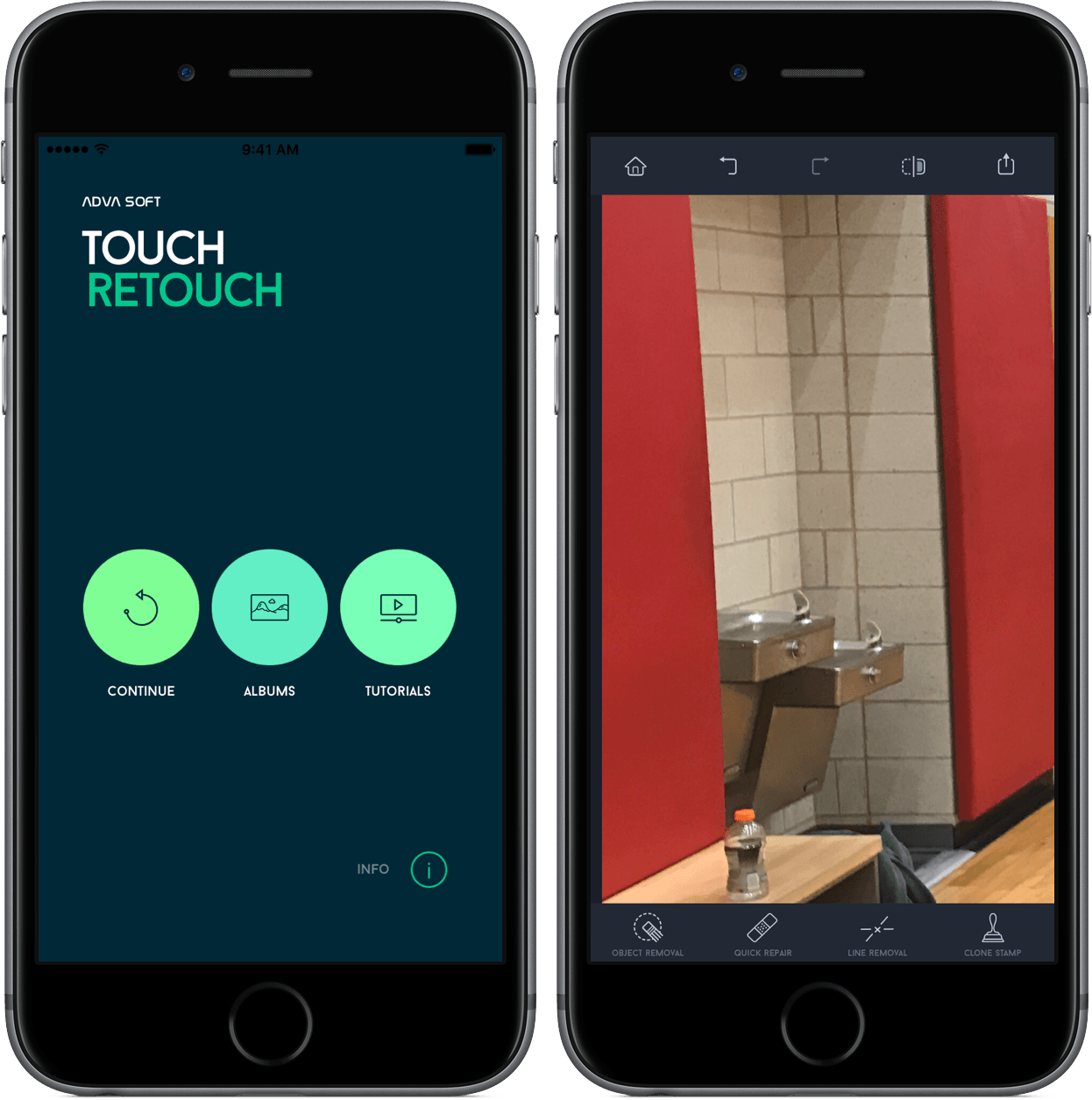
However, TouchRetouch makes me feel like a pro photo editor. In just a few taps, I’ve been able to remove elements in my pictures at my will, making my photos look much better than before. And with a pretty interface and a low price, I think I’ve found another tool to add to my repertoire.

Read more


GAget: Google Analytics Widgets and Alerts for macOS

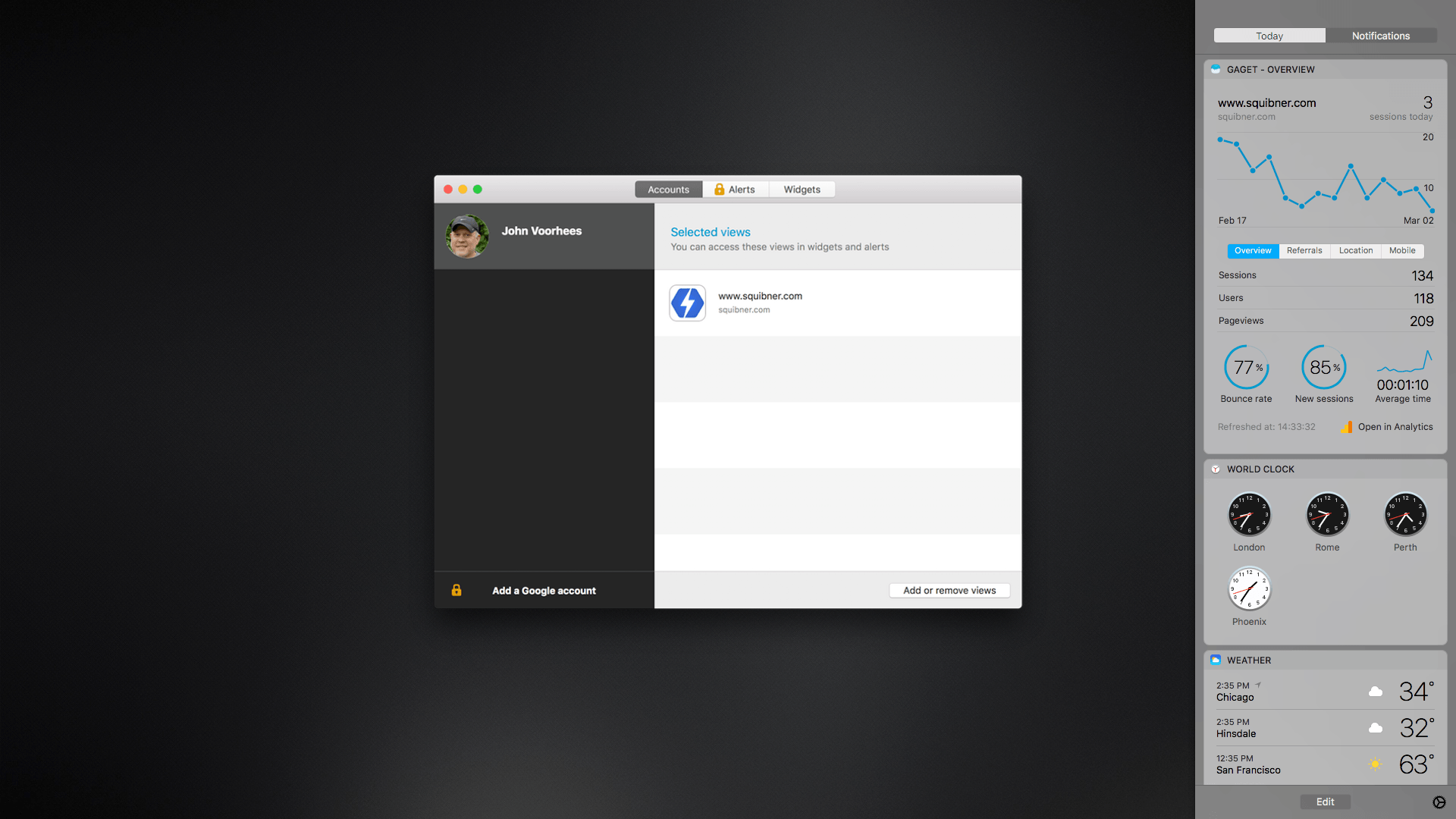
GAget is a Google Analytics app for macOS that started life as a Dashboard widget. These days, GAget resides in macOS’s Today widget panel of Notification Center. If you’ve ever used Google Analytics, you know that its web interface is complex. There’s a place for digging through Google’s many tabs of data, but when all you want are the highlights, GAget is better. It takes Google Analytics’ data and boils it down into cleanly-designed dashboard widgets and alerts that make it easy to understand what is going on with your website at a glance.

Read more


Game Day: The Escapists

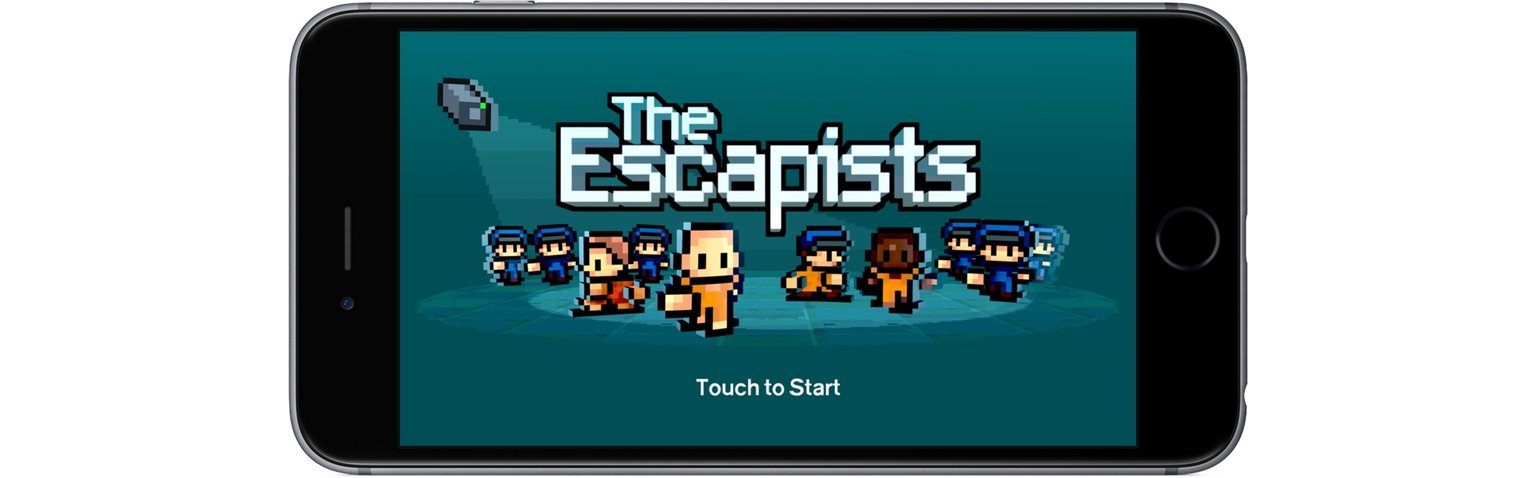
The Escapists is an award-winning indie title from Mouldy Toof Studios and Team17 that has been available on consoles and PCs since 2015. This week marked the title’s first appearance on mobile systems, though, with simultaneous releases on iOS and Android. The goal of the game is straightforward – escape from a series of prisons with varying levels of security – but there are so many complex variables at play that The Escapists is good for many hours of exploration.

Read more


Game Day: Evergrow

Many of the best games I’ve played on iOS recently remix elements of existing genres in new and unexpected ways. Evergrow by Imagility does just that, mixing puzzle, action, and tower defense elements into a fun, colorful game that keeps things interesting by throwing new details at you throughout the game.

Read more


RAW Power Review

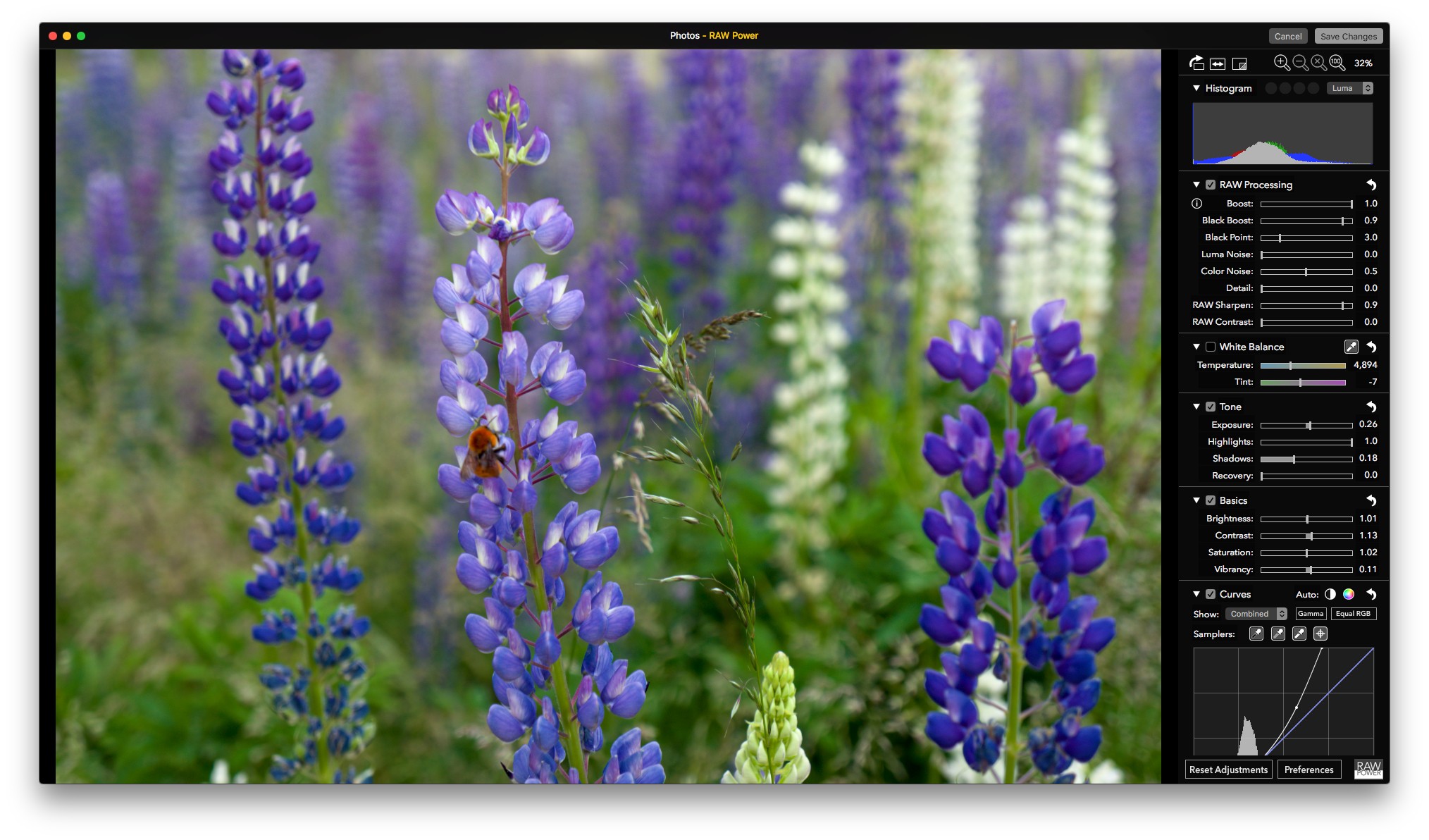
RAW Power is a powerful image editor reminiscent of Aperture that takes Apple’s discontinued pro photo editing tool a step further than Apple ever did. Whether you use RAW Power as a standalone image editor or as a Photos extension, what strikes me most about it is that with a little experimentation and patience, it’s accessible regardless of whether you consider yourself a pro user.

Before Photos, Apple had two photography apps: iPhotos for average consumers and Aperture for pros. In 2014, Apple discontinued Aperture. Around the same time, Apple evolved iPhoto into Photos, bringing the macOS and iOS apps that go by that name closer together from a feature set standpoint. That left pros and ‘prosumers’ who relied on Aperture in a bind. There are alternatives like Adobe’s Lightroom, but if you preferred Aperture, you were out of luck, until now.

RAW Power, by Gentlemen Coders, has a stellar pedigree. Its lead developer, Nik Bhatt, was Senior Director of Engineering for Aperture and iPhoto, so it’s safe to assume he understands Apple’s RAW engine. What sets RAW Power apart from something like Aperture, though, is its flexibility. Images can be edited non-destructively either in the standalone RAW Power app or from within Photos because RAW Power’s full functionality is also a Photos extension.

Like many people, my photo library is a mixture of thousands of images taken over many years that were shot with a variety of hardware, including old point-and-shoot digital cameras, a variety of iPhones, and a Sony NEX-5N I got in 2011 for a trip to Patagonia. I enjoy photography and have improved beyond taking simple snapshots, but I’ve never gone too deep into the technical side of it. Nonetheless, for special occasions I still shoot RAW images on my Sony camera to give myself maximum editing flexibility when I process my photos. RAW Power’s Photos extension fits my mix of photos and approach to editing perfectly by offering pro tools that are available on my command as an extension from within Photos when I need them, but stay out of the way when I don’t.

Read more


Moment Review: Get the Right Shot

In my early pick for 2017’s “App Description of the Year,” Moment’s Eun Seong Kim tells a story about his frustration and disappointment after the dreaded “Storage Almost Full” message caused him to miss an exciting moment at a Toronto Raptors basketball game. It’s an elevator pitch that ends with the question that drew me to Moment: “What if I could keep video recording but only capture the last 5 seconds?”

I instantly identified with Kim’s hypothetical. When I’m shooting video, I’m often only looking for the 5 or 10 seconds of action, but I’m stuck with a multi-minute clip that I have to edit. Moreover, even though my iPhone has plenty of storage now, there’s a real chance I will run into the same problem in the future.

Read more