Posts in reviews


iOS Automation and Workflows with Drafts

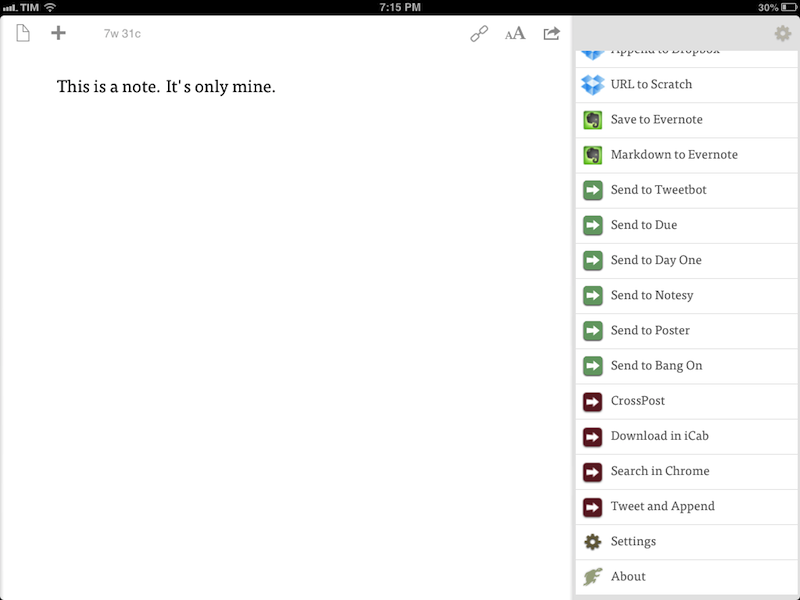
The latest update to Drafts – a “quick note capturing” app that I’ve covered several times on MacStories – adds a series of features aimed at increasing the possibilities of workflows automation on iOS devices. Obviously, this is something I’m interested in.

It seems like enabling users to save time while using apps has been a common thread in the past few months. The success of Launch Center Pro probably “raised awareness” in regards to the whole concept of URL schemes, but it’s been the increased adoption of x-callback-url and interest in automated workflows that proves better inter-app communication is something that (at least) third-party developers are thinking about. Google included a powerful URL scheme in Google Maps and Google Chrome; more recently, Mr. Reader showed how to enable a “services menu” by requiring users to mix URL schemes from other apps with parameters for an article’s title or selected text. These aren’t ideal solutions, but it’s all we have for now.

Greg Pierce, creator of the x-callback-url specification, has improved Drafts in ways that not only make the app more useful to get text onto other services, but also broaden the possibilities for automation through the use of URL schemes.

There are three main new features in the new Drafts: Dropbox actions, URL actions, and an improved URL scheme with support for callbacks and action triggers. I am going to explain how they work and include various actions and bookmarklets to demonstrate different use cases. Read more


Mr. Reader And The Services Menu for iOS

A “services menu for iOS” is a chimera advanced users and developers have long been trying to hunt down. It all started with a mockup Chris Clark posted in 2010, showing how third-party iPhone apps could offer their “services” – just like OS X apps – to the user through a contextual menu. The concept became popular fairly quickly, but, eventually, Apple did nothing.

Fast forward to 2013, iOS users are still asking for better integration of third-party apps with each other. Developers have resorted to using URL schemes, a rather simple way to directly launch other apps and pass information to them – usually bits of text. App Cubby’s Launch Center Pro has become the de-facto solution to create a “Home screen of app shortcuts”, offering a series of tools (such as automatic encoding and different keyboards) to make the process of customizing URL schemes as user-friendly as possible. Launch Center Pro is, in fact, the utility behind many of my favorite iOS tricks.

Pythonista has also become a big part of my iOS automation workflow. Combining the power of Python with the possibility of launching URL schemes, I have created a series of scripts that help me get work done on iOS on a daily basis. Further leveraging Greg Pierce’s x-callback-url, I have ensured these scripts can take a set of data, send it to other apps, process it, then go back to the original app. You can read more about Pythonista in my original article, and I’ve been following updates from developers who implemented URL schemes as well with a dedicated tag on the site.

I concluded my Pythonista article saying:

I believe that, going forward, Pythonista and other similar apps will show a new kind of “scripting” and task automation built around the core strenghts of iOS. As we’ve seen, x-callback-url is a standard that leverages a part of iOS – URL schemes – to achieve simple, user-friendly and URL-based inter-app communication that can be used in a variety of ways. Looking ahead, there’s a chance rumored features such as XPC will bring more Mac-like functionalities to iOS, but developers will still find new ways to make iOS more powerful without giving up on positive aspects such as increased security and the simplicity of the app model.

Mr. Reader – a Google Reader client that I’ve covered on MacStories in the past, and my favorite RSS app – has today been updated to version 1.11, which introduces a generic solution for launching URL schemes that shows how iOS automation is a growing trend, albeit substantially different from what we’re used to see on OS X. Read more



Kaleidoscope 2

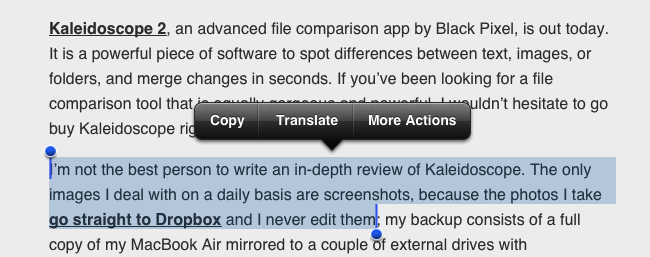
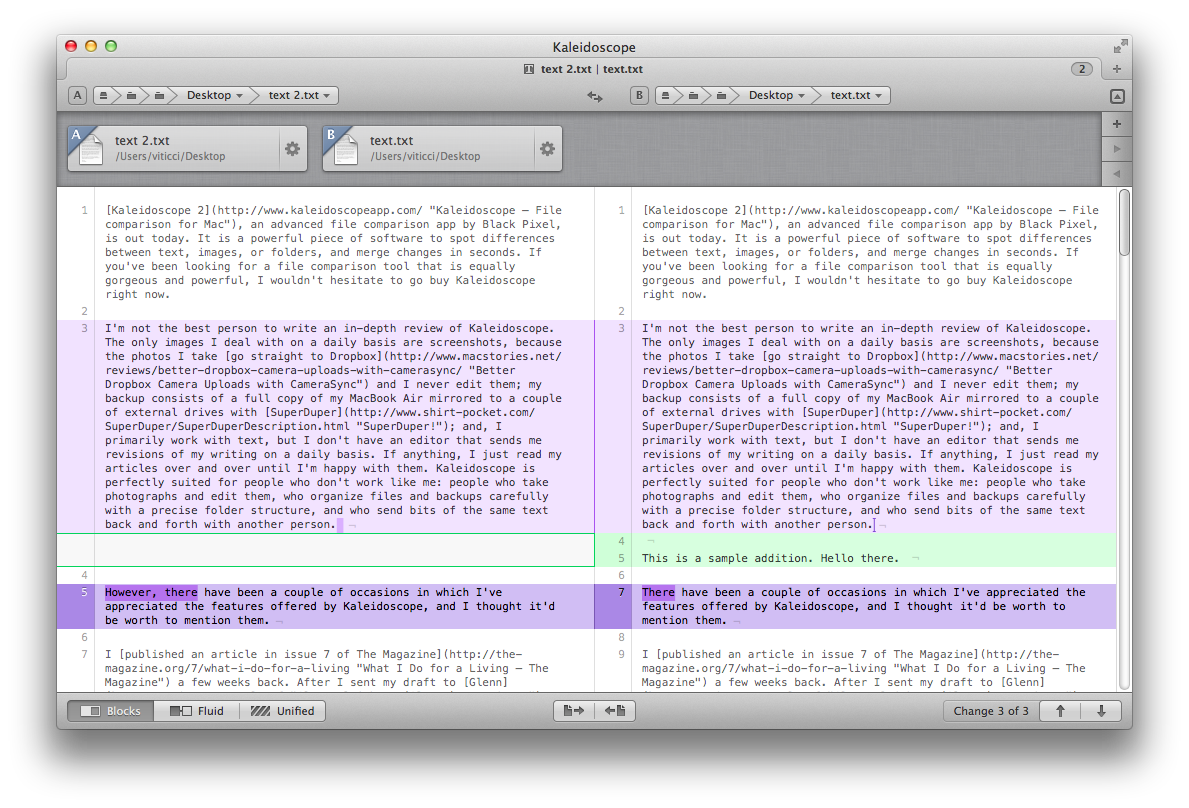
Kaleidoscope 2, an advanced file comparison app by Black Pixel, is out today. It is a powerful piece of software to spot differences between text, images, or folders, and merge changes in seconds. If you’ve been looking for a file comparison tool that is equally gorgeous and powerful, I wouldn’t hesitate to go buy Kaleidoscope right now.

I’m not the best person to write an in-depth review of Kaleidoscope. The only images I deal with on a daily basis are screenshots, because the photos I take go straight to Dropbox and I never edit them; my backup consists of a full copy of my MacBook Air mirrored to a couple of external drives with SuperDuper; and, I primarily work with text, but I don’t have an editor that sends me revisions of my writing on a daily basis. If anything, I just read my articles over and over until I’m happy with them. Kaleidoscope is perfectly suited for people who don’t work like me: people who take photographs and edit them, who organize files and backups carefully with a precise folder structure, and who send bits of the same text back and forth with another person.

However, there have been a couple of occasions in which I’ve appreciated the features offered by Kaleidoscope, and I thought it’d be worth to mention them. Read more


Pushpin for Pinboard

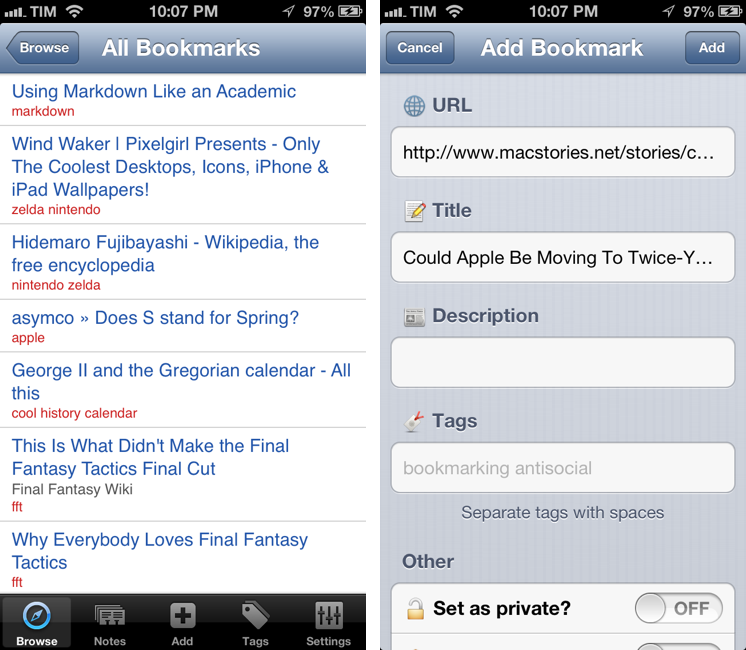
MacStories readers know that I’m a fan of Pinbook, a Pinboard client for iPhone and iPad. For the past two days, I’ve also been trying Pushpin, developed by Aurora Software, and I’m quite impressed with the feature set the app has reached at version 1.3. Pinbook and Pushpin are, ultimately, very different, and I believe their current versions can coexist on a Pinboard nerd’s iOS Home screen. Read more


ReadKit: Instapaper, Pocket, and Readability Client For OS X

After Michael Schneider, creator of Read Later, joined the Pocket team to release the official Pocket app for Mac, I wondered if there was a real need for a “read later” (lowercase) application for the desktop:

I’m still not completely sold on the overall concept of a desktop read-later app. I’ve got used to thinking of “read later” as a inherently mobile state of mind. I “catch up” on articles and videos with my iPhone and iPad. The Mac is were I discover stuff. I guess a desktop app can be seen as an add-on, a companion to the main experience.

Looking around for alternatives that would work with the service I use on a daily basis for text articles, Marco Arment’s Instapaper, I was not impressed with Words:

Unfortunately, while promising, Words isn’t there yet. Words looks decent when it’s focused on text (generated by the Instapaper parser) in full-screen mode, but everything else is pretty buggy, unstable, and unfinished.

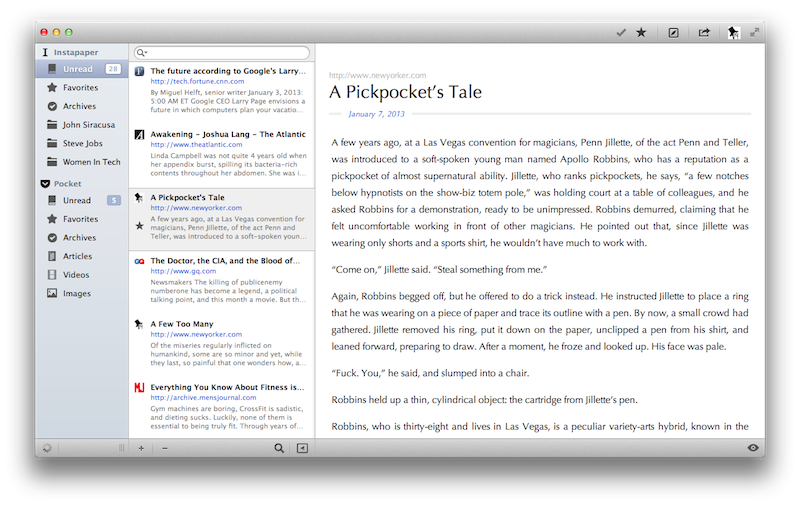
ReadKit, a new app by Webin released today, is – finally – a solid piece of software for those who have been looking for a desktop version of their favorite read later service. ReadKit, in fact, works with Instapaper, Pocket, and Readability, therefore covering the most popular third-party read later services. The app costs $1.99, and if you want to use it with Instapaper, you’ll need the $1 monthly subscription. Read more


1Password 4 Review

I got my first iPhone in the Fall of 2008. Going back through my iTunes Purchased history, I see 1Password was the ninth app I downloaded from the App Store. I’ve been using 1Password for as long as I remember having a Mac and iOS device, and I’ve come to rely on it – to trust it – as the only piece of software holding my private information securely. 1Password 4, released today on iOS, is a major update that improves on every area of the app, starting from the interface.

I’d argue that, aside from bug fixes, smaller improvements, and support for new displays and the latest iOS versions, 1Password Pro got its last major new feature with version 3.5, released in July 2010, which added Dropbox sync and support for auto-lock on multitasking. Another fundamental change of the mobile 1Password experience could be traced back to iPassword 3.0, which added a new interface for the iPad in April 2010; however, iPad apps have evolved and matured in the past two years, and 1Password – especially on the larger screen – has started to feel like an app that was designed at the beginning of the iPad era. It wasn’t inherently bad, but, combined with the iPhone app (which goes back to the early App Store days: it was released in the summmer of 2008), it was obvious that 1Password for iOS could be better.

1Password 4, in terms of design and features, is both a clean slate and an iterative improvement. It’s a fresh start, but existing 1Password users will also recognize the things that have been adjusted and added on top of 1Password 3.7. More importantly, 1Password is now a consistent experience across the iPhone and iPad that supports a platform users expect from modern iOS apps: iCloud. Read more


Today Weather

As I’ve written many times here on MacStories, I’m no weather expert. I’ve used Apple’s Weather app for years, until I figured that I wanted just a little more stats and a different interface to check on forecasts and current conditions. Still, I don’t need a complex weather app with terminology I would need a dictionary for. That’s why for the past few weeks I’ve been using Check The Weather and liked its simple approach to weather data presentation.

Today Weather is a new app by Savvy Apps – creators of some of our favorite iOS apps like Agenda and Buzz Contacts – that, while similar to Check The Weather on the surface, is actually more reminiscent of Agenda. Read more


Instacast 3 Review

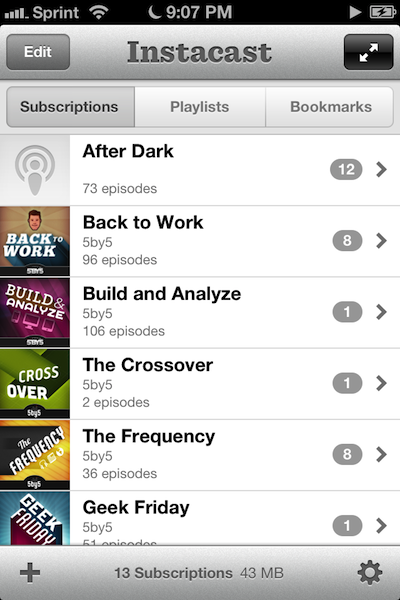
Instacast 3 is both iterative and something different. No longer divided into separate iPhone and iPad apps, Instacast 3 is universal, also eschewing the in-app purchase model introduced with Instacast 2. And at its core, iCloud sync has been gutted and replaced with Vemedio’s own syncing solution that’s faster and less error prone (an in-house solution that works with WebDAV.). On the iPad, Vemedio has completely redesigned their Twitter-for-iPad inspired interface in favor of a more parallel experience with the iPhone. Just as Apple makes small iterations to their hardware, Vemedio has made small iterations to their software.

Read more