Posts in reviews

Editorial 1.1: Another Step Forward for iOS Automation

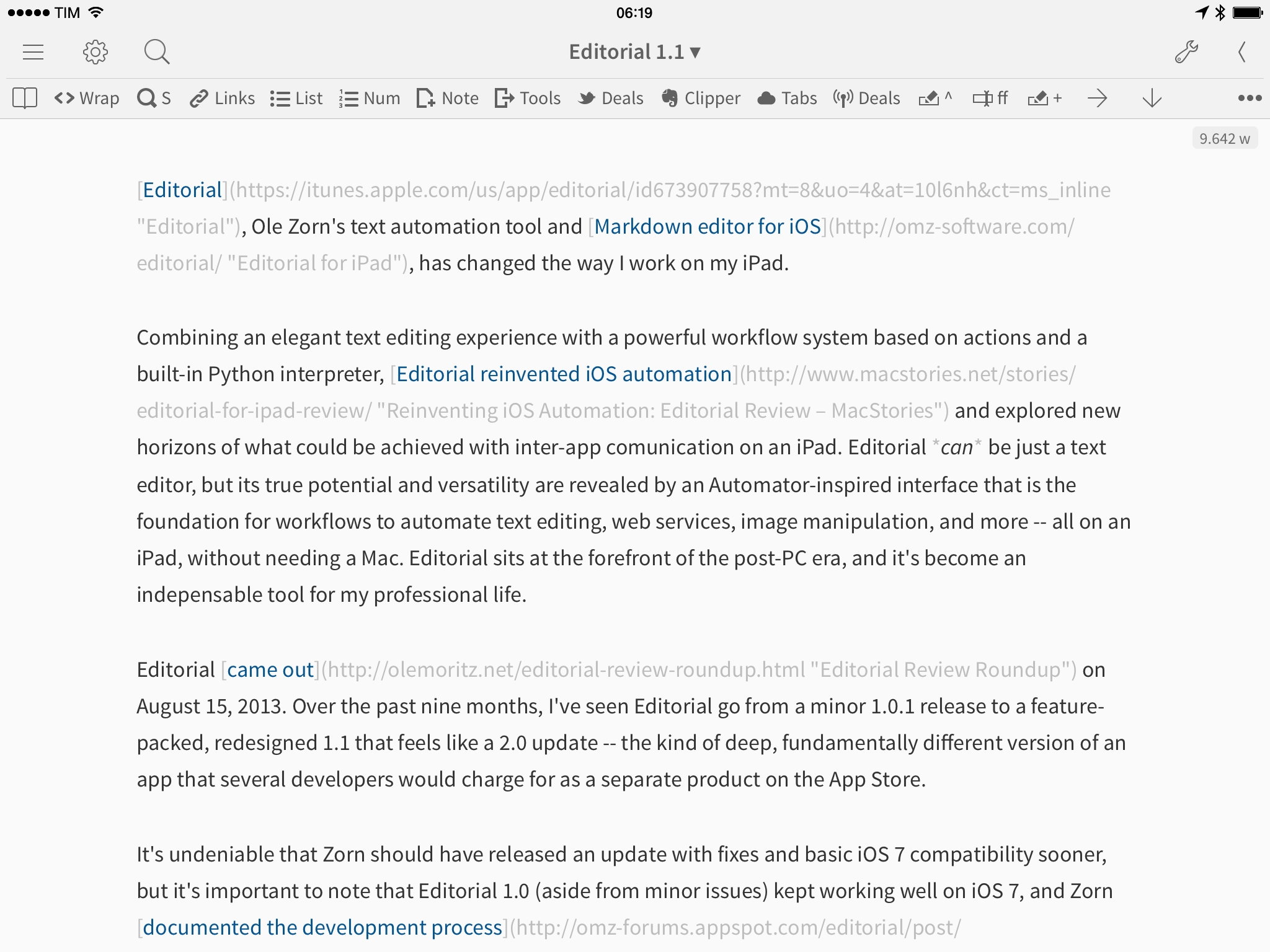
Editorial, Ole Zorn’s text automation tool and Markdown editor for iOS, has changed the way I work on my iPad.

Combining an elegant text editing experience with a powerful workflow system based on actions and a built-in Python interpreter, Editorial reinvented iOS automation and explored new horizons of what could be achieved with inter-app comunication on an iPad. Editorial can be just a text editor, but its true potential and versatility are revealed by an Automator-inspired interface that is the foundation for workflows to automate text editing, web services, image manipulation, and more – all on an iPad, without needing a Mac. Editorial sits at the forefront of the post-PC era, and it’s become an indispensable tool for my professional life.

Editorial came out on August 15, 2013. Over the past nine months, I’ve seen Editorial go from a minor 1.0.1 release to a feature-packed, redesigned 1.1 that feels like a 2.0 update – the kind of deep, fundamentally different version of an app that several developers would charge for as a separate product on the App Store.

It’s undeniable that Zorn should have released an update with fixes and basic iOS 7 compatibility sooner, but it’s important to note that Editorial 1.0 (aside from minor issues) kept working well on iOS 7, and Zorn documented the development process with notes and screenshots on the app’s forums. As an Editorial user and reviewer, it’s been a long journey from version 1.0 in August 2013 to today’s 1.1 release, but it’s been worth it.

Editorial 1.1 brings a plethora of design changes, Markdown improvements, and automation breakthroughs that, just ahead of iOS 8, represent a major milestone for Markdown text editors and iOS automation. Editorial 1.1 may be a text editor on the surface, but, in reality, it’s a small revolution for iOS power users.
Read more


Reeder 2 for Mac Review

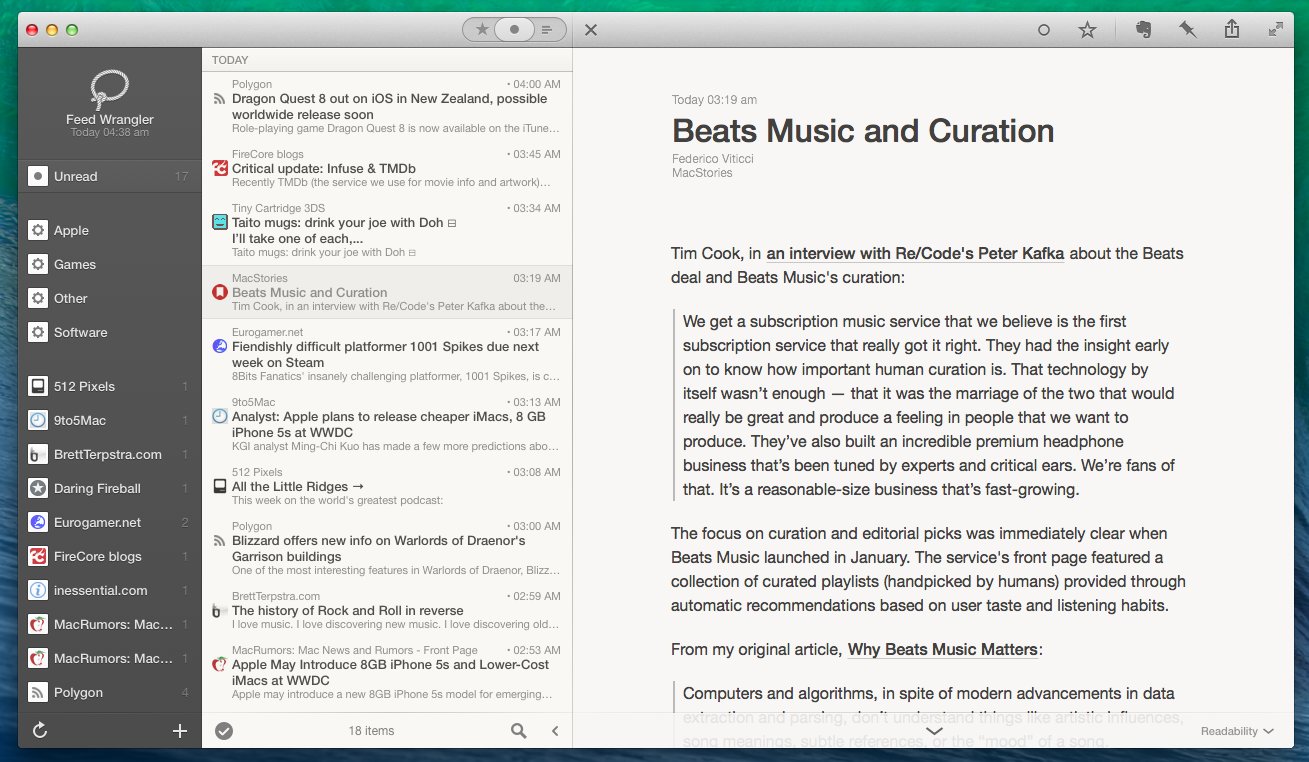
Reeder 2 for Mac, available today on the Mac App Store at $9.99, isn’t the most full-featured RSS reader that ever graced the docks of OS X users. It doesn’t support all the services found in ReadKit, it doesn’t have any sort of smart folder functionality, and it doesn’t bring dozens of breakthrough features that are dramatically different from what Silvio Rizzi offered in version 1.0 of the app. But in spite of what it doesn’t do or what it doesn’t have, Reeder 2 is a superbly polished, fluid, and fast Mac app that lets me enjoy checking my RSS feeds, primarily because of its gesture controls.

Read more


Screenshotter Lets You Find and Organize Screenshots on iOS

I’ve written about the problem with organizing screenshots in the iOS Camera Roll before, as it’s one of the long-standing limitations/design decisions of iOS that I find most antiquated and counter-intuitive.

From my iOS 8 Wishes article:

Give screenshots their own album. Years ago, the consensus used to be that only geeks took screenshots of their devices, but the rising trend of people sharing screenshots of message conversations and Instagram pages now says otherwise. For this reason, I find it surprising that Apple still insists on grouping photos and screenshots together – they’re separate media types and there should be an option to exclude screenshots from the main view and iCloud backups.

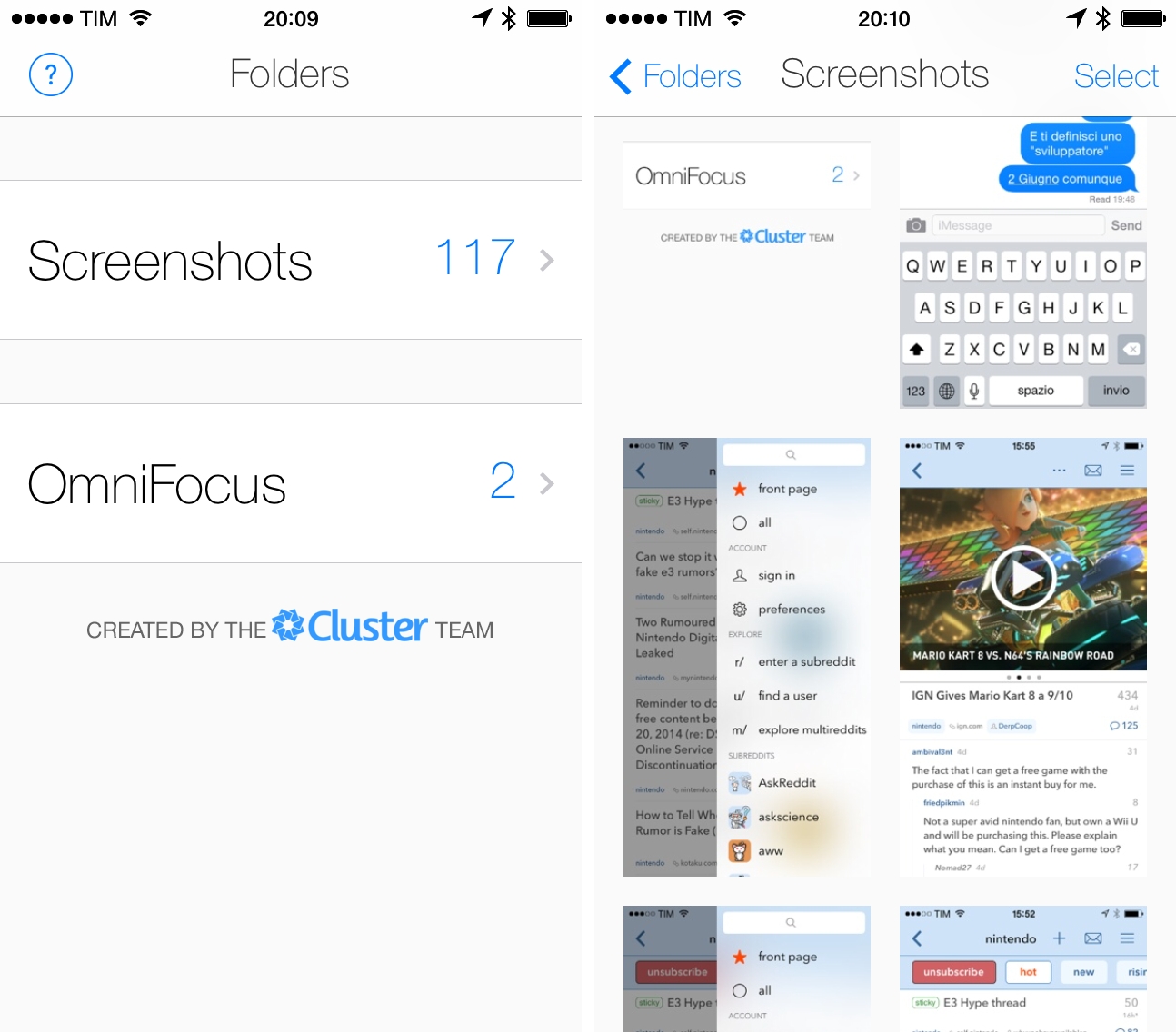
Screenshotter is a free iPhone app developed by the Cluster team that’s been released today and that shows a glimpse of a good idea that I hope Apple will offer as a built-in feature in iOS 8.

Read more


Soundflake Review: A Music Player for SoundCloud

While my daily music listening needs are mostly fulfilled by Spotify1 and my personal library in iTunes Match2, I do follow a couple of artists on SoundCloud and I enjoy using the service to play a variety of mashups and records from independent creators that I can’t find anywhere else. I’m not a huge SoundCloud user, but I’ve always had an affinity for the website’s interface and the company’s focus.

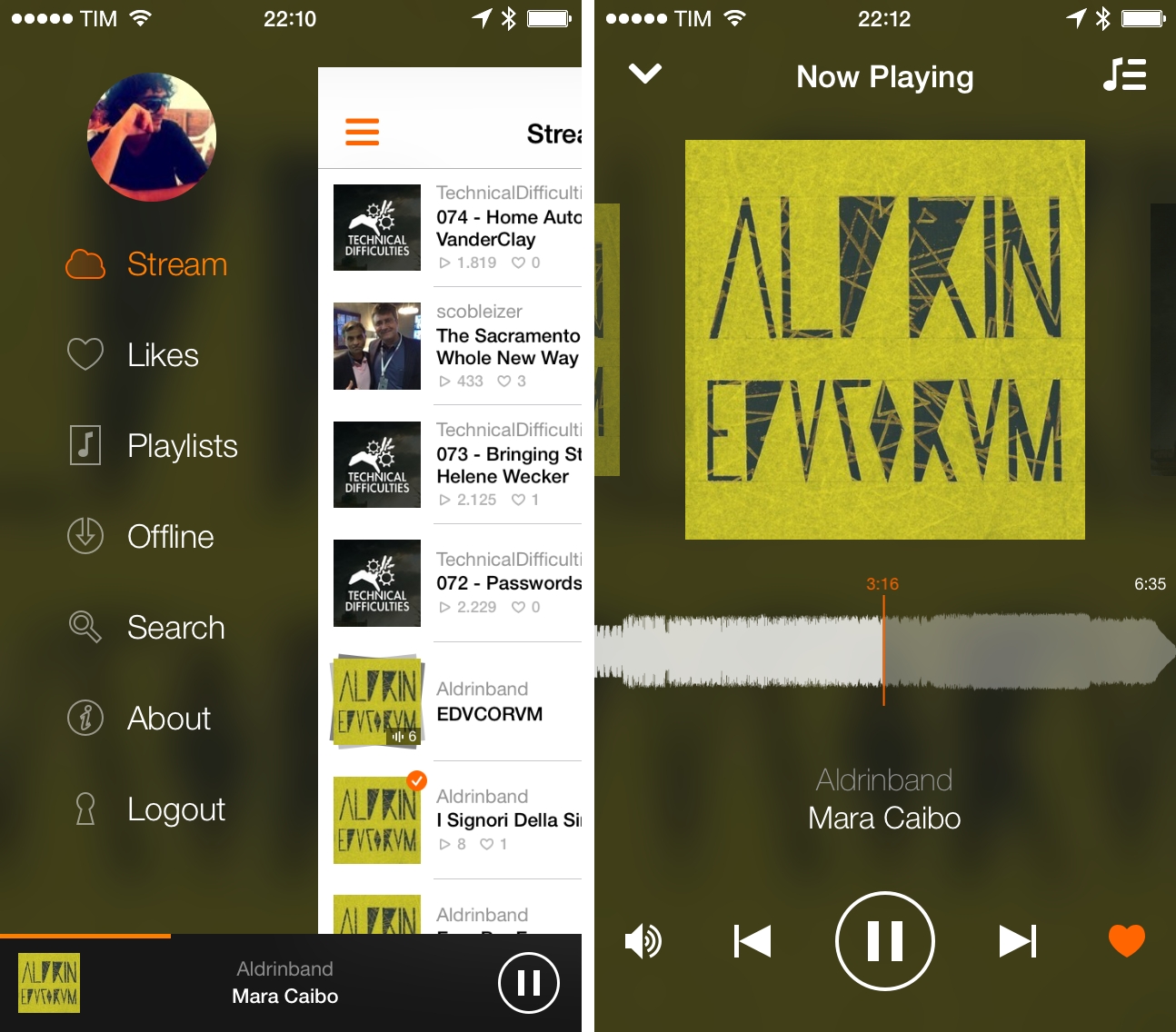
Created by Stefan Kofler and Patrick Schneider, Soundflake is a new SoundCloud client for iPhone that wants to provide a better experience than the official app through a modern design, advanced features, and gesture controls that make managing playback and sharing a faster and more intuitive affair. After trying Soundflake for about a month, I don’t see why – as an occasional SoundCloud music listener – I would go back to using SoundCloud’s app for iPhone.

Read more