

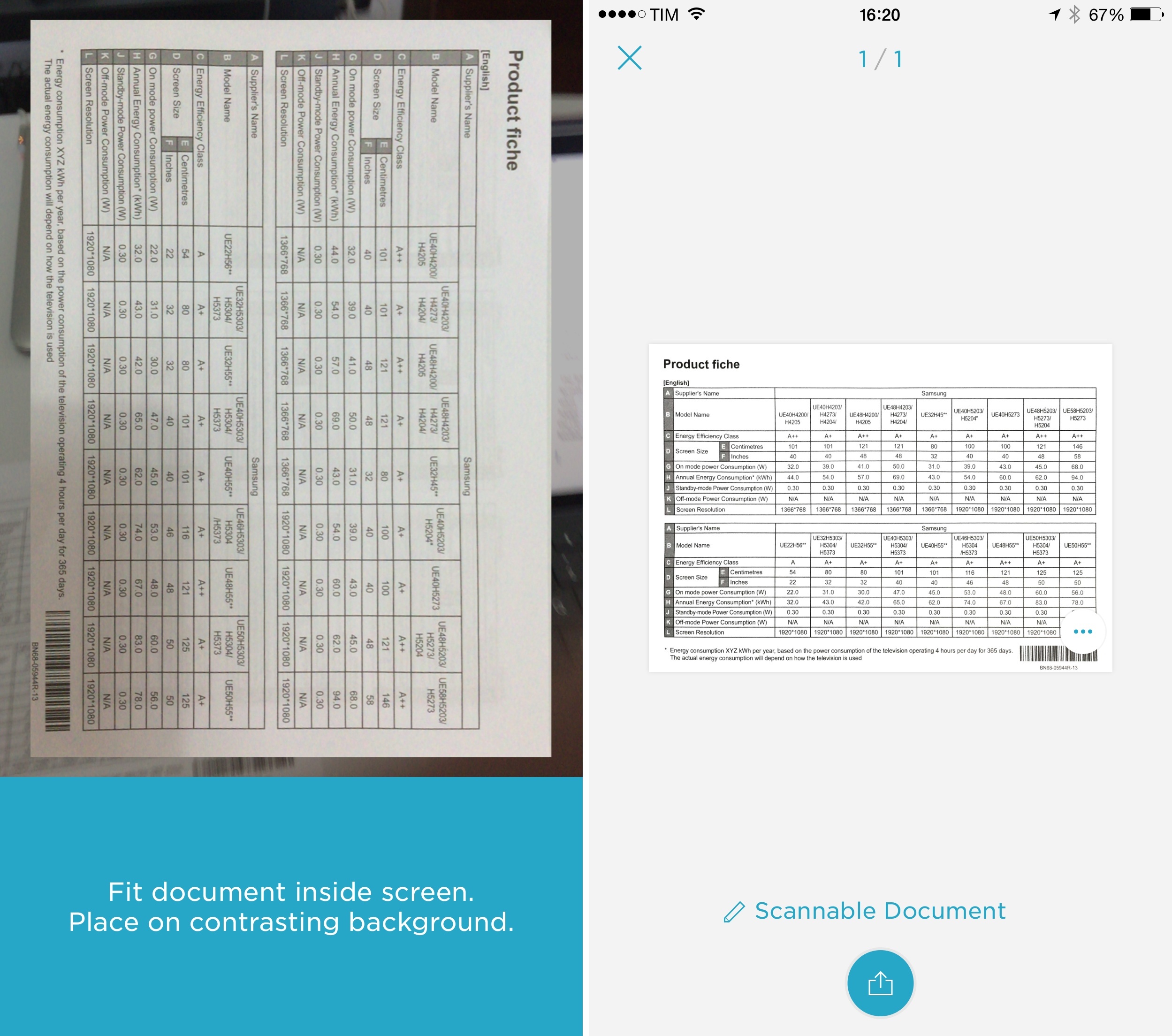
I was in the process of finalizing my taxes for the past year last week, and, much to my chagrin, I realized that I had a drawer full of printed invoices for purchases that I hadn’t converted to PDF and sent to my accountant. It was the perfect excuse to properly test Evernote’s Scannable app in a real-life scenario alongside the iPhone 6 Plus I’m trying for the next couple of weeks.
Virtual: I Was Sad for the Lack of a Horse→
This week Federico tells his story of setting up his 3DS, Myke bemoans Pokemon Shuffle and they both discuss Majora’s Mask 3D and Alto’s Adventure.
A good show on last week’s Virtual. If you haven’t read it, check out my review of Alto’s Adventure here (and expect more this week). You can listen to the episode here.
Sponsored by:
- Igloo: An intranet you’ll actually like, free for up to 10 people.
- Squarespace: Build it Beautiful. Use code INSERTCOIN for 10% off
Igloo: An Intranet You’ll Actually Like [Sponsor]

Why invest in the latest, sleekest devices if you are going to use them to stare at an intranet website that looks like it was built in the 90’s?
Not only can Igloo be customized to look exactly like your brand, but with its responsive design, it’s automatically optimized for almost any device you’re using, including the latest iPhone 6 or 6 Plus. And just like your favourite Apple devices, Igloo helps you do your best work.
Share files, coordinate calendars, provide status updates and manage projects. Igloo’s not just for your traditional intranet stuff like HR policies and expense forms. It also lets you work better together with your teams. And it keeps getting better.
Our latest upgrade, Viking, gives you more control over how you interact with documents, gather feedback and make changes. We’ve even added the ability to track who has read critical information (like read receipts in your email, but less annoying) to keep everyone on the same page.
Not convinced yet? We understand love doesn’t happen overnight. If you sign up now, we will let you try our platform for free for as long as you want.
Our thanks to Igloo for sponsoring MacStories this week.
How Japan’s Line App Became a Pop Culture Phenomenon→
When the young people of Tokyo want to go shopping, they head for Harajuku. A fabled wellspring of youth culture, the neighborhood offers international retail chains on its main streets and tiny purveyors of bleeding-edge fashion in its back alleys. On this Saturday morning in mid-December, a throng of extremely excited twentysomething men and women crowd into the grand opening of a 1,700-square-foot shop located across the street from H&M and Forever 21. As they enter the store, they’re greeted by two costumed characters: a deadpan bear and an exuberant
I’ve wanted to understand Line for a while now, and Harry McCracken published an in-depth look at the company today. Fascinating story and impressive ability to turn something “simple” like messaging into wholly different monetization routes.
Connected: Jony Magic Table→
This week, Myke, Federico and Stephen cover Jony Ive, Project Titan and iOS extensions.
A fun episode of Connected this week, but I’d recommend listening after reading The New Yorker’s profile of Jony Ive and Apple’s design team. You can get the episode here.
Sponsored by:
- lynda.com: An easy and affordable way to help individuals and organizations learn. Free 10-day trial.
- Igloo: An intranet you’ll actually like, free for up to 10 people.
- Squarespace: Build it Beautiful. Use code WORLD for 10% off
IFTTT Launches New ‘Do’ iPhone Apps for Personalized iOS Shortcuts
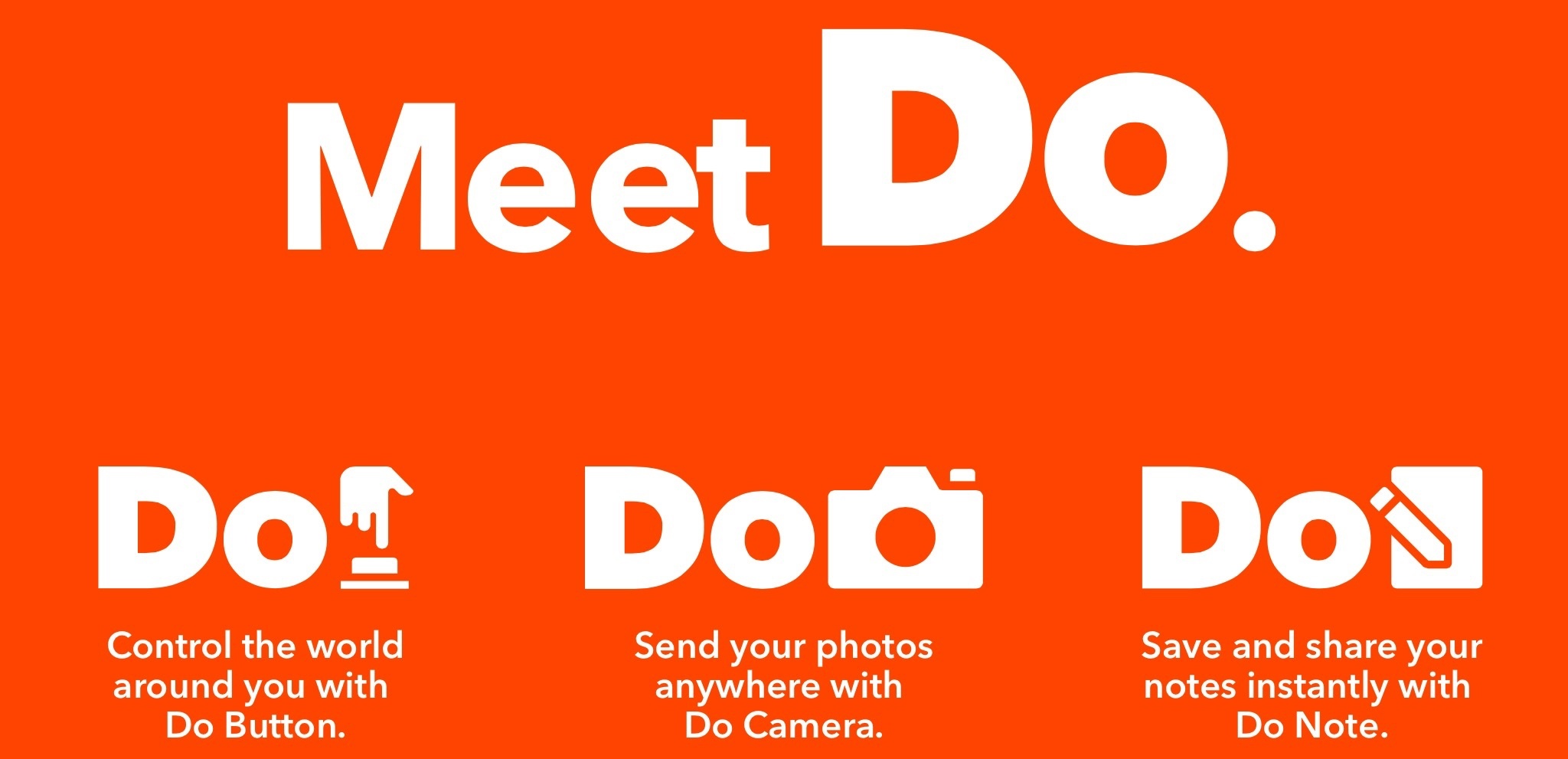
Popular web automation service IFTTT unveiled three new iPhone apps today, aimed at allowing users to set up their own custom shortcuts for notes, the camera, and buttons to quickly trigger recipes. The three apps, called Do Note, Do Camera, and Do Button, abstract some of the functionality from the full IFTTT service for a lightweight experience with an easier setup for popular use cases. According to the IFTTT website, the main IFTTT app will be renamed “If”.
Alto’s Adventure Review: A Beautiful Descent

There’s a moment in Alto’s Adventure when you realize that bouncing off rocks in a snowy downhill isn’t a glitch, but a game mechanic designed to make it harder to complete certain goals and combos. This sums up my experience with playing Snowman’s new iOS game, out today for iPhone and iPad.
Behind the App→
Today, my friend and co-host Myke Hurley is launching Behind the App, a special series of his podcast Inquisitive focused on app development. From the description of the first episode:
In the first episode of “Behind the App”, a special series of Inquisitive, we take a look at the beginnings of iOS app development, by focusing on the introduction of the iPhone and the App Store.
I’ve seen Myke working on this for the past four months, and I’ve listened to the first episode. Everything about Behind the App is top notch and you won’t find this kind of in-depth tech storytelling anywhere else. The pacing is just right. The story is fascinating. The music is by Brave Wave (seriously). The guests have something useful and relevant to say. The script is well done. I know I’m being impartial when I say that Myke had the right idea at the right time and he’s making the best of it.
As he writes (and he doesn’t write often):
As of today, I have three episodes recorded of the series. I expect it to run for maybe 10-15 episodes, but I’m going to see how that fares as I continue to plough through.
Making these shows has been an incredible amount of work, but I am so proud of them. It’s totally different in style and production to anything I have made before, and I am learning new skills as I progress. I think I’m getting better at it every day too.
I genuinely believe that my last five years in podcasting has taught me all of the base skills that I needed to do this, and ‘Behind the App’ is going to teach me what I need to know for the next five years.
I’m genuinely excited for Myke and the whole team behind this. Grab your podcast app of choice (or use a web browser), listen at whatever speed you like, and wait for the next installments of Behind the App. I know I will.
‘All About Apple’ Museum Launches Crowdfunding Campaign→
All About Apple, an Italian non-profit organization that’s been operating for over a decade, has launched a crowdfunding campaign for All About Apple Museum, the “most comprehensive” exhibition of Apple and Apple-related products with over 9,000 pieces in its collection. The organization has assembled a team of volunteers and has been granted permission to use a new location in Savona, Italy, and they’re seeking funds to finish the project.
All About Apple has shared a video detailing their goals for the museum (in Italian, with English subtitles).
As seen in the video and campaign page (English version here), All About Apple has been curating pieces that range from classic Macs and NeXT workstations to old Apple marketing material, iPods, accessories, and even Steve Wozniak’s original toolbox from the 70’s.
I didn’t know this organization before, but it sounds like an incredible effort and an interesting project. You can read more about All About Apple here and back the project on Italian crowdfunding platform Eppela.