


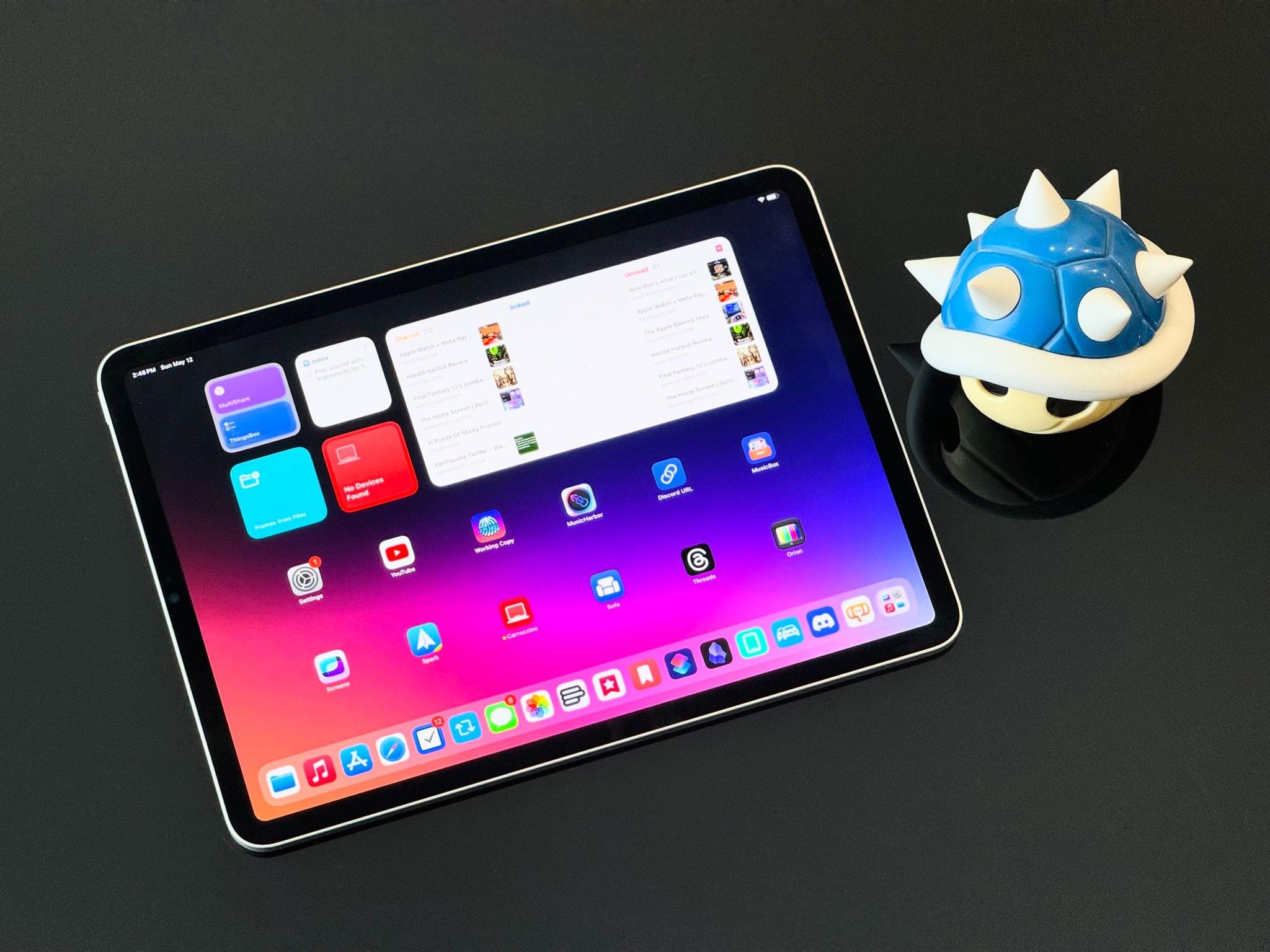
Let me cut to the chase: sadly, I don’t have a new iPad Pro to review today on MacStories.
I was able to try one in London last week, and, as I wrote, I came away impressed with the hardware. However, I didn’t get a chance to use a new iPad Pro over the past six days ahead of today’s review embargo.
I know that many of you were expecting a deeper look at the iPad Pro on MacStories this week, but that will have to come later. I still plan on upgrading to a 13” iPad Pro myself; I’ve decided I want to return to the larger size after a few months with the 11” iPad Pro. If you’re interested in checking out reviews of the new iPad Pros from heavy iPad users like yours truly right now, I highly recommend reading and watching what my friends Jason Snell and Chris Lawley have prepared.
Still, as I was thinking about my usage of the iPad and why I enjoy using the device so much despite its limitations, I realized that I have never actually written about all of those “limitations” in a single, comprehensive article. In our community, we often hear about the issues of iPadOS and the obstacles people like me run into when working on the platform, but I’ve been guilty in the past of taking context for granted and assuming that you, dear reader, also know precisely what I’m talking about.
Today, I will rectify that. Instead of reviewing the new iPad Pro, I took the time to put together a list of all the common problems I’ve run into over the past…checks notes…12 years of working on the iPad, before its operating system was even called iPadOS.
My goal with this story was threefold. First, as I’ve said multiple times, I love my iPad and want the platform to get better. If you care about something or someone, sometimes you have to tell them what’s wrong in order to improve and find a new path forward. I hope this story can serve as a reference for those with the power to steer iPadOS in a different direction in the future.
Second, lately I’ve seen some people argue on Mastodon and Threads that folks who criticize iPadOS do so because their ultimate goal is to have macOS on iPads, and I wanted to clarify this misunderstanding. While I’m on the record as thinking that a hybrid macOS/iPadOS environment would be terrific (I know, because I use it), that is not the point. The reality is that, regardless of whether macOS runs on iPads or not, iPadOS is the ideal OS for touch interactions. But it still gets many basic computing features wrong, and there is plenty of low-hanging fruit for Apple to pick. We don’t need to talk about macOS to cover these issues.
Lastly, I wanted to provide readers with the necessary context to understand what I mean when I mention the limitations of iPadOS. My iPad setup and workflow have changed enough times over the years that I think some of you may have lost track of the issues I (and others) have been experiencing. This article is a chance to collect them all in one place.
Let’s dive in.
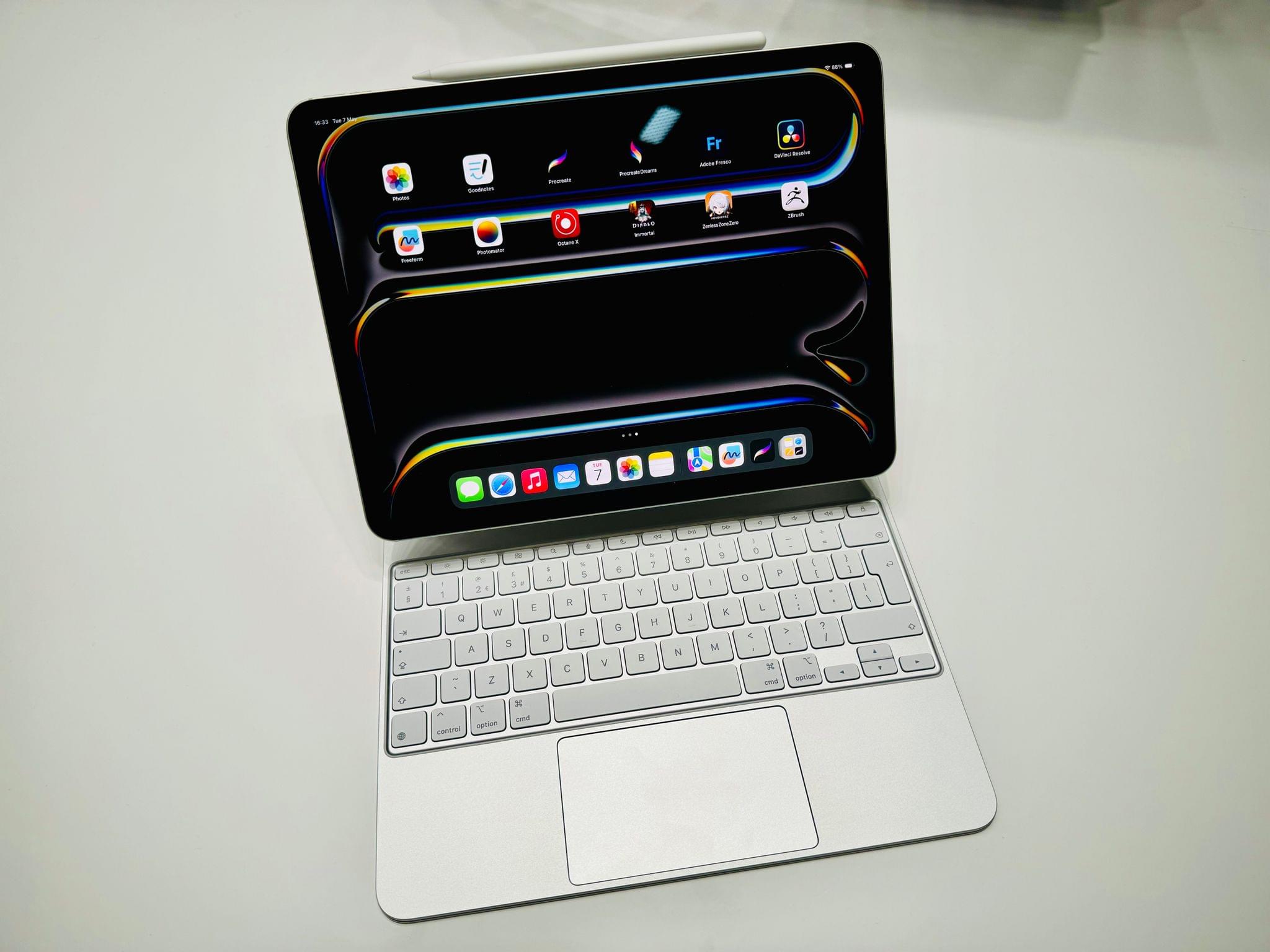

 John
John