If you want to drive an average tech nerd crazy, try to talk about email clients.
Over the course of (almost) seven years of writing for MacStories, I’ve seen email pronounced dead (multiple times), reinvented, redesigned, and, most recently, made smarter with machine learning and cloud services. Email has been deemed unfixable, unmanageable, and unhealthy. And yet, for better or worse, we keep using it.
Despite its archaic nature and stale protocols, email works – it’s the closest thing to a common standard for digital communication we have. Messaging services may rise and grow and fall and shut down, but email will always be there, humbly humming along, hoarding thousands of unread messages in your inbox. You have to believe that, if this planet were to end tomorrow, cockroaches and IMAP would survive it.
I have written my fair share of email client reviews since 2009, and I’ve made my stance on what I’m looking for abundantly clear. I like my email client to bear the speed and polish of Microsoft’s Outlook, the clever touches and integrations of Dispatch, and, if possible, the smart options of Inbox and Spark. The fact that, eight years into the App Store, I’m still cherry-picking my ideal set of features for an email client says a lot about the landscape. Every time a new email client is released, you will find users who are perfectly content with it, others who prefer the built-in app on their devices, and some who are intrigued, but still unhappily waiting for the email client of their dreams to be made.
In case you’re wondering, I’m that guy in the last group, assembling yet another email client review, making a list of ideal email features for an iOS app.
And I actually love it, because the past 12 months have brought a ton of interesting changes in the email market for iPhone and iPad. Perhaps most notably, Microsoft surprised iOS users with a solid client, evolved from an acquisition and quickly improved to accommodate fast search and notifications, calendar integration, and full iOS 9 support. Outlook – a runner-up to my App of the Year in 2015 – is the email app I recommend to anyone who wants to try something different than Mail. Spark, launched by Readdle last year, has received a series of improvements with the promise of future Mac and iPad versions. The power-user oriented Dispatch has also continued to grow, with an eye for iPad users adopting iOS 9. And, reinvigorated by the demise of Mailbox, dozens of other developers have tried (or have kept trying) their hand at improving email on iOS. There was a time when Apple didn’t even accept third-party email clients on the App Store; today, you can find hundreds of similar and drastically different takes on email on the Store.
Developed by Italian indie studio Bloop, Airmail was first released on OS X in early 2013, capitalizing on the shutdown of Sparrow with a design reminiscent of that popular client acquired by Google (which, in turn, borrowed heavily from Loren Brichter’s Tweetie, the grandfather of those kinds of interfaces). Through the years, Airmail has become one of the most powerful email apps for the Mac, with support for multiple accounts, keyboard shortcuts, and a long list of preferences to tweak the app to your needs. Airmail is up there with MailMate in the club of desktop email clients that allow you to configure and fiddle with settings to make email as welcoming as it could possibly be.
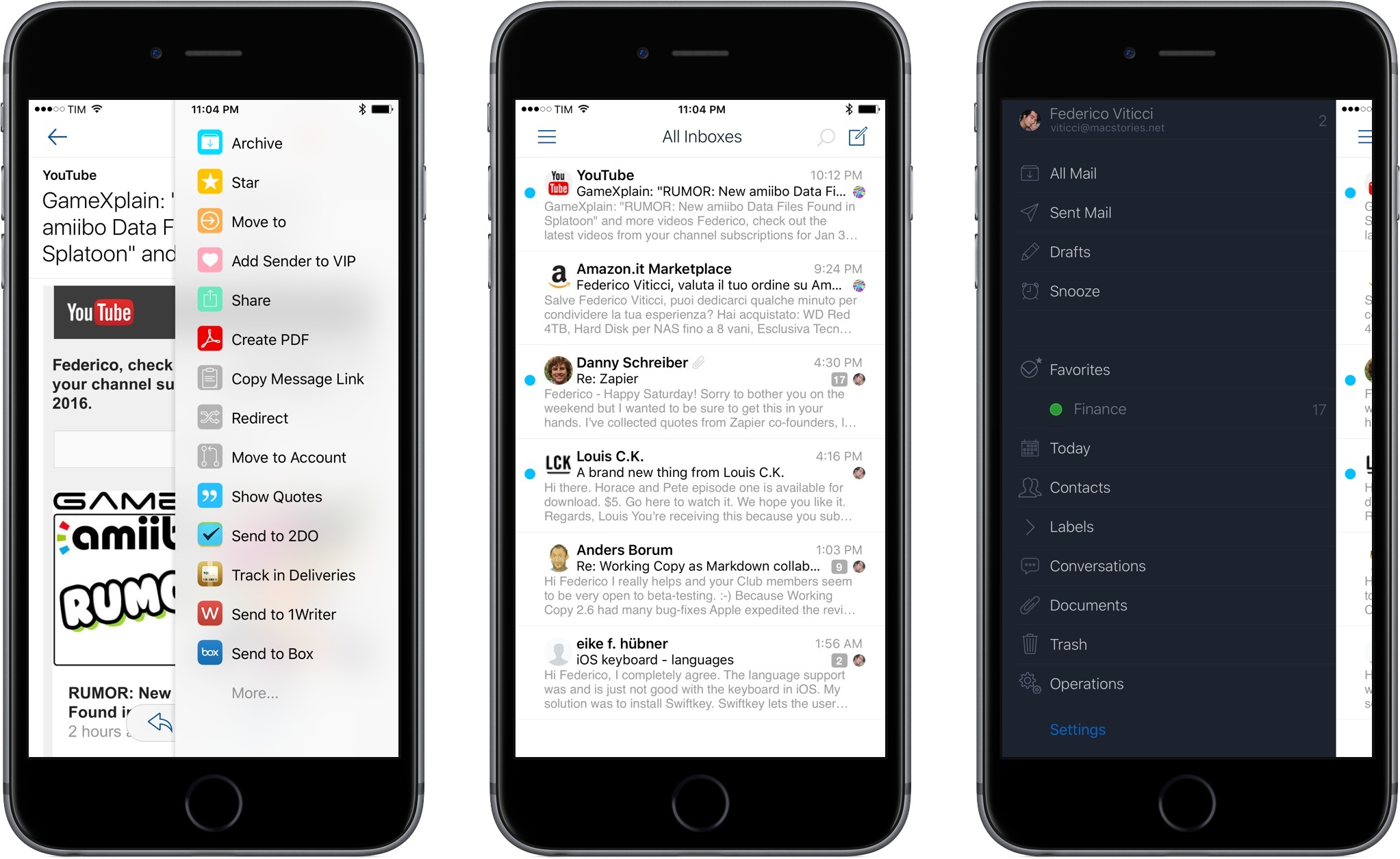
Bloop is hoping to replicate its desktop success with Airmail for iPhone, launching today on the App Store at $4.99. I’ve been trying Airmail for the past couple of months, and it brings some unique features and options to the table, but, as usual, the road ahead is going to be long.
Read more