Federico Viticci

10779 posts on MacStories since April 2009

Federico is the founder and Editor-in-Chief of MacStories, where he writes about Apple with a focus on apps, developers, iPad, and iOS productivity. He founded MacStories in April 2009 and has been writing about Apple since. Federico is also the co-host of AppStories, a weekly podcast exploring the world of apps, Unwind, a fun exploration of media and more, and NPC: Next Portable Console, a show about portable gaming and the handheld revolution.

Sharing Links from Twitter for iOS Appends Garbage to the URL

Last night on Twitter, I noted that the company’s iOS app now appends a query parameter based on an app’s bundle identifier when you share a tweet’s link via the system share sheet.

As some have noted, this appears to be a recent change in Twitter for iOS, which is less than ideal as the resulting link contains a long string of URL-encoded garbage. More than ugly URLs, however, what bothered me was Twitter’s implicit tracking of which apps users invoke to share links with – something that even applies to core iOS features such as Apple’s own Messages extension.

I wondered whether Apple should consider this a violation of App Store guidelines, but it appears that Twitter isn’t breaking any rules by appending app-based query parameters to their shareable URLs. Benjamin Mayo looked into this feature and explained how Twitter is leveraging public iOS APIs to read bundle identifiers from the share sheet – he even posted a proof-of-concept code snippet to show how it’d work in practice.

He writes:

In reality, this is very easily achieved. As part of the activity provider API, the system asks for content to share for each sharing extension the user has installed. The Apple framework openly passes the activity type to the app. Twitter simply takes the base URL it wants to share and appends the ‘garbage’ before returning.

And:

The important thing to note here is that the mechanism is innocuous and uses valid APIs provided by Apple. Twitter is not exploiting private APIs to achieve this. A cursory look at the app review guidelines suggests to me there are no grounds for Apple to scold Twitter (or any other app) for doing it.

My personal stance is that this is annoying but does not violate user privacy. Importantly, Twitter cannot append arbitrary information to its URLs system-wide; it is confined to cases where users share something from inside the Twitter app itself. I don’t really see a justification for Apple to amend the guidelines to disallow it. I just take it as another reason not to use the official Twitter app.

In conclusion, if links to tweets you copied from the Twitter app suddenly look longer and messier than before, this is why. Personally, while Twitter may be taking advantage of a publicly available API, I still think the implementation is, at the very least, in poor taste – especially because it’s coming from the same company that used to scan users’ devices to list installed apps and deliver “tailored content” based on them. Even though I won’t stop using the Twitter app because of this, I wish Twitter would revert to standard, clean URLs when sharing tweets from the app. I also hope Apple is taking a closer look at this.

Permalink

Connected, Episode 175: The Devil on my Shoulder

2018 is here, and so is Stephen’s new computer and our predictions for the next year. Also, CES is a thing.

In the first episode of Connected for 2018, we share our annual predictions and discuss some of the overarching themes from CES. You can listen here.

Sponsored by:

  • Linode: High performance SSD Linux servers for all of your infrastructure needs. Get a $20 credit with promo code ‘connected2018’
  • Squarespace: Make your next move. Enter offer code WORLD at checkout to get 10% off your first purchase.
  • MissionU: An education for the 21st century
Permalink

Our Ideal Email Client

AppStories+ Deeper into the world of apps

AppStories Episode 37 - Our Ideal Email Client

0:00
42:17

AppStories+ Deeper into the world of apps

Federico and John discuss the features that their ideal iOS and Mac email clients would have and what they are using now.

Read more


Matt Wilkinson Joins Beats 1’s Primetime Lineup

Serenity Caldwell, reporting for iMore on a major change to Beats 1’s primetime lineup:

Apple’s Beats 1 radio service (part of Apple Music) is shaking up its weekday primetime programming starting January 8, bringing a new DJ to its daily lineup and moving around its primetime shows.

Matt Wilkinson, who formerly hosted Beats 1’s weekly Saturday alternative music show, will now join Zane Lowe, Julie Adenuga, and Ebro Darden as a weekdaily presence on the network — he’ll be broadcasting live from London from 6AM-8AM ET Monday through Friday, and will have Mike D of the Beastie Boys on to celebrate his new show on January 15.

Wilkinson’s deep music knowledge (he’s the former NME New Music Editor) is a solid addition to Beats 1’s regular programming.

Here’s Caldwell again on the significance the announcement:

This is the first time since Beats 1’s launch in 2015 that the primetime lineup has changed significantly: Adding another London voice at the 6-8AM ET slot will nix many of the replays and countdown shows formerly occupying that space; in addition, Julie Adenuga is moving from 3PM ET to 9AM ET, with Ebro Darden bumping up to the 3PM ET slot from the 6-8PM ET evening beat. Beats Creative Director Zane Lowe will continue to hold his flagship 12PM ET slot.

I haven’t listened to Beats 1 much over the past year, but I’m going to check out Wilkinson’s new show (to get an idea of Wilkinson’s style, you can listen to his last show of 2017 – Episode 128 – here.)

Permalink

Reverse-Engineering the iPhone X Home Indicator Color

Nathan Gitter:

I noticed an unusual behavior of the iPhone X home indicator while working on my most recent app. The app’s background near the home indicator is purple. When the app launches, the home indicator is very light gray.

But something odd happened when I pressed the app’s “share” button, which opened a default iOS activity view (aka “share sheet”). When I hit the “cancel” button to close the activity view, the home indicator animated to a dark gray color.

Home indicator starts light, then a share sheet passing makes it dark.

Even though the background color was exactly the same, the light-colored activity view passing underneath caused the home indicator to change color. The only way to get the home indicator back to its original color was to leave the app and come back.

I had never seen this before, and it prompted my curiosity.

Fascinating study of the iPhone X’s Home indicator behavior. I had no idea that the indicator adapted to background color changes within the bar itself. Don’t miss the second (and more technical) half of the story with Gitter’s detailed color tests.

Permalink

Connected, Episode 174 – 2017 In Review: I’ve Been Sitting on That Joke for Months

We grade our predictions for 2017 before setting off on a trip down memory lane of the last twelve months of Apple news.

In the annual ‘year in review’ episode of Connected, we go through all the most important Apple and tech news from 2017 and discuss how they played out. This was a fun one to record. You can listen here.

Sponsored by:

  • Hover: Show the world what you’re passionate about with 10% off your first purchase
  • Casper: Start sleeping ahead of the curve. Get $50 off with the code ‘CONNECTED’.
  • Pingdom: Start monitoring your websites and servers today. Use offer code CONNECTED to get 30% off.
Permalink

Pythonista 3.2 Syncs Scripts with iCloud, Supports Open-in-Place via iOS 11’s Files App

For a long time, Apple’s App Store review guidelines prohibited apps from downloading executable code from the Internet. The company’s original stance resulted in IDEs that couldn’t sync scripts and programs across multiple devices – a serious limitation for the emergent movement of programmers embracing the iPad Pro as a portable workstation.

Fortunately, Apple started relaxing their rules earlier this year, allowing “apps designed to teach, develop, or test executable code” to download and run code. Pythonista, the popular Python IDE for iOS (and one of the best pro apps for iOS, period), has been updated this week with the ability to sync scripts with iCloud and edit external scripts in-place using Files’ document picker.

As someone who used Pythonista heavily for years and remembers previous rejections based on old App Store guidelines, this is fantastic news. I moved my existing script library to iCloud, which means all my code is now shared between the iPhone and iPad – no workarounds required. Pythonista now supports the iPhone X and drag and drop for importing scripts, but, even better, the app can open scripts and edit them in-place (saving changes back to the original location) just by opening them with the built-in Files picker. This feature makes it possible to, say, use Pythonista as an editor for script files stored in GitHub repositories and managed by Working Copy – all entirely on iOS, and natively integrated with Files.

Version 3.2 of Pythonista gets rid of the most annoying limitations imposed by the old Apple, another sign that the company’s approach to professional iOS software has changed over the years. While I don’t use Pythonista nearly as much as I did a few years ago (you can imagine why), I plan on playing around with Pythonista 3.2 over the next couple of weeks.

Permalink

iOS 11 X and iOS 11 Classic

In his review of the iPhone X, John Gruber astutely points out that the device effectively runs a fork of iOS 11:

There were always two things and only two things on the front face of an iOS device — the touchscreen display and the home button. In fact, the iPhone X changes iOS in more fundamental ways than even the iPad did. In terms of the role between the display and the home button, the iPad really was — and remains today — “just a big iPhone”.

The iPhone X, however, creates a schism, akin to a reboot of the franchise.

Apple hasn’t called attention to this, but effectively there are two versions of iOS 11 — I’ll call them “iOS 11 X”, which runs only on iPhone X, and “iOS 11 Classic”, which runs on everything else.

The fundamental premise of iOS Classic is that a running app gets the entire display, and the home button is how you interact with the system to get out of the current app and into another. Before Touch ID, the home button was even labeled with a generic empty “app” icon, an iconographic touch of brilliance.

This is a great way to think about the evolution of iOS going forward. As I noted last month, the iPhone X will reshape the entire iOS ecosystem over the next few years. Consequently, it’ll also make it more challenging to review a new version of iOS, as we’ll have to account for deeply different variations of the same features.

Permalink

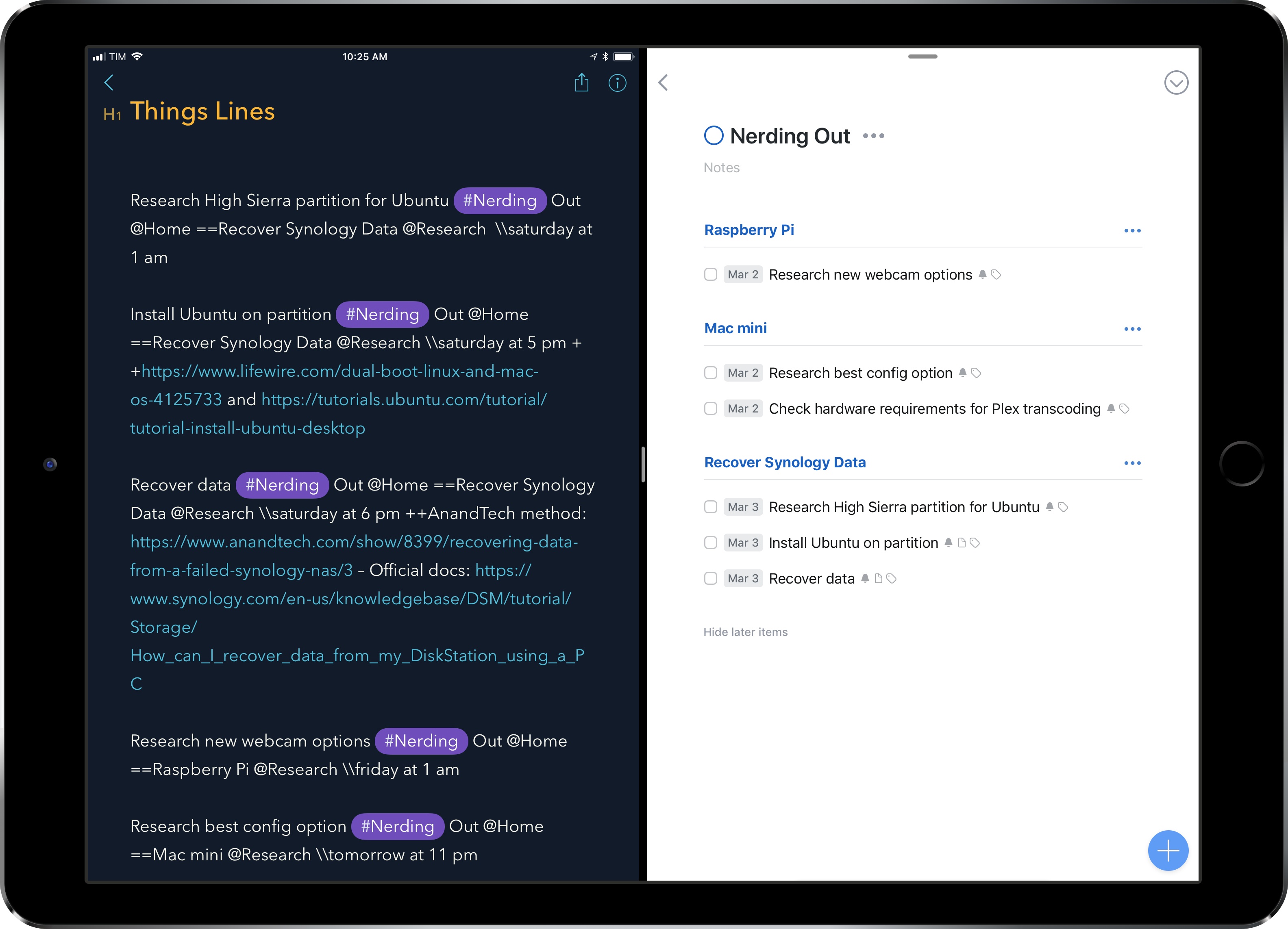
Enabling Hidden Settings in Things

I was recently informed by a Club member that Things for iPhone offers the ability to access hidden settings to enable two useful options in the app. At the bottom of the main screen, tap Settings, then navigate to General. Now, shake your iPhone quickly 4 times – or simply shake it fast until...