
Last Friday, I left my job as a lawyer. Many readers may not even know that’s something I did because it’s not pertinent to what I do at MacStories. Over the course of many years, that job became less interesting and challenging. Eventually, I recognized that I needed a change, but nothing felt quite right. That is, until the day I decided to make an app. I’m not much of an app developer, but I wouldn’t be where I am now, writing this, if I hadn’t built one. This is my app story.
iOS 11 Drag and Drop Apps
 Federico
Balance Is a Wallet For the World’s Currencies [Sponsor]
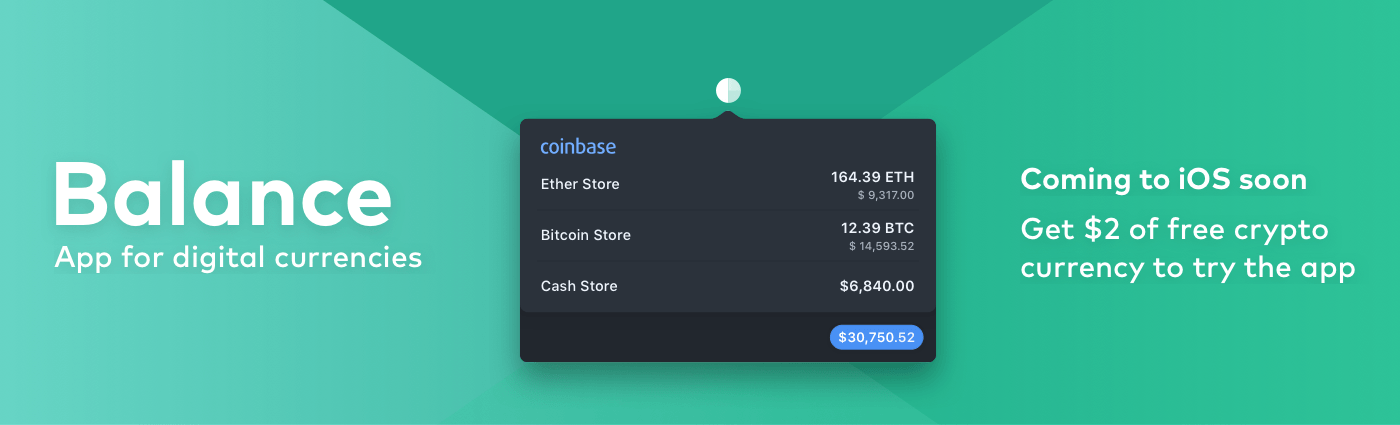
We are on the cusp of a financial revolution fueled by crypto-currencies and Balance makes it easy for everyone to get involved. You’ve probably heard of Bitcoin, one of the earliest crypto-currencies, but there are others including Ethereum. Balance connects to the most popular crypto-currency exchanges like Coinbase along with traditional financial institutions bridging the gap between the old financial world and the new one.
Balance is a menu bar app for macOS that is available on the Mac App Store. The app connects with crypto-currency exchanges as well as traditional bank accounts, investment accounts, credit cards, and online services like PayPal using Plaid, a super-secure platform that works with financial institutions around the world.
When you set up accounts in Balance, the app automatically updates them periodically with new transactions, so you’re always up to date. You can click through the app’s tabs to view balances, transactions, notifications and gain insights about your spending. Soon, Balance will release an iOS version of their app too.
Balance is ready for the future. The current financial system is based on outdated, legacy software. Blockchains are the bedrock of a more secure and open system based on cryptocurrencies, but not many people are using them yet. Balance is poised to change that by becoming a single destination for traditional financial accounts and crypto-currency exchanges.
Balance has a great offer for MacStories readers who want to see what crypto-currencies are all about. Just go to bal.money/macstories and you’ll get $2 worth of Ether in a Coinbase account that you can link to Balance and track with its menu bar app. It’s a great way to see for yourself what the financial world’s future looks like.
Our thanks to Balance for sponsoring MacStories this week.
 Tools for Navigating a Busy MacStories September
The fall iPhone event makes every September a busy one at MacStories, but this past month was especially hectic. That’s because iOS 11 fundamentally changes how users interact with the iPad and, to a lesser extent, the iPhone. As a result, not only was Federico working hard all summer and into September on his...
Album
Grizemoji I’m not sure if these are supposed to be grizzly bears or not. Some are blue, and others are green. They have big bushy tails and what looks like a skunk-like stripe on them too. In any event, these stickers are hilarious, whatever the creatures are, and worth a look. Typical Oktoberfest This...
Q&A
Question: When I scan documents using Notes and export those, the share sheet gives a PDF file. Is there any way to get JPEG or PNG files instead? (Jung)
Not easily, unfortunately. I tried running notes with their scanned attachments and the scanned documents alone through the Convert Image action in Workflow, but neither...
App Debuts
Pedometer++ Pedometer++ received an Apple Watch Series 3 update this week that syncs and measures floors climbed when ‘Merge Apple Watch Data’ is enabled in the app’s settings. The summary data that tells you your lifetime step count and distance has been added back in this version too, which I appreciate because I’m closing...
Critically Acclaimed Flower Debuts on iOS

Flower, by thatgamecompany, was released today on the App Store. The game, in which players direct flower petals by manipulating the wind, captured numerous awards and is part of the Smithsonian Museum’s permanent collection.
Flower was originally released in 2009 on Sony’s PlayStation 3. The game is designed to be a simple relaxing experience that’s accessible to anyone, not people who identify as gamers. On iOS, Flower takes advantage of iOS devices by incorporating tilt to control the petals as they float through the sky. If you missed Flower on Sony’s platforms, a big iPad Pro screen is the perfect place to give this classic a try. Of course, now I want Journey too.
Flower is available on the App Store.
Iovine, Lowe, and Jackson Talk Apple Music with Billboard→
Billboard spoke to executive Jimmy Iovine, creative director, Zane Lowe, and head of content, Larry Jackson, about the direction of the music industry and Apple’s roll in its future.
During the interview, Iovine revealed that Apple Music subscriptions have topped 30 million, which is up from the 27 million subscribers quoted during WWDC in June. That’s still materially behind the 60 million subscribers claimed by Spotify, which is planning to go public later this year.
Iovine’s reaction is that the state of streaming today is not enough, but he remains upbeat projecting his trademark enthusiasm in the interview:
“I believe we’re in the right place, we have the right people and the right attitude to not settle for what exists right now.” But ultimately? “Just because we’re adding millions of subscribers and the old catalog numbers are going up, that’s not the trick. That’s just not going to hold.”
The interview is light on specifics about what’s next for Apple Music and what it will take to move streaming forward, but it’s clear from Lowe’s response to how he thinks music streaming must change that the answer involves more than just the streaming music itself:
We need to put context and stories around music. The song itself is obviously the primary passion point – it’s a key that opens the door. But what’s inside the room that is going to make a fan a super fan? Music has become quicker, faster, and there’s more of it. That doesn’t mean you shouldn’t create a story around something that is beautiful and that lives and breathes.
Apple Music’s moves into video production, advertising, and similar areas, which are discussed during the interview, may provide a hint of what’s on the horizon. The goal of drawing listeners into the stories behind their favorite artists and music to help grow the audience feels a lot like a reimagining of what was attempted without much success with Apple Music Connect.