John Voorhees

5811 posts on MacStories since November 2015

John is MacStories' Managing Editor, has been writing about Apple and apps since joining the team in 2015, and today, runs the site alongside Federico. John also co-hosts four MacStories podcasts: AppStories, which covers the world of apps, MacStories Unwind, which explores the fun differences between American and Italian culture and recommends media to listeners, Ruminate, a show about the weird web and unusual snacks, and NPC: Next Portable Console, a show about the games we take with us.

This Week's Sponsor:

Crickets

The first alarm app for families.


OmniOutliner 3 for iOS Review

I think in outlines. When I was in law school, that’s how I was taught to break down legal issues and structure the enormous amount of information I needed to know to pass exams. Outlines became second nature – something I still use today to organize research, write longer articles, and organize projects.

I wish I had OmniOutliner when I was in law school. Those outlines grew as the semester wore on, adding complexity that made them harder to edit. Although the word processor I used could handle outlining, it wasn’t optimized for huge outlines the way OmniOutliner is.

Today, my outlining needs are much simpler. I’m not creating 100-page outlines. If an outline is more than a few pages long, it’s only because it’s full of detailed notes. More often than not, all I need is a quick indented list, with simple formatting, and the ability to reorder sections easily.

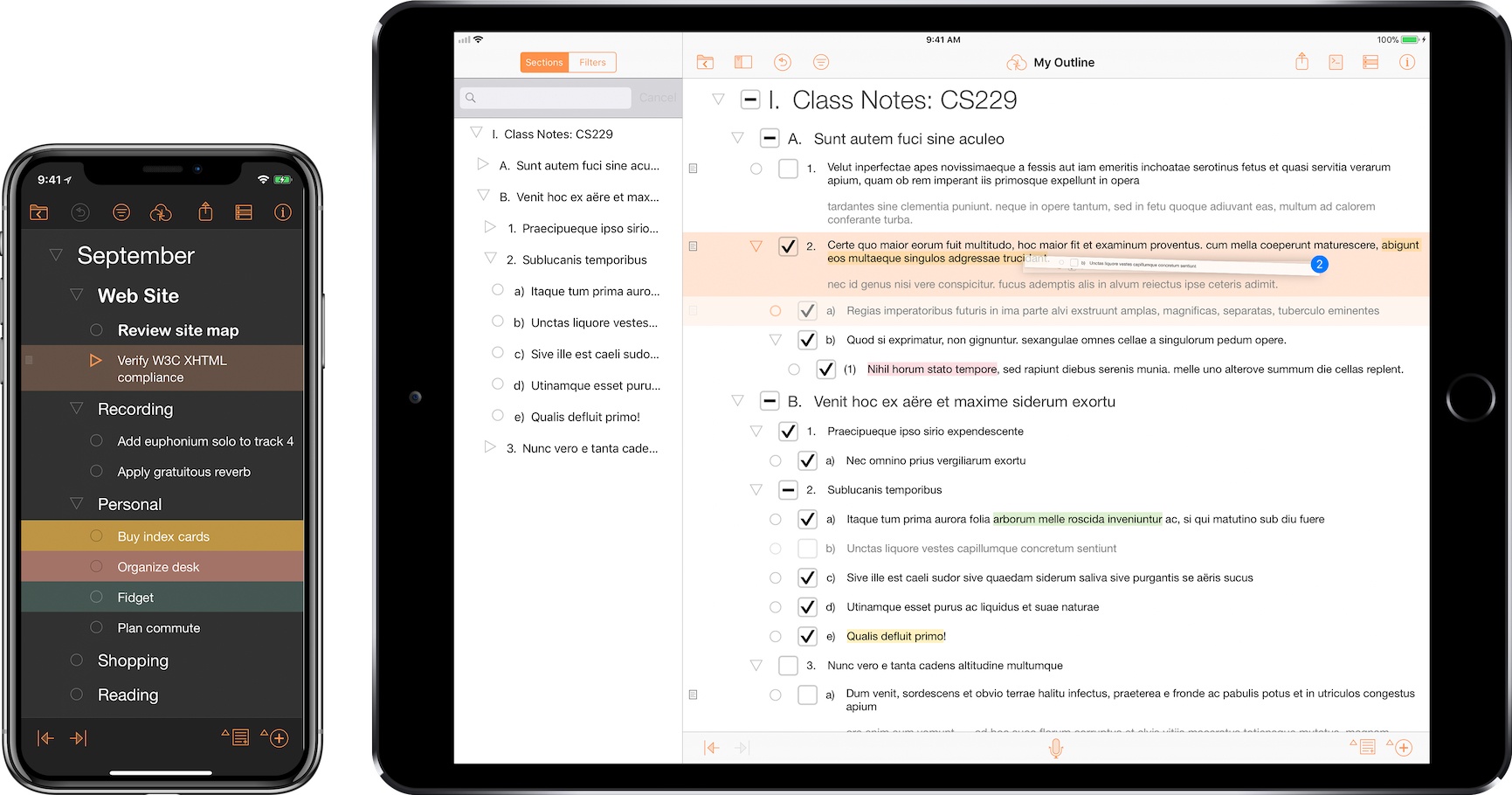
Perhaps the greatest strength of OmniOutliner 3 for iOS is that it can handle both scenarios. That’s because OmniOutliner 3 isn’t one app, it’s two: OmniOutliner Essentials and OmniOutliner Pro. Essentials includes all the tools you need for basic outlining, and Pro adds extensive customization options, section navigation, automation, and other features.


Read more


AppStories, Episode 42 – RSS Services and Apps→

The RSS sync service and reader app landscape makes it difficult to find the perfect combination of features for the way you read the news. On this week’s episode of AppStories, we sift through the many options and highlight what we look for in modern iOS and Mac RSS clients.

Sponsored by:

  • GoodNotes: Stunning digital ink.
  • Outcast: Download and play podcasts without your iPhone.
AppStories+ Deeper into the world of apps

AppStories Episode 42 - RSS Services and Apps

0:00
38:52

↓

AppStories+ Deeper into the world of apps

Permalink

RSS Services and Apps

AppStories+ Deeper into the world of apps

AppStories Episode 42 - RSS Services and Apps

0:00
38:52

↓

AppStories+ Deeper into the world of apps

The RSS sync service and reader app landscape makes it difficult to find the perfect combination of features for the way you read the news. Federico and John sift through the many options and highlight what they look for in modern iOS and Mac RSS clients.

Read more


Outcast: Download and Play Podcasts without Your iPhone [Sponsor]

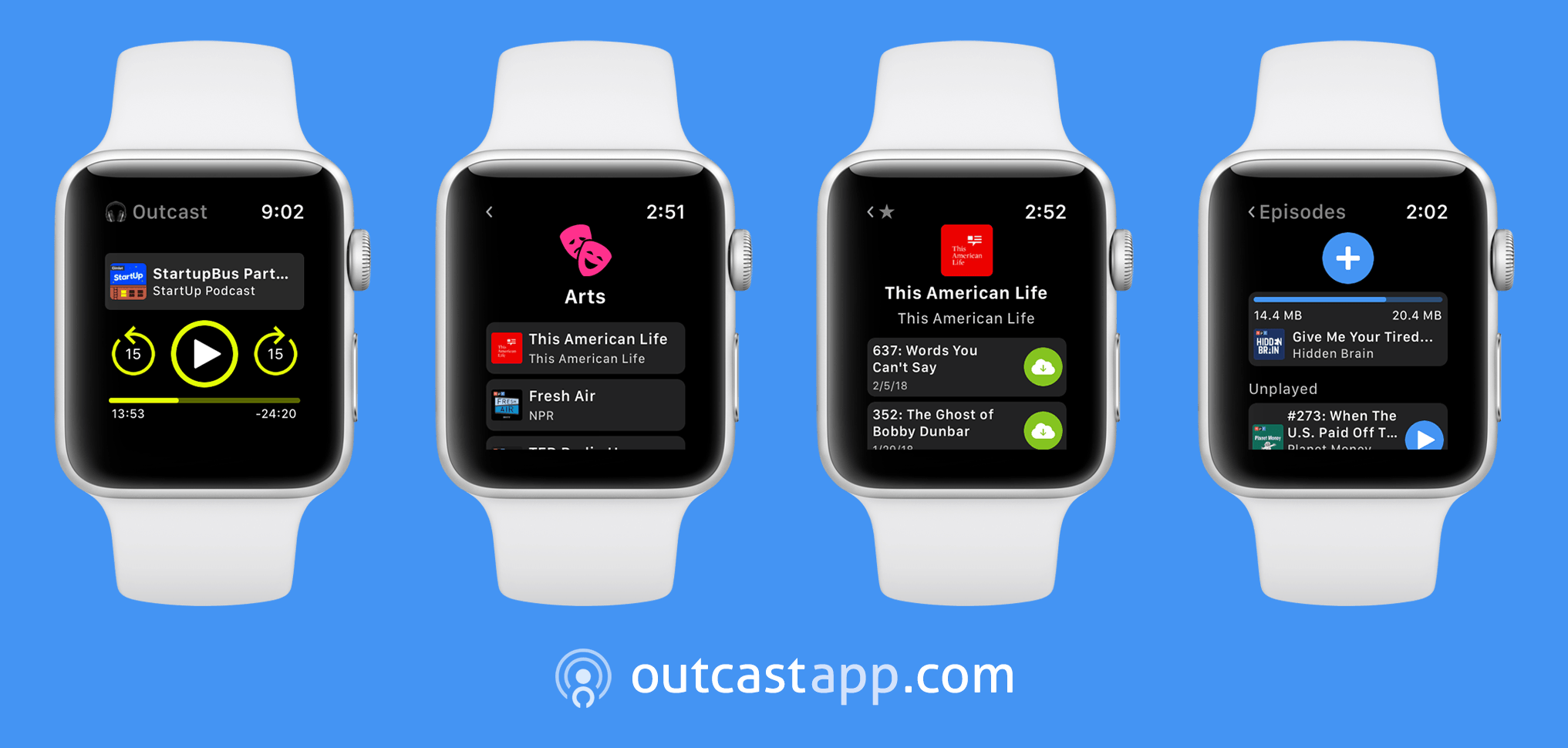
Outcast is a brand-new Watch app that lets you download and enjoy podcasts directly on your Apple Watch. This app handles it all. Everything from finding podcasts, downloading them, and listening is managed entirely on your Apple Watch eliminating the need to bring along your iPhone.

There are three ways to get podcast episodes into Outcast. You can search for shows on the Watch using its dictation or ‘Scribble’ handwriting feature. Alternatively, you can browse shows by category. Whether you enjoy comedy, politics, technology, or another topic, Outcast makes it easy to find the very best podcasts available. Finally, you can also use the export as OPML feature of many popular iPhone podcast players to copy a list of your favorite shows into Outcast.

Once you’ve picked an episode, tap the download button and enjoy. Outcast supports downloads over WiFi and cellular networks and includes a full set of playback controls including play/pause and skip ahead and back. You can even adjust playback speed by force-touching the playback screen.

Bringing all that functionality to the Watch’s tiny interface posed a substantial design challenge. As the creator of the Apple Design Award-winning habits app, Streaks, Outcast’s developer, Crunchy Bagel, was up to the challenge. The result is a beautiful, easy-to-use Watch app that’s the best way yet to enjoy podcasts on your Apple Watch without bringing along your iPhone.

For a limited time, Outcast is just $0.99. That price is going to go up, so take advantage of this deal now by going to the App Store to download Outcast now.

Our thanks to Outcast for sponsoring MacStories this week.


An In-Depth, Technical Analysis of the HomePod Concludes It’s a Bona Fide Audiophile Speaker→

Given Apple’s emphasis on the audio quality of the HomePod, the lack of technical reviews from audiophile publications at launch struck me as odd. That’s why I was intrigued when I saw this tweet last night from Phil Schiller, Apple’s Senior Vice President of Worldwide Marketing:

https://twitter.com/pschiller/status/962883051184275456

The review, by Reddit user WinterCharm in the audiophile subreddit, is an in-depth, technical analysis of the HomePod that includes a side-by-side comparison with a pair of KEF X300A high-end bookshelf speakers that sell for $1000 at retail. There’s a lot here that is beyond my limited understanding of audio equipment and testing, but the conclusion of WinterCharm’s hours of analysis is crystal clear:

I am speechless. The HomePod actually sounds better than the KEF X300A. If you’re new to the Audiophile world, KEF is a very well respected and much loved speaker company. I actually deleted my very first measurements and re-checked everything because they were so good, I thought I’d made an error. Apple has managed to extract peak performance from a pint sized speaker, a feat that deserves a standing ovation. The HomePod is 100% an Audiophile grade Speaker.

Judging from the comments to the post, WinterCharm isn’t the only audiophile excited about the HomePod and eager to try two as a stereo pair when that feature is released in a future software update.

Permalink

Major VLC Update Released with Support for 4K, 8K, HDR, 360 Video, Google Chromecast, and More

Today, VideoLAN, the non-profit organization behind VLC, released version 3.0 of its media player app across several platforms, including macOS and iOS. The update, known as Vetinari, supports a long list of modern video, audio, and streaming technologies such as:

  • hardware decoding by default to allow for 4K and 8K video playback on supported hardware
  • HDR
  • 360 Video and 3D audio
  • HDMI passthrough for HD audio codecs
  • Streaming to Google Chromecast devices
  • Blu-Ray Java menus
  • Local network browsing of drives and NAS
  • Improved subtitle rendering

There are many other additions and refinements to VLC 3.0, which you can read about on VideoLAN’s website. The iOS update to VLC should be available later today as a free download on the App Store. The Mac version is already available on VideoLAN’s website.


Apple Adds Direct Access to News Sources to its TV App

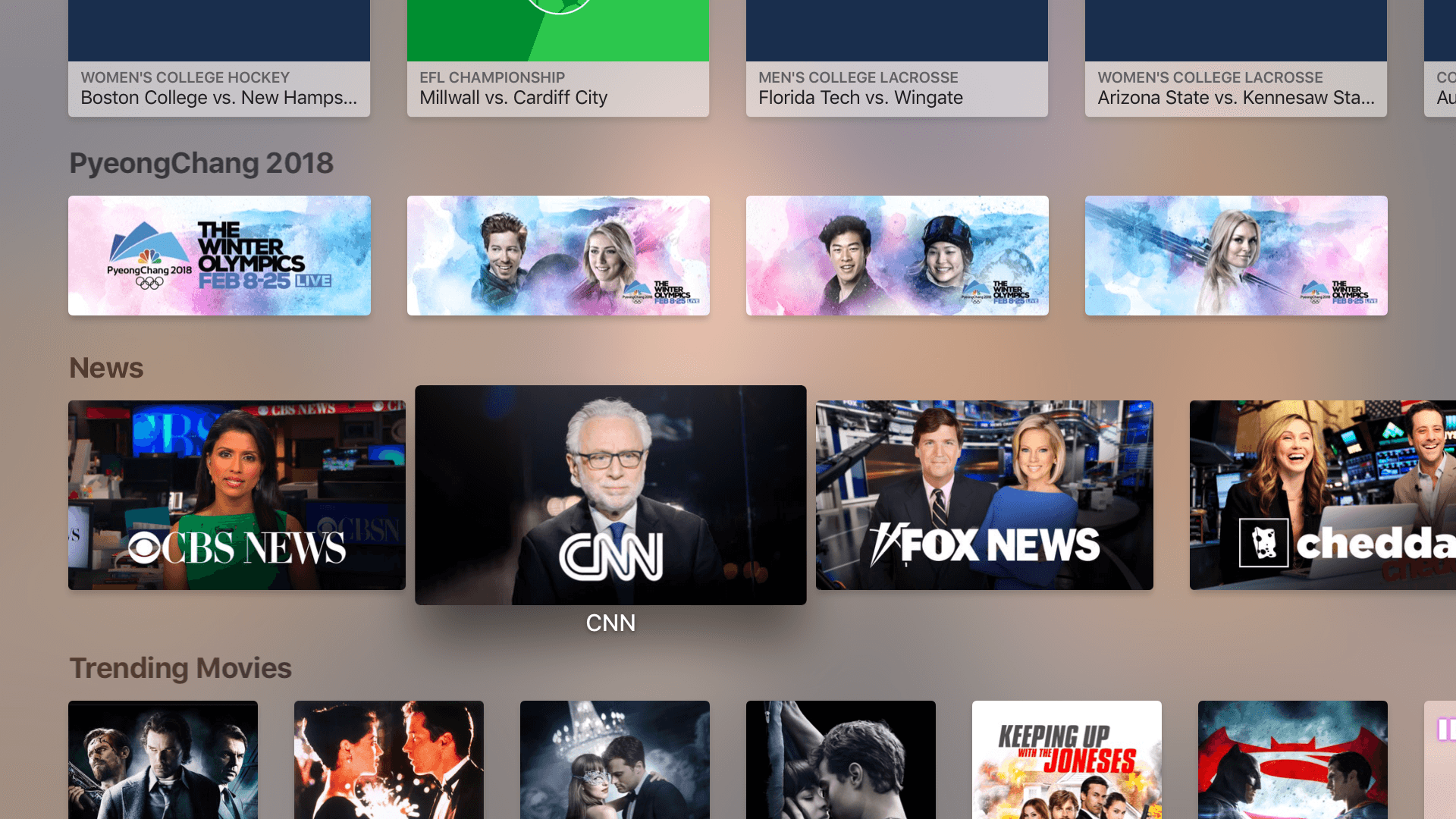
Apple has added a dedicated News section to its TV app on the Apple TV and iOS devices. The feature, which was announced at the company’s September 2017 event at the Steve Jobs Theater in Cupertino, allows users to jump straight into several different news programs.

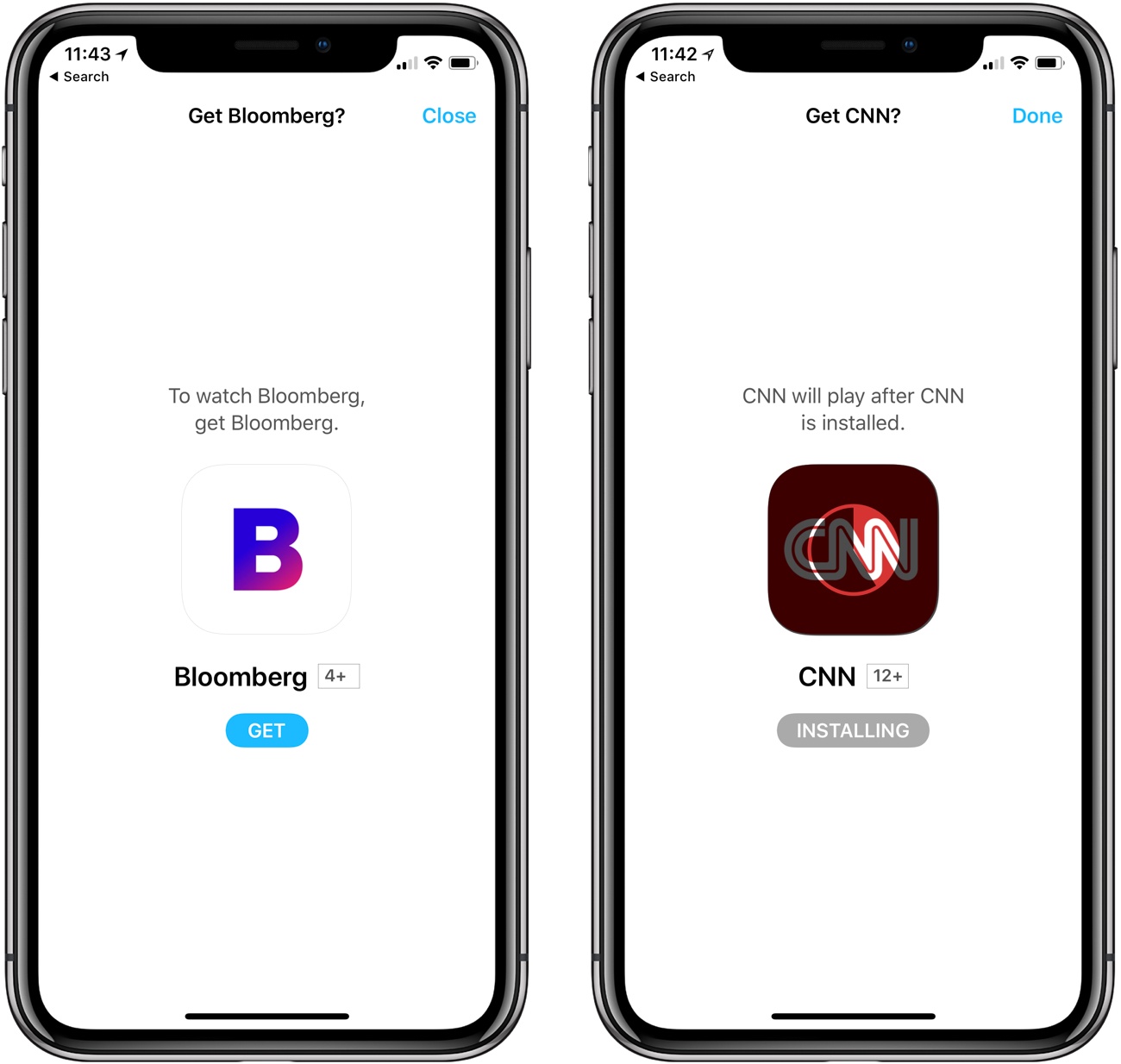
In the US, the choices include CBS News, CNN, Fox News, Cheddar, CNBC, and Bloomberg, some of which require paid subscriptions. When you select a news source, your Apple TV or iOS device will prompt you to install its app if it isn’t already on your device. On iOS, and at least with CNN on the Apple TV, the app is installed without a trip to the App Store, after which you are taken directly to the app to begin watching the news. The new feature also works with Siri using commands like ‘Watch CNBC.’

If you tap on a news source for which you don't have the app, you are prompted to install it without having to go to the App Store.

If you tap on a news source for which you don’t have the app, you are prompted to install it without having to go to the App Store.

News joins the TV app’s dedicated Sports section, which was announced at the same time as News but was introduced last December. Unlike Sports, which occupies a dedicated tab in the TV app’s interface, News is limited to a single row of icons that appears beneath Up Next, What to Watch, Sports, and a row of featured content.


App Debuts

Cortana Microsoft’s digital assistant is now available on iPad as a Universal update to the existing Cortana for iPhone app. Cortana, like other assistants, can create reminders and events, show you the weather and news, and give you a summary of your schedule for the day ahead. Of course, like the Google Assistant, Cortana...


PopClip

I spend most of my day working with text in one form or another. That’s true for a lot of people whether or not they write. On iOS, if you highlight a bit of text, you get a contextual popup with standard options like Cut, Copy, and Paste, but you’re also presented with options...