John Voorhees

5810 posts on MacStories since November 2015

John is MacStories' Managing Editor, has been writing about Apple and apps since joining the team in 2015, and today, runs the site alongside Federico. John also co-hosts four MacStories podcasts: AppStories, which covers the world of apps, MacStories Unwind, which explores the fun differences between American and Italian culture and recommends media to listeners, Ruminate, a show about the weird web and unusual snacks, and NPC: Next Portable Console, a show about the games we take with us.

This Week's Sponsor:

Crickets

The first alarm app for families.


An Interview with Harry Nesbitt and Ryan Cash About Alto’s Odyssey

AppStories+ Deeper into the world of apps

AppStories Episode 45 - An Interview with Harry Nesbitt and Ryan Cash About Alto’s Odyssey

0:00
37:17

↓

AppStories+ Deeper into the world of apps

Federico and John interview two members of Team Alto, Harry Nesbitt and Ryan Cash, about Alto’s Adventure, the challenges they faced in following it up with Alto’s Odyssey, the creative process of making games, and the mobile game industry.

Read more


Tinderbox: Analyze, Organize, and Visualize Your Best Ideas [Sponsor]

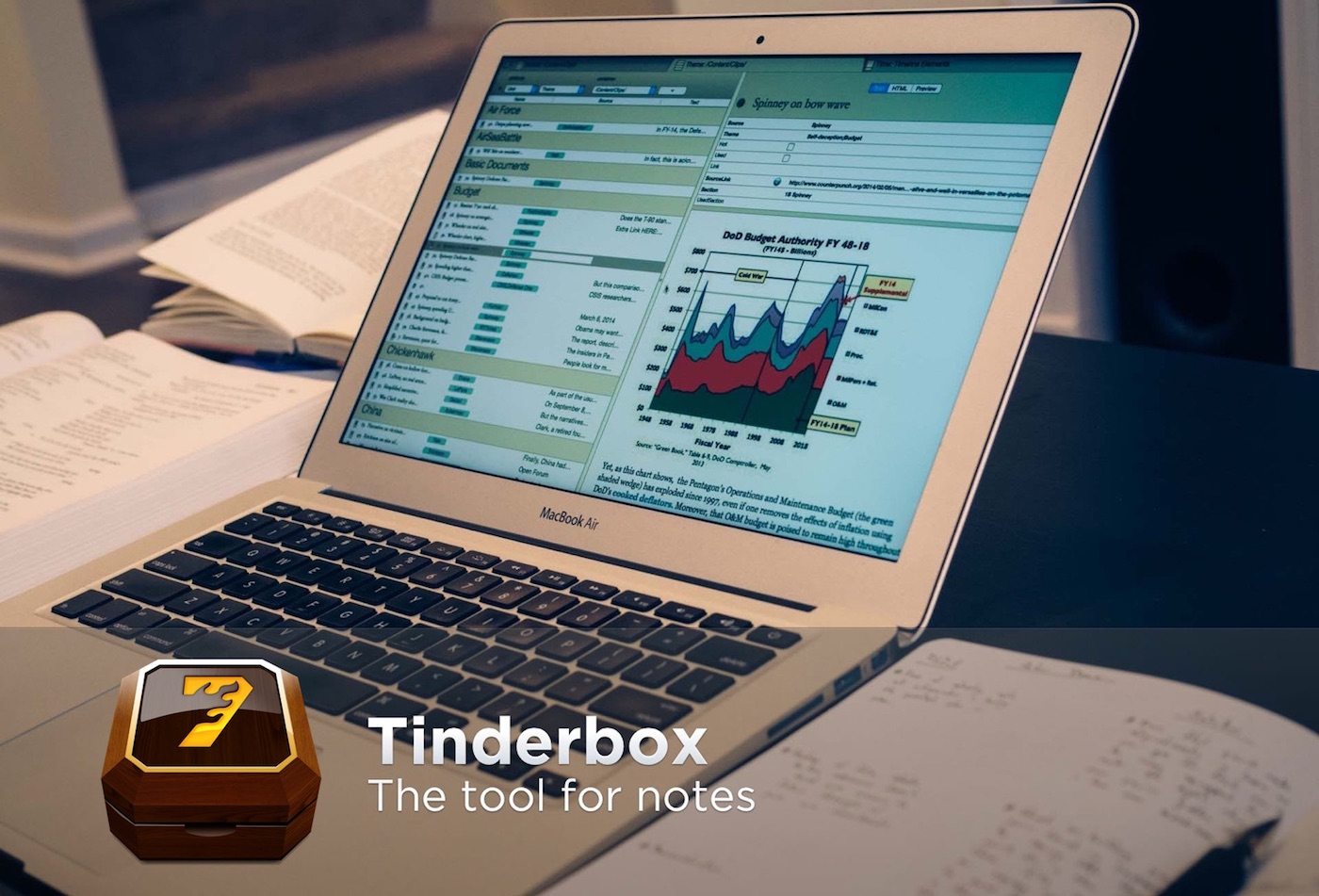
Tinderbox is a powerful Mac app that stores and organizes your notes, plans, and ideas, bringing order and understanding to the vast amounts of information collected when you’re working on a big project. Whether that’s writing a book, creating course materials, planning a wedding, or just managing your day-to-day life, Tinderbox helps impose structure on your data.

The app acts as a personal content assistant giving you the tools you need to discover connections and relationships between your notes that you might otherwise miss. Best of all, Tinderbox adapts to the way you work. You can use mind maps with shapes, colors, and links to surface connections between ideas, or one of many other tools like outlines, word clouds, timelines, and dashboards. Each is a powerful way to gain new insights and perspectives on your ideas.

Tinderbox also has agents and rules, which are fantastic automation tools that can do things like surface a series of tasks coming due soon or a particular topic you’re tracking. The options are only limited by your imagination.

Tinderbox works beautifully with other apps and platforms too. Connect the app to Apple’s Notes app, and notes you enter on your iOS devices or Mac can be automatically categorized in Tinderbox. The app also works with other apps like Evernote, DEVONthink Pro, and Dropbox.

Eastgate, the maker of Tinderbox, has a very special deal just for MacStories readers. Use this link to save $53 on Tinderbox – that’s over 20% off the usual price.

Our thanks to Tinderbox for supporting MacStories this week.


App Debuts

Just Press Record Just Press Record is an app for quickly recording audio on the go. One of my favorite features is the app’s ability to transcribe what you’ve recorded. It’s a fantastic way to capture thoughts and then move the text into another app like a task manager or email client. The transcription...


Numi

Numi is the kind of app I love because it’s so unassuming but useful. At first glance, it looks like a bare-bones, plain-text scratchpad for the Mac, and it is, except that under the hood Numi is packed with smarts. The app is a plain-text calculator that lets you work out calculations interspersed with...


Q&A

Question: Things does not allow the completion of a repeating task before its due date. Is there a workaround for this? (John Marino)

Unfortunately no. I find this frustrating too. It stems from the way Things treats due dates and deadlines. Conceptually, due dates are like start dates, whereas deadlines are the absolute last...


Sketch Adds Shared Libraries, Including the Official Apple iOS 11 Design Template, and Prototyping

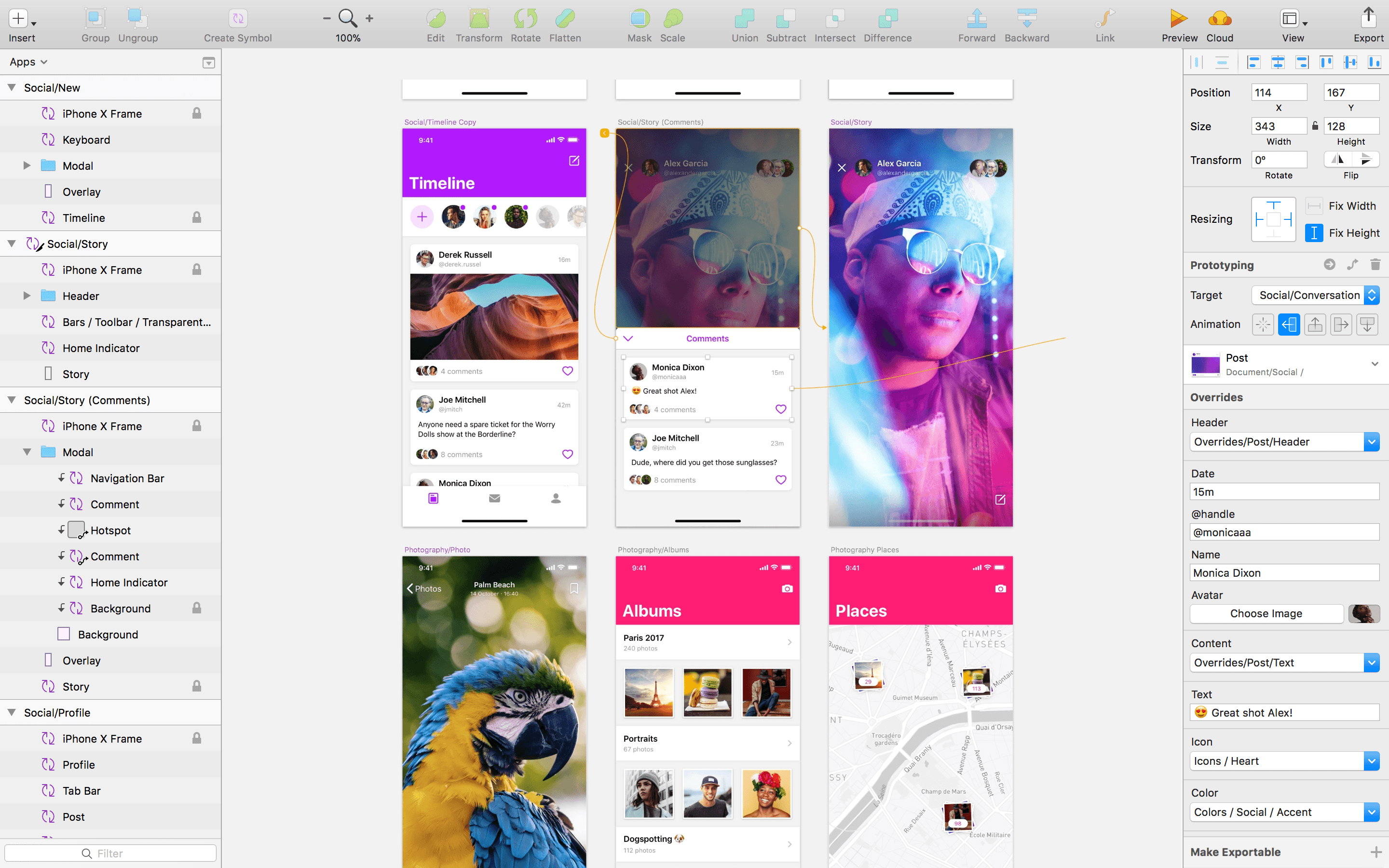
Sketch, the popular design app from Bohemian Coding, received a big update today, but perhaps the most interesting aspect of the update is the incorporation of Apple’s official iOS 11 design template. An earlier update of Sketch added Libraries, sets of design assets that can be saved, reused, and shared. With the new version of Sketch released today, those Libraries can be stored in Sketch Cloud and shared with other Sketch users who can download and subscribe to them.

The utility of the new feature is highlighted by the inclusion of Apple’s official iOS 11 UI Assets as a Shared Library.

According to Bohemian Coding:

We’re really excited to say that we’ve integrated Apple’s iOS 11 design template into Sketch, and can now offer this invaluable resource as a built-in Library.

The Apple iOS UI library has all of the components you’ll need to start working on your next project, carefully crafted for Sketch. This expansive Library includes everything, from tab bars and status bars to buttons and switches, ready to be inserted into your latest designs.

Users can download the iOS 11 design template from the Libraries tab of Sketch’s Preferences. Once downloaded, users will receive notifications of updates to the templates.

Sketch’s latest release also adds prototyping. The feature allows users to link artboards and add animated transitions. Prototypes can be previewed in Sketch, using Bohemian Coding’s Mirror iOS app, or using Sketch Cloud.

To get a sense of what can be done with Sketch’s new prototyping feature, check out the video below by Sam Beckett, who has worked with MacStories in the past on Federico’s iOS concept videos.


It’s Time for a Complete Home Makeover

I’ve spent a lot of time experimenting with home automation gear since late last year: lightbulbs, light strips, electrical plugs, and door sensors, among other things. Most of the devices I’ve tested support Apple’s HomeKit APIs and those that don’t, I plan to integrate with Homebridge. That means I’ve also spent a lot of...


Apple Highlights Apps with watchOS 4.2 Features for Skiers and Snowboarders

Apple released watchOS 4.2 in December with new workout APIs for skiing and snowboarding workouts. Those additions have allowed third-party developers to offer an enhanced workout experience to Apple Watch Series 3 users when they hit the slopes. In a press release today, which was timed with the release of updates to several popular skiing apps, Apple said:

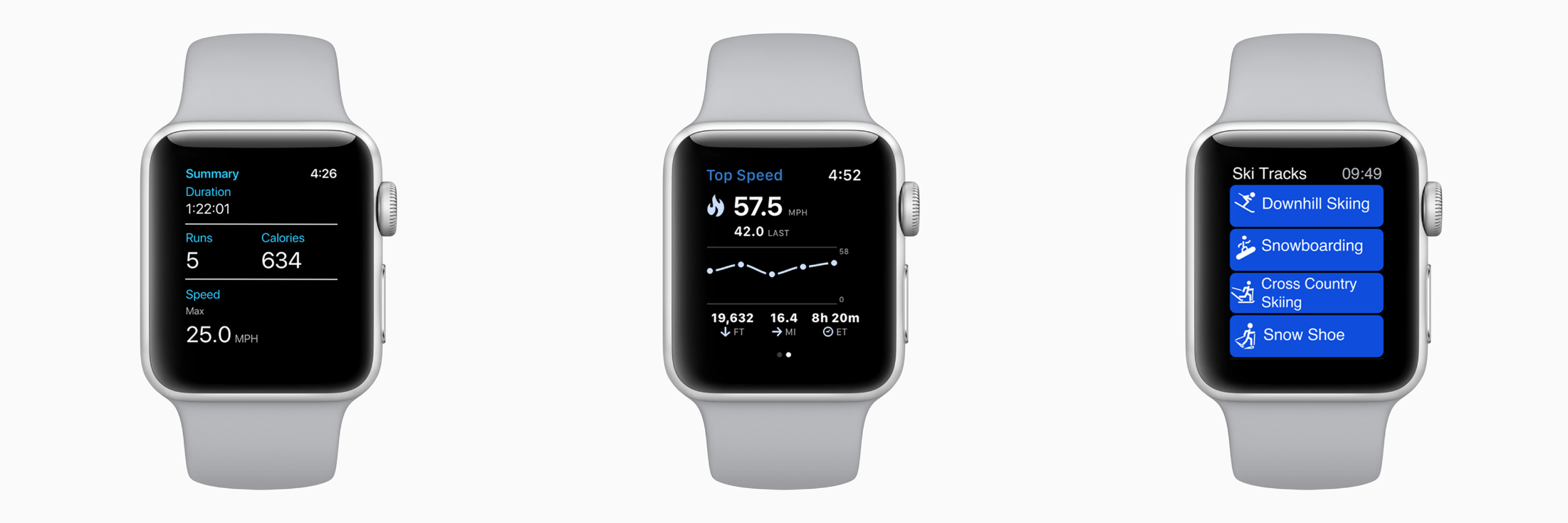
Developers are taking advantage of the built-in GPS and altimeter in Apple Watch Series 3 as well as custom workout APIs released in watchOS 4.2 to enable tracking of specialized metrics. App updates for snoww, Slopes, Squaw Alpine, Snocru and Ski Tracks now track new metrics on the slopes including:

  • Total vertical descent and horizontal distance
  • Number of runs
  • Average and maximum speeds
  • Total time spent
  • Calories burned

The new workout features include other benefits for skiers and snowboarders too:

Apps can auto pause and resume and users will get credit towards their Activity rings; workout information will also be recorded to the Health app on iPhone with user permission. Using Siri, users can start Slopes and snoww to track their runs using just their voice.

Apps that take advantage of the new watchOS 4.2 features are also spotlighted in the App Store’s Today section and include:

There’s more Apple could do to improve the overall experience of developing for watchOS, but it’s good to see the workout APIs continue to expand and third-party developers take advantage of them.