John Voorhees

5642 posts on MacStories since November 2015

John is MacStories' Managing Editor, has been writing about Apple and apps since joining the team in 2015, and today, runs the site alongside Federico. John also co-hosts four MacStories podcasts: AppStories, which covers the world of apps, MacStories Unwind, which explores the fun differences between American and Italian culture and recommends media to listeners, Ruminate, a show about the weird web and unusual snacks, and NPC: Next Portable Console, a show about the games we take with us.

OneDrive for iOS Updated with Drag and Drop on iPad, A New Design, and More

Microsoft has released version 10.1 of its OneDrive app with support for drag and drop on the iPad and a new, cleaner design.

Drag and drop support allows users to move files and folders within the OneDrive app or drag files into and out of other apps. For example, users can drag photos from OneDrive into an email message to add as an attachment or drag attachments from messages into OneDrive. Users can also access their OneDrive files from Apple’s Files app.

OneDrive now supports drag and drop on the iPad.

OneDrive now supports drag and drop on the iPad.

OneDrive also received a significant UI redesign. File names are easier to read on all devices, the organization more closely mirrors what users expect to see on a Mac or PC, and the icons of shared files have been updated to make them easier to identify at a glance.

Before the update, file and folder actions required users to tap and hold on an item, which created discoverability issues. Now, there is a tiny three-dot button next to each file and folder that opens a contextual menu with options like ‘Share,’ ‘Delete,’ ‘Make Available Offline,’ ‘Move,’ and more. Additional file and folder actions, including ‘Copy Link,’ ‘Email in Outlook,’ ‘Send File,’ and ‘Invite People,’ are available via the system share sheet. OneDrive can now preview 130 different file types too.

Additional file and folder actions are available via the share sheet.

Additional file and folder actions are available via the share sheet.

It’s unfortunate that it’s taken so long for OneDrive to adopt iOS 11 features like drag and drop. Still, the update is a significant improvement over previous versions and brings the app’s functionality in line with many of its competitors, which makes it worth another look if you have been thinking about switching online storage providers.


Backblaze: Unlimited Cloud Backup [Sponsor]

Backblaze is unlimited cloud backup for Macs and PCs for just $5 per month. Backups are critical. The drive on your computer is packed with your most precious content: home movies, family photos, work documents, your music and video collections, and much more. Backblaze backs it all up and makes it easy to recover.

Having a Backblaze cloud backup means your files are safe even if your computer isn’t. If your computer is stolen or your house burns down, you can still recover your files. But Backblaze is valuable even when disaster doesn’t strike because it’s also a handy way to access your files wherever you are using your phone or a web browser.

Best of all, you can access a single file or restore everything you’ve backed up just as easily. If you need to restore more files than you can download quickly, you can use Backblaze’s Restore by Mail service. Backblaze will overnight you a flash drive or hard drive by Fedex so you have your files the next day. If you need to recover files after a complete system failure, it’s painful enough as it is, so Backblaze provides you with a full refund of the cost of the drive they ship you if you return it within thirty days.

When you use Backblaze, you know your files are in good hands. Backblaze is currently managing over 400 Petabytes of data for its customers and has restored over 27 billion files. Those are big numbers that show just how many people have entrusted their documents and precious memories to Backblaze.

It’s the start of a new year, which is a good time to re-evaluate your backup strategy and take Backblaze for a spin. Start a 15-day free trial today and rest easy knowing your files are in good hands Backblaze.

Thanks to Backblaze for supporting MacStories this week.


How Apps Fit Into Our TV and Movie Watching

AppStories+ Deeper into the world of apps

AppStories Episode 40 - How Apps Fit Into Our TV and Movie Watching

0:00
35:51

AppStories+ Deeper into the world of apps

Federico and John discuss their TV and movie watching habits, hardware, and how they use apps as part of the process.

Read more


HomePod First Impressions Roundup

In advance of HomePod pre-orders, which began earlier today, Apple invited a handful of writers to hear the HomePod in action. Apple’s smart speaker was met with universal praise for its sound quality but also, some skepticism.

Read more


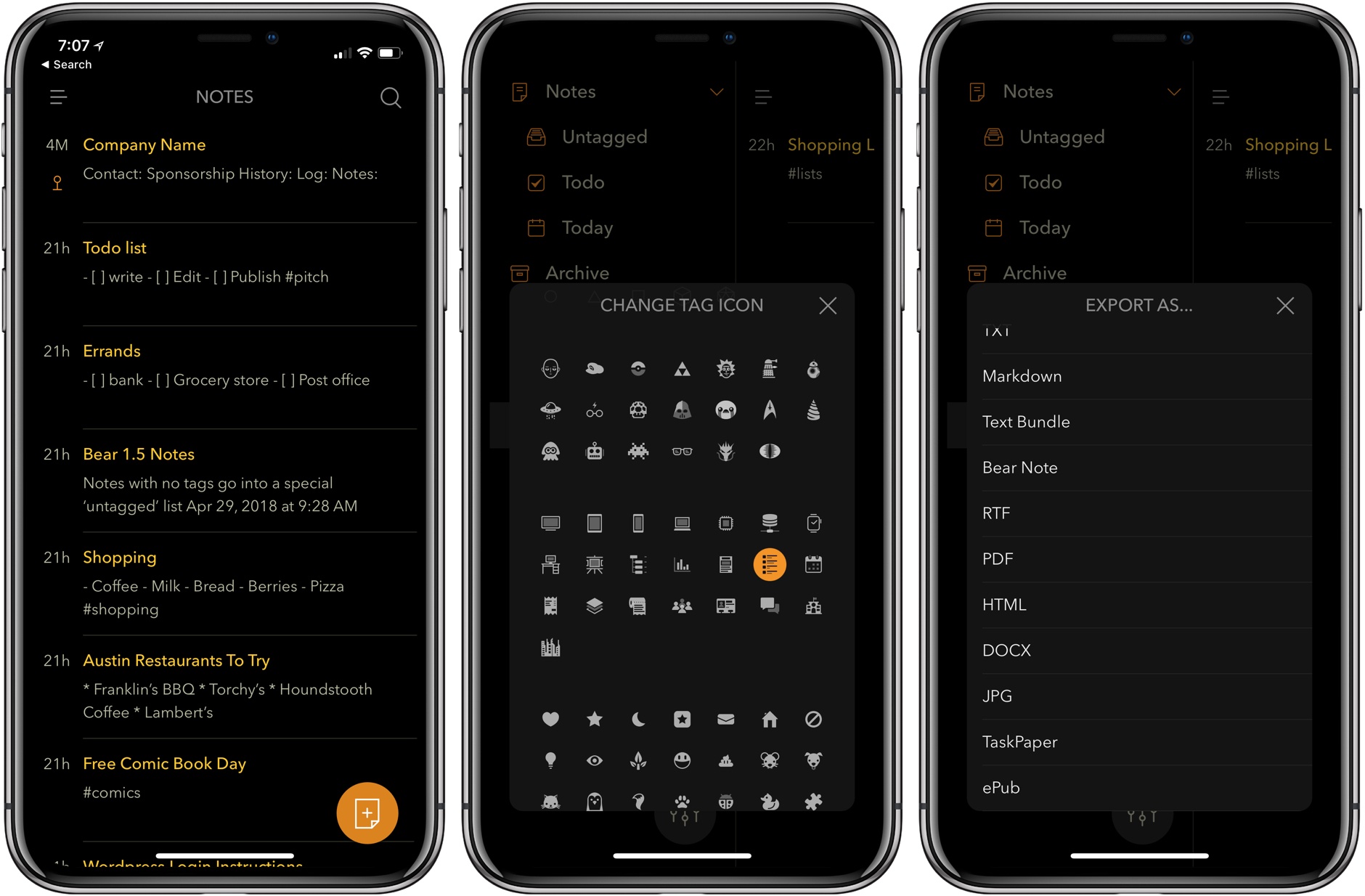
Omni Outlines Its 2018 Plans, Including Updates to OmniFocus for iOS and Other Apps

Every year, The Omni Group reflects on the past year and provides a roadmap for coming year. In 2018, OmniFocus will play a prominent role along with updates to OmniGraffle, OmniPlan, and OmniOutliner.

OmniFocus for iOS has been around since the earliest days of the App Store. One of the biggest changes that will be debuted in OmniFocus 3 for iOS is the elimination of contexts, a Getting Things Done concept that hasn’t aged well. Contexts will be replaced with tags, which can be used like contexts or to indicate other attributes of a task like its priority, location, or time. With tags, Omni is will also introduce manual reordering of tasks within a tag.

The way OmniFocus deals with dates and notifications is being revamped too. With version 3, OmniFocus will add more fine-grained control over repeating tasks. To avoid complexity, The Omni Group’s Ken Case says:

we turned to a design principle called progressive disclosure: we ask you to make simple decisions up front (like checking the option “does this repeat or not”), and as you proceed through the interface we progressively disclose more and more options based on what we already know about the task.

Similar flexibility is being added to notifications, which will include more detail in each notification. OmniFocus is also adding the ability to add multiple custom notifications to single tasks and notifications that will continually badger you until a task is marked as complete, as can be done today in apps like Due.

OmniFocus 3’s design will also be refreshed. Omni hasn’t shared many examples of what the update will look like, but here’s an example from the company’s blog post:

JavaScript-based automation, which is included in some of Omni’s other apps, is coming to OmniFocus as is collaboration, which will feature a system that lets multiple people share the same task by linking them. Omni says the system will allow everyone on a shared task to see its status, but place the task wherever they want within their task management setups. Finally, Omni plans a basic web version of OmniFocus that will allow users to access their tasks, though with a limited feature set.

Omni has changes in store for its other apps too. The first 2018 update to OmniGraffle for Mac will focus on the Stencil Browser, which users will be able to place in the left-hand sidebar. A later update will add improvements to SVG import and export support. Later in the year, another update is planned to improve diagramming.

OmniPlan for Mac will add a Project Summary Inspector that provides summary information about a project like its total cost and duration. OmniPlan Pro users will get a new timescale feature for customizing Dashboards too. Improvements to OmniPlan Pro’s publish and subscribe sync feature are planned for later in the year.

OmniOutliner 3 for iOS is scheduled for release in February 2018. The update will introduce Essentials and Pro versions of the app. Essentials offers a simplified outlining environment, while Pro includes advanced features like saved filters, encryption, and JavaScript automation.

It looks as though 2018 will be a busy year for Omni. Updates to apps like Things have raised the bar on task management apps, so it’s good to see Omni rethinking and redesigning some of the fundamental aspects of OmniFocus. I’m also looking forward to the OmniOutliner, an app that I’ve used on and off since it was first introduced on iOS.


Apple Animoji Karaoke Videos Showcase iPhone X Feature in Advance of Grammys

Apple has embraced the phenomenon of Animoji karaoke. Specifically called out in the iOS 11.3 preview press release earlier this week, Apple followed up today with two fantastic videos on its YouTube channel.

One video features Stir Fry by Migos sung by the dog Animoji backed by the smiling poo Animoji.

The other video features Redbone by Childish Gambino with the alien Animoji on lead vocals backed by the rainbow unicorn.

Both videos are fun pairings of Grammy-nominated artists and Animoji, the animated emoji feature that is exclusive to the iPhone X. Migos’ album, Culture, is nominated for Best Rap Album of 2017, and Redbone by Childish Gambino is up for Record of the Year. According to Ad Week, the two videos will air during the Grammys on Sunday, January 28th.

Almost as amusing as the videos themselves is the fine print at the end of each video that says ‘Animoji feature records up to 10 seconds. Professionally animated.’ I’d love to see Animoji recording extended beyond 10 seconds and added to an app like Clips, to make it easier for users to create karaoke videos of their own and eliminate the need for Apple to add a disclaimer to its videos.


Q&A

Question: I’ve run across a site that I would like to follow, but it doesn’t have an RSS feed. Have any of you had this problem and how do you deal with it? I don’t want to use Facebook, Twitter, etc. (Bill)

I’ve come across this problem before and, fortunately, some of the modern...