John Voorhees

5639 posts on MacStories since November 2015

John is MacStories' Managing Editor, has been writing about Apple and apps since joining the team in 2015, and today, runs the site alongside Federico. John also co-hosts four MacStories podcasts: AppStories, which covers the world of apps, MacStories Unwind, which explores the fun differences between American and Italian culture and recommends media to listeners, Ruminate, a show about the weird web and unusual snacks, and NPC: Next Portable Console, a show about the games we take with us.

Apple Updates Its MacBook Pro Line with Faster CPUs and New Keyboard Mechanisms

Apple updated its MacBook Pros today with new, faster processors and changes to the notebook line’s keyboard mechanism. According to an Apple press release:

The 15-inch MacBook Pro now features faster 6- and 8-core Intel Core processors, delivering Turbo Boost speeds up to 5.0 GHz, while the 13-inch MacBook Pro with Touch Bar features faster quad-core processors with Turbo Boost speeds up to 4.7 GHz.

Apple says that the new 15-inch MacBook Pro with an 8-core processor is up to two times faster than the previous top-end quad-core model. To put that performance in perspective, Apple claims that:

  • Music producers can play back massive multi-track projects with up to two times more Alchemy plug-ins in Logic Pro X.
  • 3D designers can render scenes up to two times faster in Maya Arnold.
  • Photographers can apply complex edits and filters up to 75 percent faster in Photoshop.
  • Developers can compile code up to 65 percent faster in Xcode.
  • Scientists and researchers can compute complex fluid dynamics simulations up to 50 percent faster in TetrUSS.
  • Video editors can edit up to 11 simultaneous multicam streams of 4K video in Final Cut Pro X.

Interestingly, Apple’s press release makes no mention of the MacBook Pro’s keyboard. However, the company spoke to Matthew Panzarino of TechCrunch who was told:

  1. The MacBook Pro keyboard mechanism has had a materials change in the mechanism. Apple says that this new keyboard mechanism composition will substantially reduce the double type/no type issue. Apple will not specify what it has done, but doubtless tear-downs of the keyboard will reveal what has been updated.
  2. Though Apple believes that this change will greatly reduce the issue, it is also including all butterfly keyboards across its notebook line into its Keyboard Service Program. This means that current MacBook Pros and even the models being released today will have keyboard repairs covered at no cost, in warranty and out of warranty.
  3. Apple tells me that repair times for keyboards have been longer than they would like. It is making substantial improvements to repair processes in Apple Stores to make repairs faster for customers with issues.

According to Panzarino, failing third-generation keyboards will be replaced with the new fourth-generation keyboard found in these updated MacBook Pros.

It’s not unusual for Apple to release product updates shortly before a major event that don’t make the cut for the keynote presentation. Notebooks with faster CPUs fall squarely into that category. With the company’s annual developer conference just around the corner, today’s announcement is likely also be designed to try to satisfy one its biggest pro user groups that the company is trying to put keyboard issues behind it. However, only time will tell whether this version of the MacBook Pro’s keyboard is more reliable than prior iterations.


Beyond the Tablet Extras: eBook, Special Episode of AppStories, and Making Of Essays

Today, Federico published Beyond the Tablet: Seven Years of iPad as My Main Computer, a comprehensive evaluation of the advantages and shortcomings he’s experienced using an iPad as his primary computer. Weighing in at around 50,000 words, Beyond the Tablet rivals Federico’s annual iOS reviews in scope and depth of coverage. As a result, it felt appropriate to release the same sort of extras for this story that we’ve provided for iOS reviews.

Read more


Timery for Toggl: The MacStories Review

I have a long, rocky relationship with time tracking. For years I tracked my time because I had to; clients were billed by the hour. I hated the tedium of it. A big part of that was because I didn’t have access to time tracking apps. Instead, I kept track of my time in a notebook or a plain-text document. When I left that job, I celebrated, figuring that I’d left time tracking in my wake. I was very wrong.

No sooner had I started writing and podcasting full-time than I found myself tracking every minute that I work again. There was a difference this time though. I was doing it for myself to ensure I spent my time wisely; no longer was I just feeding the back-end to an invoicing system.

Time tracking helps me weigh the value of the time I spend on every project, identify inefficiencies in the way I work, and acts as an early warning system to avoid burnout. Tracking for my own benefit has made all the difference in the world, but it didn’t make keeping up with the habit any easier. For that, I needed a better set of tools than a notebook or text file.

The service I decided on was Toggl, which Federico and a few other friends were already using. It’s perfect for anyone tracking their time for their own purposes because the service has a generous free tier. If you want more extensive reporting, advanced features, or project and team management though, there are paid tiers too.

Toggl also offers a rich web API. That was important when I first started using Toggl because early versions of its iOS and Mac apps weren’t great. Those apps have improved, but early on, I switched to using Federico’s Toggl workflows which evolved into his current set of Toggl shortcuts alongside the Toggl web app running in a Fluid browser instance on my Mac.

Toggl running as a Fluid browser app.

Toggl running as a Fluid browser app.

I’m still using Toggl in a Fluid browser on my Mac, but since last summer, I’ve been using the beta of Joe Hribar’s Timery on iOS and loving it. In fact, Timery is so good that even when I’m at my Mac, I find myself turning to it to start and stop timers instead of the web app. There are additional features I’d like to see Timery implement, which I’ll cover below, but for flexible, frictionless time tracking, you can’t beat Timery. The app has been on my Home screen for months now and gets a workout seven days a week. Here’s why.

Read more


Q&A

Question: Do you have any tips for making Siri shortcuts work with CarPlay? Even simple Siri shortcuts to capture text in Drafts don’t work. (Mike, @mrcappuccino)

The complexity of the Siri shortcut you run isn’t what’s limiting them when you’re using CarPlay. What you can accomplish with your iPhone when it’s in CarPlay mode...


Making Space for Paid-Up-Front, Premium iOS Games

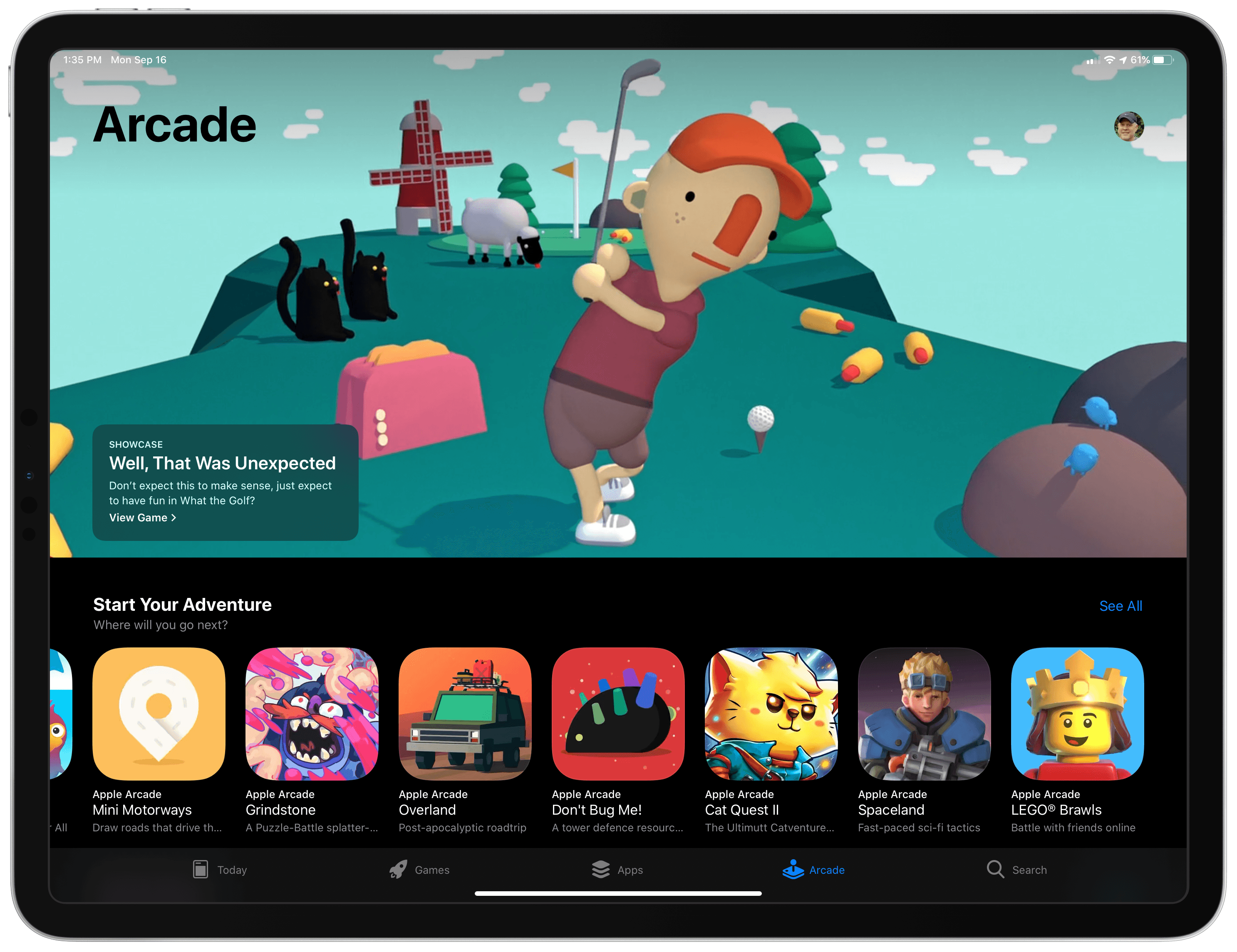
Last summer, I wrote about the history of iOS gaming to mark the App Store’s 10th anniversary. After weeks of research, I came away pessimistic about the future of quality games on iOS. From the outside it seemed as though Apple stumbled into gaming by accident, thanks to the iPhone’s unique interaction model and...


App Debuts

Things Things was updated to version 3.9 this week, yet despite the update being a few months in the works, and a major point release, from a user-facing standpoint there was almost nothing new worth highlighting. However, that’s for a reason: the app has gone through a major under-the-hood restructuring that is largely for...


Perfect Tempo Brings Tempo Control to Apple Music Tracks


Nearly 11 years into the App Store, it isn’t often that an app surfaces that does something unexpected which no one else seems to be doing, but Perfect Tempo by developer Open Planet does precisely that. The app is a simple utility designed for musicians and dancers who want to slow down or speed up music without affecting its pitch and loop it as they learn a song. Other apps have similar functionality that I’ve covered before, but what makes Perfect Tempo unique is that it can slow down and speed up streamed Apple Music tracks, which other apps can’t do.

Read more


AppStories, Episode 111 – iOS 13 App Rumors and Wishes

On this week’s episode of AppStories, we share our thoughts on the latest iOS 13 app rumors reported by Mark Gurman and 9to5Mac and other features and updates we’d like to see Apple implement this year.

Sponsored by:

  • Luna Display - The only hardware solution that turns your iPad into a wireless display for your Mac. Use promo code STORIES at checkout for 10% off.
  • Moo - Custom business printing and design. Use promo code PRINT15 for 15% off.

AppStories+ Deeper into the world of apps

AppStories Episode 111 - iOS 13 App Rumors and Wishes

0:00
33:53

AppStories+ Deeper into the world of apps

Permalink

Snapthread 2.0 Adds a Refined UI, an Improved iPad Experience, and New Tools

When I first covered Snapthread early last year, you could tell where it was headed. The app was conceived initially by developer Becky Hansmeyer as a way to combine Snapchat videos. By last January though, the app had evolved into a general-purpose solution for quickly and easily stitching together Live Photos, still photos, and short videos that could be shared on any social network or directly with friends and family. With version 2.0, which is out today, Hansmeyer has refined the existing user experience, added useful new functionality without complicating the app, and leveraged the iPad to create a more versatile video creation tool that works equally well for quickly sharing your creations on social networks as it does with small groups of friends and family.

Read more