
Control Center has some tricks up its sleeve that are accessed by long-pressing on some of the built-in and optional controls. Let’s dig into all of them. First, I’ll start with the built-in controls that can’t be removed from Control Center: Connectivity Panel: The four grouped circular buttons in the top-left corner of Control...
Home+ 4 Released with Refreshed Design and iOS 13 Features
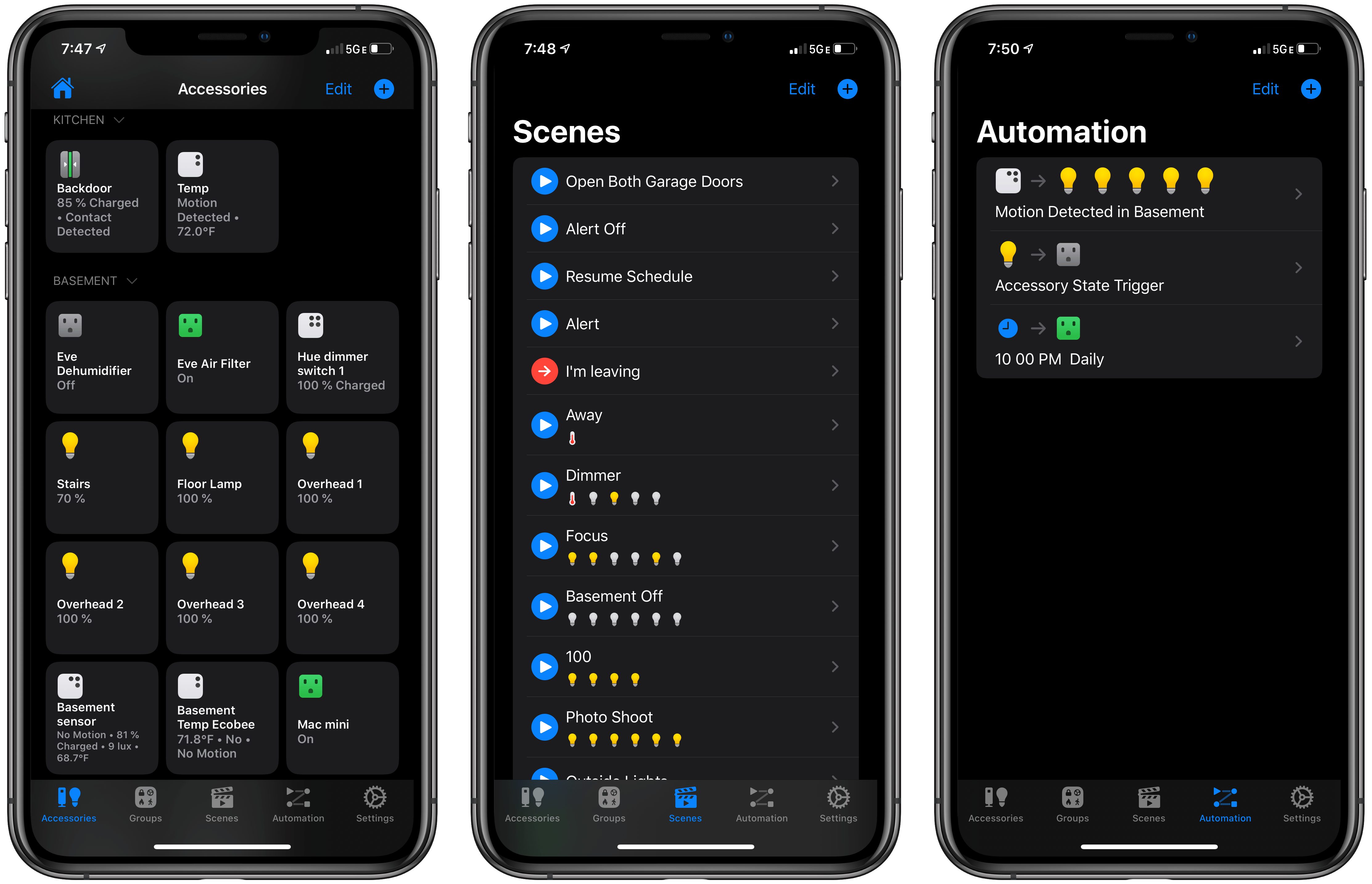
What Apple’s Home app lacks in flexibility and power-user features, Mathias Hochgatterer makes up for with his similarly-named app Home+ 4. The app, which adds a ‘+’ in its name with this update to avoid confusion with Apple’s app, is as capable as ever, but with a reimagined design that adopts new iOS 13 features and adds even more flexibility for automating your HomeKit devices.
AppStories, Episode 131 – Shortcuts and Third-Party Apps→
On this week’s episode of AppStories, we explore what the changes to Shortcuts mean to third-party apps, who’s using them, and what it all means to users.
Sponsored by:
- Things is a best-in-class to-do app for iPad, iPhone, and Mac.
- Linode – High-performance SSD Linux servers for all of your infrastructure needs. Get a $20 credit.
- Moo – Custom business printing and design. Save up to 35% until September 25.

AppStories Episode 131 - Shortcuts and Third-Party Apps
0:00
43:54
43:54






 Shortcuts and Third-Party Apps
 Federico
AppStories Episode 131 - Shortcuts and Third-Party Apps
0:00
43:54
43:54
There are major changes to Shortcuts in iOS and iPadOS 13 and coming on September 24th with iOS and iPadOS 13.1. Federico and John explore what the changes mean to third-party apps, who’s using them, and what it means to users.
Daylite: Bye-Bye Busy, Hello Efficiency [Sponsor]
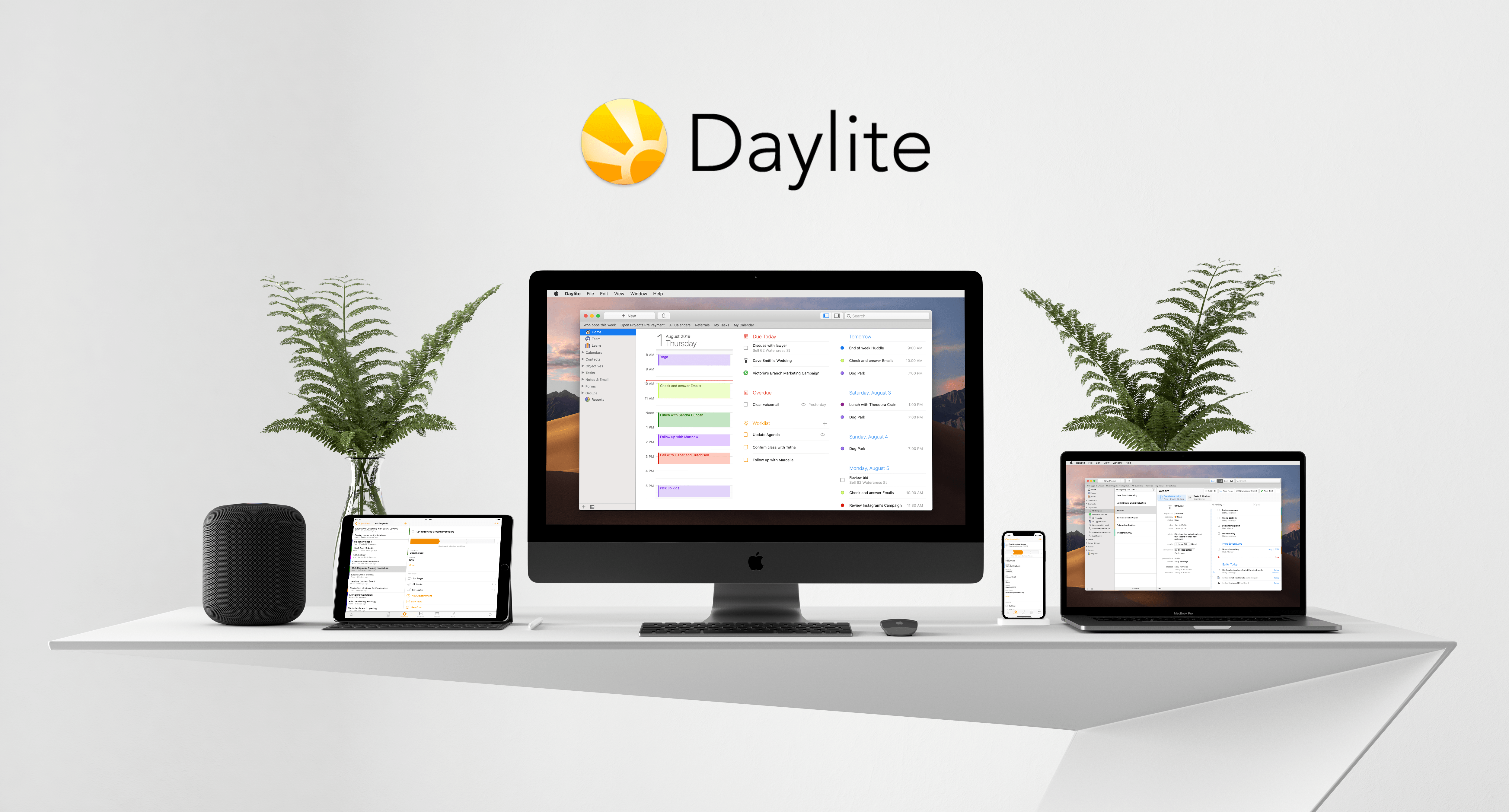
Looking for a way to keep everything in one place so you never miss a thing? It’s here! Built exclusively for Mac, iPhone, and iPad, say hello to organization and peace of mind with Daylite.
Capture every email, every meeting, and every call, all in the same place. Follow up when you say you will. Stay top of mind with your customers. Projects are so streamlined, you never worry about what’s next. Everything you need is just a click away.
Integrate with Apple Contacts, Apple Calendar, Apple Mail, and Reminders for a seamless Apple experience. Big fan of leveraging different apps to be more productive? Daylite and Zapier integration allows you to connect Daylite with 1500+ apps. Want to see a notification created in Daylite every time an action happens in another app? Automate it!
Easily organize contacts into lists for email campaigns and follow-ups. Keep a history of every interaction with a client. Track communications and next steps for client projects and always know what’s next.
New in Daylite: Always on the go? With the newly released Daylite Mail for iPhone and iPad, you can now process your email anywhere and make sure everything you need is in Daylite no matter where you are. Create tasks, follow-up reminders, and appointments without leaving your inbox – or your location!
You know how important efficiency and productivity is to your success. You know that when you’re in control, your potential is limitless. Sign up for a free 30-day Daylite trial now and become unstoppable!
Our thanks to Daylite for sponsoring MacStories this week.
 Recommends

V for Wikipedia V for Wikipedia is an award-winning iOS app that’s been my favorite way to browse Wikipedia for years now. The app has a beautiful design, which makes researching, exploring, and reading Wikipedia a pleasure. The latest update adds support for iOS 13’s dark mode, which looks fantastic. V has a slightly...
Q&A
Question: I’d like to fall asleep and be awoken to music of my choice. I’d also like to receive reminders of when I should go to bed. Any suggestions? (Lukáš Majer, @CBC_Raynor)
You can accomplish each of these things with Apple’s built-in Clock app. From the Clock app, first pick the Timer tab and...
iOS and iPadOS 13: The MacStories Review
AppStories Episode 130 - iOS and iPadOS 13: The MacStories Review
0:00
50:16
50:16
Federico’s iOS and iPadOS 13 review is out, so we’ve got a special episode of AppStories all about the big-picture changes to the OSes, the evolution of Shortcuts into a Siri development tool supported by third-party developers, the balancing act Apple performs when updating apps distributed to hundreds of millions of users, and lots of interesting little details about iOS and iPadOS 13.
iOS and iPadOS 13 Review Extras: eBooks, Wallpapers, Shortcuts, Podcasts, and Making Of
Today, Apple released iOS 13, watchOS 6, and Apple Arcade, and tomorrow, the iPhone 11, 11 Pro, 11 Pro Max, and Apple Watch Series 5 will begin arriving on doorsteps worldwide. The publication of Federico’s iOS and iPadOS 13 review makes it a big day for MacStories too, which has evolved in recent years into a multi-week affair when combined with the Club MacStories anniversary, our iOS 13 app coverage, and related podcasts.
As in the past, the centerpiece of our coverage is Federico’s iOS and iPadOS 13 review. We’re also excited to share Alex Guyot’s comprehensive watchOS 6 review with you tomorrow, as well as a long list of app updates and debuts that spotlight the new features of iOS 13 that we will be publishing in the coming days.
We’ve got a lot more in store though, including a bunch of Club MacStories exclusives.
Among the Club-only extras this year are two eBooks, a set of stunning desktop and mobile wallpapers, advanced shortcuts, and bonus podcast episodes. Check out all of the details after the break. If you’d like to learn more about the Club or sign up to take advantage of all these extras, plus perks from previous years, please visit //www.macstories.net/club.