App Debuts
...

 App Debuts
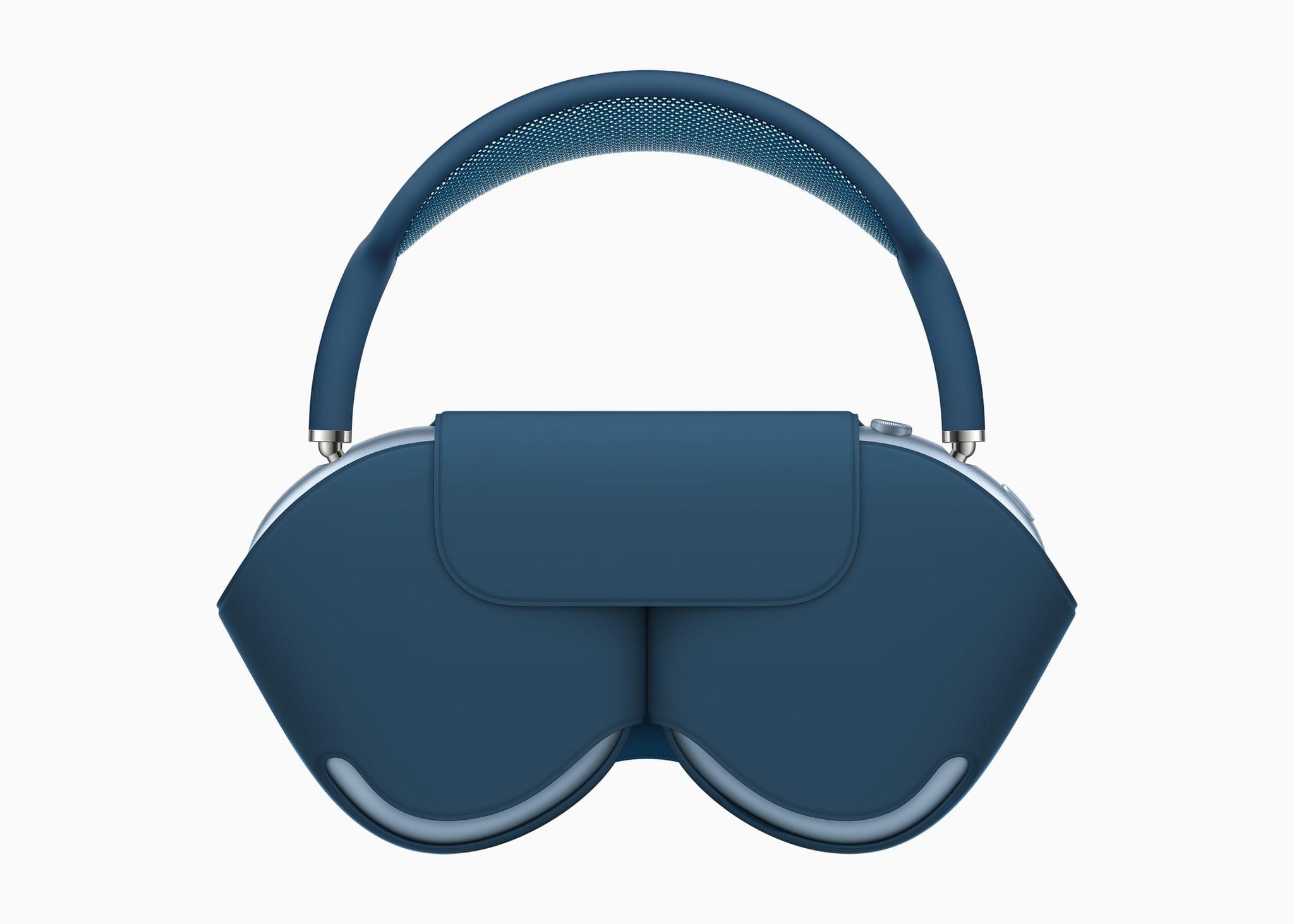
 Ever since the release of the AirPods Max there has been confusion about how power management for the headphones works. Apple has clarified the situation with an update to an AirPods Max support page that MacRumors discovered explaining the different power modes and the role the headphones’ case plays.
The bottom line is that there are two low power modes. The first leaves the AirPods Max connected to a device by Bluetooth and discoverable in the Find My app. When you put the headphones into their case, this first low power mode is triggered immediately. If you don’t use the case, the mode is triggered when the AirPods Max have sat undisturbed for five minutes.
A lower-power mode is triggered after 18 hours in the AirPods Max case or 72 hours outside the case. The difference in the time it takes to enter the ultra-low power mode isn’t explained in Apple’s support document, but one possible explanation is that Apple wants the headphones to be discoverable in Find My longer if they are put down outside the case because they are more likely to have been misplaced if not intentionally placed in their case.
Whatever the reason, though, tests conducted by MacRumors have shown that the difference in battery drain in and out of the case is small.
I’m curious about the reasoning behind the choices Apple has made in the AirPods Max’s power management, but mostly, I’m just glad to hear that the difference between using the case or not is negligible. Up to 20 hours of listening time is enough to get me through a few days especially if not using the AirPods Max for a day or two has minimal impact on the headphones’ remaining charge.
ProRAW is a big deal for iPhone photography. Joining Austin Mann’s article that I linked earlier today is an even deeper dive by Ben Sandofsky, a member of the Halide Mark II team. Sandofsky does a fantastic job of contextualizing the benefits of ProRAW and explaining how it has been implemented in Halide.
Before getting into the technical details, Sandofsky walks readers through a high-level overview of the limitations of the RAW format, concluding that:
ProRAW elegantly solves all of these problems and more. You can finally reproduce the results of the first-party camera, while retaining most of the editing latitude from traditional RAWs.
What’s more, as Sandofsky explains ProRAW is an extension of the open DNG file format, which should facilitate the implementation of support for ProRAW by third-party app makers:
This may be surprising to some: ProRAW is not a proprietary or closed format. Credit where it is due: Apple deserves kudos for bringing their improvements to the DNG standard. When you shoot with ProRAW, there’s absolutely nothing locking your photos into the Apple ecosystem.
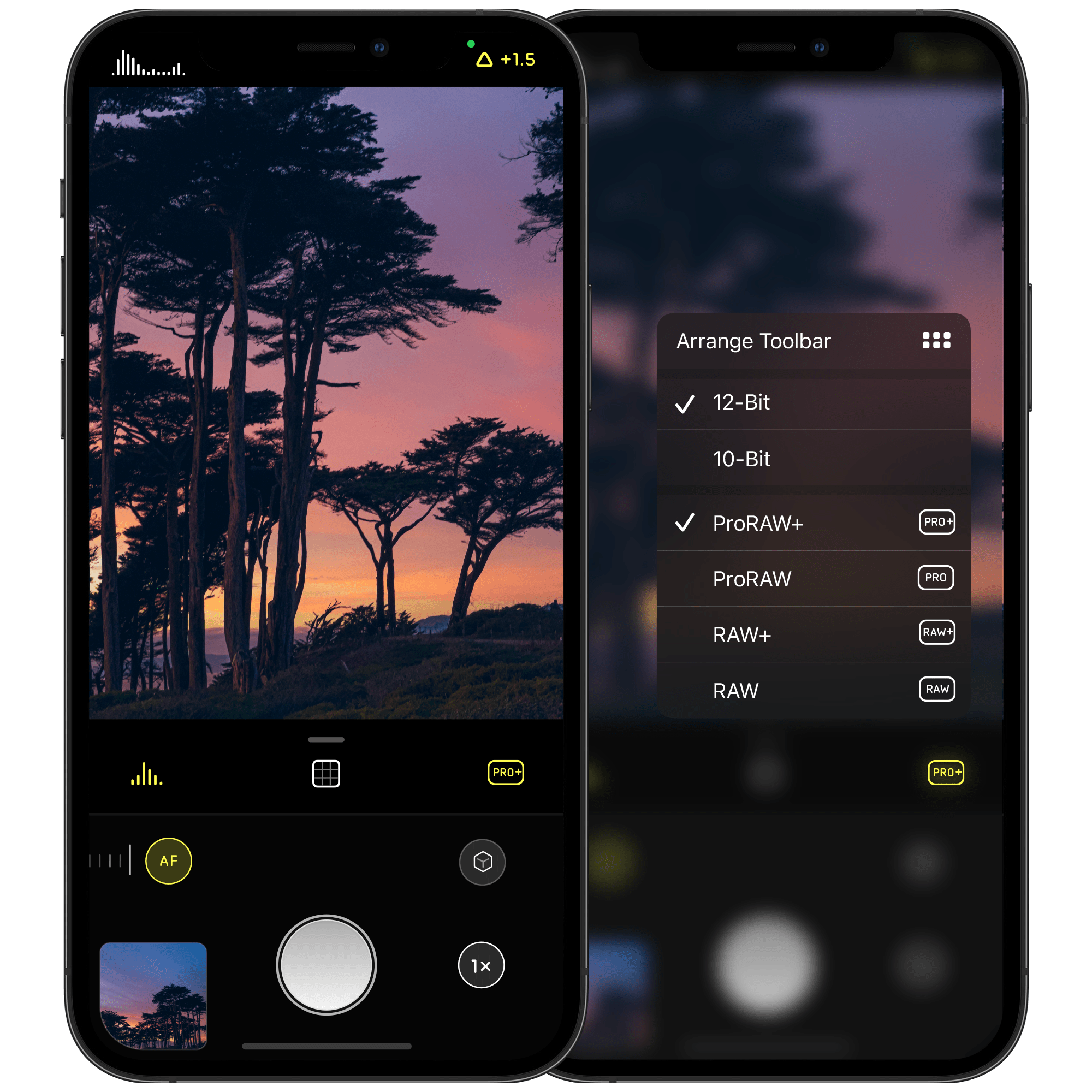
Halide Mark II, version 2.1, is available on the App Store now and supports ProRAW in a number of interesting ways:
I have only just begun experimenting with Halide’s new ProRAW support, but I like the context menu for quickly changing format and color depth settings a lot. The added flexibility the app provides for which formats are captured and the color depth used are welcome, too, but it will take some time to get a better sense of which to pick in different scenarios.
ProRAW is a fascinating combination of traditional RAW and computational photography that provides hints about where Apple may be headed with its camera sensors. I highly recommend Sandofsky’s article, which is the best explanation I’ve seen of what is happening under the hood with ProRAW and what the format means for beginner and expert photographers alike.
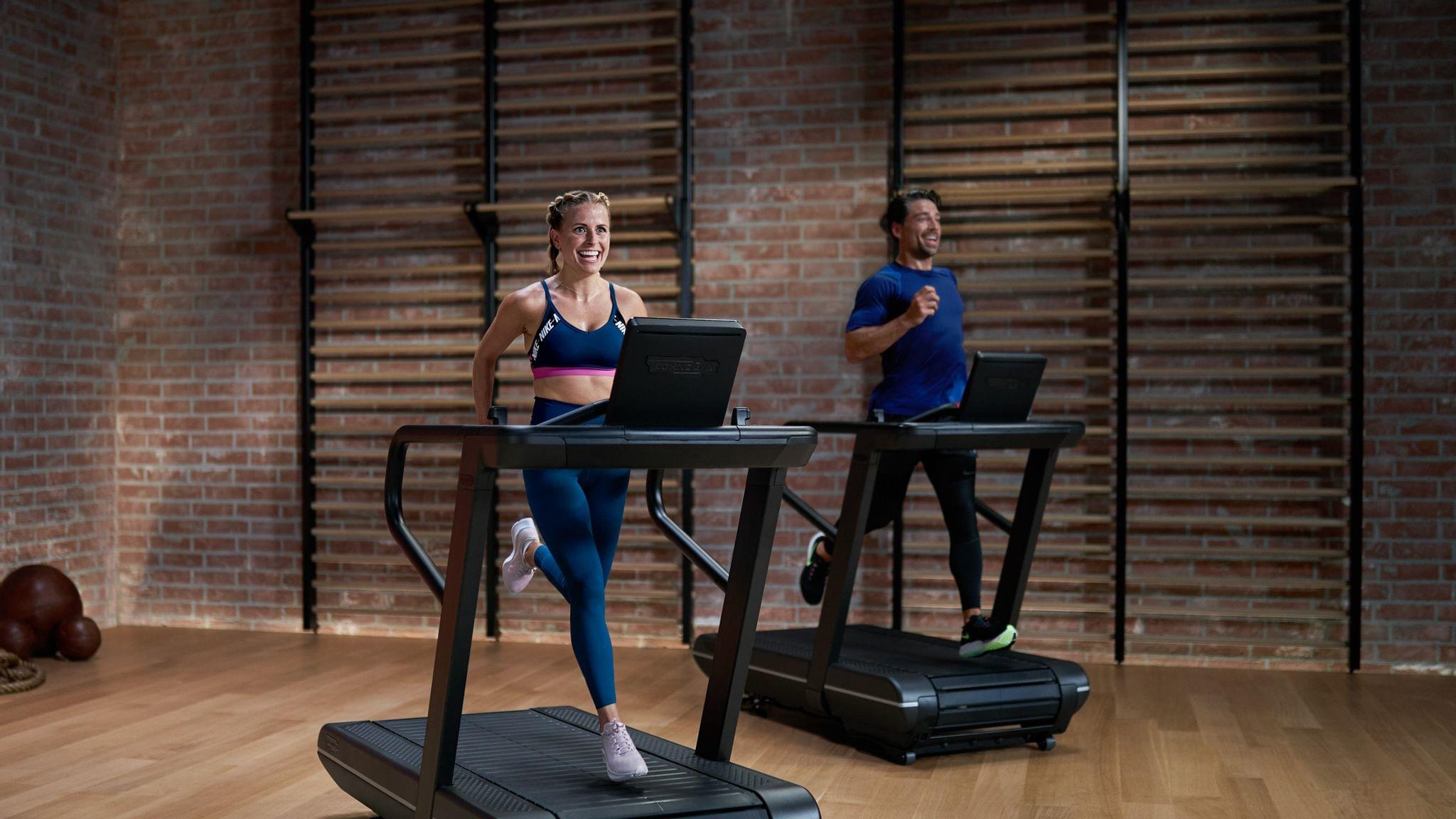
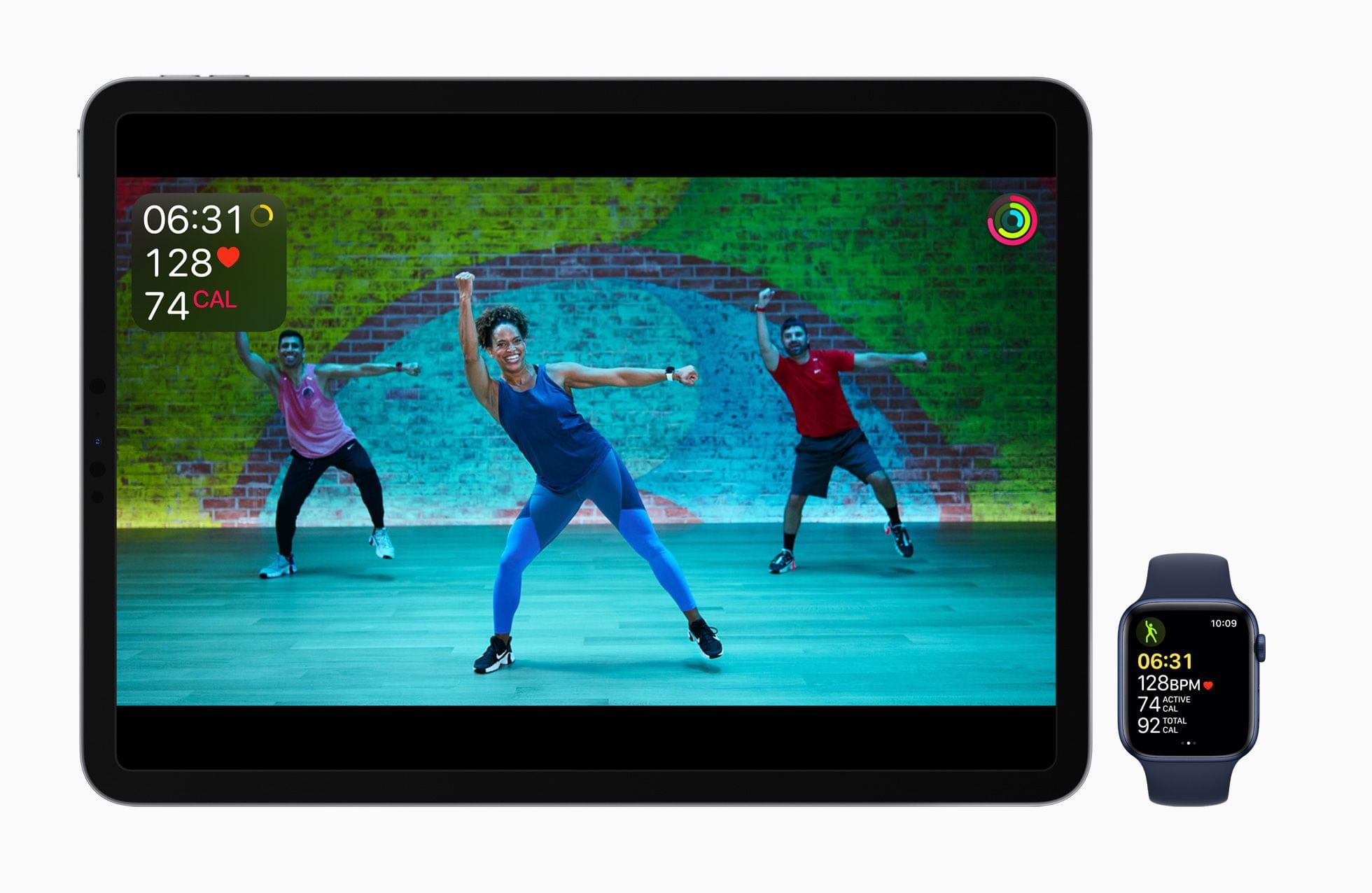
Apple debuted Fitness+ yesterday alongside iOS and iPadOS 14.3. The service, which integrates tightly with the Apple Watch, offers workout classes on the iPhone, iPad, and Apple TV, and uses the Apple Watch to track your heart rate and other metrics. There are ten types of workouts available that are designed to accommodate beginners through experts. New workouts are recommended based on what you’ve done before and can be filtered by criteria like trainer, time, and music.
Apple invited a long list of press from health and fitness publications and a few from the tech world and other media outlets to try Fitness+ in advance of its launch. Here’s what some of them had to say:
Nicole Nguyen of The Wall Street Journal remarked on something that a lot of reviews highlighted:
What differentiates Apple’s app is its approach to workout newbies. There is a starter collection of videos designed for anyone who is “brand new to exercise,” as a sort of introductory course to each of the app’s disciplines. And even in the harder sessions, one of the trainers in the background offers a modified version for less-advanced practitioners.
Molly Ritterbeck appreciated the emphasis on beginners too in an in-depth review for Runners World:
This smart programming is not unique—there are competitor services that also do this well—but it is one feature that sets the service apart from the majority of apps out there in the oversaturated fitness category. There is a real risk of injury and getting in over your head for beginners, which can lead to decreased motivation or just quitting altogether, so this thoughtful approach is a highlight.
With the release of iOS 14.3, Apple’s ProRAW image format is available in its Camera app and third-party apps like Halide Mark II. Travel photographer Austin Mann, who has been testing ProRAW, published a story explaining why the new format matters, demonstrating the scenarios where it makes the biggest differences, and sharing tips on how and when to use the format.
Pro photographers traditionally choose to shoot in RAW because it offers more control. Where there is more data (more color, more range, more everything), there is more latitude to push an image to achieve a vision, and now with ProRAW we have this luxury built right into the native iPhone camera app.
However, ProRAW doesn’t abandon computational photography completely. Instead:
the iPhone camera only leverages the computations that are absolutely necessary for accurate imaging, but gives us complete control over preference parameters like white balance, noise reduction, sharpening, and more.
.](https://cdn.macstories.net/002/Untitled%202-1608034056686.jpg)
HEIC image (left) ProRAW image (right). Source: austinmann.com.
To test ProRAW, Mann took some 30-second Night mode images of the Geminid meteor shower using the iPhone 12 Pro Max. The contrast between what could be achieved by editing a HEIC file versus a ProRAW file in Lightroom is compelling. With the HEIC image, many of the details in the image were lost but with the ProRAW file, Mann was able to preserve the stars in the night sky and the fine details of a rock.
Mann also has side-by-side comparison shots that demonstrate the difference between ProRaw’s 12-bit color and HEIC’s 8-bit color. The differences are more subtle but still noticeable.
Not all photos benefit equally from being shot in ProRAW, and because the files are much bigger than HEIC images, it’s worth understanding when it makes sense to use ProRAW. According to Mann, the format works best for shots with which Apple’s computational photography has the most trouble, such as very low light and high dynamic range scenarios.
Be sure to check out Austin Mann’s entire article for additional examples of ProRAW in action, tips on when and how to use the format, and his interview with Rene Ritchie about ProRAW.
 The 2020 MacStories Selects Awards






Sponsored by: Halide Mark II – The Best Pro Camera For iPhone
This week on MacStories Unwind:
I’m fairly conservative about the HomeKit devices I add to my home these days. Most of my early HomeKit experiments were limited to my studio, where the impact on the rest of my family was minimal. That approach has worked well for many accessories, but it’s not possible to do with everything.
My studio doesn’t have an exterior door, so although I’ve been intrigued by smart locks for what feels like forever, I’ve been hesitant to test them. Security is clearly a question, but so is convenience. I didn’t want to subject my family to a HomeKit experiment that had the potential to cause headaches for them as they were coming or going throughout the day. Smart locks need to be simple, easy, and reliable while also offering real benefits above and beyond the tried and true method of locking a door.
As a result of these concerns, I sat on the HomeKit lock sidelines for a long time. So, when the makers of the Level Touch smart lock contacted me and offered to send me one to try, I thought long and hard about it. Ultimately, though, my curiosity got the best of me.
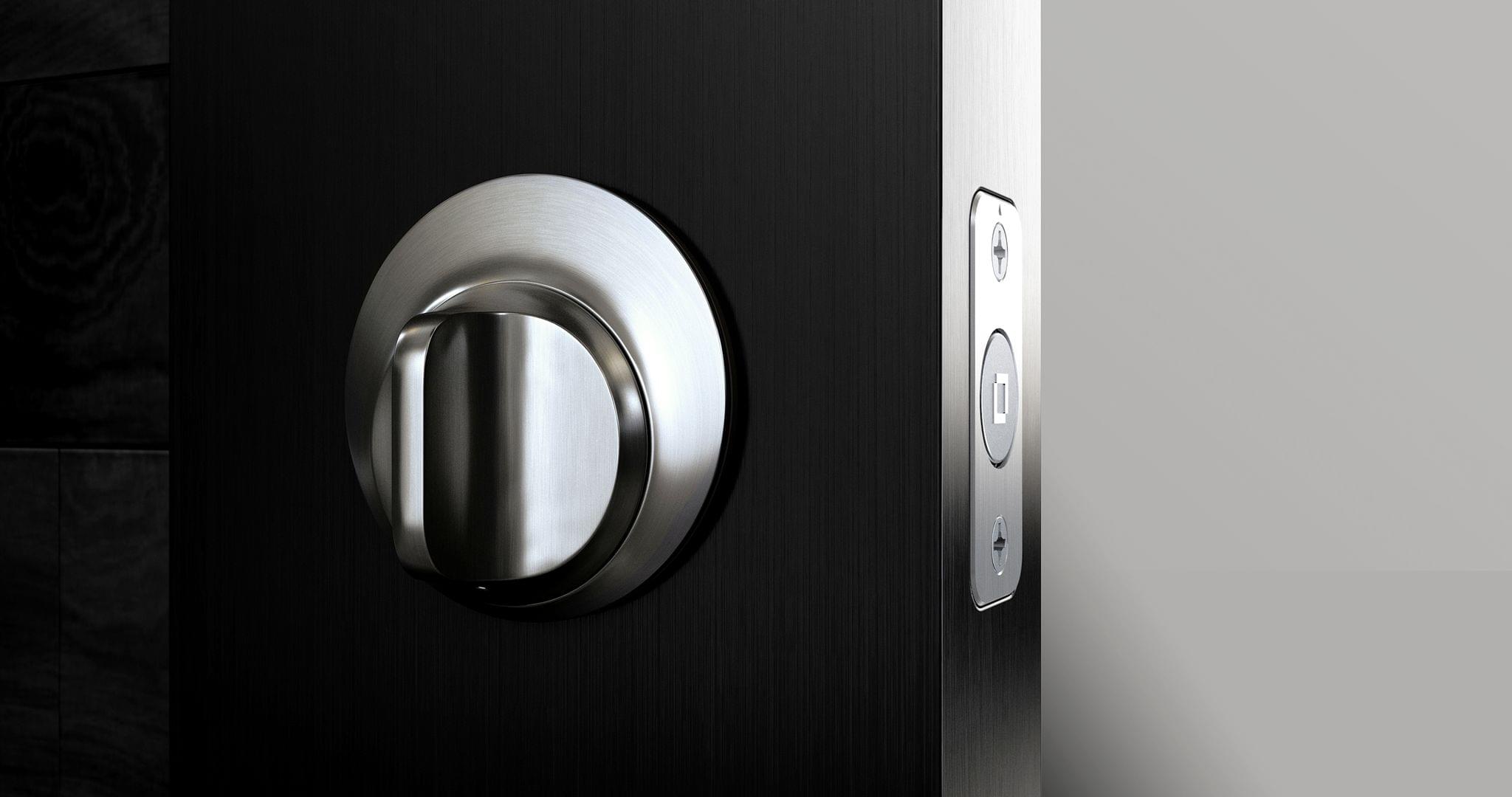
The first thing that caught my eye was what the Level Touch isn’t. The lock isn’t one of those big bulky smart locks that you may have seen before. Instead, the Level Touch is ordinary in the sense that it looks like a normal lock on the outside. That’s because the smarts are cleverly hidden inside the lock mechanism itself.
So, a few weekends ago, I took the plunge and installed the Level Touch on an exterior door that gets a lot of use daily. Since then, I’ve been impressed with not only what the Level Touch enables as a HomeKit-enabled device, but also how well it performs as a plain old standard lock. It’s a combination that too few smart home devices accomplish, putting it in a pretty exclusive club.
 Federico