John is MacStories' Managing Editor, has been writing about Apple and apps since joining the team in 2015, and today, runs the site alongside Federico.
John also co-hosts four MacStories podcasts: AppStories, which covers the world of apps, MacStories Unwind, which explores the fun differences between American and Italian culture and recommends media to listeners, Ruminate, a show about the weird web and unusual snacks, and NPC: Next Portable Console, a show about the games we take with us.
FaceTime has been a centerpiece feature across all of Apple’s platforms for a long time. However, with the pandemic, it became more important than ever, playing a critical role in the way friends and family have stayed connected. Of course, FaceTime isn’t the only way have kept in touch. The app had plenty of competition from Zoom, Skype, and other services.
So, it’s not surprising that this year’s FaceTime updates focus on fundamentals like audio and video quality and making the app available outside of Apple’s ecosystem, allowing it to compete better with other services. Nor is it surprising that Apple announced SharePlay, which won’t ship until later this fall, so friends and family who can’t be together can still enjoy synchronized group activities like watching a video or listening to music. I’m skeptical that SharePlay will be the hit that Apple’s marketing suggests the company hopes it will be, but even putting SharePlay aside, the app is getting some major improvements that I think everyone will appreciate, so let’s dig in.
This week on AppStories, we examine the growing trend of app customization in the context of Apple’s system apps, focusing on Reminders’ Tag Browser and Smart Lists and Notes’ Tag Browser and Smart Folders.
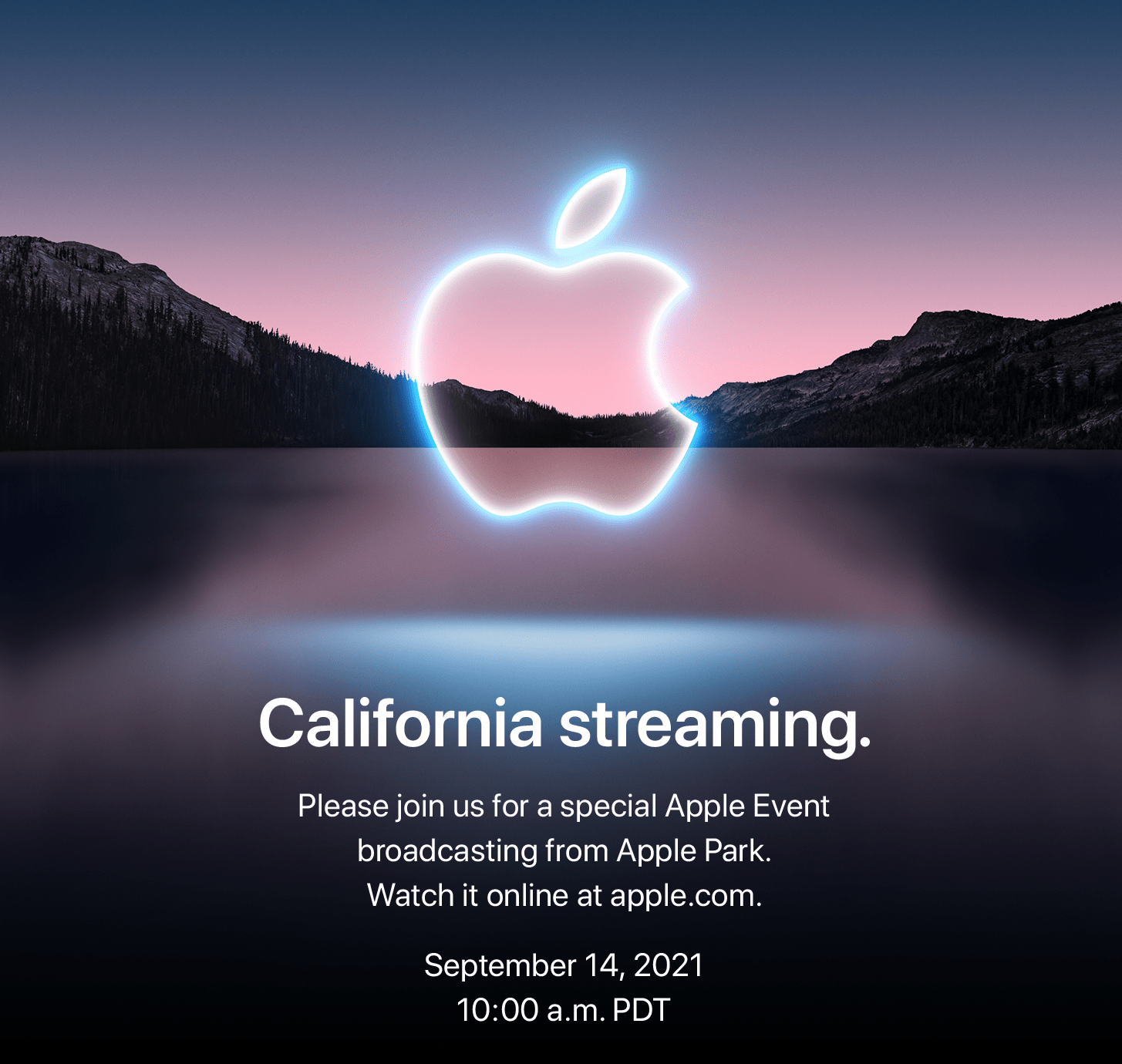
As first reported by Myke Hurley of Relay FM, Apple has announced a media event for September 14, 2021 at 10:00 am Pacific. The event will be streamed online.
Based on widespread speculation, Apple is expected to introduce its new lineup of iPhones. A new iPad mini and redesigned Apple Watches are possible too. It’s been several months since the M1 iMac was introduced, so we could see new Macs too. In addition to hardware, Apple will likely show off the upcoming versions of its operating systems and announce release dates for each.
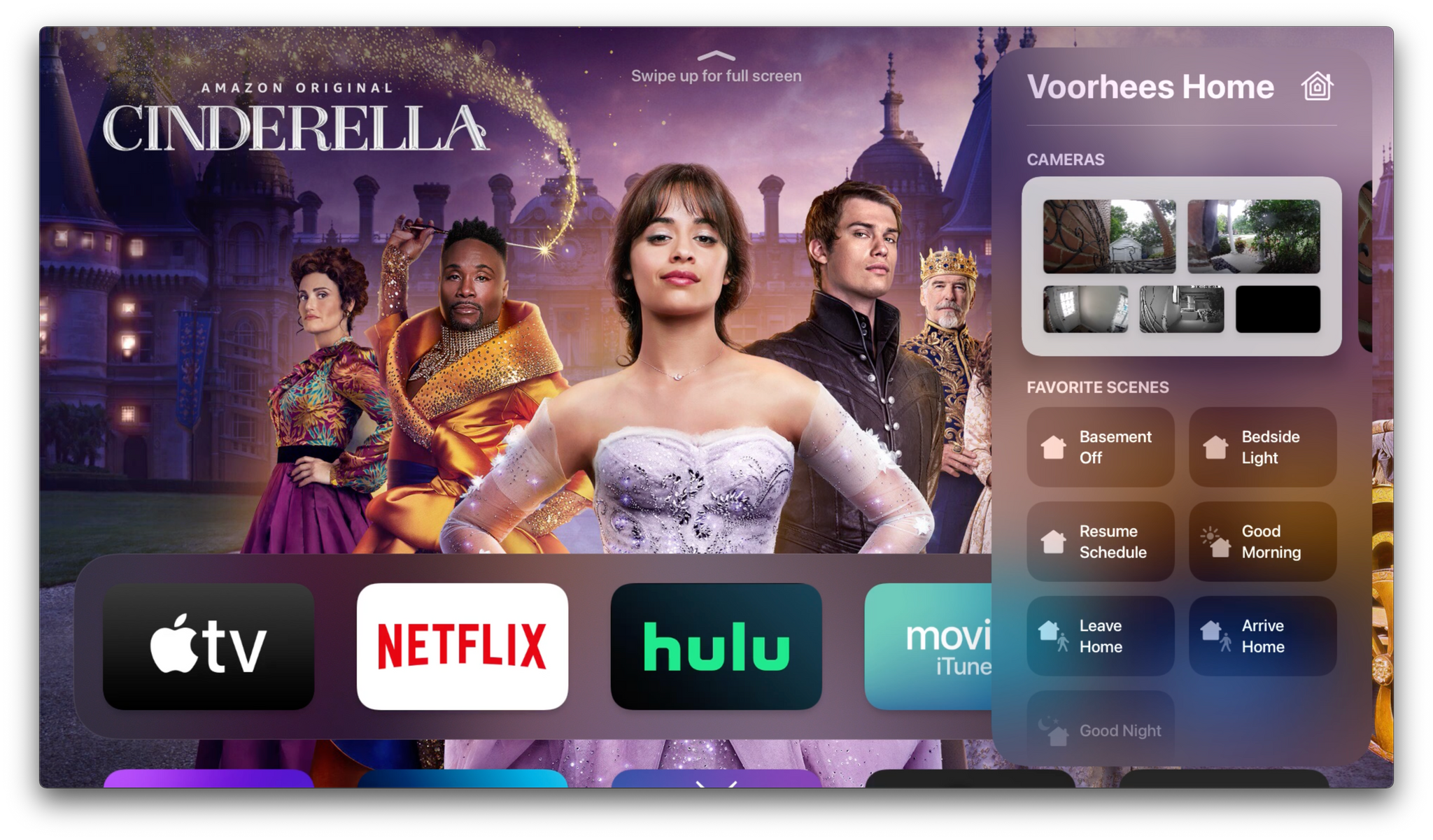
Apple’s fall OS updates will include a variety of HomeKit and home entertainment features. Unsurprisingly, some of those changes can be found in the company’s Home and TV apps, but this year, those apps only tell part of the overall story. To get the full picture, you need to zoom out from the apps, where you’ll find an interesting mix of new smart home device and entertainment features sprinkled throughout each platform.
Let’s start with HomeKit devices. This year, many of the changes coming to Apple’s OSes relate to two important categories: video cameras and door locks. Controlling both types of devices will become easier this fall, thanks to deeper integration with the upcoming OS releases.
This week, Federico and John examine the growing trend of app customization in the context of Apple’s system apps focusing on Reminders’ Tag Browser and Smart Lists and Notes’ Tag Browser and Smart Folders.
Albums The album-focused music player by Adam Linder, which we previously reviewed here, has received a substantial 4.2 update that introduced iCloud sync for your now playing queue, quick actions, tags, and other data. I’m not familiar with other third-party Apple Music players that sync your queue over iCloud, so this is pretty neat....
The Clock by Fabrice Leyne is the last world clock app you’ll ever need on your Mac. At first glance, the menu bar app looks incredibly simple. Behind the simple calendar and timezone list that drops down when you click on its menu bar icon is a wealth of customization options to suit a wide...
The latest high-res player by Astell & Kern, in addition to offering a quad-DAC system, comes with a miniaturized tube amp inside. It comes out next month. Don’t look at me, I’m not interested at all. (Link) Hue lights have received native Spotify integration, so you’ll be able to sync the brightness and color...









.](https://cdn.macstories.net/banneras-1629219199428.png)

 Federico