John Voorhees

5439 posts on MacStories since November 2015

John is MacStories' Managing Editor, has been writing about Apple and apps since joining the team in 2015, and today, runs the site alongside Federico. John also co-hosts four MacStories podcasts: AppStories, which covers the world of apps, MacStories Unwind, which explores the fun differences between American and Italian culture and recommends media to listeners, Ruminate, a show about the weird web and unusual snacks, and NPC: Next Portable Console, a show about the games we take with us.

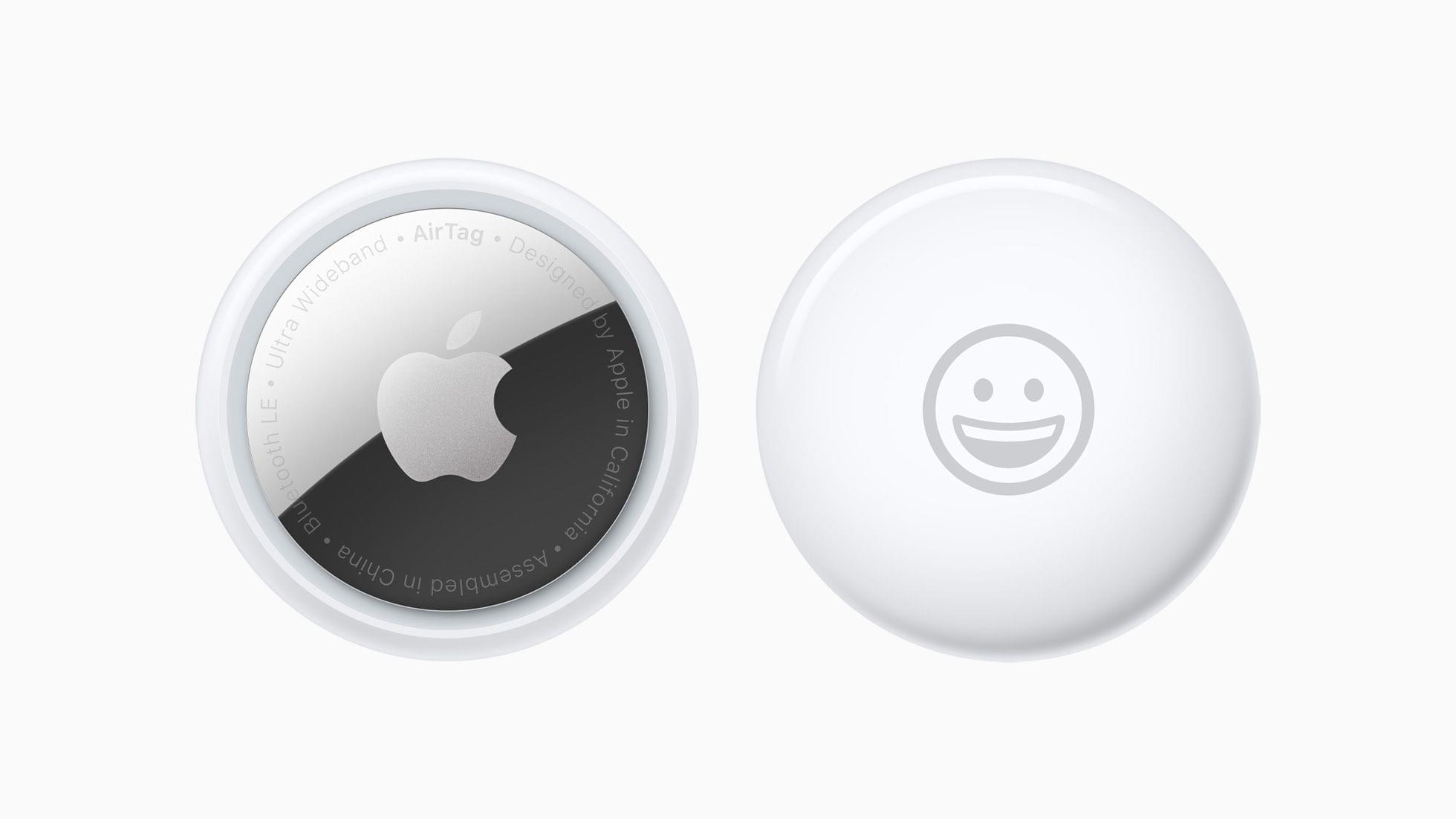
AirTag Review Roundup

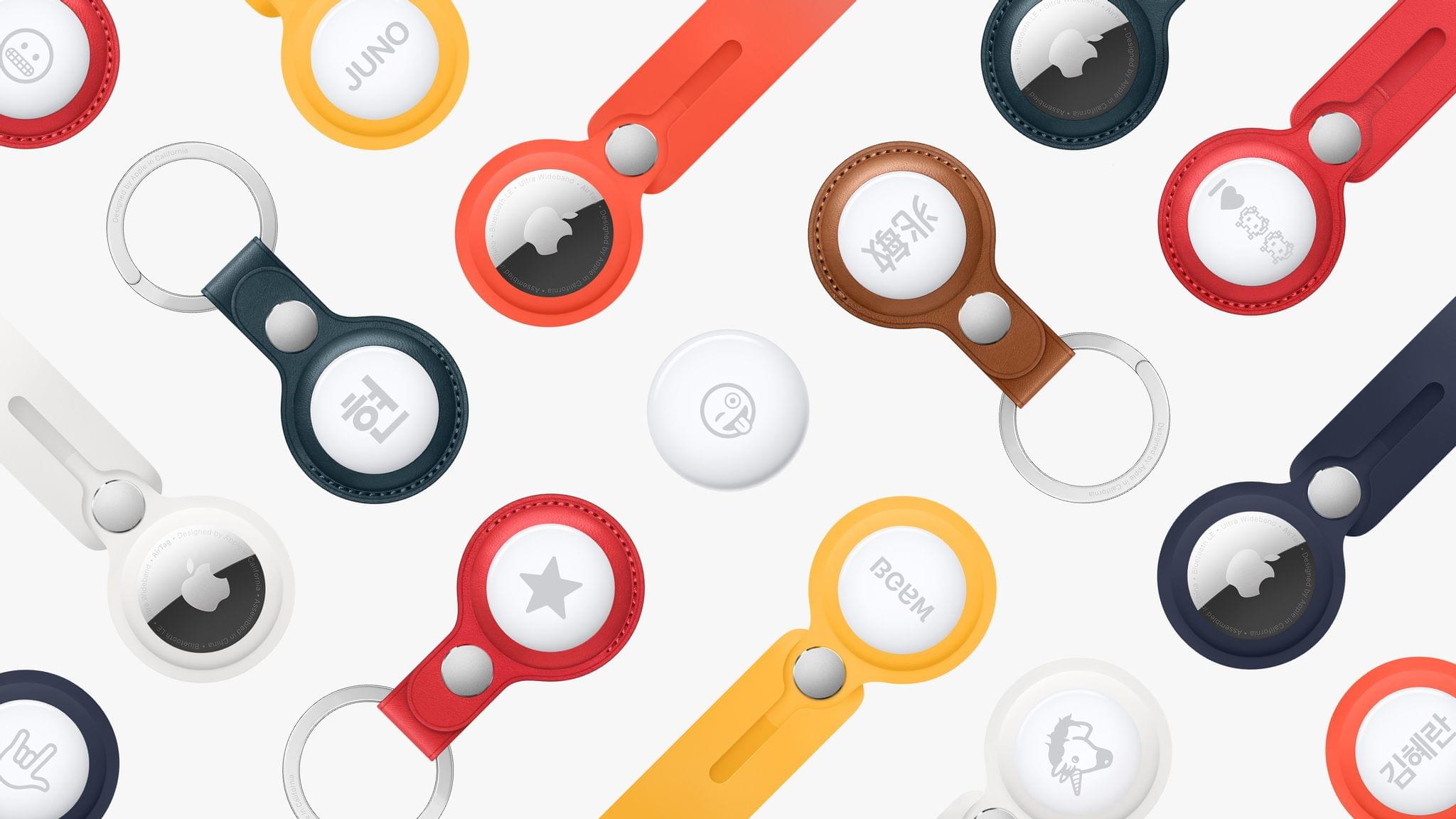
AirTags, which Apple announced on Tuesday, will go on sale tomorrow, April 23rd with deliveries beginning a week later on April 30th. Apple provided the tiny item-tracking device to several YouTubers and reviewers, and embargoes have lifted.

Here’s a rundown of the early reviews of AirTags along with coverage of the new purple iPhone 12:

Matthew Panzarino, TechCrunch’s editor-in-chief, says AirTags work as advertised, pointing out that:

The precision finding feature enabled by the U1 chip works as a solid example of utility-driven augmented reality, popping up a virtual arrow and other visual identifiers on the screen to make finding a tag quicker.

Panzarino also digs into all the privacy edge cases that Apple has accounted for in his review and shows off some of Apple’s AirTag accessories and what an AirTag looks like disassembled.

https://twitter.com/panzer/status/1385223538697666568?s=21

Dieter Bohn at The Verge tested AirTags by giving one to a colleague and tracking him down using the Find My network:

After a half-hour of walking around, I finally found him. He was standing on a street corner with no foot traffic whatsoever, which meant that the intermittent signals I got detailing his location came from a couple of iPhones in cars that were driving by.

That’s impressive.

As Bohn and other reviewers note, however, both sides of the AirTags are prone to scratching:

https://twitter.com/backlon/status/1385223768981733376?s=21

The Verge has a short story and gallery of photos featuring the new purple iPhone 12.

Several video reviews were also released today highlighting the AirTags and the purple iPhone 12, which are embedded after the break.
Read more


‘How Apple Designed AirTags to Be Privacy-First and Stalker-Proof’

Michael Grothaus at Fast Company interviewed Kaiann Drance, Apple’s vice president of worldwide iPhone product marketing and Ron Huang, a senior director of sensing and connectivity, about AirTags. The focus of the story is the privacy features built into AirTags, and it includes this interesting nugget not covered during Apple’s event on Tuesday:

AirTags also have a unique security feature called Pairing Lock, which protects against people who may find your lost item and snatch the AirTag from it to use as their own. Huang likens Pairing Lock to the iPhone’s Activation Lock. “It means that if you lose your AirTag, somebody can’t just pick up your AirTag, re-pair it with their phone, and continue using it,” he says. “This has been really impactful for the iPhone and we think it will be for AirTag as well.”

I’ve seen a lot of questions raised online about exactly how AirTags work and their privacy features, and this Fast Company story is a great place to start to learn more.

Permalink


How to Enjoy the New iMac Hello Screen Saver on Any M1 Mac

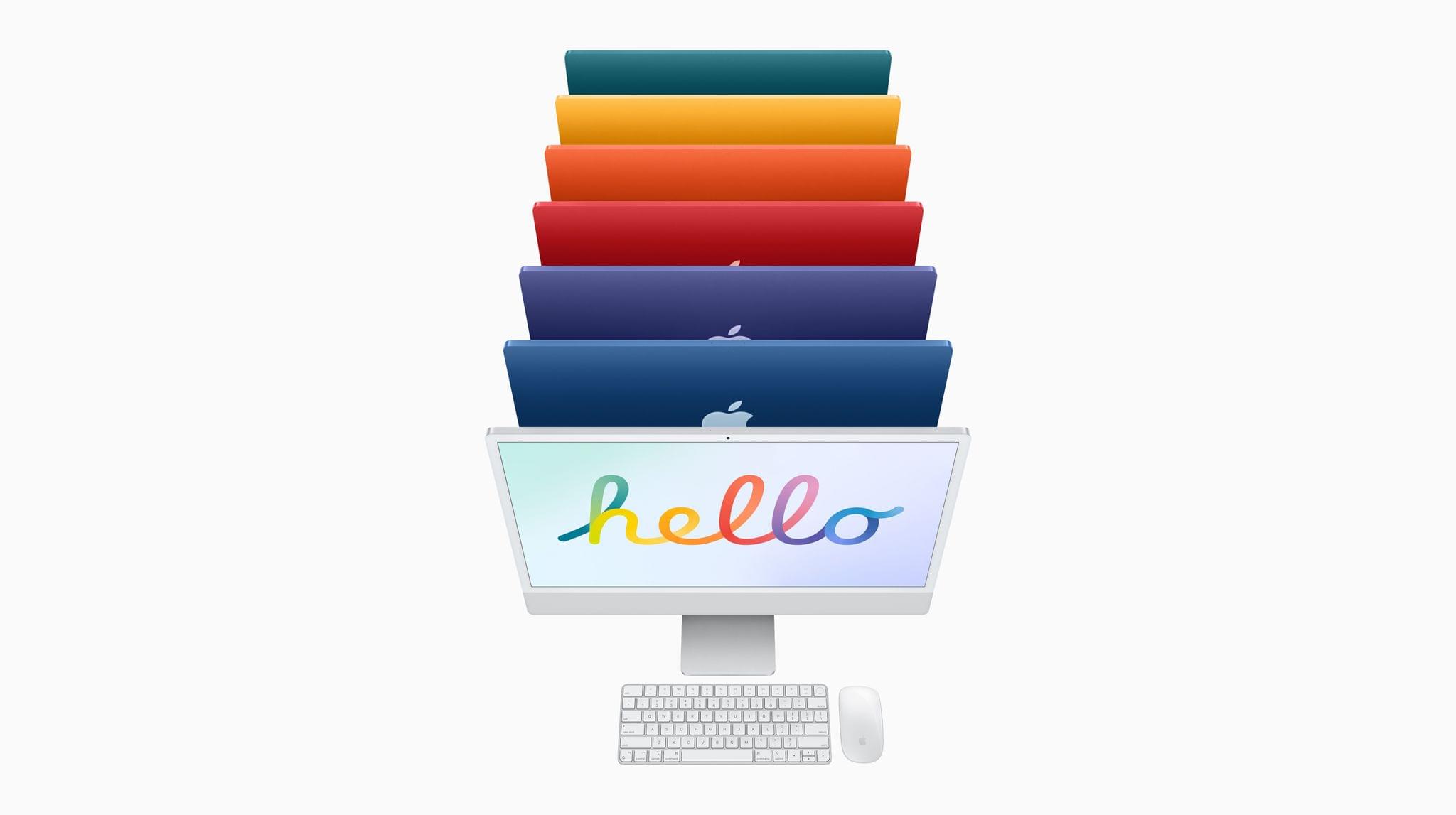
The new iMacs announced yesterday will ship with special ‘Hello’ screen saver that pays tribute to the original Macintosh and the color schemes of the new iMac models. On 9to5Mac, Jeff Benjamin has a walkthrough of the new screen saver, its options, and instructions on how to enable it on other Macs.

As Benjamin explains, you don’t need to have the new iMac to run the screen saver, although you need to jump through some hoops. The Hello screen saver is in the macOS 11.3 RC beta that was just released and can be copied and installed on other M1 Macs running the 11.3 beta by following the steps in Benjamin’s video. I haven’t tried to install the screen saver on an Intel-based Mac, but I plan to give it a go once I update my Mac mini to 11.3.

The screen saver includes several settings and three themes. I’ve set up the screen saver on my M1 MacBook Air and selected the ‘All’ theme option to get a mixture of all three themes when my screen saver is enabled. In addition to the themes, you can choose whether the screen saver shows multiple languages and whether it follows your light or dark mode settings.

I’ve enjoyed the Drift screen saver on my Macs lately, but the switch to Hello on my MacBook Air has been nice. The bold, vibrant colors are lovely.

Update: It turns out that the same process for adding the Hello screen saver to an M1 Mac works on an Intel-based Mac running the macOS 11.3 beta too.

Permalink

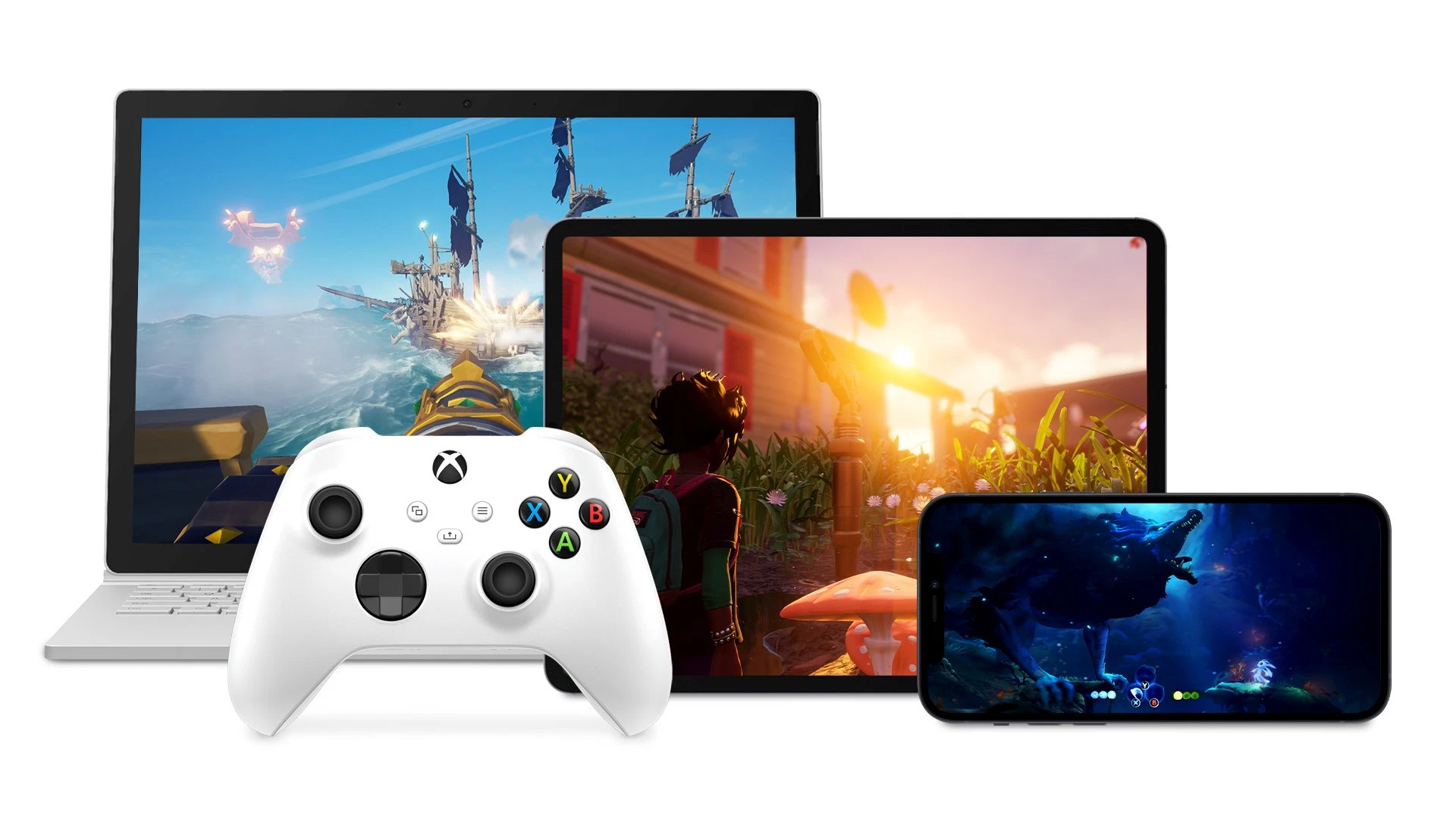
Microsoft’s Xbox Cloud Gaming Beta Launches on the Mac, PC, iPhones, and iPads

As we reported earlier this week, Microsoft began inviting Xbox Game Pass Ultimate subscribers to beta test Xbox Cloud Gaming yesterday. The beta is invitation-only, but if you’re a Game Pass Ultimate subscriber and are invited to test the streaming service, you can use it on PCs and Macs via Edge, Chrome, or Safari, as well as on iPhones and iPads.

At The Verge, Tom Warren has a short walkthrough video that tours the service’s UI on a Windows PC. Although the games run on older Xbox One S hardware in Microsoft’s data centers, which means longer load times than current hardware, the UI appears to scale nicely across devices. Warren describes the experience as follows:

Once the connection settles down, it’s very similar to xCloud on Android. If you run this through a web browser on a PC or iPad, you’ll even get a 1080p stream. It feels like I’m playing on an Xbox in the cloud, and there’s a dashboard that lets me access friends, party chats, achievements, and invites to games. This is all powered by Xbox Game Pass, so there are more than 100 games available — and even some original Xbox and Xbox 360 titles that can be streamed.

Warren also notes that some games work with touch, but as you’d expect, most are best experienced using a Bluetooth-connected controller.

I’ve had a chance to play with Google Stadia on an iPhone 12 Pro Max and the experience was far better than I expected, even over WiFi. Microsoft’s Xbox Cloud Gaming beta has just begun, but it looks like a promising way to enjoy your favorite games on more devices than ever.

Permalink

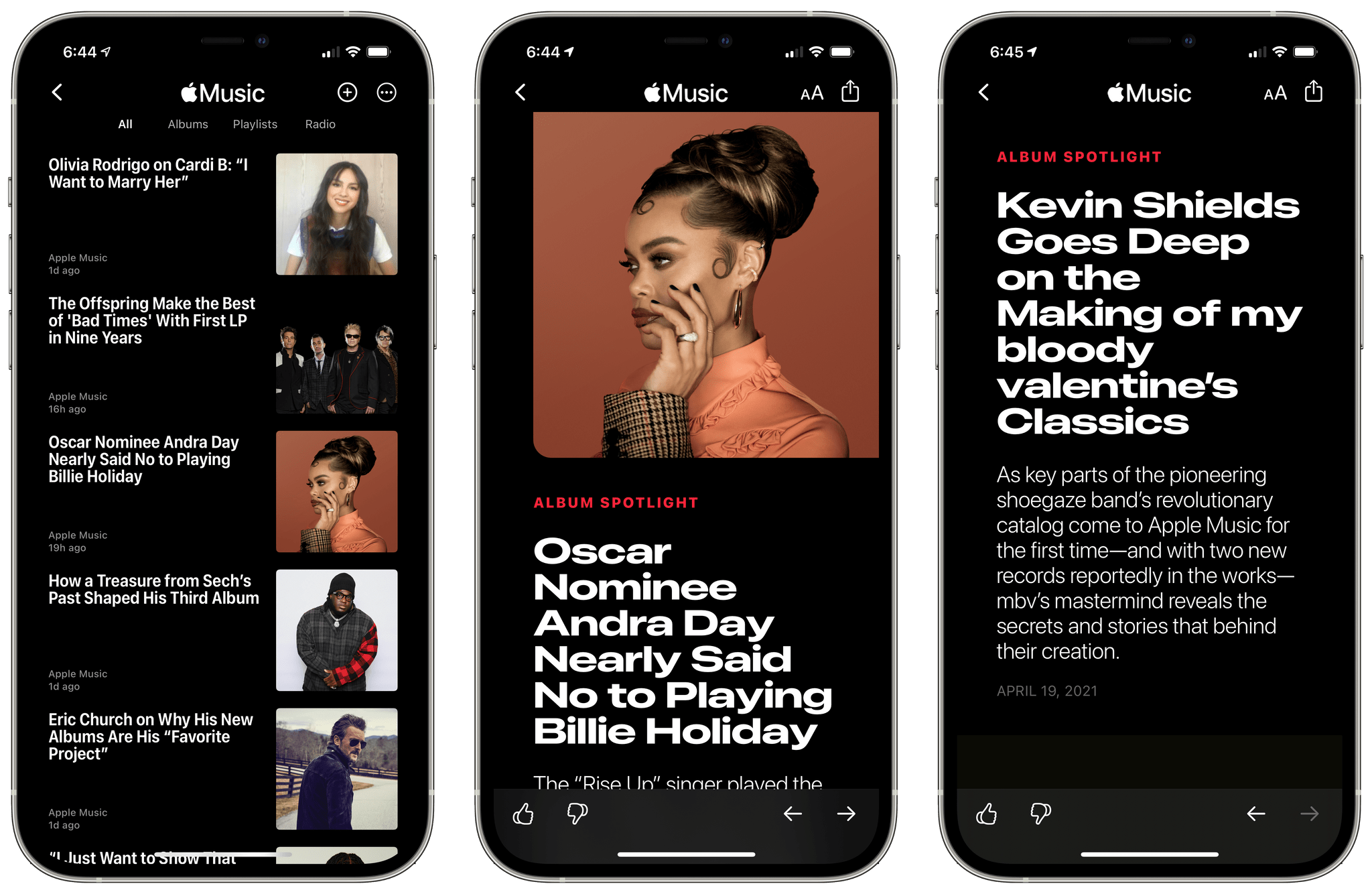
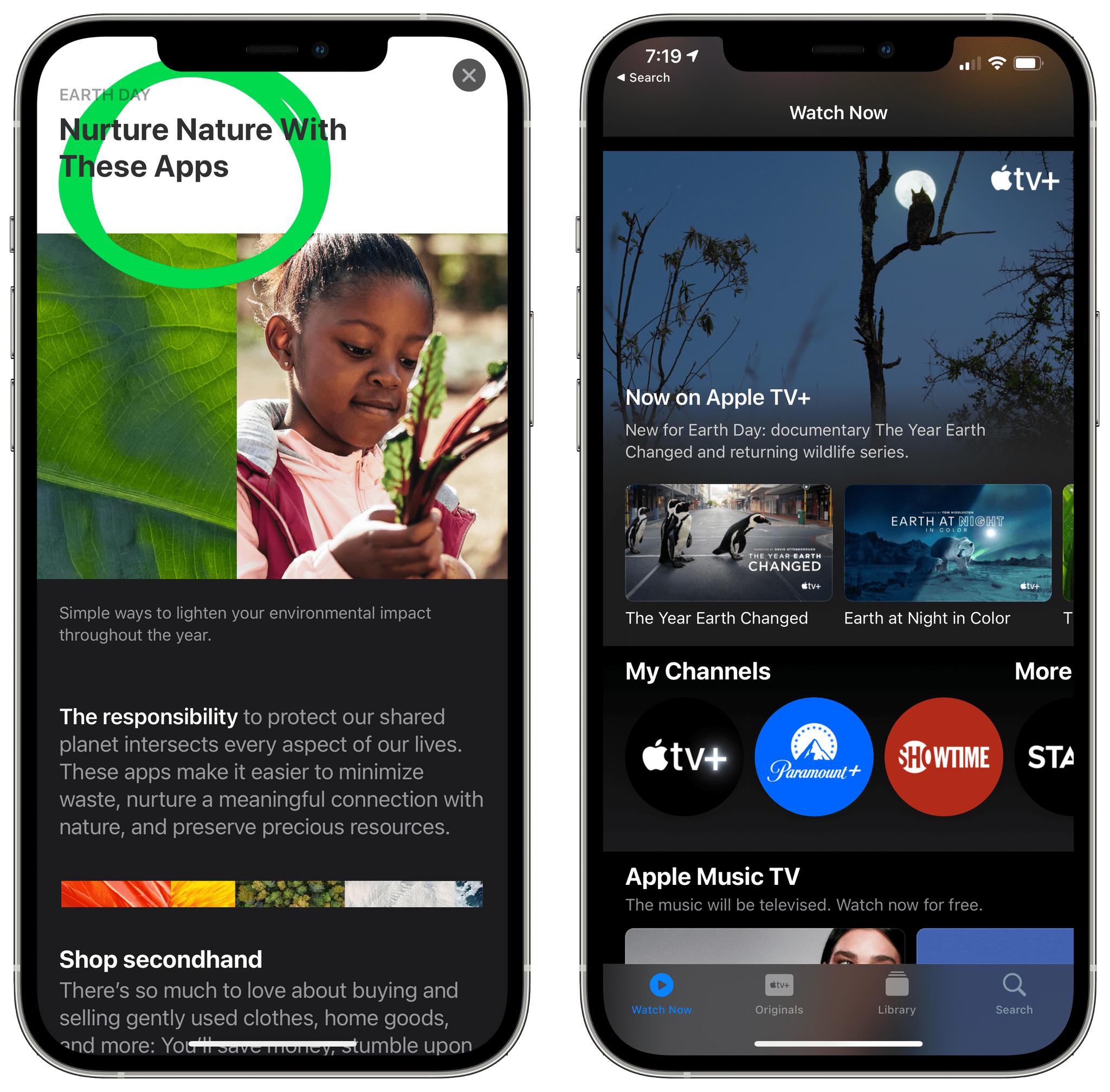
Apple Music Editorial Content Is Coming to Apple News

Yesterday as Federico was putting the finishing touches on an in-depth review of iOS and iPadOS 14.5 that we will publish next week, he discovered something interesting: Apple Music is in the process of establishing a presence on Apple News. The content added to Apple News so far is limited, but it appears that the company is in the process of enhancing both services by connecting them in a way that is reminiscent of the way it brought Apple News to the Stocks app with iOS 12, but so far, also different.

A Music and News integration has been on Federico’s wish list ever since iOS 12. As he imagined in his iOS 12 review:

Using Apple News as a content provider for Stocks is fascinating as it could be applied to a variety of other Apple services in the future. Imagine, for instance, if Music news became part of the Music app and if you could read interviews and album reviews on an artist’s page.

It’s an idea that he returned to in 2019:

and that we have discussed repeatedly on AppStories.

Read more


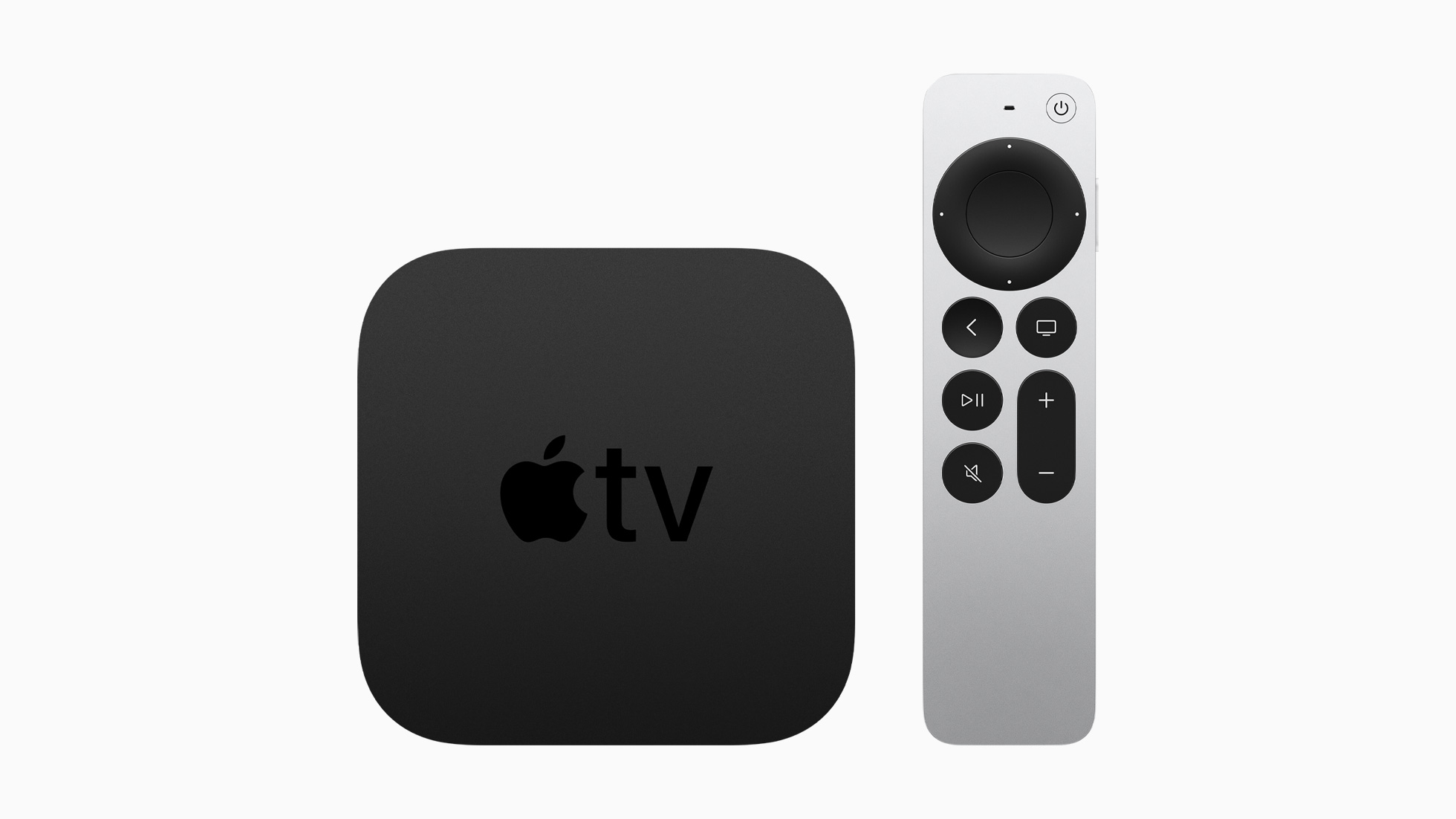
Apple Updates the Apple TV 4K with a New Siri Remote, Enhanced Video Support, and Color Calibration Tools

It has been a long time since the Apple TV was updated, but today the day for an update finally arrived with an all-new Siri Remote and other new and updated features.

The new Apple TV 4K announced today runs on the A12 Bionic chipset, which enables high frame rate HDR and Dolby Vision for the first time. Not only will 60 frame per second HDR content be streamable from video services, but it can also be AirPlayed to the Apple TV using an iOS device that supports recording HDR video. Apple didn’t mention it on stage, but the device’s tech specs reveal that the Apple TV 4K also supports HDMI 2.1, WiFi 6, and Thread, a feature that we covered recently on AppStories. Thread will enable the Apple TV 4K to act as a border router directing HomeKit device traffic in your home.

Read more