 App Debuts
...

 App Debuts






This week on MacStories Unwind, John and Federico discuss MusicBox, one of the newest ways they keep up with newly-discovered music, and Black Bird, a new Apple TV+ mini-series that John’s been watching.
Sponsored By: SaneBox: Organize Your Inbox (and Never Waste Time on Email Again) with SaneBox
Not long ago, Twelve South introduced a new 3-in-1 charger for the iPhone, Apple Watch, and AirPods Pro called the HiRise 3. I’ve used a Belkin 3-in-1 charger on my desk for a few years and love it, but it takes up quite a bit of space. So, when Twelve South recently offered to send me the HiRise 3 to test, I jumped at the chance to check out its more compact design. After using the HiRise 3 for the past few weeks, I’m happy with it overall and think it’s a great choice for most users, but it comes with a couple of limitations that you’ll want to consider before buying one yourself.
This week on AppStories, we continue the MacStories Summer OS Preview Series with part one of our in-depth look at changes coming to Apple’s system apps on the iPhone, iPad, and Mac, including Weather, Clock, Safari, Mail, Messages, and Photos.
Sponsored by:
On AppStories+, John reports on his Stage Manager and Sidecar experiments on the Mac, Stage Manager’s bugginess on the iPad, Federico is itching to try Ventura, and a discussion of third-party iOS 16 Lock Screen widgets.
We deliver AppStories+ to subscribers with bonus content, ad-free, and at a high bitrate early every week.
To learn more about the benefits included with an AppStories+ subscription, visit our Plans page, or read the AppStories+ FAQ.
One of the system app updates we covered on AppStories this week that I’m most excited about is Mail. The app will finally introduce several advanced features this fall, including:
For the first time in quite a while, that list makes Mail a much more attractive alternative to third-party apps. Mail won’t match every feature offered by third parties, but my needs for advanced email client features are fairly modest, which I expect puts me squarely in the demographic that Apple is targeting.
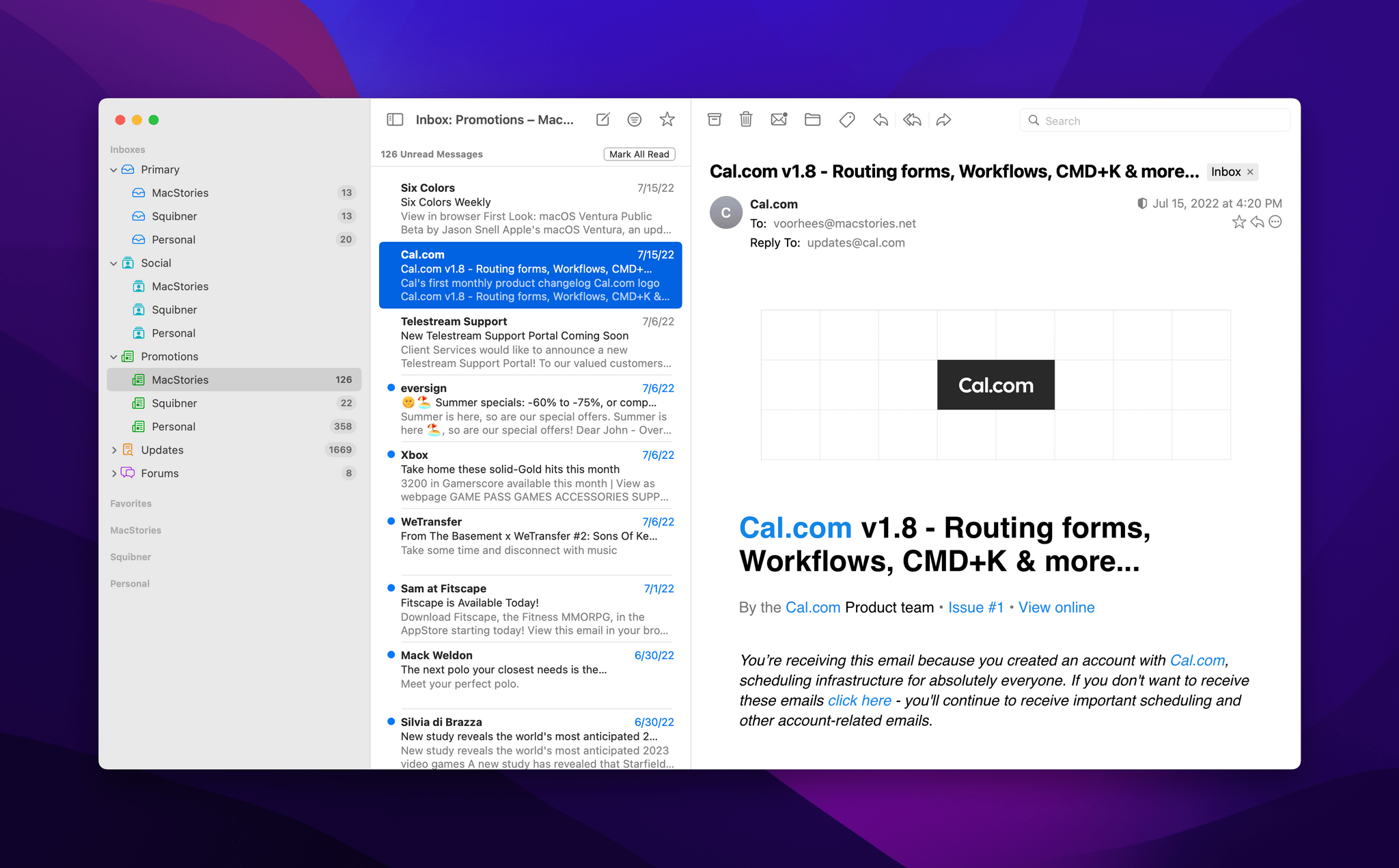
Until recently, my email use was split between Mimestream, which is only available on the Mac, and Spark on iOS and iPadOS. The split wasn’t ideal, but because I handle most of my email on my Mac, I tolerated it.
For the past several weeks, I’ve been using Mail exclusively on all of my devices, which has been a refreshing change of pace. Still, it’s not perfect. Of the features I use most in third-party mail clients, the single biggest shortcoming of Mail is its clunky implementation of deep linking.
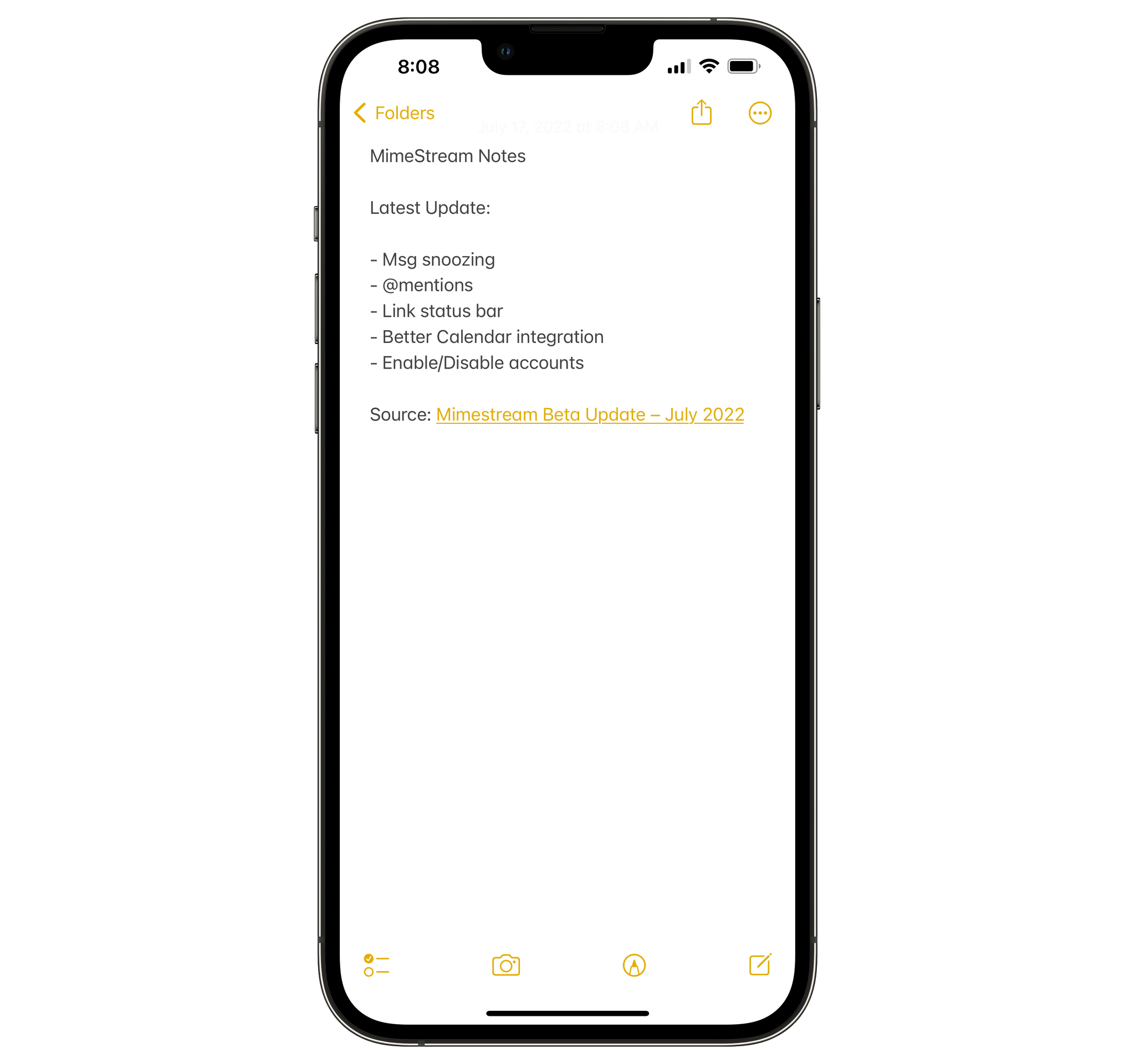
I drop links to email messages in my notes and tasks all the time as a way to quickly access important contextual information. Mimestream offers Gmail URLs, and Spark can create its own app-specific and web URLs right within those apps’ UIs.
I like the way drag and drop on the iPhone and iPad links a message to its subject, but having to use drag and drop is clunky.
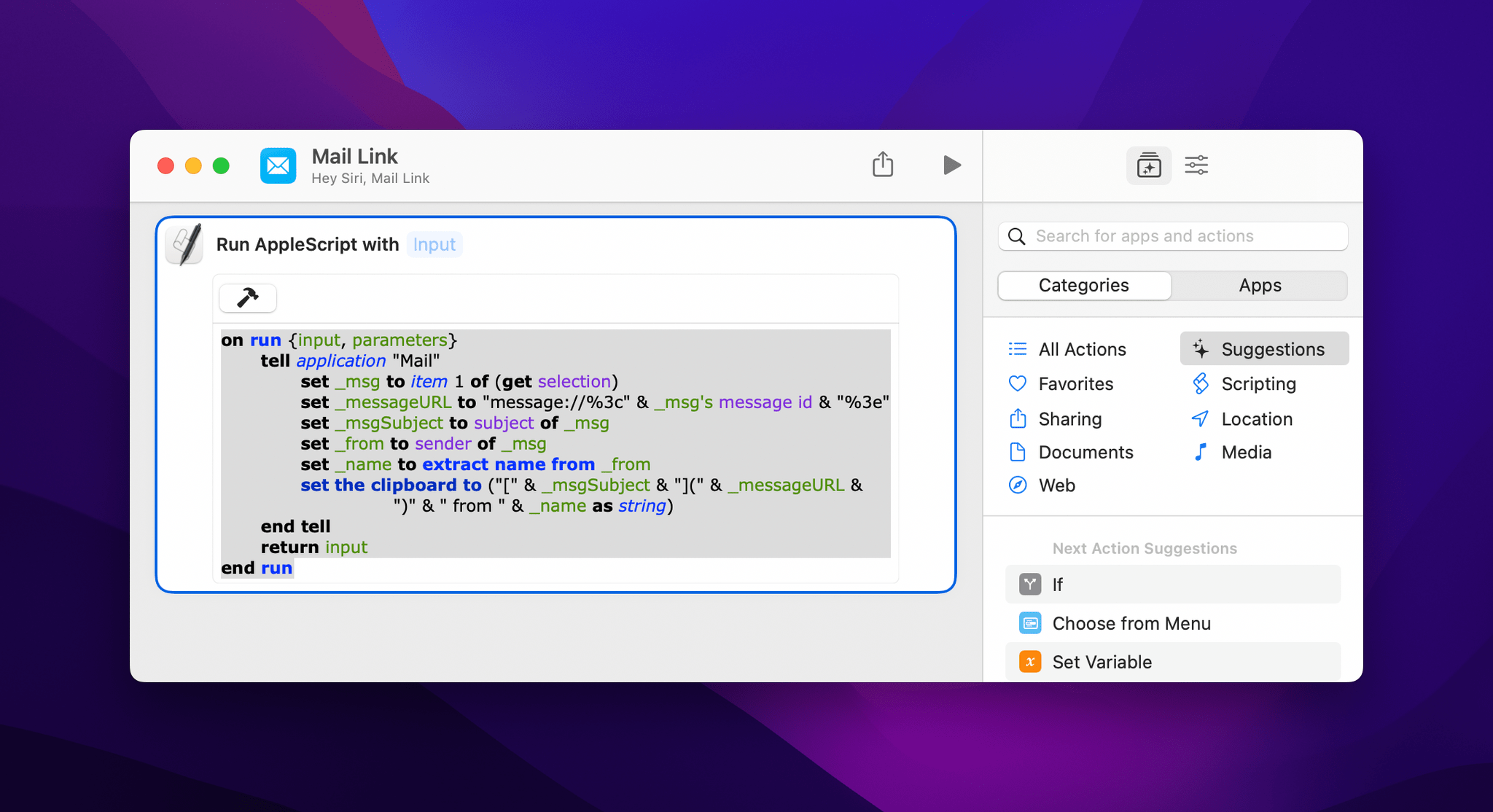
In contrast, on iOS and iPadOS, you can only link to a Mail message by dragging it out of Mail into another app’s text field. I’ll take it, but I’d prefer if I could quickly generate a link from the share sheet or with Shortcuts instead. The situation on the Mac isn’t much better, requiring users to resort to AppleScript to construct a URL that links back to a Mail message.
With weeks of Ventura testing ahead of me, I decided to see what I could do to improve the situation. The result isn’t perfect: I still have no choice on iOS and iPadOS but to drag and drop messages. However, I’ve improved the experience on the Mac using a combination of AppleScript and a shortcut that I trigger using Raycast to link the subject of a Mail message to its URL. For added context, my shortcut adds the sender’s name too.
Because Club MacStories now encompasses more than just newsletters, we’ve created a guide to the past week’s happenings:
 2022 OS Preview: The System Apps (Part 1)
This week, Federico and John continue the MacStories Summer OS Preview Series with part one of their in-depth look at changes coming to Apple’s system apps on the iPhone, iPad, and Mac, including Weather, Clock, Safari, Mail, Messages, and Photos.
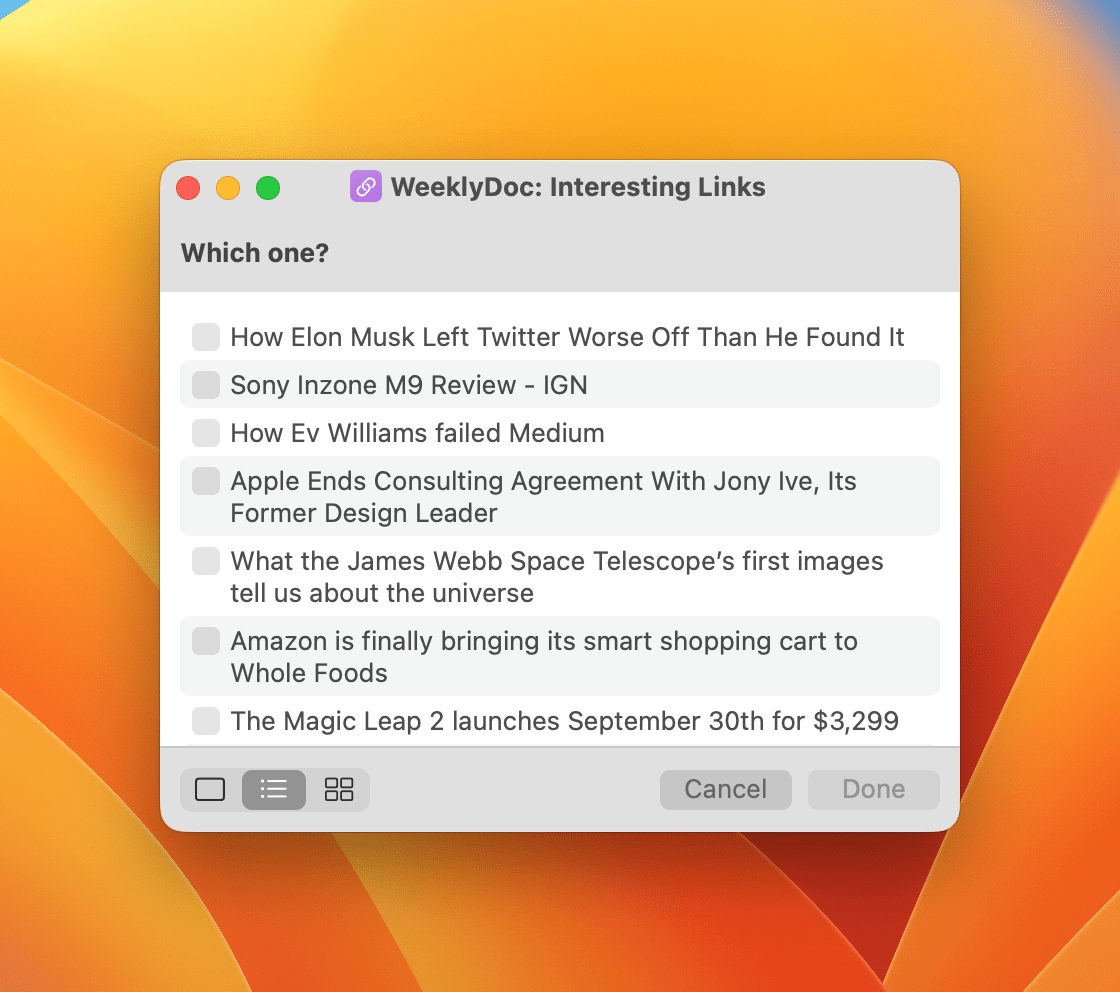
Interesting Links
A Mail Rule That Uses AppleScript to Make Sure You Don’t Miss Important Messages 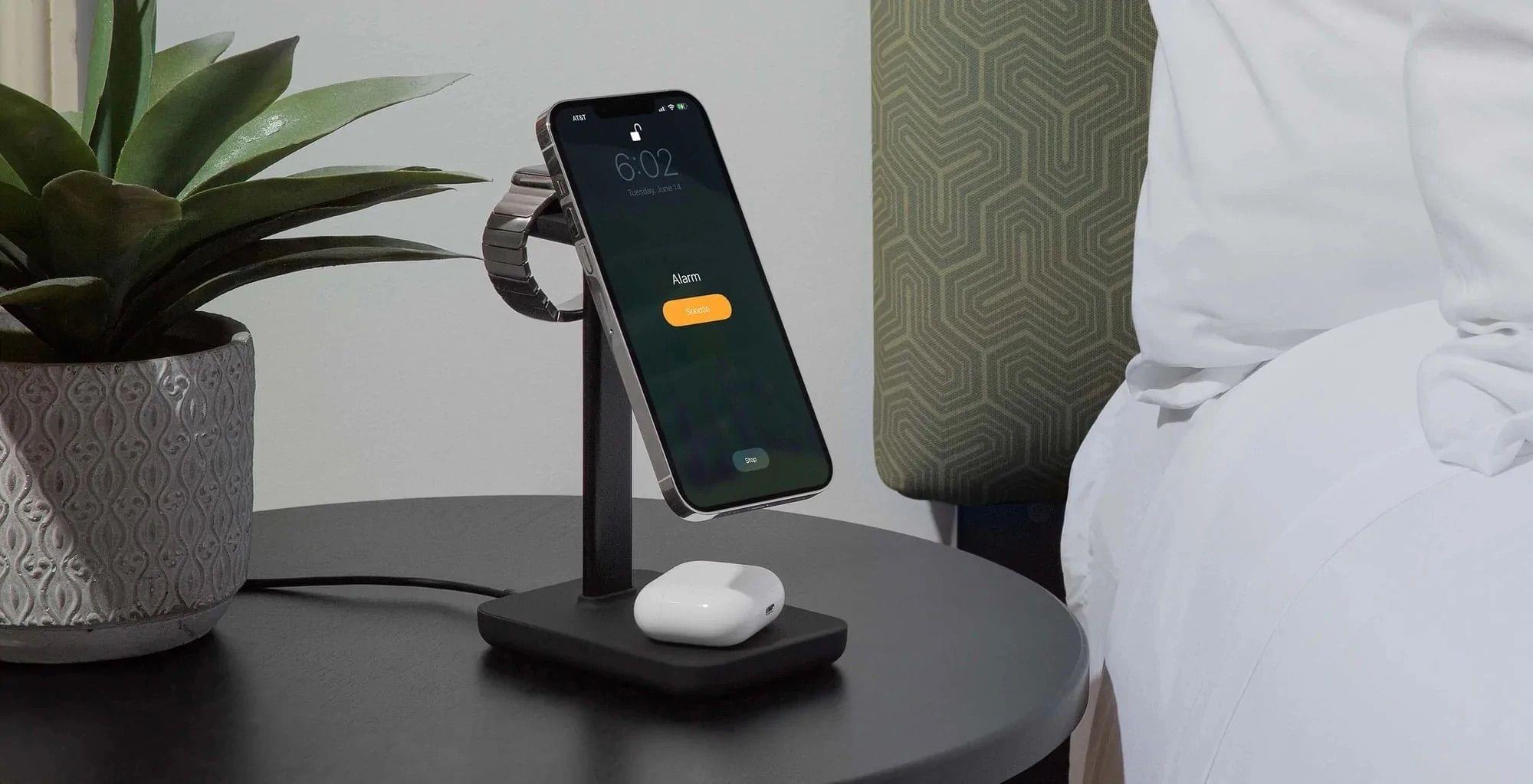
](https://cdn.macstories.net/banneras-1629219199428.png)
 Federico