John Voorhees

5782 posts on MacStories since November 2015

John is MacStories' Managing Editor, has been writing about Apple and apps since joining the team in 2015, and today, runs the site alongside Federico. John also co-hosts four MacStories podcasts: AppStories, which covers the world of apps, MacStories Unwind, which explores the fun differences between American and Italian culture and recommends media to listeners, Ruminate, a show about the weird web and unusual snacks, and NPC: Next Portable Console, a show about the games we take with us.

Shiny Frog Releases Bear 2.0

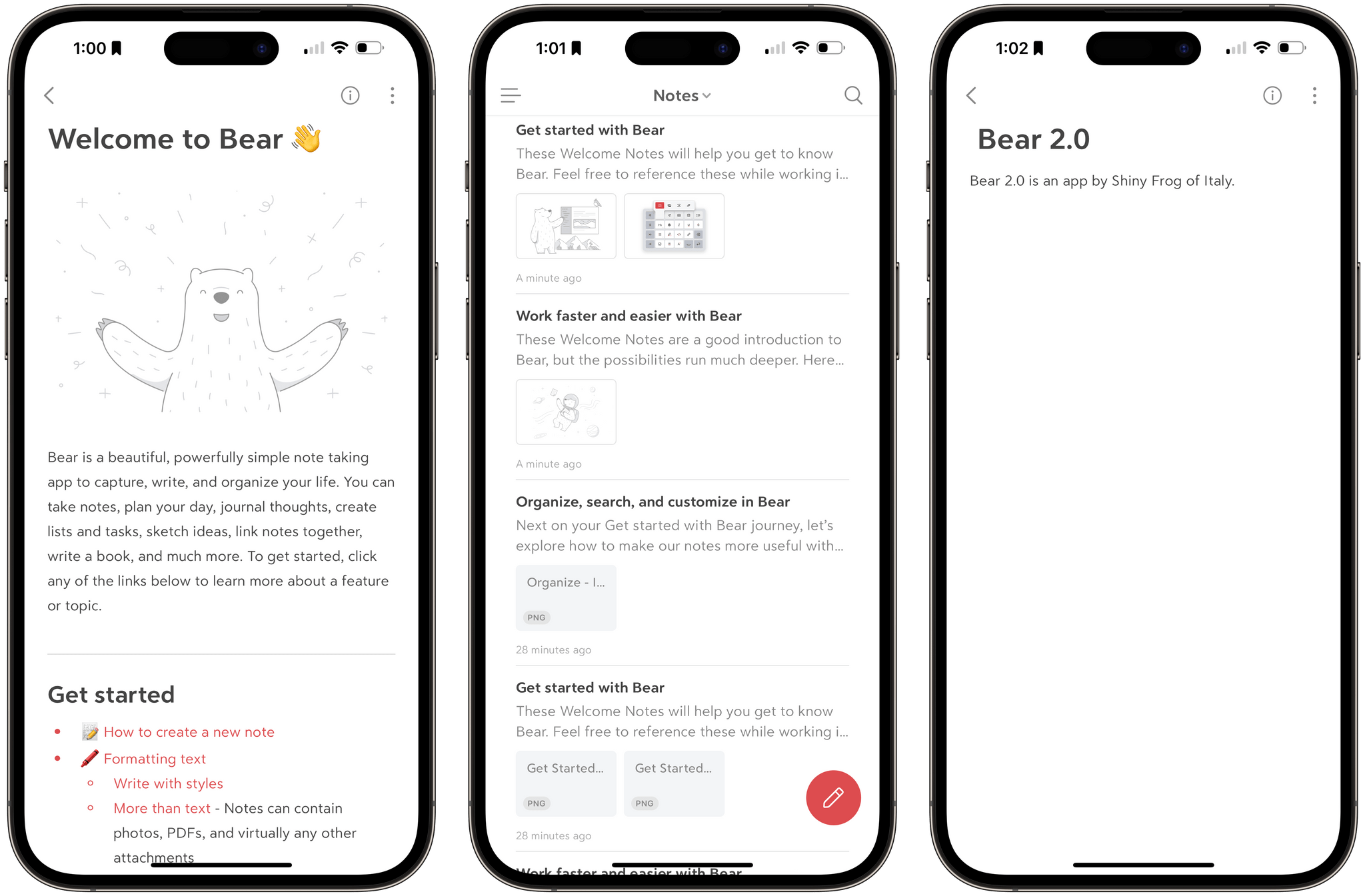
Today, Shiny Frog launched Bear 2.0, a ground-up rewrite of its popular note-taking app for the iPhone, iPad, and Mac that has been years in the making. The new version has been rebuilt with a custom text editing engine and introduces a long list of features, including:

  • Tables
  • Section folding
  • Tables of contents and backlinks
  • Footnotes
  • Nested text styling
  • Sketching
  • Sidebar pinning
  • Link and PDF previews
  • Image cropping and resizing
  • Custom fonts and new themes
  • And more

A lot has happened in the note-taking world since Bear was first released on the App Store in 2016 and won over writers with its modern design and Markdown-friendly features. Block-based editors like Craft and Notion have become popular as have a long list of plain-text editors, like Obsidian and Roam Research, that support wiki-style linking.

With Bear 2.0, Shiny Frog seems to be trying to thread a needle by maintaining the elegant design of the Bear 1.0 while accommodating the advanced features of more recent entrants to the note-taking category. That’s not easy to do, but I like what I’ve seen in my early use of the update.

Today’s update comes with a new price structure too. Bear is available on the App Store as a free download but requires a subscription for some features. As Shiny Frog announced in the spring, existing subscribers won’t be charged more as long as they maintain their current subscription, but new users (and re-subscribers) will pay $2.99/month or $29.99/year.


AppStories, Episode 342 – The Web Apps We Use→

This week on AppStories, we explore the web apps and services we use and how we use them.

Sponsored by:

  • Zocdoc: Find the right doctor, right now with Zocdoc. Sign up for free.

On AppStories+, we share our first impressions of Meta’s new social network, Threads, and its app.

We deliver AppStories+ to subscribers with bonus content, ad-free, and at a high bitrate early every week.

To learn more about the benefits included with an AppStories+ subscription, visit our Plans page, or read the AppStories+ FAQ.

Permalink

The App Store Turns 15

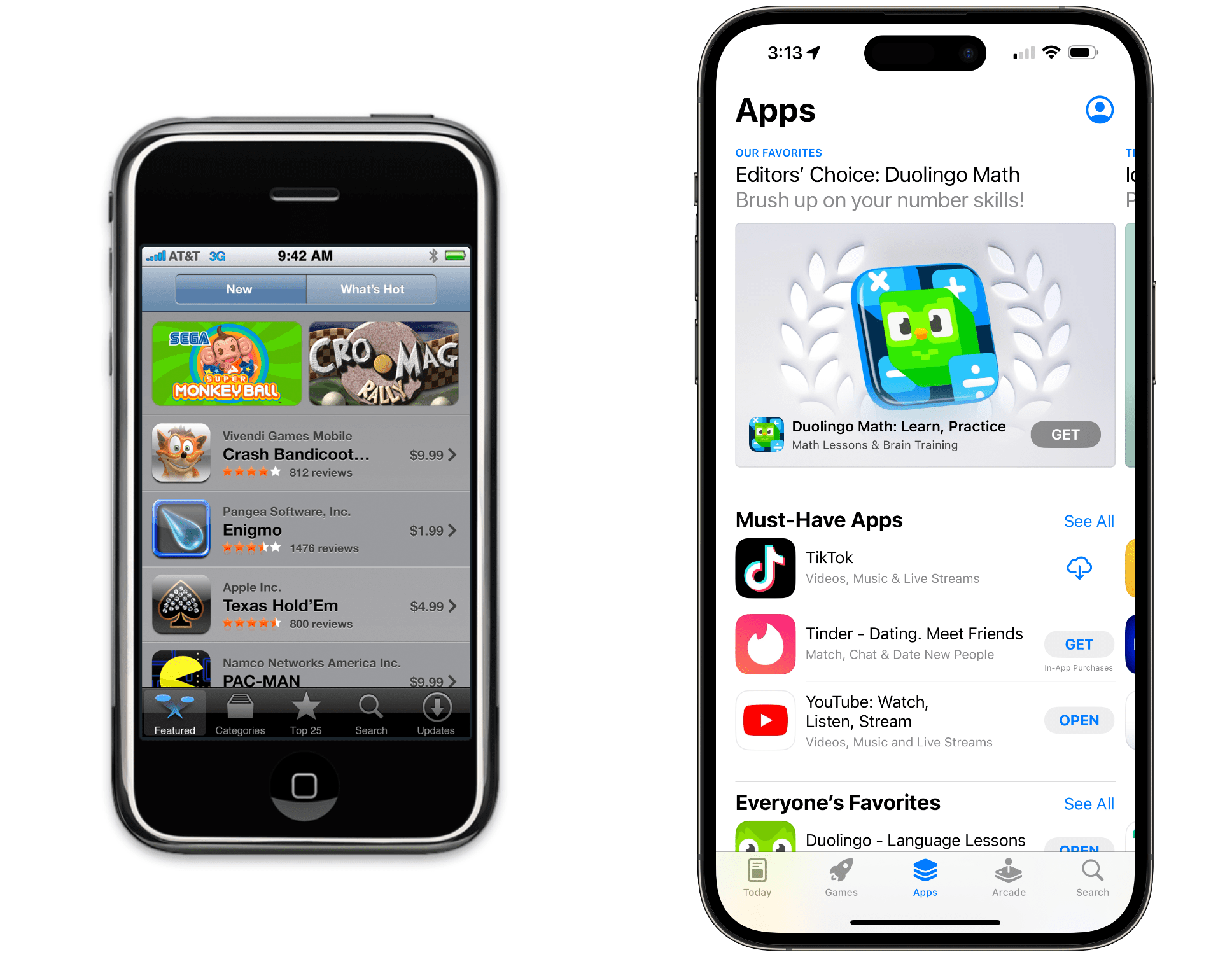
Fifteen years ago, the App Store opened its doors with 500 apps. Today, the number of apps has swelled to exceed more than 1.5 million.

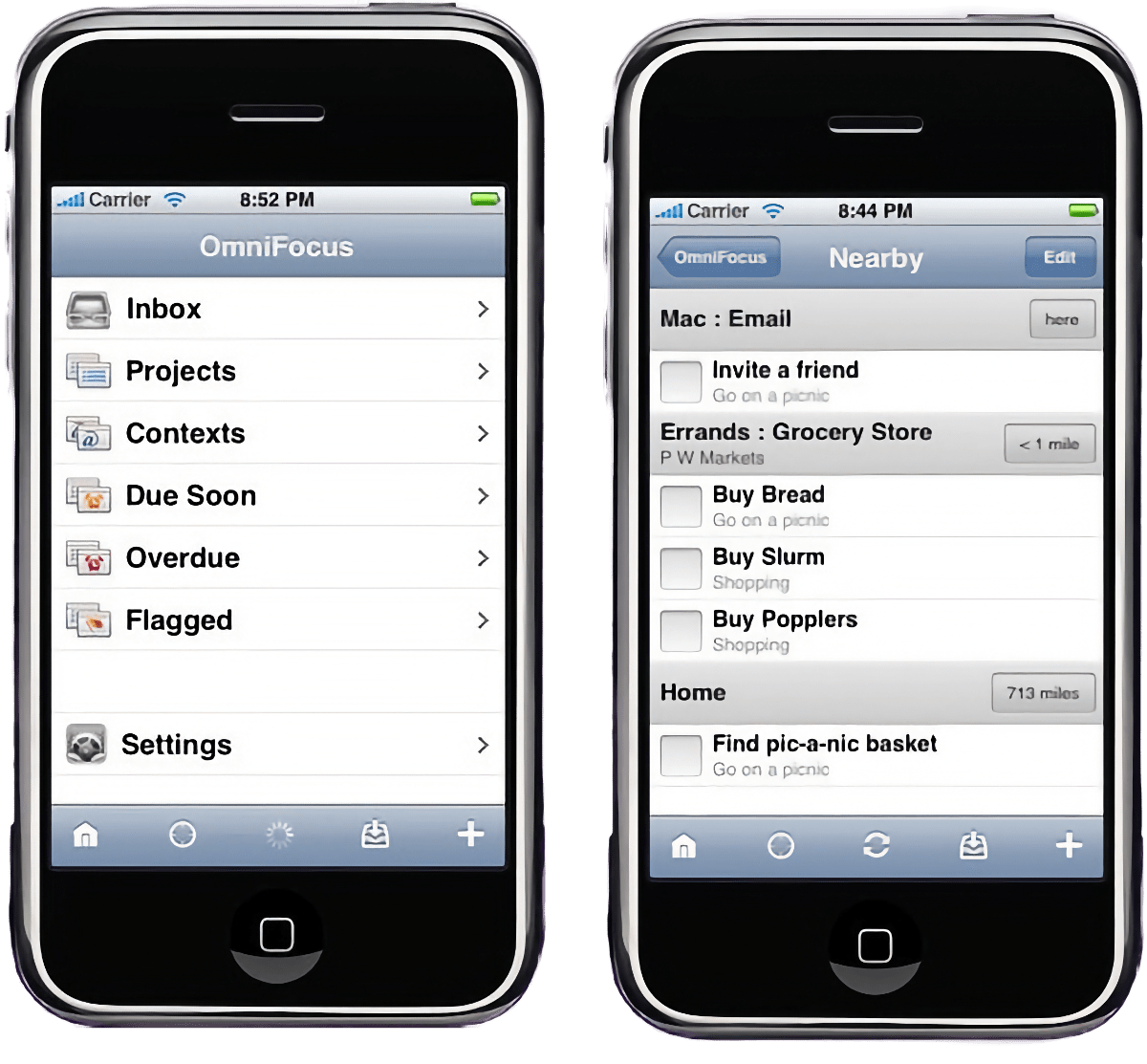
OmniFocus for iPhone.

OmniFocus for iPhone.

Of those first-day apps, a few are still around, including OmniFocus. Today, Ken Case, The Omni Group’s founder and CEO, shared what that first day was like on the company’s blog:

Imagine our amazement to see OmniFocus at #7 on the list—the only productivity app in the top ten! By 9am, more of our team were in the office and by 10am we’d accidentally sent a few more copies of our press release. (Can you tell we’d been pulling all-nighters?)

At 10:25am, I received congratulatory email asking if I’d noticed that OmniFocus was the 3rd most popular paid app in the App Store. I thanked them for letting me know, and noted there were a lot of smiles around Omni that day!

That weekend saw the launch of the iPhone 3G with the App Store, and 11,000 people bought OmniFocus that first weekend alone.

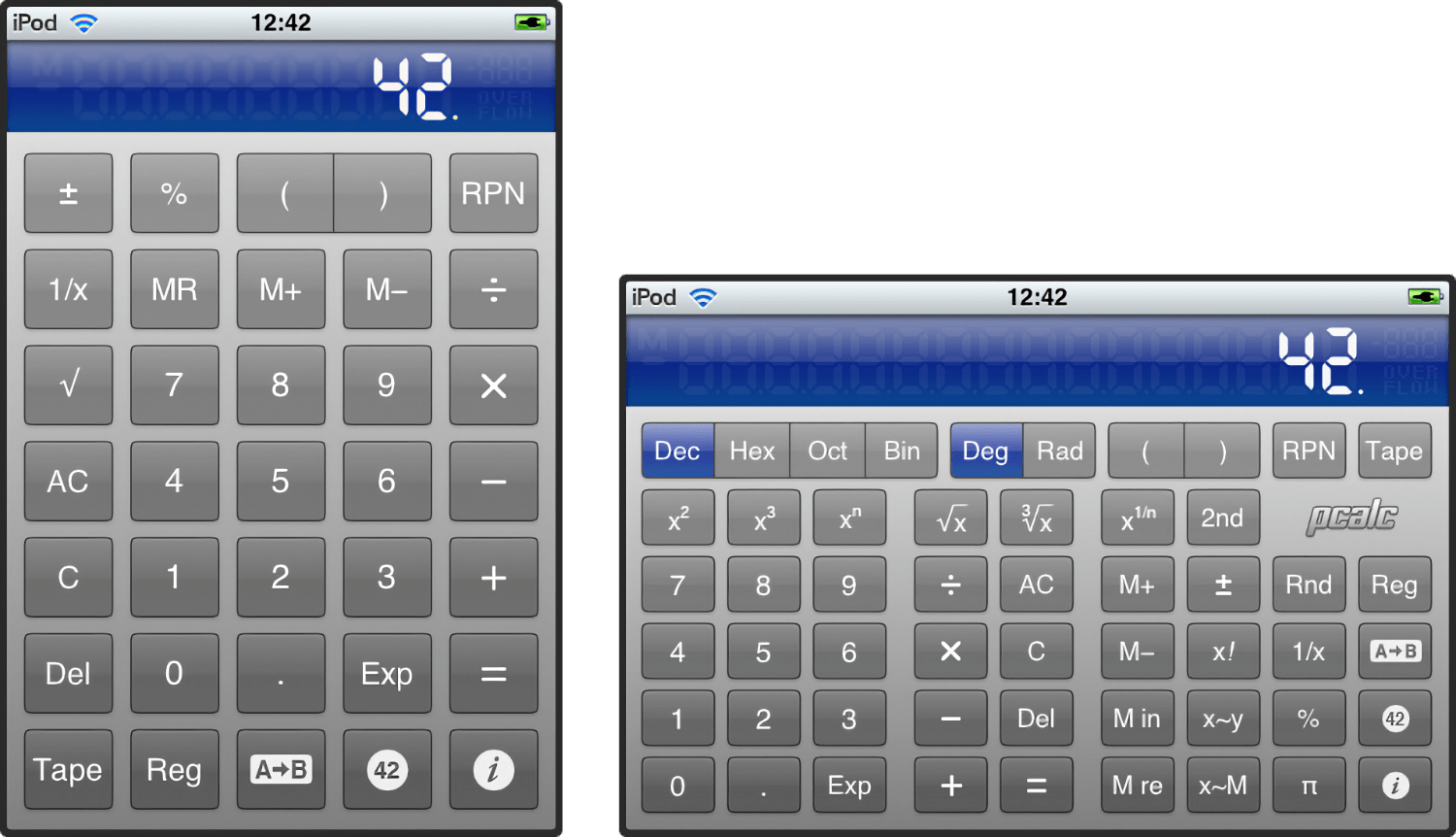
PCalc for iPhone 1.0.

PCalc for iPhone 1.0.

Other apps, like James Thomson’s PCalc, turned 15 today, too.

Twitterrific was there on day one as well but didn’t quite make it to 15 unfortunately.

For other notable first-day apps, be sure to check out Craig Grannell’s story on 15 notable first-day apps for Stuff.tv.

If today’s anniversary puts you in a nostalgic mood, we had extensive coverage of the App Store’s 10th anniversary in 2018, all of which is available here.


Two-Day Indie Apps Sales Event Begins Tomorrow with over 100 Apps→

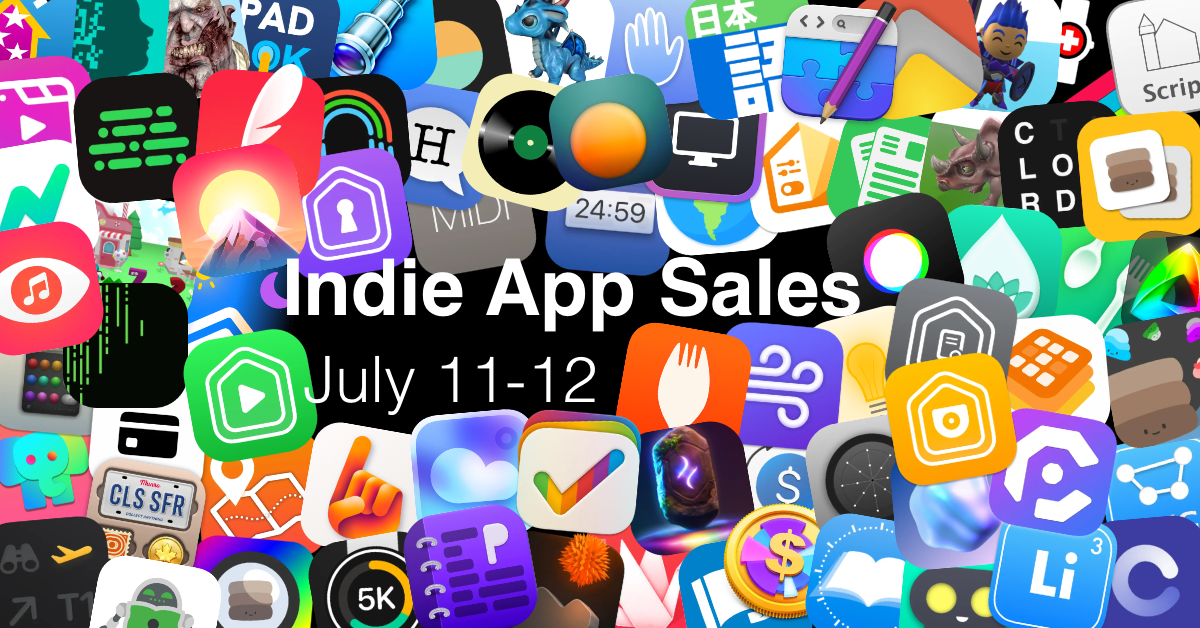
Amazon’s Prime Day begins tomorrow and with the Internet in a buying mood, Matt Corey gathered indie developers to organize an App Store sale that runs from Tuesday, July 11 - 12. Corey, the maker of Bills to Budget and Signals, has put together a collection of over 100 apps that will be offered at a discount tomorrow and Wednesday. The list is too long to publish here, but includes many we’ve covered here on MacStories and on Club MacStories in the past, including:

There are a lot of great deals, with many apps discounted 50% or more, and what’s listed above is less than a quarter of the participating apps, so be sure to visit Corey’s GitHub page for all the details, including discount codes for the apps that aren’t on the App Store, and support these great indie apps.

Permalink

The Web Apps We Use

AppStories+ Deeper into the world of apps

AppStories Episode 342 - The Web Apps We Use

0:00
30:03

↓

AppStories+ Deeper into the world of apps

This week, Federico and John explore the web apps and services they use and how they use them.

Read more


Dropover as Temporary Storage for Reminders on the Mac

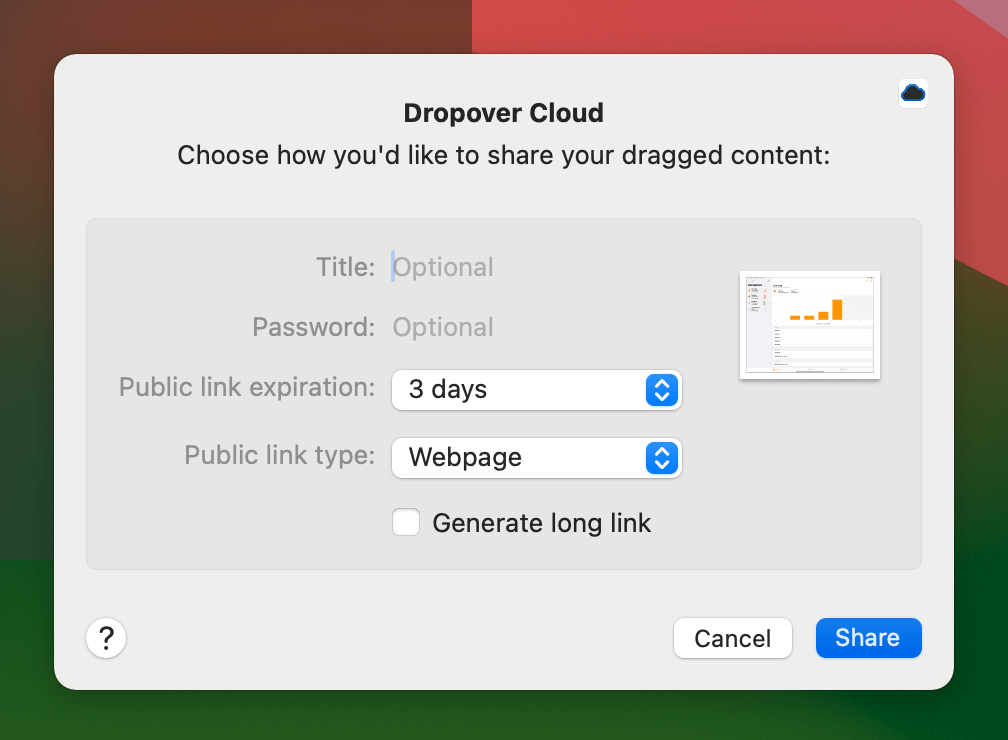
Apple’s Reminders app supports image attachments, but that’s it. A lot of the time, that’s enough, but sometimes, I want to attach some other type of file to Reminders for reference purposes. There are a lot of ways to approach this sort of problem. For instance, you could use an app like Hookmark to create...


StandBy and Landscape Mode

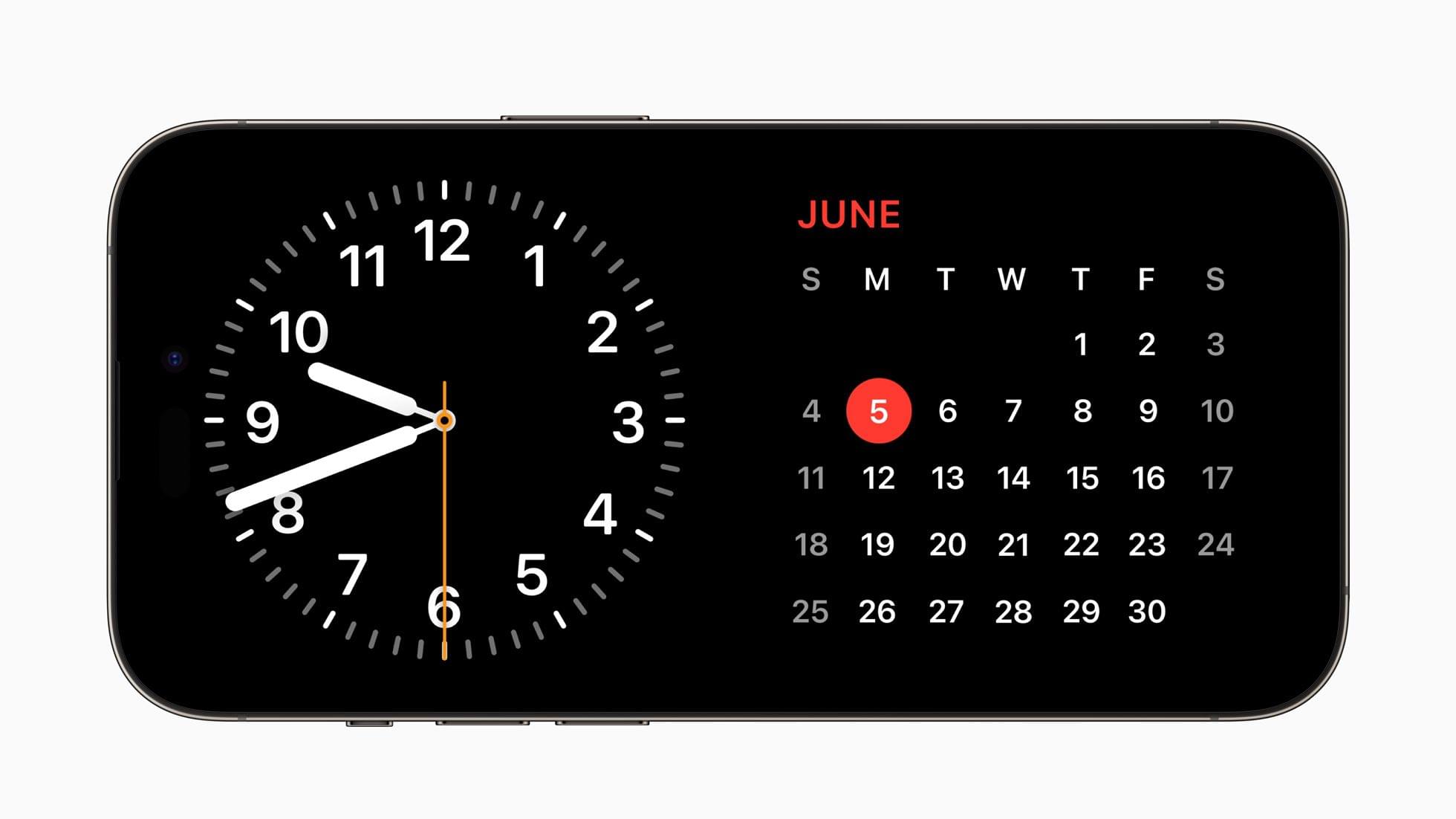
Most iPhone apps don’t support landscape mode because, for years, the orientation didn’t make much sense for most apps. That’s about to change. I didn’t expect to have much use for StandBy when rumors of it surfaced before WWDC. However, in practice, I love it. The mode’s big, chunky widgets make information like the time...


Interesting Links

Sean Hollister of The Verge reported this week that Elgato, the maker of the Stream Deck, is planning on releasing a paid app store for the device later this year. (Link) The Washington Post’s Drew Harwell investigated a prominent left-wing Twitter account that appears to have been a fake account that may have been used...


App Debuts

Peak: Fitness Widgets Peak is a new widget-based fitness tracker from developer Harshil Shah. The app allows users to track a variety of fitness metrics inside Peak itself or on their Home or Lock Screens with widgets. In the app itself, each widget includes an overview widget with your current fitness metrics and smaller widgets...