John Voorhees

5412 posts on MacStories since November 2015

John is MacStories' Managing Editor, has been writing about Apple and apps since joining the team in 2015, and today, runs the site alongside Federico. John also co-hosts four MacStories podcasts: AppStories, which covers the world of apps, MacStories Unwind, which explores the fun differences between American and Italian culture and recommends media to listeners, Ruminate, a show about the weird web and unusual snacks, and NPC: Next Portable Console, a show about the games we take with us.

MacStories Unwind: How We Write

AppStories+ Deeper into the world of apps
0:00
24:44

AppStories+ Deeper into the world of apps


This week, Federico and I talk about the writing process, Federico recommends Vampire by Olivia Rodrigo and I recommend Hijack on Apple TV+.

  • Kolide – It ensures that if a device isn’t secure it can’t access your apps.  It’s Device Trust for Okta. Watch the demo today!

Federico’s Pick:

John’s Pick:

MacStories Unwind+

We deliver MacStories Unwind+ to Club MacStories subscribers ad-free and early with high bitrate audio every week.

To learn more about the benefits of a Club MacStories subscription, visit our Plans page.


The Case for Videogame and App Preservation

On the same day that the App Store turned 15, the Video Game History Foundation released a study that concludes 87% of all classic videogames released in the US are no longer commercially available. The study looked at a broad cross-section of platforms and found that this isn’t a problem that’s limited to one corner of the videogame industry. It’s universal. As a result, a large segment of videogame history is at risk of being lost forever.

The Video Game History Foundation’s mission is to preserve videogame history, and along with libraries, museums, and archives, they’re seeking exemptions from US Copyright law to make game preservation easier. On the other side of their efforts is the gaming industry, which argues, among other things, that commercial re-releases and remasters of classic games are satisfying preservation needs.

That debate is what prompted the Foundation’s study:

It’s true that there’s more games being re-released than even before. But then why does the gaming community believe that so few classic games are still available? What’s the real story here? If we want to have a productive conversation about game preservation, we need an accurate understanding of where things stand right now.

We conducted this study to settle the facts. It’s not enough just to have a hunch. We need hard data.

The results of the Video Game History Foundation’s study tell a different story than the one the videogame industry tells and is one that’s equally applicable to mobile games and apps on Apple’s App Store. Federico and I have written about app and game preservation before, including during the 10th anniversary of the App Store. And while I applaud Apple’s decision to promote classic iOS games as part of Apple Arcade, the Foundation’s study shows that it’s not enough. It’s a start, but for every game that is given a new lease on life as part of Arcade, there are dozens that lie dormant and unplayable.

The problem extends to apps too. Craig Grannell, with the help of Internet sleuths, set out to recreate the list of 500 apps and games that debuted on the App Store as its 15th anniversary approached. Grannell’s Google Spreadsheet currently lists 355 titles, and guess what? By my count, only 43 of those apps and games have live App Store URLs, which works out to 12%, almost exactly the same results as the Video Game History Foundation’s study. Grannell’s spreadsheet may not have been compiled as rigorously as the Foundation’s study, but the point stands: we’re losing access to culturally significant apps and games on the App Store alongside the videogame industry.

That’s why I was happy to see the Video Game History Foundation take the important step of gathering the facts that support their preservation efforts. Its focus is on games, but hopefully, it will help raise awareness about preserving apps too.

A good way to learn more about the Video Game History Foundation’s study is also to listen to the latest episode of its podcast, where Kelsey Lewin and Phil Salvador of the Foundation were joined by Brandon Butler, Director of Information Policy at the University of Virginia Library and Law and Policy Advisor at the Software Preservation Network.


David Smith on Adapting Widgetsmith’s Weather Features to visionOS

David Smith has been poking around the visionOS SDK and chronicling his efforts on his website. His latest experiment was to take the weather forecast part of Widgetsmith and adapt it to visionOS. We’ve seen a lot of developers post screenshots of what their app looks like when it’s first built in visionOS, and it’s impressive how little work it seems to take to get an app up and running on the new OS.

However, visionOS apps are fundamentally different from others and require further attention to adapt to the new UI language. That’s what I love about David’s post. This is what it looked like when he started:

In the post, David walks through all the changes made, big and small, to get to this point:

The evolution of this view and others is a fascinating lesson in the UI differences between iOS and visionOS apps. Be sure to check out David’s post for more screenshots and details on the process of adapting Widgetsmith’s weather features to visionOS.

Permalink

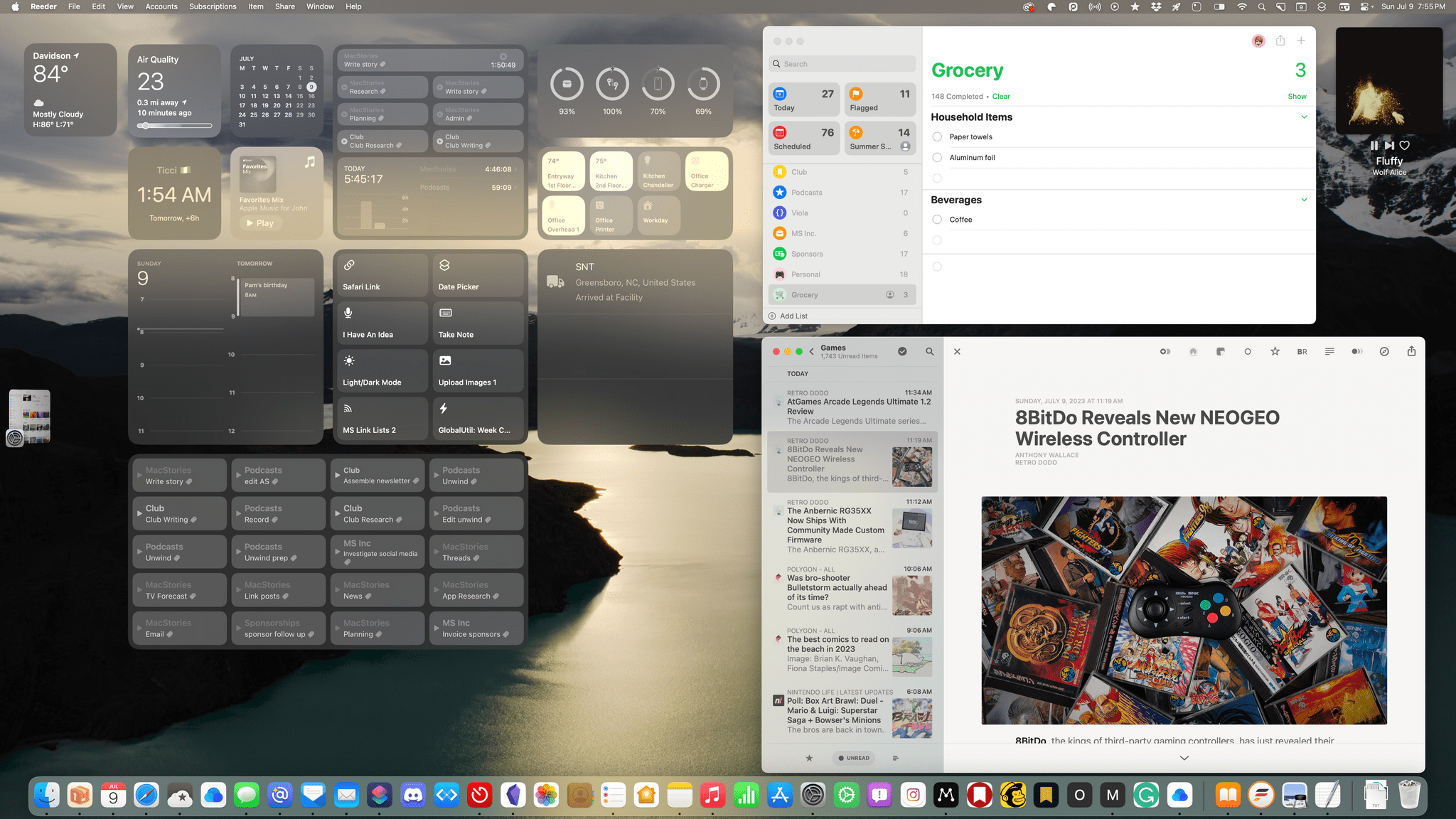
macOS Sonoma: The MacStories Preview

Never before have the iPhone, iPad, and Mac been as interconnected as they are today. It wasn’t that long ago that the iPhone was, well, the iPhone, the iPad was essentially a big iPhone, and the Mac was off doing its own thing. Now, the iPad has its own OS, the Mac is running on a whole new chip architecture, and the design and functionality of virtually every bit of UI and system app of every device have been realigned along a more rational continuum, making it easier than ever to move among them.

A big part of reshaping macOS involved updating system apps to match the functionality available on Apple’s other OSes. That work is largely finished, which leaves us entering a new phase of macOS’s evolution. Instead of playing catch-up to iOS and iPadOS, macOS is moving along the same path, with a collection of genuinely useful new features coming this fall that I’ve been testing as part of Apple’s developer beta program. Now, you too can join in the testing if you’d like because today, Apple released its first public beta of macOS Sonoma as part of the Apple Beta Software Program.

We’ll have full reviews on MacStories of each OS when the final versions are released this fall. However, after about a month of using Sonoma daily, I wanted to hit the highlights of what’s in store this fall for any readers who might be thinking of joining the public beta.

Read more


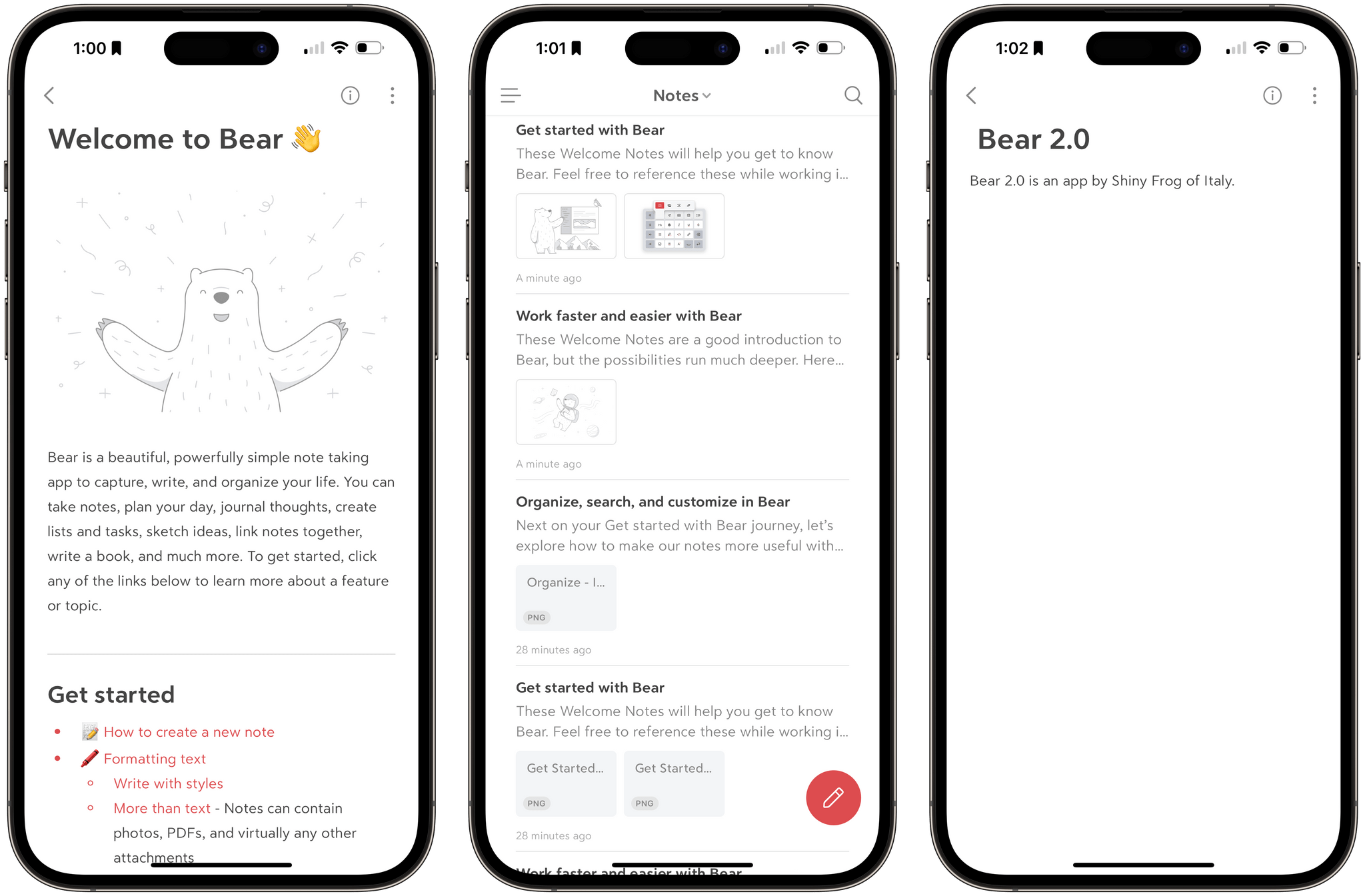
Shiny Frog Releases Bear 2.0

Today, Shiny Frog launched Bear 2.0, a ground-up rewrite of its popular note-taking app for the iPhone, iPad, and Mac that has been years in the making. The new version has been rebuilt with a custom text editing engine and introduces a long list of features, including:

  • Tables
  • Section folding
  • Tables of contents and backlinks
  • Footnotes
  • Nested text styling
  • Sketching
  • Sidebar pinning
  • Link and PDF previews
  • Image cropping and resizing
  • Custom fonts and new themes
  • And more

A lot has happened in the note-taking world since Bear was first released on the App Store in 2016 and won over writers with its modern design and Markdown-friendly features. Block-based editors like Craft and Notion have become popular as have a long list of plain-text editors, like Obsidian and Roam Research, that support wiki-style linking.

With Bear 2.0, Shiny Frog seems to be trying to thread a needle by maintaining the elegant design of the Bear 1.0 while accommodating the advanced features of more recent entrants to the note-taking category. That’s not easy to do, but I like what I’ve seen in my early use of the update.

Today’s update comes with a new price structure too. Bear is available on the App Store as a free download but requires a subscription for some features. As Shiny Frog announced in the spring, existing subscribers won’t be charged more as long as they maintain their current subscription, but new users (and re-subscribers) will pay $2.99/month or $29.99/year.


AppStories, Episode 342 – The Web Apps We Use

This week on AppStories, we explore the web apps and services we use and how we use them.

Sponsored by:

  • Zocdoc: Find the right doctor, right now with Zocdoc. Sign up for free.

On AppStories+, we share our first impressions of Meta’s new social network, Threads, and its app.

We deliver AppStories+ to subscribers with bonus content, ad-free, and at a high bitrate early every week.

To learn more about the benefits included with an AppStories+ subscription, visit our Plans page, or read the AppStories+ FAQ.

Permalink

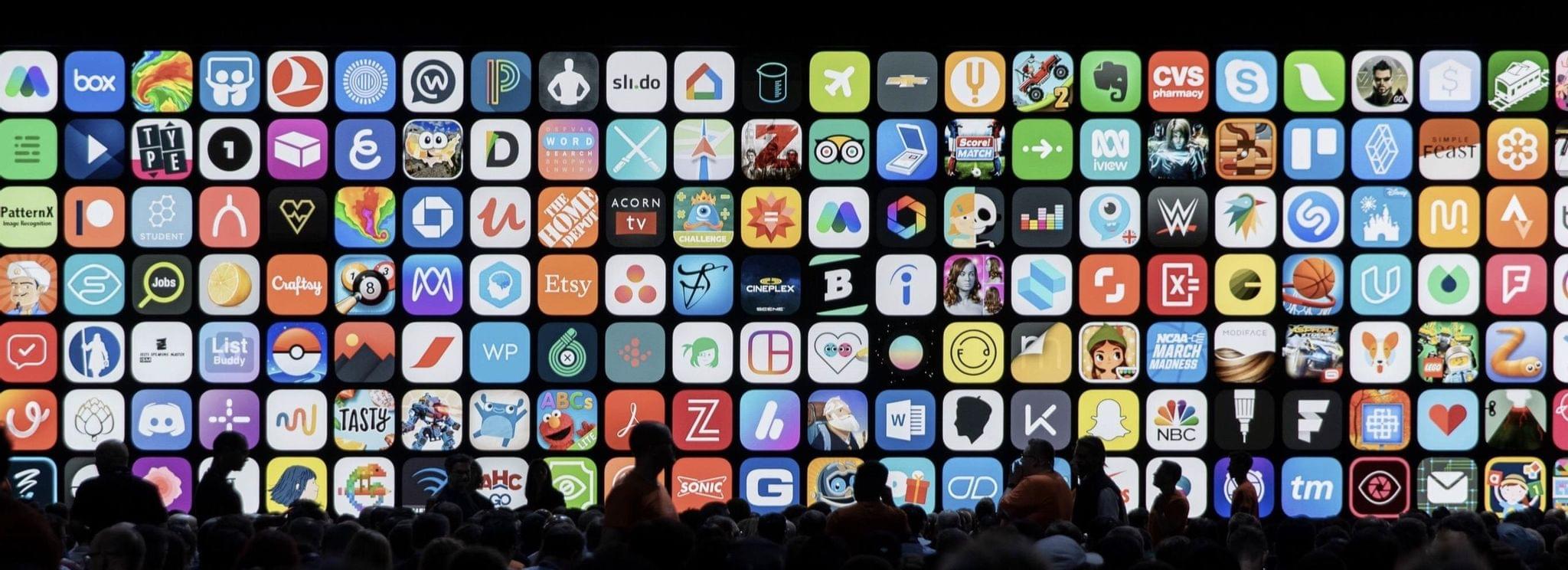
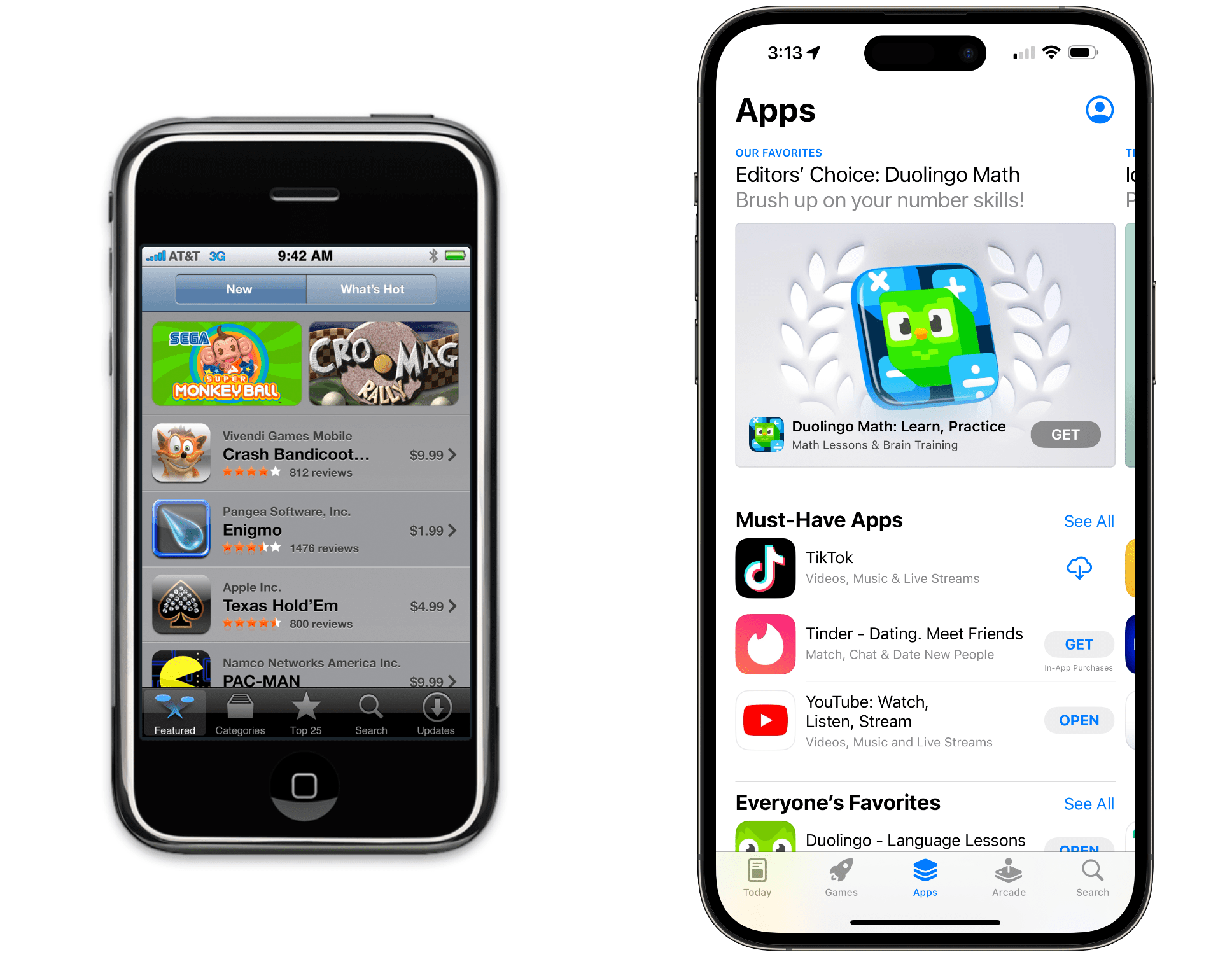
The App Store Turns 15

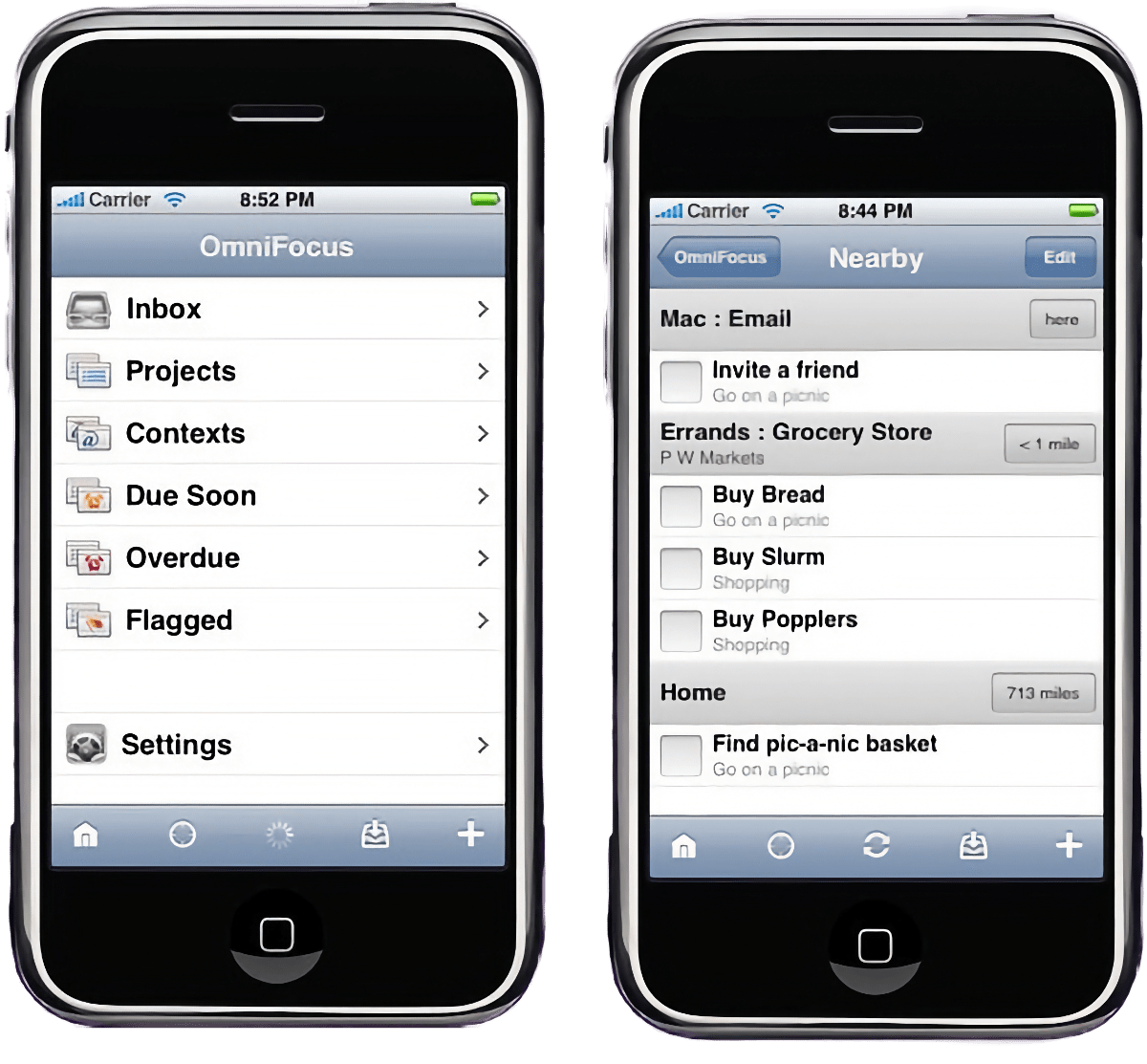
Fifteen years ago, the App Store opened its doors with 500 apps. Today, the number of apps has swelled to exceed more than 1.5 million.

OmniFocus for iPhone.

OmniFocus for iPhone.

Of those first-day apps, a few are still around, including OmniFocus. Today, Ken Case, The Omni Group’s founder and CEO, shared what that first day was like on the company’s blog:

Imagine our amazement to see OmniFocus at #7 on the list—the only productivity app in the top ten! By 9am, more of our team were in the office and by 10am we’d accidentally sent a few more copies of our press release. (Can you tell we’d been pulling all-nighters?)

At 10:25am, I received congratulatory email asking if I’d noticed that OmniFocus was the 3rd most popular paid app in the App Store. I thanked them for letting me know, and noted there were a lot of smiles around Omni that day!

That weekend saw the launch of the iPhone 3G with the App Store, and 11,000 people bought OmniFocus that first weekend alone.

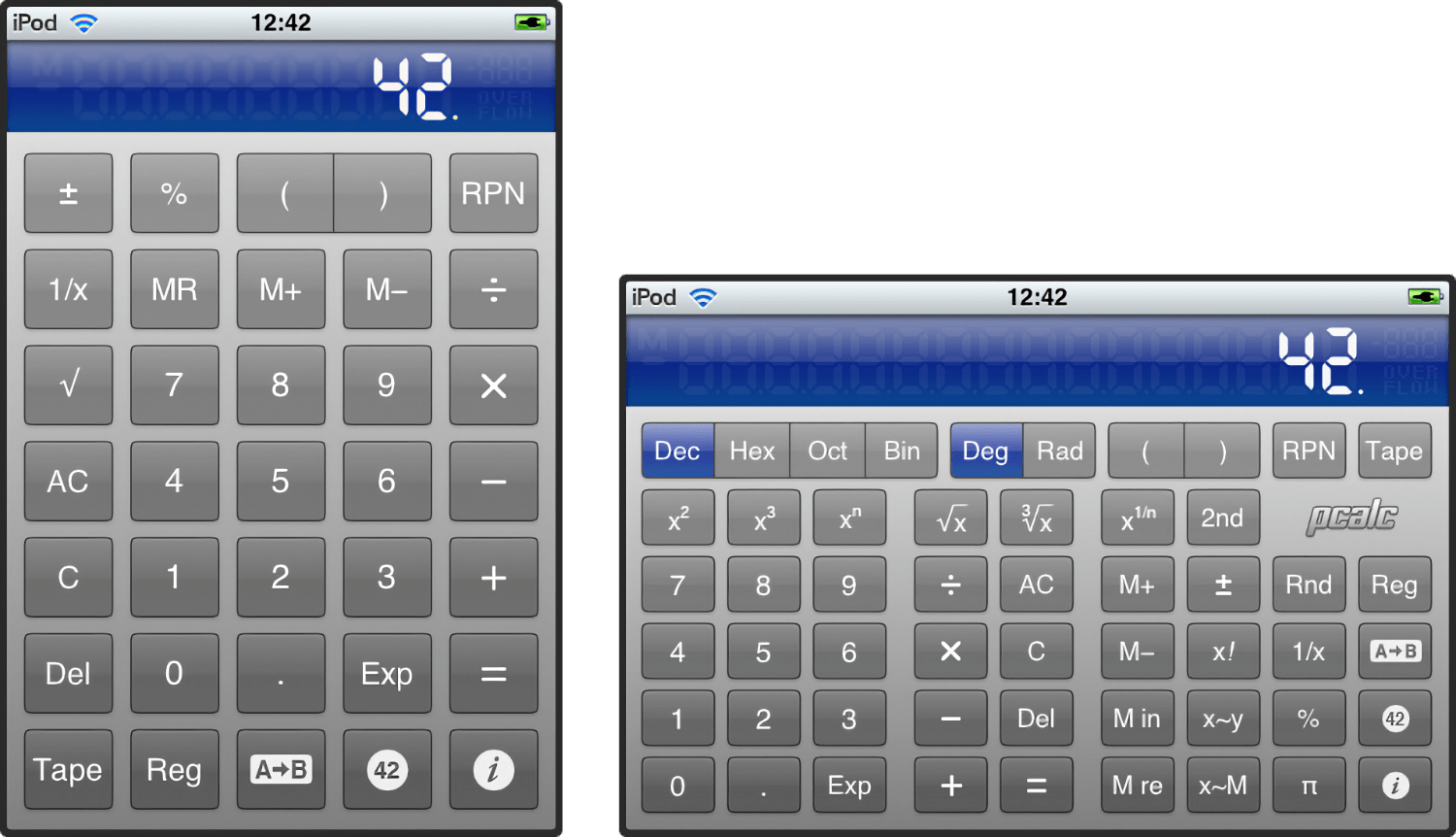
PCalc for iPhone 1.0.

PCalc for iPhone 1.0.

Other apps, like James Thomson’s PCalc, turned 15 today, too.

Twitterrific was there on day one as well but didn’t quite make it to 15 unfortunately.

For other notable first-day apps, be sure to check out Craig Grannell’s story on 15 notable first-day apps for Stuff.tv.

If today’s anniversary puts you in a nostalgic mood, we had extensive coverage of the App Store’s 10th anniversary in 2018, all of which is available here.


Two-Day Indie Apps Sales Event Begins Tomorrow with over 100 Apps

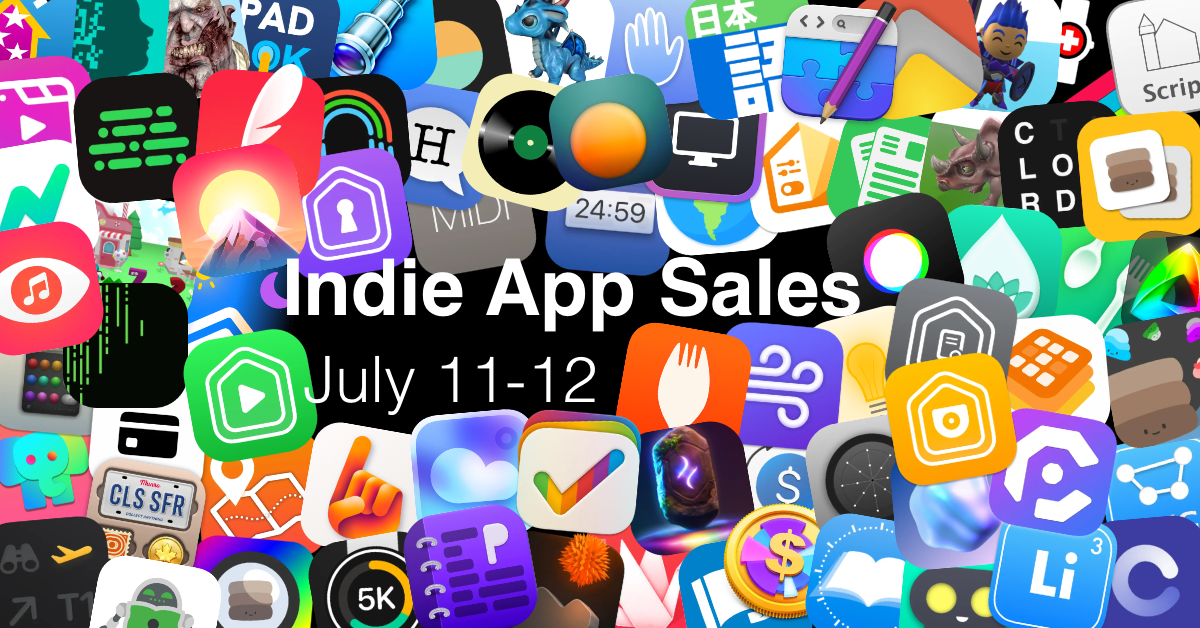
Amazon’s Prime Day begins tomorrow and with the Internet in a buying mood, Matt Corey gathered indie developers to organize an App Store sale that runs from Tuesday, July 11 - 12. Corey, the maker of Bills to Budget and Signals, has put together a collection of over 100 apps that will be offered at a discount tomorrow and Wednesday. The list is too long to publish here, but includes many we’ve covered here on MacStories and on Club MacStories in the past, including:

There are a lot of great deals, with many apps discounted 50% or more, and what’s listed above is less than a quarter of the participating apps, so be sure to visit Corey’s GitHub page for all the details, including discount codes for the apps that aren’t on the App Store, and support these great indie apps.

Permalink

The Web Apps We Use

AppStories+ Deeper into the world of apps

AppStories Episode 342 - The Web Apps We Use

0:00
30:03

AppStories+ Deeper into the world of apps

This week, Federico and John explore the web apps and services they use and how they use them.

Read more