John Voorhees

5410 posts on MacStories since November 2015

John is MacStories' Managing Editor, has been writing about Apple and apps since joining the team in 2015, and today, runs the site alongside Federico. John also co-hosts four MacStories podcasts: AppStories, which covers the world of apps, MacStories Unwind, which explores the fun differences between American and Italian culture and recommends media to listeners, Ruminate, a show about the weird web and unusual snacks, and NPC: Next Portable Console, a show about the games we take with us.

App Debuts

[[John]] MusicHarbor MusicHarbor debuted a wonderful new calendar view to the app this week that lets you browse new music releases in a calendar-based grid. Dates with releases include album art, and if a day has more than one release, you can swipe on the art to see the other releases, too. The new feature...


Interesting Links

[[John]] Zac Hall of 9to5Mac updated his list of the best CarPlay apps this week. It’s a great list that I highly recommend if you’re looking to try something new with CarPlay. (Link) Tom Warren of The Verge reported on the new Xbox Home UI that debuted this week. (Link) Finally, I can have Snoop...


MacStories Unwind: It’s Easy to Break Your YAML

AppStories+ Deeper into the world of apps
0:00
28:39

AppStories+ Deeper into the world of apps


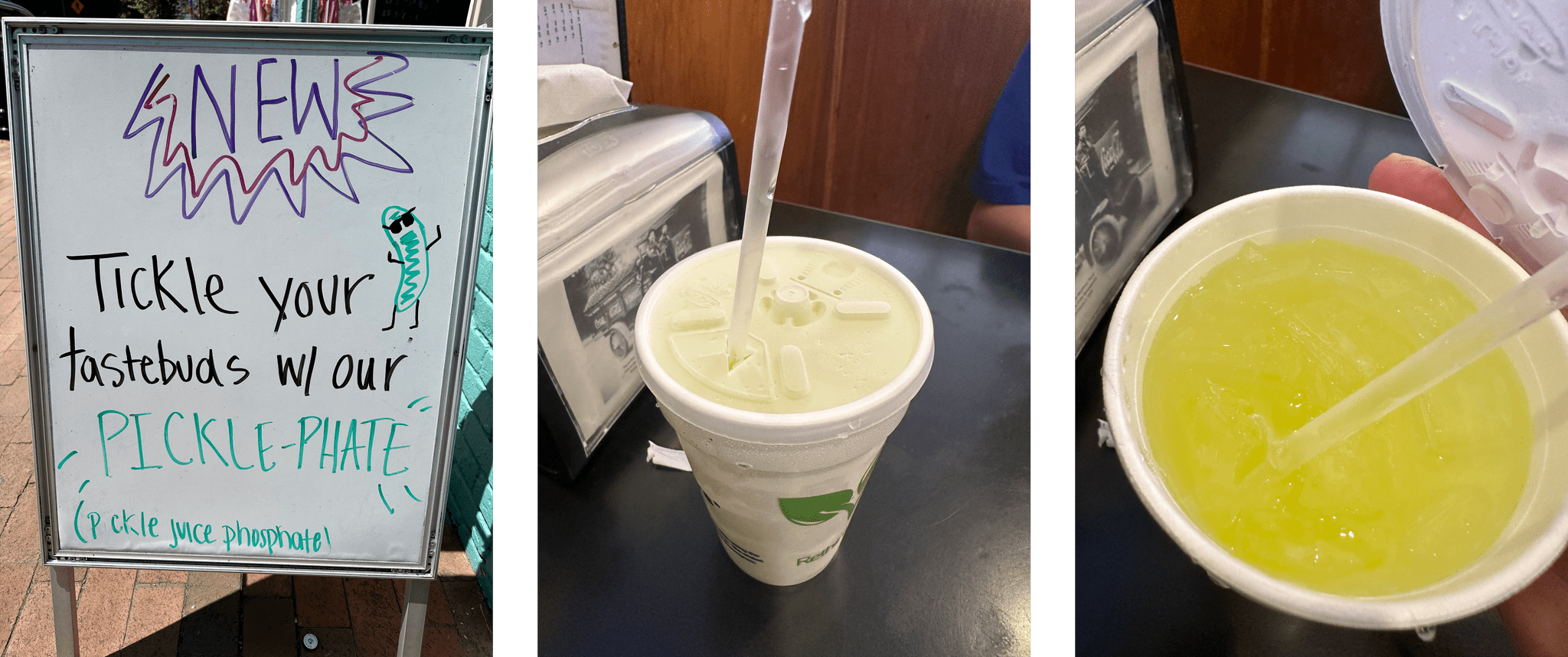
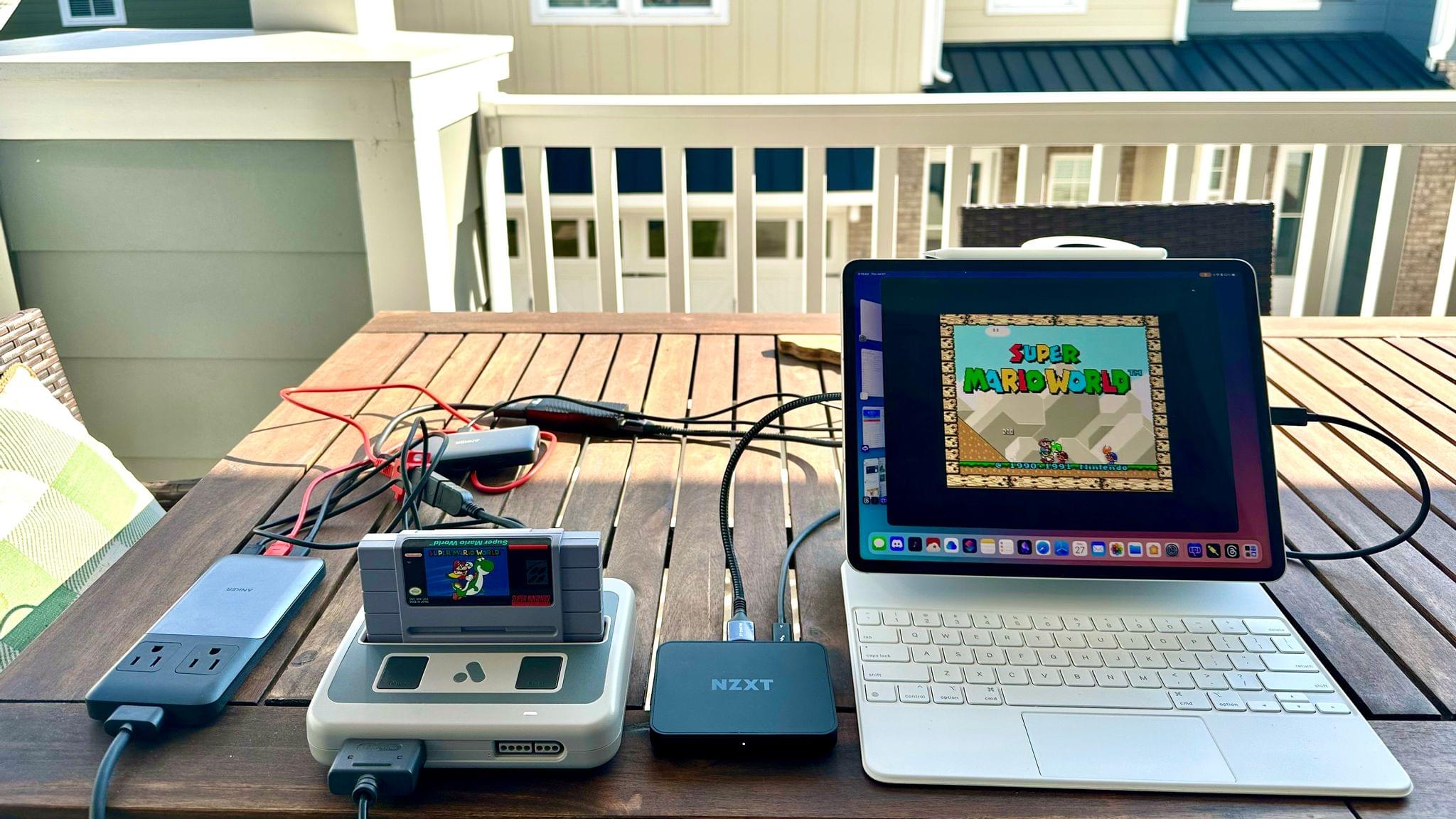
This week, John has news from the animal kingdom and tries a new beverage while Federico struggles with text editors (again). Plus John has a surprise videogame hardware pick.

  • Kolide – It ensures that if a device isn’t secure it can’t access your apps.  It’s Device Trust for Okta. Watch the demo today!

MacStories Unplugged

The Blue-Tailed Skink.

The Blue-Tailed Skink.

Pickle Juice Phosphate.

Pickle Juice Phosphate.

John’s Surprise Pick

The Analogue Super NT running on an iPad Pro.

The Analogue Super NT running on an iPad Pro.

Follow us on Mastodon

Follow us on Instagram

MacStories Unwind+

We deliver MacStories Unwind+ to Club MacStories subscribers ad-free and early with high bitrate audio every week.

To learn more about the benefits of a Club MacStories subscription, visit our Plans page.


AppStories, Episode 344 – macOS Sonoma and iOS and iPadOS 17 Public Betas

This week on AppStories, we talk about Safari, videoconferencing, Messages, and gaming on macOS Sonoma, plus stickers and widgets on iOS and iPadOS 17.

Sponsored by:

  • Concepts - Sketch, Note, Draw.
  • Notion – Do your most efficient work with Notion Projects. Try it free today.
  • HelloFresh – Use code appstories50 for 50% off plus free shipping.

On AppStories+, Federico and I share our wishes for the next version of the iPad Pro.

We deliver AppStories+ to subscribers with bonus content, ad-free, and at a high bitrate early every week.

To learn more about the benefits included with an AppStories+ subscription, visit our Plans page, or read the AppStories+ FAQ.

Permalink

Four Brand-New Deals for Club MacStories+ and Club Premier Members

One of the perks of a Club MacStories+ or Club Premier membership is discounts on a long list of great apps and services. Today, we’re pleased to add four new Mac apps to the growing catalog of deals available to members:

Lasso – 30% off

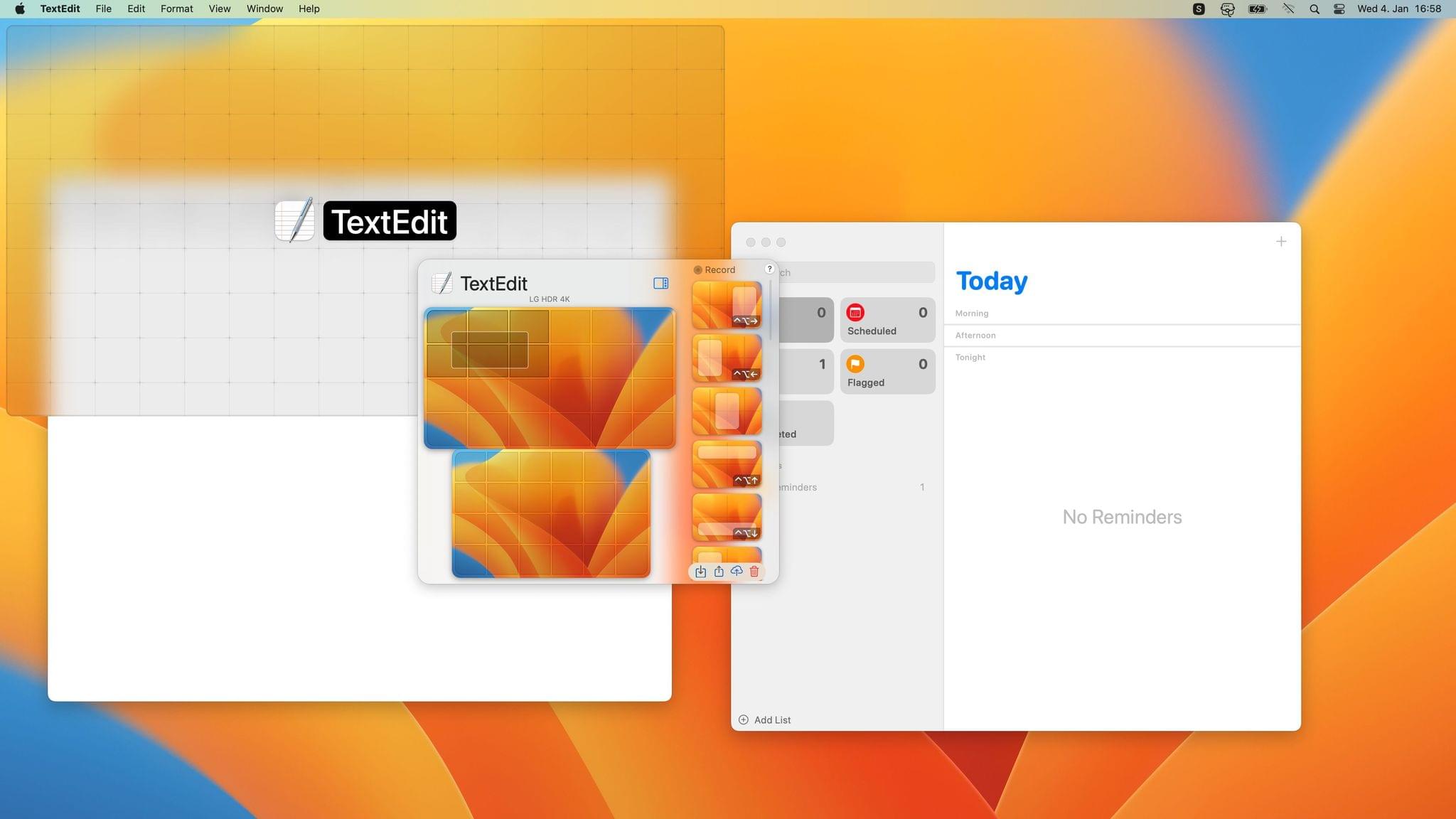
Lasso.

Lasso.

Lasso is a Mac window manager that lets you move and resize windows using only your mouse. The app uses a simple grid system and keyboard shortcuts, plus it supports custom layouts, multiple displays, layout exporting and importing, and more.

Mission Control Plus – 20% off

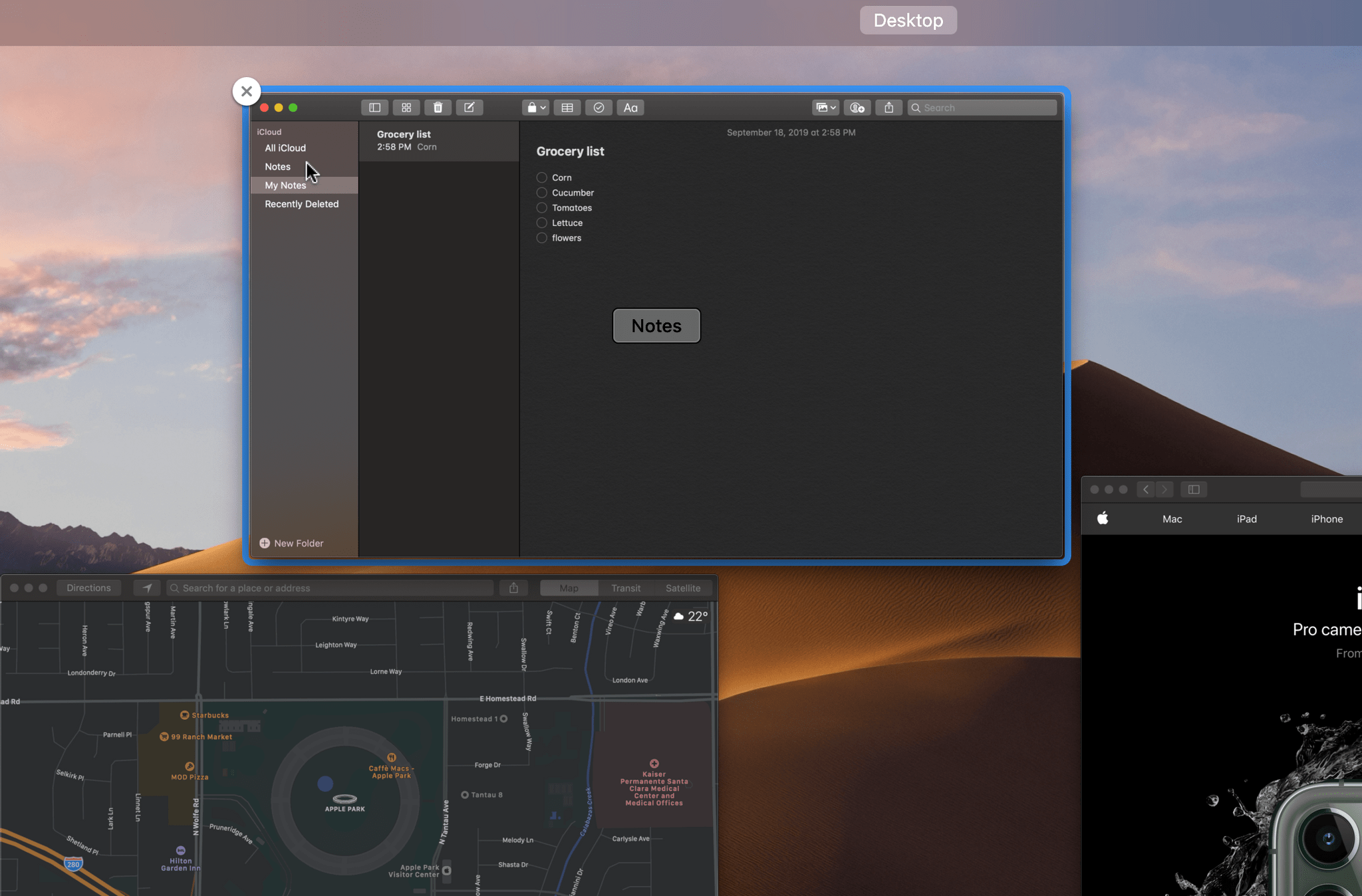
Mission Control Plus.

Mission Control Plus.

Mission Control Plus is a Mac app that puts the ‘control’ back in Mission Control by letting you manage your windows in Mission Control, adding keyboard navigation, shortcuts, and more.

Batteries – 20% off

Batteries.

Batteries.

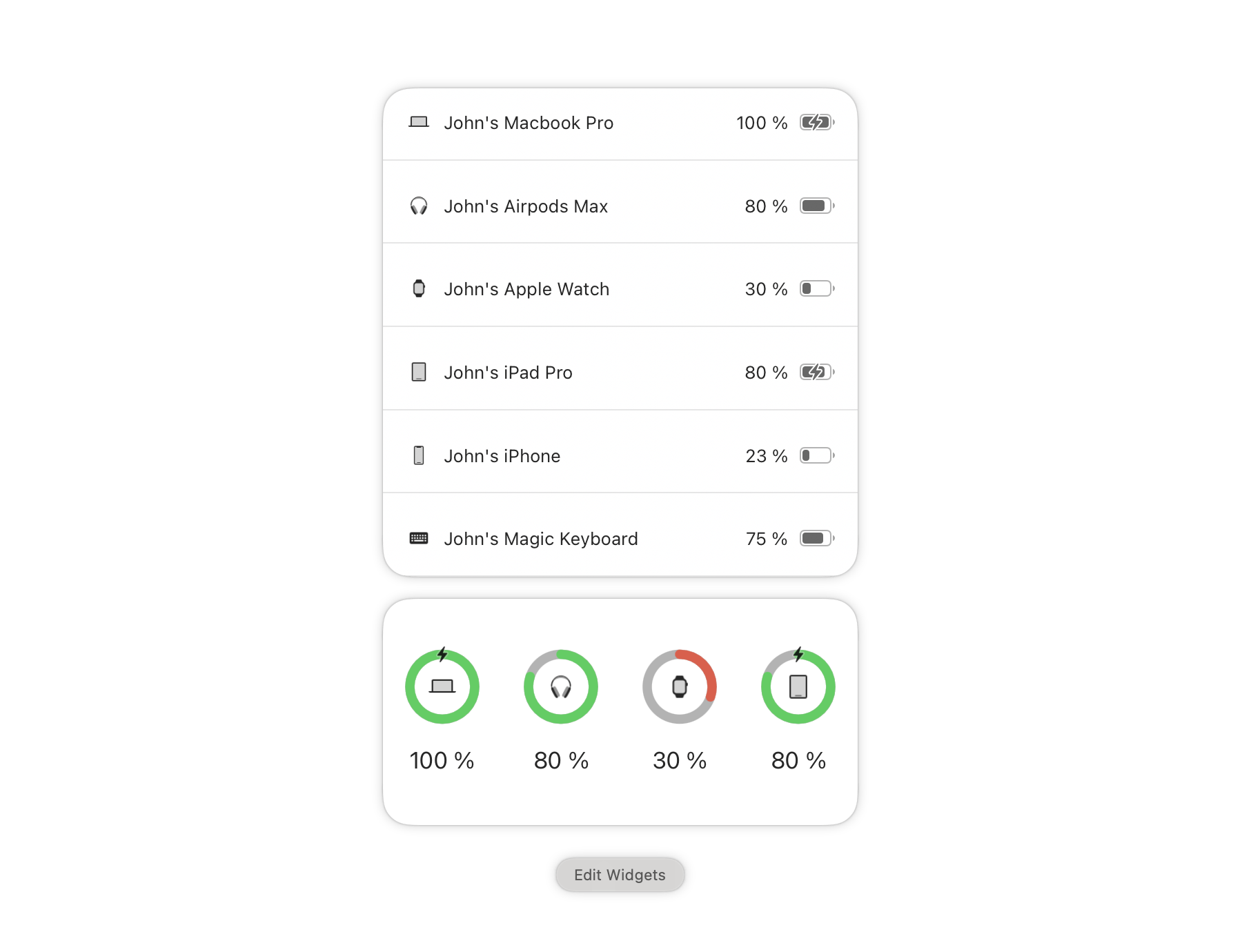
Batteries for Mac allows you to track all your devices’ batteries from your Mac and will notify you when your iPhone, iPad, AirPods, Beats headphones, and Bluetooth peripherals need recharging.

Sleeve 2 – 25% off

Sleeve 2.

Sleeve 2.

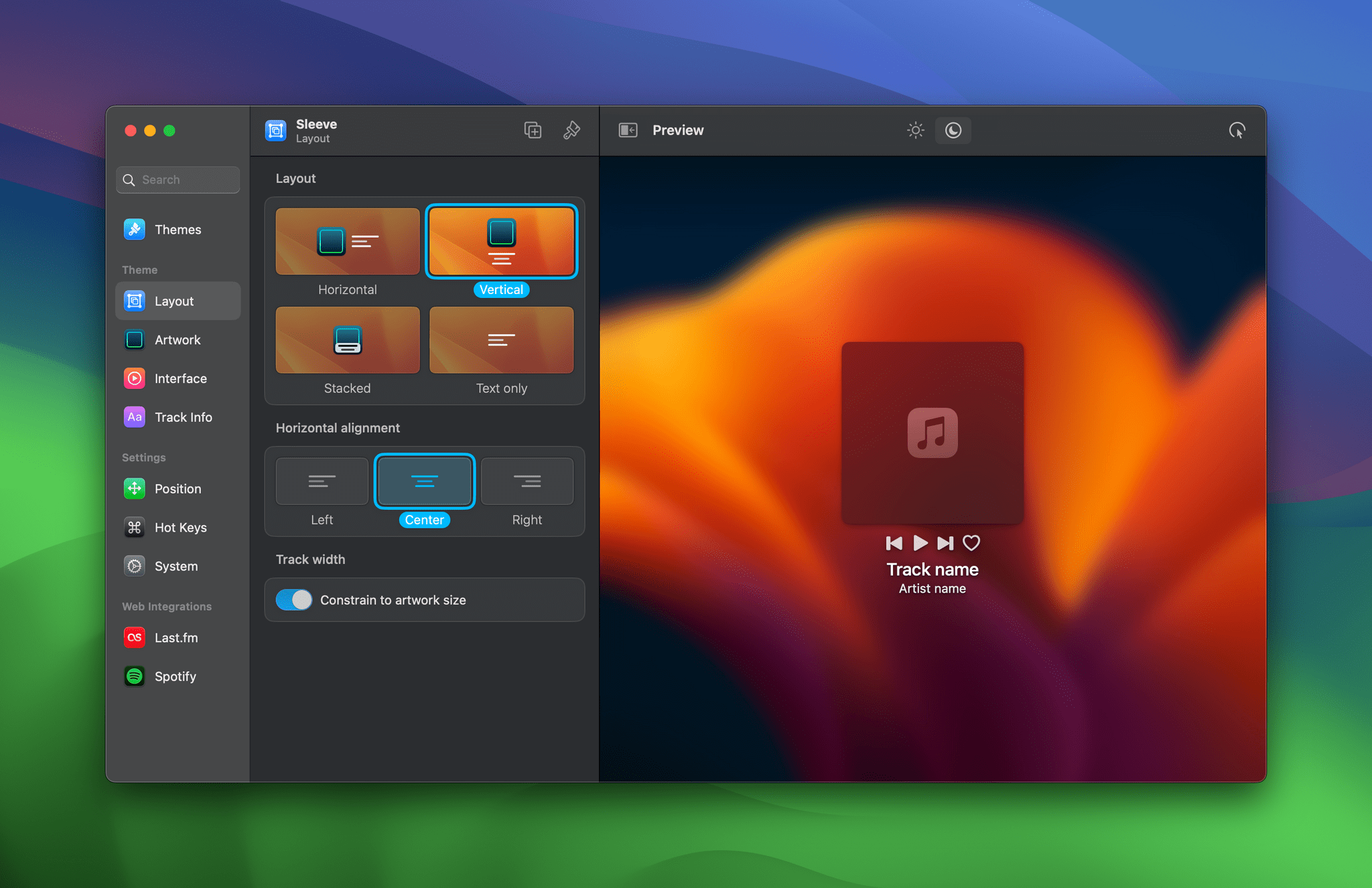
Sleeve 2 is the ultimate music accessory for your Mac. Sleeve sits on the desktop, displaying and controlling the music you’re currently playing using Apple Music, Spotify, and Doppler. The app is highly customizable, supports themes, and integrates with Last.fm.

In addition to the discounts above, Club MacStories+ and Club Premier members enjoy discounts on top apps like CleanShot X, Keyboard Maestro, Lingon X, Clean Email, MarsEdit and other Red Sweater apps, TextSniper, Screens, Audio Hijack and other Rogue Amoeba apps, Ulysses, and Sensei. Whether or not you’re a Club member, you can browse our complete catalog of deals on our Club Discounts page.

But discounts are just part of what sets a Club MacStories+ and Club Premier membership apart from a standard Club MacStories membership.

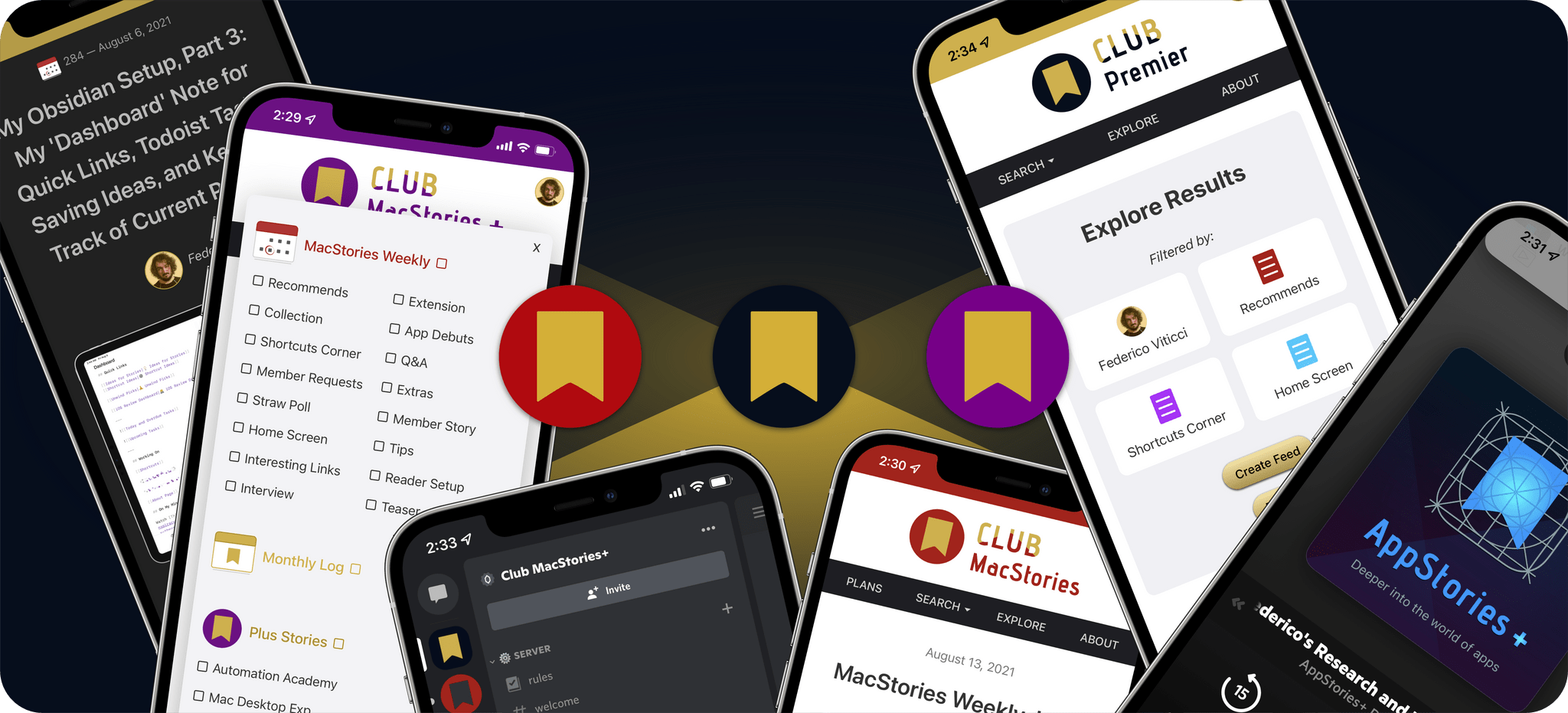
Club MacStories+ adds to Club MacStories, with bonus content, a powerful web app to read Club articles on the web with advanced search and filtering, advanced RSS features, exclusive discounts, our Discord community, and ad-free, early access to MacStories Unwind, our fun weekly podcast that explores culture, media, and more.

Club Premier is the ultimate plan that includes all of Club MacStories, Club MacStories+, and the extended, ad-free AppStories+ podcast in a single package. It is the best value and the easiest way to access everything we do. It’s the MacStories all-access pass.

To learn more about each tier, visit plus.club.


Apple Announces visionOS App Evaluation Process, Labs, and Developer Kits

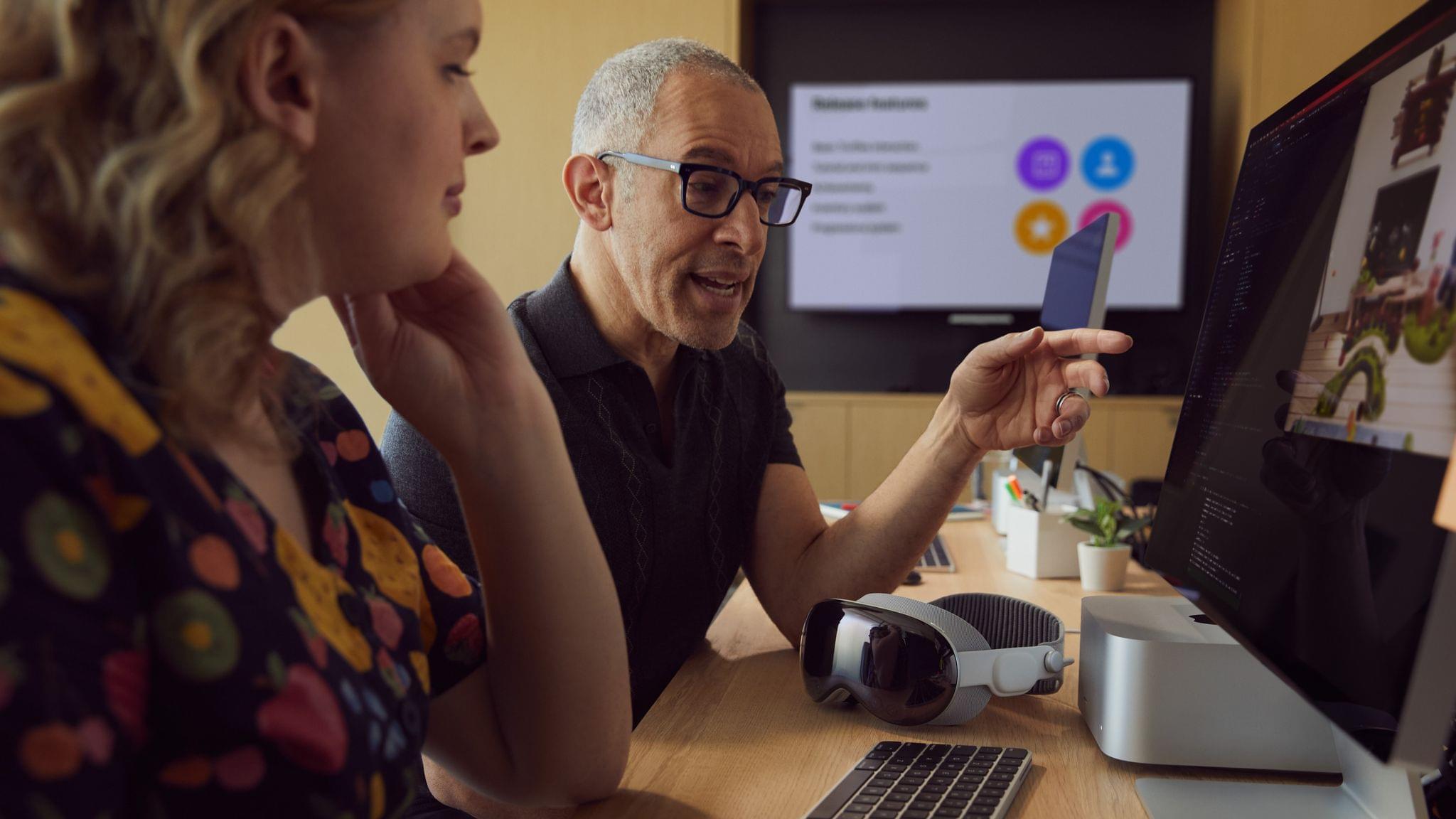
As previously announced at WWDC, Apple today rolled out more details on three programs it has created for helping developers build apps for Vision Pro.

Developers will be able to submit their visionOS, iPadOS, and iOS apps for Vision Pro compatibility evaluations. Apple has included a checklist of steps developers should follow before submitting their apps. Once an app is ready, it can be submitted and will be tested on Vision Pro hardware, after which Apple says:

We’ll send you the evaluation results, along with any relevant screen captures or crash logs.

The second option is to apply to attend a lab in Cupertino, London, Munich, Shanghai, Singapore, or Tokyo. The labs are self-directed testing sites with Apple employees on hand to help with setup and troubleshooting.

Finally, developers can apply to borrow Vision Pro developer kit from Apple. The hardware loans also come with the following:

  • Help setting up the device and onboarding.
  • Check-ins with Apple experts for UI design and development guidance, and help refining your app.
  • Two additional code-level support requests, so you can troubleshoot any issues with your code.

All three programs are open now, so if you’re working on an app for Apple Vision Pro, you can start submitting compatibility evaluation requests and apply for a lab or developer kit today.


macOS Sonoma and iOS and iPadOS 17 Public Betas

AppStories+ Deeper into the world of apps

AppStories Episode 344 - macOS Sonoma and iOS and iPadOS 17 Public Betas

0:00
41:15

AppStories+ Deeper into the world of apps

This week, Federico and John to talk about Safari, videoconferencing, Messages, and gaming on macOS Sonoma, plus stickers and widgets on iOS and iPadOS 17.

Read more


Peak Portability: My Summertime Roadtrip Gear

Earlier this week in the Club MacStories+ Discord, Club member Joshua suggested that we start a new Weekly segment called Peak Portability, which was a great idea. Federico spends a lot of time working in his car as he travels between Rome and Viterbo, and I’ve been working outside my house at a co-working space...