

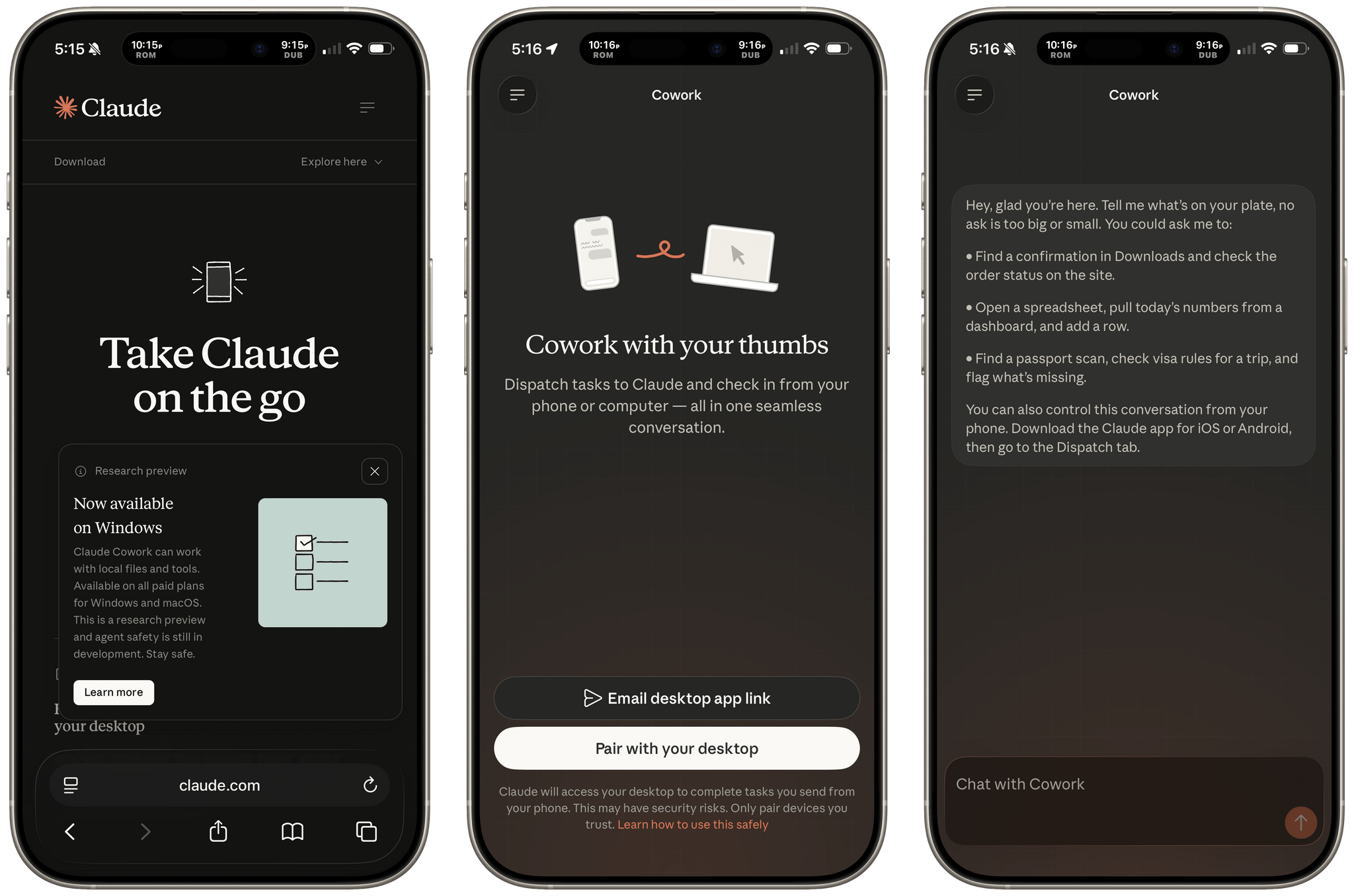
Today, Anthropic launched a new Cowork feature called Dispatch as a research preview that allows you to control a Mac-based, sandboxed Cowork session from a mobile device. Currently, the feature is only available to Max subscribers, but Anthropic has promised Pro users will get Dispatch within a few days.
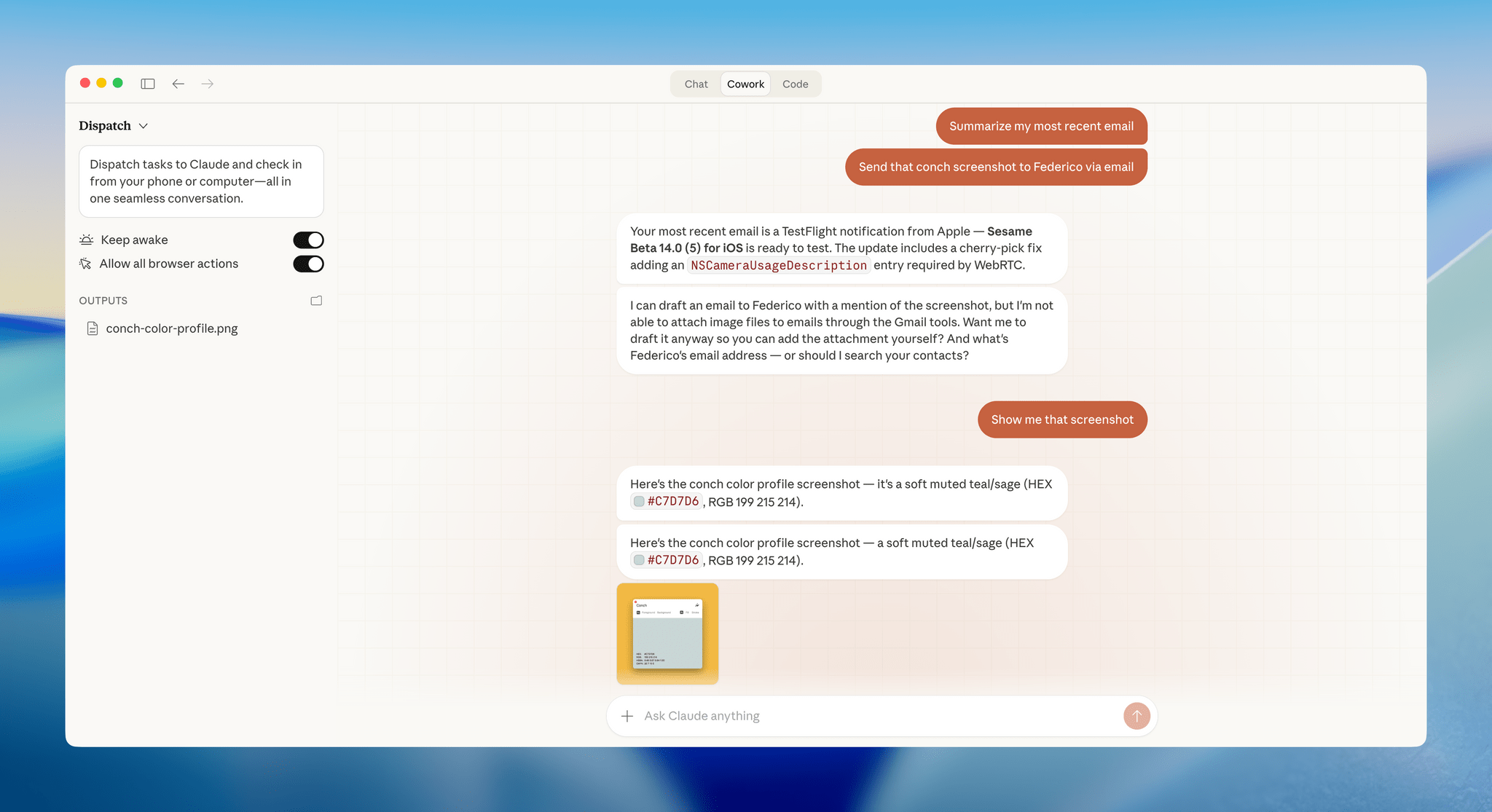
Dispatch is a close cousin of Claude Code’s recently-released Remote Control feature, but for Cowork. Remote Control requires a Claude Code session to be active in Terminal on your Mac. Similarly, Dispatch requires that your Mac be awake with the Claude app open.
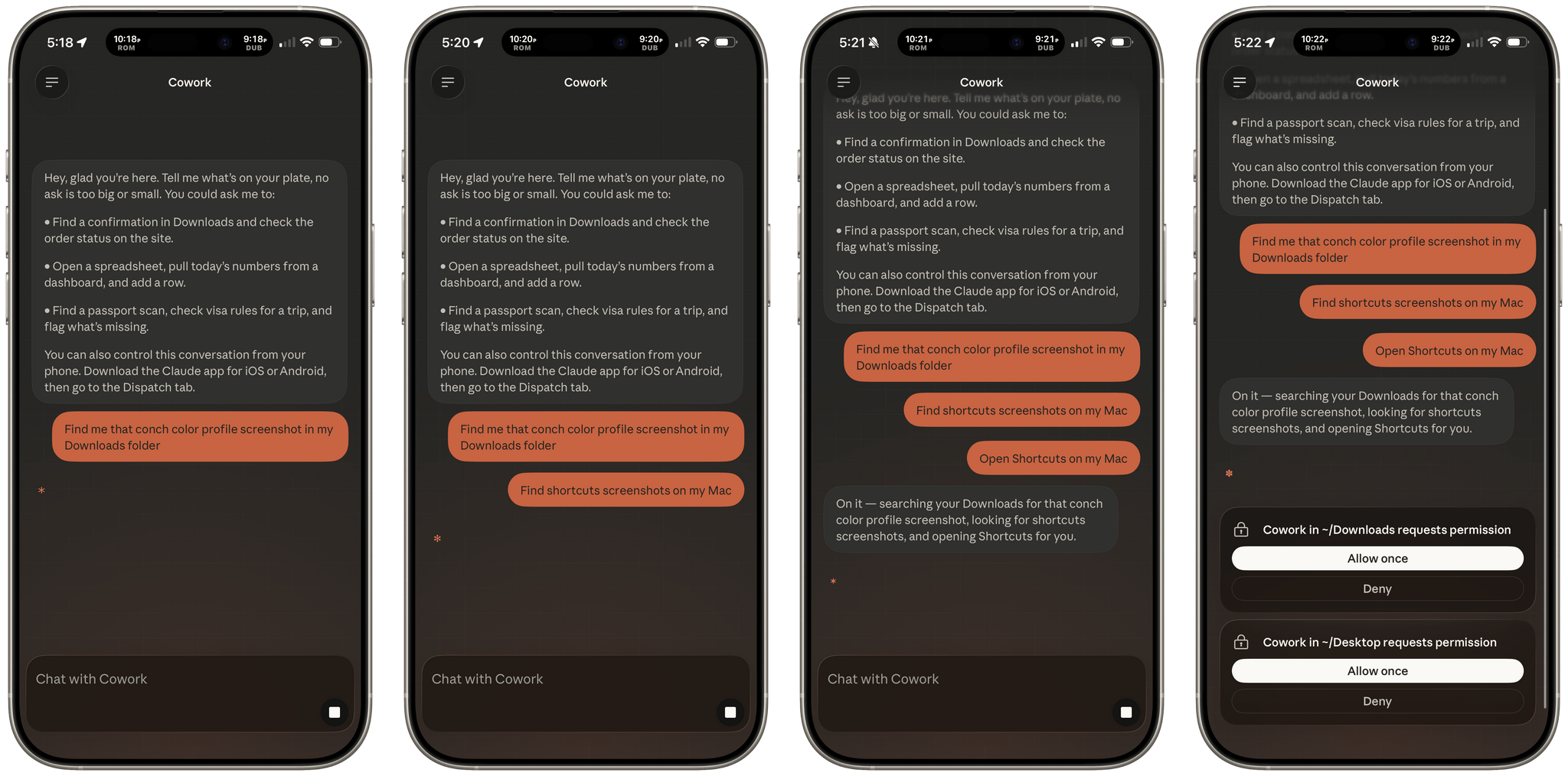
Dispatch is currently slow. I stacked up a few requests before I realized Claude was actually working on all of them.
Setup is simple. After updating the Claude Mac app, a new Dispatch option appears in Cowork that will prompt you to scan a QR code to pair the session with your iPhone or other mobile device. Cowork isn’t available in Claude’s iOS app, but once the app is paired with your Mac, a new Dispatch entry appears in the mobile app’s already overcrowded sidebar, giving you remote access to Cowork. Tap on the Dispatch entry on your iPhone, and you’re transported to your Mac’s Cowork session automatically.
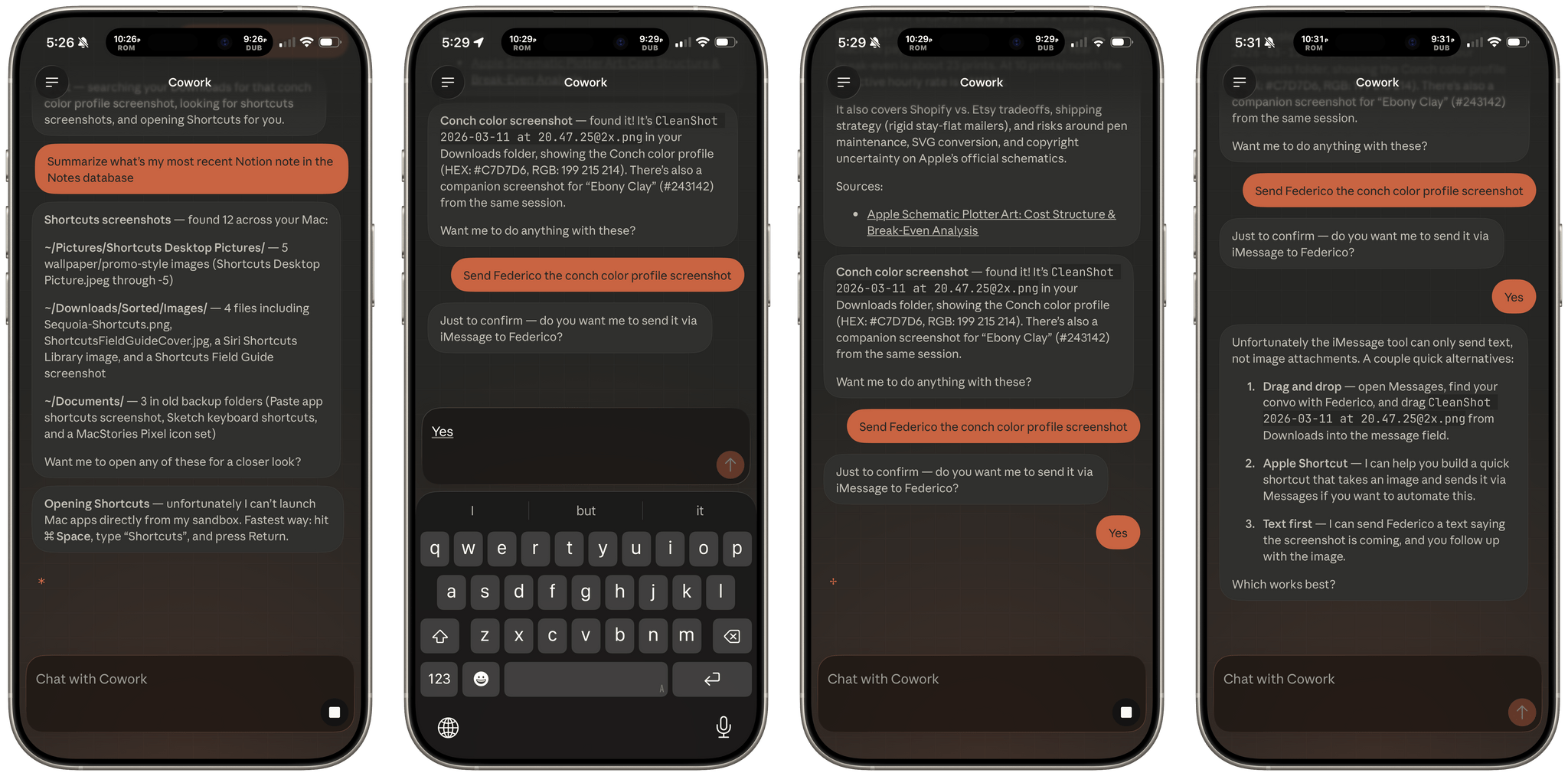
I spent some time testing Dispatch and like any research preview, it’s rough around the edges but shows promise. I tried to accomplish a variety of tasks after pairing Claude on my iPhone with Claude’s Mac app on my Mac Studio with mixed results:
| Task | Result |
|---|---|
| Locating a screenshot with specific words in it | ✅ |
| Finding screenshots of the Shortcuts app | ⚠️ Found images with “shortcuts” in the filename |
| Opening Shortcuts on my Mac | ❌ |
| Summarizing the most recent note in my Notes database in Notion | ✅ |
| Sending a screenshot to Federico via iMessage | ❌ |
| Listing all the notes I’d saved in my Notion Notes database today | ✅ |
| Listing unfinished Todoist tasks | ❌ Authorization error |
| Adding a URL to my Notion Notes database | ✅ |
| Summarizing my most recently received email | ✅ |
| Showing me the screenshot I’d searched for at the beginning of my session | ✅ |
| Listing my Mac’s Terminal sessions | ❌ |
| Showing me a food order I’d placed in the active tab in Safari on my Mac | ❌ |
| Fetching the URL from the active Safari tab using AppleScript (Claude’s suggestion) | ❌ |
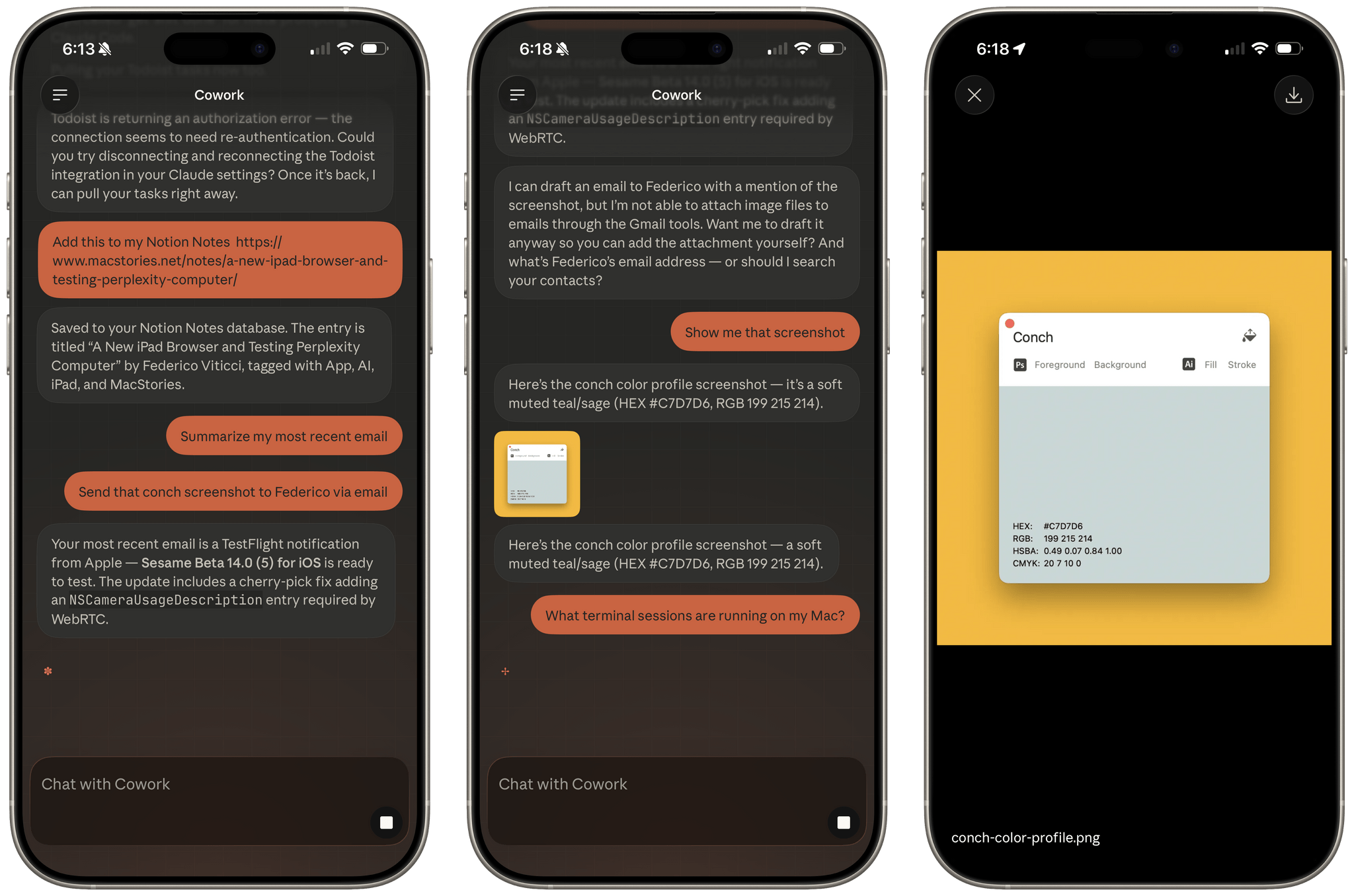
Ultimately, summarizing and finding data on my Mac worked well, but sharing from Claude didn’t work.
Just this week, Federico and I lamented the lack of Cowork on the iPhone and iPad, which is why Dispatch is an exciting development. Implementing it as a mirror of Remote Control makes sense, too, since working via the Mac allows users to potentially accomplish far more than the limitations on iOS and iPadOS would allow. Still, the feature has a long way to go before it’s the equivalent of driving Cowork remotely.
For now, Dispatch can find information on your Mac and works with Connectors, but it’s slow and about a 50/50 shot whether what you try will work. That’s not good enough to rely on when you’re away from your desk, but coupled with Claude’s other mobile app features, it’s still promising. Ultimately, the promise of tools like Dispatch and Claude Code is the ability to accomplish meaningful tasks without having to initiate a full-blown remote screen sharing or Terminal session. Dispatch is a step in the right direction that promises a tighter integration and orchestration between the desktop and mobile than ever before.
