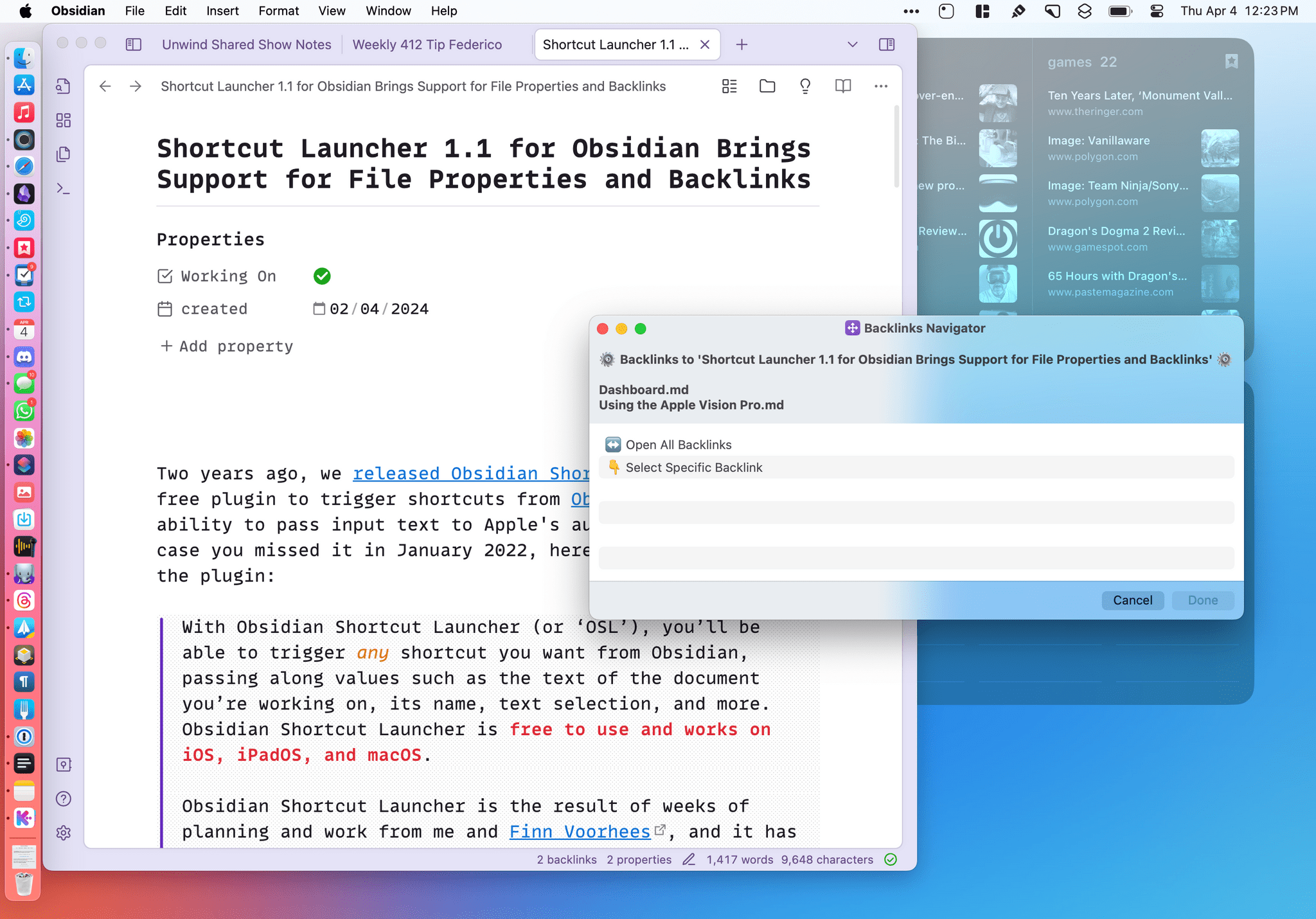
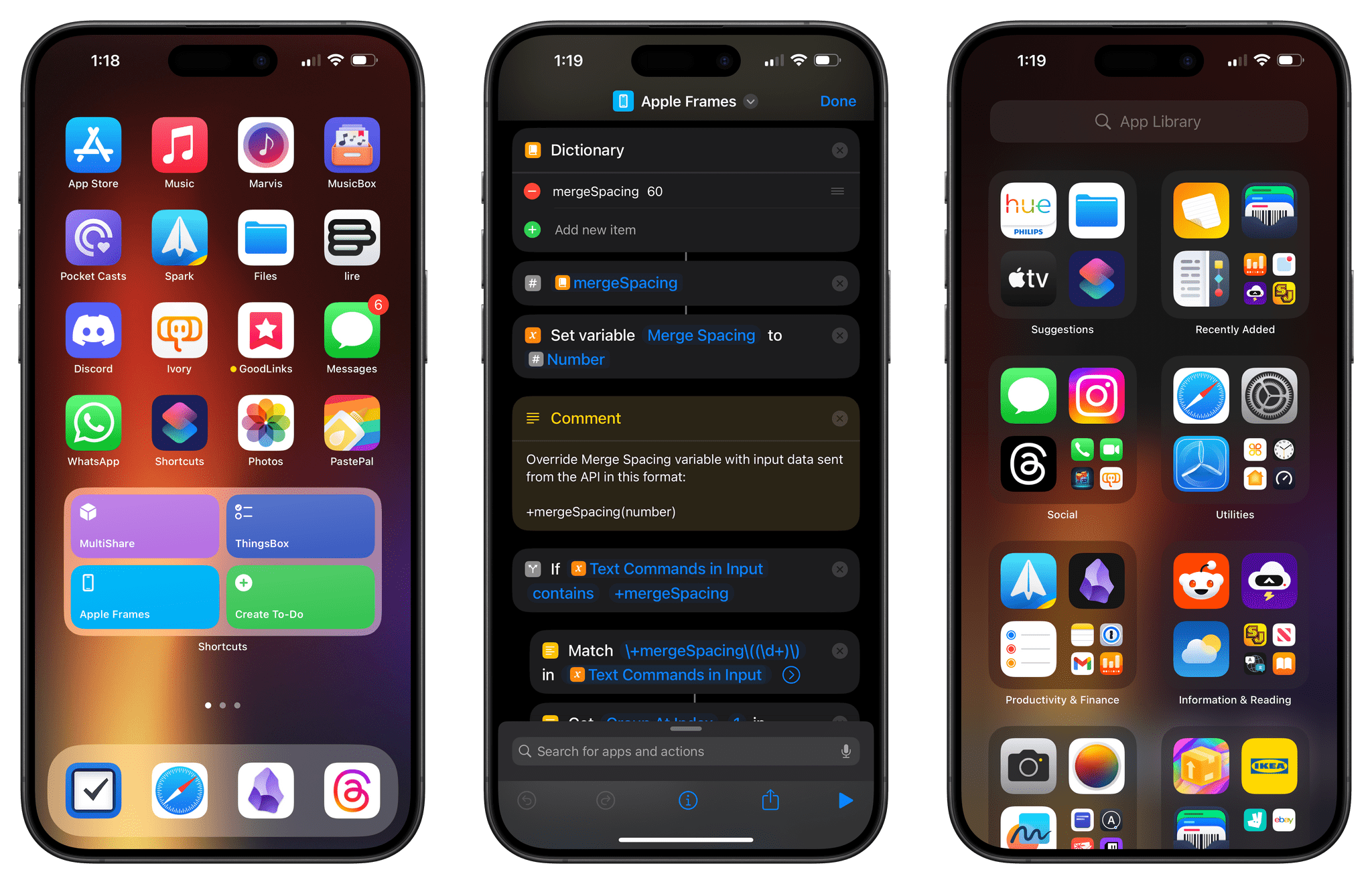
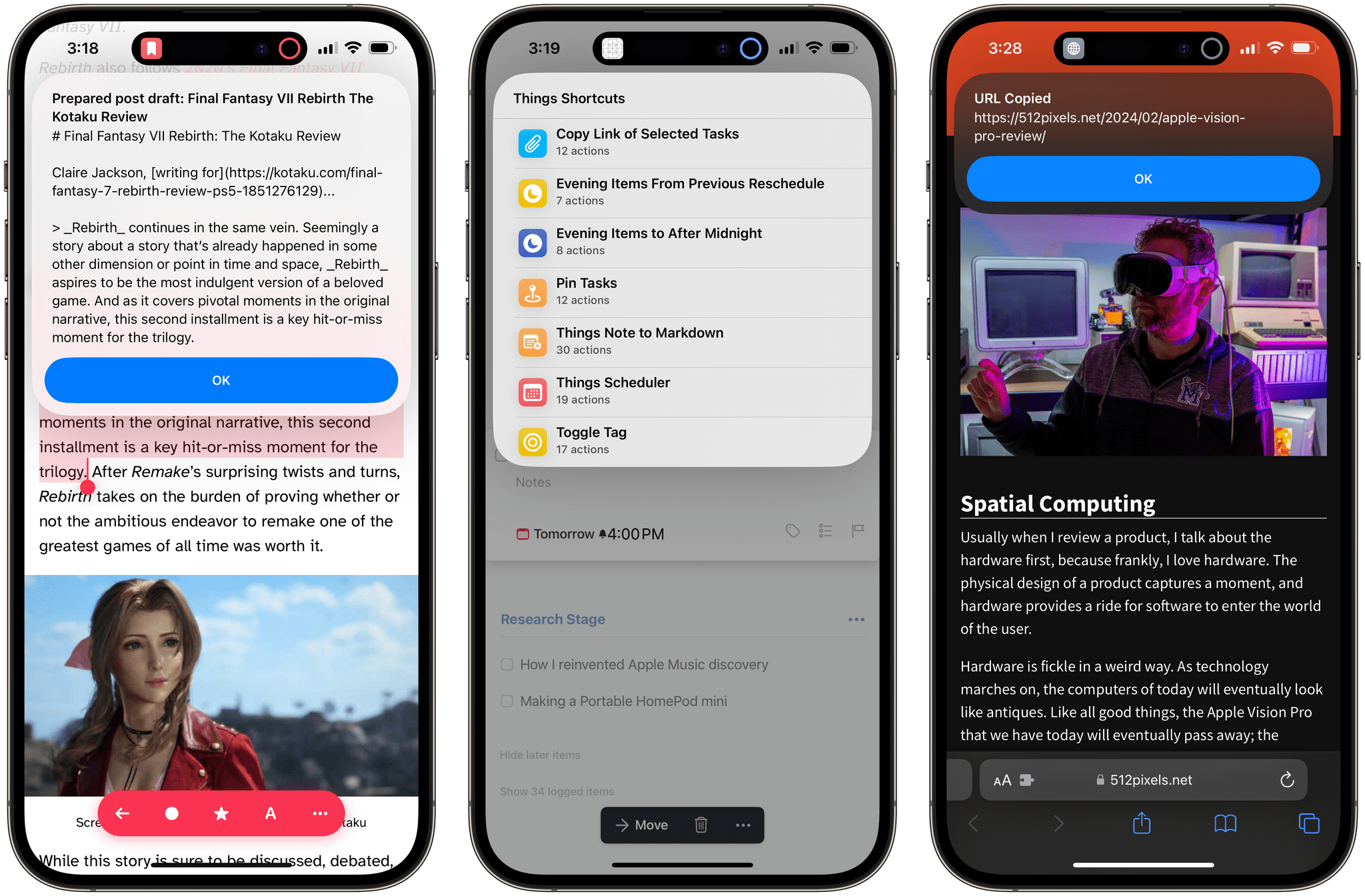
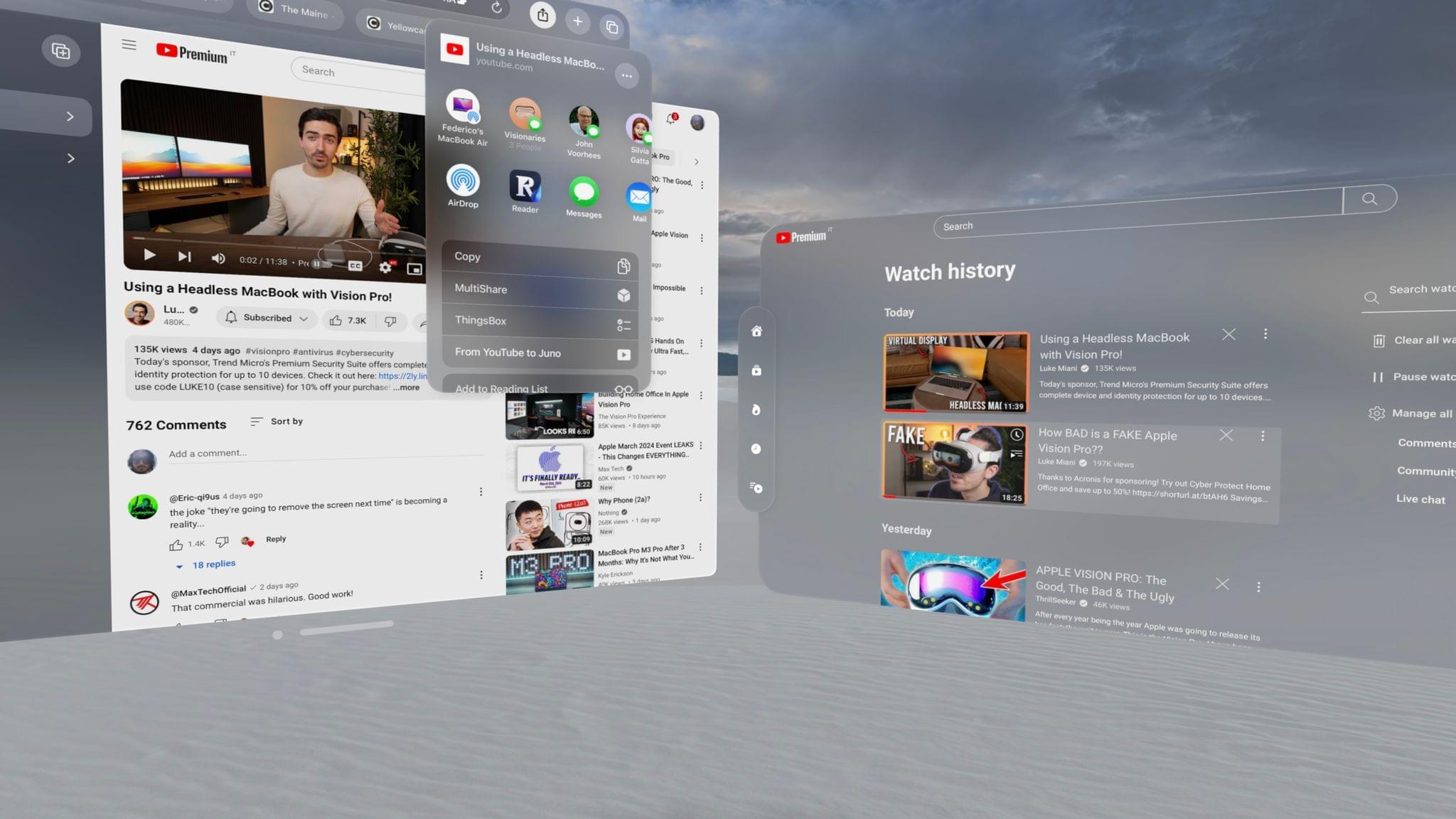
Adam C. Engst, in his overview of Keyboard Maestro 6:

In fact, many of my macros are utterly simple and obvious — I could type “cheers… -Adam” at the end of every email message I send, or I could press Control-period. Just because I’m saving only a few seconds doesn’t mean that it’s not worthwhile, when added up over tens of thousands of messages. Similarly, much as I love LaunchBar and use it heavily for many things, because I set F1 to open BBEdit via Keyboard Maestro, switching to BBEdit via F1 is a third of the work of LaunchBar’s Command-Space, B, Return. Those infinitesimal bits of time are like the energy drain from glowing lights on otherwise inactive electronics — meaningless in the individual instance, but vast in their overall impact.

According to Keyboard Maestro, I have saved 420 hours since I started using it 635 days ago.

I keep being intrigued by Philips’ smart lighting system. Philips released an official API with iOS SDK in March, and today’s update brings great new features such as geofencing, which you can use to automatically activate your hue lights as you walk in or out of your house.

In terms of automation, hue is now officially integrated with IFTTT, which should allow for some interesting “workflows”. Examples mentioned by Philips include changing the color of your lights based on Instagram pictures, the weather, or your favorite sports team. I can’t wait to get a hue set and start playing around with IFTTT triggers.

You can read more on hue/IFTTT integration here.

Name Mangler

A few weeks ago, while I was preparing my coverage of Apple’s Q2 2013 earnings call, I grew tired of my system to resize and rename images on OS X, so I rebuilt it from scratch using Automator, Name Mangler 3, and TextExpander.

When I create images for MacStories, I either keep them at a single size between 600 and 650 pixels, or use two separate versions: the original larger size, and a smaller one that links to the full version. In either case, images are uploaded to our CDN with Cyberduck, which I have been using for years and that has never failed me. Until last month, the process of duplicating the larger image and saving it to a smaller size was entirely manual – something that, I later realized, was surprising considering I try to automate as many aspects of my daily workflow as possible. I decided to fix this before the Apple earnings call because I knew Excel was going to export our charts as large PNGs – but, mostly, because it really didn’t make sense to keep on manually clicking menus and selecting sizes after all these years of writing for MacStories. (more…)

A great episode by David and Katie on a topic that I cover frequently here at MacStories. I especially liked the focus on Drafts, which has become an essential part of my workflow thanks to the addition of Evernote actions.

Drafts3

In just a little more than a year, Agile Tortoise’s Drafts has gone from being a quick notepad for small bits of text to a full-featured solution for launching apps, using web services, and chaining multiple apps together – always with a focus on text. With version 2.5, released in January, developer Greg Pierce expanded upon Drafts’ existing support for URL schemes to let users build their own actions and share them with others; in the process, he also updated Drafts to handle advanced operations such as customizable Dropbox write access, strftime timestamps, and deeper x-callback-url support.

Drafts 3.0, released today, is a major update that refines several aspects of version 2.5 and brings powerful new features such as Evernote and Message actions, better action and draft management, tighter Reminders integration, and a way to backup and restore entire sets of actions.

I have been testing Drafts 3.0 for the past month, and, even more than Drafts 2.5, it has become an essential part of my daily workflow.

(more…)

I agree with every point made by Dr. Drang.

What I do with automation (especially on iOS) is, in a way, a form of recreation. And if this can offer my readers a new perspective, even better.

Mar
11
2013

hue

As reported by TechCrunch, Philips has released an API and iOS SDK for the hue, the company's wireless lighting system that gives users control through an iOS app.

We’re now at a point where there are already about 10 applications that have been shared and built from the unofficial developer community for new applications around Hue,” explained George Yianni, Hue System Architect in an interview. “Now what we want to do as Philips is we actually want to help and grow and encourage this community, and give them tools and proper documentation. Also, we want to give them commitment that this is the API and we’re going to support it and it won’t change overnight.

Prior to the official release of an API and SDK, third-party developers had already reverse-engineered Philips' apps to create their own solutions to control hue's system (based on a “bridge” that communicates with the actual lightbulbs). An iOS app called Ambify lets users pair their music with hue lights; here at MacStories, I linked to a video back in November showing an unofficial hue Python library that could work with Pythonista to automate the process of switching lights on and off.

The API opens a lot of interesting possibilities for third-party software and hardware makers. The hue already shipped with its own options for remote control and “presets” (called “recipes”) for different lighting settings aimed at providing users with ways to easily replicate specific color combinations based on photos (available in the app's photo library) or targeted towards lifestyle improvements (such as waking users up in the morning with a gradual light increase).

With an SDK and API, developers can now take advantage of these concepts: aside from the “simple” remote control features, imagine apps that could activate specific hue settings when you're reading or watching a movie, parse voice-based commands with dictation, or integrate with an iOS device's Reminders, Calendars, or Location Services. On the hardware side, it should be possible – at least in theory – to develop gadgets capable of combining personal data with hue to leverage Philips' “smart” lighting system in completely new ways. An obvious implementation would be for health and fitness-monitoring accessories such as Nike's FuelBand; as far as rumors go, an Apple iWatch could integrate with hue to exchange an user's data and personal stats (Apple isn't new to third-party collaborations of this kind).

Right now, Philips' hue API is promising and shows great potential for more forward-thinking software and hardware implementations. You can read more on Philips' website.

Mar
8
2013

Launch Center Pro 1.1

Posted by at

LCP

Released in December 2011, App Cubby’s Launch Center re-ignited interest in iOS URL schemes – shortcuts to automate communication between apps and get specific things done faster with less manual tapping and interactions. Its direct sequel, Launch Center Pro, was released in the summer of 2012 and doubled down on the entire idea of automating iOS tasks by providing a “Home screen for your actions” to allow users to better and more visually organize their shortcuts.

Launch Center Pro 1.1, released today, focuses on improving three key aspects of Launch Center Pro: native in-app actions, the Action Composer, and TextExpander support in URLs. (more…)

I use Evernote on a daily basis, but there’s no easy and quick way to create new notes and receive their shared URLs on iOS. While I tend to prefer plain text files, Evernote notes are quite useful when I need to share rich text (containing formatting and inline images) with someone else. Sharing via the official Evernote app takes too long[1], and I don’t like the UI of other Evernote clients.

Yesterday, Pythonista developer Ole Zorn posted an installer script for the Python Evernote SDK. By putting together all the necessary dependencies, he created an installer script that will create an “evernote-sdk” sub-folder in Pythonista 1.3; with that, you’ll be able to access the entire Evernote API to create and manage notes – all while taking advantage of the uniqe iOS-related features of Pythonista.

Inspired by Ole’s demoes and the snippets posted by Brett Kelly in the past weeks, I created a script that does exactly what I need: it lets me enter text to save it in an Evernote note that will be shared publicly. If triggered by an app like Drafts or Launch Center Pro, the script will take the text sent by those apps. If formatted in Markdown, the text will be converted to HTML before saving it to Evernote. (more…)