This Week's Sponsor:

Copilot Money

Copilot Money, The Best Money Tracker, Launches on the Web – Limited-Time: Get 26% Off + 2 Months Free


Posts tagged with "RSS"

The MacStories Selects 2025 Lifetime Achievement Award

Unread

In the 16 years that I’ve been writing for MacStories, I’ve seen my fair share of new apps that have come and gone. Apps that promised to revolutionize a particular segment of the App Store were eventually acquired, discontinued, or simply abandoned. It’s been very unusual to witness an indie app survive in a highly competitive marketplace, let alone to find one that thrived after having been sold twice to different owners over the years. But such is the case of Unread, the RSS client now developed by John Brayton of Golden Hill Software and the recipient of this year’s MacStories Selects Lifetime Achievement Award.

Unread was originally created by indie developer Jared Sinclair in 2014, sold to Supertop (at the time, the makers of Castro), and then sold again to Golden Hill Software in 2017. When it first came out in 2014, Unread entered a crowded space: in the aftermath of Google Reader’s demise in 2013, third-party companies and developers rushed to offer comparable RSS syncing services and compatible apps to let users sync their RSS subscriptions and read articles across multiple devices.

In my original review from 2014, I noted how Unread set a new standard for elegant, gesture-driven interfaces optimized for phones that were getting progressively larger and harder to operate with one hand. With a fluid and minimal interface driven by “sloppy gestures” that didn’t require precision or specific buttons, Unread stood out because it followed Apple’s then-new “flat design” but imbued it with personality in the form of typographic choices, colors, share options (Sinclair created a custom share sheet before an official one even existed), and a novel interaction mechanism for an RSS reader.

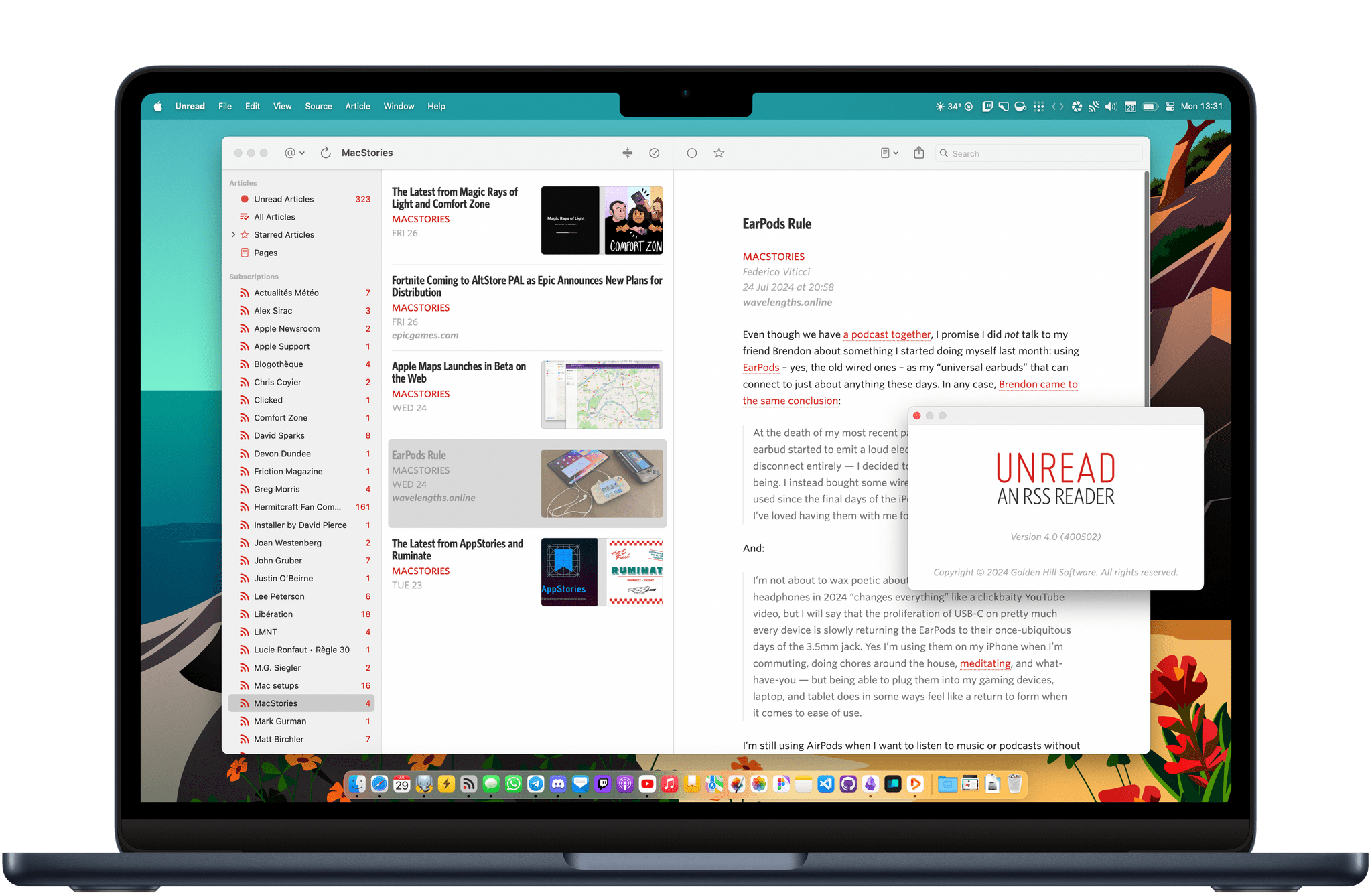
After a three-year stint as a Supertop product, Unread was taken under the wing of John Brayton, who did something exceptionally rare: instead of following short-lived industry trends and fads, he doubled down on Unread’s essence while judiciously embracing modern technologies. Eleven years after its inception and eight years after its second sale to a different developer, Unread still stands out in the third-party indie app market because it’s managed to honor its lineage while adapting to the ever-changing nature of the Apple ecosystem.

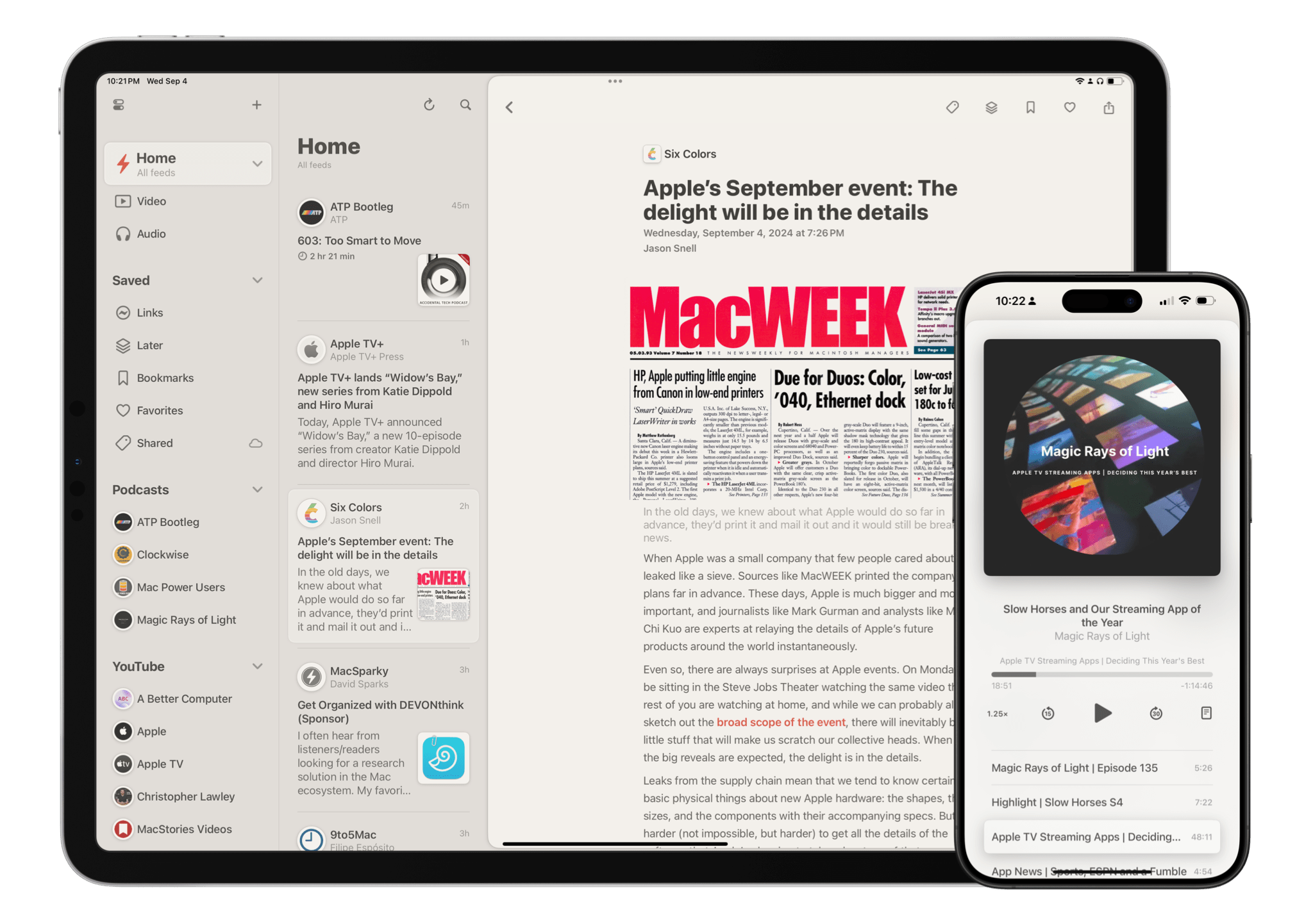
Unread for iOS.

Unread for iOS.

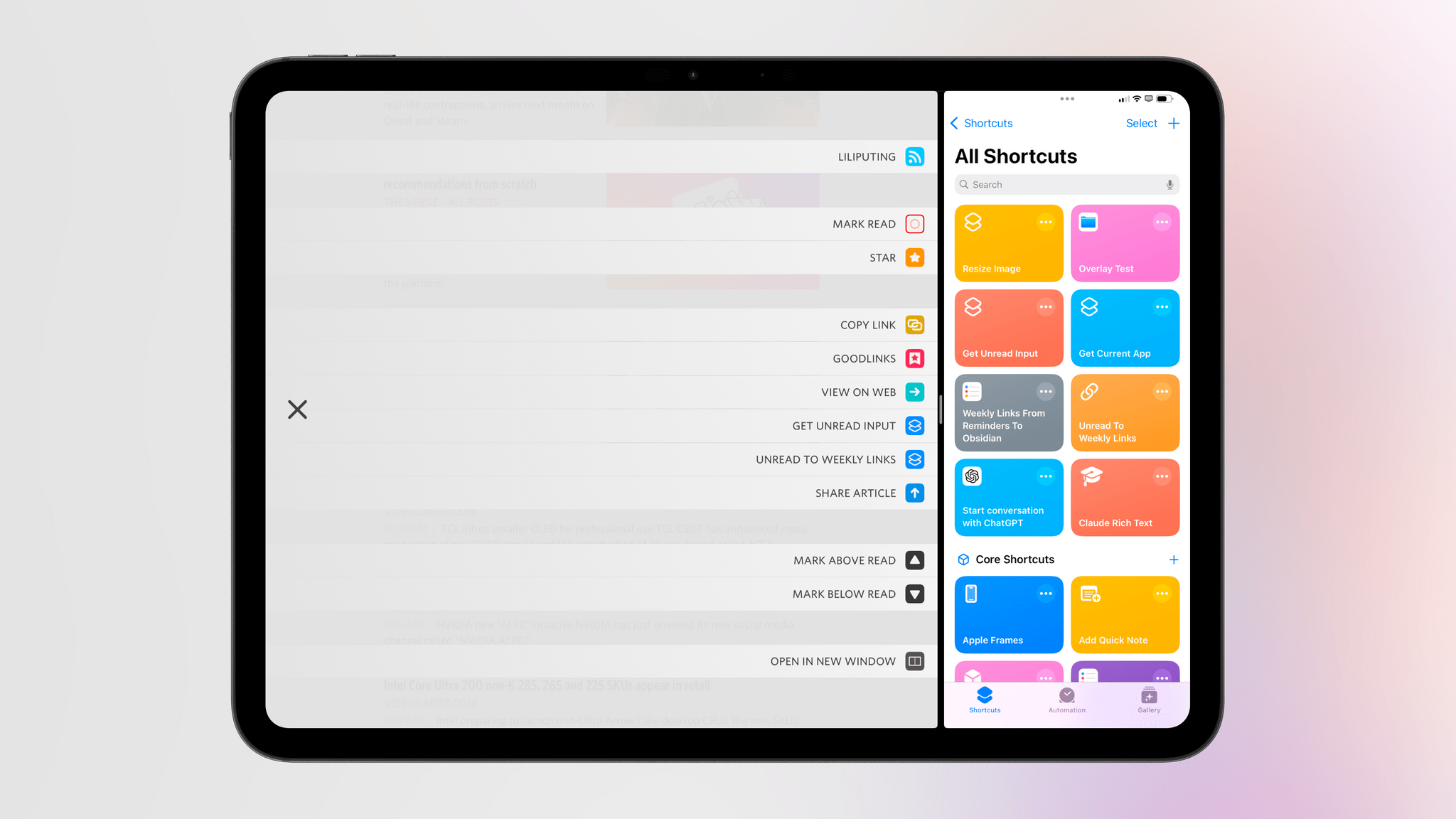
Unread still is, at a fundamental level, an elegant and polished RSS client that syncs with multiple services and presents articles in a minimal, clutter-free UI that you can easily control with your thumb. Everything else around it, however, has evolved and expanded. Unread is now available on the iPad and Mac, where it supports features such as menu bar commands, windowing, and keyboard shortcuts. There is an Unread Cloud syncing service that is fully managed by its developer. Last year, Brayton shipped an incredibly powerful and custom Shortcuts integration that lets you trigger automations in the Shortcuts app from individual articles in Unread. This year, Brayton adapted to another new reality of the modern web: Unread can now securely store logins for paywalled websites – such as Club MacStories – so that all your articles that require a subscription to be read can be saved and accessed within the app. And in all of this, the modern Unread is both unmistakably the “same” app from 11 years ago, but also something far greater that has built upon Sinclair’s original idea thanks to the constant, relentless work of its current developer, John Brayton.

If you’ve been reading MacStories all these years, you know that this is no easy feat. Most app acquisitions don’t work out in the end, leaving users with the bittersweet nostalgia of something that used to be great and was eventually swallowed up by the greater scheme of economic factors, app rot, technical debt, and App Store changes.

Against all odds, Unread has successfully bucked that trend and evolved into a mature, powerful product that continues to stand alone in the sea of RSS clients as a beacon of hope for indie developers and our community as a whole. There is nothing else like it. For all these reasons, we couldn’t think of an app more worthy of the MacStories Selects Lifetime Achievement Award in 2025.

Learn more about Unread:


Astropad Bookcase Walkthrough

In 2024, I came to grips with the fact that I’ll never be an E Ink-first reader. Most of my reading is web-based, and I like having all of my reading-adjacent apps available too much to use a Kindle, Boox Palma, or other reading-first device regularly.

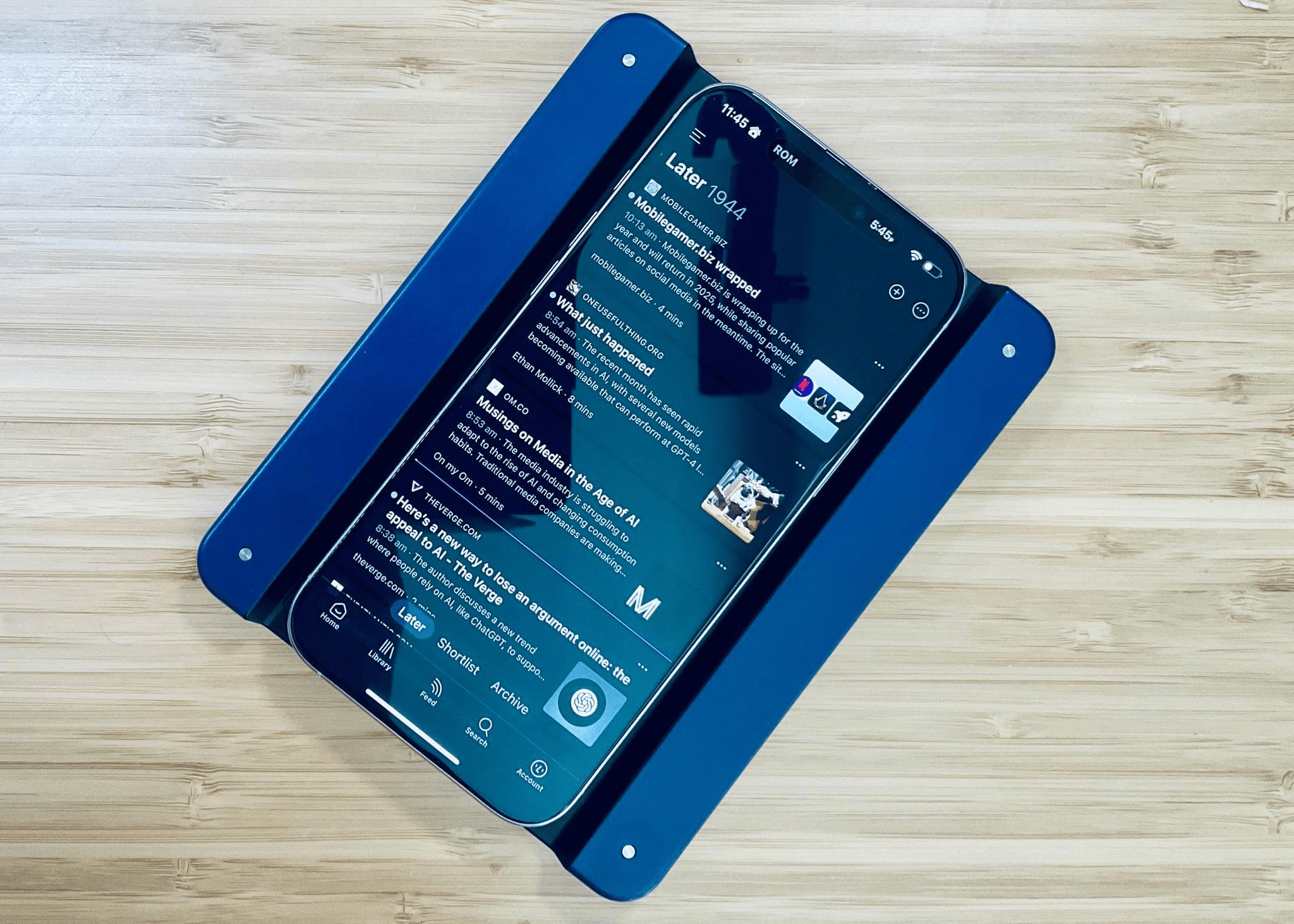
That’s why I was immediately intrigued by the Astropad Bookcase, an iPhone accessory that makes reading on an iPhone more comfortable by approximating the ergonomics of a Kindle. The combination is heavier than a Kindle, but it’s a far superior way to read on an iPhone than any other I’ve tried. In just the two short weeks I’ve had the Bookcase, I’ve found myself using it throughout the day, from when I’m catching up on RSS over breakfast, to relaxing in the evening on the couch or in bed with stories I’ve saved in Readwise Reader.

Last weekend, I did an in-depth review and video walkthrough of the Bookcase for Club MacStories Weekly, which covers the hardware as well as the sorts of automations its embedded NFC chip makes possible. Here’s the video component of that story:

For early access to future hardware walkthroughs, the accompanying written reviews, and many other perks, you can join Club MacStories.

Permalink

A Feature from 10 Years Ago Is Back – with a Twist – in My Favorite RSS Client

Unread's new custom shortcuts.

Unread’s new custom shortcuts.

When it comes to productivity apps, especially those that have to work within the constraints of iOS and iPadOS, it’s rare these days to stumble upon a new idea that has never been tried before. With the exception of objectively new technologies such as LLMs, or unless there’s a new framework that Apple is opening up to developers, it can often feel like most ideas have been attempted before and we’re simply retreading old ground.

Let me be clear: I don’t think there’s anything inherently wrong with that. I’ve been writing about iPhone and iPad apps for over a decade now, and I believe there are dozens of design patterns and features that have undeservedly fallen out of fashion. But such is life.

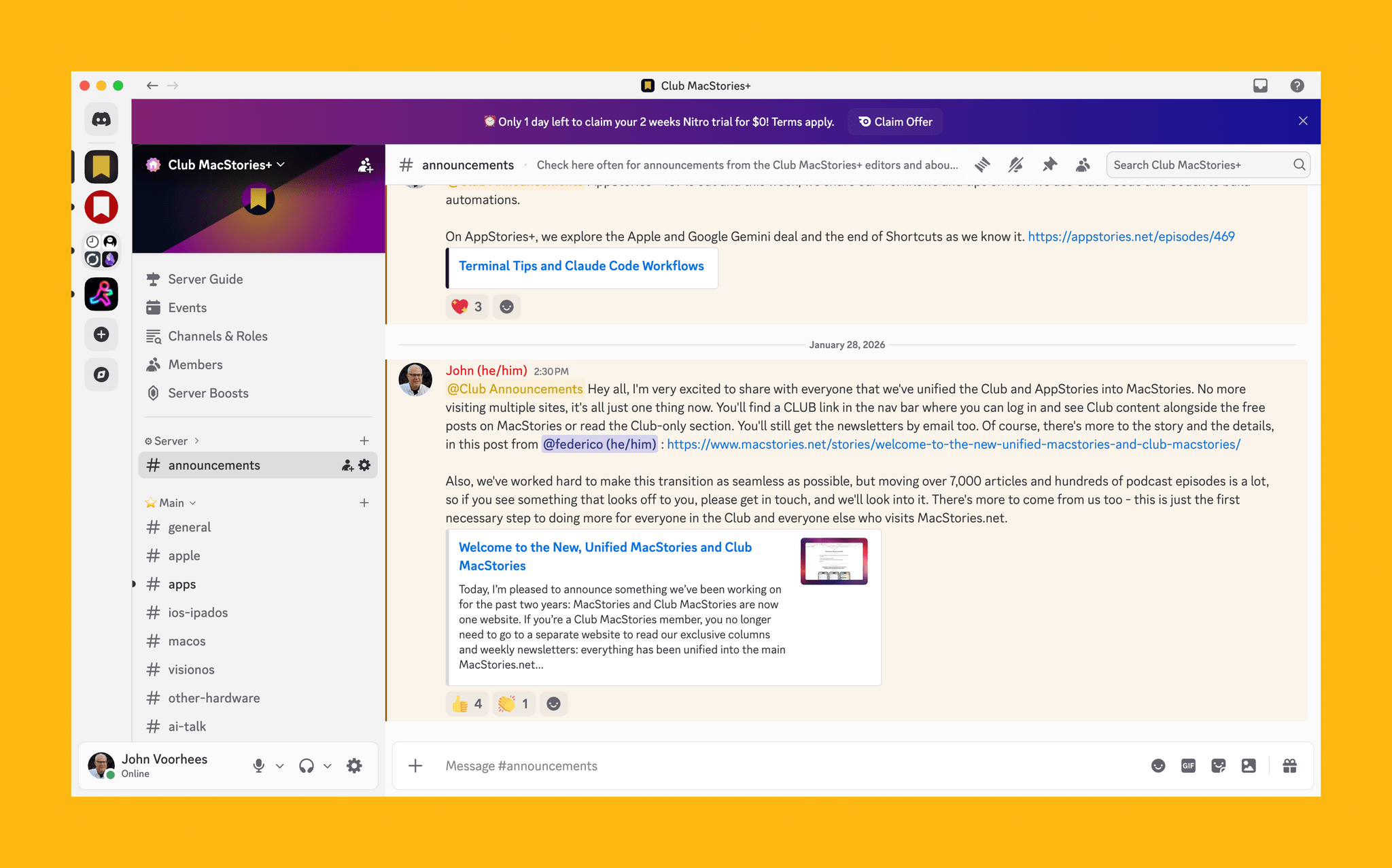
Today marks the return of a very MacStories-y feature in one of my longtime favorite apps, which – thanks to this new functionality – is gaining a permanent spot on my Home Screen. Namely, the RSS client Unread now lets you create custom article actions powered by the Shortcuts app.

Read more


Reeder: A New Approach to Following Feeds

15 years into its life, Reeder is one of the most popular and beloved RSS readers available on Apple’s platforms. You can’t have a discussion about the best way to follow RSS feeds without Reeder coming up as a contender – and believe me, we’ve had many such discussions here at MacStories and on the Club MacStories+ Discord. It’s an institution, and one that many people have very strong feelings about.

With a product as successful and engrained as Reeder, it would be easy for the app’s developer Silvio Rizzi to stick to what works and keep it the same without rocking the boat. But to Rizzi’s credit, that’s absolutely not the case with the new version of Reeder, which is available today. Instead, the new Reeder expands the app’s scope far beyond that of a typical RSS reader and fundamentally rethinks the traditional approach to keeping up with feeds. It’s a massive break from the past that will likely prove divisive among Reeder’s longtime user base. At the same time, it has the potential to appeal to a whole new audience of users who’ve never tried RSS readers before.

Reeder Classic (formerly Reeder 5) is here to stay.

Reeder Classic (formerly Reeder 5) is here to stay.

There’s a lot to cover in this update, but first, a word of reassurance for fans of Reeder as we know it: it isn’t going anywhere. The previous version, Reeder 5, has been renamed Reeder Classic and remains available on the App Store. In fact, Rizzi intends to continue developing Reeder Classic in conjunction with the new version. If you want to stick with the Reeder you know and love, you certainly can, and I think offering both versions is the right call given the huge change in direction Rizzi has gone with this update.

The best word to describe the new Reeder is “ambitious.” Its purpose is not just to be your RSS reader, but your inbox for keeping up with feeds of many different kinds from various sources across the Internet – text from websites, sure, but also videos on YouTube, audio from podcasts, posts on social media, and more. It’s a one-stop shop for the feeds you follow online, collecting them together into a single timeline that you can seamlessly browse across all of your devices. As I said, it’s a lofty goal.

It’s also quite different from what previous versions of Reeder were trying to do. In order to take on this new role as an inbox for all of your feeds, Reeder has been rebuilt from the ground up, a characteristic that shows both in its design and functionality. Many new features have been added, but nearly as many have been removed. Whether this update looks like a streamlined evolution or a stripped-down regression depends largely on if you’re interested in this sort of catch-all tool at all, but that’s the risk one takes when reimagining an established product in such a substantial way.

Read more


Unread 4.0 Brings a Fast and Native RSS Reader to the Mac

Unread by Golden Hill Software has long been an excellent and elegant RSS client for iOS and iPadOS. Today, it arrives on macOS with version 4.0. While I have been exploring new ways to keep up with my favorite feeds as the web enters its federated era, using Unread on the Mac hasn’t felt like a step backwards. Unread 4.0 is a fully native, fully-featured app built using AppKit and SwiftUI that feels modern and performs incredibly quickly.

Let’s check it out.

Read more


The Fastest Way to Save RSS Articles to A Read-Later App

Skimming through the day's tech headlines in Reeder.

Skimming through the day’s tech headlines in Reeder.

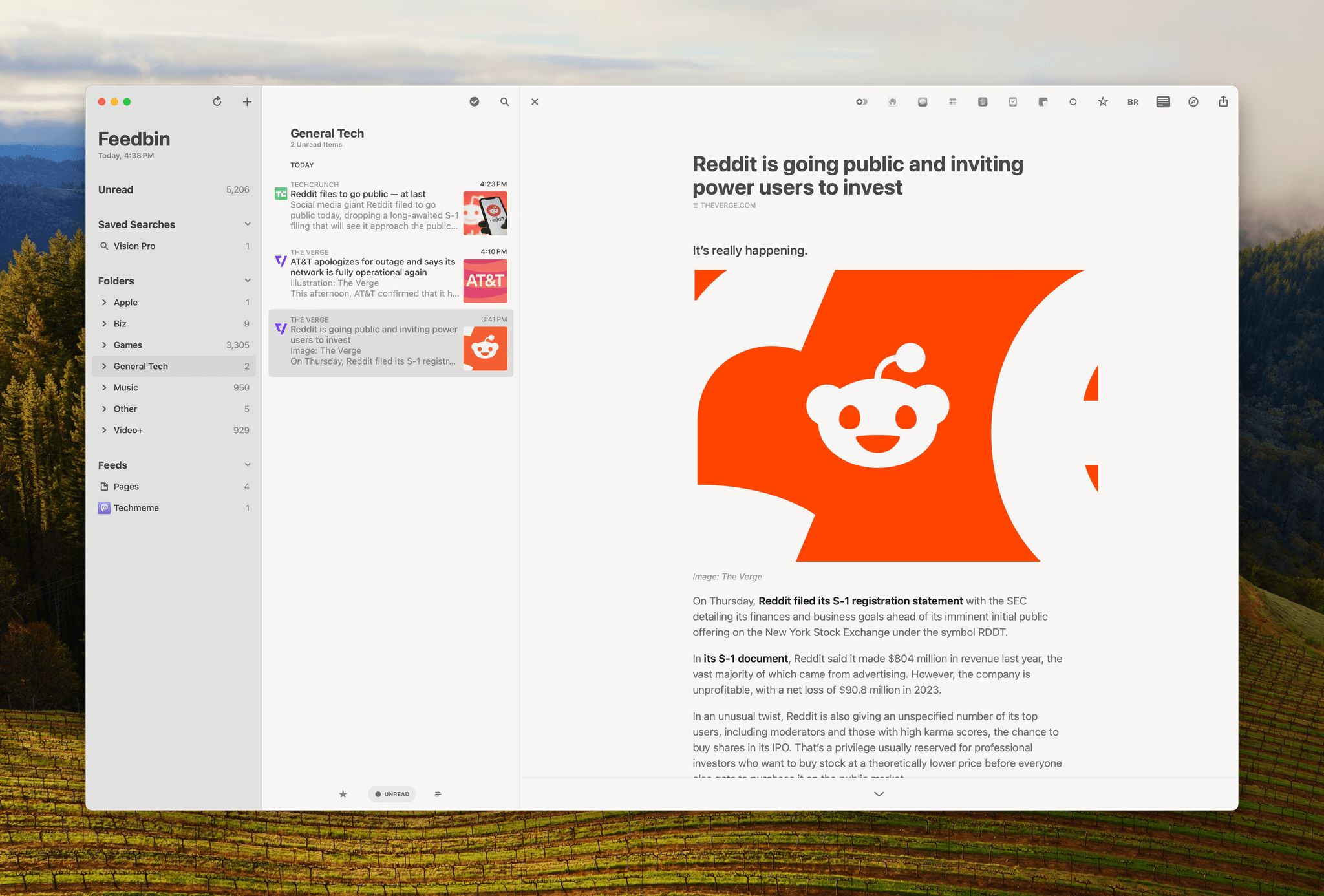
I follow about 180 RSS feeds, and I skim through all of my tech feeds every day, looking for interesting news, angles, opinions, and inspiration. A lot of what I see is repetitive, but I’ve gotten very good over the years at speed-reading snippets of stories and homing in on the interesting ones. Some stories get read right away because they’re time-sensitive in some way. However, I have other things to do besides read the web, so I rely heavily on read-later apps to save many of my finds.

That context is important because although some of what I save is what I’d classify as ‘leisure reading,’ most of it isn’t. It’s information processing, and given my other obligations, speed is important. As a result, what I value most are:

  • The design of my RSS reader
  • The speed with which I can save stories for later
  • Access to my saved articles for anywhere
  • The tools available in my read-later app for organizing everything

Read more


feeeed: Embracing Feed Diversity and Personal News Curation

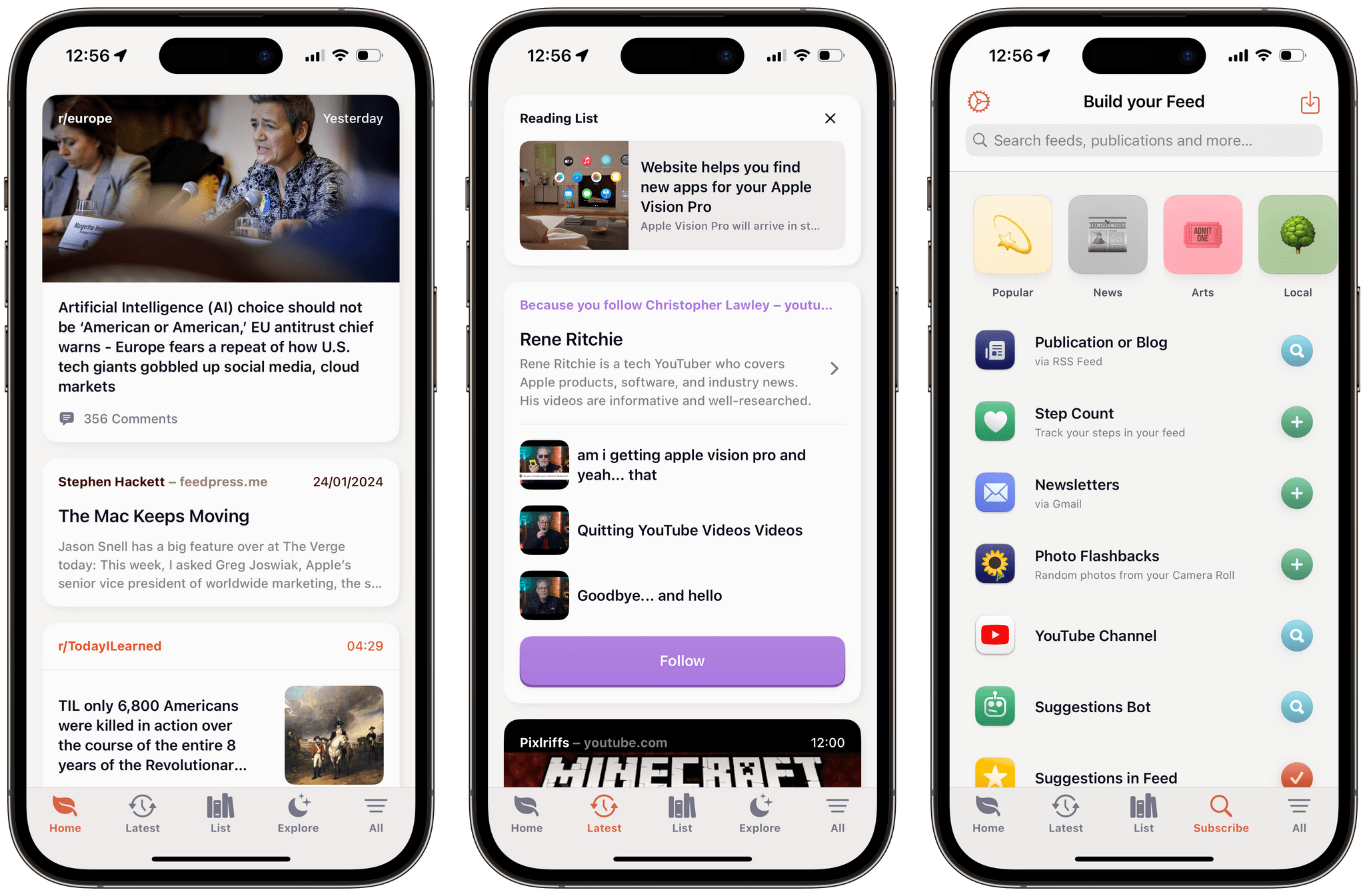
With The Iconfactory launching Project Tapestry this week, I was reminded of an indie app that I first started testing a few months ago. feeeed – that’s with four ‘e’s – by Nate Parrott is a feed reader app unlike any other I’ve seen on iOS.

Today, with our favorite content scattered across social media platforms, apps, blogs, and newsletters, it’s honestly really hard to keep up, and there is clearly a demand for an app that could juggle with all of them. feeeed is an attempt at embracing that diversity, and letting you build your own feed, merging all those sources into one continuous and beautifully designed stream.

I was excited about this app when it originally came out, and for the past week, I have once again given it a prime spot on my iPhone Home Screen to properly try it out as my main reading app.

Let’s jump in.

Read more


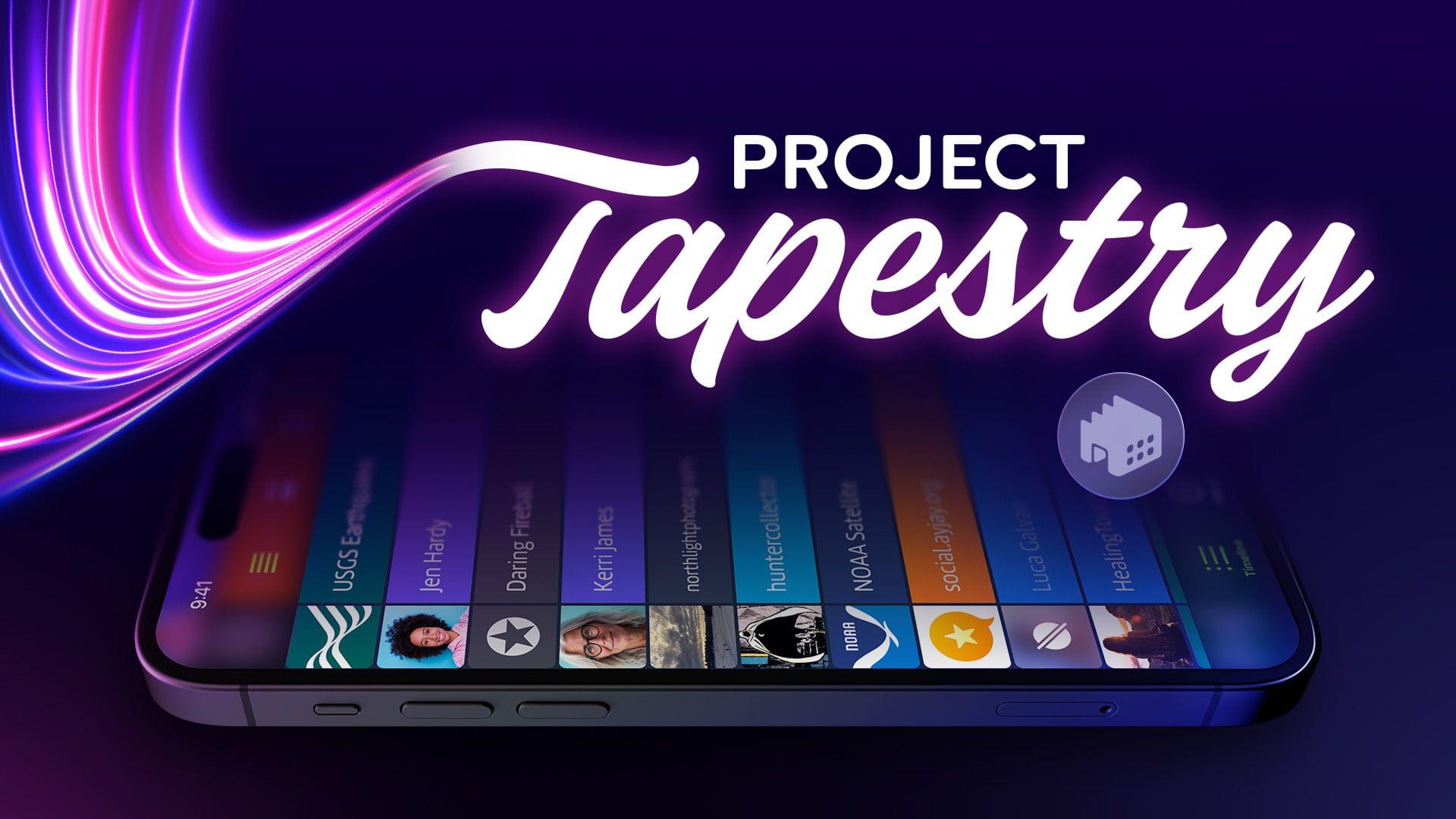
The Iconfactory Launches Project Tapestry, a Kickstarter Campaign to Create a Universal Inbox for RSS, Social Media, and More

Source: The Iconfactory.

Source: The Iconfactory.

We’re at an exciting moment in the history of the Internet where the downsides of walled gardens of content have become painfully obvious to more people than ever. Those downsides weren’t so clear when companies like Twitter got their start. As it and other companies grew, the convenience and instant gratification of social media put a dent in things like blogging, RSS, and other ways people shared their thoughts, links, and other media online.

But, if there’s a silver lining to what’s become of Twitter, it’s that it opened the eyes of a lot of people who are now helping revitalize the open web standards that never went away for many of us. The trouble is that the feeds we monitor are spread over more places than ever before. There’s RSS, of course, but there’s also ActivityPub, Bluesky, and more. That makes it the perfect time for a new approach like the one The Iconfactory has announced via a Kickstarter campaign.

The campaign was launched today to fund the creation of Tapestry, an iOS universal inbox for the feeds in your life. The Iconfactory makes it clear that it doesn’t intend for Tapestry to replace your RSS reader or Mastodon client, though. Instead, the company wants Tapestry to be a unified, chronological timeline that will help you keep up with what’s new so you can pick the best that your favorite sources have to offer. The Iconfactory has also said the app will have a simple API for adding your own data sources to your feed.

I love this idea and backed the project immediately. The Iconfactory says that they expect the development to take 9 - 12 months, which comes with the usual caveats about the risks of funding a Kickstarter campaign, which is why I rarely link them except in cases like The Iconfactory’s, which has a proven track record. The initial goal is $100,000, and as of the publication of this story, they’re about 25% of the way there. The first stretch goal is $150,000, which would add features like muting, theming, bookmarking, filtering and searching, local notifications, a share plugin system similar to Shortcuts, a curated library of plugins, and a Mac app.

There are also multiple reward levels with a variety of rewards for anyone who pledges $5 to $1,500. To learn more, check out the campaign on Kickstarter and The Iconfactory’s blog.


Fiery Feeds for iOS Added an In-App Split View Mode That I Wish More iPhone Apps Offered

Vertical split view in Fiery Feeds.

Vertical split view in Fiery Feeds.

A few weeks ago on Mastodon, I shared a simple feature request: a split-screen mode for iPhone RSS readers that would allow me to scroll headlines in the one half of the screen and preview actual articles in the other.

If this sounds familiar, you’re not alone: back in 2007, Steve Jobs demoed pretty much the same thing for the first version of the Mail app for iPhone OS 1.0. That layout mode never shipped, and probably rightfully so at the time given the limited screen real estate of the first iPhone.

Read more