This Week's Sponsor:

Copilot Money

The Apple Editor’s Choice App for Managing Your Money


Posts tagged with "health"

Beddit Sleep Tracker Acquired by Apple

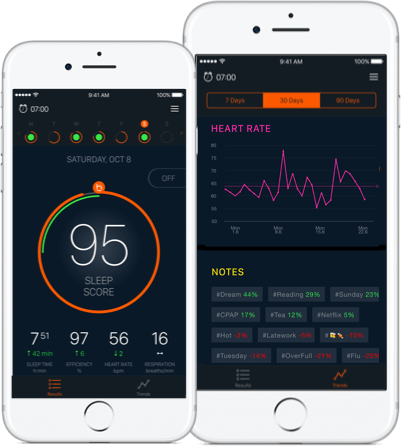
Beddit, which makes a sleep sensor that collects sleep and other health data and sends it to companion iPhone and Apple Watch apps, was acquired by Apple. According to Beddit’s privacy policy:

Beddit has been acquired by Apple. Your personal data will be collected, used and disclosed in accordance with the Apple Privacy Policy.

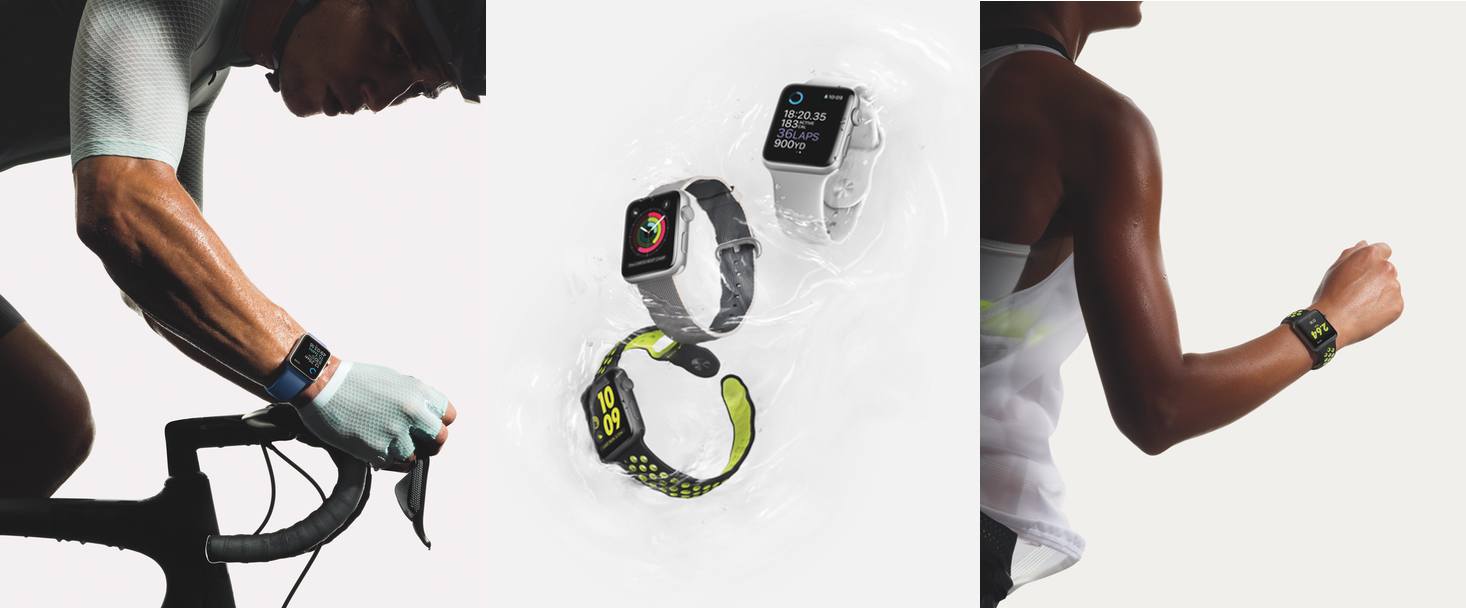
Since the introduction of the Apple Watch Series 2, Apple has placed renewed emphasis on the health and fitness tracking features of the Watch. One notable hole in Apple’s lineup of built-in health and fitness apps has been the lack of a sleep tracker. With Beddit, Apple fills that gap and presumably adds a team of engineers that can help it develop additional sleep tracking capabilities in-house.

The Beddit 3 Sleep Monitor is available on Apple’s online store.

Permalink

AutoSleep 4.0

AutoSleep, my favorite sleep tracking app for Apple Watch, has received a major update to version 4.0 earlier this week, which has brought a complete redesign that makes the app more intuitive and informative.

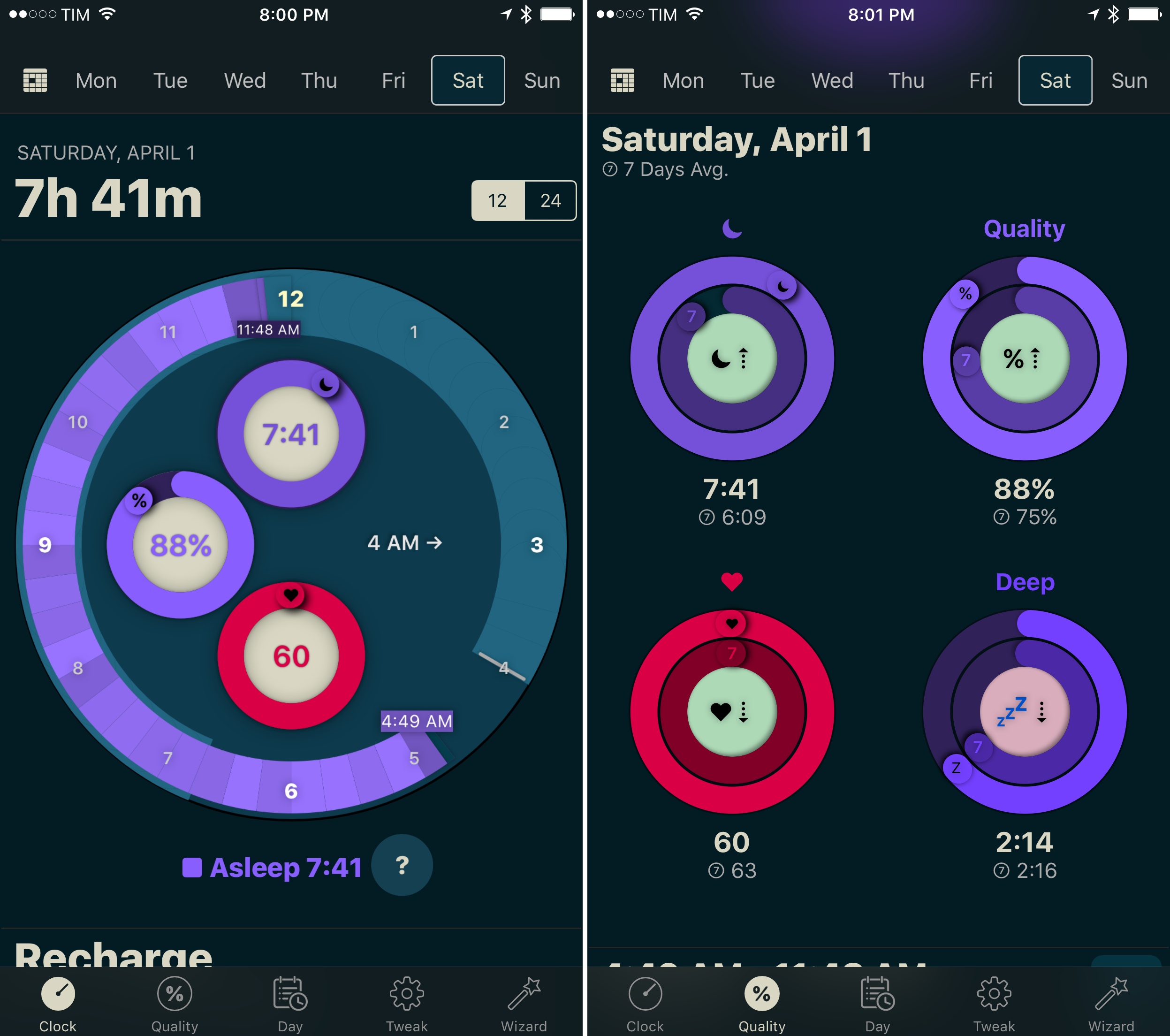
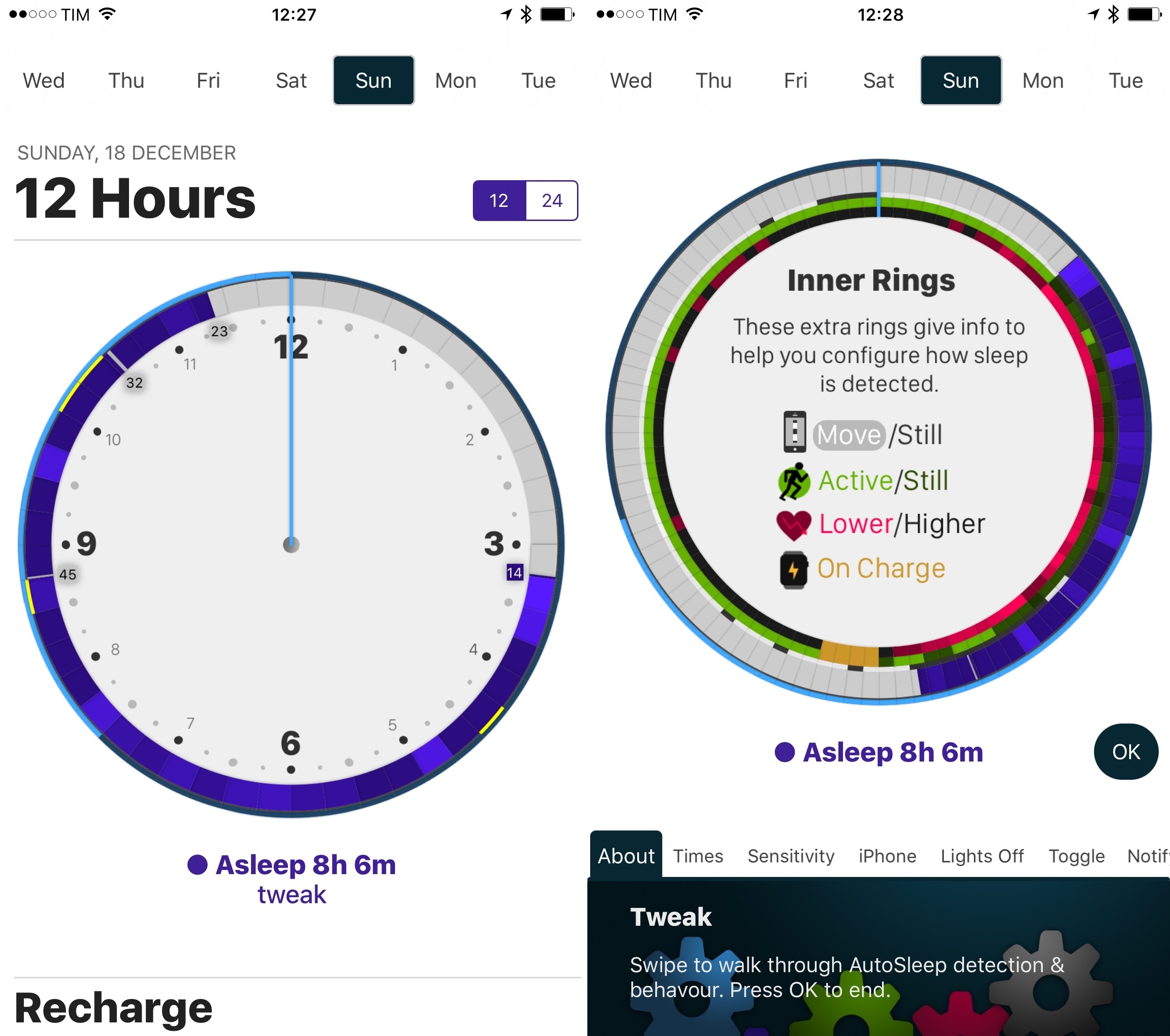
Developer David Walsh has been busy with AutoSleep’s development: version 3.0 was already quite a departure from the original app released in December 2016, but AutoSleep 4.0 feels like something else entirely. The app is finally beautiful to look at, with a clever visualization of sleep times and quality based on rings. In the main clock UI, you can now easily see how much you’ve slept and the quality of your sleep; at the bottom of the same page, another set of rings displays ‘Today’s Sleep’ alongside an arguably more useful 7-day average. This use of rings is reminiscent of Apple’s Activity app, and I think it’s a perfect match for sleep tracking. If Apple ever adds native sleep tracking to watchOS, I wouldn’t be surprised to see an implementation similar to AutoSleep.

There’s a lot more to explore in AutoSleep 4.0 – the app now has a dark interface (which makes the colored rings truly pop), every chart has been redesigned and reworded for clarity, and browsing an individual day’s timeline is faster than before. I continue to be impressed with Walsh’s ability to listen to feedback and iterate without drifting away from AutoSleep’s underlying goal, which is to help you form better sleep habits by seeing what you’re doing wrong.

AutoSleep makes me appreciate wearing the Apple Watch more. I highly recommend taking version 4.0 for a spin if you haven’t tried the app in a while.

AutoSleep 4.0 is available on the App Store.


AutoSleep 3.0

I first reviewed AutoSleep by David Walsh in December, noting how his idea of an automatic watchOS sleep tracker could bring one of the best Fitbit features to the Apple Watch. I’ve been wearing my Watch to bed every night, and AutoSleep has successfully logged sleep data with impressive accuracy.

As I wrote in my original review, however, AutoSleep needed an easier setup process and a cleaner design to help users understand and edit logged data. Walsh has been working hard on AutoSleep since launch, and version 3.0, released today on the App Store, addresses several of my complaints from the original app.

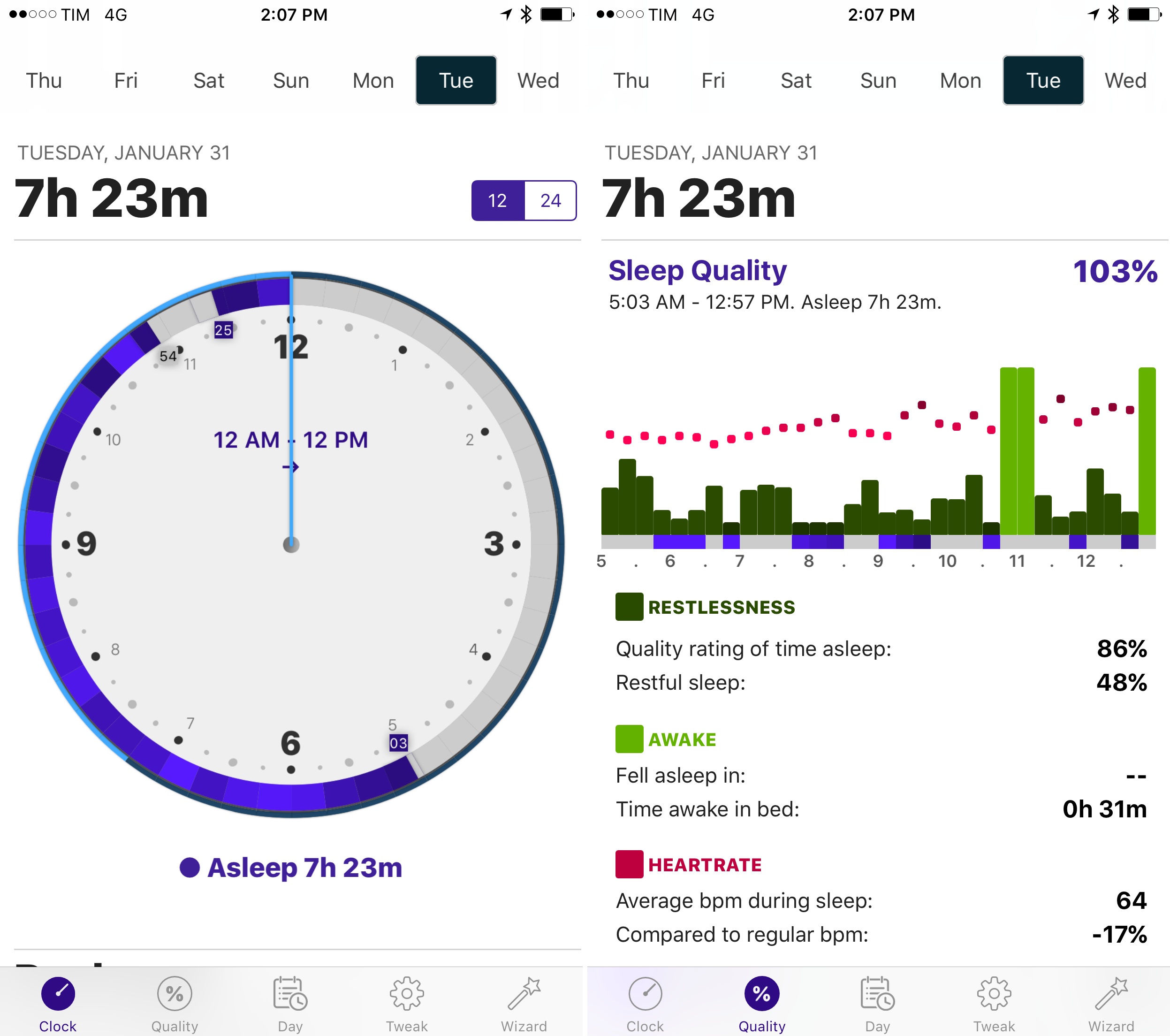
The setup wizard has been completely redesigned with a series of questions that make it easy to configure the app for your habits. Instead of cramming information on a single page, Sleep Quality and Day now have their own tabs in the app; the Day section is particularly handy to view a timeline of your day as logged by sensors on the iPhone and Apple Watch. Generally speaking, everything feels cleaner and better organized, and while some menus and symbols could still be explained differently, the overall app is more intuitive and accurate in its measurements.

Thanks to the fantastic battery life of the Apple Watch Series 2, wearing the Watch at night for sleep tracking isn’t a problem, and AutoSleep makes automatic tracking a reality with features I can’t find in any other app. If you tried the app and abandoned it at version 1.0, now’s a good time to check it out again.

AutoSleep 3.0 is available on the App Store.


Workouts++ Review

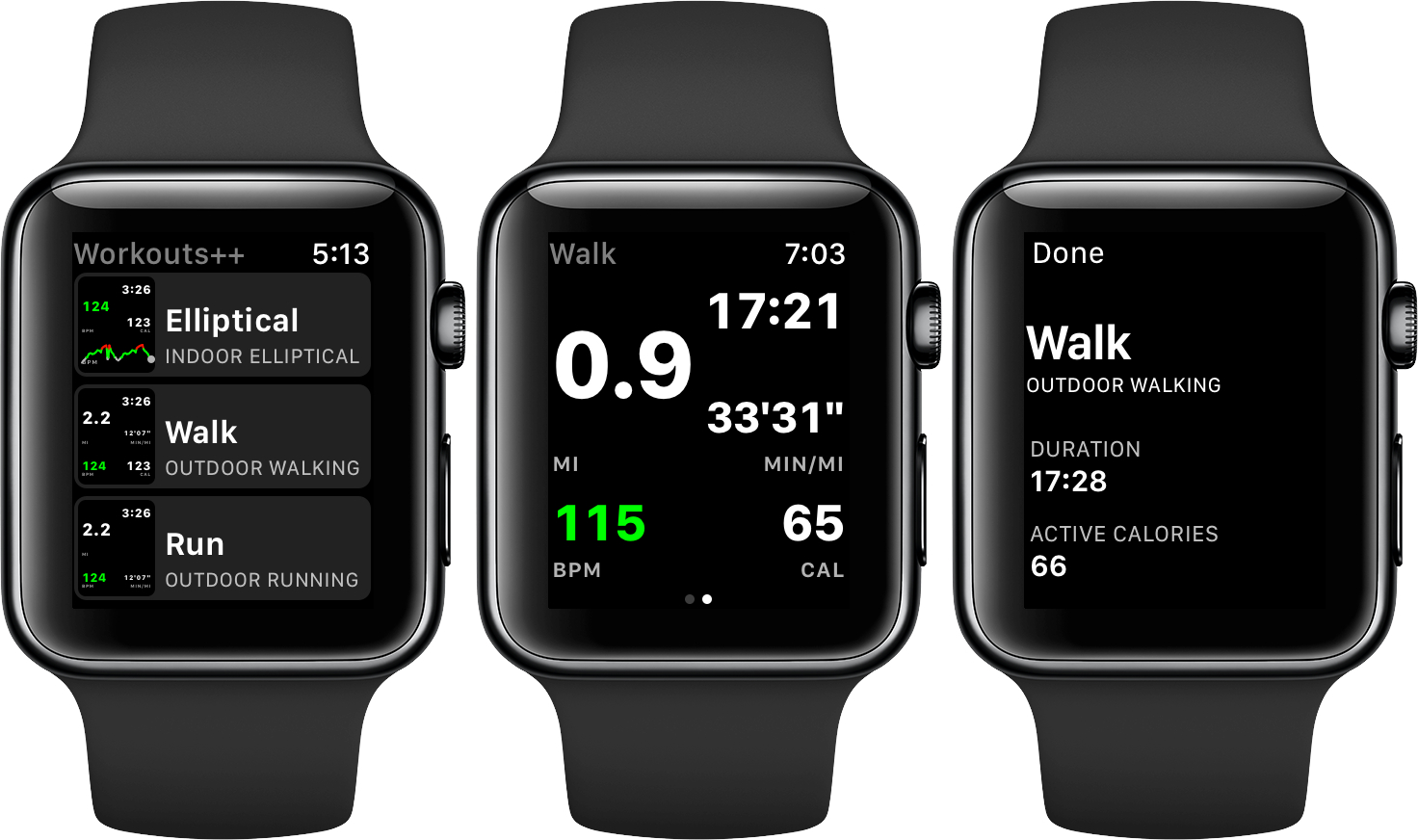
Workouts++ by David Smith takes my favorite aspect of Apple’s stock Workout app for watchOS – the ability to quickly start a workout – and adds layers of customization and workout tracking that takes the app to another level altogether. The key to Smith’s watchOS app is the inclusion of an iOS app that lets you customize the real-time statistics tracked on your Apple Watch during a workout and view the data collected in useful ways.

Read more


HealthFace Puts Health App Data on Your Wrist

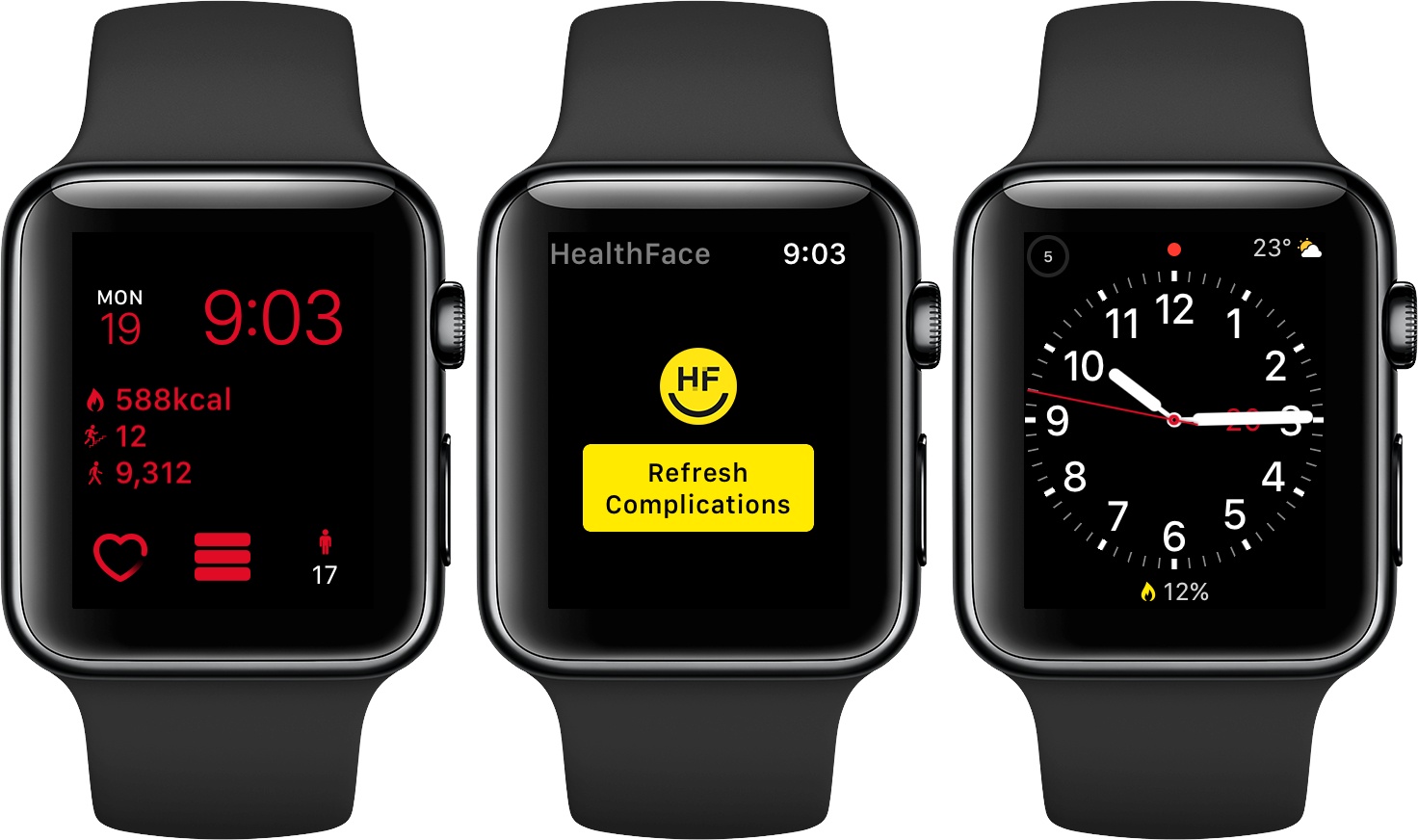
HealthFace, by Australia-based Crunchy Bagel, maker of the 2016 Apple Design Award-winning app Streaks, is an iOS and watchOS app that uses Apple Watch complications to display data stored in Apple’s Health app. The Health app got a much-needed makeover with iOS 10, but it can still take a lot of tapping to find what you want. HealthFace cuts through the clutter by letting you pick and customize the data that’s important to you and displaying it where it’s readily available – on your Apple Watch.

Read more


AutoSleep Turns the Apple Watch Into an Automatic Sleep Tracker

I’m terrible at keeping a decent sleep schedule. I love my job and I often stay up late working on my latest story. Sometimes, I decide to relax with a videogame, I lose track of time, and suddenly it’s 4 AM. I know, however, that getting enough quality sleep every night is key to a healthy lifestyle, which is why, over the past month, I’ve tried to wake up earlier and work out in the morning.

With these personal changes, motivation only goes so far for me. I want to be able to visualize my progress and current streak. Since getting an Apple Watch Series 2 a couple of weeks ago, I’ve started looking into the idea of using it as a sleep tracker again. There are some solid options on watchOS, but all of them require pressing a button in an app right before you’re about to sleep. And because I normally drift off to sleep, I forget to activate sleep tracking mode and no sleep gets tracked at all.

In my limited tests with a Fitbit this month (before getting a new Apple Watch), I came away thinking that automatic sleep detection was my favorite feature of the product. You don’t have to press anything and the Fitbit figures out when you started sleeping and when you woke up. Combined with a dashboard like Gyroscope, it’s a great way to build an automatic sleep log that passively monitors your sleeping habits.

David Walsh, developer of MacStories favorite HeartWatch, wants to recreate the same experience with AutoSleep, an iPhone app that turns your Apple Watch into an automatic sleep tracker without installing a Watch app. I’ve been wearing my Watch to bed for the past week, and AutoSleep has worked surprisingly well.

Read more


Health Importer Makes It Easy to Move Health Data Between iPhones

I’m in a minority, but when I get a new iPhone every year, I like to start fresh without reinstalling from a backup. I talked about this before, but, essentially, with the vast majority of my favorite apps storing data in the cloud, starting with a clean installation of iOS is mostly a matter of redownloading and rearranging apps now. In the process, a fresh install of iOS allows me to re-evaluate which apps I actually use and which ones can go – something that helps me keep my devices lean and with plenty of storage available.1

There’s one aspect that bothers me every time I decide to install iOS without a backup, though: losing my Health data. In previous years, I was okay with backing up subsets of information to external web services such as Lifesum or the excellent Gyroscope: over time, however, the inability to look at my complete health history in Apple’s Health app has become a problem that made me reconsider my stance on not restoring from a backup every year.

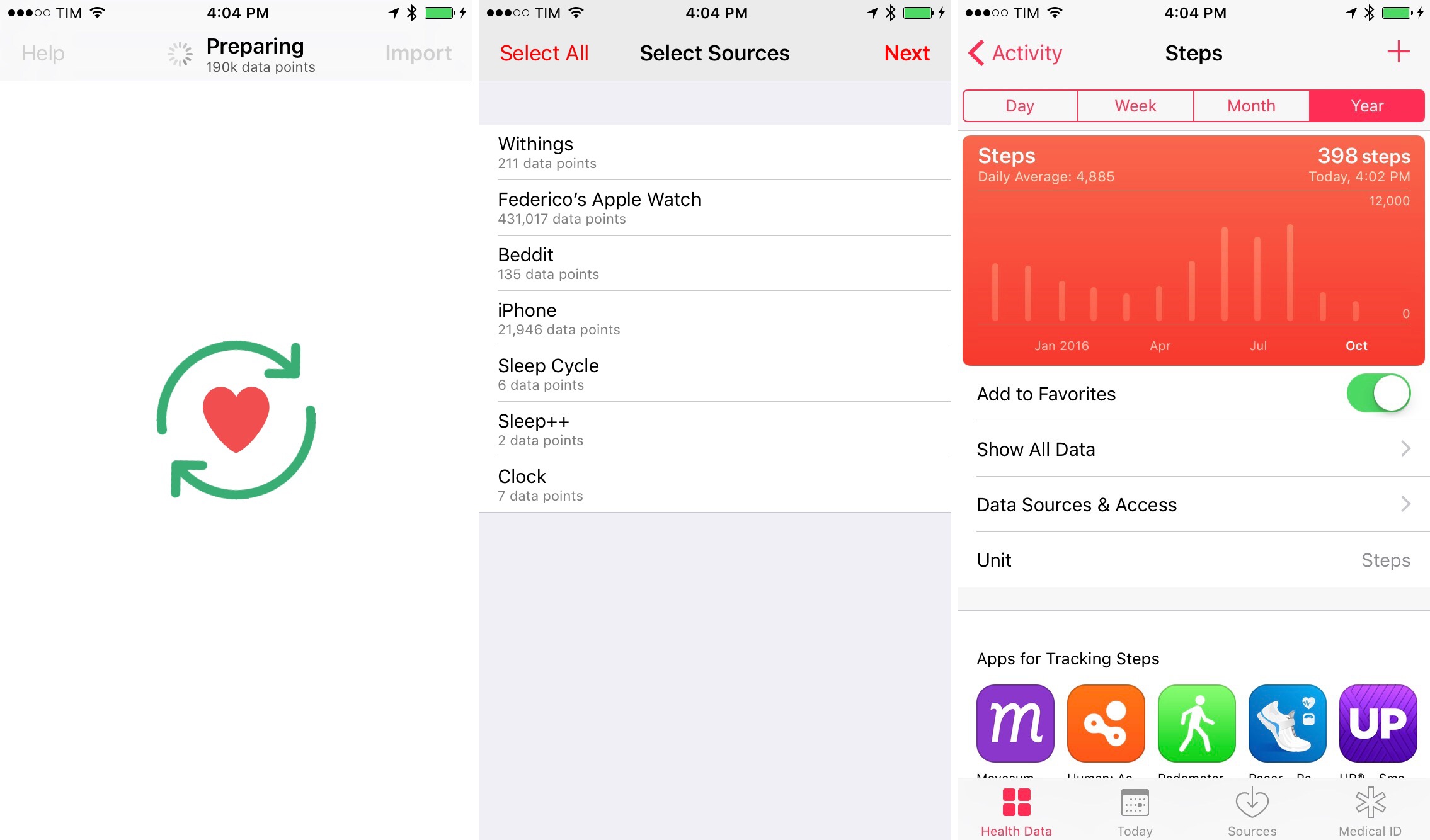
Fortunately, Dan Loewenherz has come up with a solution that will allow me to continue my no-restore strategy for the foreseeable future. Loewenherz created Health Importer, a simple $2.99 utility that does exactly what you’d expect: the app restores a backup of the Health database, keeping old entries with every data point logged from your iPhone, Apple Watch, or third-party apps.

Read more


Apple Acquires Health Care Start-Up Gliimpse

One of the most interesting quotes from Fast Company’s interview with Tim Cook a couple of weeks ago was his comment about healthcare:

When you look at most of the solutions, whether it’s devices, or things coming up out of Big Pharma, first and foremost, they are done to get the reimbursement [from an insurance provider]. Not thinking about what helps the patient. So if you don’t care about reimbursement, which we have the privilege of doing, that may even make the smartphone market look small.

Today, Fast Company is reporting that Apple has confirmed that it acquired start-up Gliimpse earlier this year. According to Fast Company:

Silicon Valley-based Gliimpse has built a personal health data platform that enables any American to collect, personalize, and share a picture of their health data. The company was started in 2013, and funded by serial entrepreneur Anil Sethi, who has spent the past decade working with health startups, after taking his company Sequoia Software public in 2000. He got his start as a systems engineer at Apple in the late 1980s.

Gliimpse feels like a natural fit with the Health app, HealthKit, ResearchKit, and CareKit, especially considering Apple’s focus on data privacy. It’s still very early days, but between recent keynotes featuring the health-related features of the Apple Watch and acquisitions like this, Apple’s commitment to exploring healthcare opportunities is unmistakable.

Permalink

Apple to Add Organ Donor Option to Health App

Update: Apple and Donate Life America, which maintains the National Donate Life Registry in the US, issued a press release that provides further detail regarding the plan to add organ donor registration to the iOS Health App:

Through a simple sign up process, iPhone users can learn more and take action with just a few taps. All registrations submitted from iPhone are sent directly to the National Donate Life Registry managed by Donate Life America. The ability to quickly and easily become a nationally-registered donor enables people to carry their decision with them wherever they go.

As Jeff Williams, Apple’s chief operating officer, explains:

Apple’s mission has always been to create products that transform people’s lives. With the updated Health app, we’re providing education and awareness about organ donation and making it easier than ever to register. It’s a simple process that takes just a few seconds and could help save up to eight lives…

The organ donation feature will be added to the Health app as part of iOS 10, which is scheduled for release as a free update this Fall.


MacRumors (via CNBC) reports that Apple plans to add a button to its Health app this Fall that will make it easy for US customers to sign up for the national organ donor registry. Tim Cook, who spoke to the Associated Press, said that he hopes the new feature will make it easier for people in need of organ transplants to quickly find a compatible donor. The number of people in need of organ transplants has long exceeded the number of donors in the US, causing people in need to have to wait, which Cook said hit home for Apple when Steve Jobs waited for a liver transplant in 2009.

Permalink