Posts tagged with "Final Cut Pro"

Final Cut Pro 2 and Logic Pro 2 for iPad Updated Along with Their Mac Counterparts

Source: Apple.

Source: Apple.

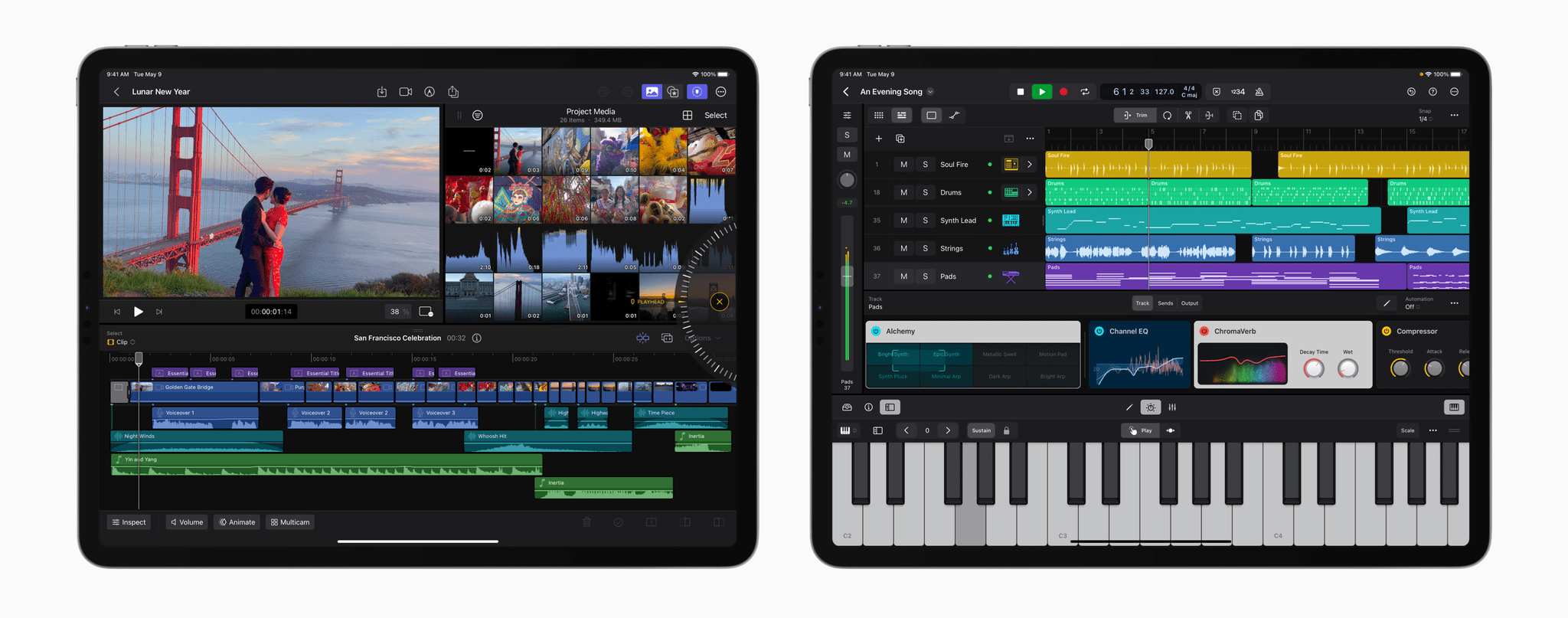
Last year at this time, I beta-tested Final Cut Pro and Logic Pro for iPad. I was impressed with both and found editing podcasts in Logic Pro for iPad surprisingly easy. That said, both apps were still limited compared to what their sibling versions could do on the Mac. With today’s update, Apple appears to be pushing both apps much further into ‘Pro’ territory than ever before, undoubtedly thanks to the M4 chip inside the new iPad Pros.
Source: Apple.

Source: Apple.

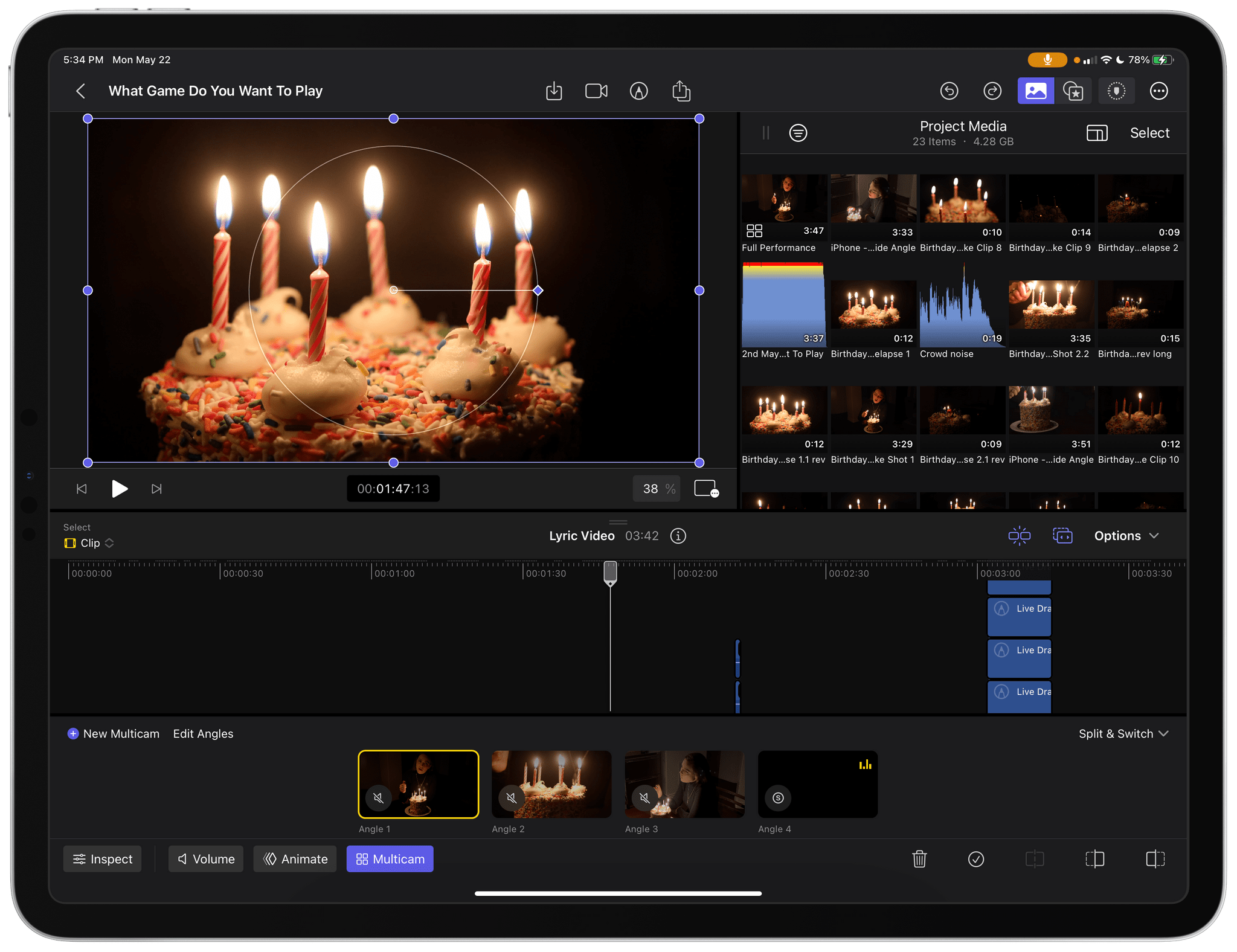
In what I think is a first for one of its iPadOS apps, Apple has given Final Cut Pro for iPad a version number. One of the most impressive features shown off today was Live Multicam, which supports up to four simultaneous live camera feeds:

Final Cut Pro for iPad 2 delivers Live Multicam, an innovative new solution for users to capture up to four different angles of a single scene, whether working with their own devices or collaborating with others. Live Multicam connects wirelessly via Final Cut Camera, a new video capture app, enabling users to view up to four iPhone or iPad devices and providing a director’s view of each camera in real time. Each live camera feed can have settings adjusted right from Final Cut Pro for iPad 2 to easily dial in exposure, focus, zoom, and more for the perfect shot. Editable preview clips are immediately passed through to Final Cut Pro for iPad and replaced with full-resolution files in the background, so users can seamlessly move from production to editing.

Final Cut Camera is a separate new app for the iPhone and iPad that works with Final Cut Pro for iPad 2 to feed each video stream to an iPad for real-time, wireless capture.
Source: Apple.

Source: Apple.

The app also offers greater storage flexibility, allowing videographers to edit projects on an external drive. Here’s how Apple describes it in its press release:

For even more storage flexibility, Final Cut Pro for iPad 2 now supports external projects, letting users easily create or open projects on an external storage device and import media without taking up space on their iPad. Editors can quickly hand off external projects to another editor or take them into Final Cut Pro for Mac; create new projects on external storage; and seamlessly import high-resolution files and professional codecs like ProRes and Log.

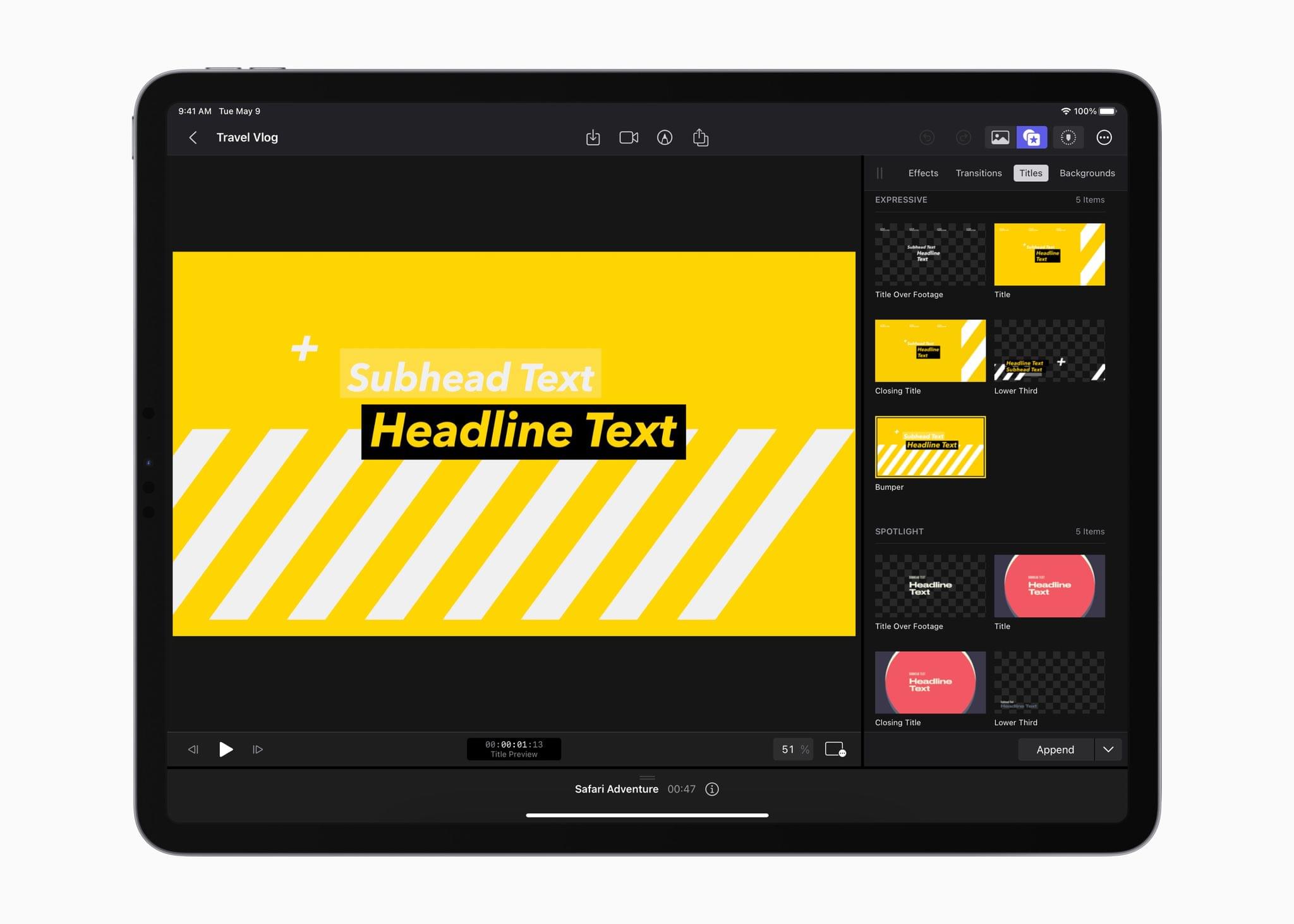
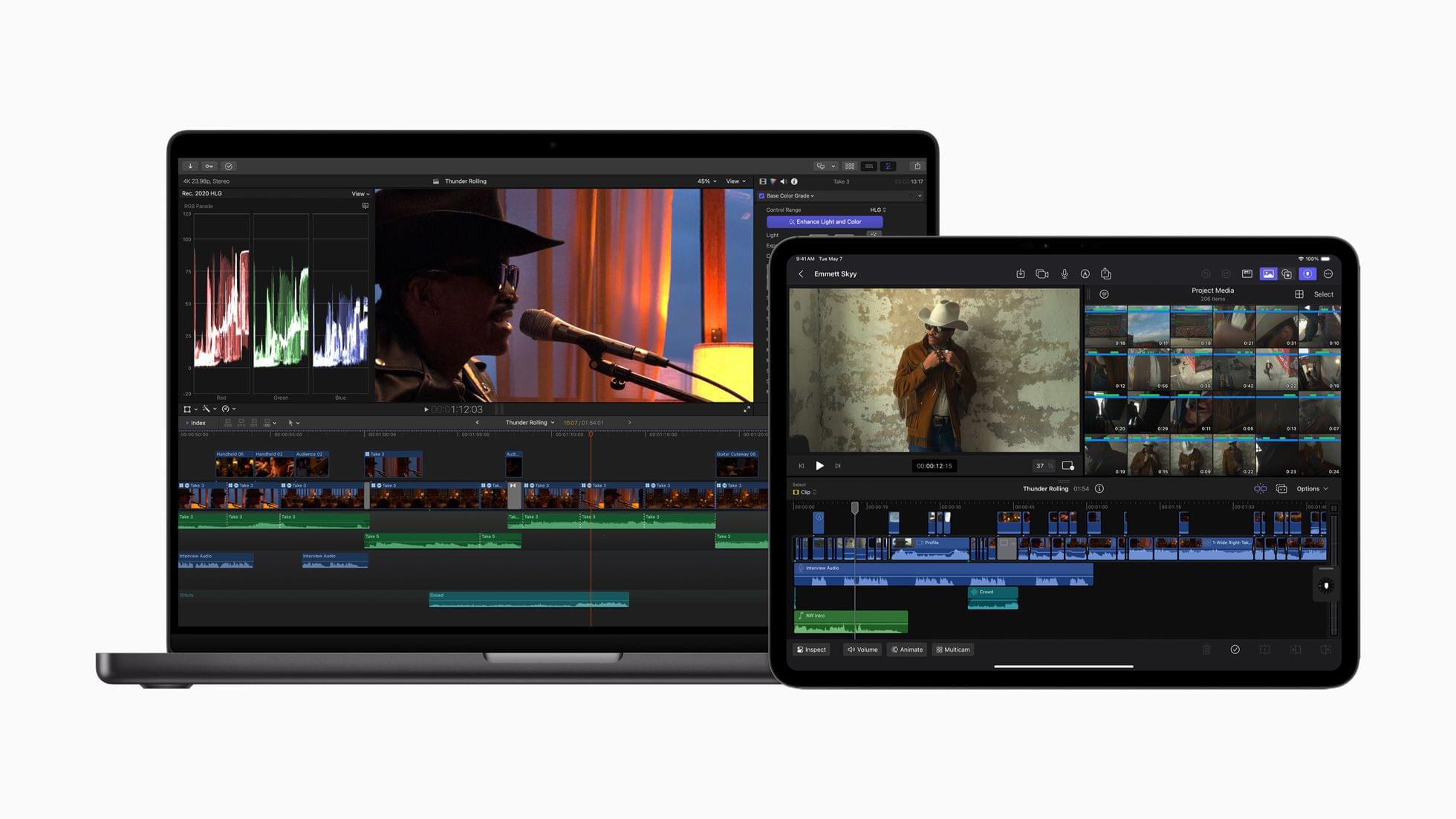
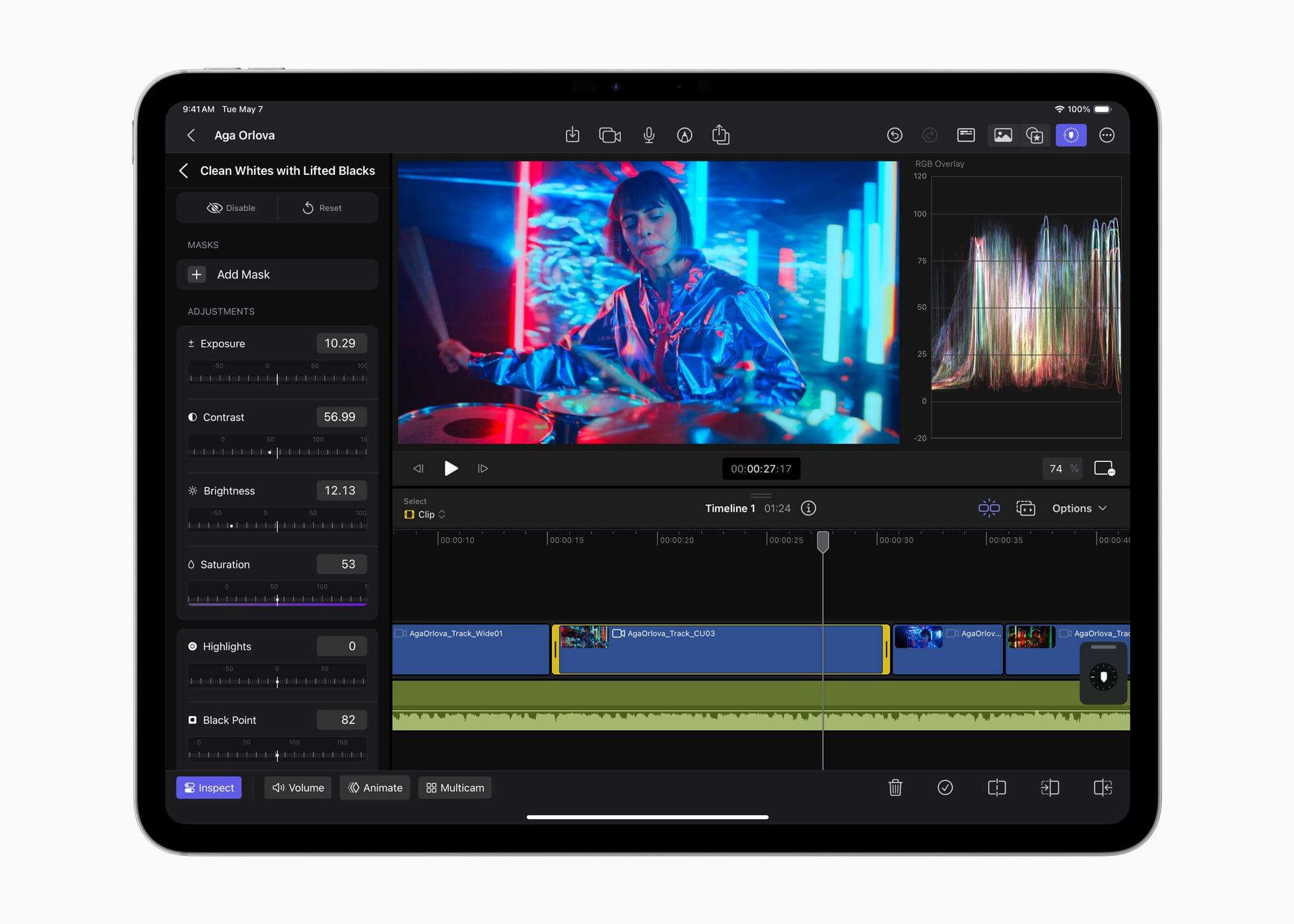
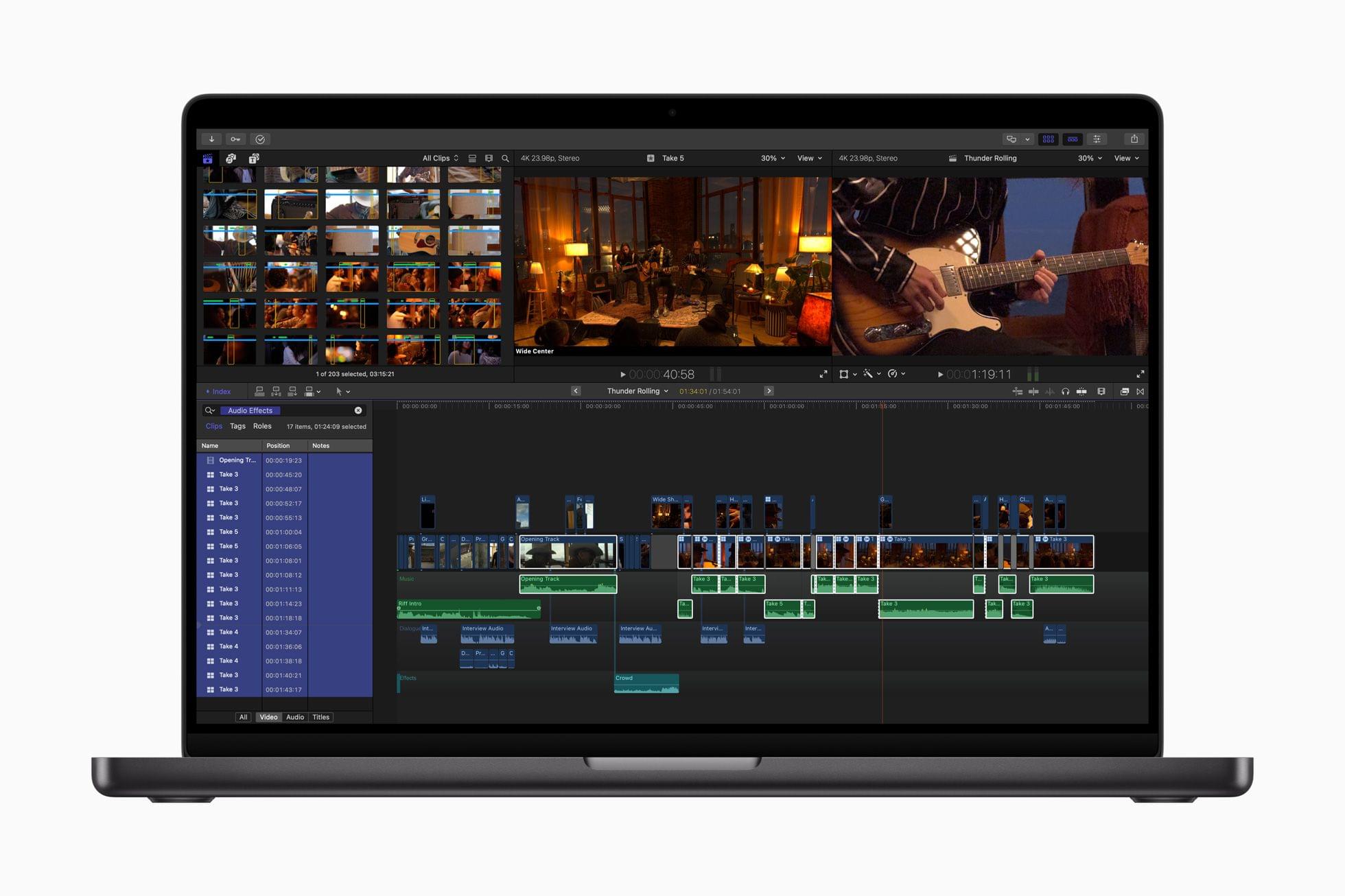
Additionally, the update adds new color-grading presets, text titles, and soundtracks. Final Cut Pro for Mac is being updated to version 10.8, which includes new AI features and organizational tools.
Source: Apple.

Source: Apple.

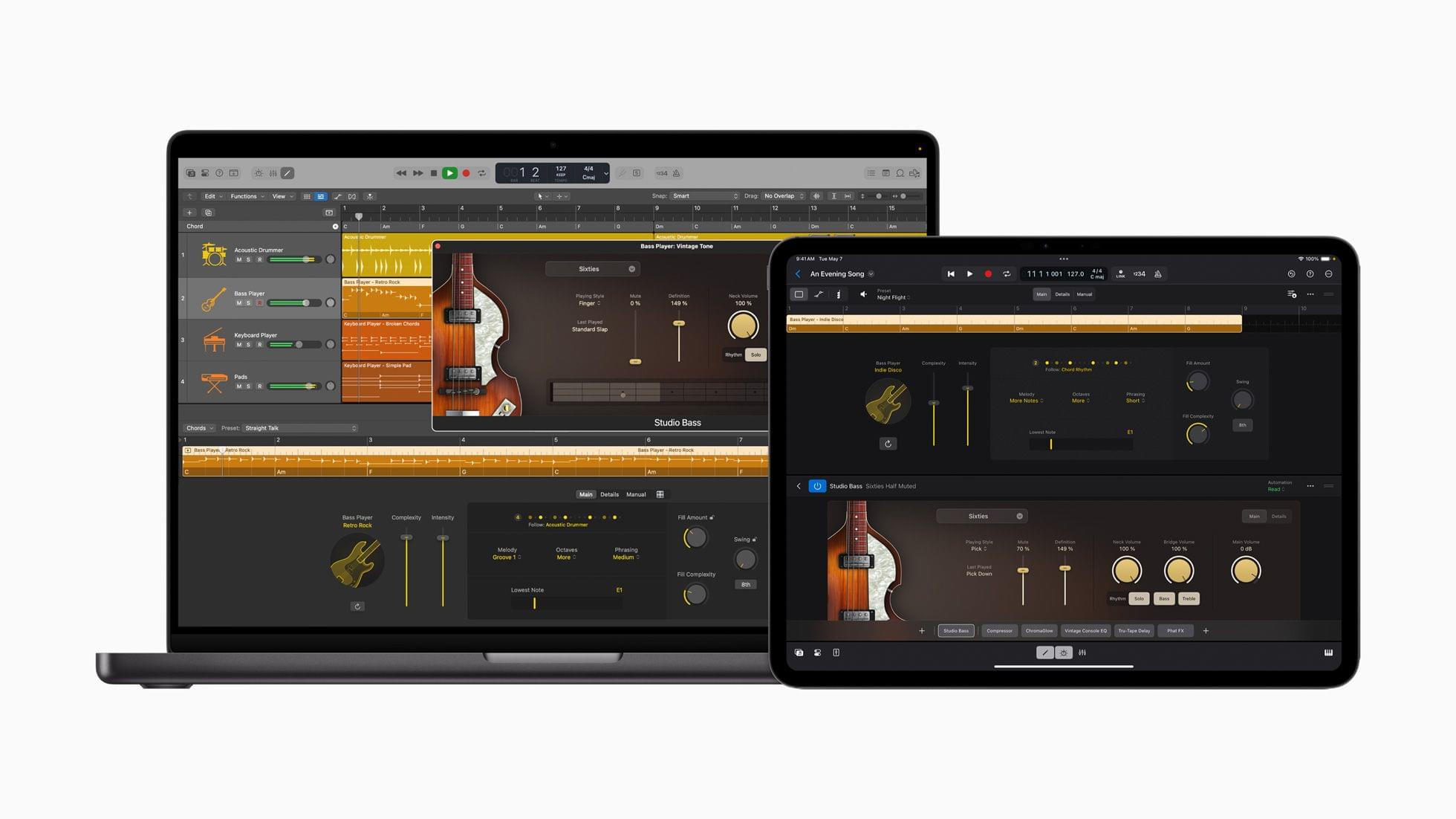
Logic Pro has been updated for the iPad and Mac, too, with several features, including:

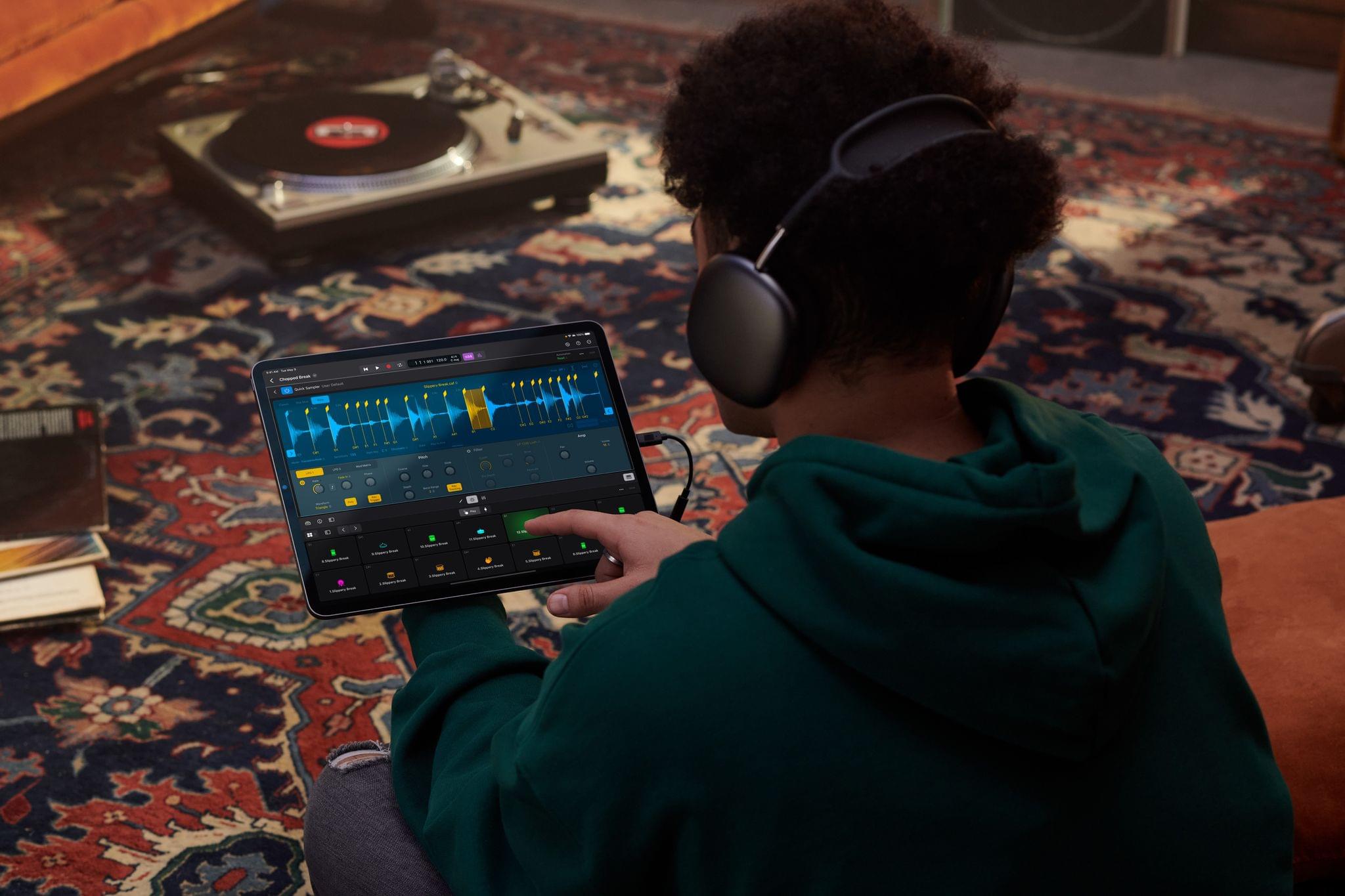
…Session Players, which expand the popular Drummer capabilities in Logic Pro to include a new Bass Player and Keyboard Player; Stem Splitter, to extract and work with individual parts of a single audio recording; and ChromaGlow, to instantly add warmth to tracks.

The common thread among these updates that Apple highlighted is the apps’ reliance on AI and machine learning to make complex edits to compositions.

Apple says that Final Cut Pro for iPad 2, Final Cut Camera, and Final Cut Pro for Mac 10.8 will be available later this spring, while Logic Pro for iPad 2 and Logic Pro for Mac 11 will be available on the App Store starting Monday, May 13.


You can follow all of our May 2024 Apple event coverage through our May 2024 Apple event hub or subscribe to the dedicated May 2024 Apple event RSS feed.

First Impressions: Final Cut Pro for iPad

Today, Apple released Final Cut Pro for iPad alongside Logic Pro. I’ve been testing the app for about a week with sample projects from Apple and some drone footage I shot with one of my kids during the winter holidays. Like Logic Pro for iPad, Apple has packed a lot of sophisticated features into Final Cut Pro for iPad, but with one crucial difference. Whereas Logic Pro projects can be sent back and forth between the iPad and Mac versions of the app, Final Cut Pro projects cannot.

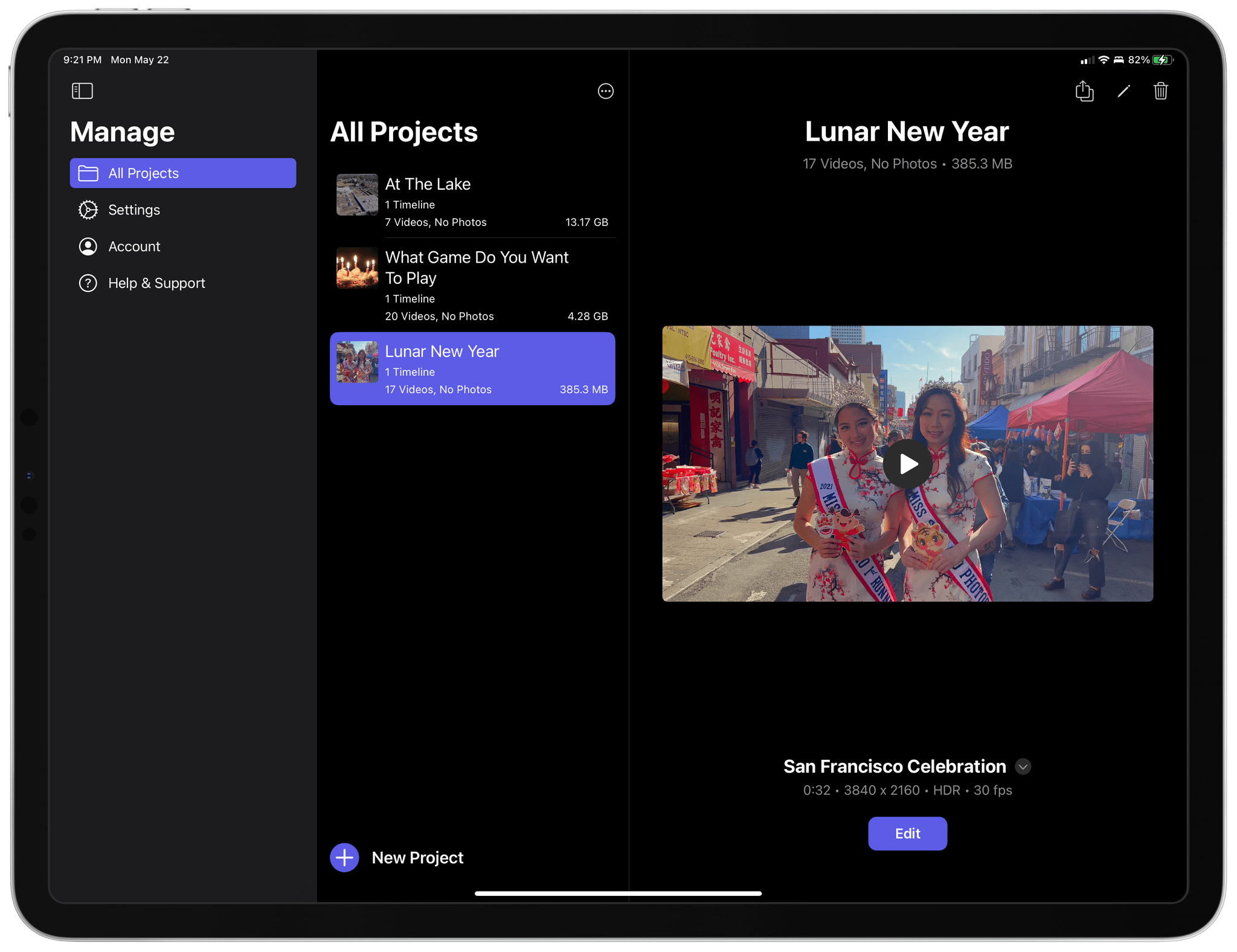
Managing Final Cut Pro for iPad projects.

Managing Final Cut Pro for iPad projects.

Final Cut for iPad projects can be opened in Final Cut for Mac, but once they’re on the Mac, they can no longer be opened on the iPad. Nor can projects started in Final Cut Pro for Mac be opened on the iPad. That will be a significant downside for people who already work in Final Cut Pro for Mac, but for creators with a mobile-first workflow or who want to try Final Cut Pro for the first time without paying the Mac version’s steep price, compatibility will be a non-issue.

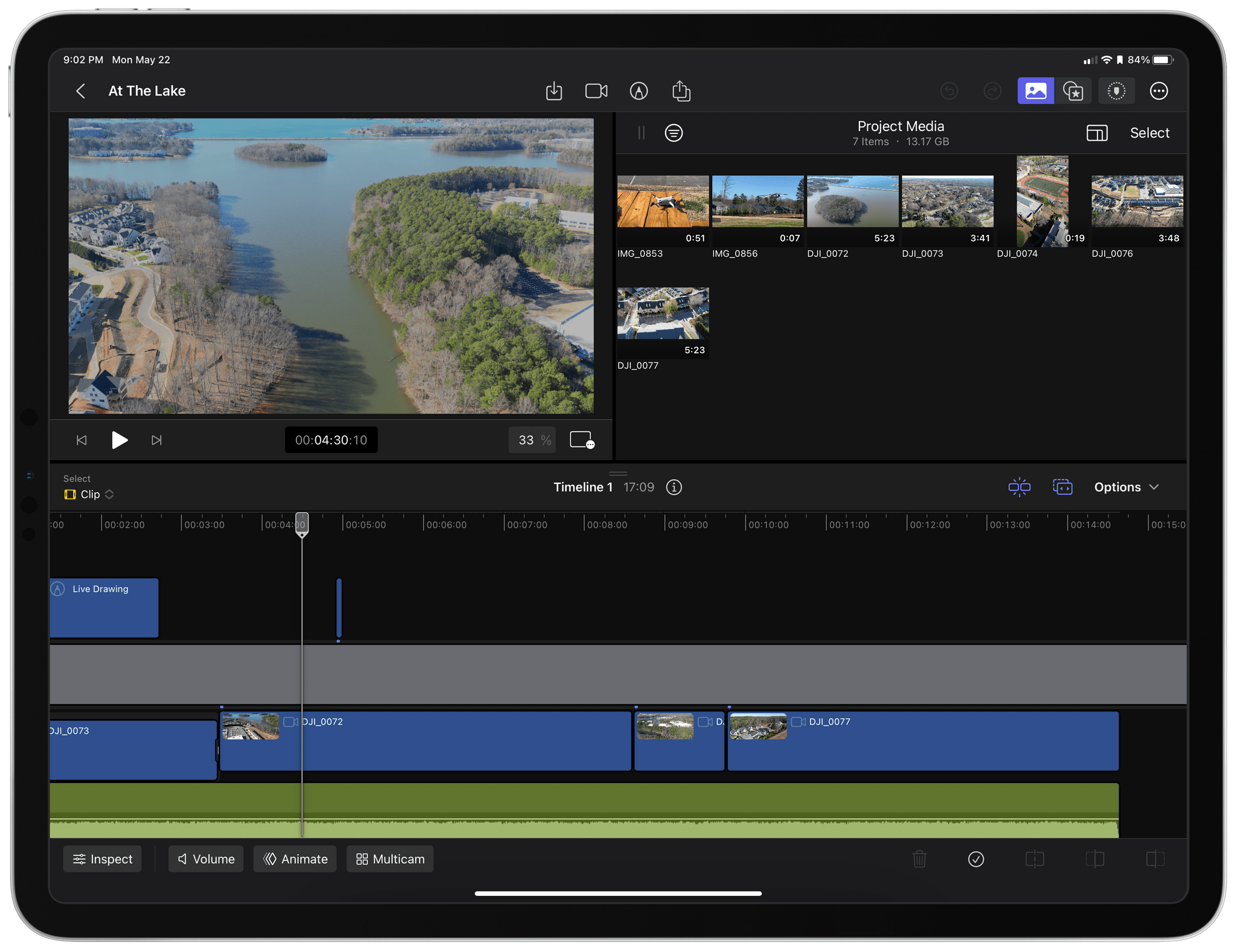
My early experiments with Final Cut Pro for iPad with some drone footage I took in December.

My early experiments with Final Cut Pro for iPad with some drone footage I took in December.

That’s the camp I fall into. I don’t edit a lot of video, and except for testing Final Cut Pro for iPad, I would probably have dropped my drone clips into iMovie, added a few transitions, and called it a day. That sort of editing is absolutely possible in Final Cut Pro, too. However, the app allows you to do far more, as the two sample projects I’ve been studying make clear.

Read more


Final Cut Pro and Logic Pro Are Coming to the iPad on May 23rd

Source: Apple.

Source: Apple.

At long last, Apple has announced Final Cut Pro and Logic Pro for the iPad. Ever since the introduction of the iPad Pro, iPad power users have wondered where the ‘pro’ apps were. Third parties released pro-level creative tools, but Apple’s lineup of apps was conspicuously absent. That looks like it’s changing with today’s announcement that Final Cut Pro and Logic Pro are coming as subscription-based apps on Tuesday, May 23rd.

According to Apple’s press release:

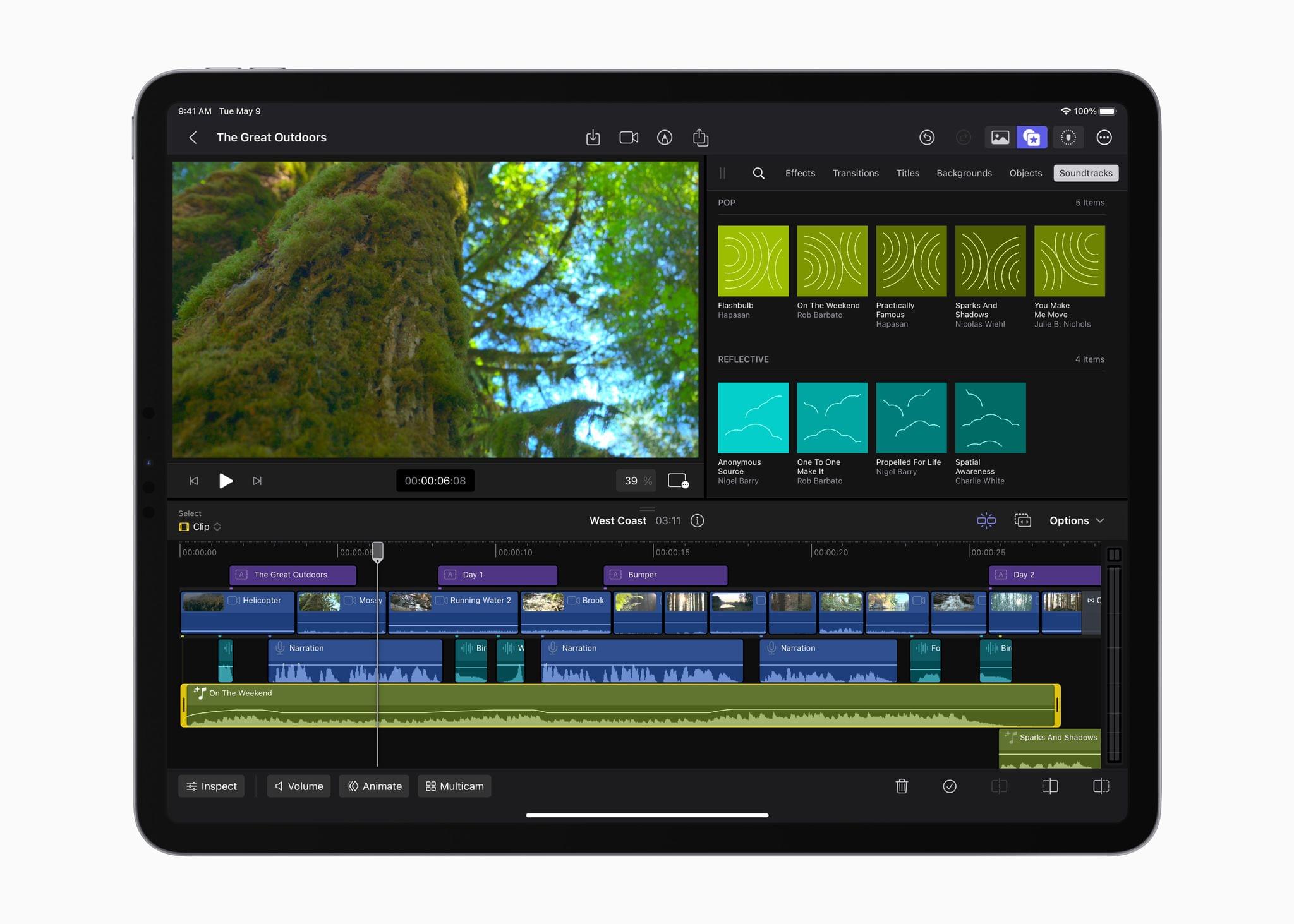
Final Cut Pro for iPad introduces an all-new touch interface and intuitive tools — unlocking new workflows for video creators. A new jog wheel makes the editing process easier than ever and enables users to interact with content in completely new ways. They can navigate the Magnetic Timeline, move clips, and make fast frame-accurate edits with just the tap of a finger, and with the immediacy and intuitiveness of Multi-Touch gestures, push their creativity to new heights.

Source: Apple.

Source: Apple.

Apple says users with an M2 iPad Pro will be able to skim and preview footage using the Apple Pencil’s hover functionality. The app will also support keyboard shortcuts when connected to a Magic Keyboard.

According to Apple’s press release, Final Cut Pro will support single-device field recording, with the M2 iPad Pro supporting ProRes video. The app will also support multicam editing, which can be automatically synced together.

Auto-cropping of the subject of a video will be possible thanks to machine learning. The app will also use machine learning to assist users with cropping to common video sizes and isolating recorded voices.

Source: Apple.

Source: Apple.

Apple also says the app will come with a “vast library” of professional graphics, effects, audio, and animation that can be automatically adjusted to the length of a video. Finally, Final Cut Pro will be able to import from the Files and Photos app and supports iMovie projects. Plus, it will be able to export to Final Cut Projects that are compatible with the Mac version of the app.

Source: Apple.

Source: Apple.

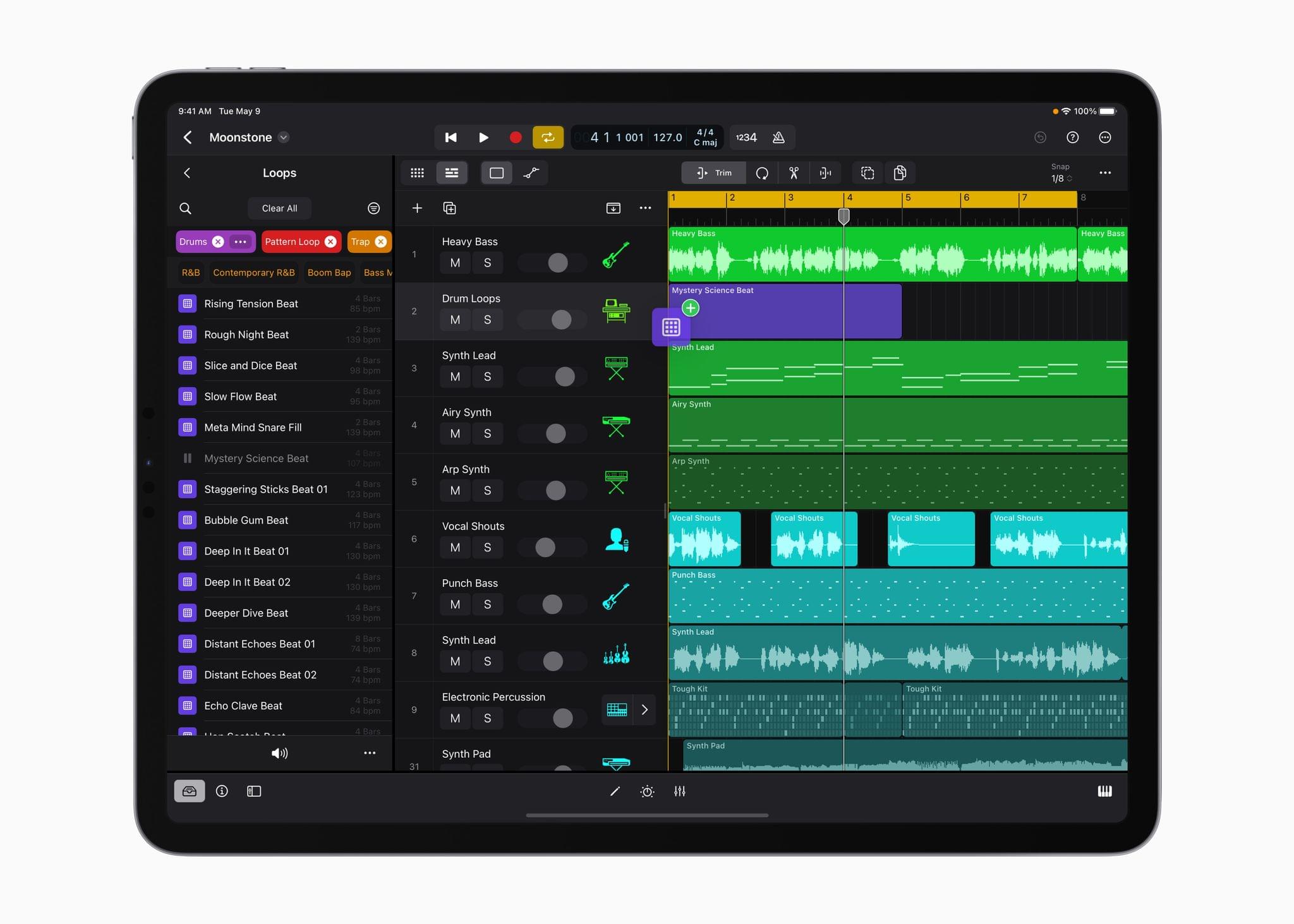
Apple says that Logic Pro will take advantage of Multi-Touch gestures for manipulating a project as well as Plug-in Tiles that will provide convenient access to certain controls. The iPad’s microphones will also be available as an audio source.

Source: Apple.

Source: Apple.

The app will also debut a sound browser:

The sound browser displays all available instrument patches, audio patches, plug‑in presets, samples, and loops in a single location, and users can tap to audition any sound before loading it into a project to save time and stay in their creative flow.

Also included in the app are over 100 instruments and effects, synths, including one called Sample Alchemy for manipulating audio samples, and an extensive set of tools for creating beats. Logic Pro for iPad will work with compatible third-party hardware like microphones, instruments, and MIDI controllers too.

Source: Apple.

Source: Apple.

When it’s time to mix your creation, Apple says:

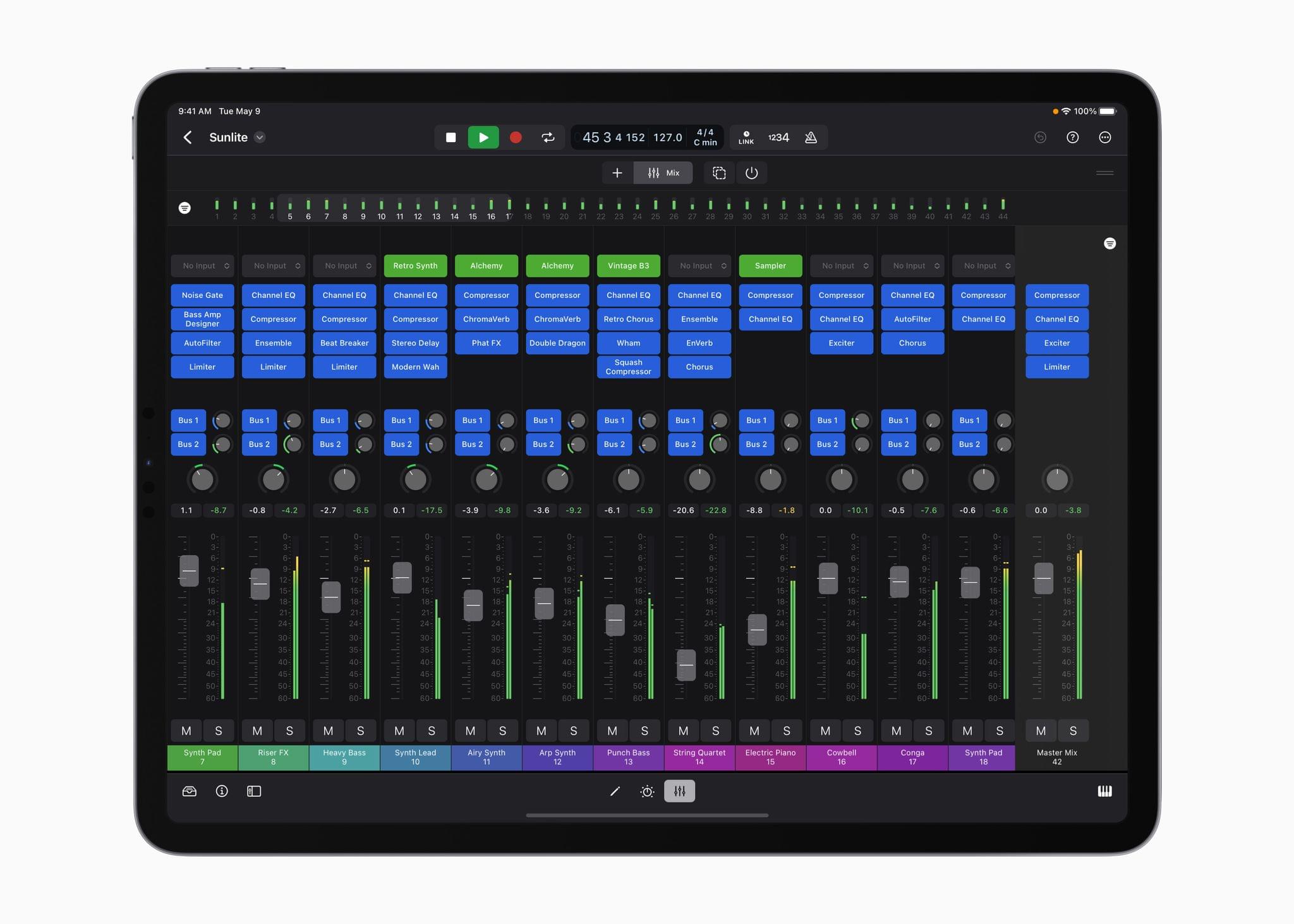
Multi-Touch enables creators to mix intuitively and move multiple faders at once, and the mixer meter bridge lets them quickly navigate an overview of track levels, all from iPad.

Finally, Logic Pro will support round-tripping to the Mac version of the app, GarageBand for iOS projects, and exporting in a variety of compressed and lossless formats or as individual track stems.

According to Apple:

Final Cut Pro is compatible with M1 chip iPad models or later, and Logic Pro will be available on A12 Bionic chip iPad models or later. Final Cut Pro for iPad and Logic Pro for iPad require iPadOS 16.4.

I’m glad to see Final Cut Pro and Logic Pro finally coming to the iPad. It remains to be seen how each stands up in comparison to their Mac siblings, but from Apple’s press release alone, these will clearly be more powerful and capable apps than either iMovie or GarageBand.

Final Cut Pro and Logic Pro for iPad will be available on the App Store beginning on Tuesday, May 23rd as subscriptions for $4.99/month or $49/year after a one-month free trial.


Apple Releases Updates to Final Cut Pro X, Motion, and Compressor with Workflow and Other Enhancements

In a press release today, Apple announced that it has updated its video editing app Final Cut Pro X to version 10.4.9 as well as Motion and Compressor.

The update to Final Cut adds several features designed to improve the editing process including:

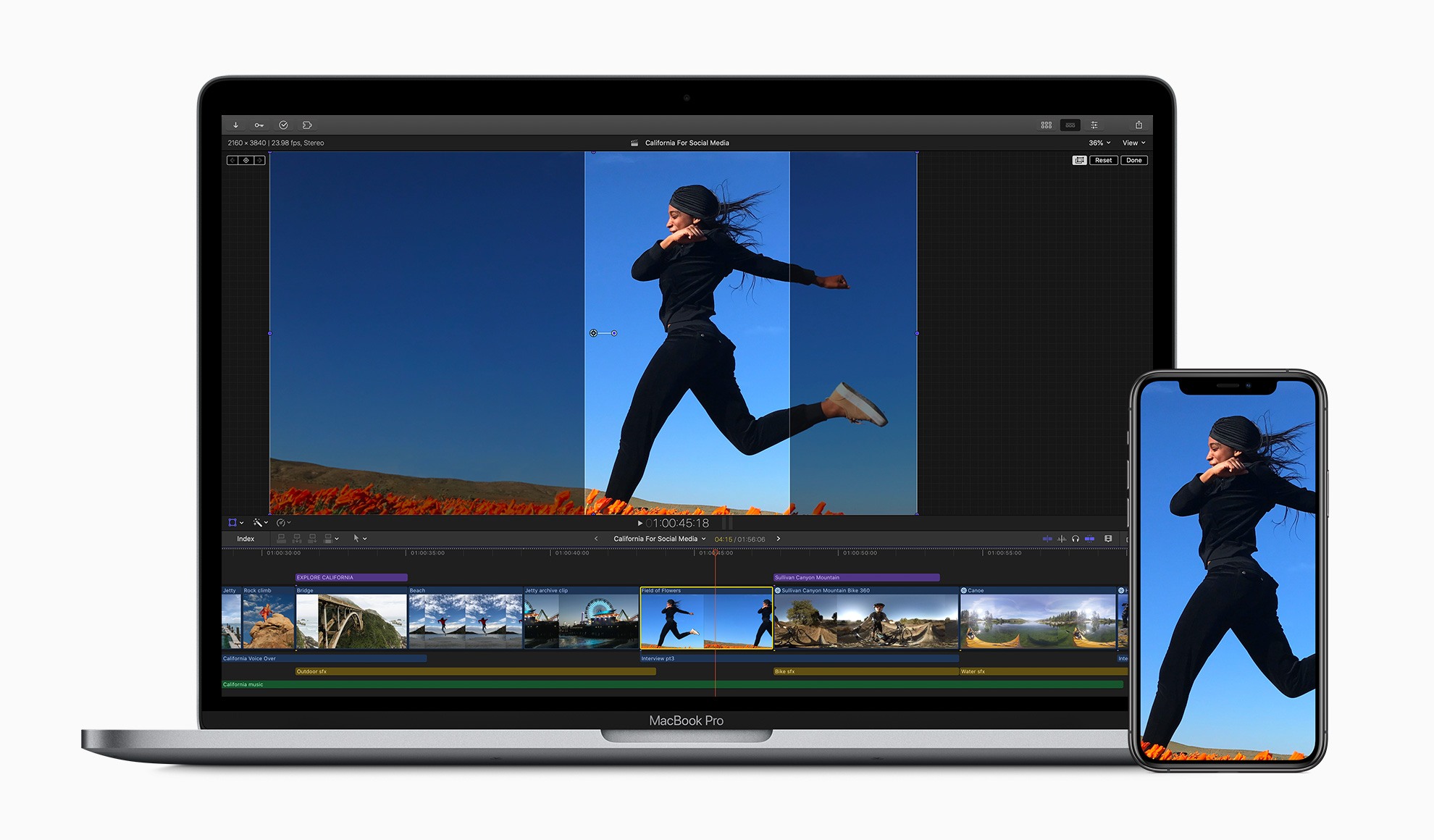
  • New tools for cropping video to fit with popular social media formats such as square and vertical video
  • Improvements to proxy workflows with support for ProRes Proxy and H.264 formats which Apple says can be as small as 12.5% of their original size
  • Linking to proxies generated by apps like Frame.io via XML
  • Exposure of ProRes RAW camera settings in Final Cut Pro’s inspector
  • Metal-based plug-ins for RED RAW and Canon Cinema RAW Light, which improve performance
  • Improvements to 360-degree video workflows

With Motion, third-party 3D models are now available when creating effects and graphics. The app also adds a new customizable Stroke Filter that can automatically outline an object or text using its alpha channel. Compressor has been updated too with custom LUT effects and the ability to convert log-encoded video to SDR or HDR footage using Camera LUTs.

I’m a fairly light user of Final Cut Pro X, but one of the things that I found most frustrating about it in the past was the app’s lack of support for popular social media formats, so I’m glad to see that creating square and vertical video will be easier now. I expect that many video creators will be equally happy with the improvements to proxy workflows and integration with cloud-based apps like Frame.io, which has become very popular.

The updates are free for existing users. New users can purchase Final Cut Pro X for $299.99 and Motion and Compressor for $49.99 each on the Mac App Store. The three apps are also available as a bundle to education users for $199.99. More information about the updates is available on Apple’s Final Cut Pro X webpage.