Posts tagged with "featured"

MusicBox Review: The ‘Listen-Later’ Music App I’ve Been Waiting For

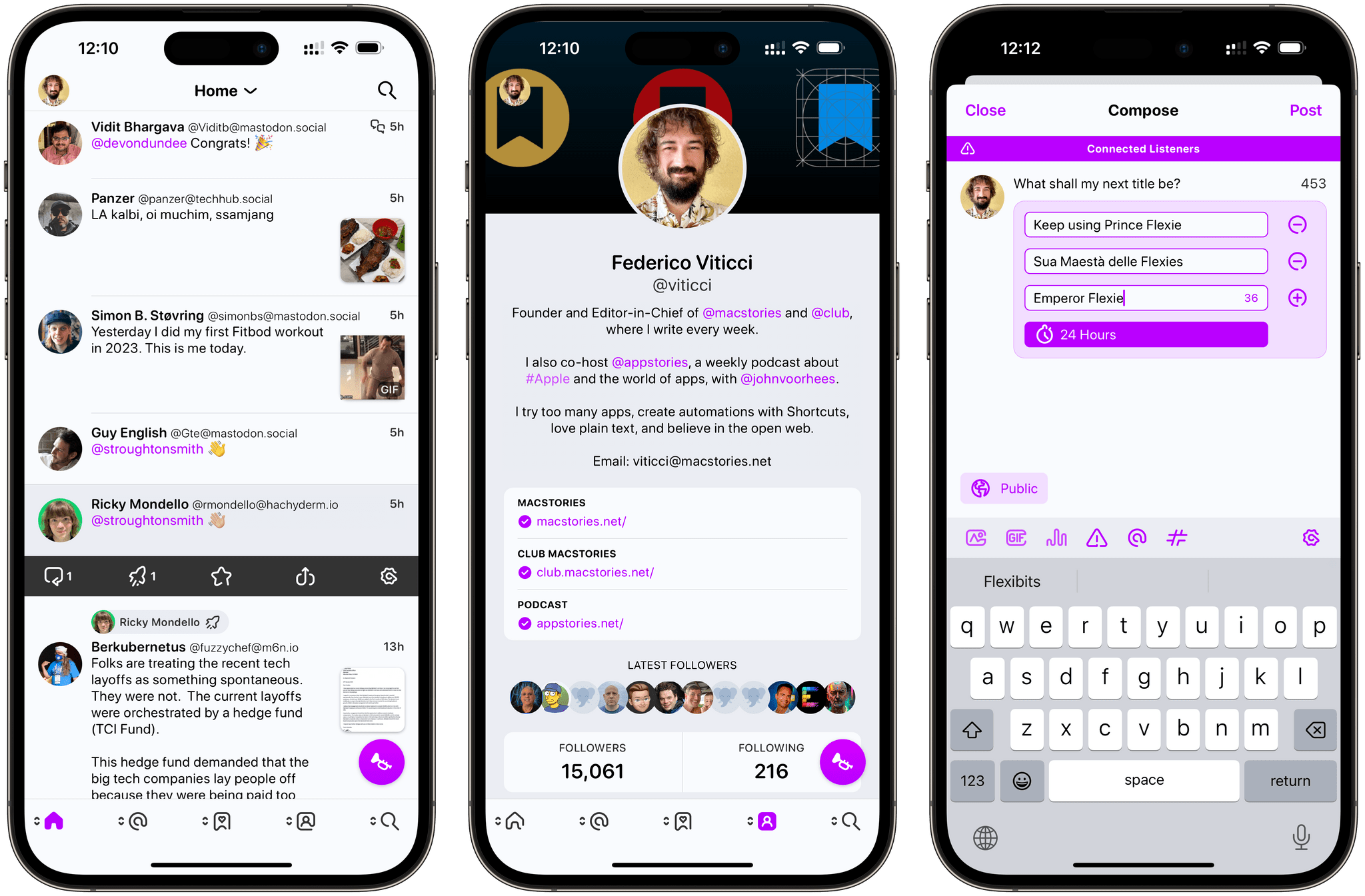
MusicBox for iPhone.

MusicBox for iPhone.

Longtime MacStories readers know how much music is important to me. I Made You a Mixtape, which I published six years ago, continues to be one of my favorite, most intimate things I’ve ever published for a simple reason: it tells the story of the importance music had in my life when I was growing up, the connections it helped me make, and the lifelong memories it created. I am not exaggerating when I say that I feel weird inside if I don’t listen to music every day. My love for music – all kinds of music – is also why I spent the past few years rebuilding a personal, offline music library and creating a setup that lets me enjoy music without distractions.

Now, I’ve covered plenty of music apps over the years on MacStories, starting from desktop utilities for music controls to Apple Music clients based on Apple’s official API, music widgets, and even Last.fm scrobblers. But there’s been one particular type of music app, which I’ve always wanted someone to build, that has eluded my coverage of apps on MacStories in over 13 years of reviews: a read-later utility, but for music you want you want to save and listen to later.

That is, until today. MusicBox, the latest app by indie developer Marcos Tanaka, is the “listen-later” music app of my dreams, the one I’ve wanted to use for years and that someone finally made as a Universal app for iPhone, iPad, and Mac. It’s rare for me these days to find new apps that elicit this kind of enthusiasm, but when I do, I know I’ve stumbled upon something special. MusicBox is one of those apps.

This review is going to be pretty straightforward. If you’re a music lover and use either Apple Music or Spotify, and if you feel like you discover more interesting music than you can possibly consume in a day, MusicBox is for you. Open the App Store, spend $2.99 (there are no subscriptions or In-App Purchases in the app), and you’ll get what is likely going to be one of your favorite apps of 2022. Then, if you want to learn more about what the app does, how it integrates with Apple Music, and how you can set it up on your device, come back to this story and let’s dive in.

Read more


Introducing the 2022 Automation April Shortcuts Contest Winners

John: One of the hardest things about a new project is keeping it under wraps until it’s ready. That was true of Automation April in general, but it was especially true of the Shortcuts Contest. As soon as we’d decided on the outline of what the contest would be, we knew it was something that had the potential to be special by bringing together the MacStories and broader Shortcuts communities for a single event.

We couldn’t be happier with how this year’s inaugural Automation April Shortcuts Contest went. We had over 200 shortcuts submitted to compete in six categories:

  • Best Everyday Shortcut
  • Best HomeKit Shortcut
  • Best Mac Shortcut
  • Best Media Shortcut
  • Best Productivity Shortcut
  • Best Overall Shortcut

The shortcuts we received were remarkable, and as we’d hoped, they ran the gamut from simple automations that solved one problem exceptionally well to shortcuts that offered broad functionality more like an app than an automation.

Having gone through every one of this year’s submissions, we’ve got a deeper appreciation than ever for just how vibrant and creative the Shortcuts community is. Across every Apple platform, its users are creating clever automations to extend the power of their devices and sharing them with a community that is incredibly generous with their time and efforts in helping others to learn how to build their own shortcuts.

With so many excellent shortcuts from which to choose, picking the winners was tough, but fortunately, we had a crack team of Shortcuts experts to help judge the submissions. Thanks to Simon Støvring, Matthew Cassinelli, Christopher Lawley, Jason Snell, Rosemary Orchard, Alex Cox, and David Sparks for their participation. We appreciate the time each was able to take sifting through this year’s contest submissions.

We’ve also got a little surprise for readers. Alongside the winners in each category, we’ve included a handful of honorable mentions to showcase some of our favorite shortcuts that didn’t win a category. I think you’ll see from the quality of these bonus shortcuts just how deep the field of submissions was.

With that, it’s time to reveal our first ever Automation April Shortcuts Contest winners and share the shortcuts they’ve created.

Read more


Runestone: A Streamlined Text and Code Editor for iPhone and iPad

Runestone is the latest app from Simon Støvring, the developer behind Scriptable, Jayson, and Data Jar. Støvring’s apps tend to be focused on developer or automation use cases, filling holes in the iOS and iPadOS ecosystem to aid power users. Runestone mostly falls into the same category, although it also has some wider potential appeal for general purpose writing.

The new app functions as an excellent plain text editor for anyone who needs to write on their iPhone or iPad. It’s simple and thoughtfully designed, and includes a variety of excellent themes to improve your writing experience. Runestone’s marquee feature, however, is its syntax highlighting. For Markdown writers, the app will use simple color schemes (which can be altered to your liking using the theme settings) and subtle style changes to highlight your links, bold and italic words, footnotes, and more. The result is a very simple, essentially plain-text approach which still makes it easy to see your markup at a glance.

Read more


Automation April: 10 Shortcuts for Discord, Photos, Finder and Files, Tot, Weather Forecasts, and More

All the shortcuts I created for Automation April this month.

All the shortcuts I created for Automation April this month.

It’s the final week of Automation April, and before we get into the details of the final batch of 10 shortcuts I’ve prepared for this week, I just want to express my gratitude toward all readers – old and new – who checked out MacStories this month, entered the contest, or signed up for Club MacStories. The response to Automation April has exceeded our most optimistic expectations: we received over 200 shortcut submissions for the contest, which is why we’re taking a few extra days to sift through all of them before; look for an official announcement of all the winners next week.

For this final group of 10 shortcuts, I’ve assembled another pretty diverse list of utilities for iPhone, iPad, and Mac that integrate with different parts of Apple’s operating systems. There’s a shortcut that automatically deletes old files from Finder or the Files app; another that finds the unique identifier of a specific task in the Reminders app; there’s a shortcut that gives you a weather report for the location of an upcoming event in your calendar. In case you missed the previous collections of shortcuts, you can find them here and here.

So, with Automation April coming to a close, let’s dive in one last time and check out the details of the shortcuts I’m sharing this week.

Read more


Automation April: Processing Tot Dots with Shortcuts

I’ve used Tot by The Iconfactory on and off since it was released in 2020 and reviewed by Federico, but it never stuck. I never came up with a system for using the app that fits well with how I work. Instead, I would simply dump text and URLs copied from the web or jot notes to myself haphazardly in any of the app’s seven colorful dots. The trouble was that when I went back to the app to find something, I often found myself clicking and scrolling around a lot to find what I wanted.

With the introduction of Tot’s Shortcuts support, I immediately saw an opportunity to process Tot’s dots in ways that would make the app fit better with the way I use it. I still don’t have a system for the app’s seven dots. Instead, I’ve got a shortcut called Tot Dot Review that lets me parse and process Tot’s dots in several different ways that shows off Tot’s shortcuts actions along with a handful of built-in Shortcuts actions for extracting different types of data from text.

Tot Dot Review lets me quickly pull URLs, Apple Maps URLs, addresses, phone numbers, and dates from my Tot notes without skimming through each of the app’s seven notes. I can also copy Tot’s notes into Markdown-formatted text that I can copy and paste into another app for processing and delete the content of all seven Tot notes, so I can start fresh. The combination of options has made it easier to find and manage things in Tot, which has led me to use the app more too.

Read more


Sofa 3.3 Adds Extensive Customization Options

Sofa 3.3, the media organizer app for the iPhone, iPad, and Mac, is out, and the update is all about customization. If you haven’t tried Sofa before, check out our recent coverage of the app, which was a runner-up for the MacStories Selects awards in the Best App Update category last year. The update includes a long list of ways to personalize Sofa, which are best shown off by showing you what’s possible, so let’s update the list of books I’ve got in Sofa.

Read more


Automation April: 10 Shortcuts for Mac Multitasking, Markdown, Reminders, Music Lyrics, Twitter, and More

10 shortcuts for Automation April.

10 shortcuts for Automation April.

Automation April is well underway: we’ve entered the second week of our month-long special event about automation on Apple platforms, and – in case you haven’t noticed – things are happening everywhere. We’ve published Shortcuts-focused articles on MacStories; interviewed developers of Shortcuts-compatible apps on AppStories; we’ve hosted a Town Hall Workshop on our Discord along with giveaways. And, of course, our panel of judges is now busy testing and evaluating shortcuts submitted by people for the Automation April Shortcuts Contest. If you haven’t yet, now would be a great time to start following @AutomationApril on Twitter to keep up with everything we’re doing.

Last week, I shared an initial batch of 10 shortcuts I prepared for Automation April here on MacStories. I’m back this week with another set of 10 shortcuts that encompass a variety of platforms, app integrations, and functionalities. In this week’s collection, you’ll find even more shortcuts to speed up macOS multitasking; a shortcut that makes it easy to create a calendar event starting from a date; there will be a couple of shortcuts for Markdown and Obsidian users too.

I’m having a lot of fun sharing these sets of shortcuts for Automation April. So once again, let’s dive in.

Read more


Automation April: myTunes, a Personalized Music Video Channel

One of the delights of Shortcuts is the potential of simple individual actions. By themselves, they might not do much, but combined with simple actions from other apps, they create shortcuts that are greater than the sum of their parts. Two of my favorite recent examples are a pair of actions from the apps Play and Downie that combined with a new feature of the Channels app, have allowed me to create a personalized music video channel that I can watch anywhere.

I’ve been tinkering with this idea on and off for months, but it wasn’t until Play came along, and Channels expanded beyond TV shows and movies, that the last pieces of the puzzle fell into place. Those two changes have allowed me to build my own version of 80s era MTV, when the channel was about music, not reality TV, using just a handful of Shortcuts actions.

There are already ways to stream an endless playlist of music videos, including Apple Music TV, which is available in the TV app. However, I like the concept of Apple Music TV more than its implementation. It’s too much like radio, spoon-feeding me someone else’s music picks. What I wanted was complete control of the library of music videos I watch.

Watching myTunes on the Apple TV.

Watching myTunes on the Apple TV.

One way to solve this would be to create a playlist on the Mac with my favorite music videos and play them on shuffle. That’s not a bad solution, but it doesn’t square with how I find music videos. More often than not, I discover videos on Twitter or in my RSS feeds where I follow sites like Chorus.fm and Pitchfork, which frequently link to music videos on YouTube.

What I’ve always wanted was an automated way to download the best videos I find from YouTube and play them at my leisure on my TV, an iPad, or any other device with a screen. What Shortcuts and a few third-party apps have delivered is even better than I’d hoped: a virtual TV channel ready to play my favorite music videos 24/7 on shuffle, which I call myTunes. Here’s how it works.

Read more


Automation April: 10 Shortcuts for Apple Translate, Live Text, Finder Images, Pixelmator Pro, and More

Shortcuts I've prepared for Automation April.

Shortcuts I’ve prepared for Automation April.

It’s Week 1 of Automation April, and as I announced last week, alongside the several initiatives we’ve prepared for this month-long automation event, I’ve been working on 30 shortcuts to share with everyone for free on MacStories this month.

Today, I’m pleased to share the first group of 10 shortcuts that will join the other 250 on the MacStories Shortcuts Archive. These shortcuts are a diverse collection of utilities that have been specifically optimized for the latest versions of iOS, iPadOS, and macOS Monterey. Below, you’ll find shortcuts that take advantage of new actions for Translate and Live Text; there are Mac-only shortcuts that integrate with Finder and AppleScript; there’s even a shortcut that helps you speed up multitasking and window control on macOS.

As always, all the shortcuts I’m sharing as part of Automation April have been tested across all Apple devices and you can install them via the iCloud download links in this story. So grab a good cup of espresso, take a break from the Automation April contest, and let’s have a look.

Read more