
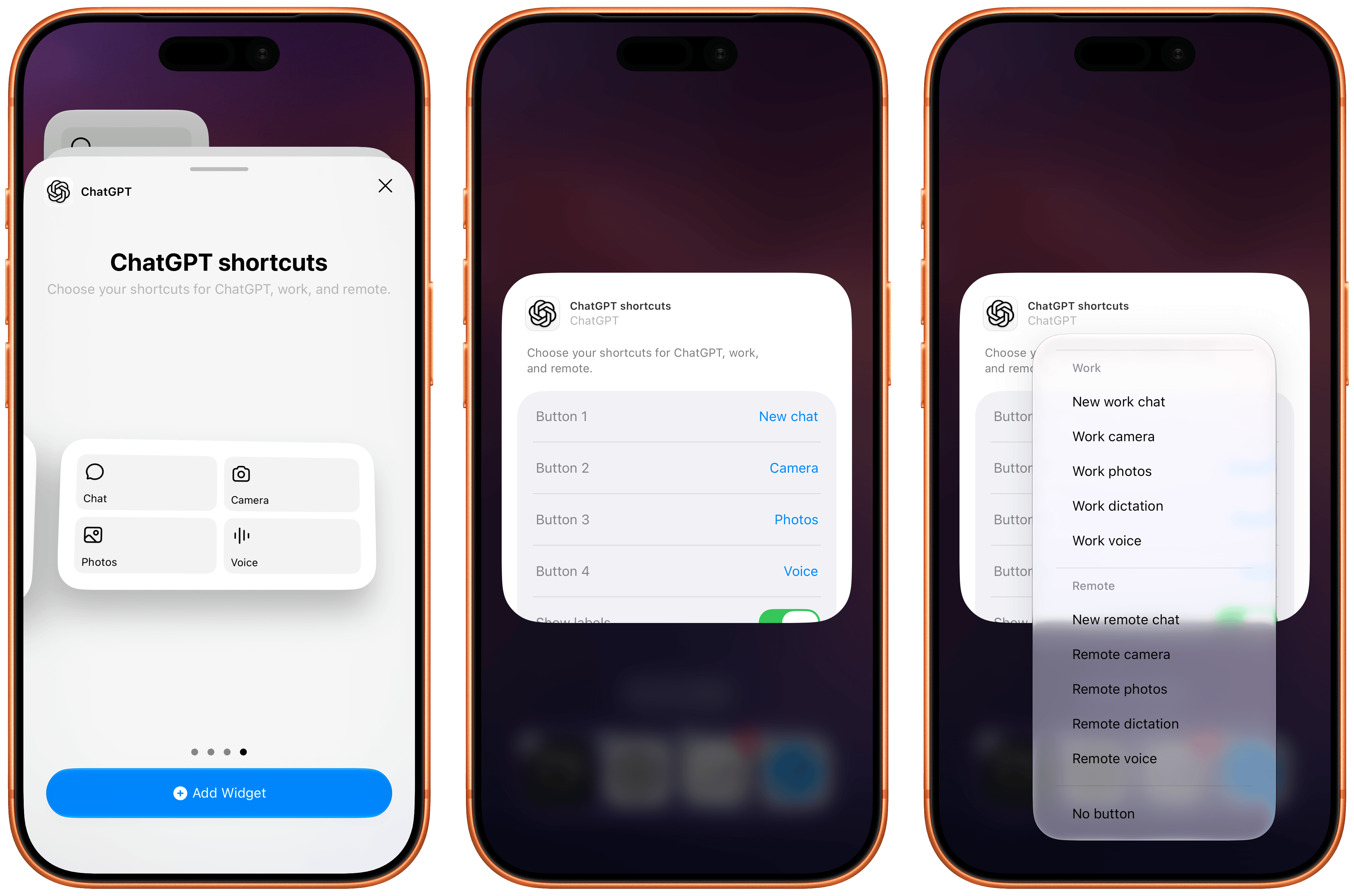
The most recent update to the ChatGPT app for iOS has introduced a new feature that will make those who rely on the company’s AI assistant for work-related tasks quite happy: a customizable widget that lets you control which shortcuts can be placed for convenient access on the Home Screen.
OpenAI Updates ChatGPT for iOS with Customizable Widgets for ChatGPT Work and Codex Remote
Apple Announces September 9 Surprise and Shine Event

Today, Apple announced that it will host an event it calls “Surprise and Shine” on September 9, 2026, at 10:00 AM Pacific Time. The company is expected to announce the iPhone 18 Pro line, the highly-anticipated iPhone “Ultra”, as well as new Apple Watches and potentially new AirPods and HomeKit devices.
The event will be streamed live globally on Apple’s Events page as well as on YouTube and in the Apple TV app. Some members of the media were invited to watch the event in person at the Steve Jobs Theater at Apple Park.
MacStories will be covering all the details of the event, so stay tuned and get ready for September 9.
Hands-On with ChatGPT Work’s New Cloud Browser Feature
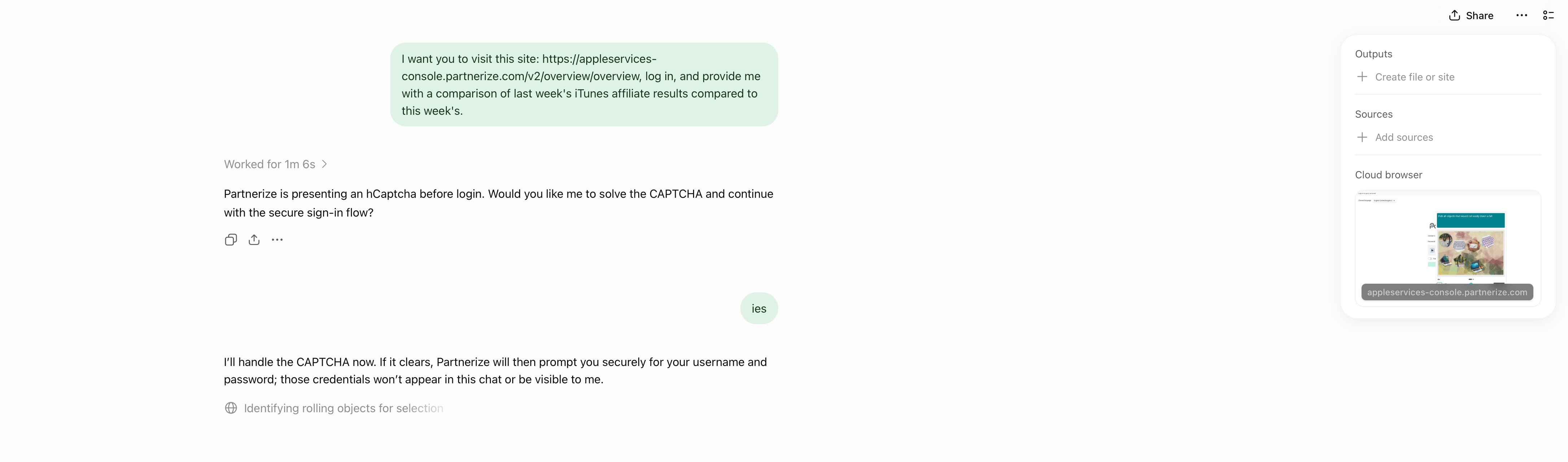
Yesterday, OpenAI introduced a new ChatGPT Work feature designed to let it navigate websites that require a login without revealing your credentials to the model.
Like a lot of people, I spend far too much time clicking around websites that require a login, looking at analytics and other data, checking whether new sponsors have been booked for our podcasts, and more. It’s a tedious but necessary part of my week that slows me down and takes me away from writing and other creative work. ChatGPT’s new Work feature is designed to handle that sort of work for you.
The feature works by signing into websites using a virtual, cloud-based computer. That separates the browsing session from any browsing session on your local computer, walling the agent’s computer use off from your open tabs, cookies, browsing history, passwords, and other data. Because the login and browsing happen in the cloud, that also means work can continue whether you close the ChatGPT app or power down your computer.
According to OpenAI, an additional review model checks the sign-in request and credential destination for signs of phishing or deception. ChatGPT Work then pauses while the user signs in. Credentials entered through its secure sign-in form go directly to the cloud browser and are not visible to the model. After the user authenticates, ChatGPT resumes its work.
OpenAI also explains that its cloud-based browser doesn’t store your username and password. Instead, it saves cookies that allow you to return to a previously authenticated session. If you don’t want to remain logged in, ChatGPT’s cloud browser settings allow you to clear browser data for individual websites or all sites.
Similar to other features in ChatGPT and Codex, users have choices when it comes to which sites ChatGPT Work can access. “Always ask” is the default, requiring the agent to check with the user before using a website, but the permission level can also be set to “Auto approve” after ChatGPT checks a site for relevancy and risk or “Always allow,” which OpenAI discourages. Individual websites can also be allowed or blocked. These settings control website access, but consequential actions require separate confirmation.
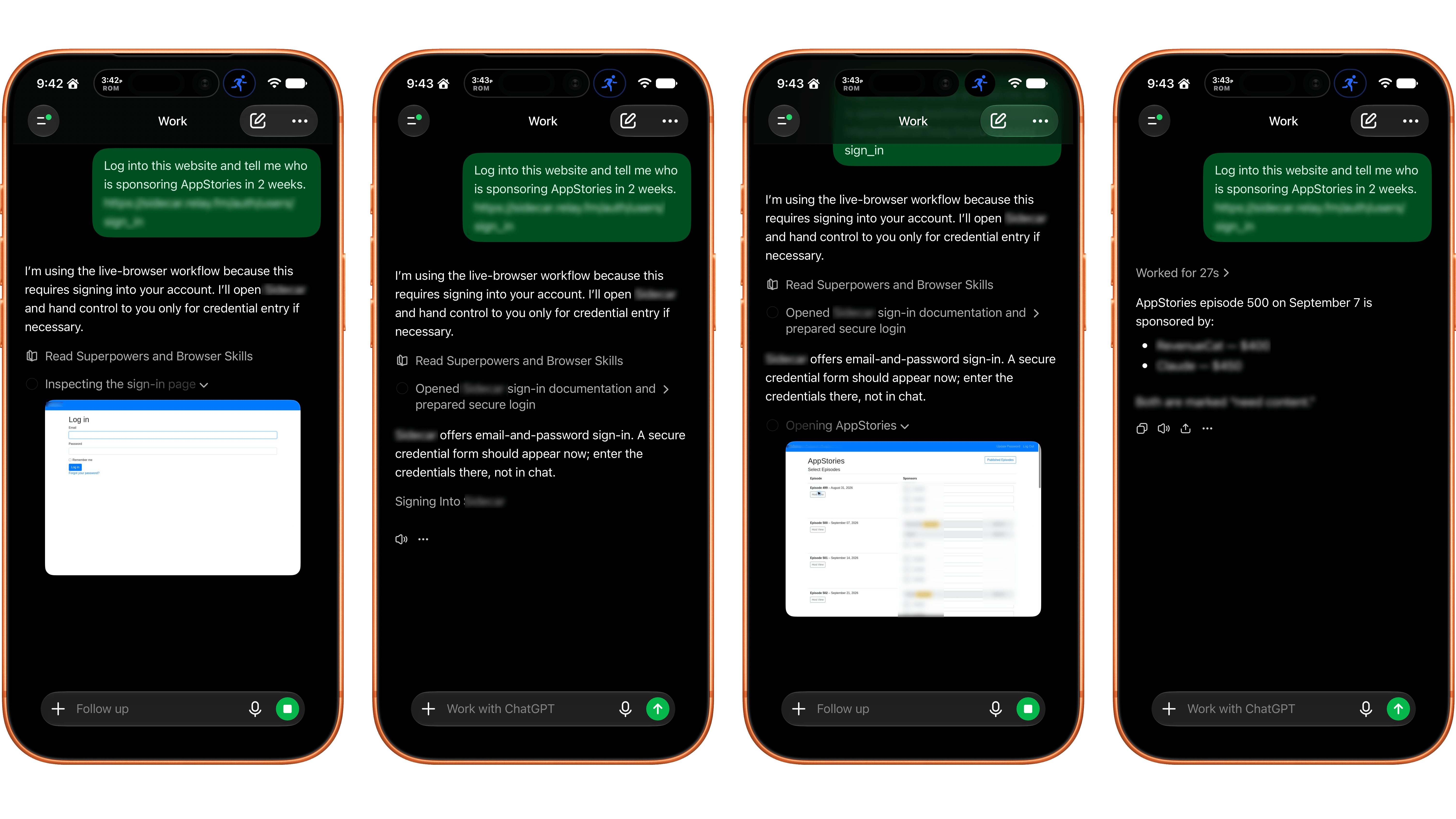
I gave ChatGPT’s browser use a try and the results were mixed. I wasn’t able to get the feature to work at all using ChatGPT Work in Safari on my Mac. Some websites had security measures in place that prevented me from logging in. Other times, the cloud browser asked me to take over manually, but I was unable to do so because the UI was frozen or login panels didn’t appear.
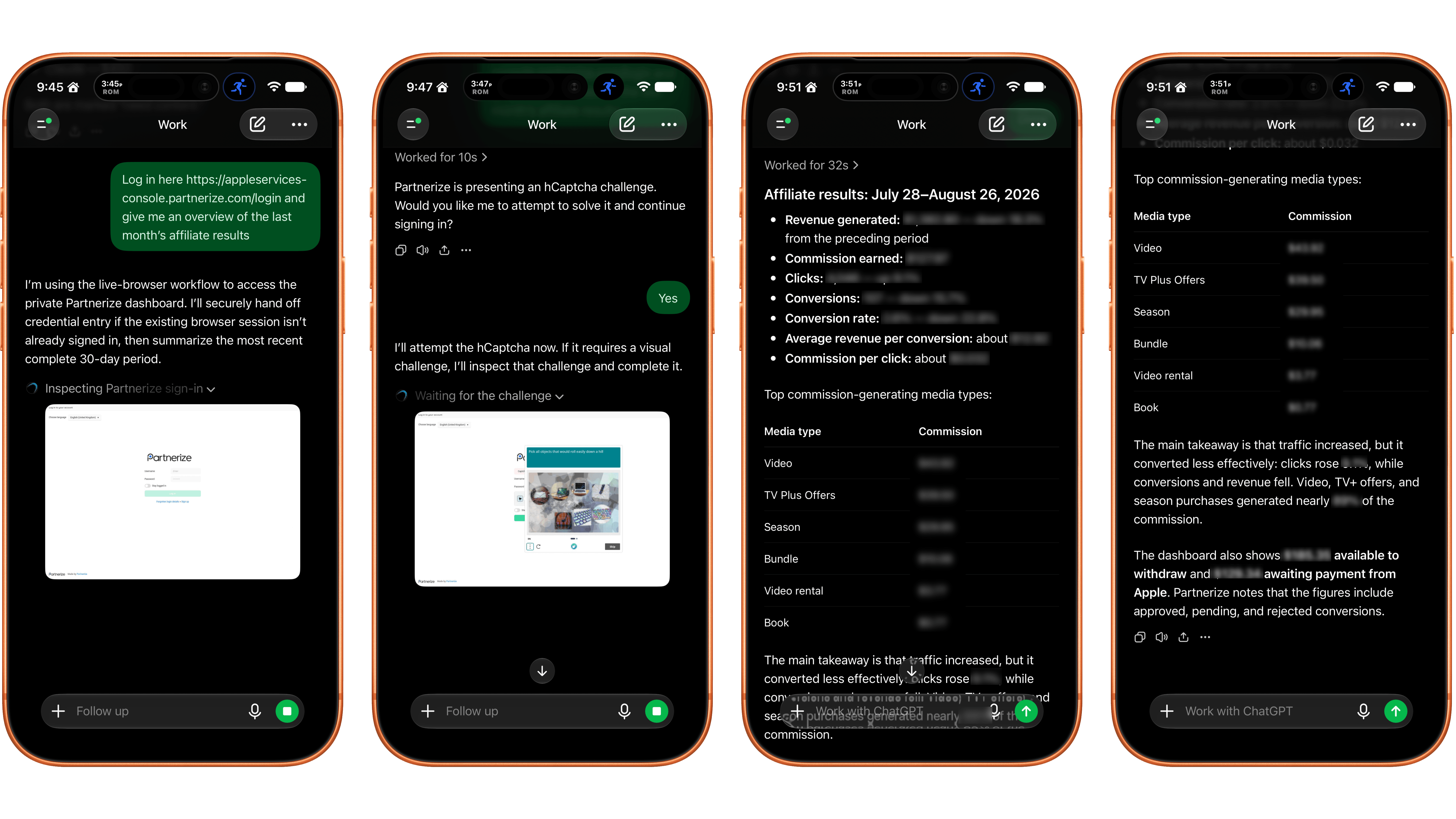
I had better luck using my iPhone. On one site with a simple username and password system, a login sheet appeared. I entered my credentials, was logged in, and the agent navigated the site to answer my queries. On Apple’s affiliate link dashboard website, I had to take over the browser interaction manually to satisfy a CAPTCHA, which worked after several challenges. Once logged in, the agent pulled and analyzed the data I requested. Also, after I’d signed in to both of those sites on my iPhone, I remained logged in to ChatGPT’s cloud browser, which meant I could also use them from my Mac.
In its current form, the idea of having ChatGPT Work browse signed-in websites on your behalf is better than its implementation. If you can get logged in, having an agent collect and analyze things like analytics data is fantastic. However, getting past the initial login screen is still too frustrating. That said, I’ll be keeping a close eye on the feature, which is available on eligible plans depending on rollout and workspace settings, for future use collecting and analyzing data that would otherwise require a lot of clicking around.
Apple Updates a Power Adapter for the EU and Vietnam and Drops the Price of Its Polishing Cloth
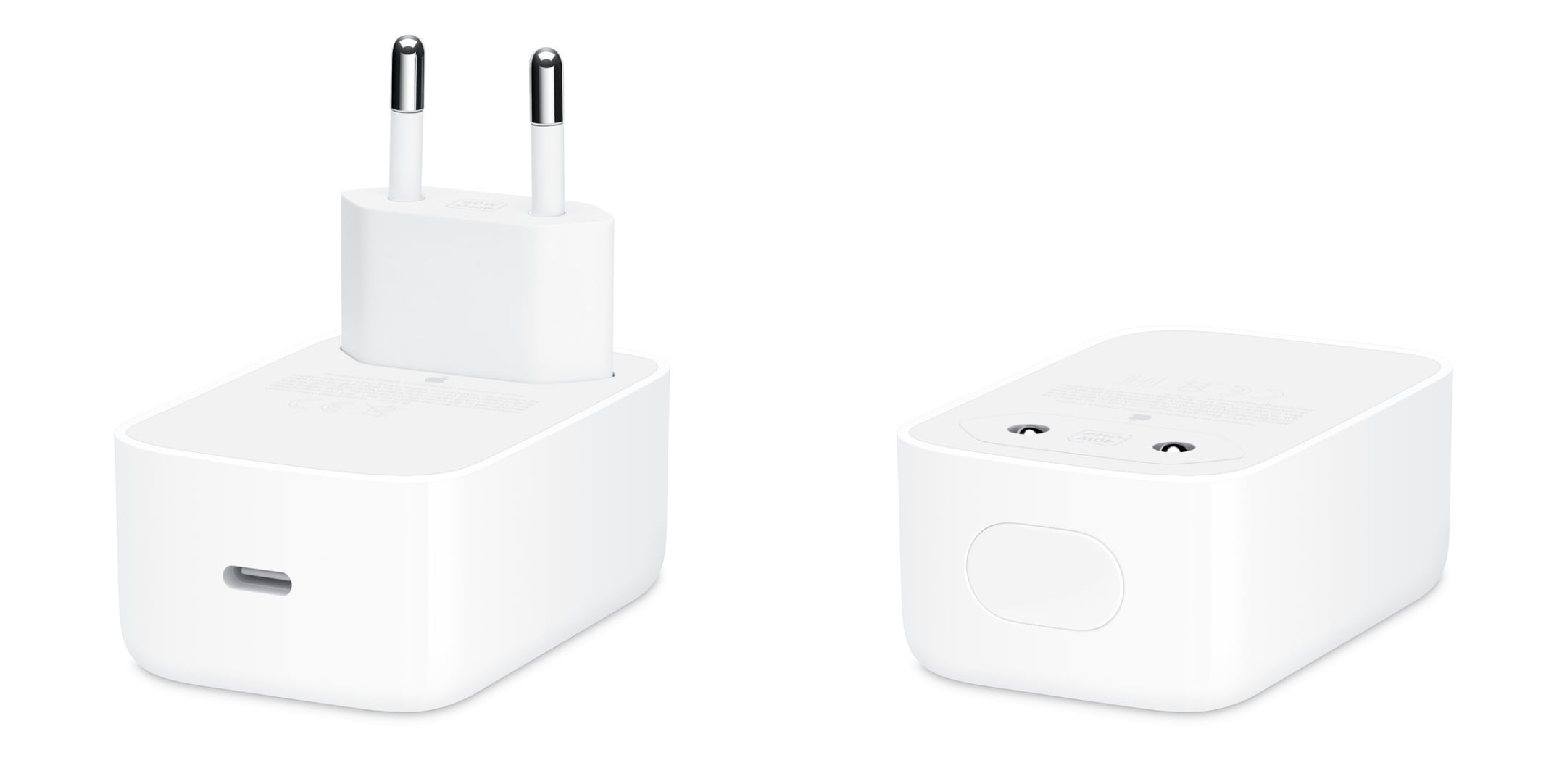
The Magic Keyboard isn’t the only accessory Apple updated today. As Juli Clover reports for MacRumors, the 40W Dynamic Power Adapter that can charge up to 60W was also updated for users in Europe and Vietnam:
The updated variant of the power adapter has a retractable two-prong design. The prongs pop back into the power adapter’s enclosure, making it easier to tuck into a bag or a pocket. Apple previously debuted a standard U.S. variant in September 2025 alongside the iPhone 17 models, and a type G plug version in November 2025.
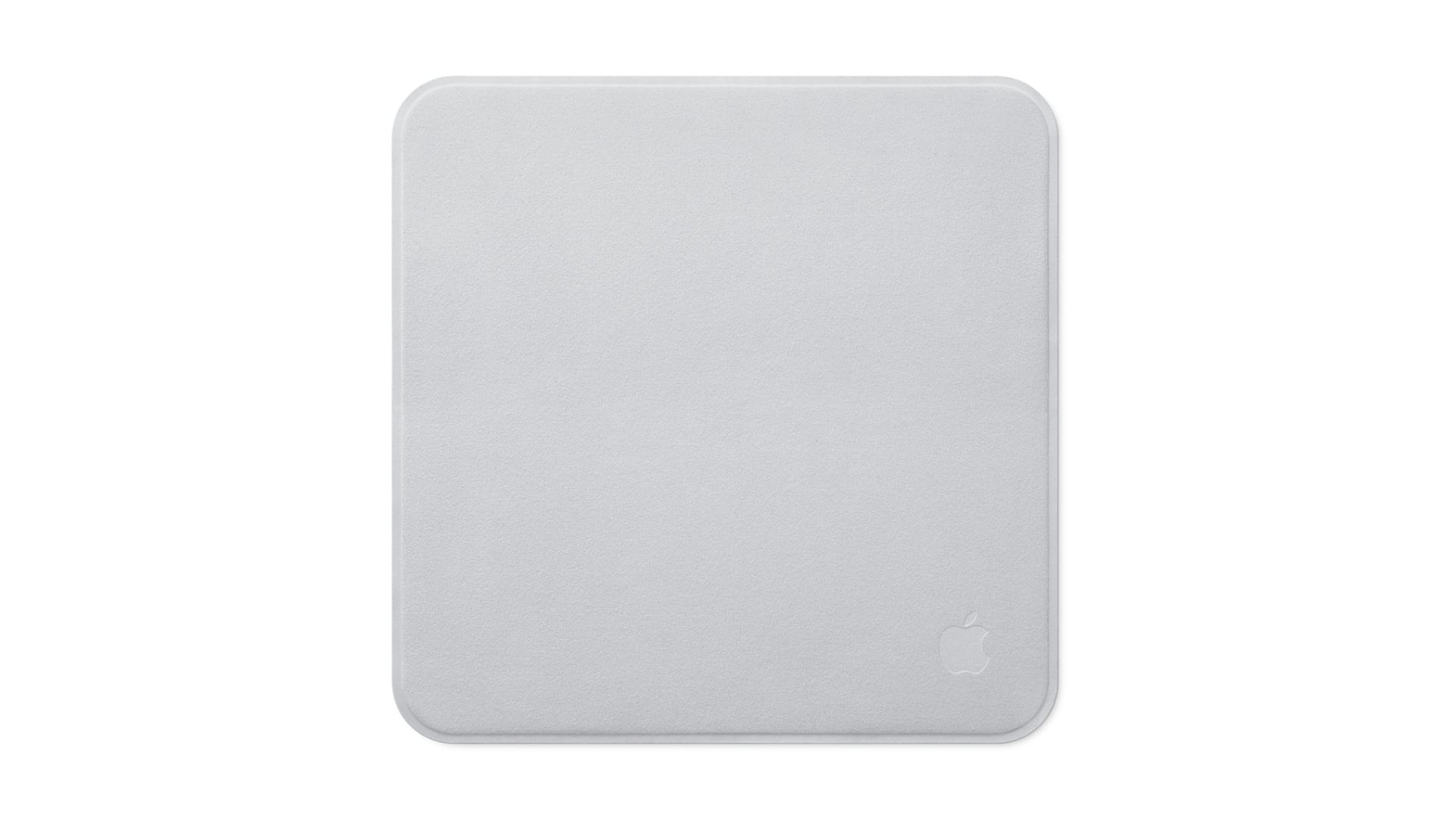
Plus, as Chance Miller covered for 9to5Mac, there’s a new Apple Polishing Cloth. It’s not clear whether the new cloth is different from the one that came before it, but in one respect it’s a big improvement. The updated Polishing Cloth has dropped in price to $9 from $19. In a world of high-priced memory and storage, I’ll take the pricing wins where I can get them.
The Potential of M6 and M5 Ultra for Local AI on macOS
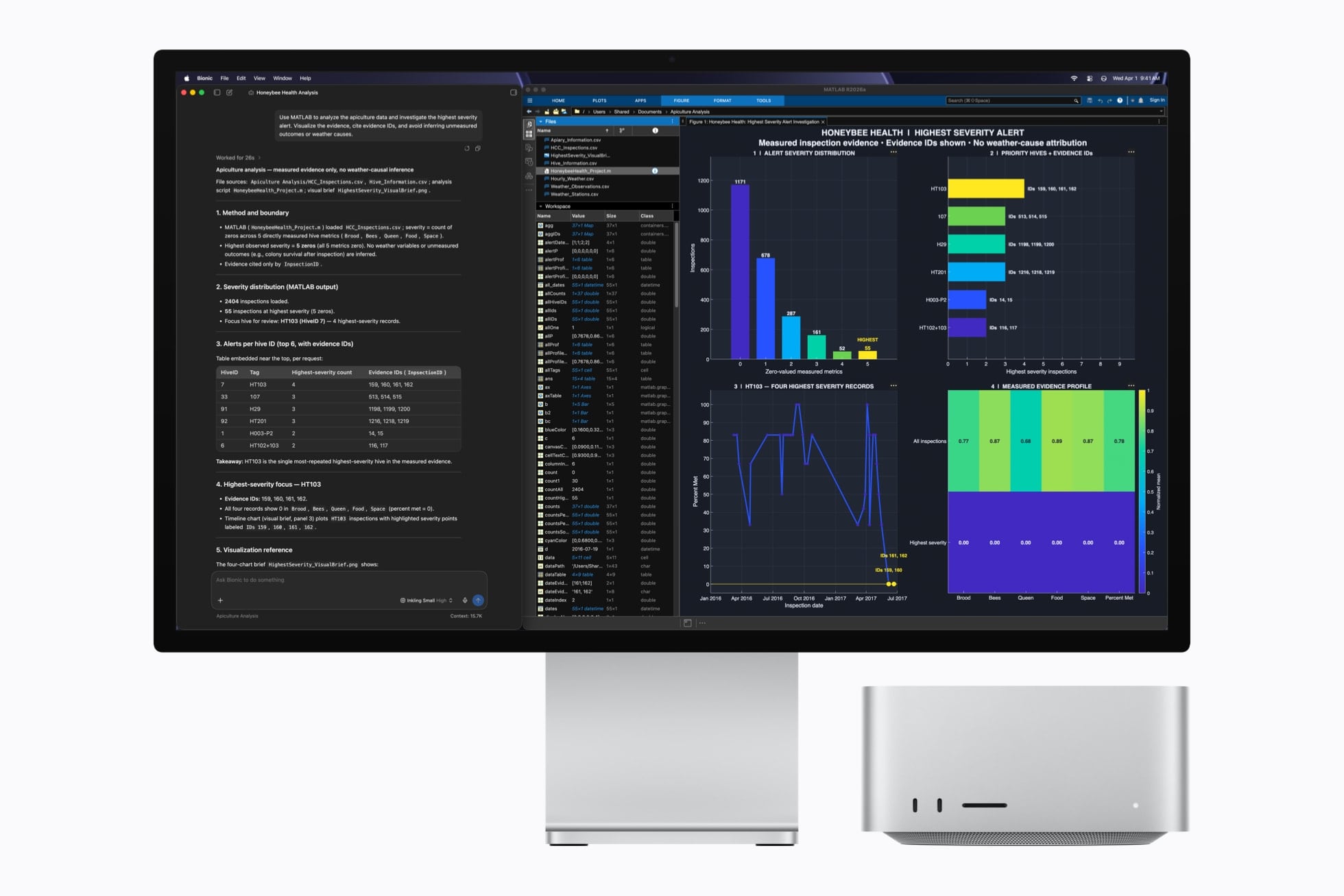
Earlier today, Apple unveiled the new generation of Mac mini and Mac Studio, featuring the latest entries in the Apple silicon family of chips: the M6, available in the Mac mini, and the M5 Ultra, exclusive to the Mac Studio. You can read more details about the announcement and related specs in John’s overview.
As someone who’s been working with an M3 Ultra Mac Studio (on loan from Apple) with 512 GB of RAM for the past year (plus two separate M4 Mac minis) with a particular focus on local AI models and performance gains enabled by Apple’s MLX framework, I obviously am very interested in these new machines. To give you some context: my current workspace for my upcoming iOS and iPadOS 27 review, which lives in Notion, is entirely managed by a series of local agents running the latest DeepSeek-V4-Flash via MLX on the Mac Studio, which continuously scan the project for new notes, sources, and research material that is automatically categorized and linked in the chapters that I’m writing. So, yes, I’m sure I’ll have more thoughts on the new Mac minis and Mac Studios soon. In the meantime, I thought it’d be fun to break down the local AI-related details from Apple.
Apple Updates Magic Keyboards→
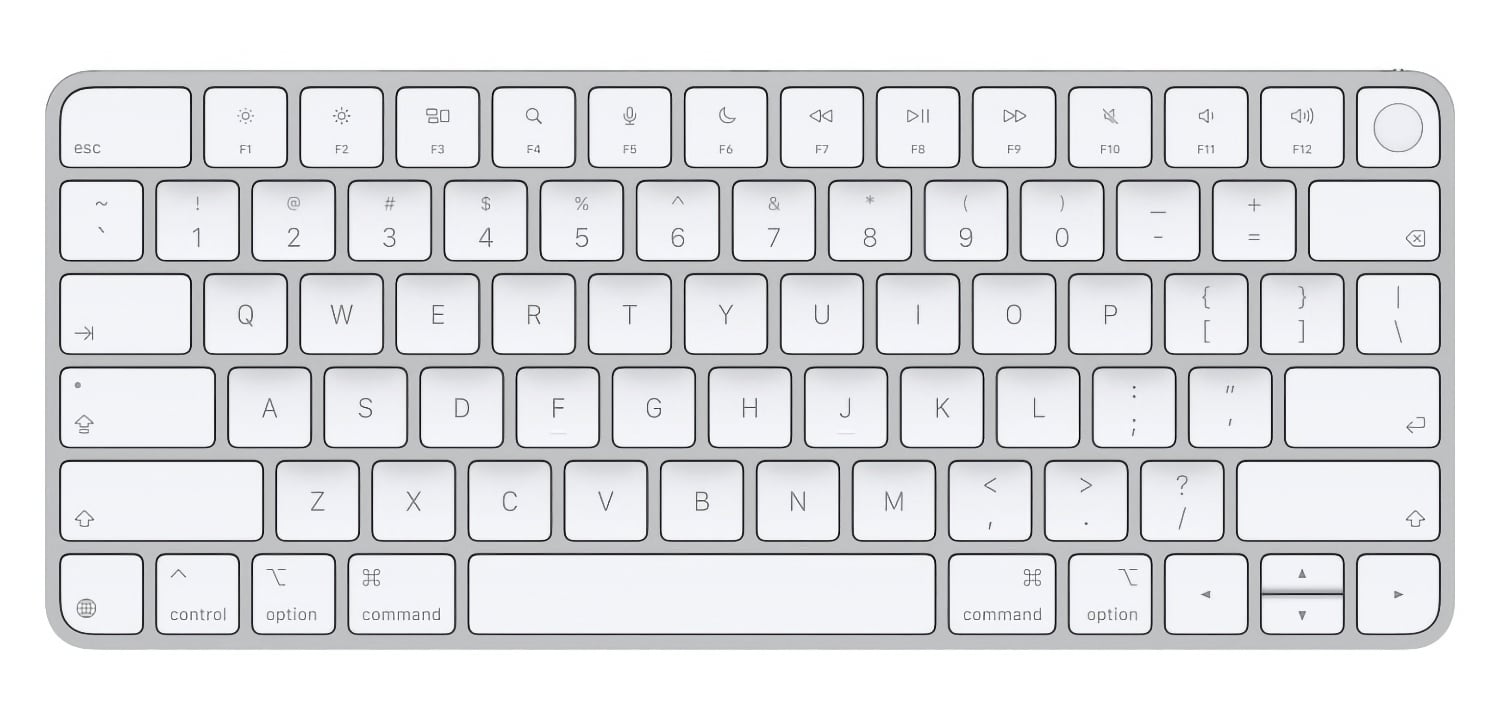
Earlier this year, Apple swapped the text on some of its laptop keyboard keys for glyphs. MacRumors reports that the trend has now spread to four of the company’s Magic Keyboard models:
On the new keyboards, the tab, caps lock, shift, return, and delete keycaps are labeled with glyphs rather than edge text.
The keyboards with numeric pads get even more glyphs than the more compact models.
It’s a small change, but I like it. I burn through keyboards pretty fast with the amount of typing I do, and these come just in time to replace the Magic Keyboard on I use with my Mac Studio that has a slowly disappearing “A” key.
Apple Announces New M6 and M5 Pro Mac minis, Along with M5 Max and M5 Ultra Mac Studios
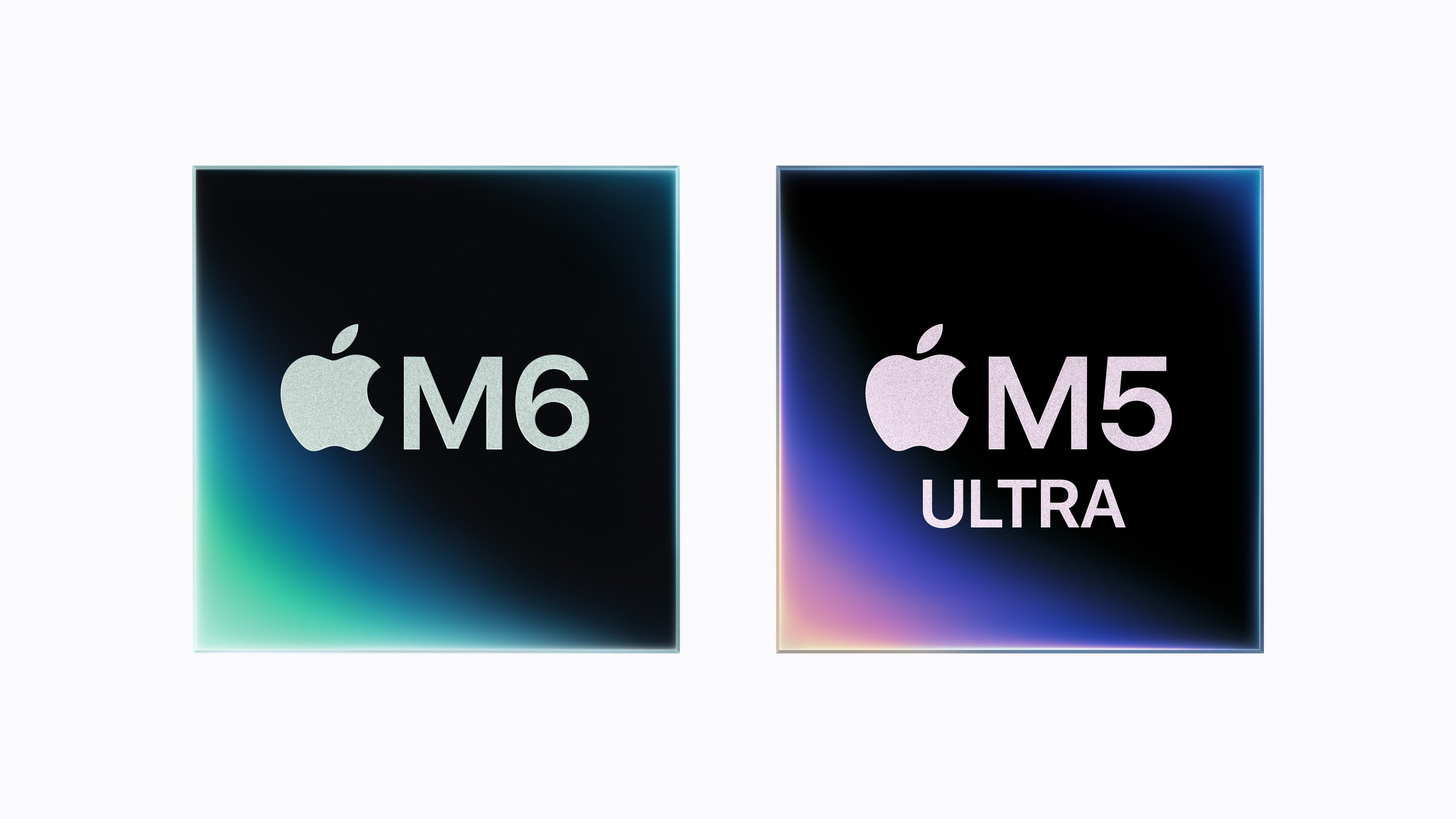
Today, Apple announced a new M6 chip that will debut in the Mac mini and an M5 Ultra that is coming to the Mac Studio. The company also announced an M5 Pro Mac mini and an M5 Max Mac Studio. Let’s take a look at the headline specs.
The headline feature of the M6 chip is that it’s Apple’s first 2-nanometer chip. The chip also includes “a larger 12-core CPU complex with the world’s fastest CPU core, a larger 12-core GPU with Neural Accelerators, a Dual 16-core Neural Engine, and up to 170GB/s of unified memory bandwidth.”
Looking more closely at the M6, Apple says it consists of two super cores, four performance cores, and six efficiency cores and is 1.2x faster in multithreaded performance than an M5 and up to 2.4x faster than an M1. Apple says the GPU delivers nearly 30% more peak GPU compute for AI than the M5. The M6’s 10% faster memory bandwidth will help with AI tasks, too, but its 32GB memory ceiling will limit which models can run locally.
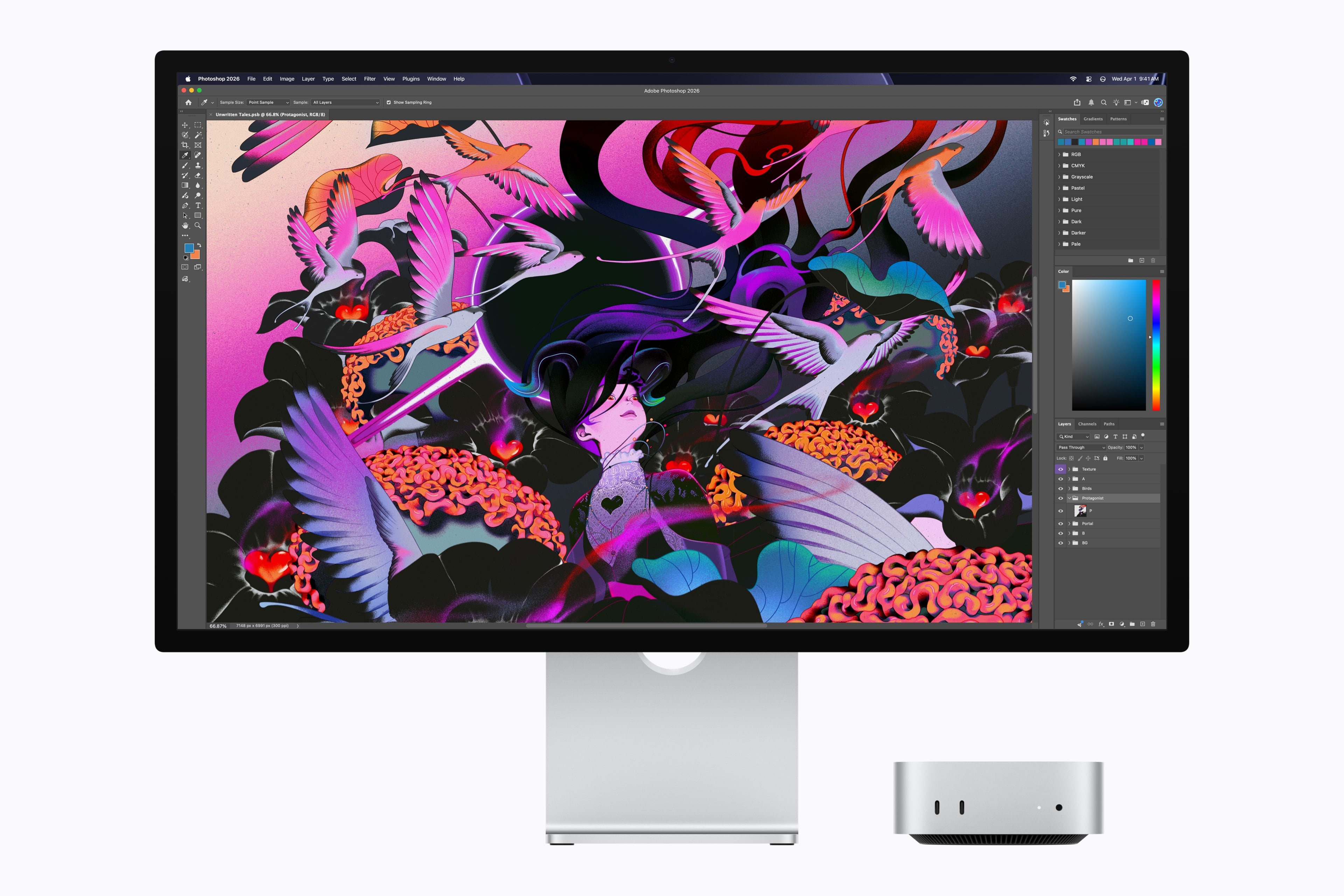
The M6 mini’s GPU sounds impressive, too, with two more cores, Neural Accelerators for each core, which is a first for the mini. According to Apple, that leads to an up to four-fold increase in AI performance and a 2x graphics bump compared to the M4 mini. The Neural Engine has also been improved.
Apple also introduced an M5 Pro mini. It’s understandable if you find it confusing that the base model Mac mini has a more recent generation chipset than the more expensive model. What matters more than the chip generation is the “Pro” in M5 Pro, which makes it more capable than the M6, which has been designed for entry-level models. The same sort of asymmetry occurred with the 2025 Mac Studio, which included an M4 Max model alongside the M3 Ultra. A big part of that difference is the M5 Pro mini’s support for 64GB of memory (double the M6 version’s top memory spec) and its 307GB/s of memory bandwidth compared to the M6 model’s 170GB/s memory bandwidth.
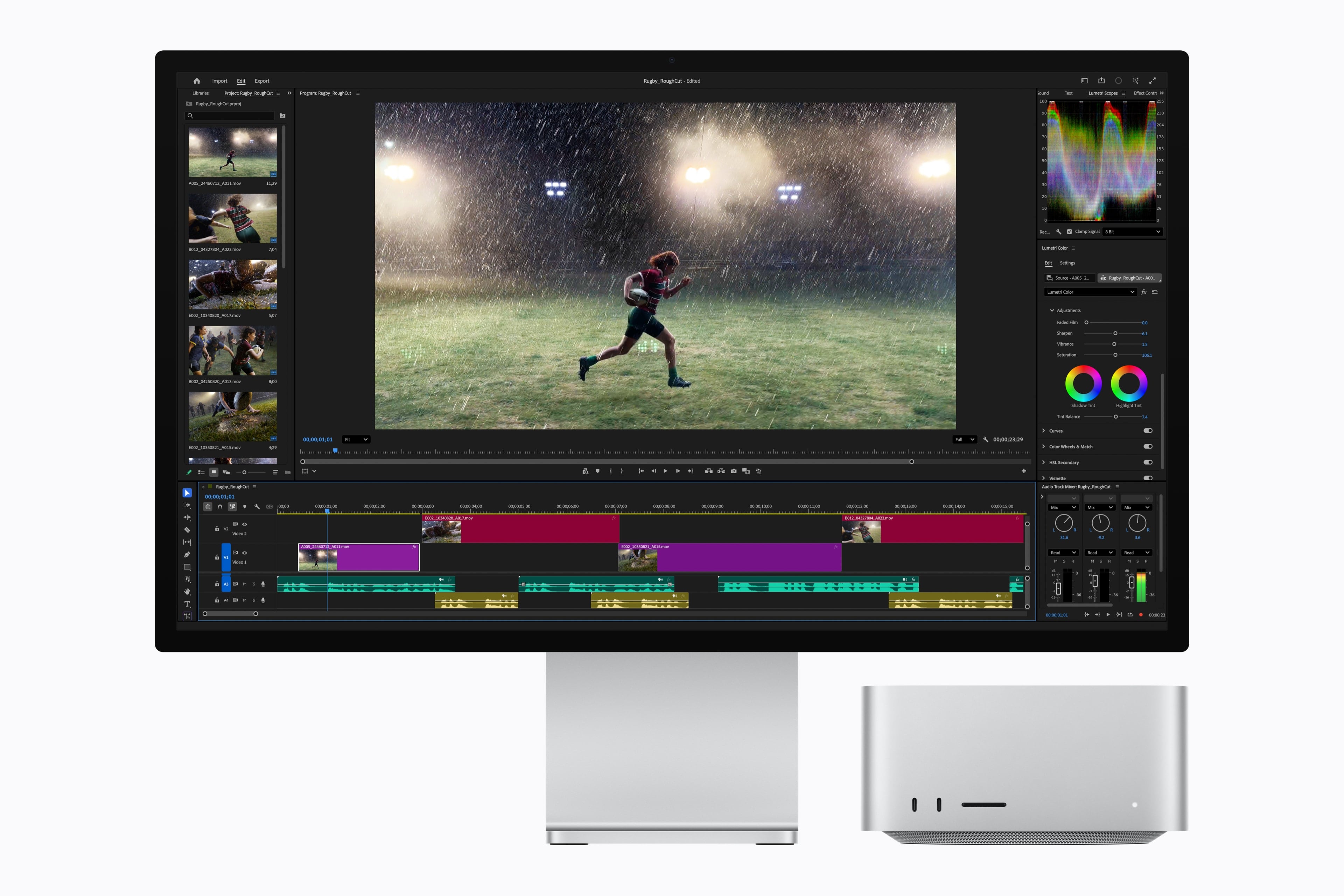
As for the M5 Ultra, which debuts in the Mac Studio, it sounds like a beast. According to Apple, the chip uses a next-generation version of its UltraFusion technology, resulting in a quad-die architecture for the first time in an Apple silicon chip. In addition, the M5 Ultra features an “up-to-36-core CPU and up-to-80-core GPU with a massive 1.2TB/s of unified memory bandwidth, 50 percent more than M3 Ultra.”
Defining an “Agent Harness”→
I’ve recently been asked to explain what an “agent harness” is (particularly after I wrote about my favorite app of the year so far, Open Minis). I realized it was one of those concepts I could understand intuitively but not quite articulate. Thankfully, other people have done a better job of explaining it than I have.
Drew Breunig calls them “situated agents”:
Harrison Chase once excitedly shared an insight that agents are comprised of 4 things: a system prompt, a planning tool, a file system, and subagents. In the year-plus since he said that, I think this remains largely true. (Though you might tweak it to have general tools, etc.)
[…]
Imagine the simplest coding agent, and you at the keys. Let’s slowly zoom out and consider all the elements the harness can manage:
- The Session: The current task and context, as both a trajectory and a durable, branchable log. You can zoom backwards, fork, and replay it.
- The Environment: The instance, defined as a sandbox, terminal, worktree, computer, and/or container.
- The Repo: The project. Versioned with Git, it contains your code, history, current work, AGENTS.md, guides, and hooks.
- Memory: The person’s predilections, accrued over time, managing progress and past decisions.
- Skills: The domain, artifacts describing reusable workflows or domain knowledge worth wielding in this situation.
- The Team: Your colleagues and counterparts. Shared rooms, shared traces, project tracking tools, issues, and bug reports.
- The Organization: The policies and audits, defined by legal, leadership, and procurement.
- The Model: The LLMs themselves, the common artifact shared by all. Stochastic blobs we all poke trying to evoke positive outcomes. Log or train on their quirks and adjust.
I also thoroughly enjoyed this explanation and excellent visualization by Ted Spare, Dexter Storey, and Sarim Malik, writing for Rubric Labs:
A harness is the software that translates a model into a system that can affect its environment.
[…]
Functionally, a harness makes a model agentic, meaning it can take action.
And:
As coding agents begin to run for longer, and deploy more intelligence through dispatch, they are owning larger and more complex problems end to end, and the developer is less in the loop to steer the agent. The value of high quality planning increases as agents implement the plans more autonomously. Harnesses like Claude Code and Codex ship with a native planning mode, where the agent must first create a detailed Plan.md file with feedback from the user before executing. These harnesses then place a reference to the plan and the todo list into a top level state (system prompt) so that the agent doesn’t forget what it’s working on across long runs.
Given the multi-model, hybrid structure of the new Siri AI, we should probably assume Apple also made a lightweight “Siri harness” to aid the on-device orchestration of the entire system.
Apple Music to Launch Labels on AI “Songs”→
Ethan Millman, writing for The Hollywood Reporter:
Apple Music will soon launch labels on songs created with artificial intelligence, the company said in an email sent out to industry partners on Thursday.
In the email, obtained by The Hollywood Reporter, the streaming service said that AI music labels will come “later this year,” though Apple Music didn’t disclose a specific launch date.
The new labels come months after Apple Music launched transparency tags back in March, available for record labels and music distributors to disclose when content uploaded was “materially generated using AI.”
Good. As much as I enjoy working and tinkering with AI, AI “music” falls squarely in the category of AI implementations I do not understand and cannot even be remotely interested in. Perhaps I’m old-fashioned, but what’s the point of listening to “music” performed by something you can’t see live on a stage, or that you know has never lived a real life? (Obviously we can’t see The Beatles or Beethoven perform live today, but we know they were real humans with real motivations behind their work.)
If you ask me, AI music shouldn’t even be allowed on streaming services, but I suppose it’s too late to fix that problem by now. Hopefully Apple will also include a system-level toggle to permanently hide AI “music” from Apple Music’s UI, too.