Igloo: An Intranet You’ll Actually Like [Sponsor]

We all struggle with productivity. We are constantly pressured to accomplish more, and to do it quicker. There is no one definitive way to accomplish that, and we have all devised our own little method to make things work.

At Igloo, they think your way is the best way, they just want to support you, and make your way better.

Work has evolved and your tools should too. Never email yourself a file again. Bring your company into the 21st century - send your IT guy to try Igloo Software for free.

Igloo is an intranet you’ll actually like.

Our thanks to Igloo for sponsoring MacStories this week.


Joe Steel’s tvOS Wish List

I haven’t read many tvOS wish lists this year (primarily because I don’t use my Apple TV very often), but I found Joe Steel’s tvOS wish list to offer a lot of interesting ideas, such as a UI for live programming:

Apple could offer a mechanism for an installed app to register that it offers live video, and to detail what the programming for that live video is. Only the applications that are installed would be present, and their programming viewable while watching another video stream. Potentially you could even ask Siri “What’s on?” to pull up the guide. Or ask “When are the Oscars on?” and get that familiar, linear bar of what’s available.

Let’s not forget that “live TV” isn’t typically live, it’s just an linear stream of shows and ads set to play at given times. That linear stream is a useful way (but not the only way) for people to find new shows thanks to the serendipity of turning on a TV during a certain time slot. Techies might scoff at such notions, but … like it’s a thing.

His thoughts on backups, App Store, and the Remote app are also spot-on.

Permalink

Canvas, Episode 12: Programming on iOS

The mission of Canvas has always been to illuminate the parts of iOS that people think cant be done. In that spirit, this week Fraser and Federico dig into how to program on iOS.

We take a look at both traditional Integrated Development Environment tools such as Pythonista and Codea and block-based programming tools like Editorial, Workflow and Hopscotch.

Just ahead of WWDC, Fraser and I prepared a special episode of Canvas all about programming on iOS. It’ll be interesting to see how outdated this will be by next week. You can listen here.

Permalink


Game Day: Shadowmatic

[Editor’s Note: Game Day is a new weekly series on MacStories highlighting iOS games. Each Saturday, we will feature one classic or up-and-coming game just in time for a little weekend fun.]

Many of the best iOS games don’t fight against iOS device hardware. Instead, they embrace the constraints of the touch interface, focusing on fun games based on simple touch interaction models. Touch lends itself particularly well to puzzle games and one of my favorites is Shadowmatic by Triada Studio Games.

Read more


Apple Starts Decorating Moscone West for WWDC 2016

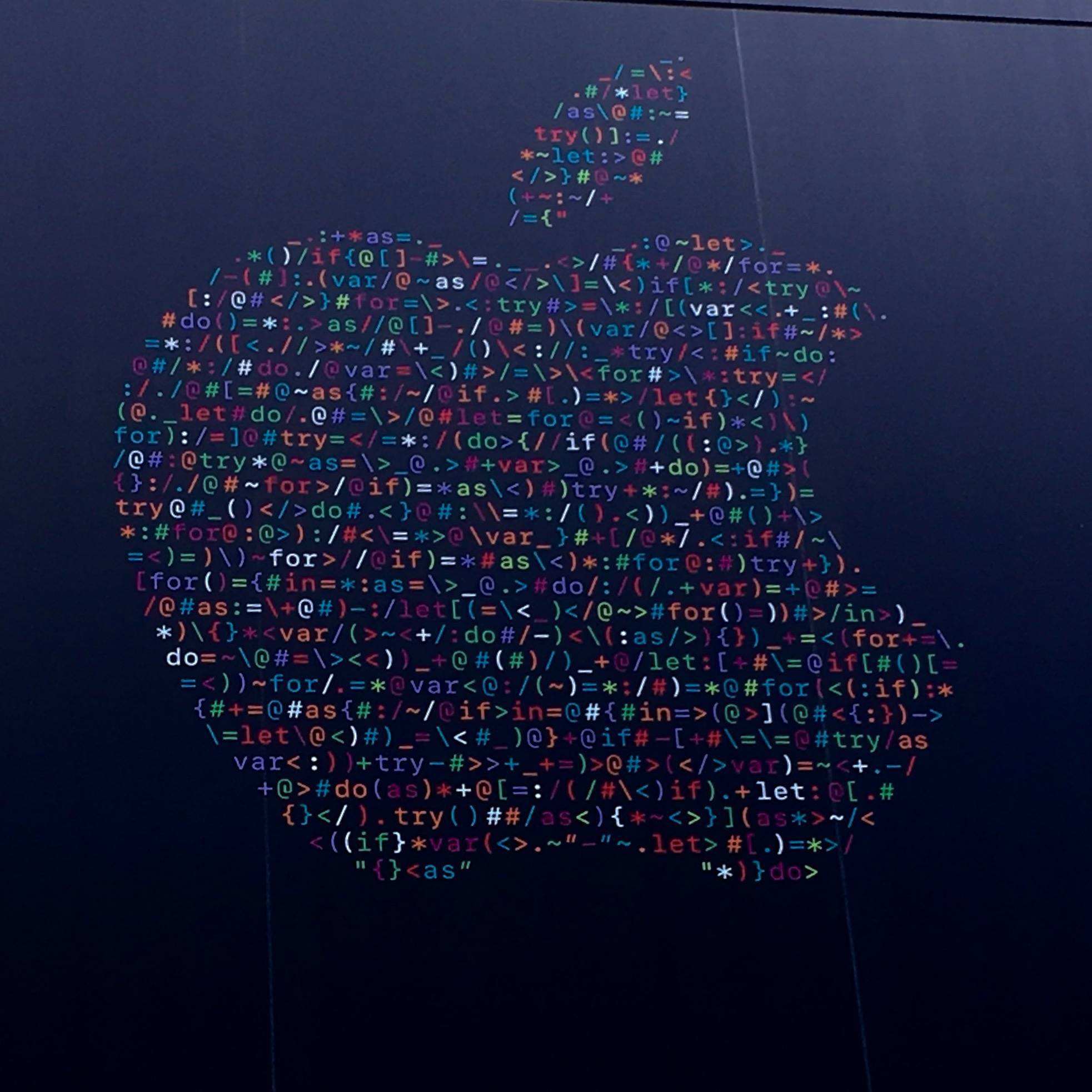
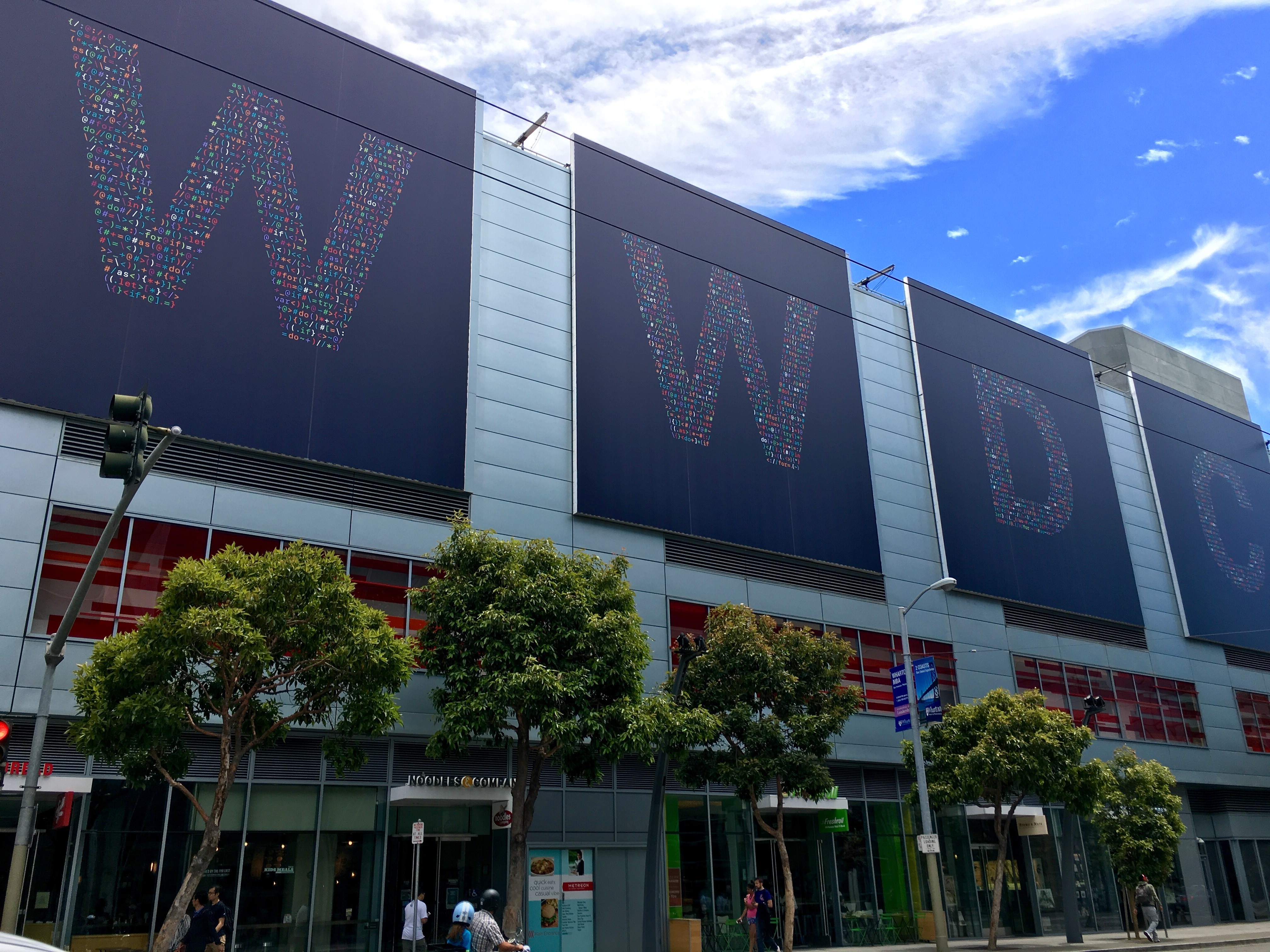
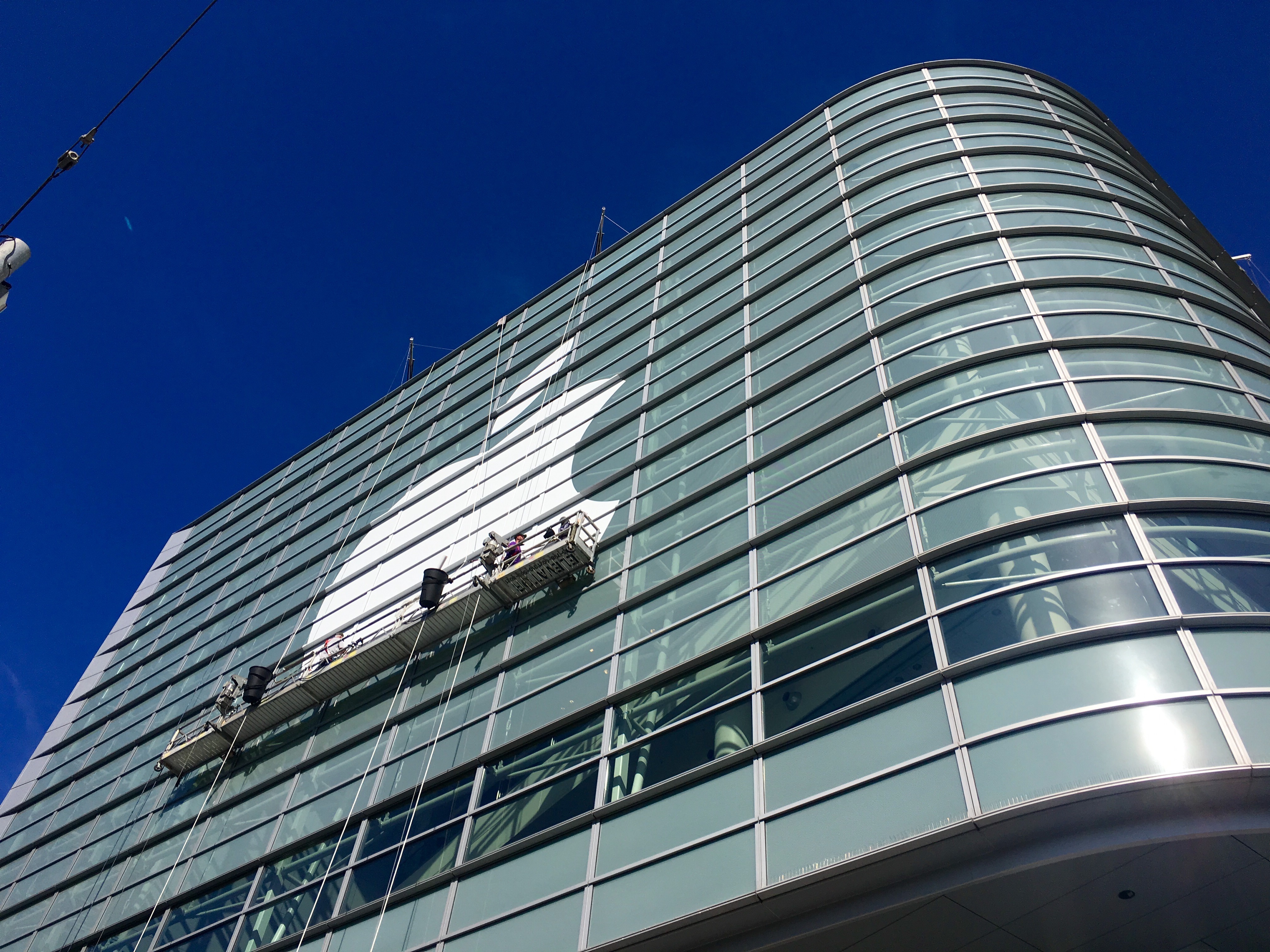
Apple has started decorating Moscone West in San Francisco for WWDC, kicking off this year on Monday, June 13.

Every year, Apple decorates the convention center with different sets of banners: the ones matching the event’s tagline and graphics already available on the WWDC website, and others showing the official (and previously unseen) logos of new versions of iOS and OS X. For the first time, Apple will hold this year’s opening keynote at the Bill Graham auditorium, with technical sessions and labs to be held as usual at Moscone during the week.

Apple is expected to introduce iOS 10, watchOS 3, tvOS 10, and the next version of OS X, likely to be renamed “macOS”. While rumors have been scarce, previous reports indicated Apple could bring Siri to the Mac, introduce a Siri API for developers, and redesign their Music app.

Apple has begun decorating Moscone West with its logo earlier today, and, like every year, we’re documenting the process with photos from San Francisco. With preparations now well underway, Apple will continue to decorate Moscone West with new banners in the next few days, possibly showing the official logos for iOS 10 and OS X 10.12.

We will update this post with more photos throughout the week; new updates will be listed in reverse chronological order below.

You can follow @MacStoriesNet on Twitter or our WWDC 2016 news hub for updates.

Our thanks to the Workflow team for providing us with photos from Moscone West in San Francisco.

June 11, 2016 9:00 AM

June 10, 2016



BitCam

The Iconfactory has launched BitCam, a new iPhone app inspired by old Macintosh apps. BitCam lets you take pictures and apply retro filters such as dithering. It’s fun and it makes people like Stephen Hackett happy.

Even if I can’t relate to it because I didn’t live in the Macintosh era, my favorite part of BitCam is the care The Iconfactory put into making everything feel retro and old. The icons in the app are intentionally low-res and menus don’t appear with a standard iOS animation. The app has credits that scroll and there’s throttling to simulate how old computers would react to more advanced settings, such as higher-res colors.

Even better, the entire website is styled to feel old: it’s an .html page, it has an animated “under construction” GIF, a “webmaster” email address, and multiple references to “application store” instead of App Store. I can’t think of a better way to celebrate The Iconfactory’s 20th anniversary.

Permalink