This Week's Sponsor:

Hello Weather

Half Off for WWDC Week, Just in Time for Summer.


Secrets: A Beautifully Simple Password Manager, Now Free on the App Store [Sponsor]

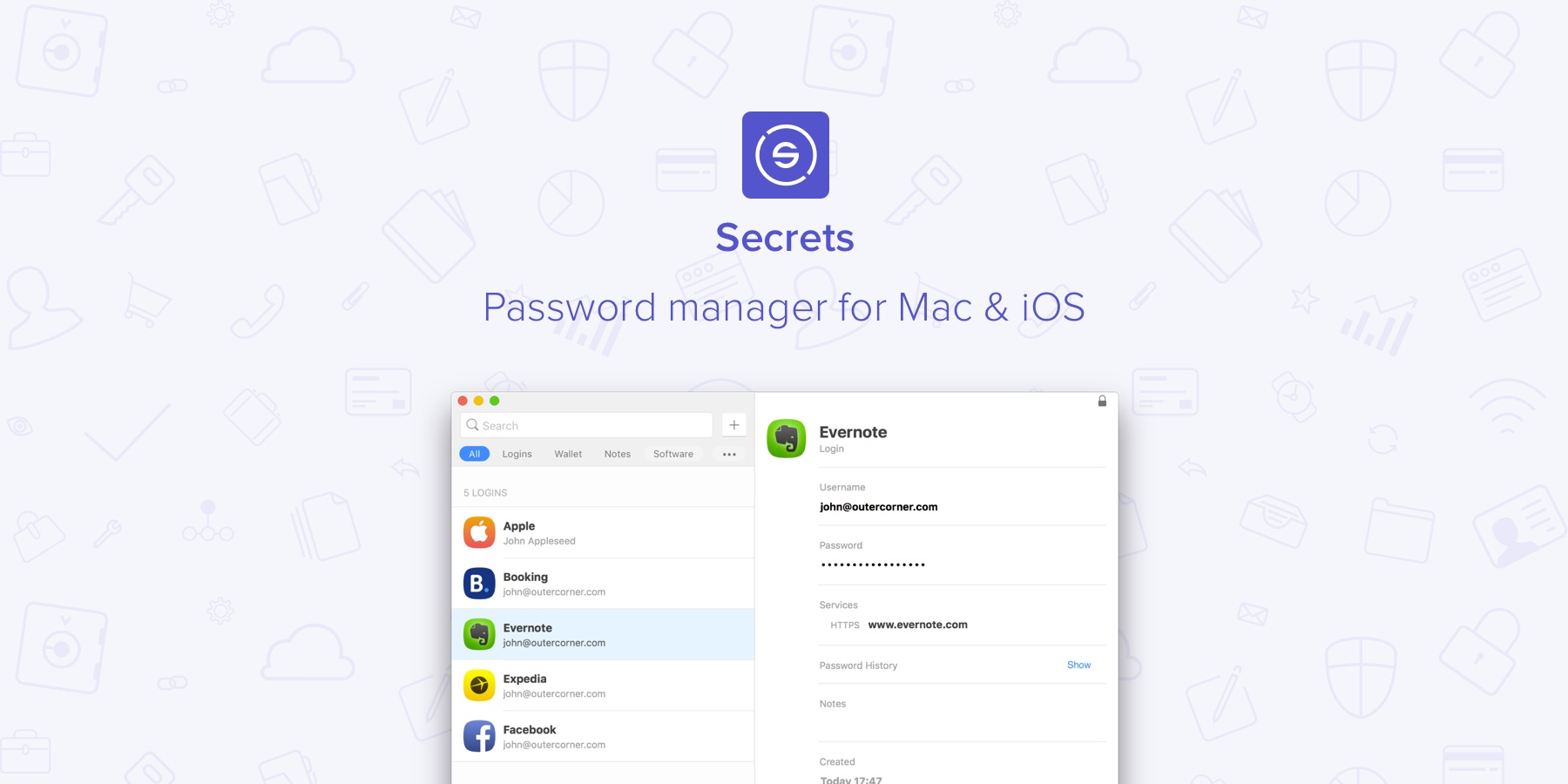
Secrets is a simple, secure password manager for Mac and iOS. With version 2.0 released this week, the app is adopting a freemium model so you can try it for free on all your devices.

Secrets lets you securely store confidential information such as passwords and bank details. The app leverages industry-standard encryption algorithms to provide secure storage, plus macOS and iOS native features to automatically fill logins on webpages. Thanks to an action extension for iOS, you’ll be able to log into your favorite sites directly from Safari. The app can also generate one-time passwords for services that support two-factor authentication.

At the same time, Secrets has a clean and beautiful user interface that is easy to use and functional. Logins are displayed with rich icons, which are also synced across all your devices with iCloud.

With version 2.0, Secrets is now based on a freemium model: the app is free to download and use with up to 10 items; with a $9.99 In-App Purchase ($19.99 on macOS), you’ll unlock unlimited items and iCloud sync.

Secrets 2.0 is available on the App Store for iOS and macOS.

Our thanks to Secrets for sponsoring MacStories this week.


Google Play Music Gets Smart

Google is revamping Google Play Music with intelligence that it says will deliver the right music at the right time using machine learning. According to a post by Elias Roman, Lead Product Manager for Google Play Music, Google’s streaming music service will go beyond just figuring out what you like from the music you listen to. The update will also take into account context – things like your location, what you’re doing, and even the weather.

As Roman describes it:

To provide even richer music recommendations based on Google’s understanding of your world, we’ve plugged into the contextual tools that power Google products. When you opt in, we’ll deliver personalized music based on where you are and why you are listening — relaxing at home, powering through at work, commuting, flying, exploring new cities, heading out on the town, and everything in between. Your workout music is front and center as you walk into the gym, a sunset soundtrack appears just as the sky goes pink, and tunes for focusing turn up at the library.

In addition, Google has redesigned the Google Play Music home screen to emphasize your favorite music by putting it right at the top of the screen and adjusting what’s shown based on your context. The service will also automatically create an offline playlist of recently played songs for subscribers to listen to when they have no data connection.

It’s not surprising to see Google take Google Play Music in this direction. One of Google’s biggest competitive advantages is the data it knows about you from its many products. This sort of assistive technology is already baked into products like Google Photos and it seems natural to bring the same smarts to Google Play Music too.

Google Play Music will begin its world-wide roll-out to sixty-two countries this week on iOS, Android, and the web.

Permalink

Game Day: F1 2016

From time to time, a game comes along that is designed to test iOS hardware and see just how far it can be pushed. In the past, we’ve seen that with games like the Infinity Blade series. In September, the torch was passed to F1 2016 by Codemasters, a racing game that got stage time during Apple’s iPhone 7 event.

F1 wasn’t demoed on stage in September, but Phil Schiller’s comments about the game caught my attention. He specifically called out F1’s use of wide color gamut, haptic feedback, and the iPhone 7’s new stereo speakers, claiming that with the iPhone 7’s new A10 chip and GPU, F1 would bring console-level gaming to iOS. He was right.

F1 was released this week and it’s impressive on every level. I played F1 on my iPhone 7 Plus, iPad Pro, and Apple TV and it was great on each, but it was fantastic on the iPhone 7. The combination of hardware-stretching performance and integration of iPhone 7-only features sets F1 as a benchmark against which other triple-A iOS games will be measured.

Read more


Canvas, Episode 23: Workflow - Variables and Built-in Actions

This week Fraser and Federico continue the Workflow series with a look at how to use Variables and Workflow’s built-in actions.

On the second episode of Canvas’ Workflow series, we cover one of the key features of the app, variables, which are key to building workflows. In the second half of the show, we talk about Workflow’s built-in actions and some of its system integrations.

If you haven’t listened to the first episode of the series yet, you’ll want to go back and start from there.

  1. Workflow - The Basics
  2. Workflow - Variables and Built-in Actions

Sponsored by:

  • Sanebox: Clean up your inbox in minutes. Sign up for a two-week free trial and a $20 credit.
Permalink

Apple Releases iBooks StoryTime for Apple TV

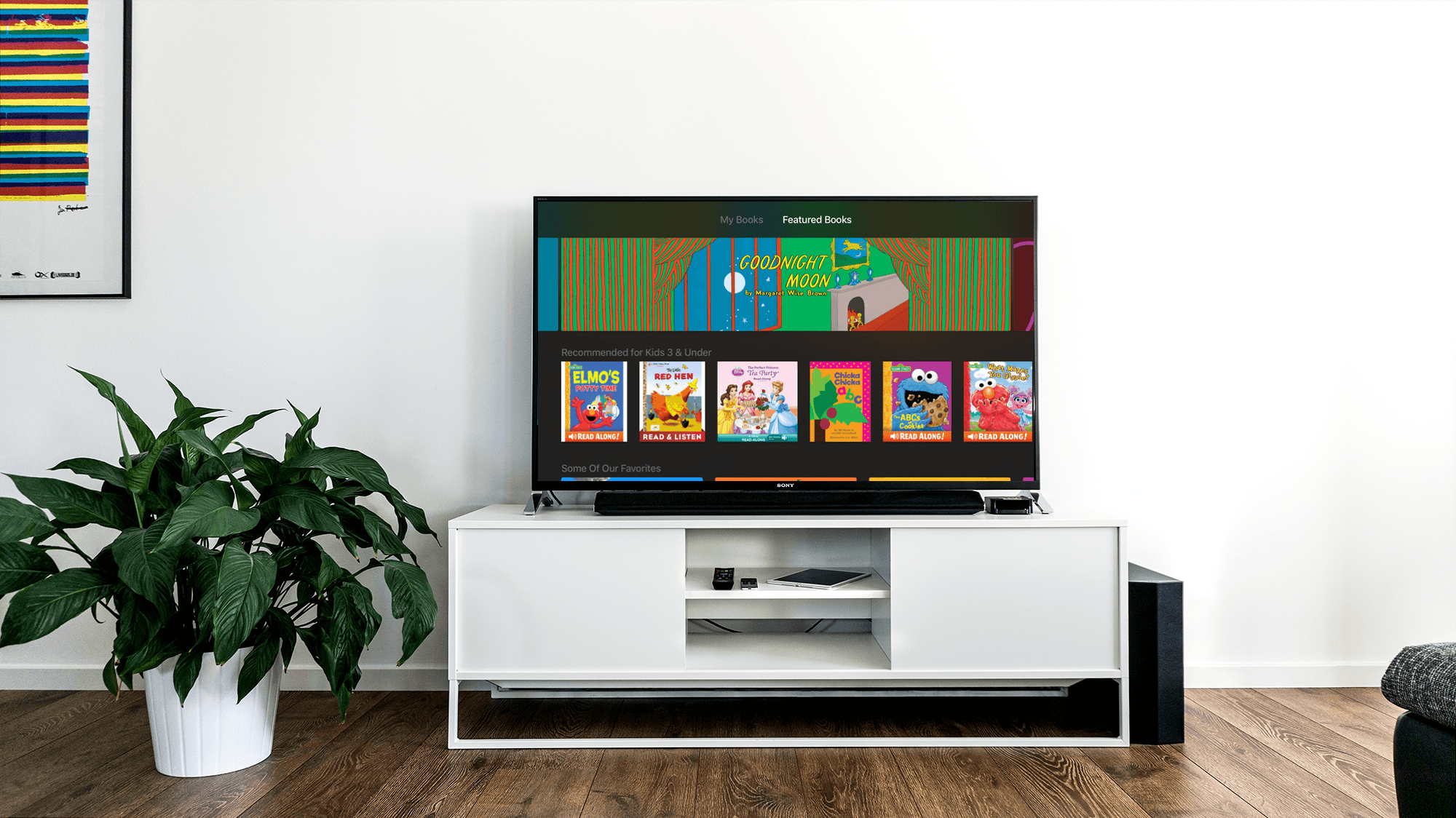
iBooks StoryTime, an Apple TV-only app, was released with no announcement by Apple today. Apple explains in the release notes that:

With Read-Aloud narration and beautiful illustrations, every handpicked title in the app transforms Apple TV into an engaging place for young readers to enjoy the stories they love.

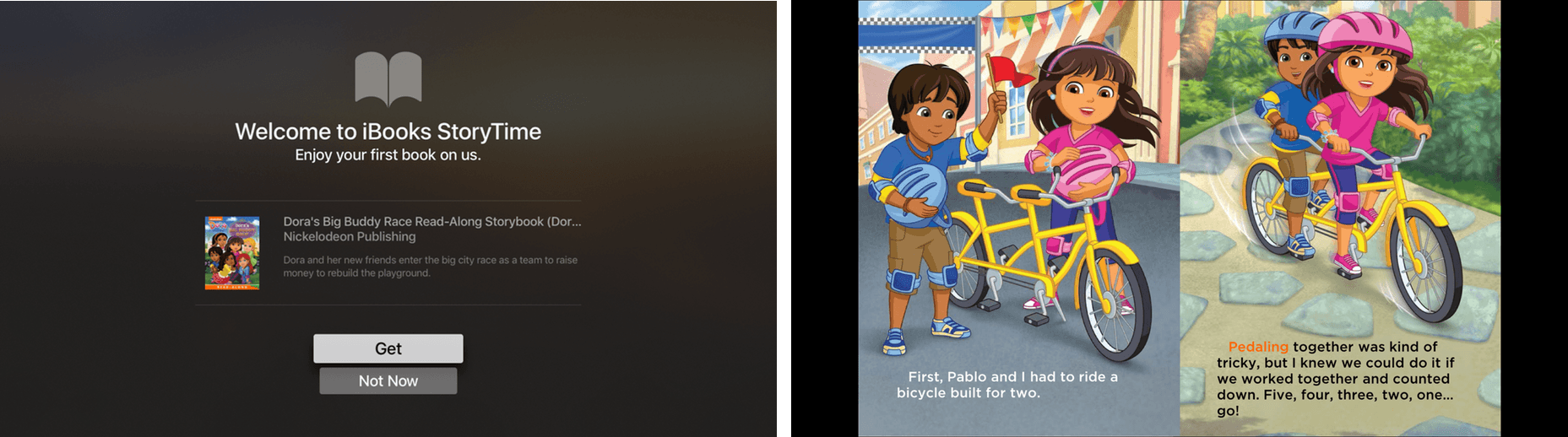
iBooks StoryTime comes with a free Dora the Explorer book.

iBooks StoryTime comes with a free Dora the Explorer book.

The app, which comes with a free Dora the Explorer book, is designed for young children. Additional books can be purchased from the Featured Books section of the app. The number of books available is modest, but high-quality with a nice mix of classic children’s books and familiar modern characters.

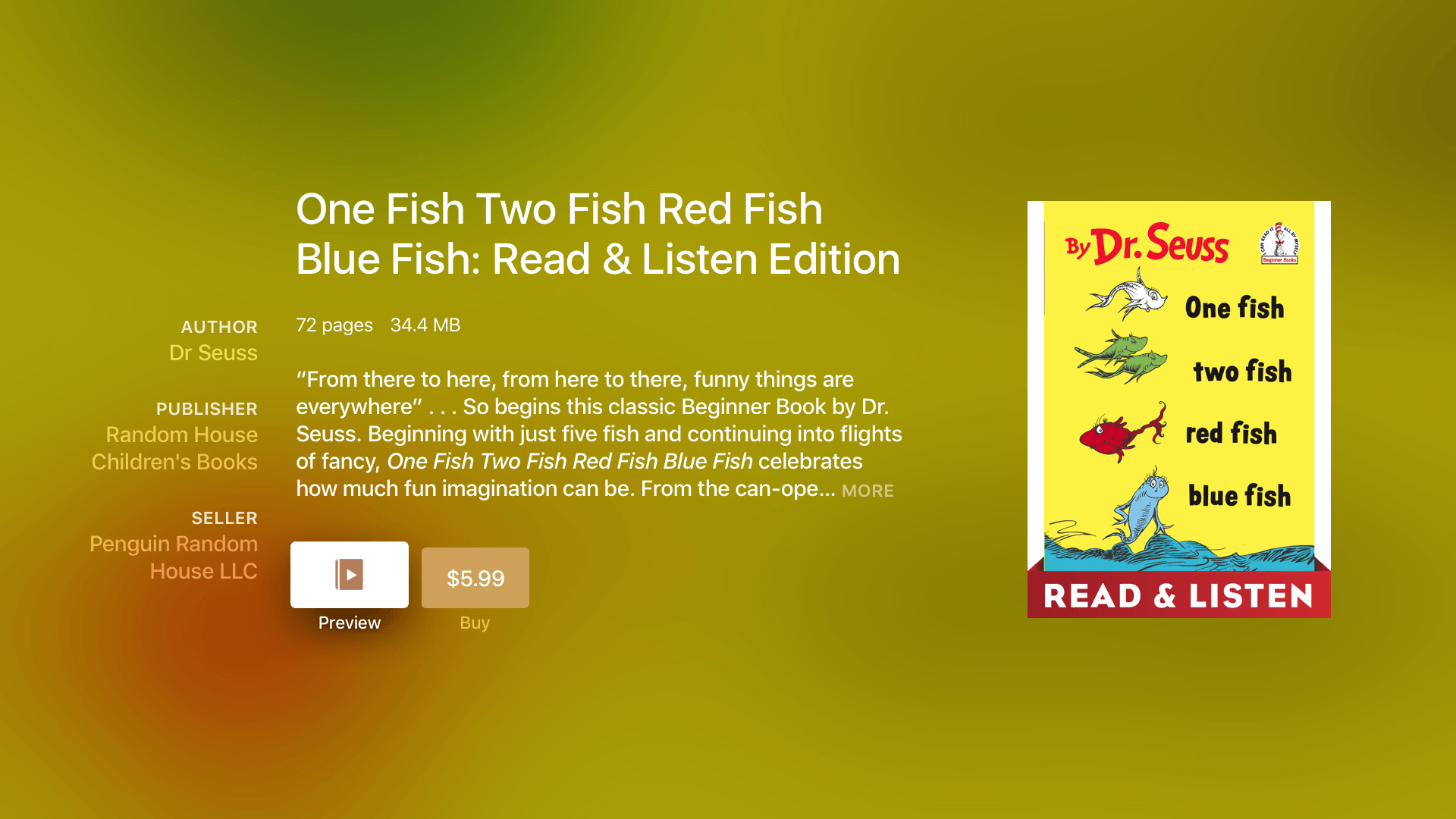
iBooks StoryTime offers several classics, including Dr. Seuss favorites.

iBooks StoryTime offers several classics, including Dr. Seuss favorites.

The read-aloud feature can be turned on or off. When the feature is on, the book is read by a narrator while the words in the book are highlighted in sync with the narrator’s voice. In read-aloud mode the pages are turned automatically. Pages can also be turned by swiping on the Siri Remote when the read-aloud feature is turned off.

iBooks StoryTime (currently US-only) is a free download on the Apple TV App Store.

Permalink

51 New Emojis Proposed for 2017

The Unicode Consortium proposed 51 new emojis for inclusion in Unicode 10. According to Emojipedia.org:

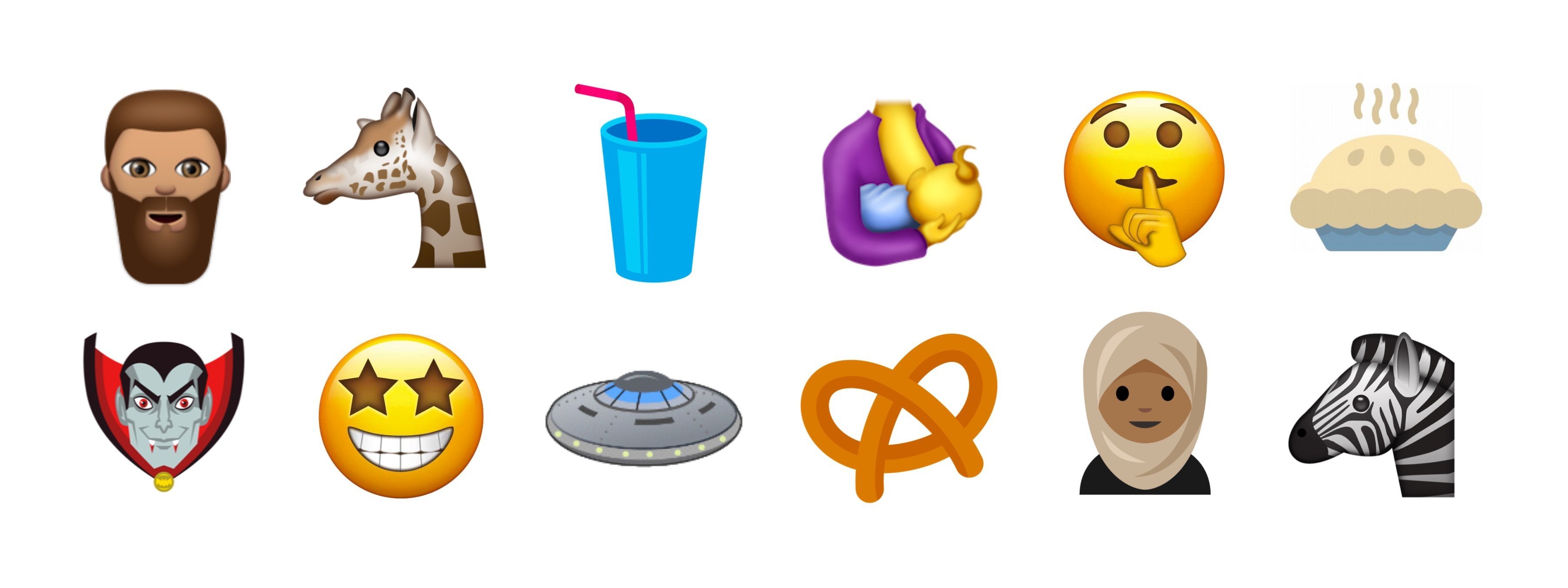
New emojis include a giraffe, pretzel, vampire, bearded man, soda/milkshake, breastfeeding, a “shhh” face, pie, starry-eyed face, woman in hijab and zebra.

Image courtesy of emojipedia.org.

Image courtesy of emojipedia.org.

The proposal also includes broccoli, a coconut, a sandwich, two kinds of dinosaurs, yoga, rock climbing, socks, and an orange heart. The final decision on which emojis will be included in Unicode 10 will be made in mid-2017.

For the complete list of proposed emojis and more images, check out Jeremy Burge’s post on Emojipedia.

Permalink

Instagram Adds Boomerang Mode, Mentions, and ‘See More’ Links to Stories

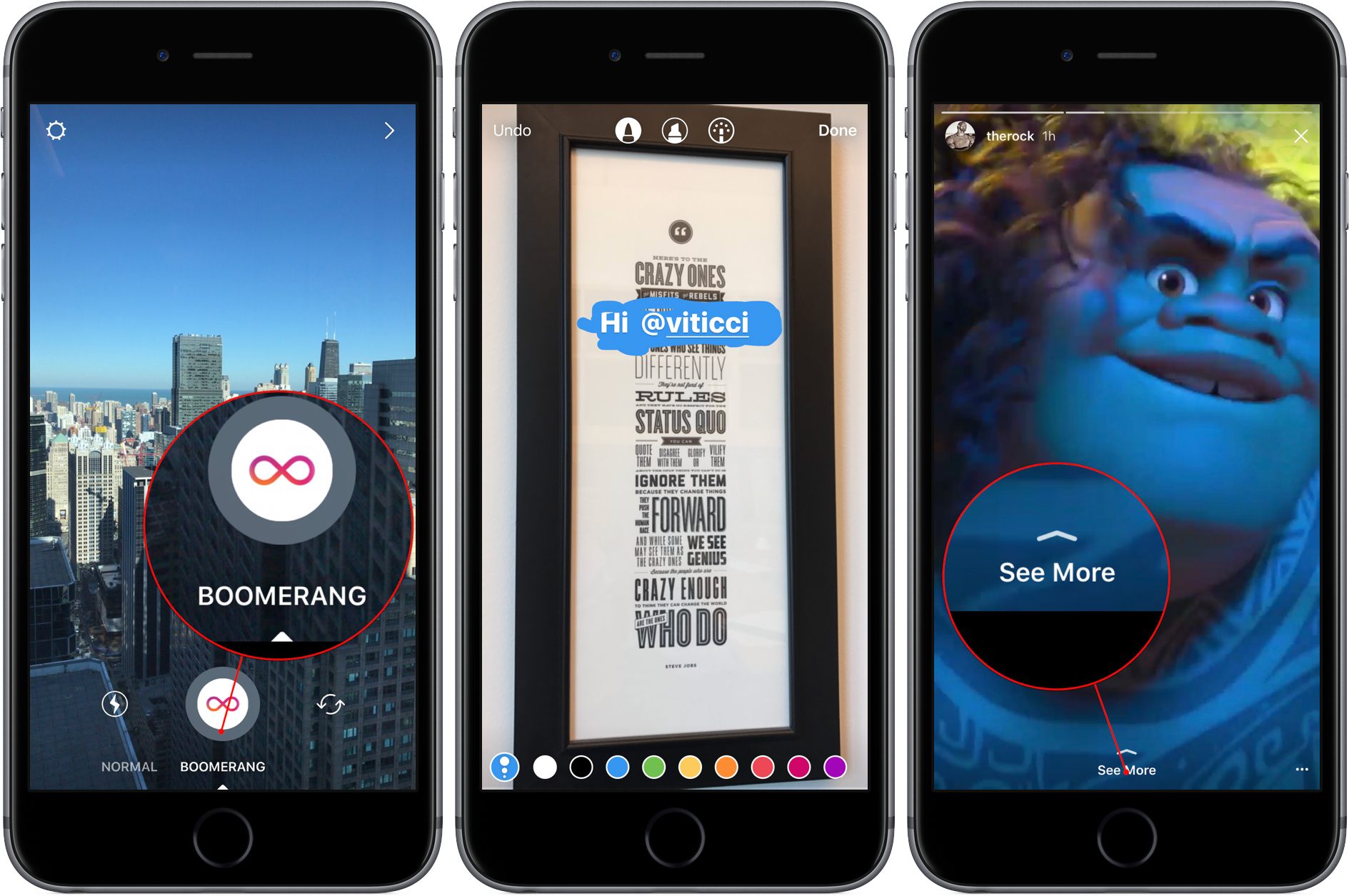
Instagram Stories continue to evolve with three new features introduced today. The first is called Boomerang. Swiping below the shutter button in the Stories UI switches between ‘Normal’ and ‘Boomerang’ mode. Tapping the shutter button in Boomerang mode takes a burst of photos that is turned into a short video that is played continuously forward and backward.

Instagram also added Mentions to Stories that work just like they already do in captions and comments. Add ‘@‘ followed by a username to an Instagram Story and the username becomes a link that will take you to the person’s profile. The person mentioned also receives a notification that they were mentioned in a Story.

Finally, verified Instagram users can add a ‘See More’ link to Stories that opens an external web page inside the Story. ‘See More’ links are described by Instagram as a test feature. To try them, Instagram suggest checking out the accounts of Duane Johnson (@therock), Chance the Rapper (@chancetherapper), and Bustle (@bustle).

Permalink

Amazon Prime Reading Comes to the US Kindle App

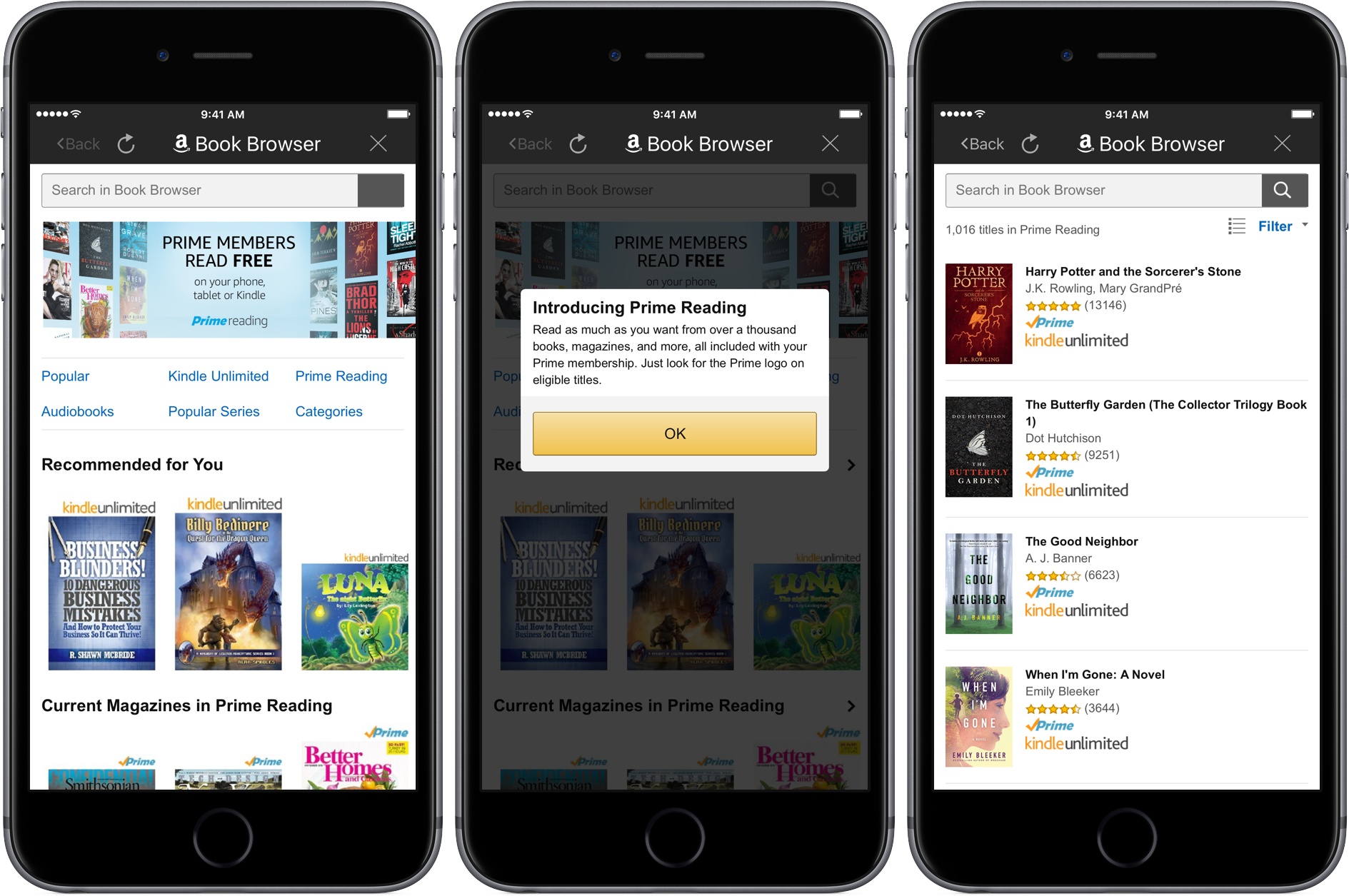
Last month, Amazon announced a new perk for Prime members in the US called Prime Reading, a collection of approximately one thousand books and magazines that Prime members can read for free. Today, Amazon added Prime Reading to its Kindle app for iOS.

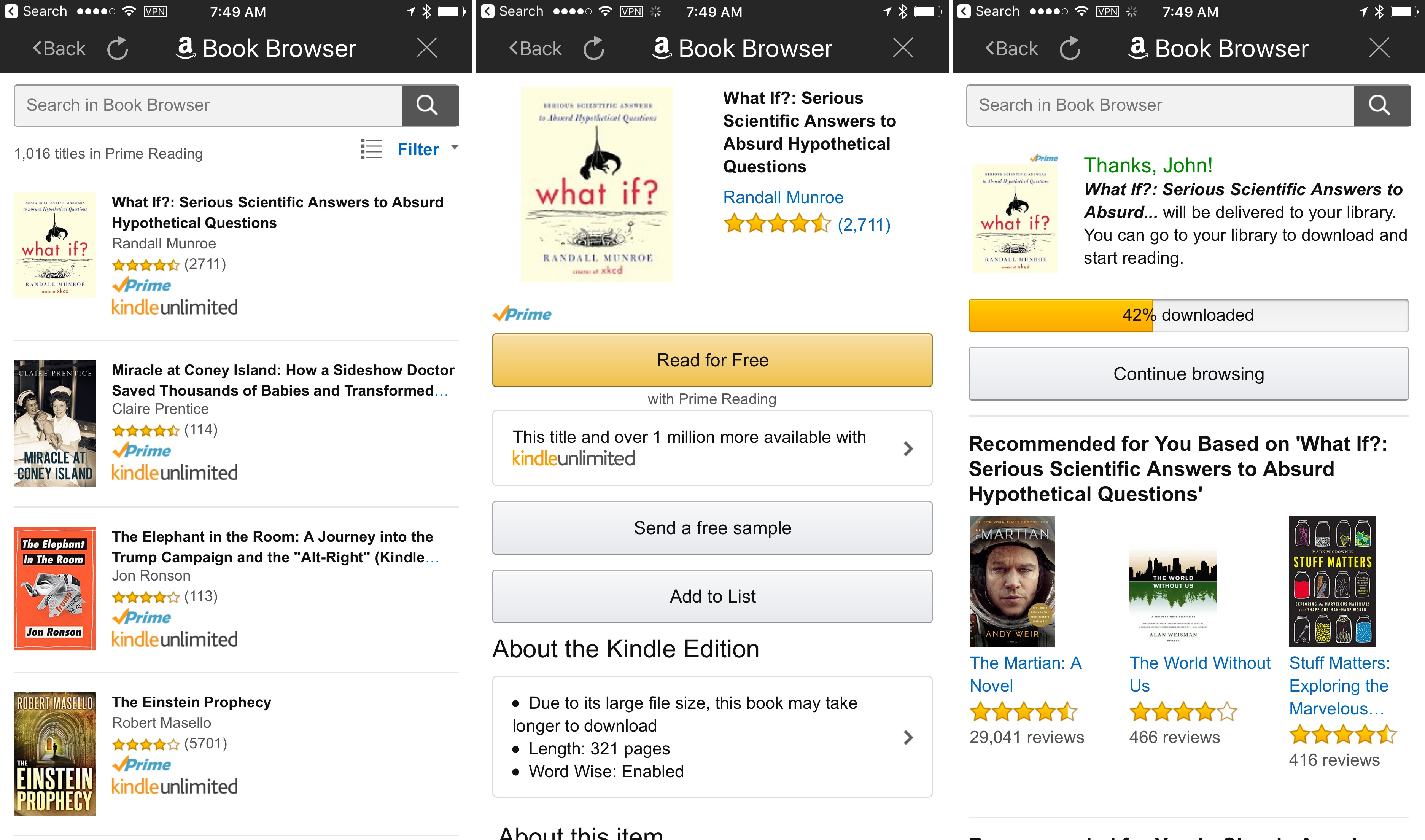
From the Kindle app’s Library view tapping the Prime Reading link opens a searchable list of 1,016 books that are available as part of the program. The selection of books and magazines is a small fraction of what is available to purchase from Amazon or download with its Kindle Unlimited program, but it includes several classics like The Hobbit and Harry Potter and the Sorcerer’s Stone, as well as newer selections like What If?: Serious Scientific Answers to Absurd Hypothetical Questions and the first volume of the Scott Pilgrim’s Precious Little Life graphic novel series. Also, unlike paid Kindle books, which you can only purchase from Amazon’s website, Prime Reading books can be downloaded directly within the Kindle app, a reminder of how I wished the app worked for all books.

Adding a Prime Reading book.

Adding a Prime Reading book.

Permalink