Google Maps Introduces Location Sharing Features

Announced today and rolling out soon to all users, Google Maps is adding two new sharing features to its iOS app.

The first feature allows for Find My Friends-style location sharing. From the app’s menu you can select ‘Share Location,’ which presents options for how long your real-time location will be shared, and who it will be shared with.

The second sharing feature is the more interesting one in my mind. It allows you to share your Google Maps trip information. Daniel Resnick provides the details:

Next time you’re on your way or running late, you can share your real-time location and trip progress from navigation as well. During your next trip, tap the “More” button on the bottom on the navigation screen, and then tap “Share trip.” When you share your trip with people, they’ll see your expected arrival time and can follow your journey as you head toward your destination. Sharing automatically ends when you arrive.

Although the two sharing features perform mostly the same function, this kind of trip-specific sharing seems the cleaner, simpler solution for many scenarios. The example of running late and wanting to provide real-time updates to those you’re meeting is a good one. In that situation, you won’t want to fiddle with choosing a specific period of time for your location to be shared – you might overestimate and need to manually turn off sharing, or underestimate and have your location stop being shared before you reach your destination. Trip-specific sharing seems like just the right solution, and it’s a feature I’m eager to try out.

Pixure 2.2 with PanelKit

Pixure is Louis D’hauwe’s excellent pixel art studio app for iOS that lets you create retro-styled illustrations. Pixure was already best suited for the iPad’s bigger display, but the latest version 2.2 adds PanelKit – a UI framework created by D’hauwe himself to turn traditional iPad popovers into floating panels.

Popovers are a staple of the iPad’s interface, and I was skeptical when I saw the first details of PanelKit in February. After testing Pixure on my 12.9” iPad Pro, though, I think D’hauwe is onto something – when the app is in full-screen, it’s nice to be able to re-arrange a palette of tools so it doesn’t hide your content. The best part, in my opinion, is that panels can be converted back to sidebars by snapping them to the edge of the display, which is a fantastic use of the iPad Pro’s large screen. There’s an argument to be made about PanelKit bringing the cognitive load of desktop window management to the iPad, but I believe that, for some apps (such as graphic editors like Pixure), floating controls that you can re-arrange around the canvas are necessary.

I’m testing a few iPad apps that try to optimize for the iPad Pro’s screen with additional popovers and sidebars, and none of them feel as flexible or as intuitive as D’hauwe’s app. If you’re an iPad user, you should check out Pixure.

Permalink

iTunes Adds Rent Once, Watch Anywhere Feature

In the aftermath of Apple’s announcements earlier today, it released an update to iTunes with a new feature described as rent once, watch anywhere. The release notes for iTunes 12.6, which is available as a free upgrade on the Mac App Store, say:

Now you can enjoy your iTunes movie rentals across your devices with iOS 10.3 or tvOS 10.2.

With this new feature, you should be able to start a movie rental on an iOS device and finish it at home on an Apple TV for example, which is a welcome change to what was an overly inflexible system.

iOS 10.3 and tvOS 10.2 are currently in beta but are expected to be released soon, at which time this new feature will be available to everyone who upgrades to those versions of the OSes.


Interact Scratchpad for Mac Takes the Pain Out of Adding Contacts

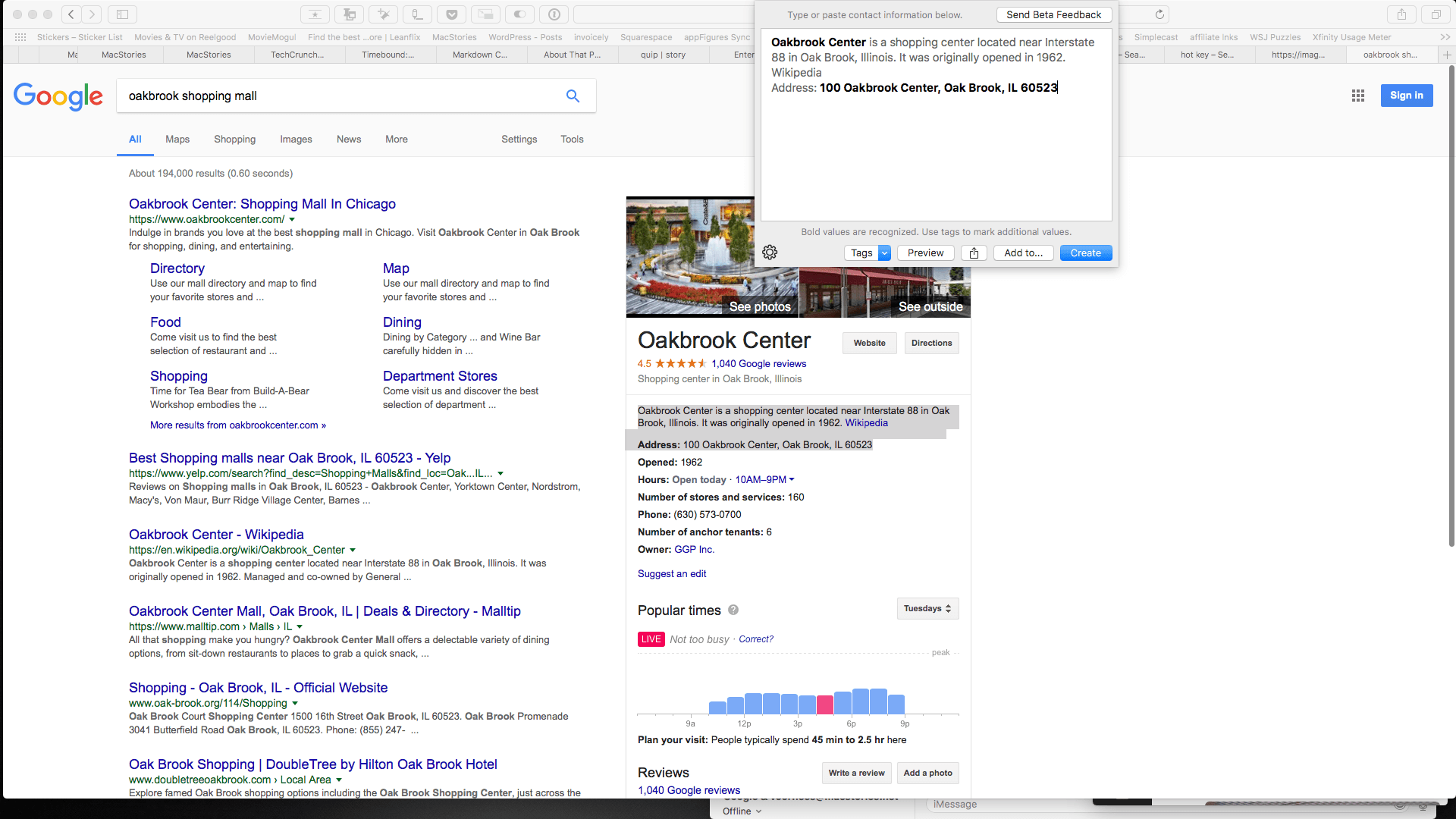
Last year, Agile Tortoise introduced Interact for iOS, a powerful app for managing contacts. One of the most popular features of that app is the scratchpad that parses contact information, making quick work of turning a block of text into a new contact. Agile Tortoise has ported that functionality to the Mac in the form of a menu bar app called Interact Scratchpad.

Adding information to contacts is tedious. Too often I find myself switching back and forth between a webpage and the Contacts app typing information into field after field or copying little bits of text and pasting them into those fields. Scratchpad does the monotonous part for you by automatically recognizing all kinds of contact information.

Read more


Swift Playgrounds Gains Support for New Languages

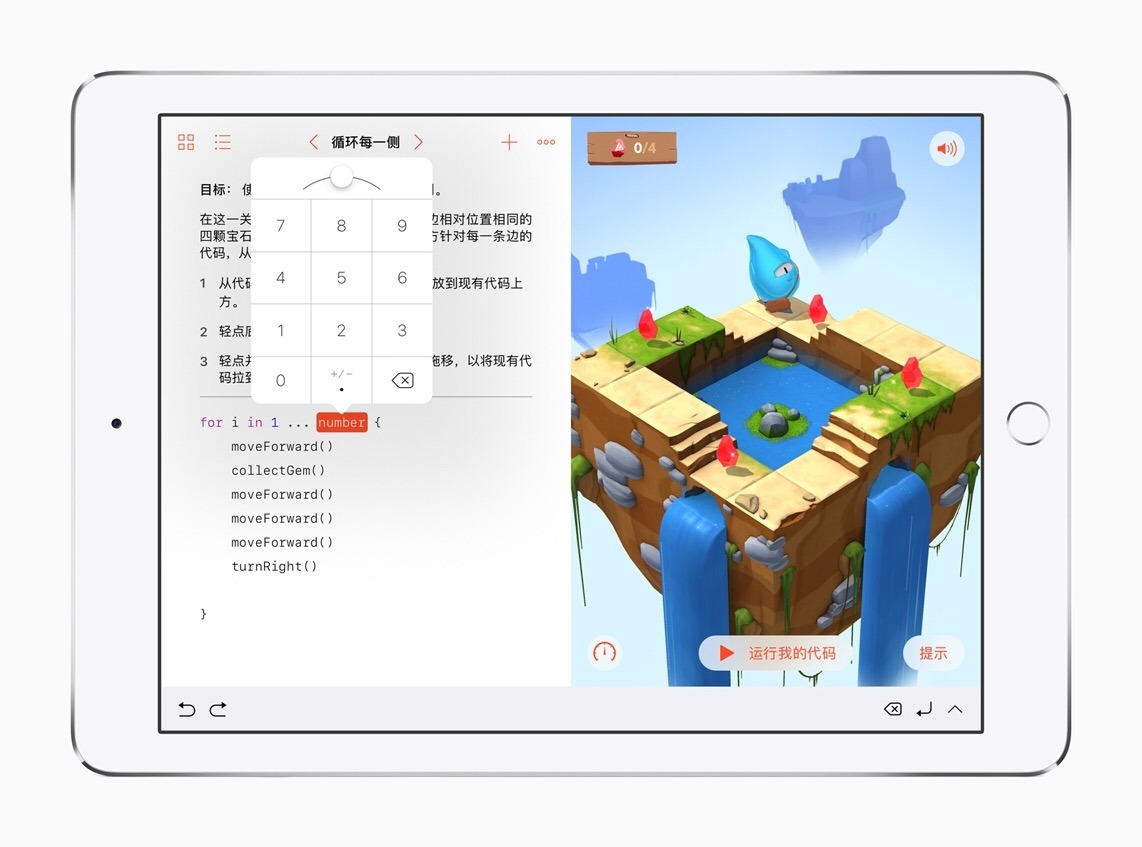
Today Apple added support for five new languages to its Swift Playgrounds app for iPad: Simplified Chinese, Japanese, French, German and Latin American Spanish.

In its announcement, Apple quoted Xiaoming Bao of Hangzhou Foreign Languages School:

“Swift Playgrounds is the perfect app to help our students learn to code, and I’m very excited students in China are now are able to use it with Simplified Chinese support…Last year, we created an optional coding class for my students to learn fundamental coding concepts using Swift Playgrounds. I had no previous experience with coding, but the engaging and easy-to-learn app, along with the comprehensive teacher guide developed by Apple, made me confident that I could inspire and facilitate my students to learn to code, and understand coding as a way of thinking that can be applied to other subjects and everyday life. Chinese language support will make the learning experience with Swift Playgrounds even easier for students.”

Swift Playgrounds is available on the App Store.

Permalink


Apple Introduces New ‘iPad’ Model with 9.7” Display and A9 Chip Starting at $329

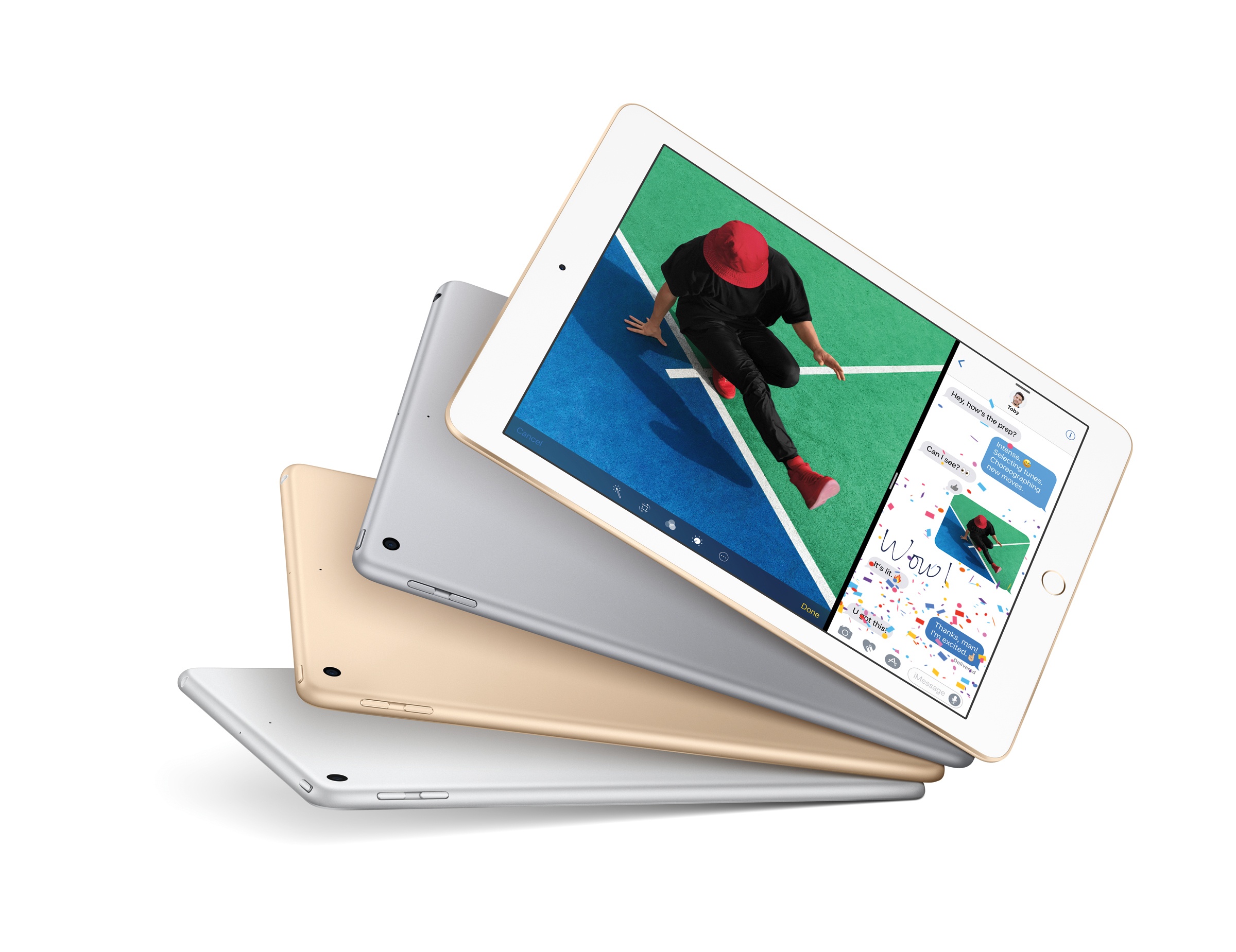
Following a 5-hour downtime of its online store this morning, Apple announced a new base model of the 9.7” iPad.

Starting at $329 for the 32 GB Wi-Fi version and simply called ‘iPad’, the new device appears to be a lower-cost replacement for the iPad Air line as the company’s iPad lineup now includes iPad mini 4, the new ‘iPad’, and the iPad Pro in existing 9.7” and 12.9” configurations. Neither iPad Pro model received any update this morning. The iPad mini 4, on the other hand, now offers more capacity for the same price: the 128 GB Wi-Fi model is now priced at $399, while the 128 GB Wi-Fi + Cellular is available at $529.

Read more