John Markoff Interviews Original iPhone Engineering Team Members and Scott Forstall

Last night, the Computer History Museum in Mountain View, California hosted a two-two hour interview program. The event was split into two parts. The first half is an interview moderated by John Markoff who spoke with former iPhone team members Hugo Fiennes, Nitin Ganatra, and Scott Herz about the development of the original iPhone. The three engineers recount what it was like to be recruited to the secret project and detail the team’s efforts to bring the phone to market.

The second half of the program, which begins at about 1:07:00 in the video below, is a one-on-one interview by Markoff of Scott Forstall who led software development for the iPhone. The interview with Scott Forstall is his first public comment about the iPhone and Apple since he left the company in 2012 and covers a broad range of topics from early iPhone prototypes to demonstrating the iPhone to Cingular, the first carrier to offer the phone.

Both interview segments are full of entertaining anecdotes about the iPhone’s development and well worth watching by anyone interested in what it took to create the iPhone. Forstall is particularly engaging as a storyteller displaying the same enthusiasm and excitement that he used to show onstage at Apple keynotes.


Apple Posts Two Videos Highlighting Photos Memories

Apple posted two videos highlighting the Memories feature of its iOS Photos app. One, called ‘The Archives,’ is part of Apple’s ‘practically magic’ series of videos and features an elderly man creating a film called ‘Together.’ When the man pulls a photograph out of a cabinet with dozens of drawers, it comes alive with a short snippet of video like a Live Photo.

After gathering a cart-load of photos and film, the man begins the laborious process of splicing them together into a film. The heartwarming spot captures the time, care, and attention needed to painstakingly create a movie from analog photos and videos, making the unstated point of how easy it is to do the same thing in Photos.

The second spot is in stark contrast to the first. It demonstrates the three steps to using Photos’ Memories feature:

  1. Open the Photos app
  2. Go to the Memories Tab
  3. Choose a Memory

The two spots, which both feature Memories called ‘Together,’ are a clever one-two punch intended to convey how simple Photos has made it to create photo and video montages that once would have taken hours of work.


Connected, Episode 147: I Wish We Could Be Friends in Real Life

This week: HomeKit changes coming in iOS 11, our approaches to running betas and Business Chat in iMessage.

On this week’s Connected, more on running the first beta of iOS 11 on our devices and interesting changes coming to iMessage next year. You can listen here.

Sponsored by:

  • Incapsula: Secure and accelerate your website. Connected listeners get one month free.
  • Blue Apron: A better way to cook. Get three meals free with your first purchase, and free shipping.
  • PDFpen 9, from Smile: Everything you need for more powerful PDF editing
Permalink

iPhone App Size Is Increasing at a Breakneck Pace

According to a Sensor Tower report, the total space required for the top 10 most installed iPhone apps has increased more than 1000% since May 2013, increasing from 164 MB to a whopping 1.8 GB. During that period, Apple has raised the maximum app size from 2 GB to 4 GB and the minimum storage capacity of iPhones to 32 GB, but the size of the most popular iPhone apps has far outstripped those increases. iOS 11 will address the issue in part, with a feature that can offload apps that aren’t used often, while saving settings and user data.

Sensor Tower explains that,

We see the often sudden growth in size exhibited by apps such as Facebook and Snapchat as directly tied to the intense competition between them, which necessitates a steady rollout of new and more space-intensive features. Of course, some apps have likely grown in size simply due to a reduced need (or perception of a need) for optimization.

I’m sure that competition and perception play a role in the increases noted by Sensor Tower, but it would also be interesting to see how deep this trend extends beyond the ten most popular iPhone apps. I suspect it runs deeper than many people realize. Scrolling through the Update tab of the App Store, I have many recent updates on my iPhone that exceed 100 MB, including Apple’s own Keynote, which is 675 MB.

Permalink

The JPEG Format’s Days May Be Numbered

Kelly Thompson writes for 500px about Apple’s upcoming transition from JPEG to the HEVC-based HEIF for photos across all its platforms:

JPEG is 25 years old and showing its age. Compression has become a big deal as we’ve moved to 4K and HDR video, and HEVC was developed to compress those huge video streams. Luckily HEVC also has a still image profile. The format doesn’t just beat JPEG, JPEG 2000, JPEG XR, and WebP—it handily crushes them. It claims a 2 to 1 increase in compression over JPEG at similar quality levels. In our tests, we’ve seen even better levels, depending on the subject of the image.

By using it internally on the camera, it means storing twice as many images in the same space. People with full iPhones are weeping with joy.

Think about it for a second—if we could reduce every picture delivered on the web by two times and have it look the same (or better)… game changer.

A move away from JPEG is significant, but Apple clearly has good reason for making the transition now. The recent massive increases of photos taken by the average user have led to persistently-scarce storage space. Apple has responded in the past year by increasing the base storage of new iPhones and iPads, but storage bumps are only a bandaid fix – adopting HEIF should make a long-term difference.

Permalink

IKEA to Launch Augmented Reality iOS App in the Fall

At WWDC, Craig Federighi demoed ARKit, Apple’s new augmented reality API and mentioned that Apple was teaming up with IKEA on AR. The collaboration was mentioned again recently by Tim Cook in an interview with Bloomberg Businessweek.

Now in an interview with Digital.di, Michael Valdsgaard, Digital Transformation Manager for Ikea’s parent company, has provided further details of its upcoming AR app:

This will be the first augmented reality app that allows you to make reliable buying decisions.

IKEA has big plans for the app:

At launch, 500-600 products will be in the app. In future, it will play a key role in new product lines.

According to Valdsgaard,

When we launch new products, they will come first in the AR app.

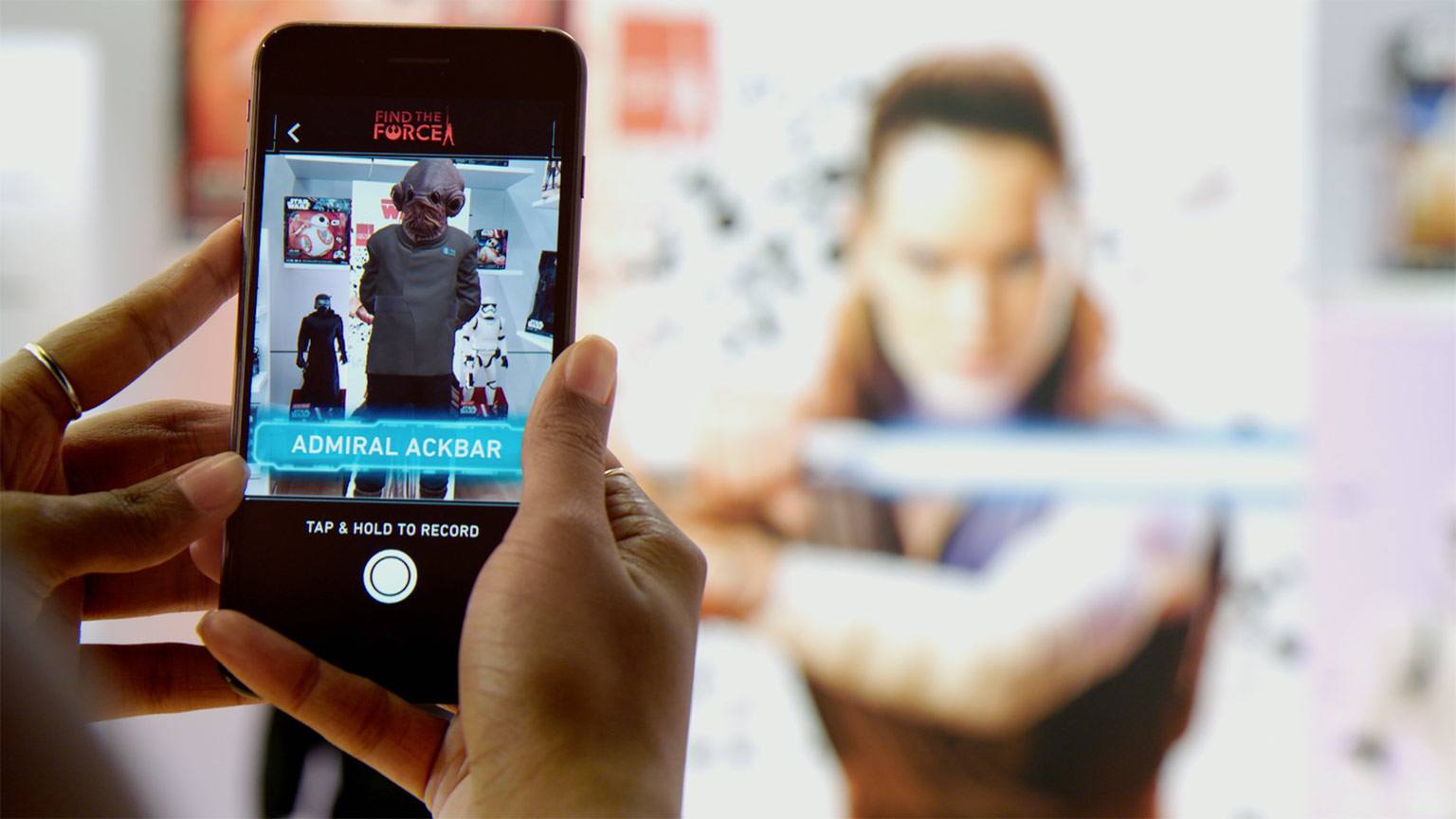
Based on the interview, IKEA and Apple feel like a natural fit. IKEA has hundreds of 3D models ready to use with ARKit and Apple has a huge install base of iOS users for IKEA’s app. Moreover, IKEA can help demonstrate the types of applications that AR can enable beyond the gaming industry.

Permalink


Niantic Gives Pokémon GO Gyms a Makeover and Adds a New Raid Battle Feature

Niantic announced a major update to Pokémon GO today, including new gym gameplay mechanics and a feature called Raid Battle. Gym gameplay has been modified with a focus on how gyms are defended by controlling teams. Each gym will have six permanent slots, each of which must be populated by a different Pokémon.

Niantic is adding a new motivation system too. Over time and the course of battles, Pokémon will lose motivation, making them easier to defeat by rival trainers. Pokémon that lose all of their motivation will leave the gym and be returned to their trainers the next time they are defeated in battle. To maintain motivation, teams that control a gym can feed their Pokémon Berries, which should increase player interaction with the game.

Read more


Control Any Computer from Your Mac or iOS Device with Screens [Sponsor]

Screens by Edovia makes it easy to control any computer from a Mac or iOS device no matter where you are in the world. Whether you left an important file on your home computer that you need while you’re at work, or have a relative thousands of miles away who needs tech support, Edovia’s Screens app for Mac and iOS has you covered.

Screens is as secure, fast, and reliable as it is easy to set up and use. Not only is the connection to your remote computer secured end-to-end, but Screens includes Curtain Mode, which obscures the screen of your remote computer so no one walking by it while you’re connected can see what’s on your screen. Screens can also handle multiple displays attached to your remote computer, showing them all at once or just the ones you choose to view. If you provide tech support for friends and family, Screens makes that process simpler too by offering a free download that anyone you are helping can use so you can take control of their computer as you troubleshoot their problems.

Edovia has a great limited-time deal for MacStories readers. Use the coupon code MACSTORIES at checkout to save 20% off on the macOS version of Screens. You can also go to http://edovia.com/macstories to have the coupon code automatically applied to your purchase.

Our thanks to Edovia for sponsoring MacStories this week.