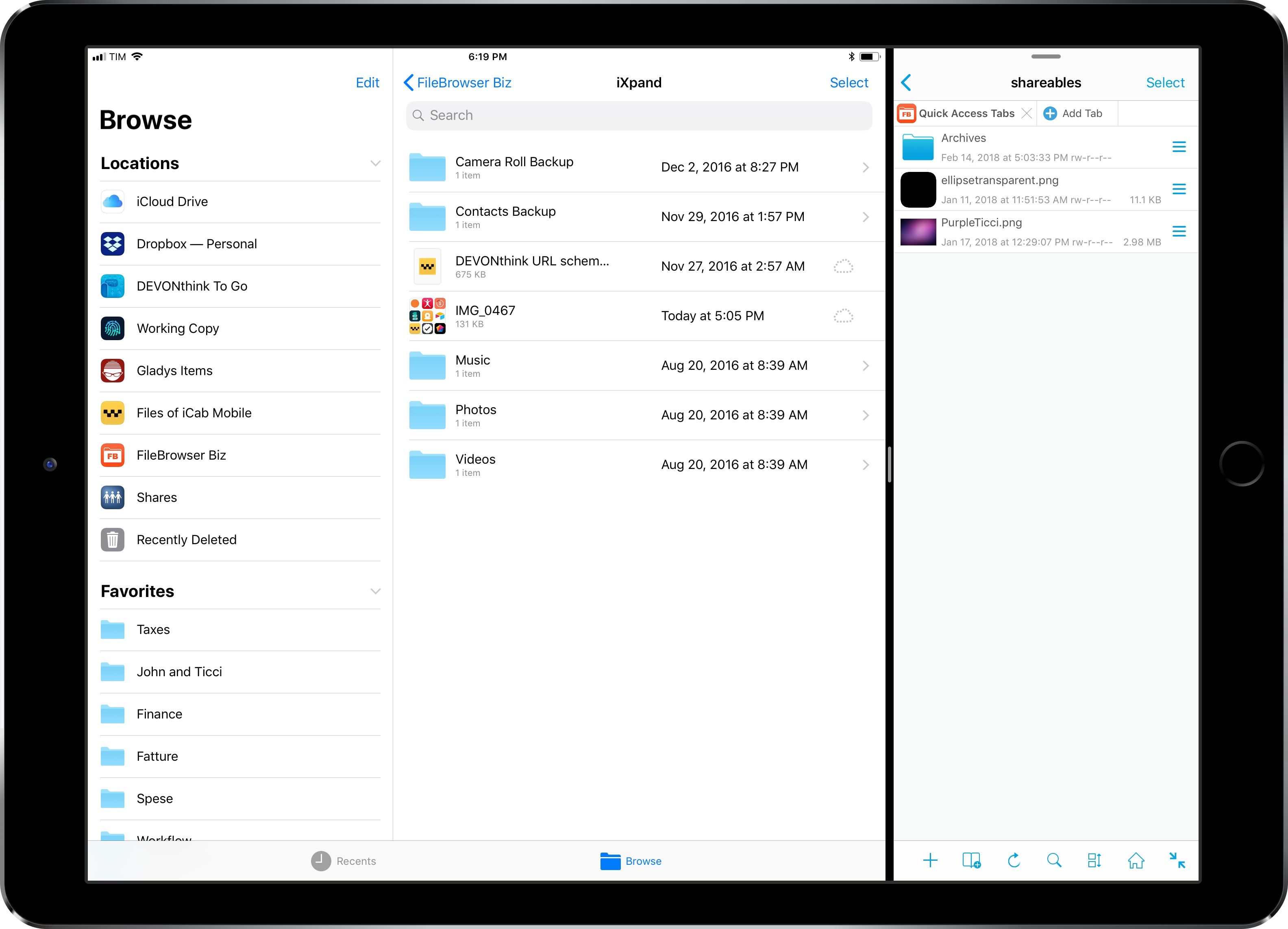
I first covered FileBrowser in an iPad Diaries column from January about finding a replacement for Transmit on iOS. As I noted in the story, FileBrowser didn’t have the prettiest interface (to be fair, I still have to find a file manager that looks as nice as Transmit), but it offered superior integration with iOS 11 features such as drag and drop and Files.
I wrote:
What FileBrowser gets right is support for iOS 11’s drag and drop and Files app. With drag and drop, you can import items into FileBrowser (and thus upload them to any configured location) as well as export files from a server you’re browsing in FileBrowser. The app supports multi-item drag and drop so you can pick up multiple files in a single drag session and drop them into another iPad app, and it correctly implements lazy delivery (asynchronous transfers) for large files. For instance, I was able to drag a .aif song (30 MB) and a .zip archive (160 MB) from FileBrowser and drop them into Gladys and, while it took a few seconds (particularly for the 160 MB file), it worked just fine; as the file was being copied after I let go of it, I could continue using Gladys as normal.
Something else I should have noted: the FileBrowser team is extremely receptive to criticism and new ideas. Over the past few weeks, I’ve been testing an updated version of FileBrowser (in the Business flavor) that addresses several limitations I covered last month.