
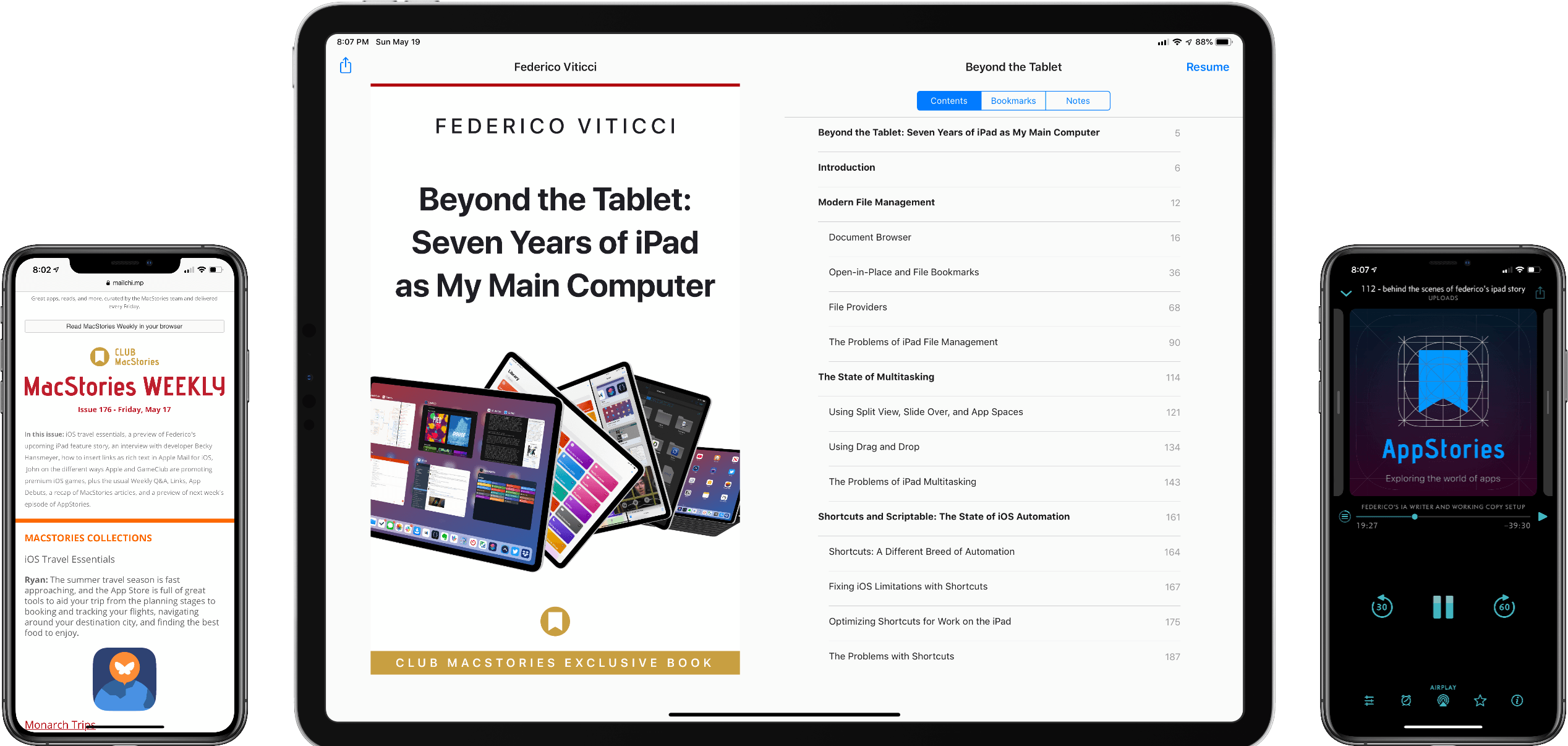
Today, Federico published Beyond the Tablet: Seven Years of iPad as My Main Computer, a comprehensive evaluation of the advantages and shortcomings he’s experienced using an iPad as his primary computer. Weighing in at around 50,000 words, Beyond the Tablet rivals Federico’s annual iOS reviews in scope and depth of coverage. As a result, it felt appropriate to release the same sort of extras for this story that we’ve provided for iOS reviews.
Beyond the Tablet Extras: eBook, Special Episode of AppStories, and Making Of Essays
Beyond the Tablet: Seven Years of iPad as My Main Computer
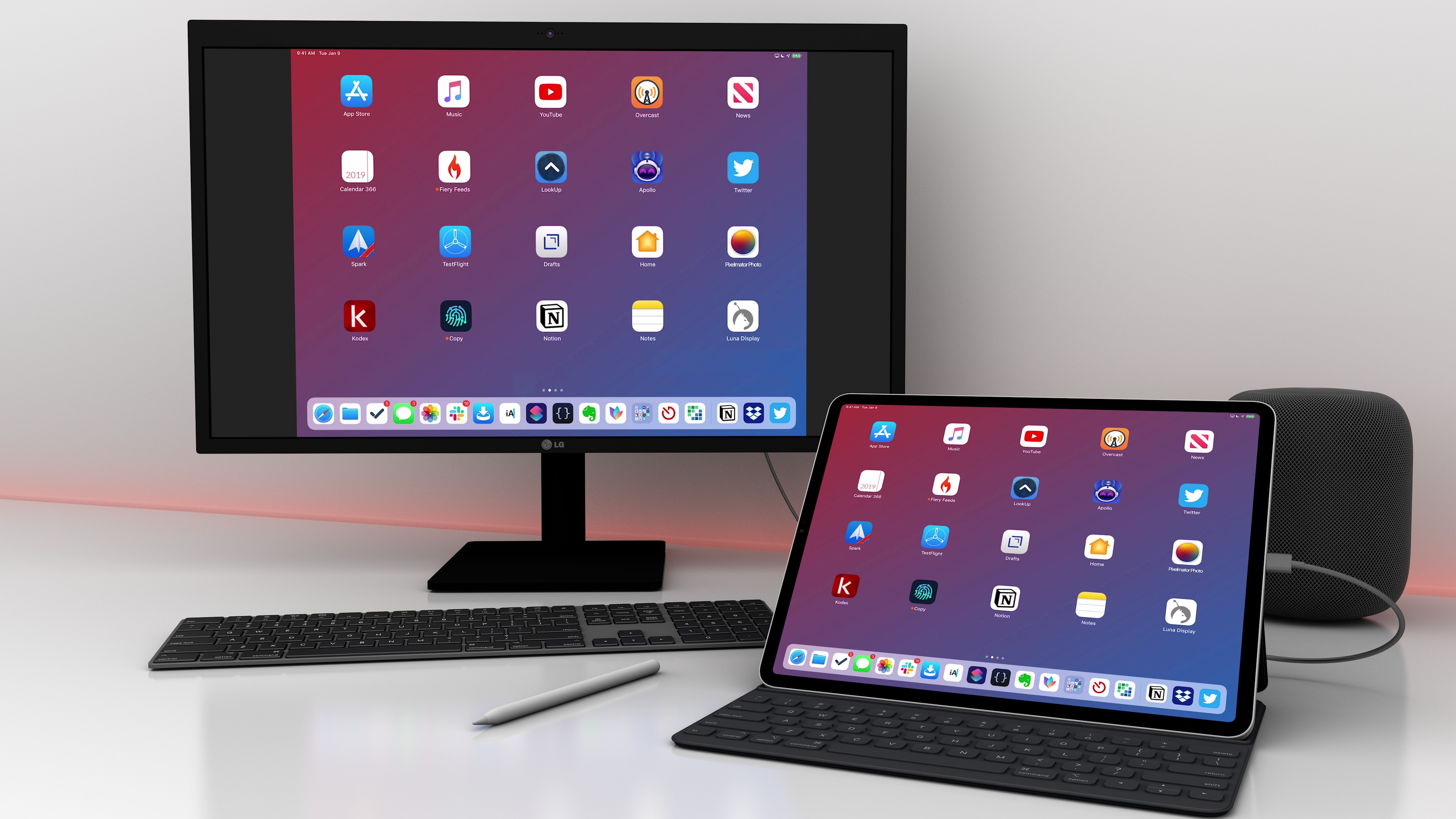
For the past seven years, I’ve considered the iPad my main computer. Not my only one, and not the most powerful one I own, but the computer which I use and enjoy using the most.
Credits
This story wouldn’t have been possible without the help, feedback, and existence of the following people, animals, and apps:
- My girlfriend Silvia, for her patience, love, design skills, and wisdom
- Ryan Christoffel, for his editing skills and incredible patience
- Brian King, for working his 3D magic to make this story extra special
- John Voorhees, a friend and amazing colleague who also helped with photos, editing, and the eBook version
- Shahid Ahmad, for his precious notes and feedback
- Jason Snell
- The developers of Working Copy, iA Writer, Shortcuts, Scriptable, MindNode, and Timery
- Zelda and Ginger, for keeping me company while I was writing the article
- Alessandro Vendruscolo, who made the web layout happen (again)
- Brett Terpstra
- Myke Hurley
- Stephen Hackett
- Every Club MacStories member
- And finally, every MacStories reader, for reading my stories over the years and allowing me to keep doing what I love. Thank you.
CARROT Weather Enables Notifications for Storm Cells, Precipitation, Lightning Strikes, Government Alerts, and More
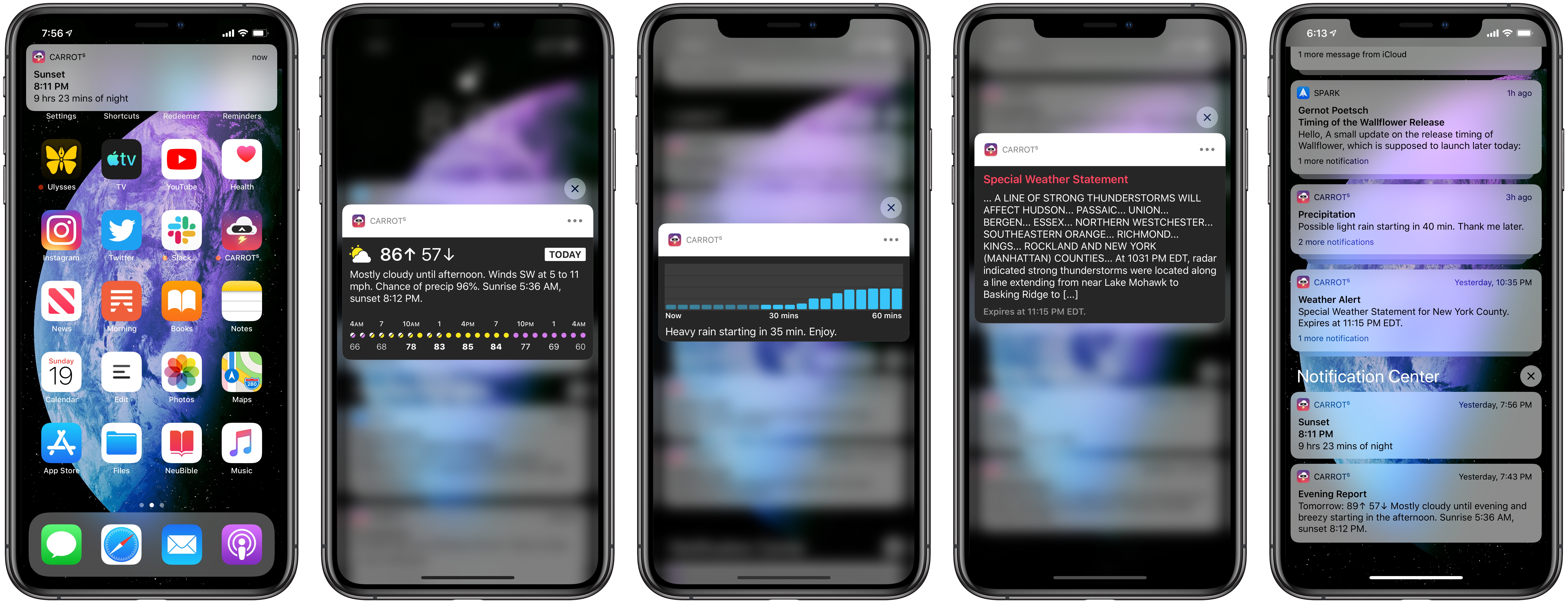
The latest update to CARROT Weather was released today, version 4.11, which is centered entirely around notifications. Though the types of notifications available depend on your subscription plan due to the different costs associated with each data source, in total there are a ton of options available to satisfy anyone’s needs. Whether you simply want to avoid getting caught in the rain without an umbrella, or finding yourself outdoors when a storm hits, or one of many other weather situations, CARROT Weather can now keep you informed with timely notifications for a variety of weather events.
Timery for Toggl: The MacStories Review
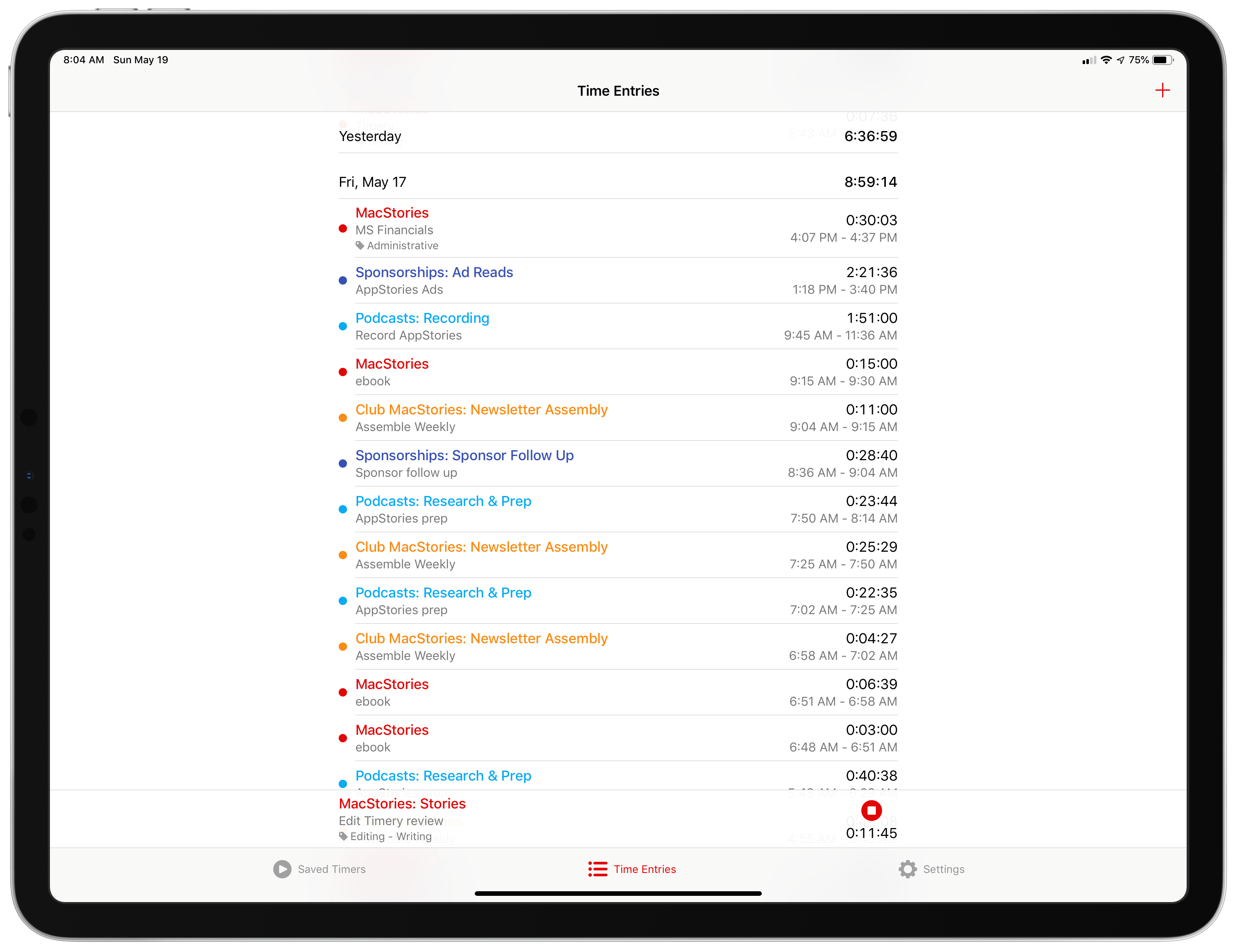
I have a long, rocky relationship with time tracking. For years I tracked my time because I had to; clients were billed by the hour. I hated the tedium of it. A big part of that was because I didn’t have access to time tracking apps. Instead, I kept track of my time in a notebook or a plain-text document. When I left that job, I celebrated, figuring that I’d left time tracking in my wake. I was very wrong.
No sooner had I started writing and podcasting full-time than I found myself tracking every minute that I work again. There was a difference this time though. I was doing it for myself to ensure I spent my time wisely; no longer was I just feeding the back-end to an invoicing system.
Time tracking helps me weigh the value of the time I spend on every project, identify inefficiencies in the way I work, and acts as an early warning system to avoid burnout. Tracking for my own benefit has made all the difference in the world, but it didn’t make keeping up with the habit any easier. For that, I needed a better set of tools than a notebook or text file.
The service I decided on was Toggl, which Federico and a few other friends were already using. It’s perfect for anyone tracking their time for their own purposes because the service has a generous free tier. If you want more extensive reporting, advanced features, or project and team management though, there are paid tiers too.
Toggl also offers a rich web API. That was important when I first started using Toggl because early versions of its iOS and Mac apps weren’t great. Those apps have improved, but early on, I switched to using Federico’s Toggl workflows which evolved into his current set of Toggl shortcuts alongside the Toggl web app running in a Fluid browser instance on my Mac.
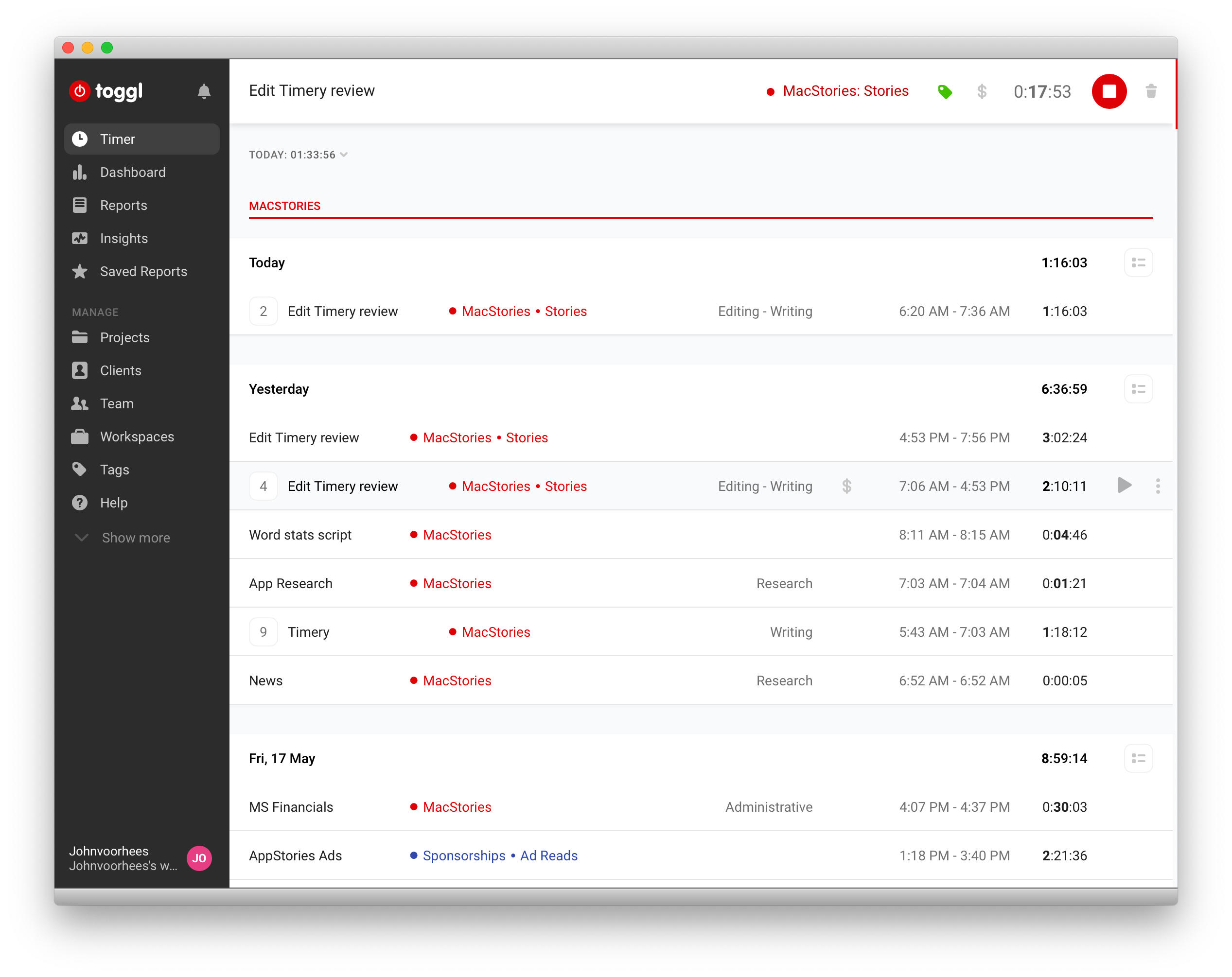
I’m still using Toggl in a Fluid browser on my Mac, but since last summer, I’ve been using the beta of Joe Hribar’s Timery on iOS and loving it. In fact, Timery is so good that even when I’m at my Mac, I find myself turning to it to start and stop timers instead of the web app. There are additional features I’d like to see Timery implement, which I’ll cover below, but for flexible, frictionless time tracking, you can’t beat Timery. The app has been on my Home screen for months now and gets a workout seven days a week. Here’s why.
iMazing: Take Control of Your iPhone Data [Sponsor]
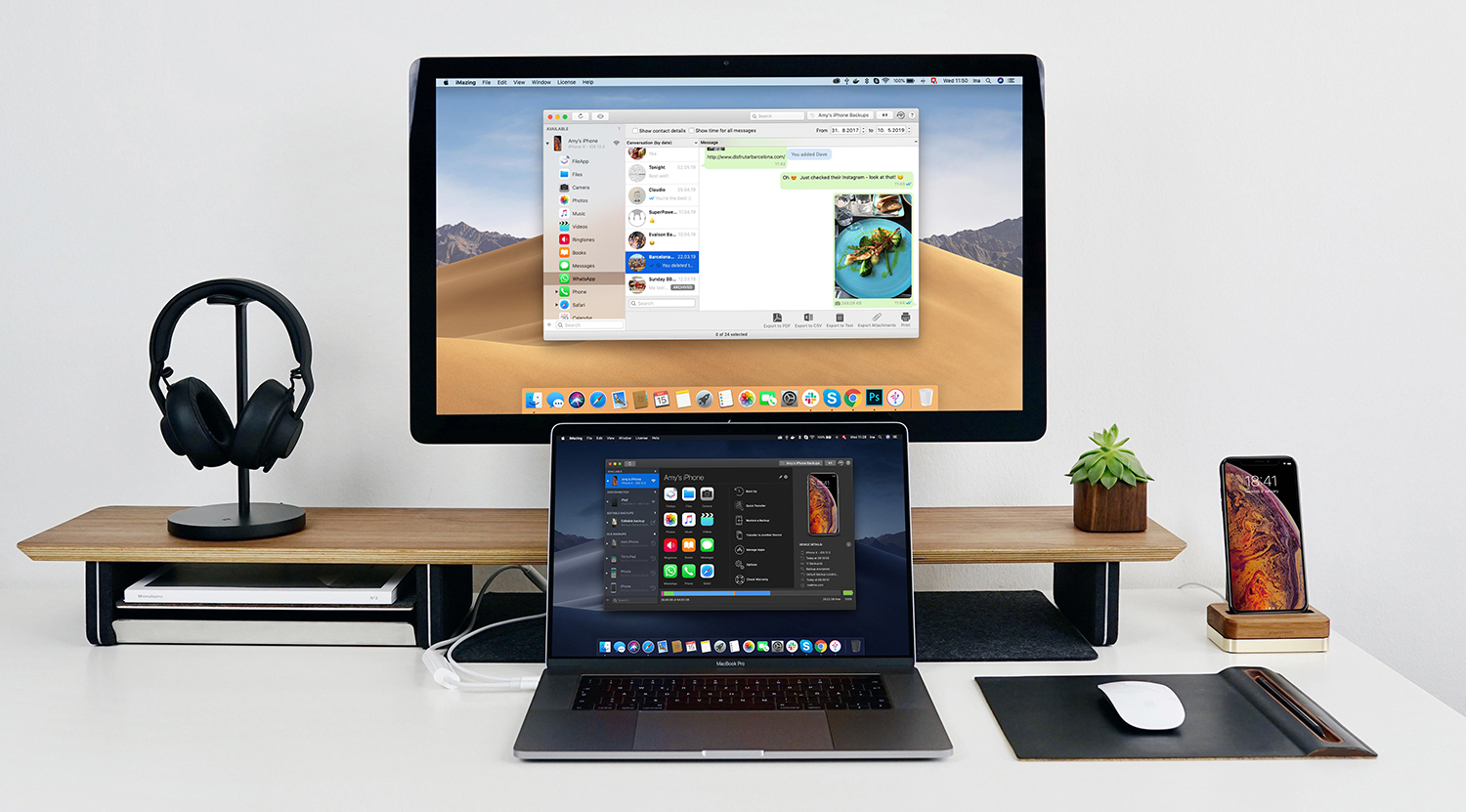
iMazing is a Mac app that provides unparalleled access to everything on your iOS devices. The app works over both WiFi and USB, so it’s ready whenever you are. With it, you can take control of your iOS data: make Time Machine-style backups, easily transfer documents, media and content, and dig into system files, access device and battery diagnostics, and a whole lot more. iMazing is the Swiss Army Knife of iPhone and iPad management.
Backups
All of your data stays local, on your Mac and backups can be encrypted for maximum privacy. Backups can be saved to any destination you want, including external drives or a NAS, and unlike iTunes, iMazing keeps a history of your backups so you can roll back to any prior backup.
New WhatsApp and Messages Features
The app is continually updated with new and exciting features. The latest update focuses on Apple’s Messages app and WhatsApp. WhatsApp integration is all-new. iMazing has a dedicated WhatsApp view that displays your chats, photos, videos, shared contacts, links, locations, message status, and much more. The app includes powerful search functionality for finding messages and the ability to make printed copies and export PDFs, CSV files, and text files too.
Messages integration has been improved too. It’s faster than ever and has gained the same printing and export options as the WhatsApp integration, making iMazing an essential tool for preserving memories and finding conversations.
Limited-Time Discount
iMazing is offering a special, limited-time 30% discount just for MacStories readers until May 27, 2019. So don’t delay, download iMazing today and take control of you iPhone data.
Our thanks to iMazing for sponsoring MacStories this week.
Fiery Feeds Adds iCloud Accounts, Three-Pane iPad View, New Customization Tools, and More
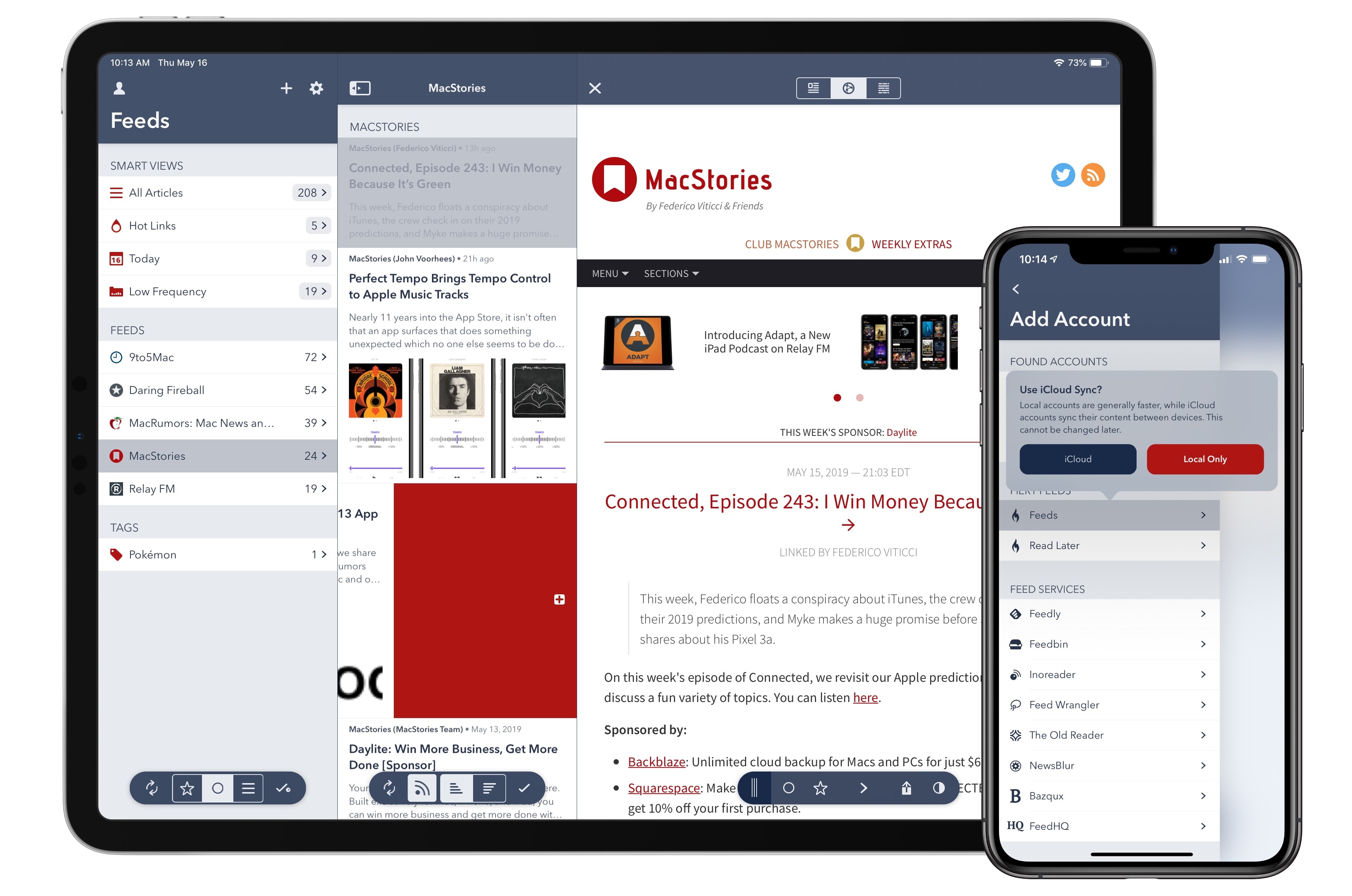
Fiery Feeds, the modern, flexible RSS client for iOS, was updated today with a variety of new features that take the app to new heights: enabling iCloud-based accounts for RSS and Read Later so you don’t need third-party services, adding a three-pane layout on iPad, offering new, configurable methods for navigation, and a lot more. There’s something for everyone, from users who may be new to RSS to Fiery Feeds veterans who will appreciate the additional power offered here.
 MacStories Weekly: Issue 176
Adapt, Episode 1: Custom Keyboards and the iPad Multitasking System→
Introducing Adapt, a show where Federico Viticci and Ryan Christoffel challenge each other to do new things on the iPad. On this debut episode, Federico investigates being productive using third-party software keyboards, then he and Ryan discuss ways they use the iPad’s multitasking system in everyday life.
In the first episode of our new iPad-focused podcast Adapt – which we launched yesterday - Ryan challenged me to get work done on my iPad Pro using custom software keyboards. No spoilers, but I found the experience surprisingly fun and useful. We also talked about the current state of iPad multitasking and the changes we’d like to see in iOS 13.
You can listen below (and find the show notes here), and don’t forget to send us questions using #AskAdapt and by tagging our Twitter account.





Connected, Episode 243: I Win Money Because It’s Green→
This week, Federico floats a conspiracy about iTunes, the crew check in on their 2019 predictions, and Myke makes a huge promise before Stephen shares about his Pixel 3a.
On this week’s episode of Connected, we revisit our Apple predictions for 2019 and discuss a fun variety of topics. You can listen here.
Sponsored by:
- Backblaze: Unlimited cloud backup for Macs and PCs for just $6/month.
- Squarespace: Make your next move. Enter offer code CONNECTED at checkout to get 10% off your first purchase.
- Pingdom: Start monitoring your websites and servers today. Use offer code CONNECTED to get 30% off.