Sam Henri Gold Launches The Unofficial Apple Archive

Source: The Unofficial Apple Archive

Source: The Unofficial Apple Archive

Last summer, Sam Henri Gold uploaded hundreds of images, videos, and other historical Apple material to Google Drive from the company’s earliest days to present. The collection didn’t last long. The flood of people trying to download its contents slowed the archive to a crawl, and ultimately Gold took it down.

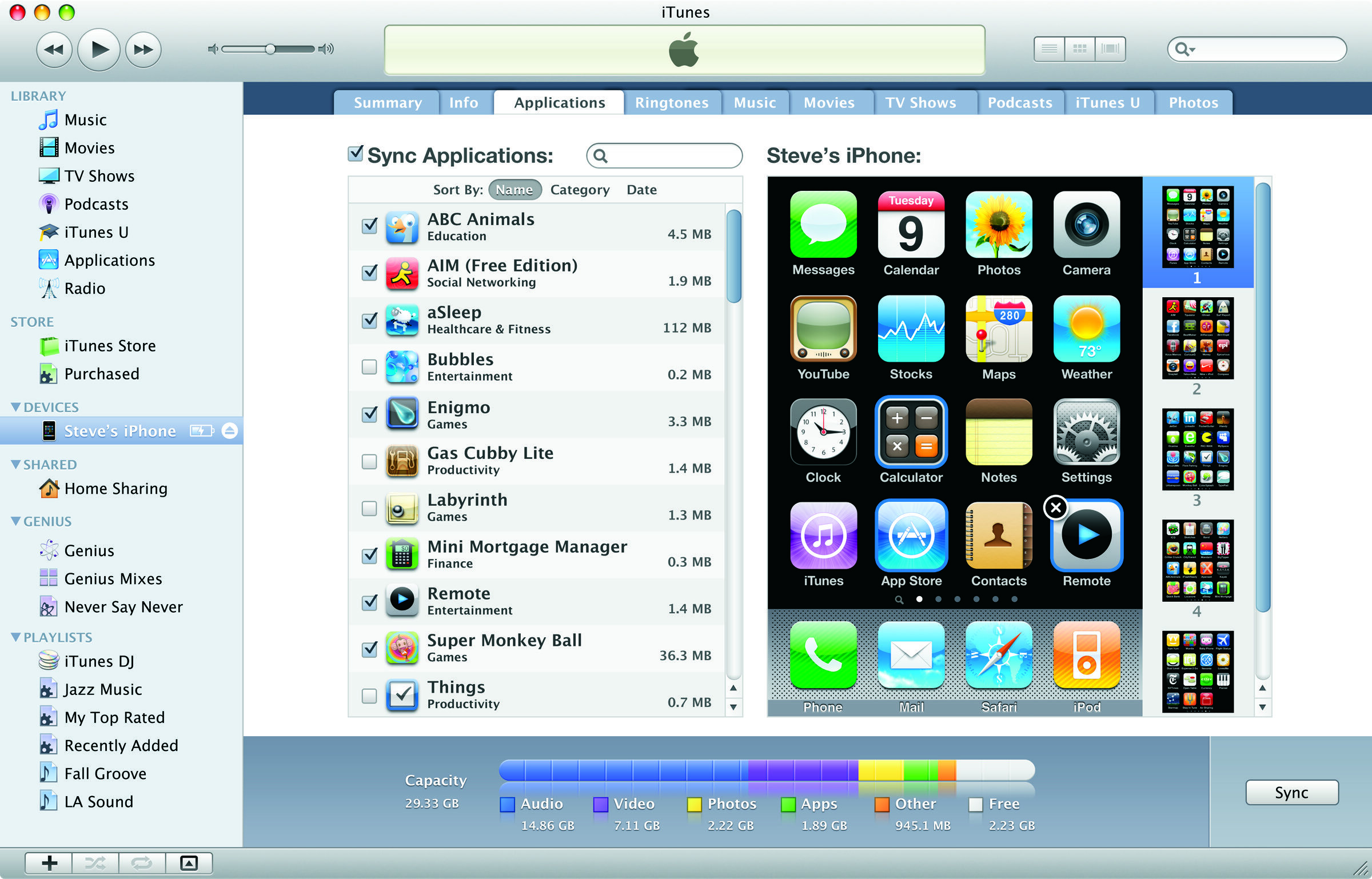
The archive is back now at applearchive.org as an ad-free website organized by decade. The collection, which Gold has dubbed The (Unofficial) Apple Archive, includes a wide range of materials from press photos and keynotes to TV ads and Mac wallpapers. There is even a healthy collection of unreleased materials, like this unreleased social media ad for AirPower.

The site includes search functionality that makes it easier to find something specific among the hundreds of items or browse an entire product category. Images can be downloaded from the archive, but to deter downloading of videos, Gold is using a restrictive embedded Vimeo player. The desire to stop downloads is understandable, but it also means that the videos cannot be embedded by others writing about them elsewhere, which is a shame.

Between a Vimeo Pro account and Squarespace, Gold says the Apple Archive costs him about $456/year. Because the site is ad-free, Gold is accepting donations to help defray the costs here. To learn more about the Apple Archive project and the story behind it, check out Michael Steeber’s interview with Gold on 9to5Mac.


Arcade Highlights: Grindstone

When it comes to mobile games, all a new title has to do to draw me in is show a Candy Crush-style grid of objects. There’s something about the simple mechanic of making connections on a grid that’s hard for me to resist. Most of the time, though, I find that while such games can easily grab my interest, many will quickly lose it when I actually start playing. It’s usually just standard match three games that keep my attention, so when I first tried out Grindstone, I didn’t think it would be for me.

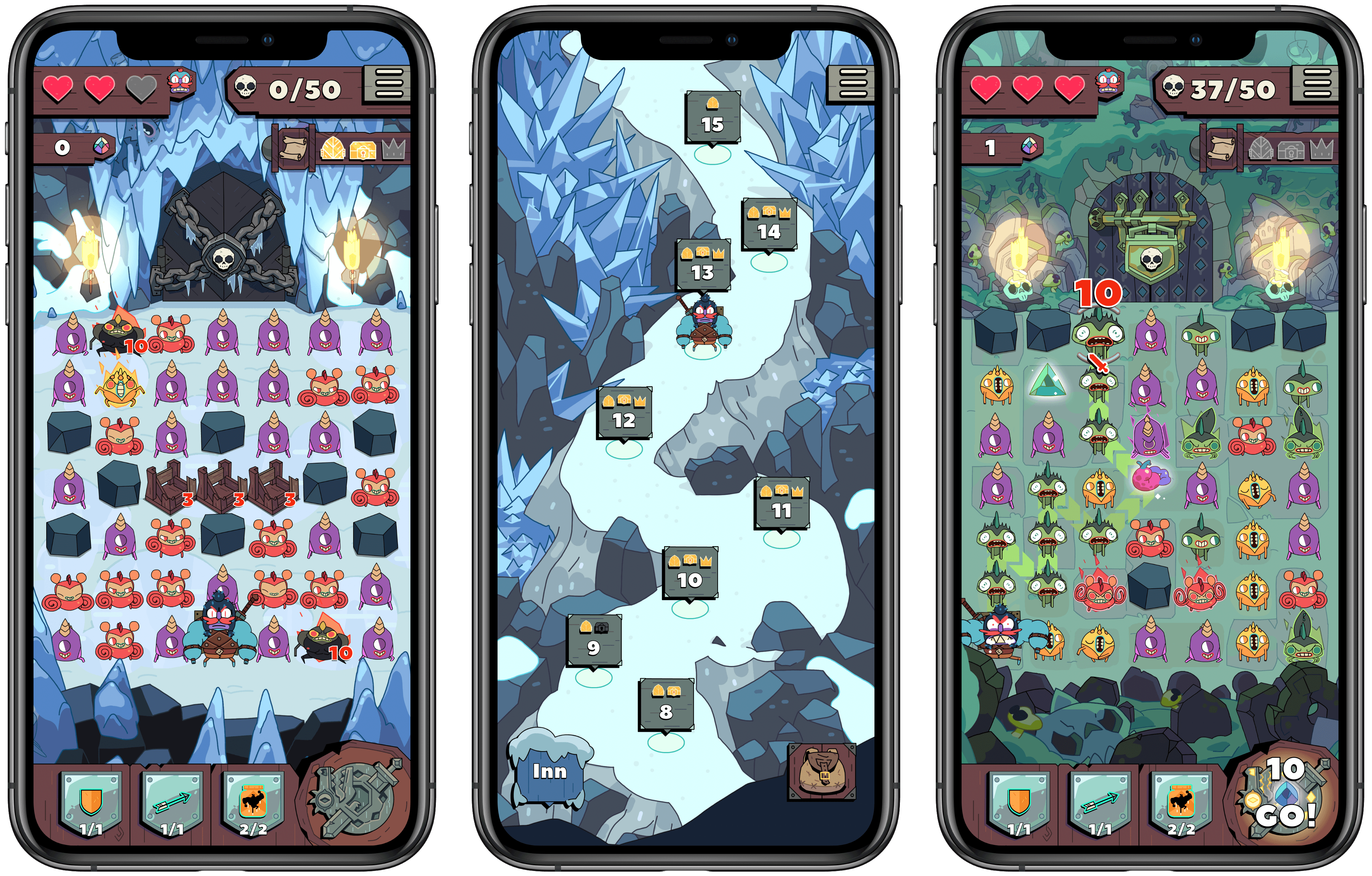
Grindstone is an Apple Arcade title from Capy and the creative team behind the excellent Superbrothers: Sword & Sworcery EP. It features a familiar grid of objects – in this case monsters to defeat – but rather than rearranging matching monsters in a Candy Crush fashion, you’re tasked with tracing a line from one matching monster to another, determining the order in which you’ll slay them and potentially earn rewards. Monsters have to be adjacent to each other for you to string them together, so essentially you’re completing a connect the dots puzzle each turn with as many monsters destroyed as possible.

Read more


The Case for Low Power Mode on the Mac

Marco Arment on marco.org, outlining his self-created Low Power Mode-like system which relies on a third-party app, and making the case for Apple to add something similar as an official macOS feature:

The vast majority of the time I’m using it, the 16-inch MacBook Pro is a much better laptop with Turbo Boost disabled.

It’s still fast enough to do everything I need (including significant development with Xcode), while remaining silent and cool, with incredible battery life.

But soon, I bet I won’t be able to do this anymore.

Turbo Boost Switcher Pro relies on a kernel extension that’s grandfathered into Apple’s latest security requirements, but it can never be updated — and when macOS Catalina loads it for the first time, it warns that it’ll be “incompatible with a future version of macOS.” I suspect that this is the last year I’ll get to run the latest OS and be able to turn off Turbo Boost at will, making all of my future laptop usage significantly worse.

Low Power Mode is one of many useful features that iOS has had for years but that Mac users have been forced to live without. The feature’s popularity on iOS makes it a no-brainer addition for portable Macs, where battery life is already worse than what’s found in the iPhone and iPad.

Update: Former MacStories contributor TJ Luoma helpfully pointed out something that genuinely surprised me: Low Power Mode isn’t on the iPad either. Here’s hoping Apple brings it not only to the Mac, but the iPad as well.

Permalink

AppStories, Episode 145 – Shortcuts Utility Apps

This week on AppStories, we cover Shortcuts utilities including Toolbox Pro, Pushcut, and LaunchCuts. They also preview an upcoming Shortcuts utility from Simon Stovring called Data Jar and explain the difference between Shortcuts, shortcuts, Siri Shortcuts, and other terminology.

Sponsored by:

  • Linode: Cloud Hosting & Linux Servers. Get a $20 credit.

AppStories+ Deeper into the world of apps

AppStories Episode 145 - Shortcuts Utility Apps

0:00
41:40

AppStories+ Deeper into the world of apps

Permalink

Toggl: Simple Time Tracking Combined with Powerful Reporting [Sponsor]

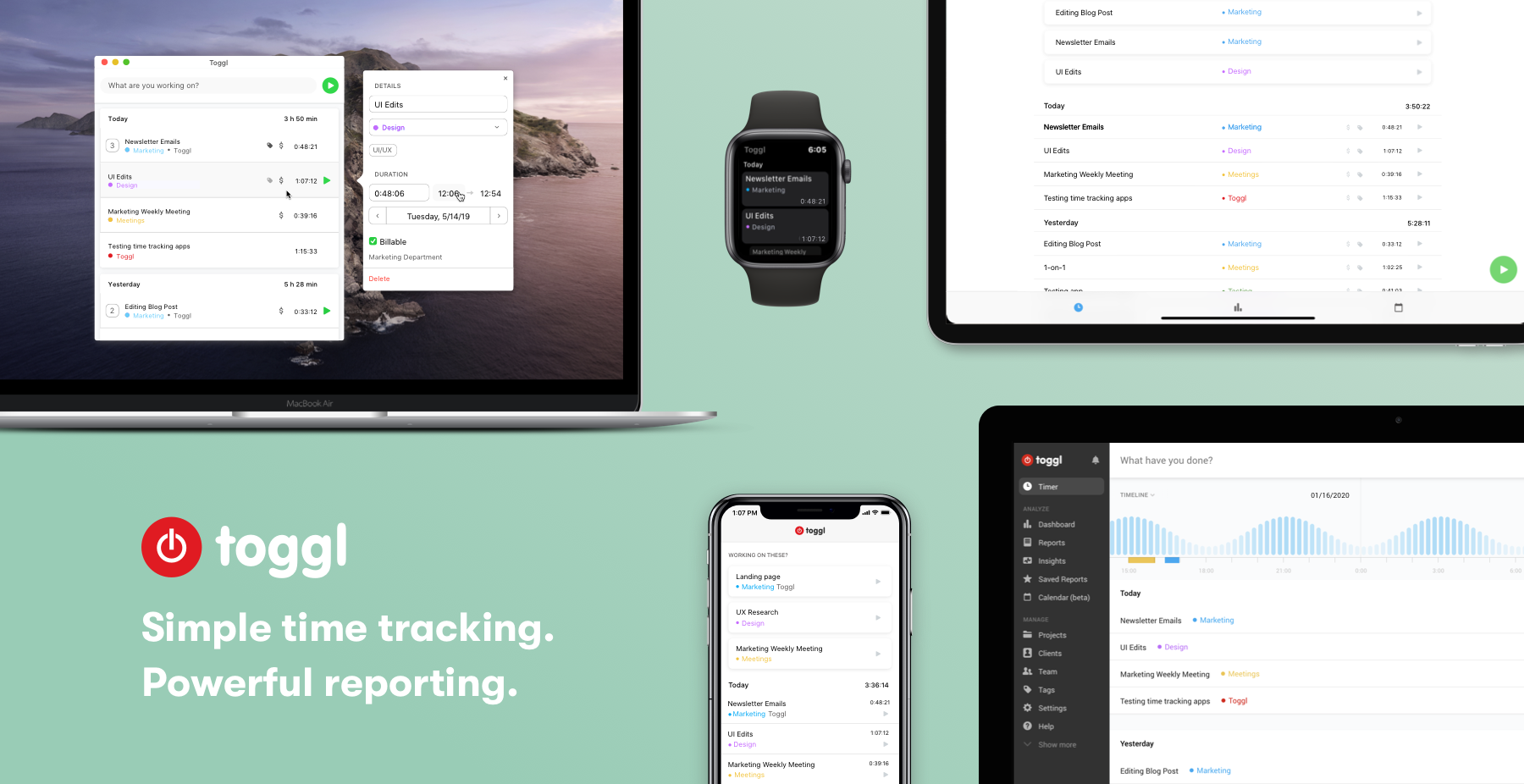
Toggl brings together simple time tracking with powerful reporting. It’s a combination that allows you to account for your time effortlessly and gain valuable insights, and now is a terrific time to sign up for a paid annual plan. That’s because to celebrate the new year, Toggl is offering 20% off its annual plans if you sign up before January 17th!

With iOS, Mac, and web apps, it’s easy to start and stop timers whenever and wherever you’re working. All it takes is a single click or tap and you’re up and running with your time entries syncing seamlessly in the background. Each app is free and designed for the hardware on which it runs. For example, on iOS, Toggl works with Siri and Shortcuts. There’s an Apple Watch app too.

On the Mac, Toggl has been redesigned to more closely resemble the company’s web app. The update added dark mode, simplified adding of clients and projects, streamlined time tracking visualizations, and improved offline support.

There’s also a fantastic new timeline view on the Mac for quickly pinpointing the gaps in your day. Toggl can also privately monitor the apps you use on your Mac to help remind you of how you spent your time. The app can even set Pomodoro timers to remind you to take breaks, and for Macs with a Touch Bar, there’s a handy Global Toggl Button for starting timers that’s always visible when Toggl is running.

Tracking only gets you so far though. That’s why Toggl generates powerful, professional reports that provide valuable insights and make bookkeeping a breeze.

Simplify your time tracking. Download Toggl today for the Mac and iOS and be sure to take advantage of the 20% discount on paid annual plans by signing up before January 17th.

Our thanks to Toggl for sponsoring MacStories this week.


Apple Shows Off Daisy the Recycling Robot

We’ve covered Apple’s recycling robot Daisy, and its predecessor, Liam, before. Both are part of Apple’s efforts to become a ‘closed-loop’ manufacturer that doesn’t rely on the mining industry for the materials that make up its products.

Apple gave Reuters a tour of the warehouse in Austin, Texas that houses Daisy recently. According to the story:

Daisy, less than 20 yards in length, uses a four-step process to remove an iPhone battery with a blast of -80 Celsius (-176 Fahrenheit) degree air, and then pop out screws and modules, including the haptic module that makes a phone vibrate.

From the process, Apple is able to remove 14 minerals from 200 iPhones per hour that are sent to recyclers for extraction and refinement.

The company’s recycling effort has its skeptics as outlined in the Reuters story, but it’s commendable nonetheless. Be sure to check out the full story for images of Daisy and the components it removes from iPhones.

Permalink


CES: A Tour of the Most Interesting (and Strange) Tech Announcements

CES has been going strong all week with announcements of new gadgets: home automation gear, TVs, computers, and lots more. Many mobile phone makers and some big industry players sit out CES, but there is still plenty of news from companies big and small with new products and technologies to show off.

A lot of what gets hyped at CES is prototypes and concept devices that will never ship or will get delayed. Still, every year I find that CES is fascinating to study for the industry trends it reveals and the handful of gadgets I discover that I’d like to try.

After combing through hundreds of headlines and press releases, I’ve compiled a roundup of some of this week’s most compelling announcements. Feel free to skip around to the categories that you find most interesting using the table of contents below.

Read more


Adapt, Episode 16: Having Fun with the iPad

On this week’s episode of Adapt:

Federico and Ryan ease into the new year by taking a break from iPad productivity and explaining how they use the device for fun. Plus a challenge recap, #AskAdapt, and more.

You can listen below (and find the show notes here), and don’t forget to send us questions using #AskAdapt and by tagging our Twitter account.

AppStories+ Deeper into the world of apps
0:00
01:04:14

Adapt, Episode 16

AppStories+ Deeper into the world of apps

Sponsored by:

Permalink