Myke and Federico discuss the difficulties of connecting HomeKit to the internet, consider better solutions for iPad multitasking, feel disappointment for the Files app, and see what their boy Buffet is up to.
You can listen below (and find the show notes here).
Pingdom: Start monitoring your website performance and availability today, and get instant alerts when an outage occurs or a site transaction fails. Use offer code CONNECTED to get 30% off. Offer expires on January 31, 2021.
Indeed: Post your job today and get a free sponsored job upgrade.
This week on AppStories, we revisit the topic of app subscriptions and what we learned in the nearly three years since we covered subscriptions in episode 5.
Sponsored by:
Direct Mail – Create and send great-looking email newsletters with Direct Mail, an easy-to-use email marketing app designed exclusively for the Mac.
Indeed – Post your job today and get a free sponsored job upgrade.
The winning photos, which were taken by photographers from China, India, Russia, and Spain, were judged by a panel of professional photographers and Apple executives and employees. The photos are currently being featured on apple.com, Apple’s Instagram account, and will appear on billboards worldwide in the future.
The images chosen by Apple’s panel of judges are fantastic. It’s remarkable what can be accomplished with Night mode, especially when you look back at what nighttime photography was like on the iPhone just a few years ago.
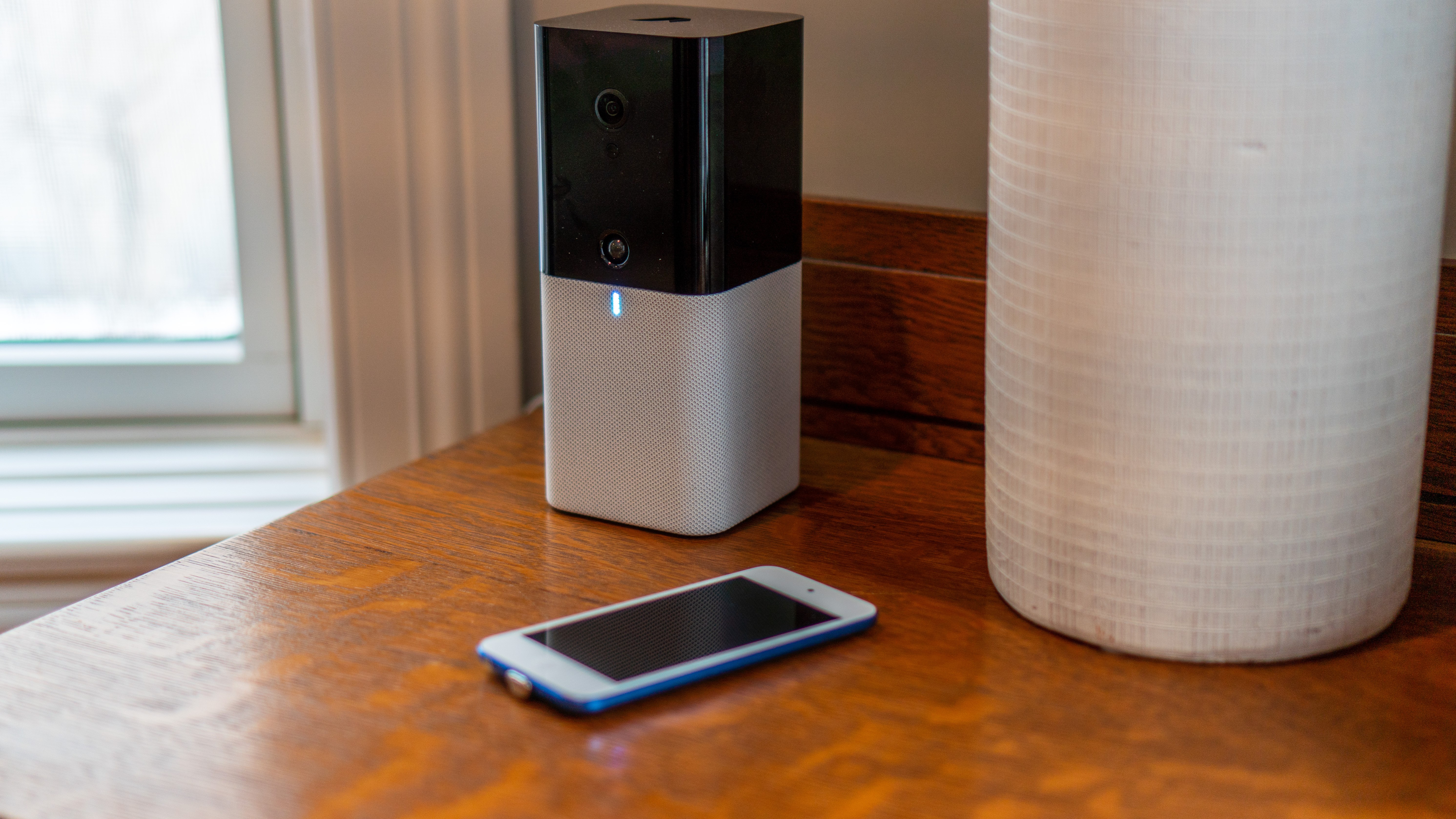
For years, I had a traditional security system in my home that cost hundreds of dollars each year for the monitoring service that went with it. I ditched that system about two years ago in hopes of finding a cheaper, smarter solution, but I’ve had mixed success.
The products I’ve tried in the past have been plagued by unreliable hardware and limited functionality. That’s why I was interested in trying abode’s HomeKit-compatible iota Security Kit when they offered to send me a test unit. After several weeks with the kit, which is available in the US and Canada, I’ve been impressed with both the reliability and flexibility of the hardware.
The iOS app doesn’t match the quality of abode’s hardware, but the issues with the app are mitigated by a solid web app and HomeKit compatibility that provide alternative ways to control the system. I’d certainly prefer a better iOS app. Still, even as is, the combination of abode’s hardware and the services offer a flexibility that other systems I’ve tried just can’t match.
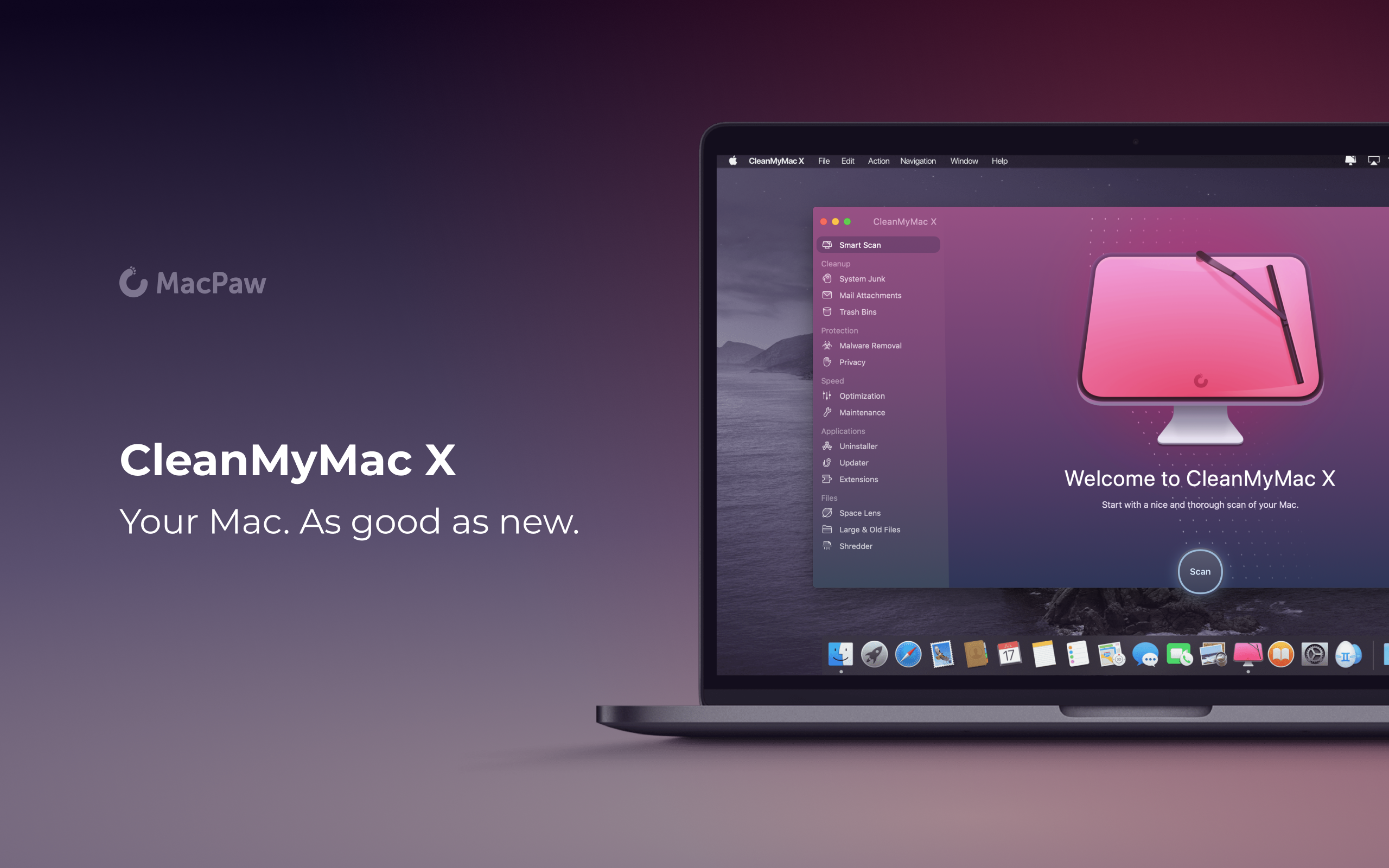
CleanMyMac X by MacPaw is your complete Mac maintenance solution. With an award-winning, beautiful design, CleanMyMac X frees up wasted storage space, protects against malware, optimizes your Mac’s performance, and a whole lot more.
It all starts with Smart Scan, the all-in-one center for analyzing, optimizing, and protecting your Mac. Here you’ll find Space Lens an intuitive tool for cleaning up unwanted, large files and System Junk. CleanMyMac also scans for malware, protecting your Mac against malicious third-party code and vulnerabilities. Better yet, the app’s Malware Monitor can scan for threats in the background, in real-time, catching and notifying you of malware before it takes hold. There’s an optimization section that can free up RAM and manage login items, launch agents, and memory-hungry apps too.
CleanMyMac X includes an app update module that scans your installed apps for available updates too. It’s a fantastic, centralized way to see all the apps on your Mac that have updates whether or not you bought them on the Mac App Store. When you want to uninstall an app, CleanMyMac X is there to help, deleting hidden files and any other cruft that an app would otherwise leave behind.
CleanMyMac X is a fantastic investment to get an older Mac running as good as new and to ensure that more modern Macs keep running smoothly and safely with enough storage to get your work done. The app is notarized by Apple, too, meaning you can download it with confidence.
So, don’t wait, check out CleanMyMac X today. There’s a free trial waiting to help you make your Mac as good as new.
Our thanks to CleanMyMac X for sponsoring MacStories this week.
First-time guest Federico Viticci joins the show. Topics include how the coronavirus outbreak might affect WWDC, speculation on a possible March Apple event, the state of iPad keyboard (and trackpad) support, and iPadOS multitasking.
It was my pleasure to join John Gruber on this week’s episode of The Talk Show. Don’t miss the links in the show notes for the additional context regarding iPad apps and multitasking.
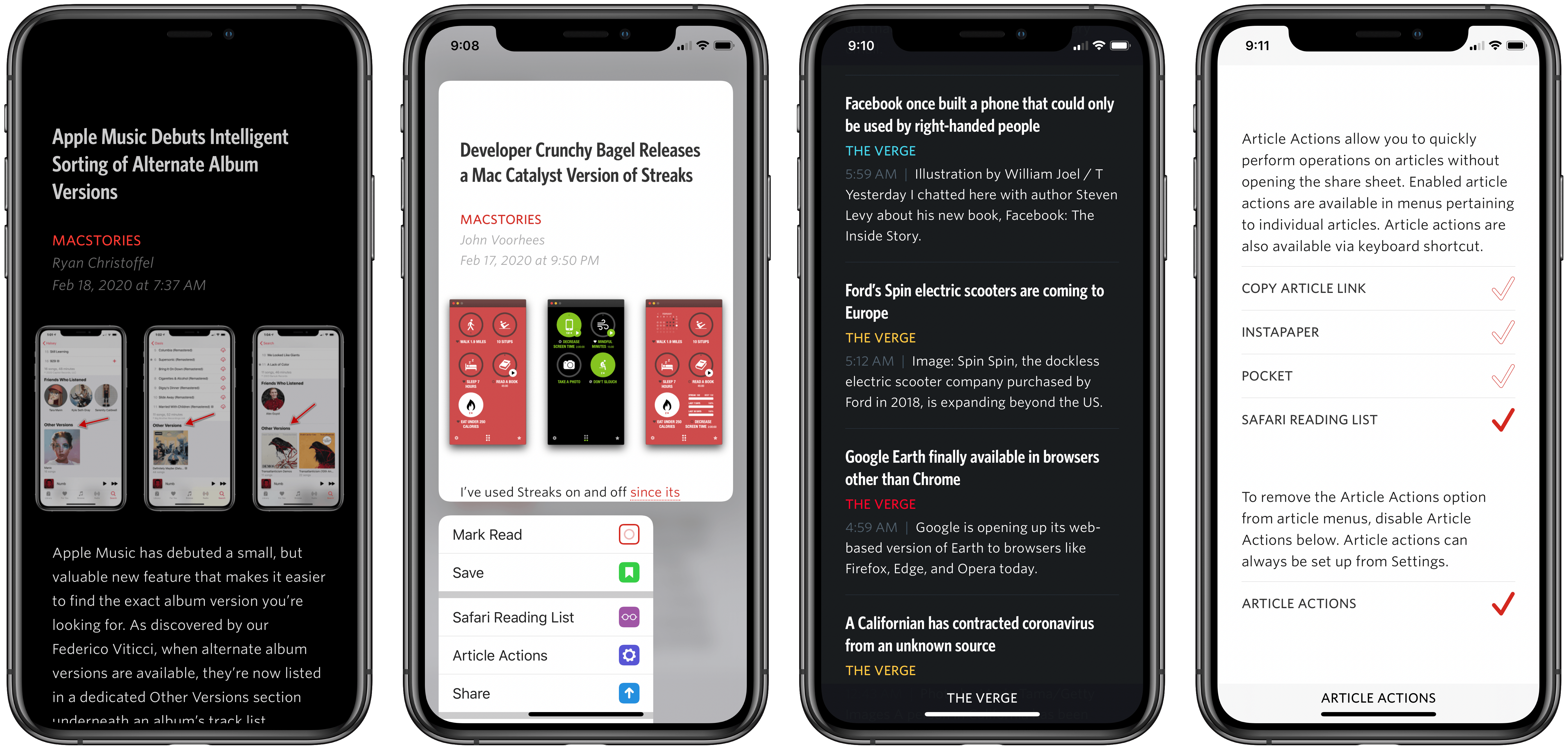
Unread has always been one of my favorite RSS clients due to its clean, elegant, gesture-based design, but as competing apps have continued advancing at a steady pace, Unread’s development stalled leading up to its acquisition in 2017 by Golden Hill Software. Since that time, the app has received new life in the form of regular updates, but nothing on the level of what’s debuting today.
Unread 2, on one hand, brings a lot of change and propels the beloved RSS client into the present. It does this, however, with almost no design changes. Unread 2 looks and feels just like Unread 1, but with more power and a roster of modern features under the hood.
If Unread wasn’t the app for you before, then version 2 almost certainly won’t change your mind. But if you already appreciated the elegant RSS reader, Unread 2 provides a lot more reasons to love it.
There are so many big and small upgrades in Unread 2, for my review I’ve chosen to break its noteworthy improvements into three different categories: RSS, iPad, and OS features.