An Overview of the New Privacy Controls Coming to Apple’s OSes

Privacy has become a central theme of Apple’s OS updates in recent years, and this WWDC’s announcements were no different. During the opening keynote yesterday, the company introduced new privacy features across its OSes and system apps designed to put users in control of their data and prevent unwanted tracking. As Craig Federighi Apple’s senior vice president of Software Engineering explained in an Apple press release:

Privacy has been central to our work at Apple from the very beginning. Every year, we push ourselves to develop new technology to help users take more control of their data and make informed decisions about whom they share it with. This year’s updates include innovative features that give users deeper insights and more granular control than ever before.

One of Apple’s focuses this year is on email. Hide My Email, which is part of iCloud+, lets users create random email addresses that forward to their main address, allowing them to avoid giving out their primary email address to third parties that may sell it or use it to send unsolicited messages. According to Apple, iCloud+ subscriptions with the new features the company announced will cost the same as they do now for the amount of storage offered with a current iCloud subscription. Another new mail feature is, Mail Privacy Protection, which is built into Apple’s Mail app, and prevents invisible pixel trackers that are used to tell if someone has opened a message and gather other information.
Read more


Apple Begins Streaming Spatial Audio and Lossless Tracks on Apple Music

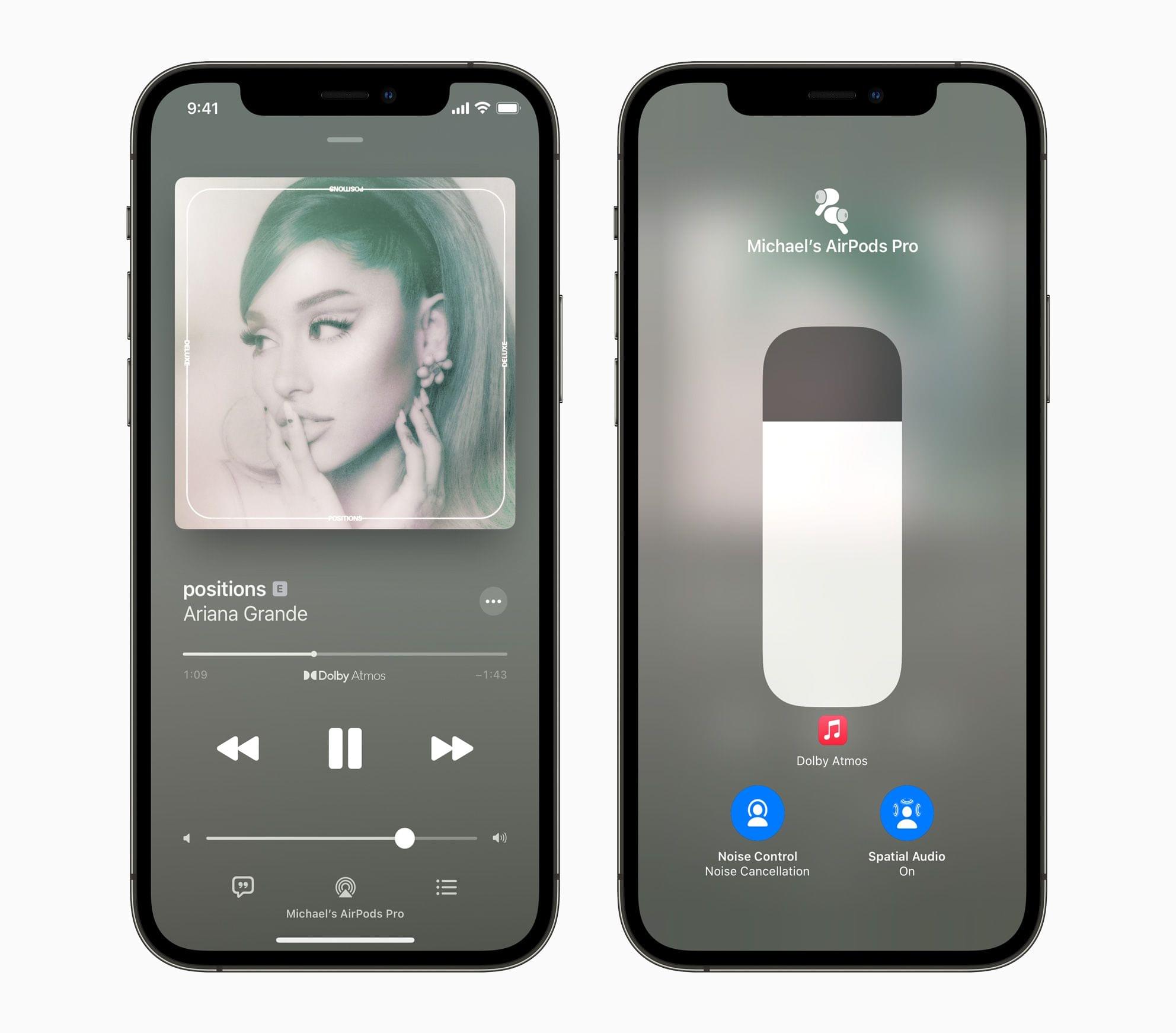
Yesterday, not long after Apple’s opening WWDC keynote, the company activated Spatial Audio and lossless playback for Apple Music. The company followed up with a press release in which Zane Lowe, Apple Music’s co-head of Artist Relations and radio host, explains the new feature and how he feels Spatial Audio will affect music.

First announced last month, spatial audio is a new audio feature that will initially be available on a couple of thousands of Apple Music tracks, providing a surround sound experience for music fans. The technology is based on Dolby Atmos, which is also used by Amazon Music and Tidal.

Read more


Adobe Brings More Creative Cloud Apps to the M1 Macs and Announces New Features Across Its Apps

Adobe continues to release M1-native versions of its Creative Cloud apps, announcing today that native Apple silicon versions of Illustrator, InDesign, and Lightroom Classic are all available now. The company also revealed several features coming to its other desktop and mobile apps and published a benchmark analysis that it commissioned from Andreas Pfeiffer of Pfeiffer Consulting, showing that, on average, Creative Cloud apps run 80% faster on M1 Macs compared to comparable Intel systems.

Read more


iOS and iPadOS 15: The MacStories Overview

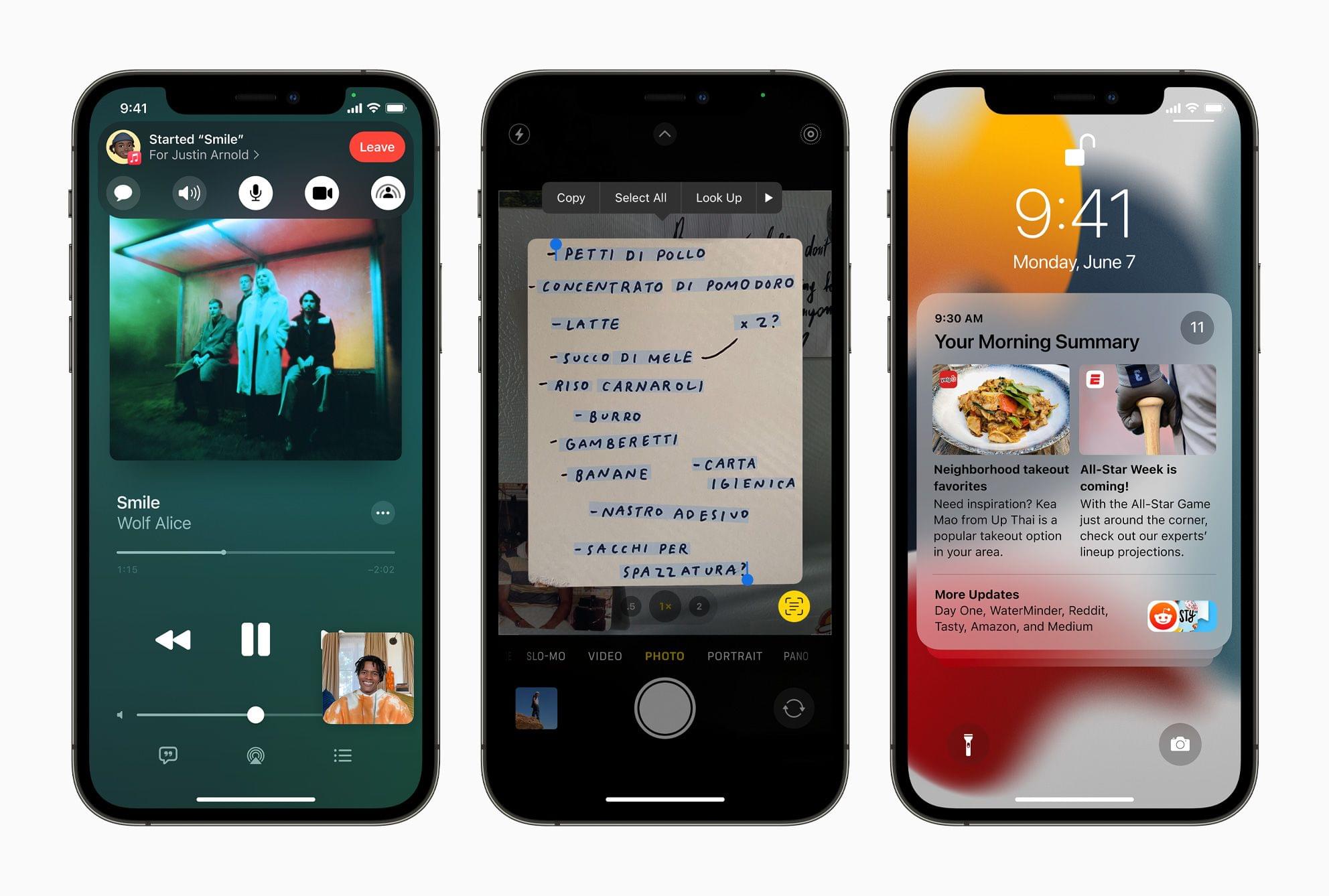
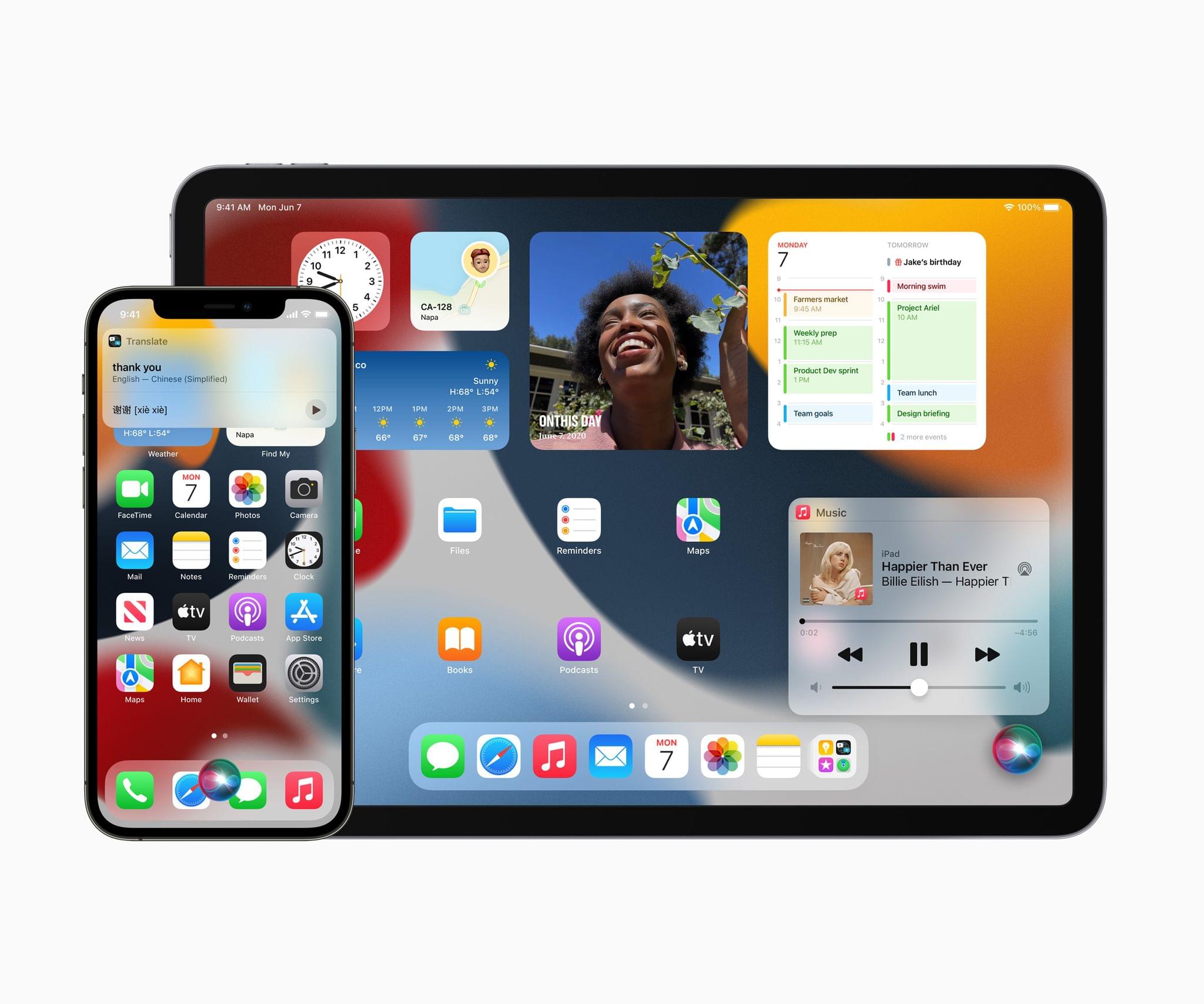
This morning at Apple’s second fully-remote WWDC keynote address, Craig Federighi introduced iOS and iPadOS 15. This year’s updates include significant improvements to core first-party apps, new controls for maintaining focus, system-wide text and object recognition in images, and much more.

On the iPad-only side of things, Apple has announced a variety of new multitasking interface elements, feature parity with the iPhone’s Home Screen, quick note capturing available at any time in any app, and an overhauled Swift Playgrounds which supports building and shipping complete SwiftUI apps to the App Store.

As usual, developer betas are available today, with final versions scheduled to ship to all users this fall. Let’s take a look at all the details that Apple has in store for us this year.

Read more


macOS Monterey: The MacStories Overview

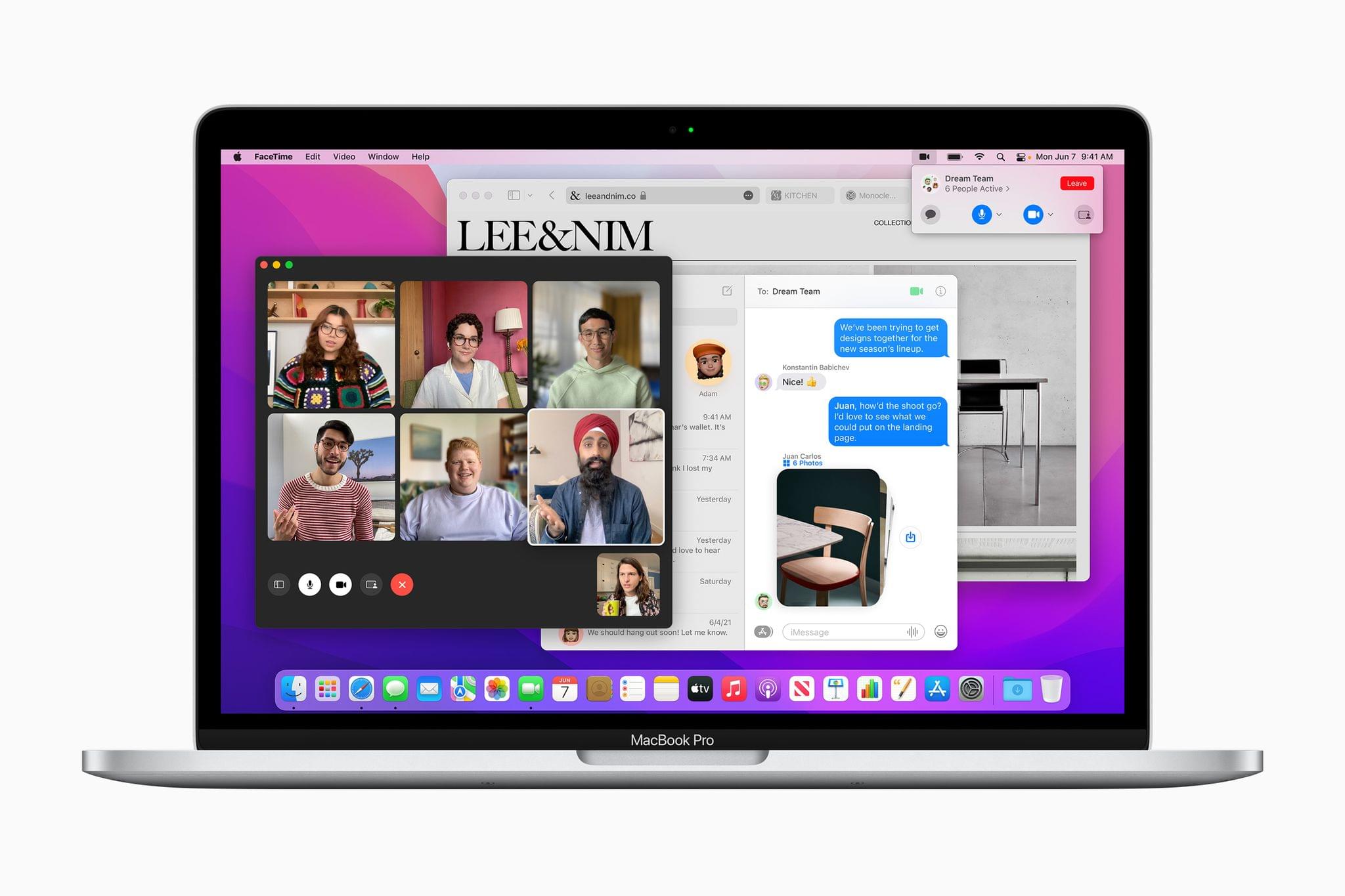
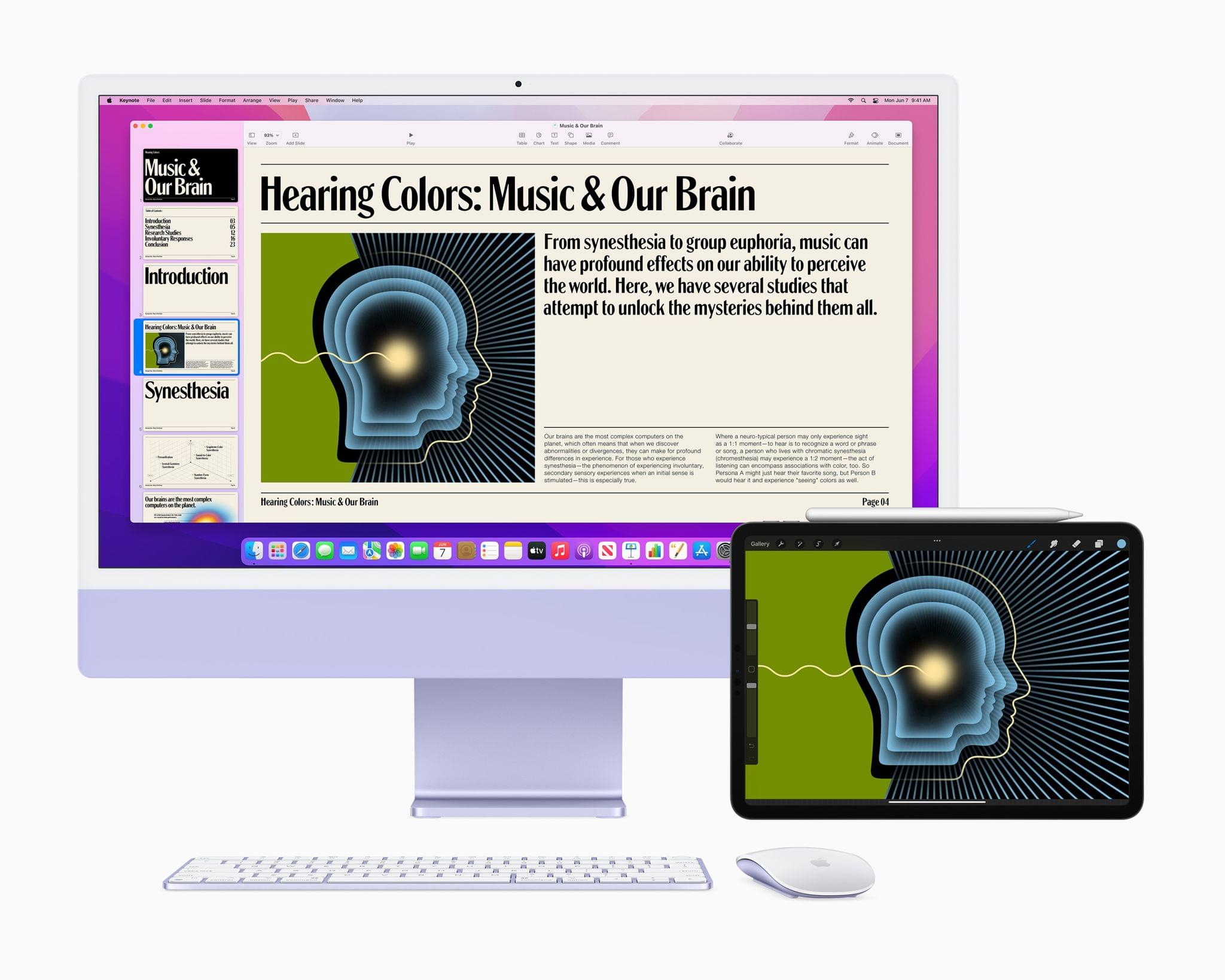
Apple concluded today’s WWDC opening keynote by unveiling macOS Monterey, which was fitting given that so many features coming to the Mac this year are also new to other platforms or are coming from those platforms to the Mac for the first time. It’s a release that promises closer integration than ever before between the Mac and Apple’s products through a long list of individual feature releases and updates. Let’s dig into the details.

Read more


Apple Publishes Video from WWDC 2021 Keynote

As with the other online events Apple has held since early 2020, today’s keynote was a fast-paced affair that covered a lot of ground including upcoming updates to iOS, iPadOS, macOS, and watchOS. If you didn’t follow the live stream or announcements as they unfolded today, you can replay it on Apple’s Events site or catch it on YouTube.

The keynote video can be streamed here and on the Apple TV using the TV app. A high-quality version will also available through Apple Podcasts as a video and audio podcast. There is an American Sign Language version of the event, too, which is available here.


You can follow all of our WWDC coverage through our WWDC 2021 hub, or subscribe to the dedicated WWDC 2021 RSS feed.


Goodbye Spotlight. Hello Raycast. [WWDC Sponsor]

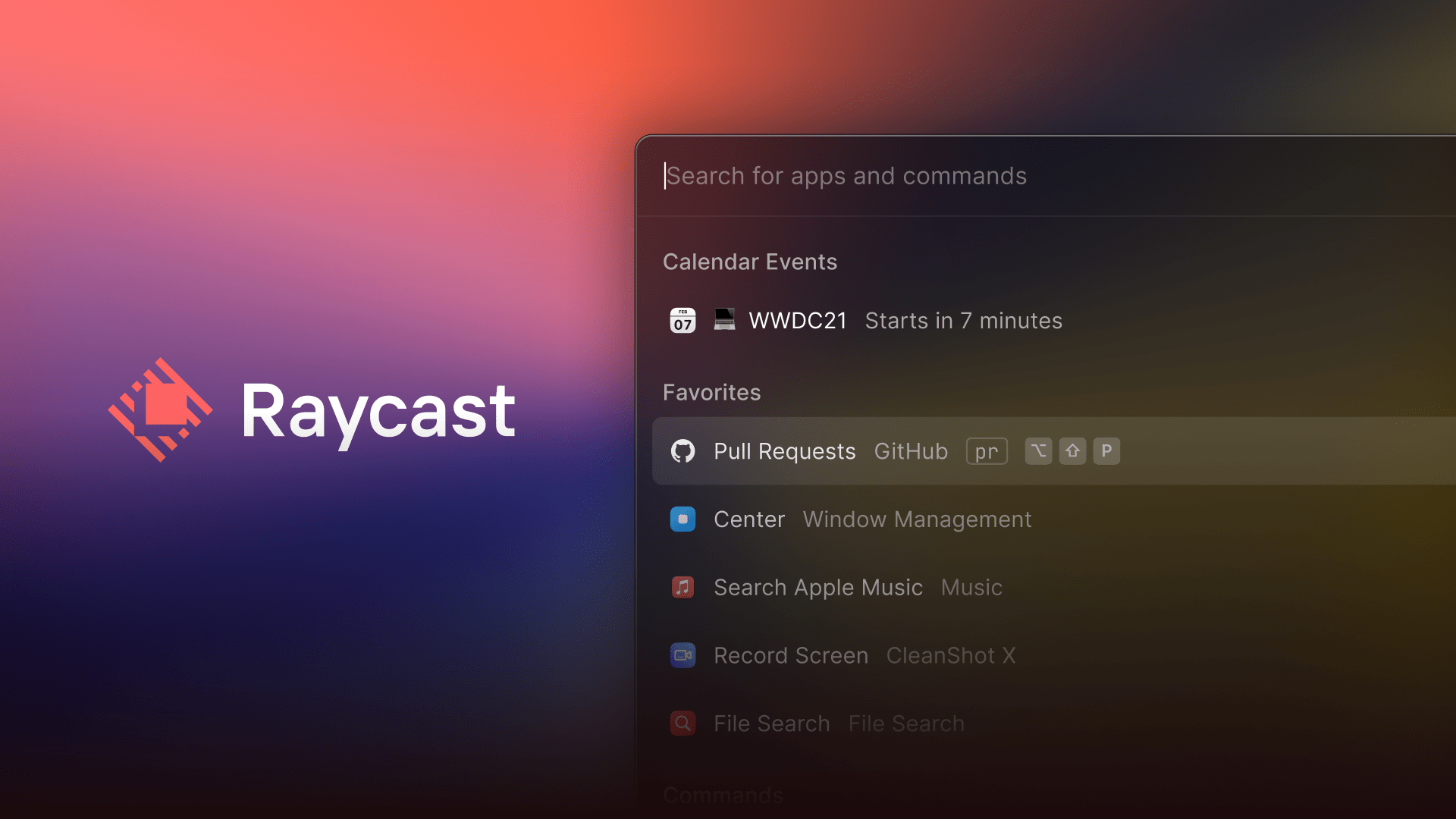
Raycast is a native Mac super tool that eclipses and extends Spotlight’s functionality. With a quick keyboard shortcut, Raycast launches apps and so much more:

  • Search for and access your files
  • Use third-party apps and services like Google Workspace, GitHub, Jira, Asana, Linear, and more
  • Check your schedule and join Zoom meetings with a single keystroke
  • Start, schedule, and join Zoom meetings
  • Access the clipboard
  • Set a reminder
  • Take a quick note 
  • Control system functions on your Mac
  • And a whole lot more

Raycast also supports Quicklinks that let you open files, folders, and URLs. Quicklinks even accept input, allowing you to use them to execute search queries right from Raycast.

The app has a snippets system now, too, eliminating repetitive typing. With just a few keystrokes in Raycast, you can send a canned email response, drop frequently-used code into your IDE, or grab your company’s brand colors.

Raycast is also extensible with scripts, with over 400 created by its active community of users, allowing you to control your favorite apps like Bear, CleanShot, Craft, and Things, use Apple Music and Spotify, set your Slack status, pick a color, and more.

See for yourself what you can do:

Because Raycast is native, it behaves exactly how you’d expect and is fast and responsive. The app is actively developed with new features shipping every couple of weeks, and it respects your privacy. There’s no login to use Raycast, so your data doesn’t leave your Mac, and your credentials for other services are safely stored in your Mac in Keychain.

Together, Raycast’s powerful features keep you focused on what’s most important to you. You avoid inefficient context switching and eliminate clutter, summoning what you need when you need it, so you can work smarter and more efficiently every day.

Download Raycast for free right now to give it a try and level up your productivity.

Our thanks to Raycast for sponsoring MacStories’ WWDC 2021 coverage.


Announcement: MacStories’ WWDC 2021 Coverage

Source:Apple.

Source:Apple.

WWDC will kick off online later today, and the MacStories team has been busy preparing.

As always, our coverage will begin with Apple’s keynote presentation. On MacStories, you’ll find in-depth coverage of Apple’s announcements, overviews of OS updates and any new hardware, and roundups of everything happening throughout the week. You’ll also get the kind of details that aren’t widely reported as the team combs through session videos, product pages, social media, and other sources.

Last year’s expanded coverage on AppStories was a big hit, so we’ll be back again this year with daily episodes beginning tomorrow. Tomorrow, Federico and I will cover the keynote and State of the Union presentations, followed by episodes Wednesday through Friday that dig into each of Apple’s big announcements, session videos, and more. On Friday, we’ll also release our usual episode of MacStories Unwind where we’ll wrap up the week’s most important stories and discuss what it all means.

You can follow along with all of the MacStories, AppStories, and Unwind coverage on our WWDC 2021 hub, or subscribe to the dedicated WWDC 2021 RSS feed.

Finally, we’ll send a special issue of MacStories Weekly to Club MacStories members one day later than usual on Saturday, June 12th. The issue will be packed with WWDC-themed features and our thoughts on everything revealed.

If you’re not a member of Club MacStories, you can join here.

To recap, stay tuned to MacStories, our shows, and the Club for a full week of WWDC coverage:

Monday - Friday

  • Continuous Keynote, State of the Union, and session coverage on MacStories

Tuesday - Friday

  • Daily episodes of AppStories covering all of Apple’s announcements big and small

Friday

Saturday

We’re all excited for next week and hope you’ll join us for the festivities.


You can follow all of our WWDC coverage through our WWDC 2021 hub, or subscribe to the dedicated WWDC 2021 RSS feed.


Meet Daylite: The CRM with Apple Fans in Mind [Sponsor]

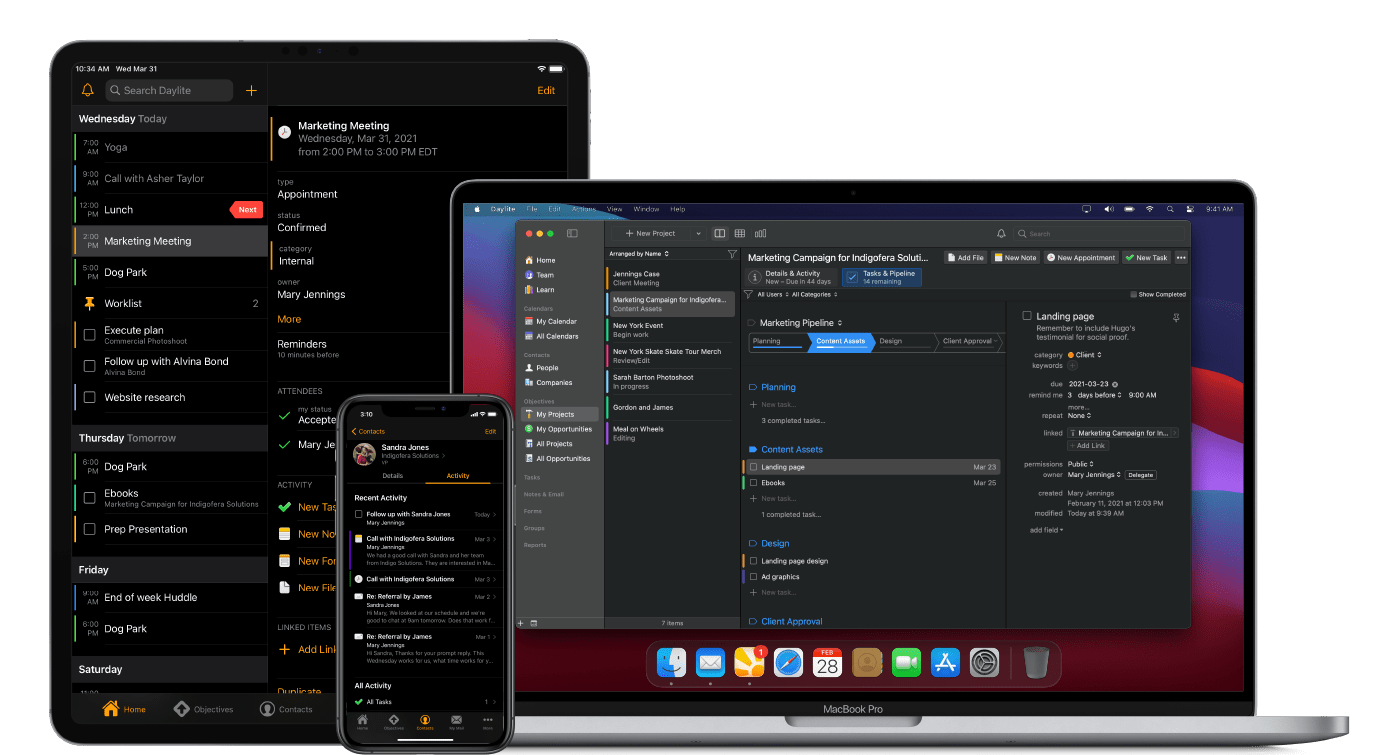
For small businesses trying to stay on top of clients, leads, and projects that are evolving every day, it can be tough, if not impossible, to manage everything with just the existing Apple apps in your repertoire. That’s where Daylite comes in clutch. Daylite is a native Mac CRM and business productivity app designed to help you and your team manage more clients, close more deals, and finish more projects.

Daylite is fully compatible with Big Sur and M1-powered Macs and works seamlessly with the Apple features you already use and love:

  • Integrate with Apple Mail on Mac
  • Share your Apple Contacts and iCal
  • Leverage Siri and Caller ID on your iPhone
  • FaceID and TouchID support
  • Create contracts and other documents by pulling Daylite data into Pages, Numbers, and Keynote

Unlike most Web-based CRMs that just focus on customer relationships and sales, Daylite’s productivity-focused design helps you and your team get more done throughout the full customer lifecycle. From meeting prospects and winning business, to managing the moving pieces on projects, all the way through to following up for referrals and repeat business, it’s all done in Daylite.

Whether you’re in a legal, design, consulting, or other professional services firm, Daylite can help you build stronger client relationships and scale your business. Daylite also offers complimentary onboarding support to help new customers get started.

Ready to do big things with your small business? Start your free 30-day Daylite trial today!

Our thanks to Daylite for sponsoring MacStories this week.