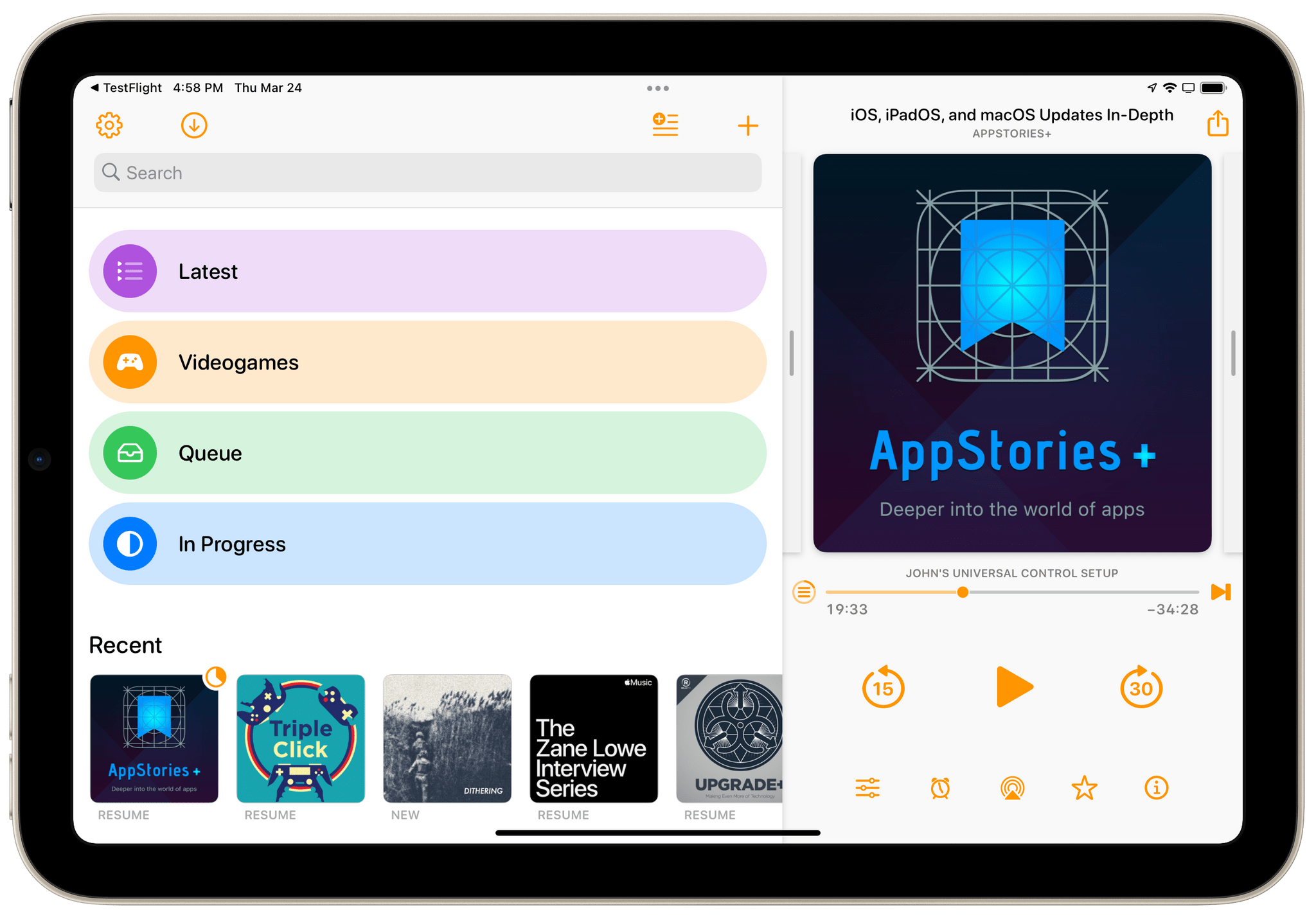
This week on AppStories, we look back at the MacStories Starter Pack coverage last week, digging into the themes and details of each of the stories we wrote and the ways you can incorporate everything into your own workflows.
On AppStories+, a little behind the scenes of the MacStories Starter Pack, along with a detailed discussion of the bug fixes and other changes to Shortcuts in iOS and iPadOS 15.3 and our wishes for the app’s future.
Playing the original Wordle offline with WordleForever.
Update: It appears that WordleForever is only supported on iOS/iPadOS 15.4 at the moment, which are available as public betas. I was not aware of the fact that older versions of iOS/iPadOS had a bug in the Shortcuts app that prevented WordleForever from working properly. If you want to play with WordleForever now, you’ll have to install iOS/iPadOS 15.4.
Like many others over the past week, when I saw the news that Wordle had been acquired by The New York Times, I immediately felt a mix of two feelings: I was genuinely happy (and still am!) for Wordle creator Josh Wardle, who managed to turn a simple web game into a successful venture; and I was concerned The New York Times would inevitably ruin the beauty and simplicity of the original game. And I still am.
So in the spirit of game preservation (a topicI care deeply about) and out of skepticism regarding the future of Wordle as a NYT product, I teamed up with Finn Voorhees to create WordleForever, a shortcut that lets you back up the entire Wordle game offline – on your device – using Apple’s Shortcuts app so you can keep playing the game for the next few decades. With WordleForever, you can put the original Wordle on your iPhone or iPad Home Screen and play the original game (with the same words as everyone else) for years to come.
CARROT Weather 5.5 is out with a focus on weather maps. The entire maps UI has been redesigned and expanded with the same sort of deep customization options found throughout the rest of the app. It’s an excellent update that’s all about visual design, so get ready for a bunch of screenshots.
Unite 4 for macOS can turn any website into an app for your Mac. The app uses a lightweight, WebKit-powered browser as a backend, allowing you to easily create isolated, customizable apps from any site. It’s a terrific way to get those sites you visit every day out of a tab and into a dedicated, standalone app.
Unite 4 has dozens of features and customization options that make it a terrific alternative to resource-hogging Electron apps or uninspired Mac Catalyst implementations. The apps you create are easy to set up, fast, and only limited by your imagination:
Create dedicated apps for your favorite streaming services like Netflix and Disney+
Save your laptop’s battery by using Unite for Slack, Discord, and WhatsApp with full notification support
Listen to music services like Apple Music or Spotify
Enjoy podcasts with Overcast
Organize your notes in a dedicated Roam Research app
Never again lose your Figma design work among a sea of Safari tabs
Limit the ability of apps like Facebook to track you across sites
Check your Instagram feed
Track your finances with Robinhood
No matter which sites you use, Unite can turn them into apps for your Mac with customizable colors, an icon that fits the version of macOS you use, dark mode, support for the macOS Keychain, floating windows, and even menu bar-based apps that appear with a single click.
This week only, MacStories readers can get 20% off when you purchase Unite 4 at bzgapps.com/macstories or by using the promo code ‘MacStories’ at checkout.
Unite is free to try for 14 days and is available as part of a Setapp subscription too.
This week on MacStories Unwind, Federico shares his favorite season of Brooklyn 99 and Horizon Zero Dawn, which he’s been playing in advance of the release of Horizon Forbidden West, and John explains why Ghost of Tsushima, Director’s Cut is so good on the PlayStation 5.