
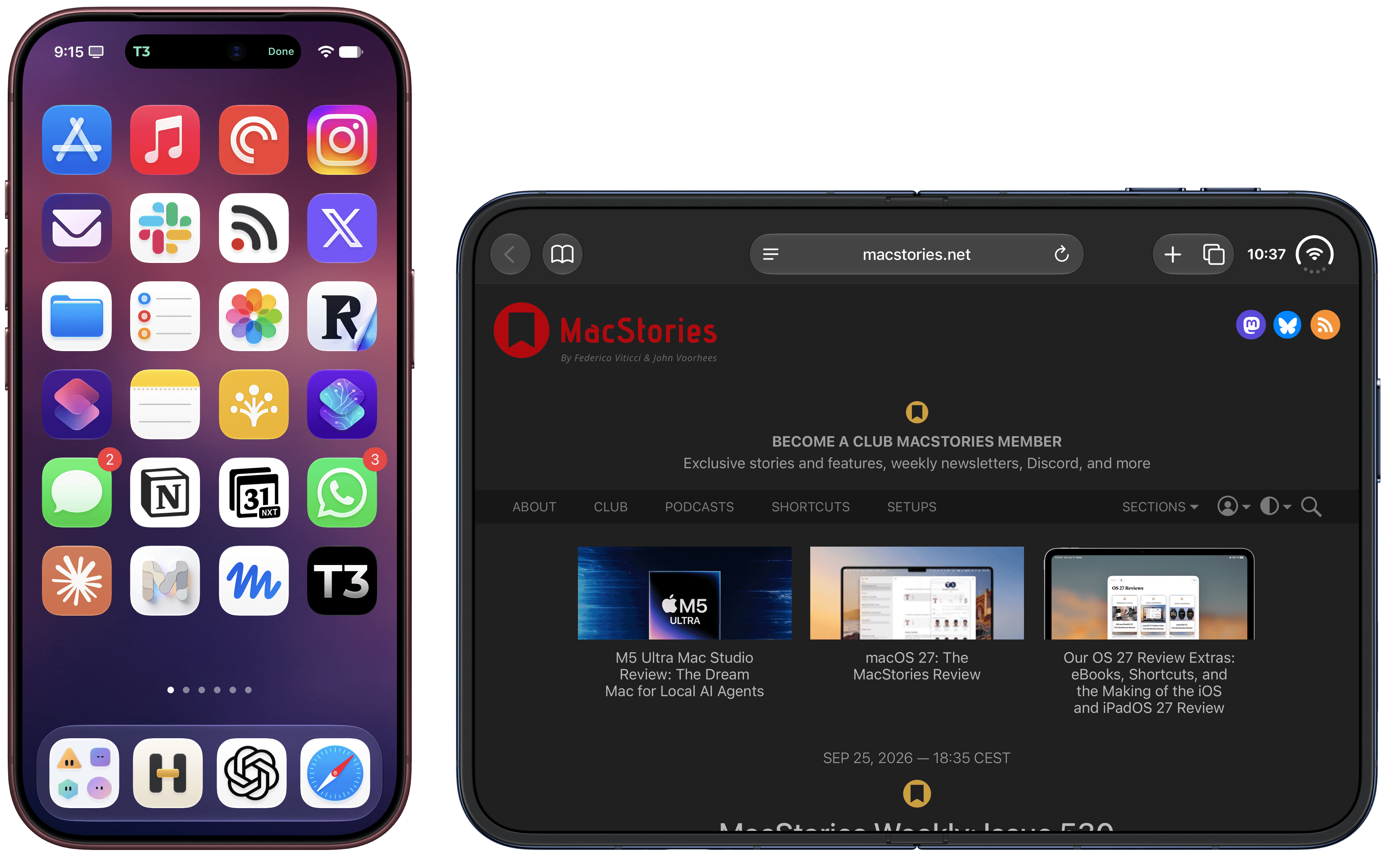
The Frames CLI – the companion command line interface to my Apple Frames shortcut I released earlier this year – received a 1.5.0 update earlier today with two notable additions: iPhone 18 Pro frames, and experimental support for iPhone Duo screenshots in all poses.
As always, my shortcut and CLI are based on Apple’s official product bezels, which is why, as of today, there is no support for Apple Watch Series 12 and Ultra 4 yet (those frames haven’t been published by Apple). iPhone 18 Pro is the new default frame family for the two Pro and Pro Max screen sizes, and the CLI supports all the new device colors this year (Burgundy, Glacier, Silver, and Black).
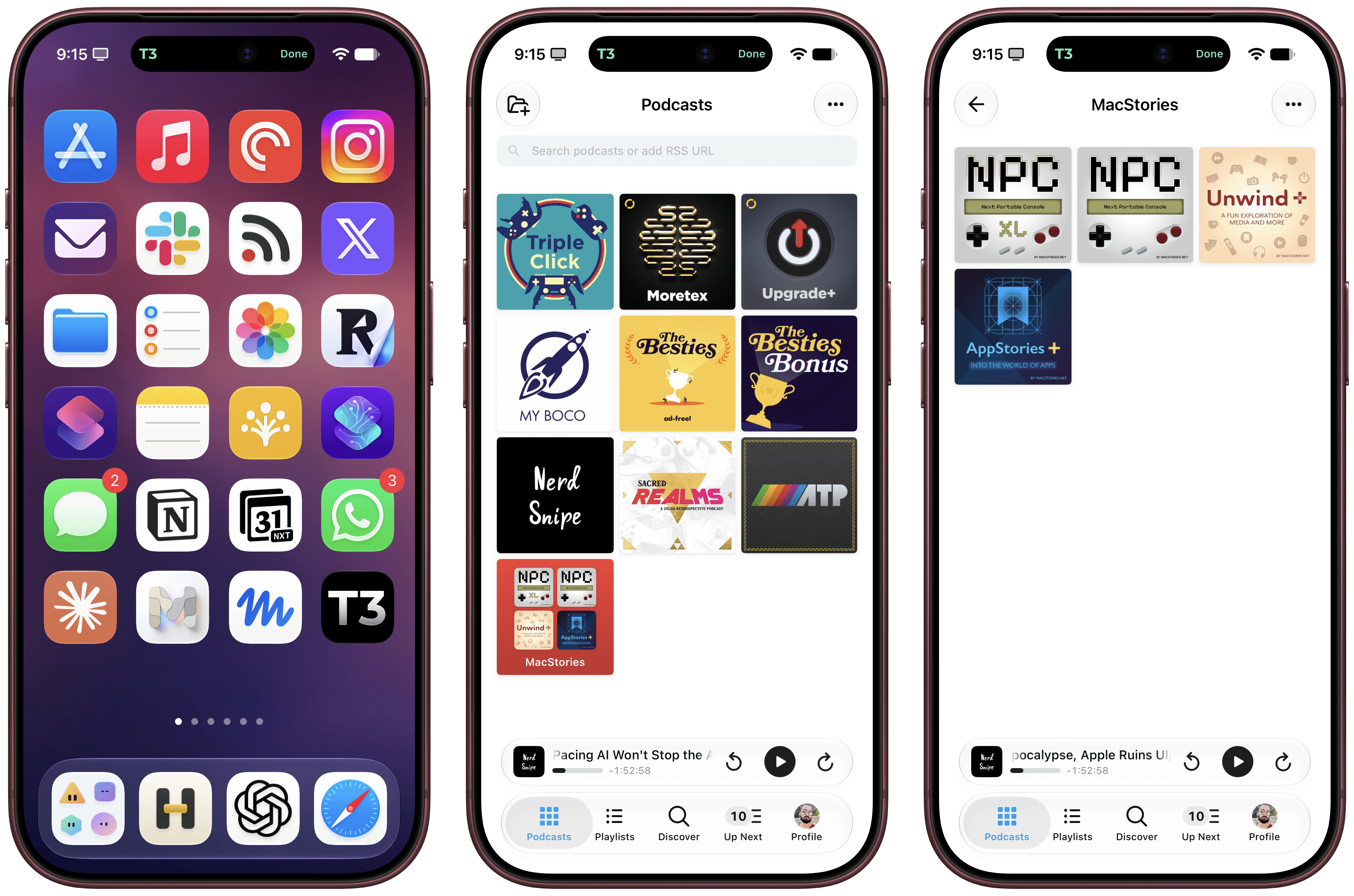
iPhone Duo support is experimental. I obviously don’t have an iPhone Duo yet, but thanks to Opus 5.5, I was able to grab screenshots from the Xcode 27.1 Device Hub, verify them against Apple’s official assets, and test everything in the Frames CLI. It should work! The CLI – and, thanks to its skill, your agent of choice – supports framing screenshots taken on the inner and outer display, different poses, different rotation settings, as well as screen recordings.
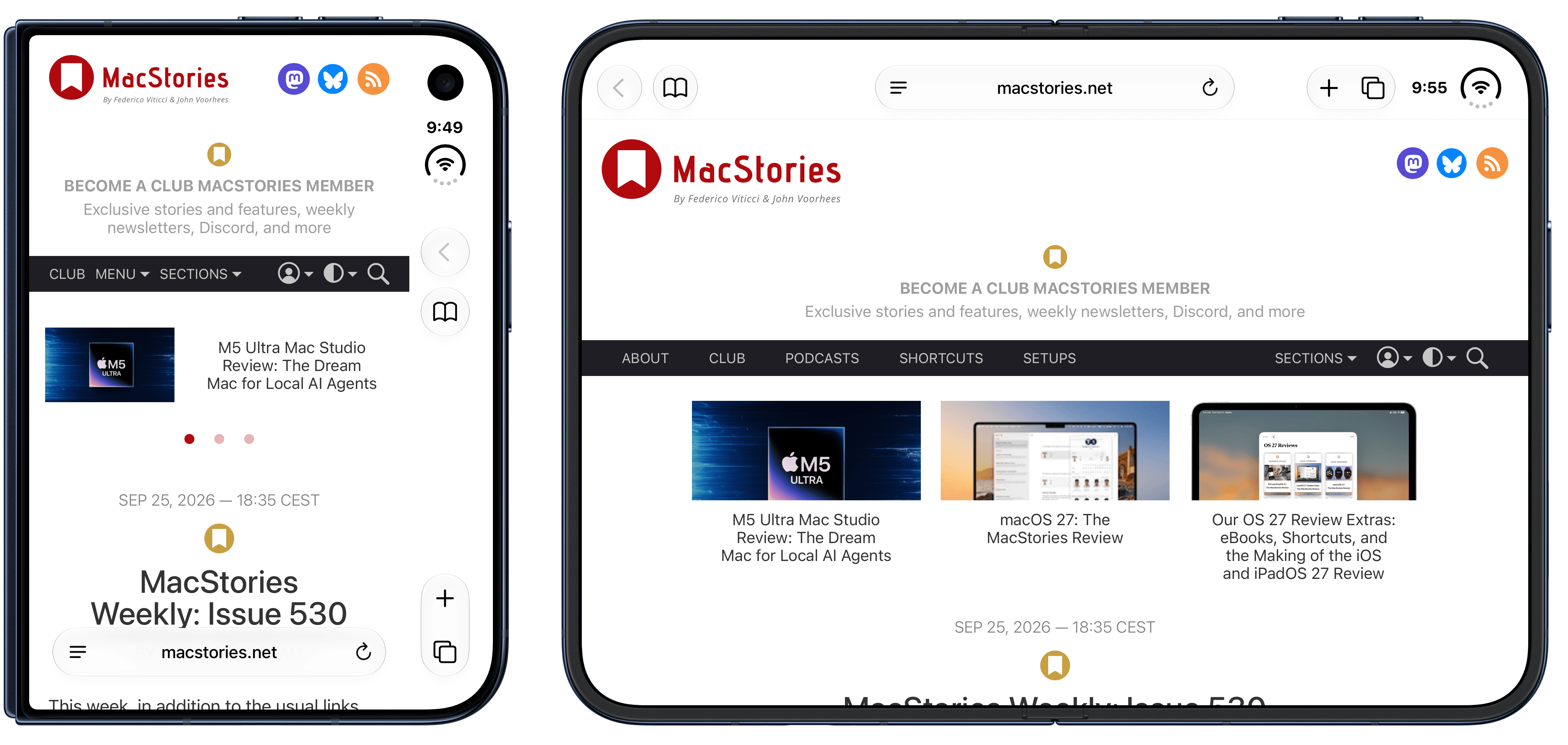
If you’re a developer working on iPhone Duo apps, I think the updated Frames CLI should come in handy to automate the process of framing multiple screenshots and screen recordings. As before, you can take advantage of CLI features such as proportional scaling, merge mode, and batch mode, which should help you with your upcoming App Store submissions for the iPhone Duo.
The Frames CLI is free and open source, works with any agent, and is highly customizable. I’ll release an updated version of the Apple Frames shortcut once I can get my hands on an actual iPhone Duo next month (hopefully). Fingers crossed.
