This Week's Sponsor:

Crickets

The first alarm app for families.


Posts tagged with "iPhone 18 Pro"

Frames CLI 1.5.0, Now with iPhone 18 Pro and (Experimental) iPhone Duo Support

The updated Frames CLI also supports proportional scaling for iPhone Duo.

The updated Frames CLI also supports proportional scaling for iPhone Duo.

The Frames CLI – the companion command line interface to my Apple Frames shortcut I released earlier this year – received a 1.5.0 update earlier today with two notable additions: iPhone 18 Pro frames, and experimental support for iPhone Duo screenshots in all poses.

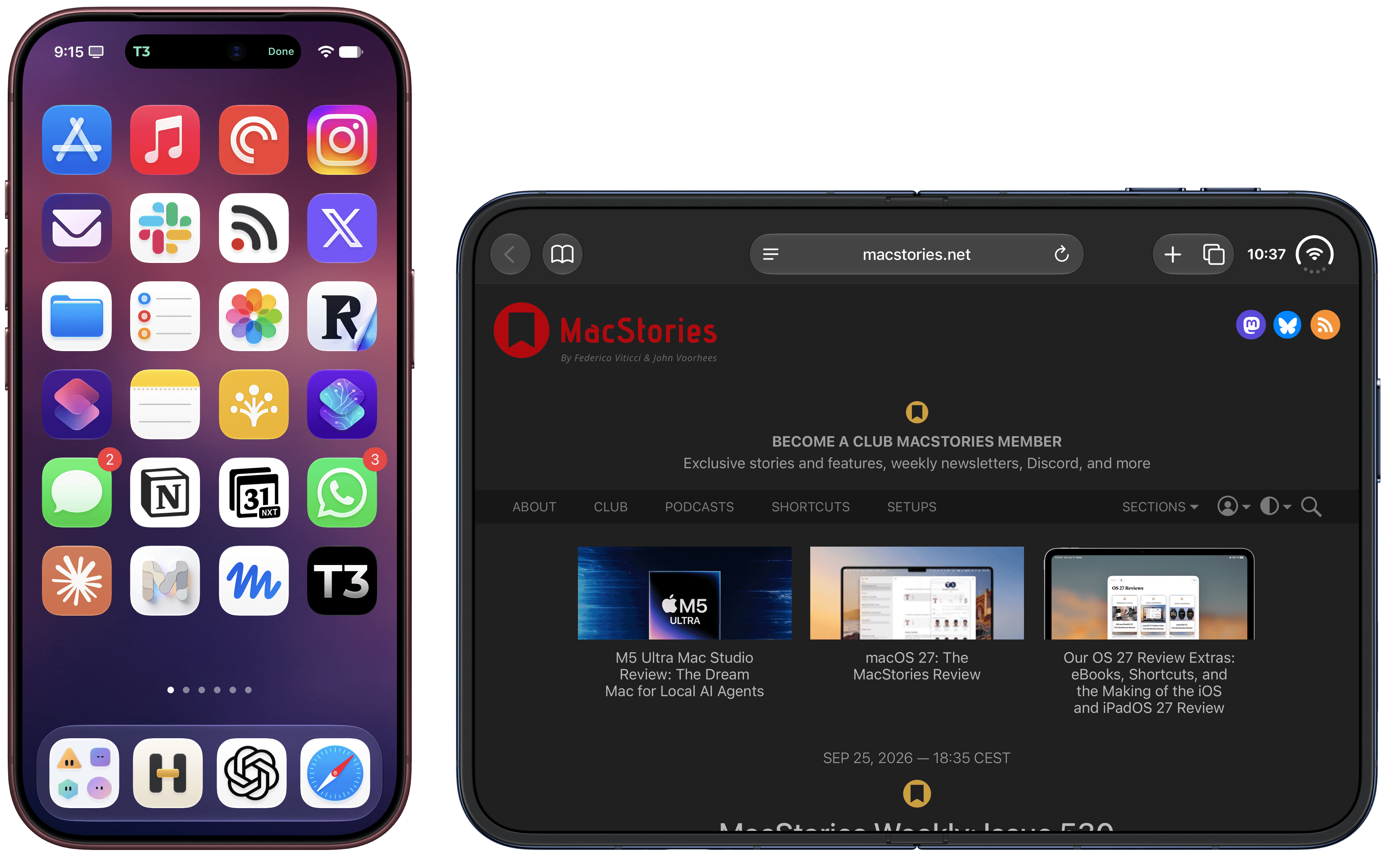
As always, my shortcut and CLI are based on Apple’s official product bezels, which is why, as of today, there is no support for Apple Watch Series 12 and Ultra 4 yet (those frames haven’t been published by Apple). iPhone 18 Pro is the new default frame family for the two Pro and Pro Max screen sizes, and the CLI supports all the new device colors this year (Burgundy, Glacier, Silver, and Black).
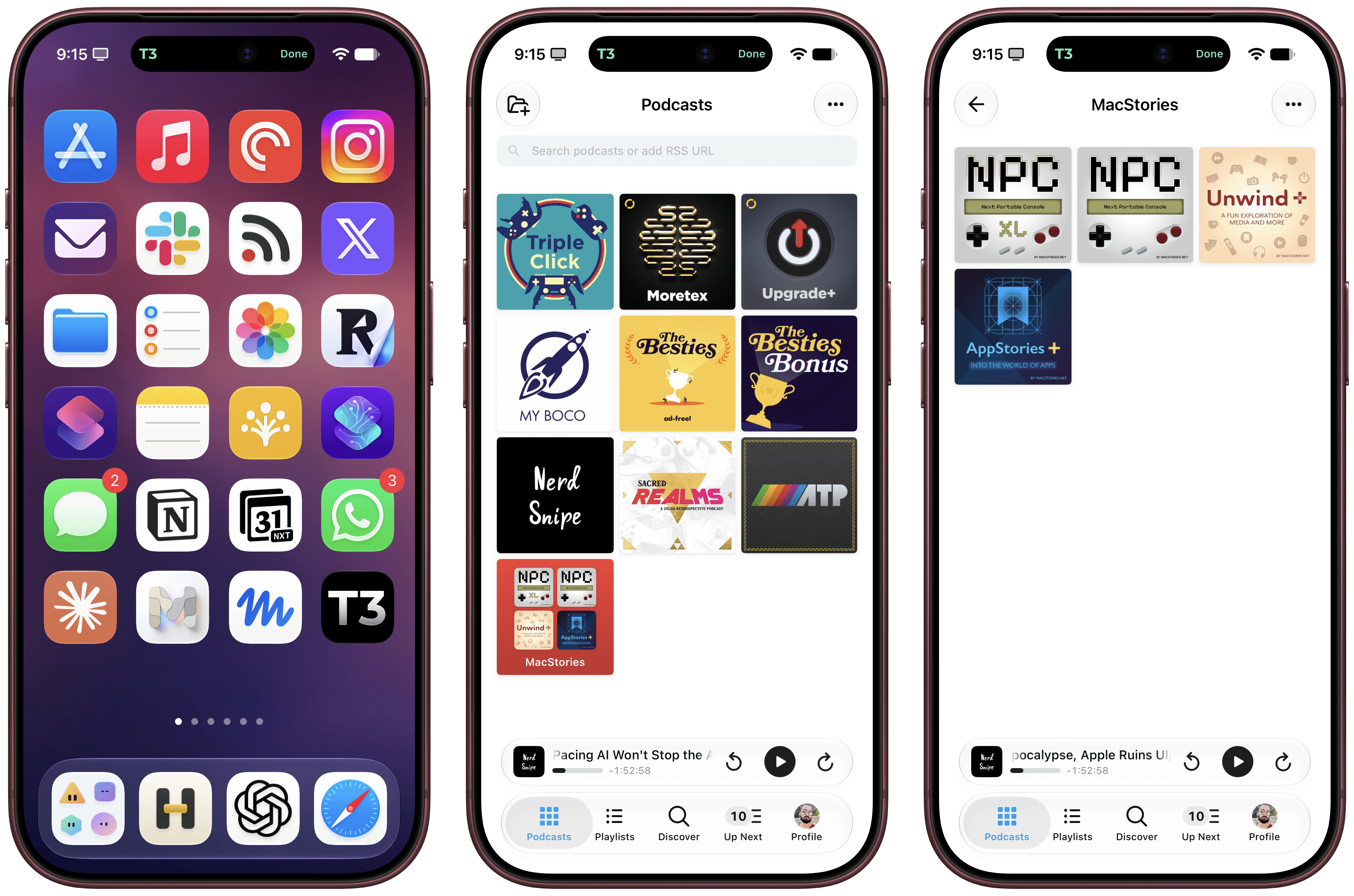
iPhone 18 Pro in Burgundy.

iPhone 18 Pro in Burgundy.

iPhone Duo support is experimental. I obviously don’t have an iPhone Duo yet, but thanks to Opus 5.5, I was able to grab screenshots from the Xcode 27.1 Device Hub, verify them against Apple’s official assets, and test everything in the Frames CLI. It should work! The CLI – and, thanks to its skill, your agent of choice – supports framing screenshots taken on the inner and outer display, different poses, different rotation settings, as well as screen recordings.
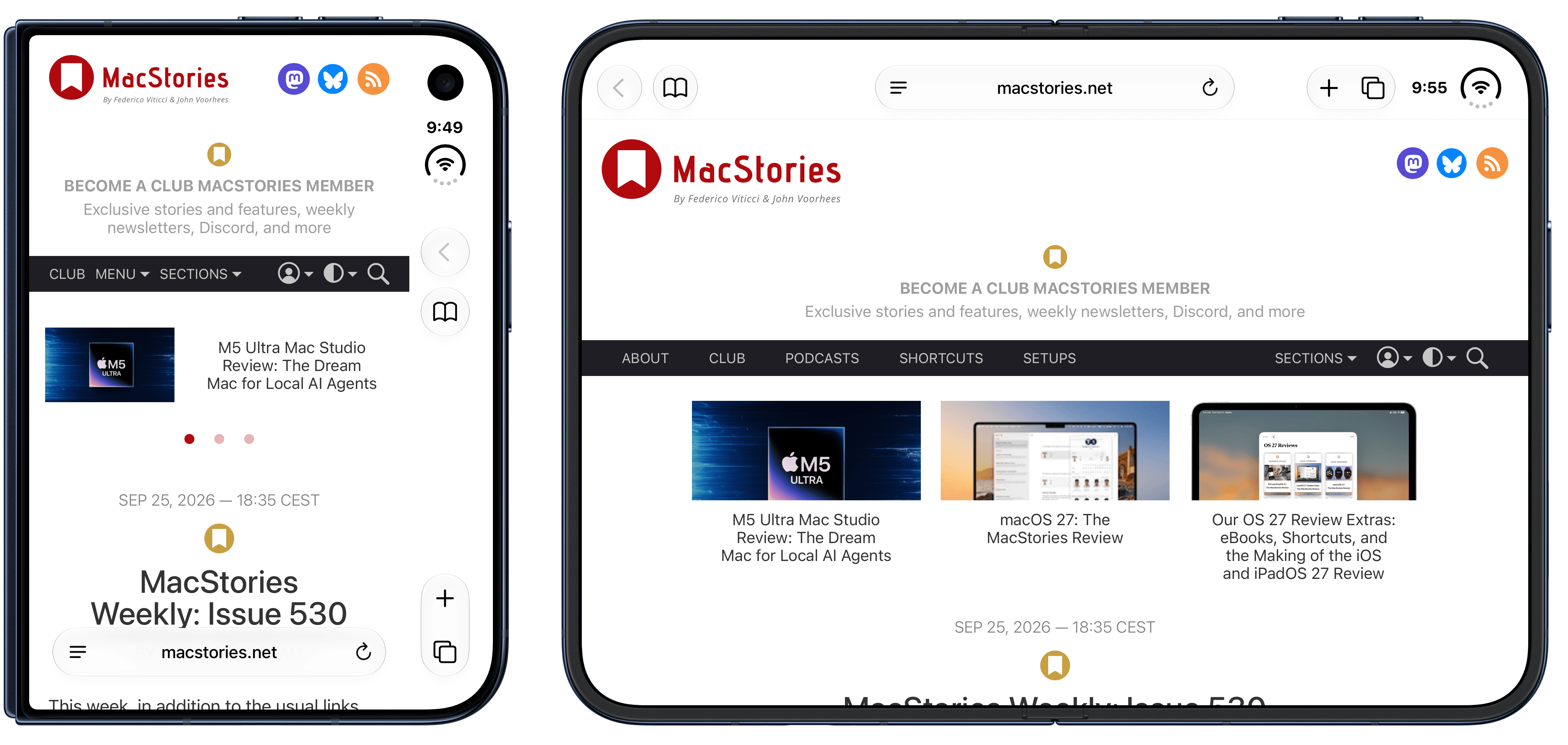
If you’re a developer working on iPhone Duo apps, I think the updated Frames CLI should come in handy to automate the process of framing multiple screenshots and screen recordings. As before, you can take advantage of CLI features such as proportional scaling, merge mode, and batch mode, which should help you with your upcoming App Store submissions for the iPhone Duo.

The Frames CLI is free and open source, works with any agent, and is highly customizable. I’ll release an updated version of the Apple Frames shortcut once I can get my hands on an actual iPhone Duo next month (hopefully). Fingers crossed.
The iPhone 18 Pro Camera: Apple Reference Image and Tyler Stalman’s Review

In the wake of last week’s Surprise and Shine event, Apple published a post on its Security Research blog about Apple Reference Image, a way to verify that a photograph taken with an iPhone hasn’t been altered. As Apple explains, AI offers helpful features like one-touch removal of distractions from an image, but that can make knowing what is real difficult.

This is not a simple problem to address. Modern cameras rely on sophisticated image-processing algorithms to produce the final viewable image, so certifying that an image accurately reflects what a real camera sensor captured requires a chain of trust covering the sensor as well as the computational photography software that interpreted the capture. Industry approaches to this problem, based on the C2PA standard, attach provenance metadata after capture and certify the history of image edits from that point forward. This approach, however, is vulnerable to compromise at any point in the editing chain, and a viewer has no way to detect such a failure. It can also create privacy risks for photographers working in dangerous conditions by tying the image to a public identity, either to a particular device or to an individual.

Apple’s solution is a:

…new, opt-in camera mode lets a photographer create a securely timestamped reference image that accurately reflects what was captured by the iPhone’s camera sensor. Dedicated secure hardware on the device protects the integrity of this reference image, and Private Cloud Compute protects the privacy of the image data during processing.

The entire post is well worth reading because the solution is both clever and a great showcase of what Apple’s control over its chipset and Private Cloud Compute architecture can achieve for its customers. Apple also supports Google DeepMind’s SynthID watermarking technology.

Also, don’t miss Tyler Stalman’s review of the iPhone 18 Pro and Pro Max on YouTube. Tyler always does a fantastic job with his reviews, and this year’s review doesn’t disappoint, covering features like the camera hardware’s new variable aperture and what this year’s software updates mean for iPhone 18 Pro and Pro Max users.


Apple’s Surprise and Shine Event: All the Small Things

Source: Apple.

Source: Apple.

An Apple event can only cover so much. Some of the most useful details turn up in the product pages, technical specifications, footnotes, and summary slides after the presentation ends. We’ve collected our favorite smaller changes from yesterday’s Surprise and Shine event below:

iPhone Duo

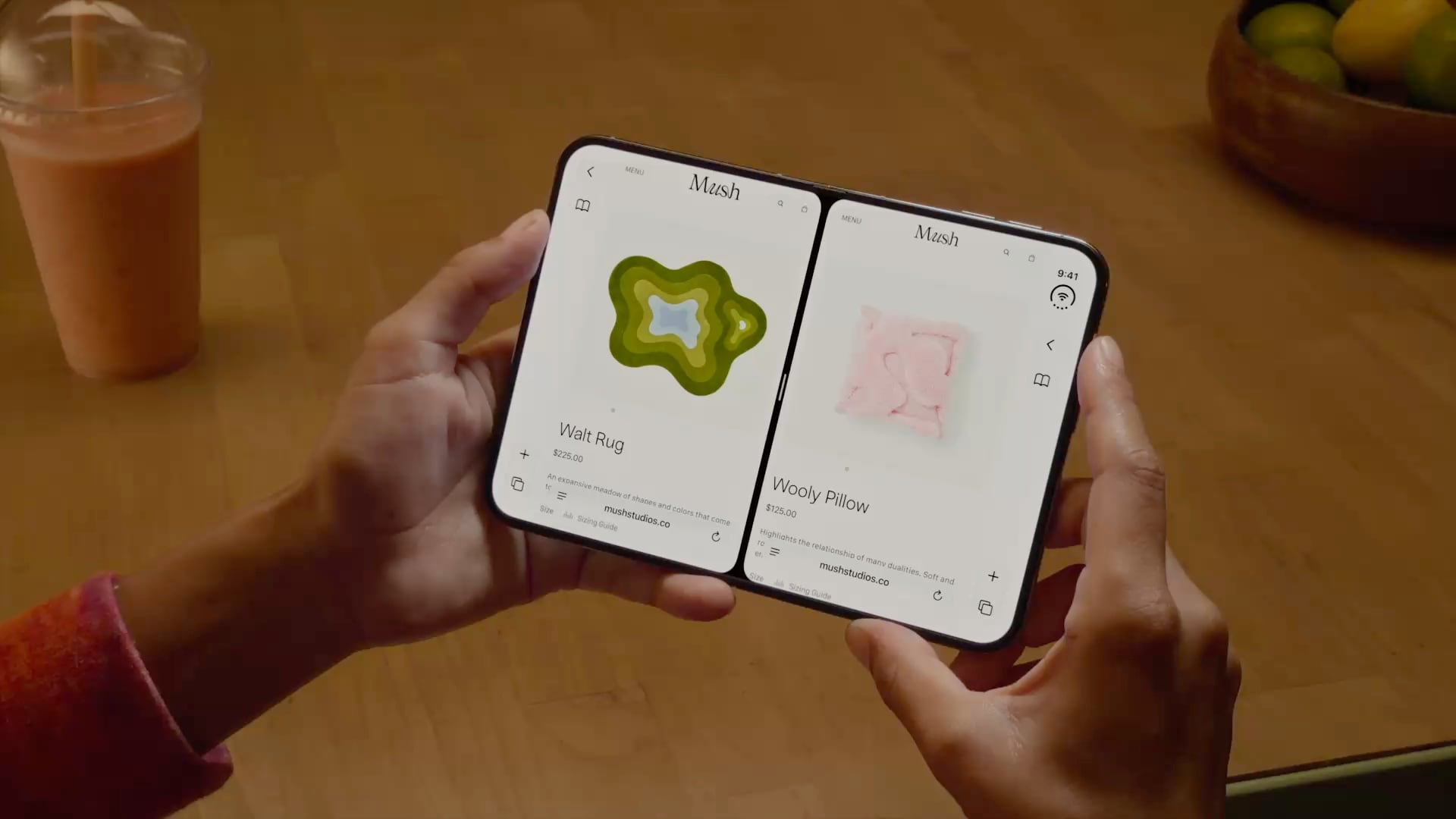
  • In the hands-on area after Apple’s event, Ben Bajarin reported that the Duo’s hinge crease is barely noticeable, except at specific angles.
  • David Imel was impressed by the matte finish on the Duo.
  • iJustine has an excellent video showing off multitasking using both the outer and inner screen of the Duo.
  • Apple has released a six-video playlist on YouTube and in the Apple Developer app called “Get ready for iPhone Duo” to help get designers up to speed with the phone’s new format. The Human Interface Guidelines have been updated too.
  • The vertical strip along the side of the Duo uses App Control icons for what would be tab bars and nav bars on other devices.
  • For developers, Apple has released five tech talk videos in the Apple Developer app, including “Raise the bar with iPhone Duo.” Additional materials, workshops, and the Xcode 27.1 beta are coming later this month.
  • Continuous Angle API lets developers receive ongoing updates about the Duo’s hinge angle to power interactive effects.
  • Developers who don’t update for the iPhone Duo may have their apps letterboxed.

iPhone 18 Pro and Pro Max

Apple Watch Series 12 and Ultra 4

  • Apple published a study that compares its new Apple Watch Series 12 to other wearables, and the results are impressive.
  • Your Readiness score changes during the day, adjusting based on workouts and changes in your daytime vitals.
  • Audio Intelligence requires more than just a new Apple Watch. Features like Live Rewind and Siri Recap won’t work with the iPhone 16e or iPhone 15 Pro models even though those iPhones support Apple Intelligence.
  • Unsaved Siri Recaps are automatically deleted after seven days, and unless saved, Live Rewind transcripts disappear around 30 seconds after your Watch’s screen dims. Siri Recaps can be edited and exported to other apps like Notes.

You can follow all of our September 2026 Apple event coverage through our September 2026 Apple Event hub or subscribe to the dedicated September 2026 Apple event RSS feed.


iPhone 18 Pro and iPhone Duo: The MacStories Overview

The iPhone Duo.

The iPhone Duo.

Apple’s iPhone lineup is taking a different shape this year.

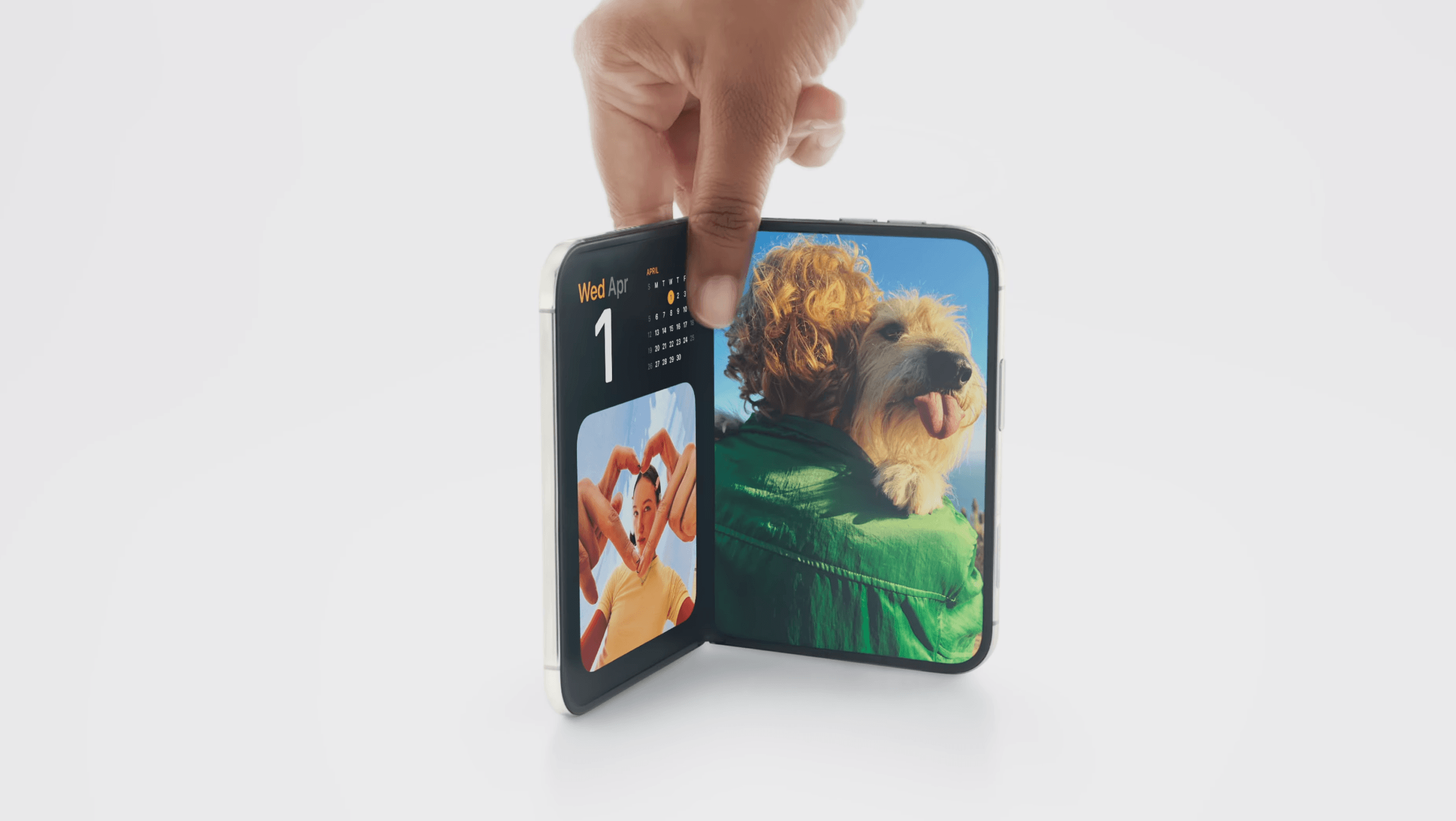
At today’s Surprise and Shine event, the company introduced the iPhone 18 Pro and 18 Pro Max alongside the iPhone Duo, its first foldable iPhone. The Pro models build on the familiar design introduced last year, while the Duo marks the debut of an iPhone with a brand new form factor that combines a smaller, outer display with a larger, almost iPad mini-like internal display.

As a longtime iPad user who’s long been fascinated by foldables (and I’ve tried some over the years, too), I’ve been eagerly anticipating Apple’s debut in this space. Based on what we’ve seen today, it looks like Apple was able to deliver on the promise of a new iPhone category that combines the best of iOS with concepts borrowed from iPadOS, turning the iPhone into a versatile pocket computer that epitomizes Apple CEO John Ternus’ concept of the “personal hub”.

As we’ll see in this article, while the iPhone 18 Pro’s story largely revolves around the camera (unsurprisingly) and improved performance (some of the A20 Pro’s numbers are, in fact, a surprise merely a year after the A19 Pro), the iPhone Duo marks a new beginning for iOS, which now supports features that never existed on the platform before, as well as a series of interactions that Apple is exploring for the first time.

Let’s dive in.

Read more


Apple’s Surprise and Shine Event: All the New Accessories

Apple’s hardware announcements usually bring a wave of smaller additions to the Apple Store. We’ve gone through the new cases, straps, wallets, and Apple Watch bands introduced alongside today’s products and collected the details below.

iPhone cases and accessories

iPhone 18 Pro and iPhone 18 Pro Max cases

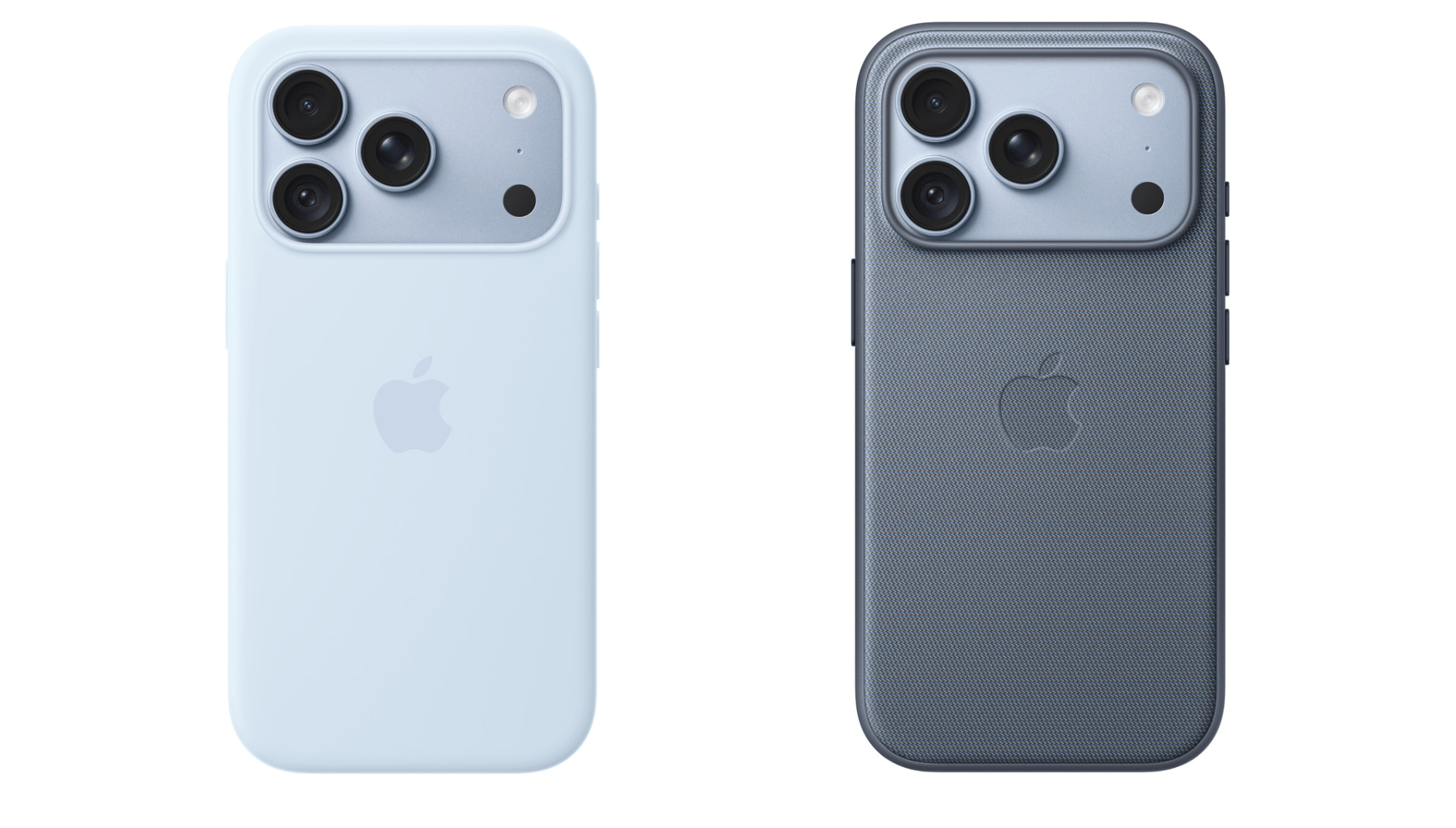
Apple announced new silicone and TechWoven cases for the iPhone 18 Pro and iPhone 18 Pro Max. The silicone case is $49 in the U.S. and comes in Burgundy, Olive, Crisp Blue, Navy Blue, Magenta, and Black. The TechWoven case is $59 in the U.S. and comes in Burgundy, Olive, Taupe, Chambray Blue, Mulberry, and Black. Apple is also offering a clear case for $49 in the U.S.

Silicone case (left) and TechWoven case (right) for iPhone 18 Pro.

Silicone case (left) and TechWoven case (right) for iPhone 18 Pro.

iPhone Duo cases

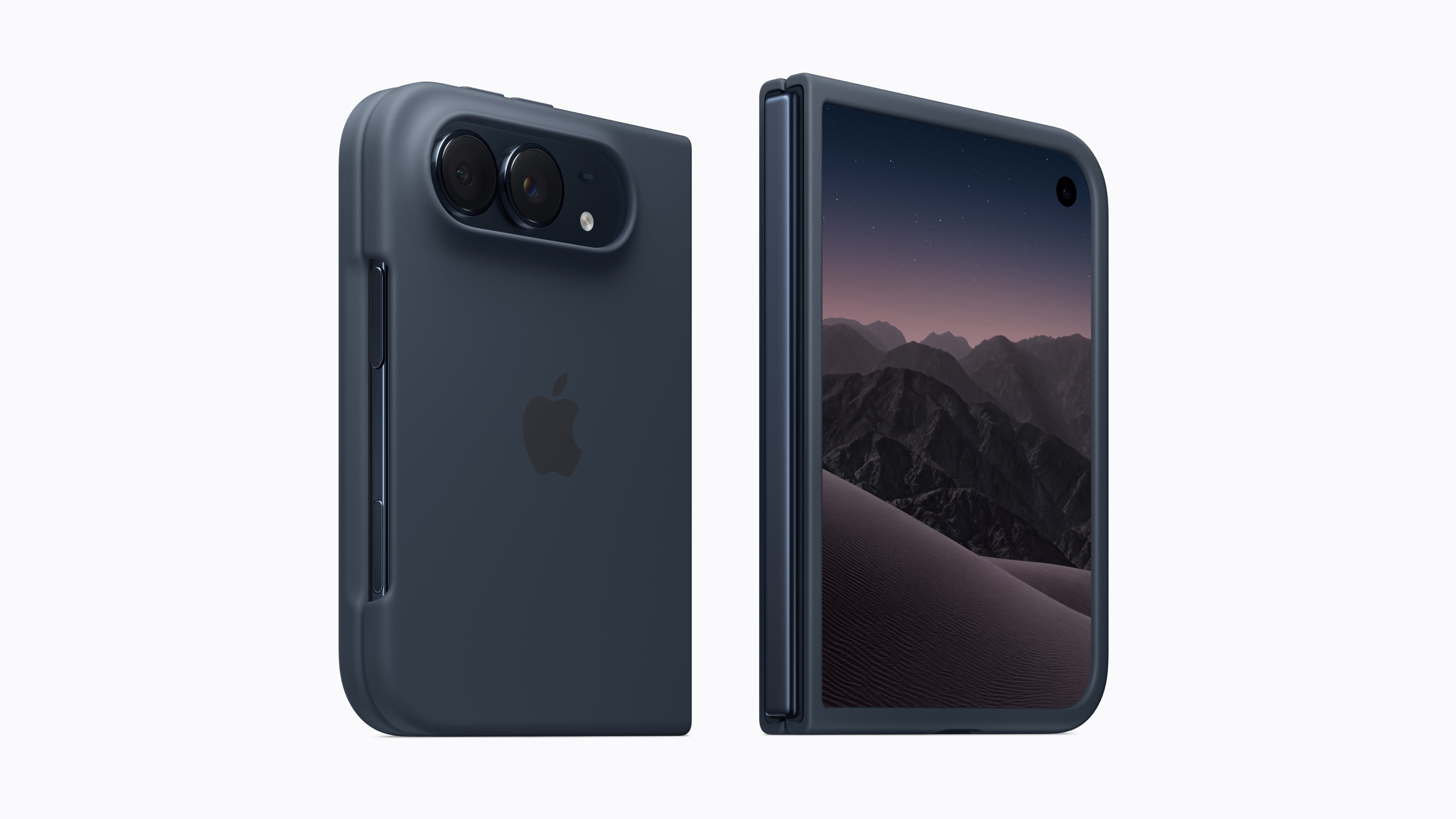
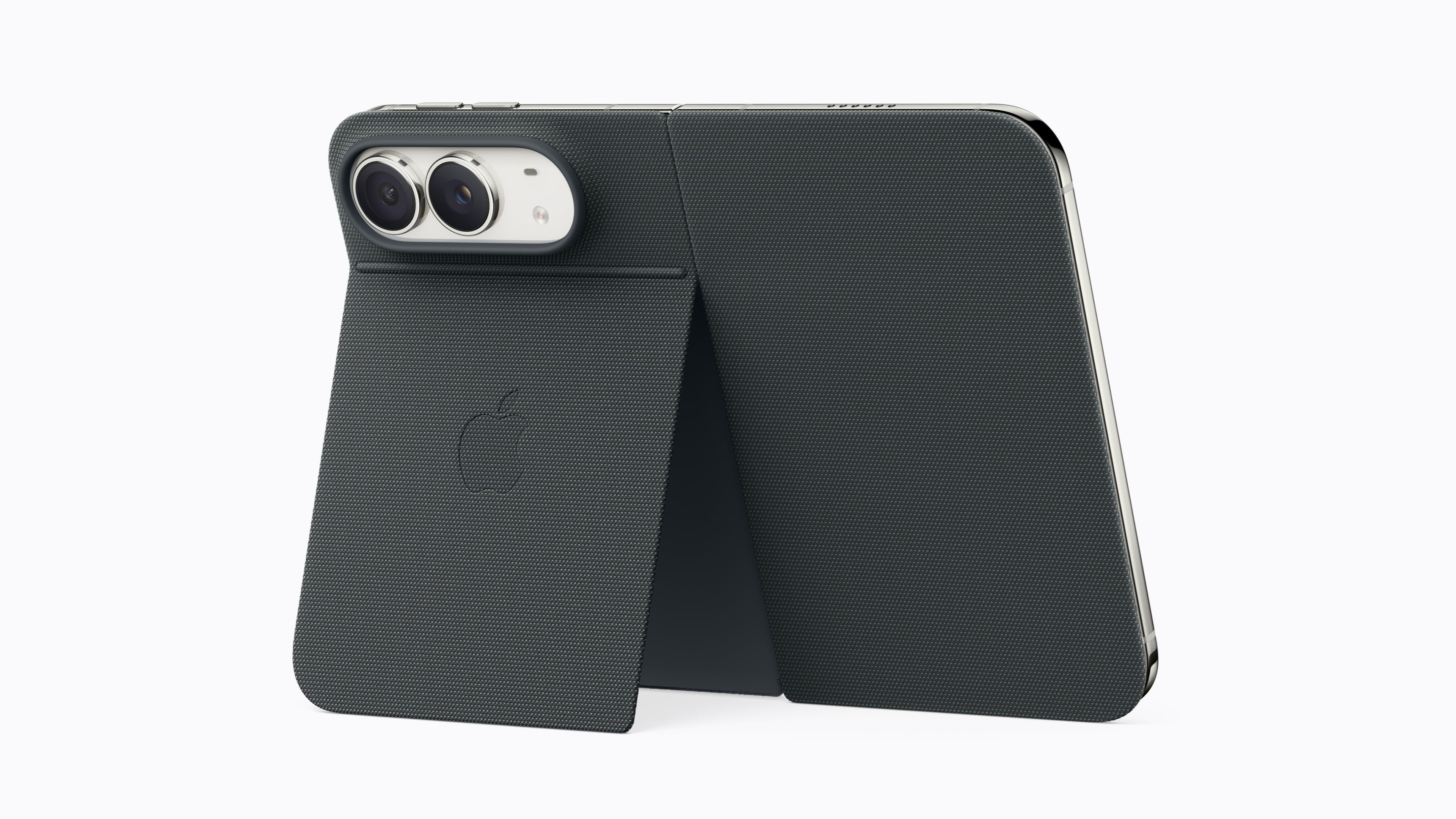
Apple announced two cases for the upcoming iPhone Duo. The first is simply called the iPhone Duo Case. It will cost $79 in the U.S. and comes in Sand and Navy Blue. The second is the iPhone Duo Folio with Kickstand, which comes in Taupe and Navy Blue for $129 in the U.S. Its built-in stand snaps back into place when not in use.

The iPhone Duo Case.

The iPhone Duo Case.

The iPhone Duo Folio with Kickstand.

The iPhone Duo Folio with Kickstand.

Read more